NEWS
Waste Converting to NanoPowder
AVIS Umbrella Launches Next-Generation Waste-to-Nano-Powder Industrial HUB


Reserved for the GENESIS high-speed trading robot, trading crypto and the stock exchanges. Its live status, orders, positions and results appear here once it is connected - nothing is simulated in the meantime.
Live public market data by TradingView: crypto from Binance and Coinbase, stocks and indices from NYSE, NASDAQ, Xetra, the Wiener Börse (Vienna Stock Exchange), LSE and Tokyo, OTC Markets (OTCQX, OTCQB and Pink), plus the bond and gold markets the Notes' collateral relates to. Some exchange feeds are delayed by the exchange itself: on this public screen, OTC Markets and US stocks run about 15 minutes behind (marked D) and Wiener Börse prices are the last close (marked E); real-time Vienna prices on a public website need a market-data licence from Wiener Börse. Series 2026-A-002 has no continuous public quotation, so it does not appear here as a price.
Executive summary of GENESIS Collateral House Company's 6.50% Senior Secured Green Notes due 3 June 2036, Series 2026-A-002. Regulation S, non-syndicated institutional placement.
| Series | Series 2026-A-002 |
|---|---|
| CUSIP | U3712Q AA0 |
| ISIN | USU3712QAA05 |
| Common Code | 348443194 |
| WKN | A4EZG0 |
| FISN | GENESIS COLL HO/6.5 SR SECD NT 2036 |
| CFI Code | DBFSGR |
| CBL Long Name | USD 6,50 GENESIS COLL HSE CO (REGS) 26-2036 |
| Issue Size (Initial Aggregate Nominal Amount) | $500,000,000 |
| Maximum Series Amount | $5,000,000,000 |
| Issue Price % | 100% |
| Currency | USD |
| Minimum Denomination | $1,000, multiples of $1,000 thereafter |
| Issue / Closing Date | 27 August 2026 |
| Interest Commencement | 3 June 2026 |
| Maturity Date | 3 June 2036 |
| Interest Rate % | 6.50% p.a. fixed |
| Day Calculator | 30/360, interest periods unadjusted |
| Interest Payments | Semi-annual — 3 June and 3 December of each year, commencing 3 December 2026 |
| Trading Method | Nominal |
| Programme Rating | A- (Egan-Jones, as of 29 April 2026, programme rating) |
Series 2026-A-002 is a privately placed Regulation S instrument with no continuous public quotation. The figures above are the Notes' own static terms from the Term Sheet and Pricing Supplement, not live trading data — see CHART and MARKET CAP for what is, and is not, live.
Indicative allocation from the Pricing Supplement's Use of Proceeds section — not a snapshot of current holdings. The only initial collateral actually pledged at settlement is the Certificates of Deposit basket below.
| Collateral Type | Certificates of Deposit |
|---|---|
| Issued By | HSBC México, S.A. |
| Domestic ISIN | MX4042804066 |
| Pledged By | AVIS Global Green Energy Fund Limited |
| Coverage at Settlement | 120% |
| Minimum Continuing Coverage | 100% at all times; target range 100%-120% |
| Valuation & Reconciliation | Monthly, under the Security Documents |
| Agent | GENESIS Collateral House Company, acting in a legally distinct agency capacity under the Security Documents. |
|---|
Security: First-priority security interest over the Collateral Basket, for the equal and ratable benefit of holders.
Continuing coverage: Minimum 100% at all times; target range 100%-120%. Monthly valuation and reconciliation under the Security Documents.
Shortfall cure: Cure within five Business Days by restoring coverage to at least 105%, depositing cash equal to the shortfall plus 5%, or commencing mandatory redemption at par plus accrued interest.
Before maturity of the initial Certificates of Deposit, the pledgor must renew or roll them over, substitute equivalent Eligible Collateral, complete a cash-out, or transfer and sell them against payment.
If no permitted action is completed, the Issuer must complete mandatory redemption at par plus accrued interest within 30 calendar days after the applicable notice.
This page deliberately does not carry the multi-layer gold / insurance / guarantee collateral stack shown for illustrative example series elsewhere in the group's materials — the constituting documents for Series 2026-A-002 disclose the Certificates of Deposit basket above as the only initial collateral. See PROJECT and USE OF FUNDS for what the Notes actually finance.
The Issuer's real operational agents for Series 2026-A-002, as disclosed in the Term Sheet, Pricing Supplement and Programme Offering Memorandum.
| Name | GENESIS Collateral House Company |
|---|---|
| Address | 4111-E Rose Lake Drive, Charlotte, North Carolina 28217, USA |
| Role Detail | North Carolina corporation, Entity No. 3214399, LEI 529900OWORDQKD4NG590. |
| Name | GT Securities, Inc. |
|---|---|
| Address | 12130 Millennium Drive, Suite 300, Los Angeles, California 90094, USA |
| Name | Securities Transfer Corporation (STC) |
|---|---|
| Address | Plano, Texas, USA |
| Role Detail | Determines all coupon, redemption and other amounts due; issues payment instructions; coordinates cash processing; reconciles completion. |
| Name | Baader Bank AG |
|---|---|
| Address | Not specified in the constituting documents provided |
| Role Detail | Coordinates European settlement with STC and maintains the European payment account; transfers cleared funds through the Euroclear/Clearstream channel. |
| Name | DUNHAM Trust Company |
|---|---|
| Address | Not specified in the constituting documents provided |
| Role Detail | As Trustee for the GENESIS Family Trust 2026. Maintains the US trust payment account and executes coupon, redemption and other payment transfers coordinated with STC. |
| Name | FE Capital S.a r.l. |
|---|---|
| Address | Luxembourg |
| Role Detail | Distribution method: non-syndicated institutional Regulation S placement coordinated by FE Capital. |
Payment funding: The Issuer funds the Baader Bank AG or DUNHAM Trust Company payment account in cleared USD; STC issues payment instructions and reconciles completion. The Issuer remains solely liable for every amount due.
| Issuer | GENESIS Collateral House Company |
|---|---|
| Form | North Carolina corporation |
| Entity No. | 3214399 |
| LEI | 529900OWORDQKD4NG590 |
| Registered Office | 4111-E Rose Lake Drive, Charlotte, North Carolina 28217, USA |
| Programme | GENESIS Collateral House Green Note Issue Programme |
| Operational Programme Reference | BBAG-GCHC-2026-002 |
| Distribution | Non-syndicated institutional Regulation S placement coordinated by FE Capital S.a r.l. as Lead Manager and Payment Funding Coordinator. |
The investment grade rated (A-), cash-secured Notes are issued and to be traded to finance the development and construction of AVIS Umbrella Waste-to-Nanopowder Industrial Park Centres planned and contracted for development in major urban centres worldwide between 2007 and the present.
Each centre integrates the collection, recovery and processing of municipal, industrial, electrical and electronic, hazardous and toxic waste, converting these materials into high-value nanopowders enhanced with graphene composite as advanced feedstock for the 3D Kinetic Fusion Printing industry.
The Technology Park model provides a scalable circular-economy response to global waste-logistics challenges while supplying high-technology materials for robotic construction, landscaping and consumer-product manufacturing.
Municipal and industrial gate fees, together with revenues from recovered materials and manufactured products, generate recurring operating cash flow for coupon servicing and repayment of principal at maturity. Each host project creates substantial employment, local supply-chain activity and durable economic and industrial infrastructure.
Further information: https://avis.press.
Eligible Green Projects: 60%-70% — Alternative green energy, sustainable infrastructure, waste-to-resource technologies, advanced materials, additive manufacturing and green industrial facilities.
Additional Collateral: 20%-30% — Allocated physical gold bullion and other Eligible Collateral.
Working Capital / Expenses: 10%
Green designation does not itself confirm compliance with EU Regulation 2023/2631, the EU Taxonomy Regulation, or the ICMA Green Bond Principles.
Senior secured, unsubordinated and non-convertible obligations solely of the Issuer; equal and ratable among the Notes and pari passu in right of payment with the Issuer's other senior secured obligations, subject to applicable law and the Security Documents.
No affiliate guarantee.
First-priority security interest over the Collateral Basket, for the equal and ratable benefit of holders.
Issuer option to redeem all outstanding Notes at 100% plus accrued interest following a qualifying tax-law change that cannot be avoided by reasonable measures; 30 to 60 calendar days' notice.
Holder option at 101% of principal plus accrued interest. The offer notice must be launched within 30 calendar days after the Change of Control and follow the ICSD instruction procedures; period of action at least 10 Business Days; agent deadline 17:00 New York City time on the final Business Day; settlement within 5 Business Days after the period ends.
Mandatory full redemption at 100% plus accrued interest following an uncured Collateral Shortfall; no partial redemption.
General amendments require written consent of holders representing at least 66⅔% of aggregate principal outstanding; Reserved Matters require unanimous consent.
A beneficial owner may establish its holding through an account-holder certificate and exercise the direct payment and enforcement rights granted by the Transaction Documents when the stated conditions are met.
Holders representing at least 25% of the aggregate principal amount outstanding may direct enforcement and declare acceleration as provided in the Conditions.
No initial offer or sale in the United States. Regulation S only; no Rule 144A or DTC position.
Offshore transactions to non-US persons in reliance on Regulation S, and later transfers under Regulation S or another available exemption thereafter, in each case in compliance with applicable law and the clearing-system procedures.
Primary placement solely to qualified investors under Article 1(4)(a) of Regulation (EU) 2017/1129; no Issuer-authorised retail public offering in the EEA; no PRIIPs key information document has been prepared; not intended for UK retail investors.
State of New York (Sections 5-1401 and 5-1402 of the New York General Obligations Law); non-exclusive jurisdiction of the state and federal courts in New York County; jury-trial waiver.
AVIS Umbrella Launches Next-Generation Waste-to-Nano-Powder Industrial HUB

AVIS UMBRELLA PROJECT ANNOUNCES INTEGRATED WASTE-TO-MANUFACTURING ECOSYSTEM FOR NEXT-GENERATION MOBILITY AND ADVANCED INDUSTRIAL PRODUCTION

The article explores the evolution of the AVIS Umbrella, highlighting its dynamic restructuring and growth amid global challenges and innovations.

We outline our global mission and strategic vision.

3D kinetic fusion of graphene-carbon composite creates vessel structures super strong and super light.

Industrial Fashion Meets Graphene Technology and Decentralized Manufacturing

A Strategic Framework for Global Industrial Transformation
AVIS Umbrella Concludes Global High-Tech Expansion and Launches Strategic Media Powerhouse

A project forged over 20 years of adventure—between industry and power, jealousy and greed, banks and brokers—wild as Mowgli’s jungle, yet built to conquer reality!
AVIS UMBRELLA ANNOUNCES FULL-SCALE INTEGRATION OF GLOBAL INDUSTRIAL DIVISIONS FOR HIGH-TECH EXECUTION PLATFORM

The graphene 3D fashion printing industry is emerging as a novel development, leveraging the unique properties of graphene, including its strength, flexibility, and conductivity. AVIS Atom Threads are at the forefront, w...
Since its formation following the strategic separation from its automotive origins, AVIS Group has undergone multiple phases of restructuring—an organic, fast-moving evolution driven by ambition, innovation, and global e...
At logistics hubs in Dubai, Spain, London, Italy, Cyprus, France and Tunisia, we are now building on the corporate policies established a decade ago by supporting our team members through the development of an in-house h...
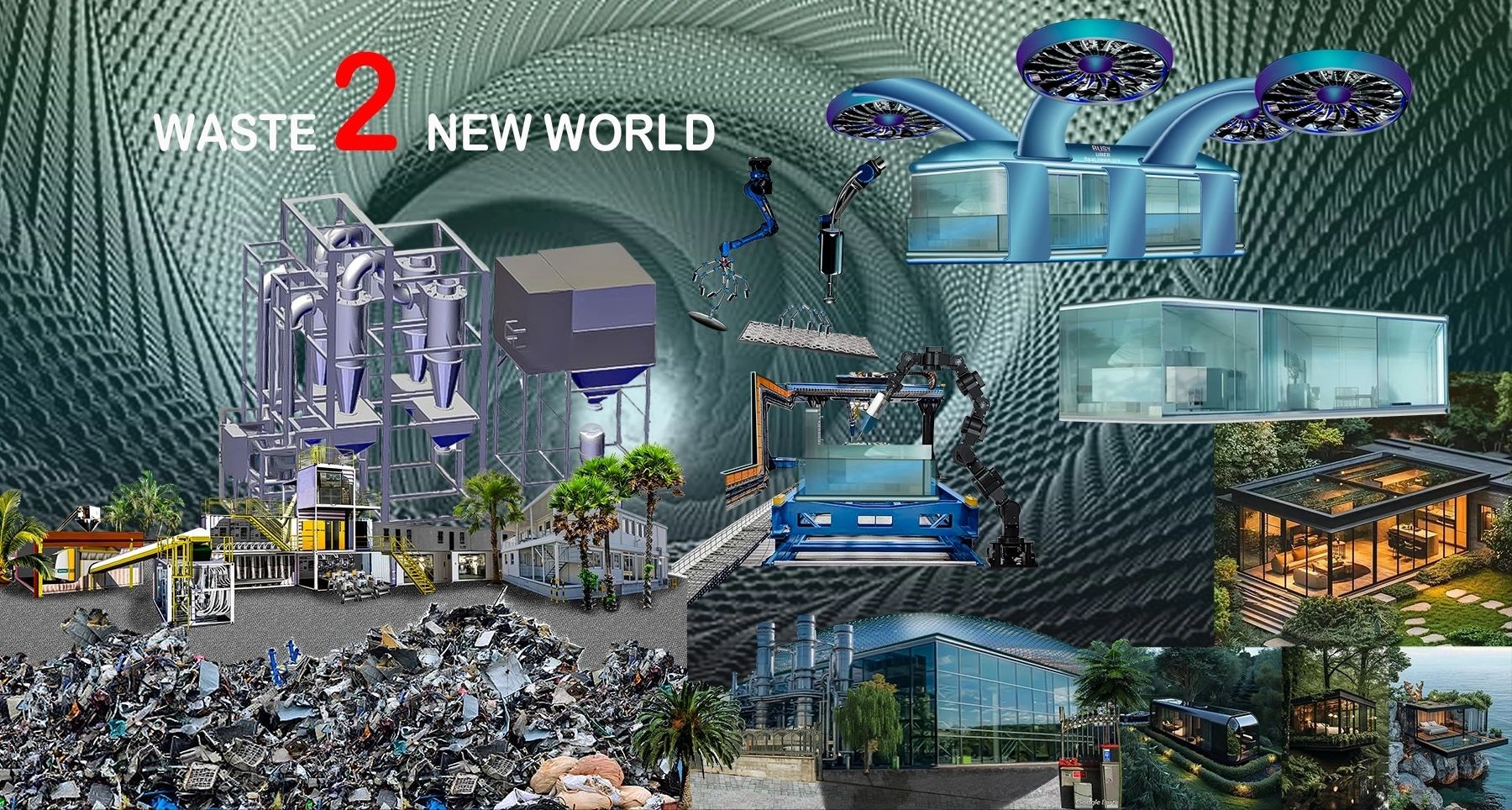
This waste conversion concept, in its going-live phase right now, envisions a future where residential living is revolutionised by economically independent, 3D-printed carbon-graphene containers.
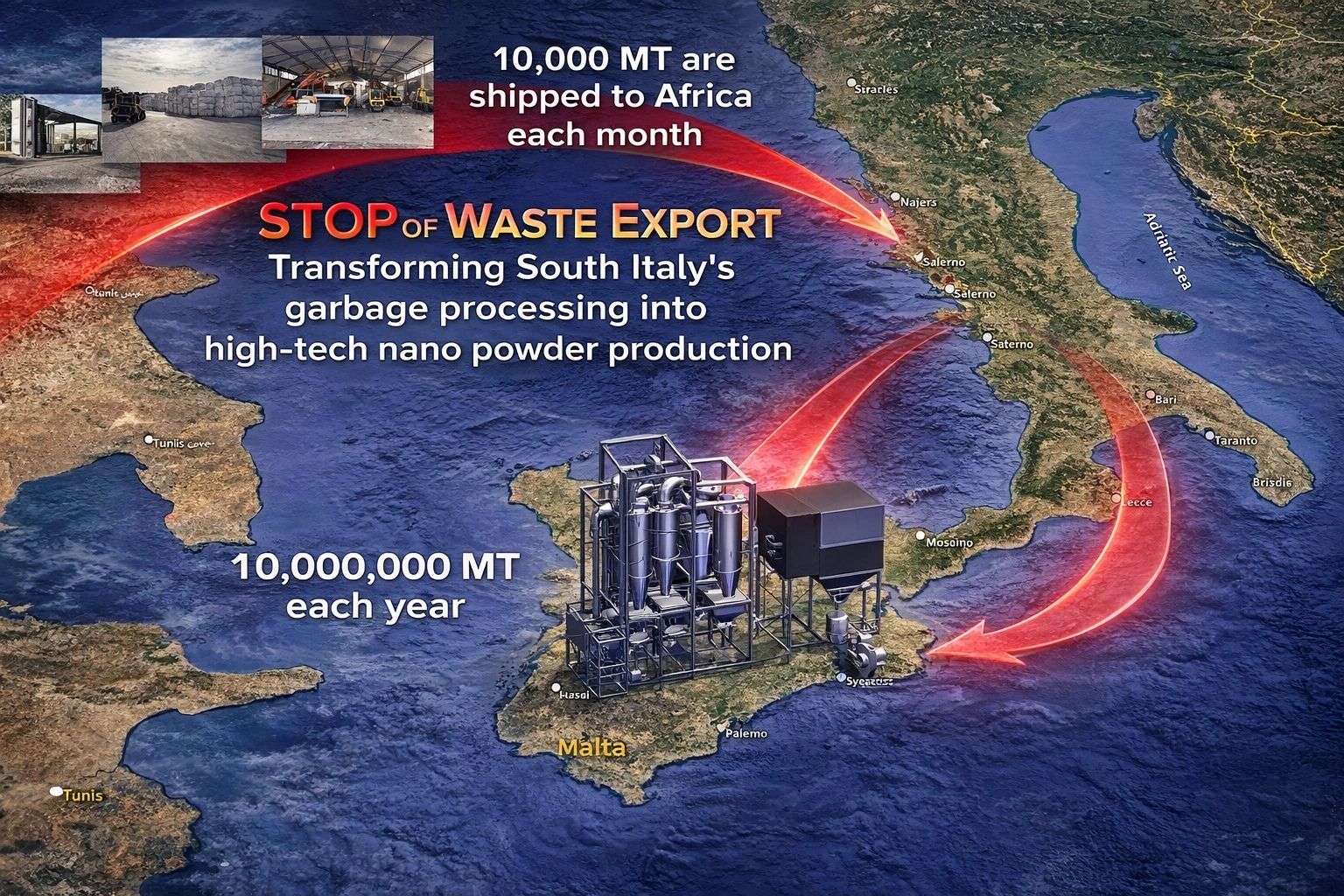
FItaly Launches Revolutionary VORTEX Waste-to-Nanopowder Technology to End Garbage Export to Africa:

Established in 2005 as a spin-off from the AVIS Car corporation, the AVIS Waste Recycling Project has evolved into a diverse conglomerate spanning multiple industries and technology sectors. Over the years, we have attra...

Dr. Sung Harrison Baek Jiang Jing Sung Baek is portrayed as a figure destined for greatness, with a passion for medicine and healing evident from a young age. His affiliation with the AVIS Umbrella, facilitated by the po...

The aPad represents a significant leap forward in wearable technology. Constructed from transparent graphene and incorporating graphene chipsets, this innovative device promises to revolutionise both

In an era characterized by relentless change, the question of the direction those changes are taking is unavoidable. Whether they lead to improvement or decline remains elusive for many. For individuals striving to carve...

An imperative issue has recently come to our attention. As a leading name in the industry, AVIS is often targeted by individuals intent on exploiting our brand for personal gain. We urge you to exercise utmost caution wh...
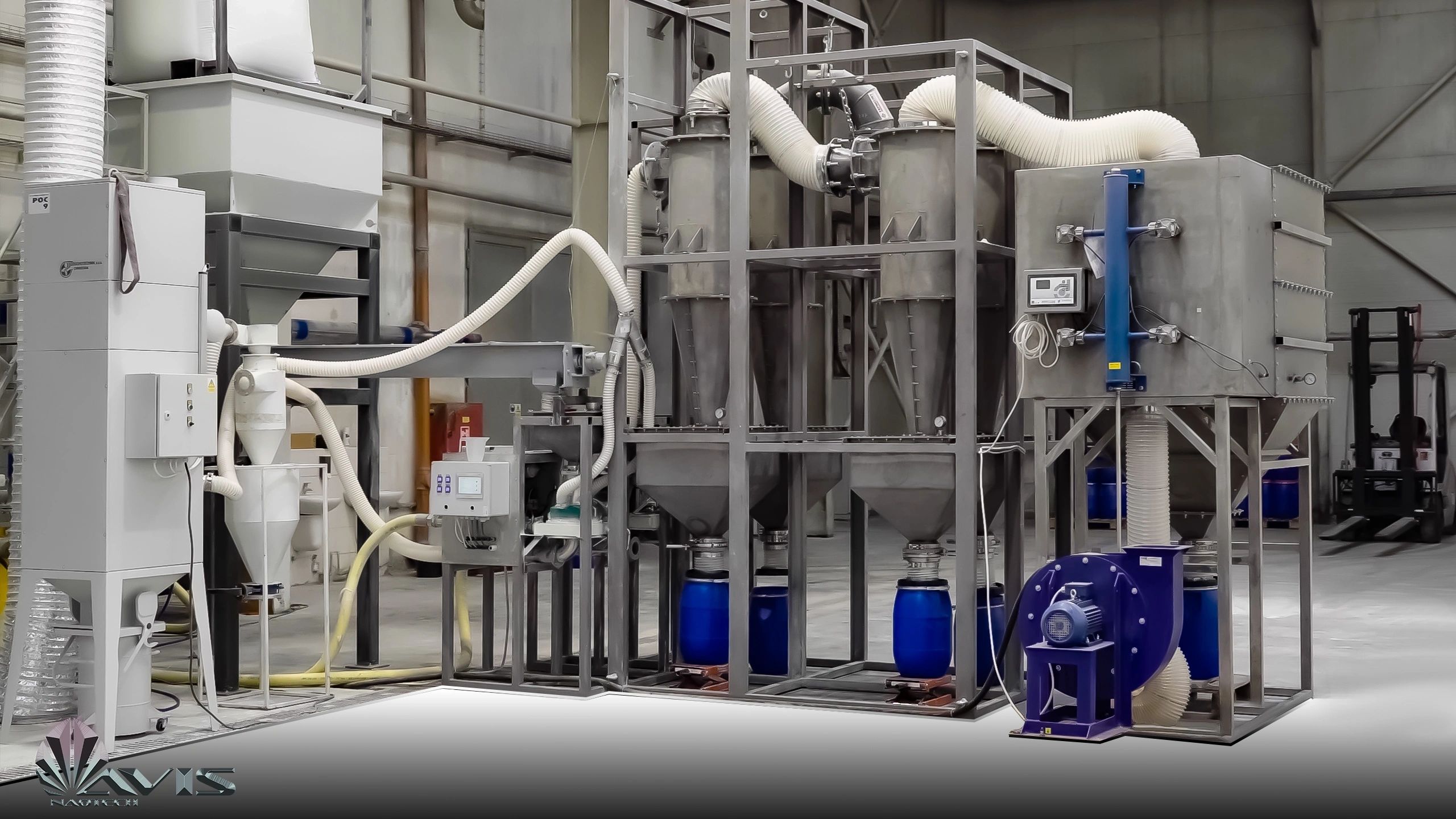
The Future of Recycling and Manufacturing. The innovative development of the next-generation VORTEX milling prototype by an AVIS Umbrella, Ukrainian engineering team marks a significant advancement in recycling technolog...

Navigating the Finance Jungle: Building Our Own Internal Banking System!

It's been quite a journey, but we're thrilled to announce that the AVIS Green Industrial Parks project is finally coming to life after nearly a decade in the making. Overcoming hurdles in the financial system, navigating...

Waste recycling to nanopowder is such an awesome secondary live manufacturing example! So exciting to see how we can turn waste into something valuable: Our focus lies on the development of the next generation of aircraf...
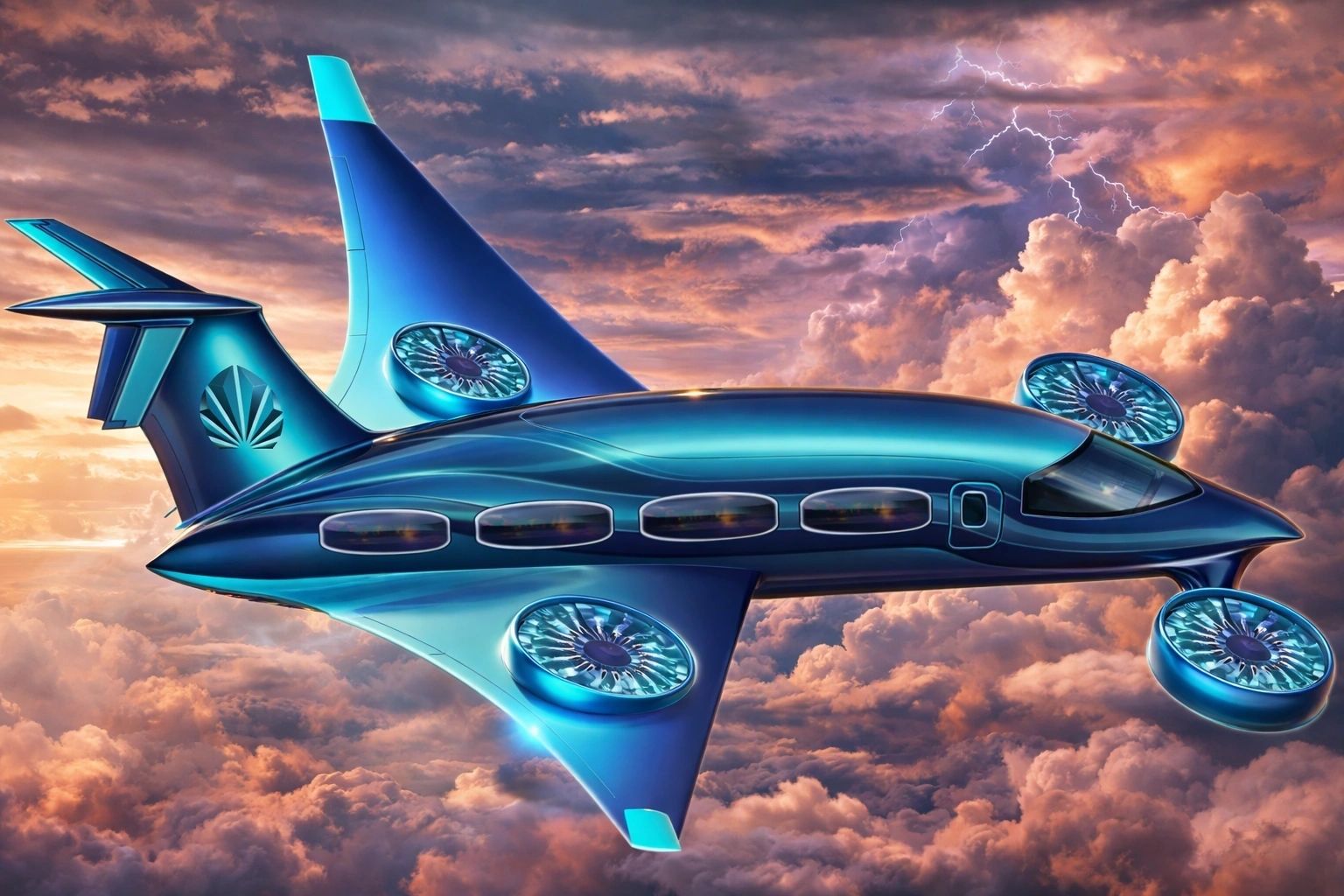
The aeroplane industry is on the brink of a monumental transformation. Just as the car industry transitioned from petrol to electric power, a similar technological revolution is set to revolutionize air travel. The days ...

In 2005, following our spinoff from the AVIS Car Corporation, we initiated the Green Project with the goal of transitioning away from traditional petrol-based energy for vehicles. Our focus shifted towards exploring alte...
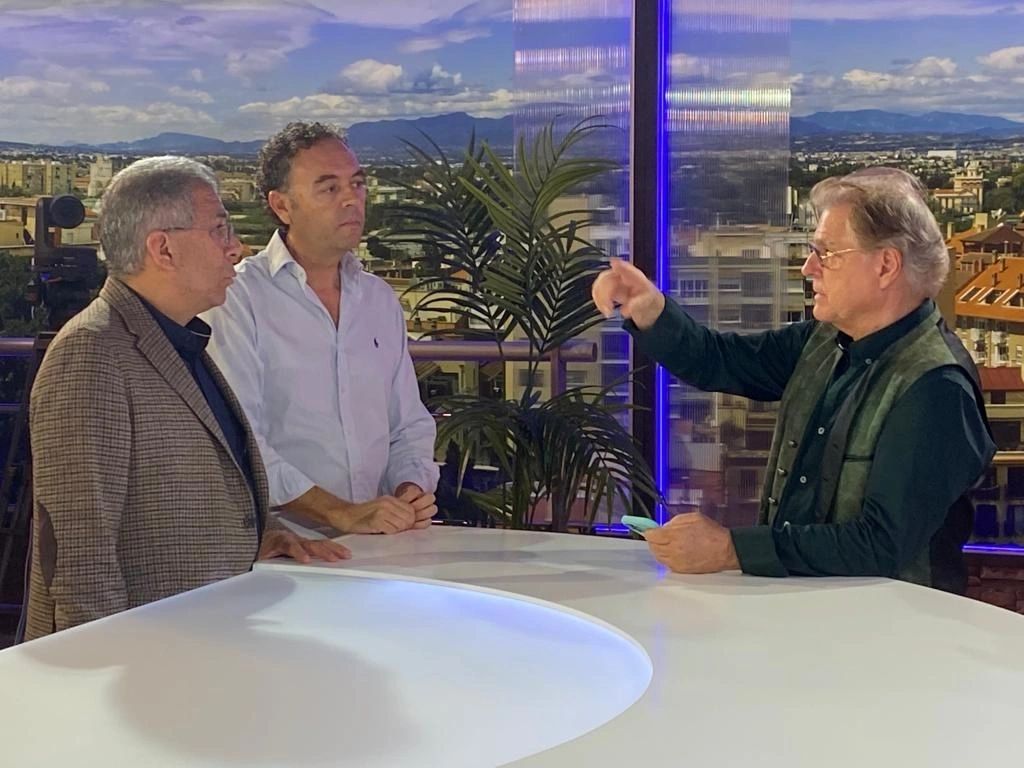
Hey there, folks! So, remember when we teased about some big news last year? Well, it's time to spill the beans!
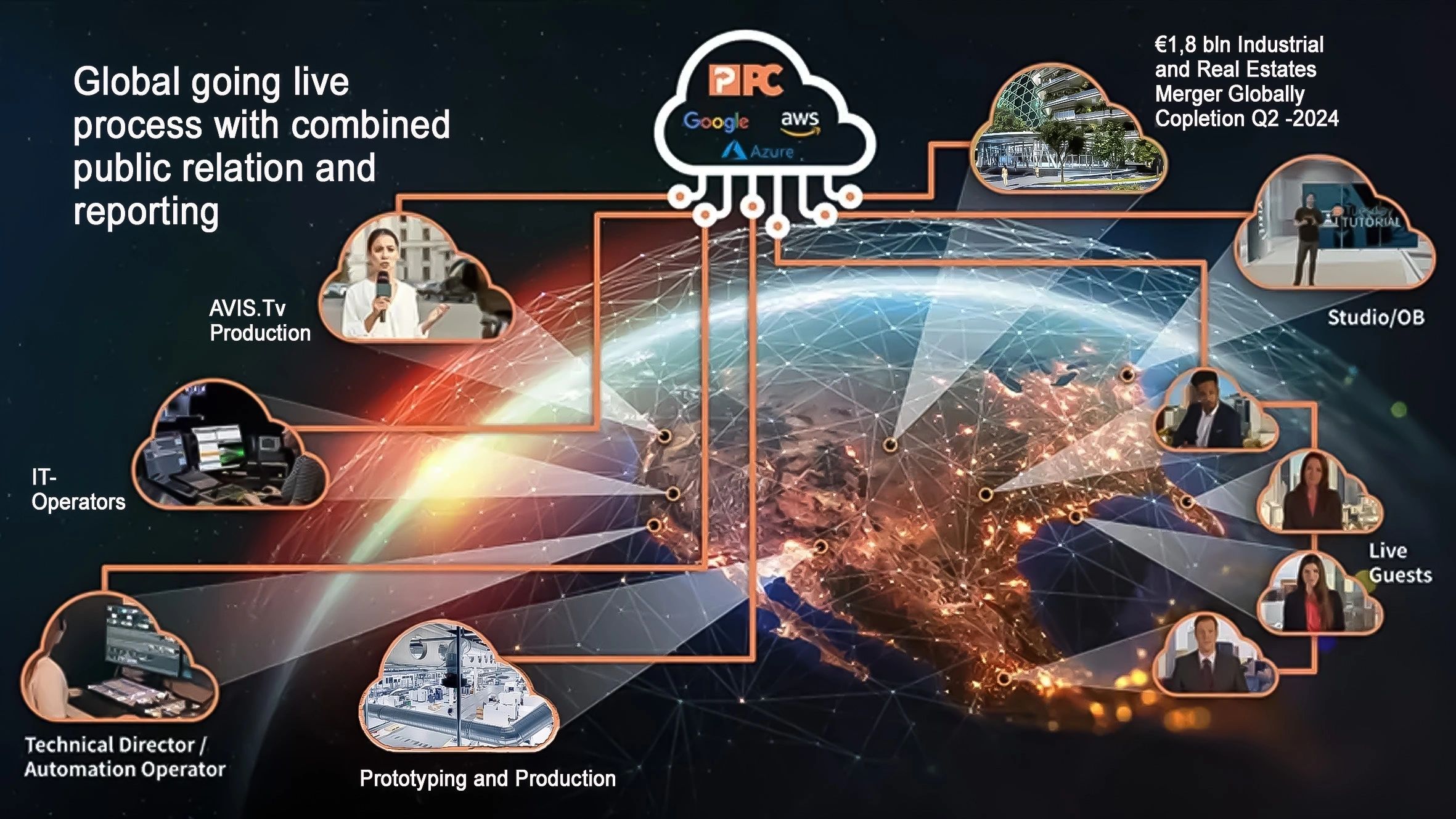
In the journey towards the culmination of our project, we encountered a significant challenge that put our progress at risk. Just as we were on the brink of activating our global card machinery within the QUANTUM bank sy...
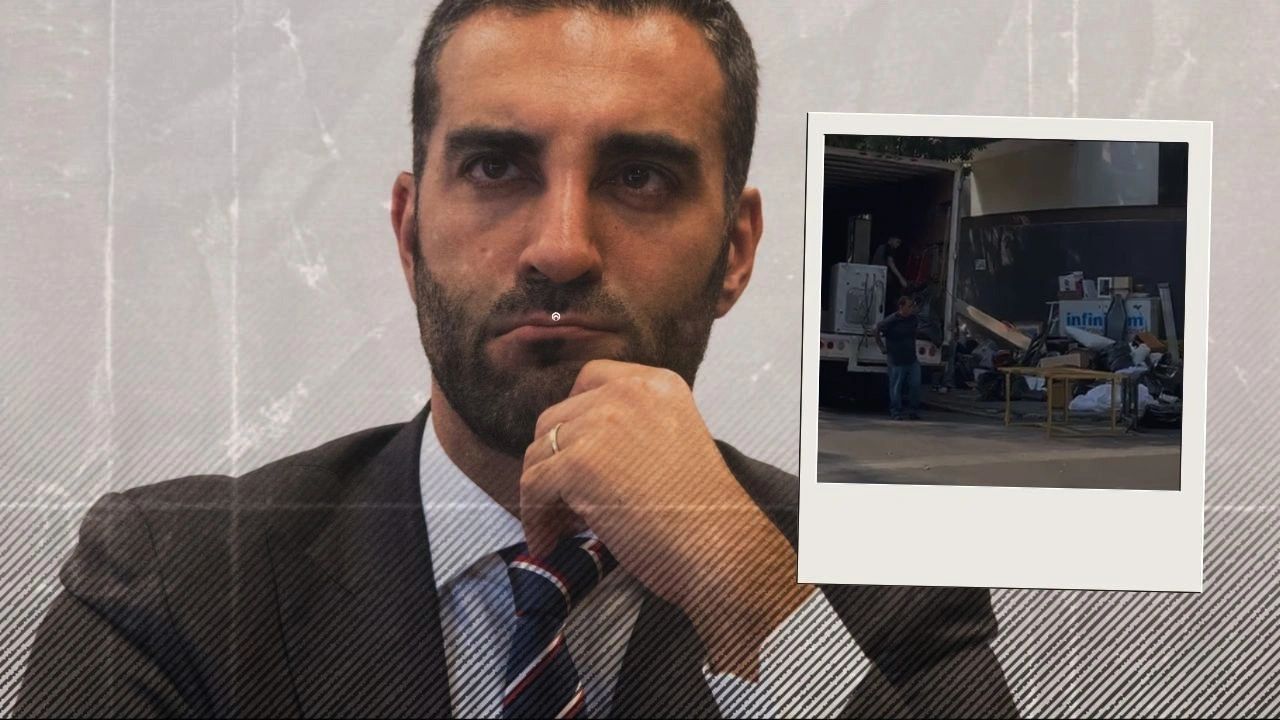
The AVIS team expressed satisfaction with the growing transparency in the advancement of the Group's construction ventures in Mexico. In the summer of 2023, S. Levy, a former Mexican attorney with ties to the country, ap...

In recent years, AVIS has been consistently approached by various municipalities in Mexico seeking assistance with their environmental issues. Since 2007, numerous villages and even the City of Mexico have reached out to...

Between August and October 2022, an individual by the name S. Levy, representing the Asian investment fund Boda Holding Group and Boda Mohau International Holding Co. Limited, also represented by N. Shuhai, tried to open...

During the last months, we have experienced high volumes of criminal activities. Hackers, based in South Africa, Zimbabwe and Northern Europe attacked our servers. They have registered a domain @avisbank.net for criminal...

We at AVIS Group are developing all over the world to build high-tech green facilities. In line with the institutional expansion policy of building green energy facilities, Zimbabwe was targeted by a local franchise part...
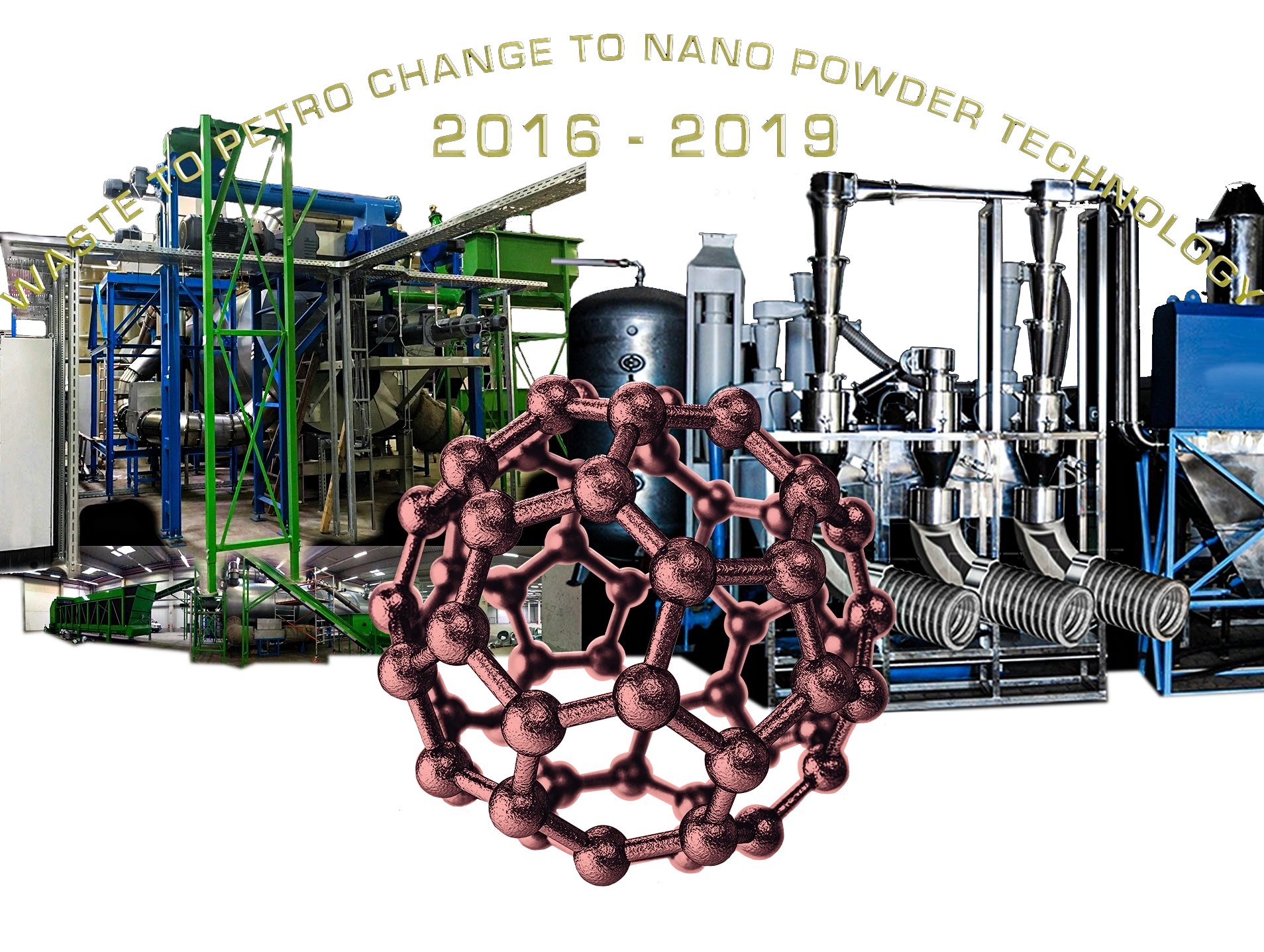
In the current era, the dominance of petrol is gradually giving way to more advanced technologies. At AVIS, we have had the privilege of collaborating with a Ukrainian team that is pioneering Vortex technology, which has...
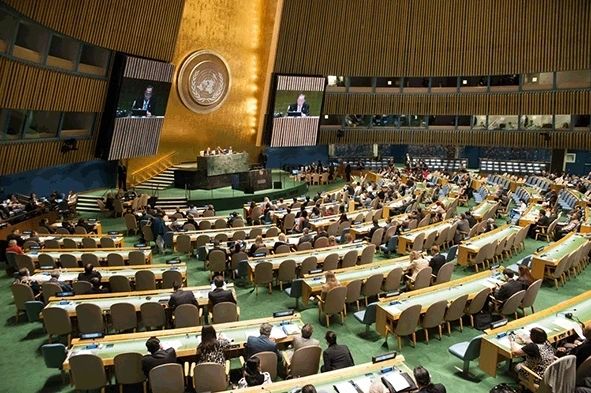
Twentieth Meeting of the Forum of Ministers of Environment for Latin America and the Caribbean, Cartagena, Colombia, 28–31 March 2016.
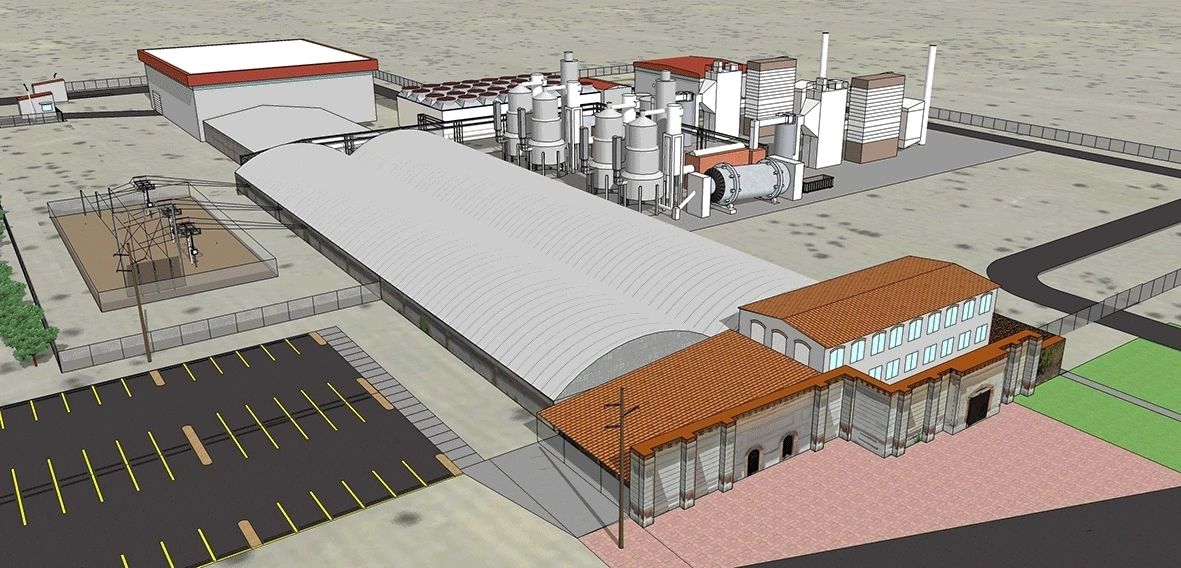
After more as 15 years of South America developments, in January 2016, Avis South America embarked on an ambitious journey to establish the world's largest waste-to-energy plant on the outskirts of Mexico City. The Avis ...
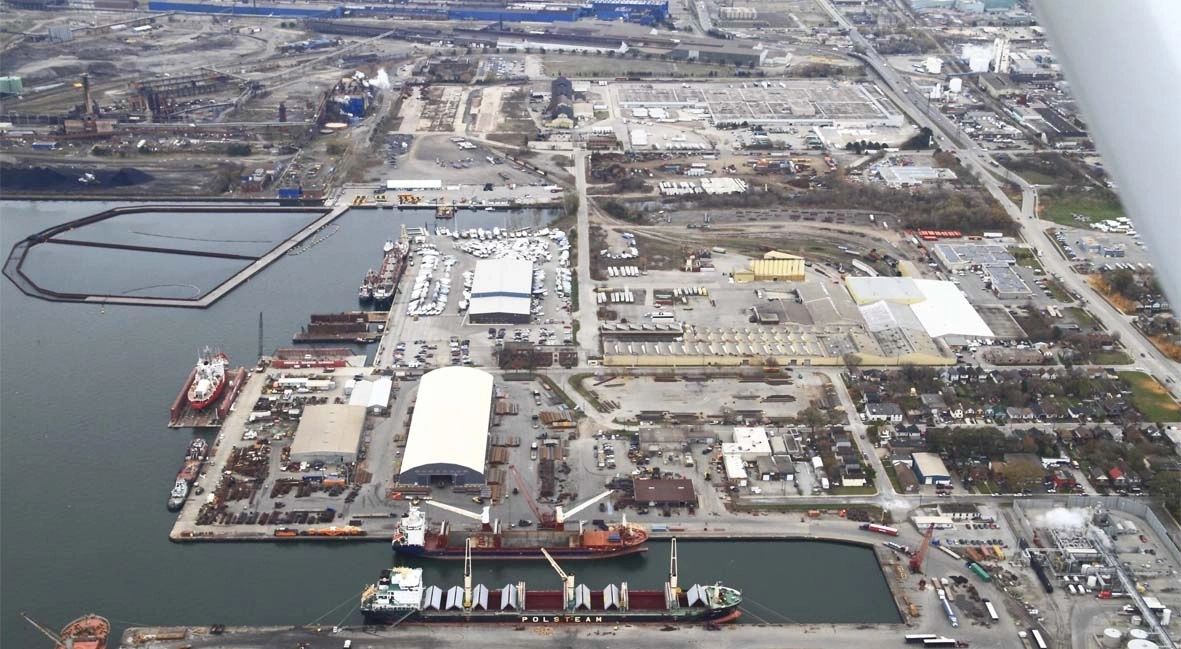
Transitioning Waste to Green Petrol Technology: We are excited to announce that the development of our waste to green petrol technology has found a new home in Canada. After facing challenges in Germany where our technol...
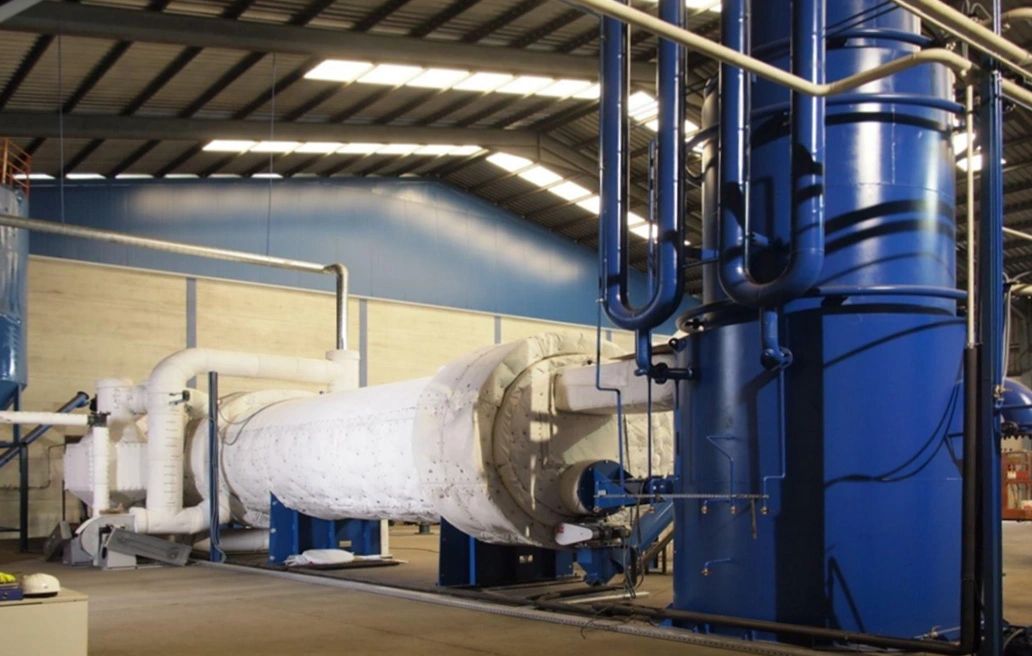
Introducing a groundbreaking advancement in sustainability and innovation - the pioneering industrial-scale recycling facility developed by our esteemed Engineering team. This state-of-the-art plant is revolutionizing th...
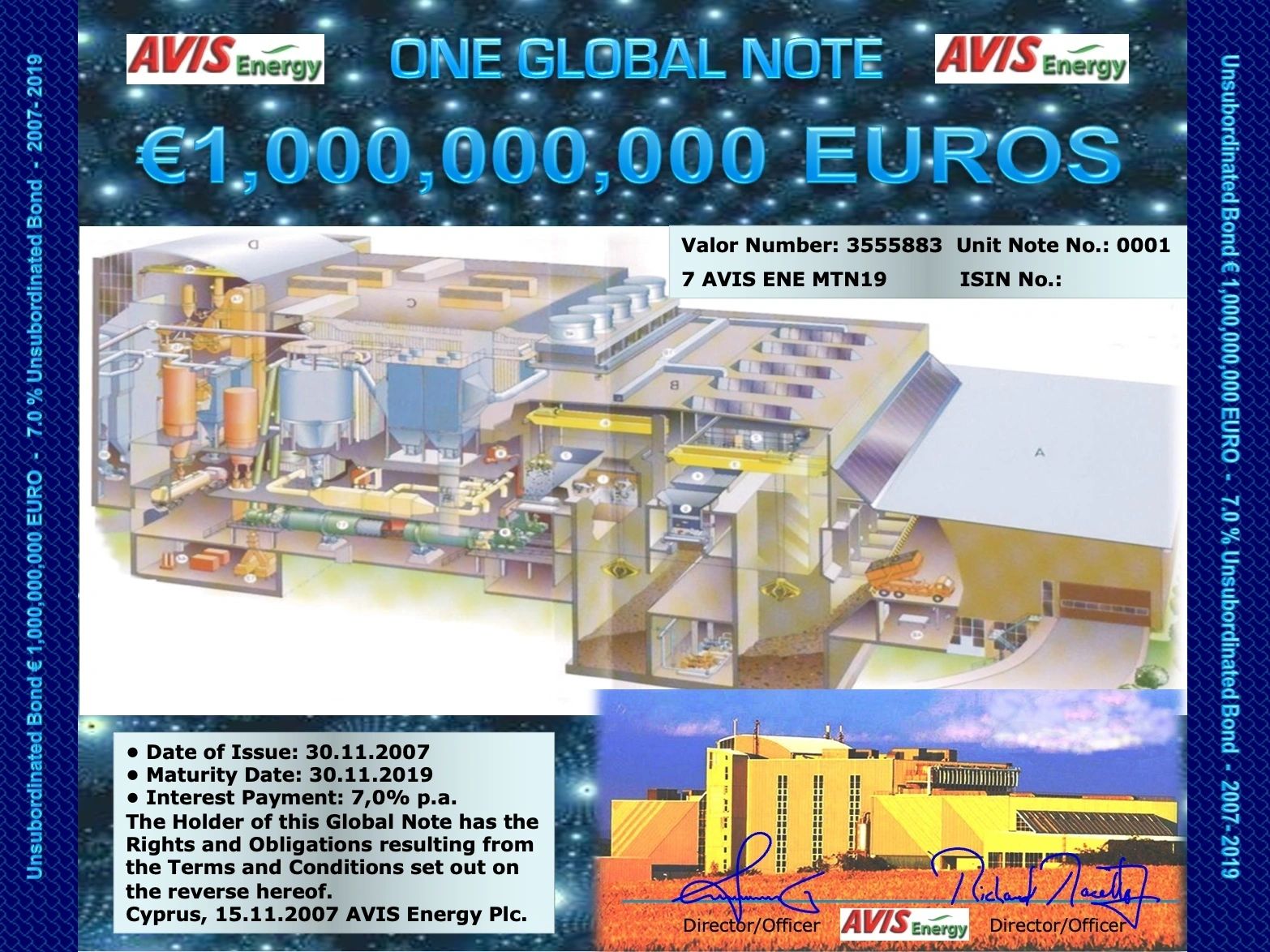
Exciting news! We have recently launched the 1st 1 billion Euro Medium Term Note (MTN), 30 billion Hong Kong Dollars (HKD) MTN, and 8 billion in Brazilian Reals for trading in the global markets. What makes these corpora...
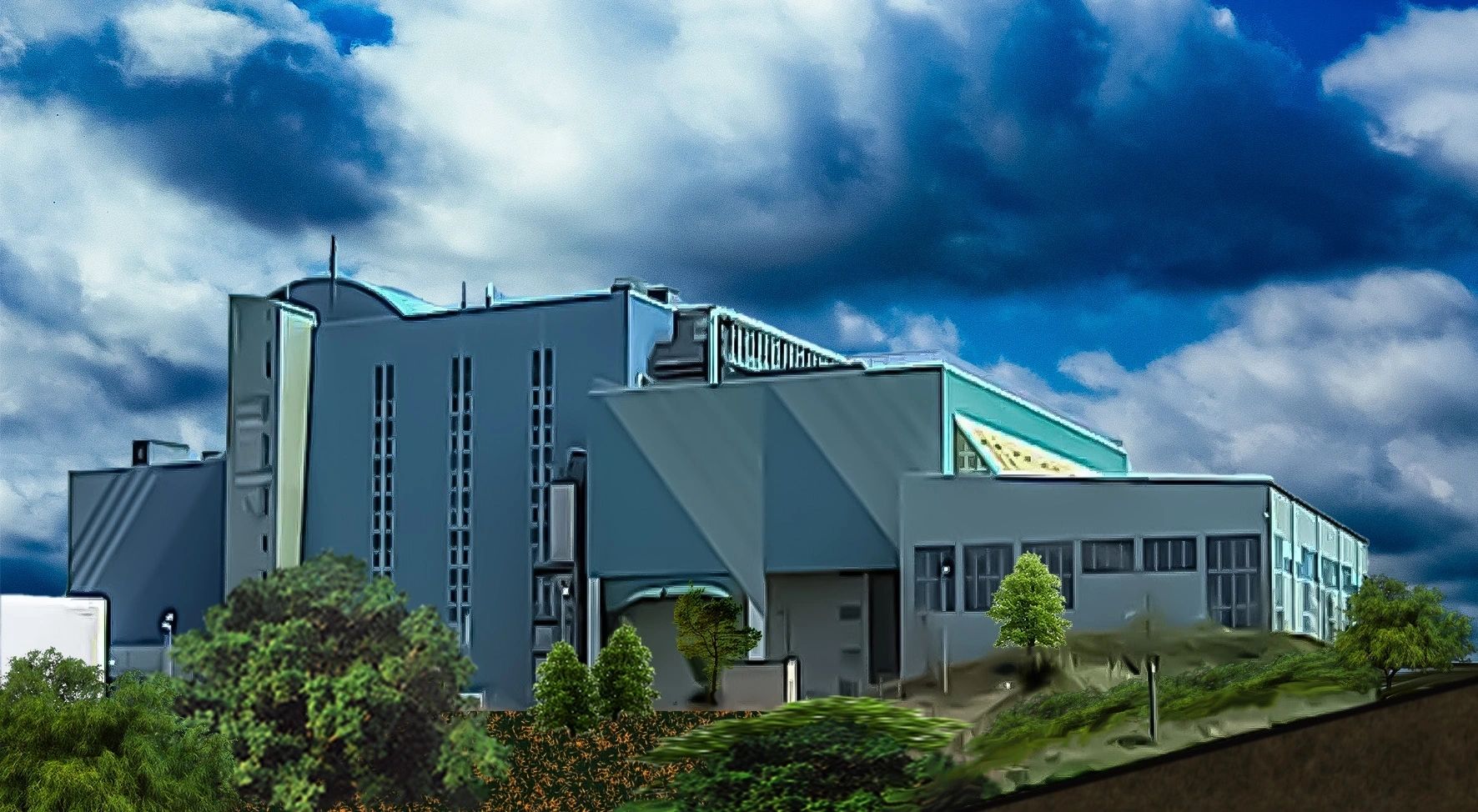
As part of its global expansion and technological deployment strategy, AVIS Global Energy is supported by a multidisciplinary team of highly qualified professionals spanning engineering, science, finance, and industrial ...
AVIS Umbrella Launches Next-Generation Waste-to-Nano-Powder Industrial HUB
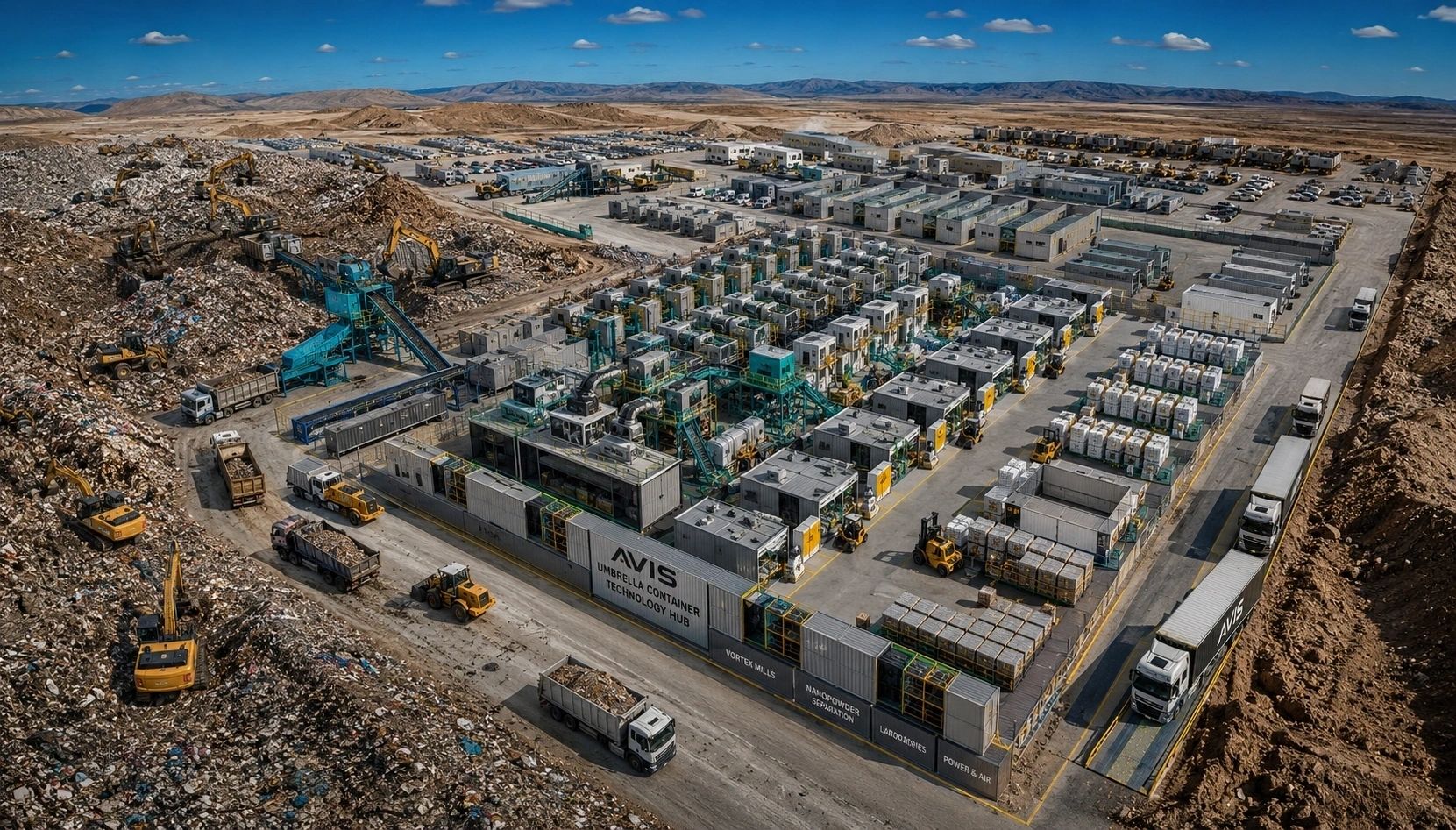
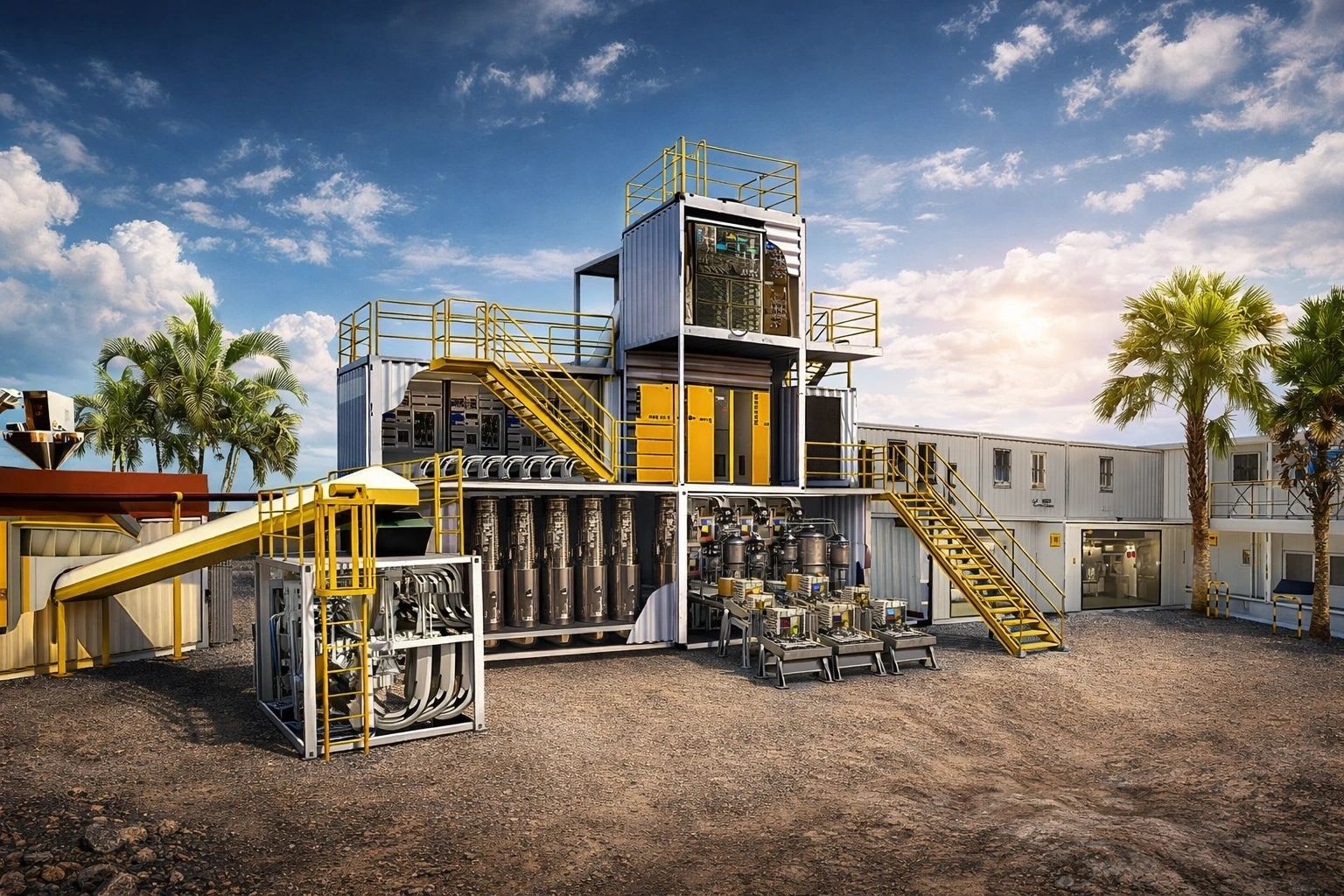
AVIS Umbrella, the international green high-tech infrastructure group, today unveiled its concept for a large-scale Waste-to-Nano-Powder Industrial HUB, a modular industrial ecosystem designed to transform historical landfill sites into advanced material production centers. The industry containers are manufactured in Italy and shipped to the host destination for modular recycling centers.
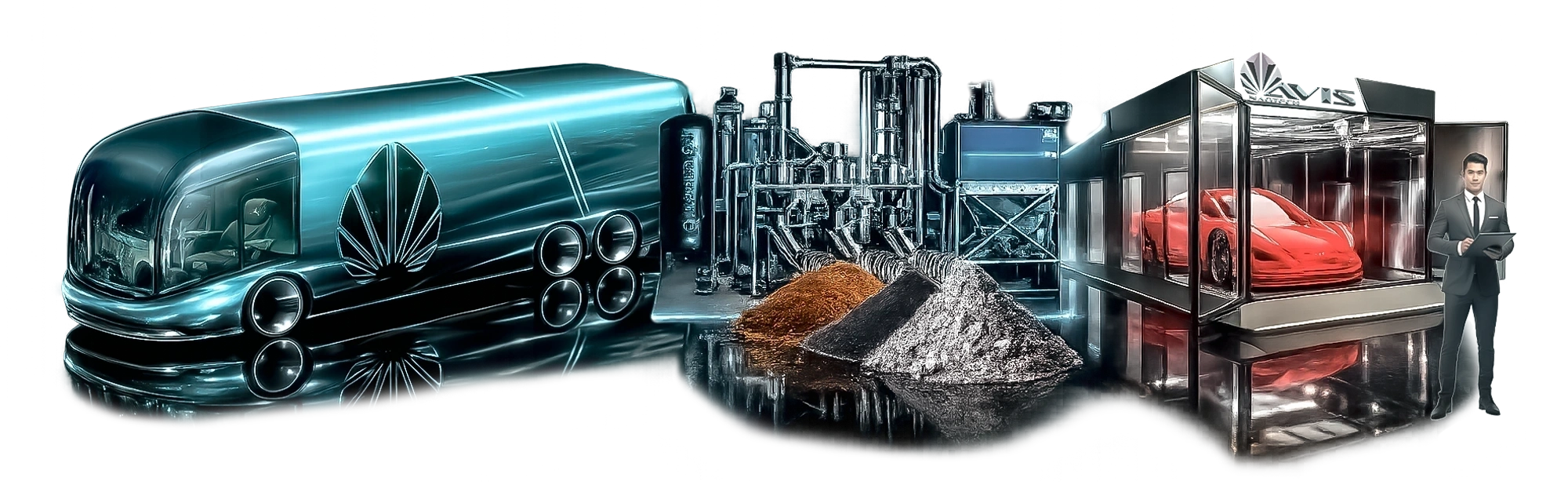
The innovative HUB combines waste excavation, intelligent sorting, VORTEX milling technology, resonance-tube nanopowder separation, and automated packaging systems within a fully integrated containerized industrial platform. The concept represents a significant advancement in circular economy infrastructure by converting low-value waste streams into high-value industrial nano-materials.
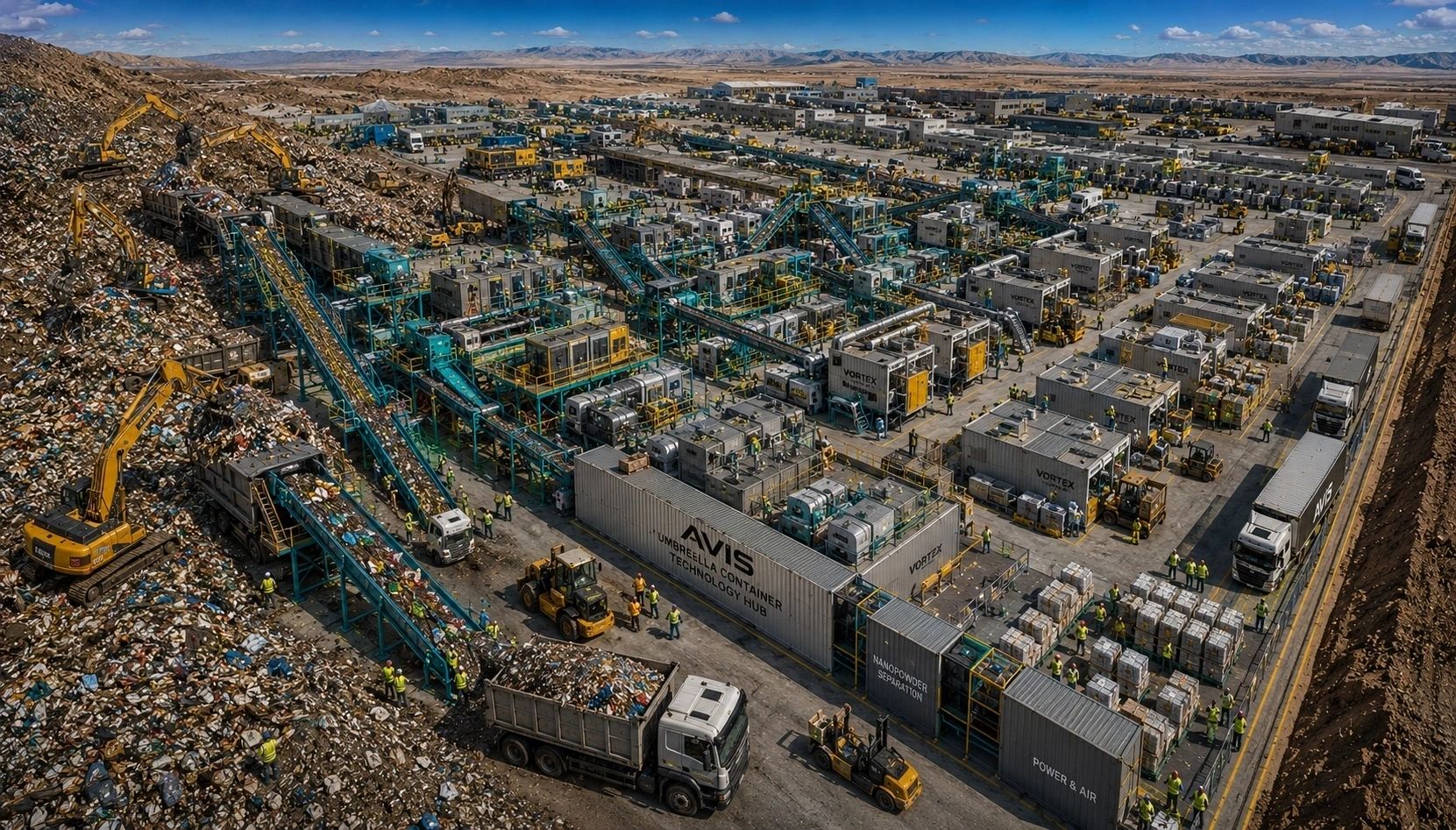
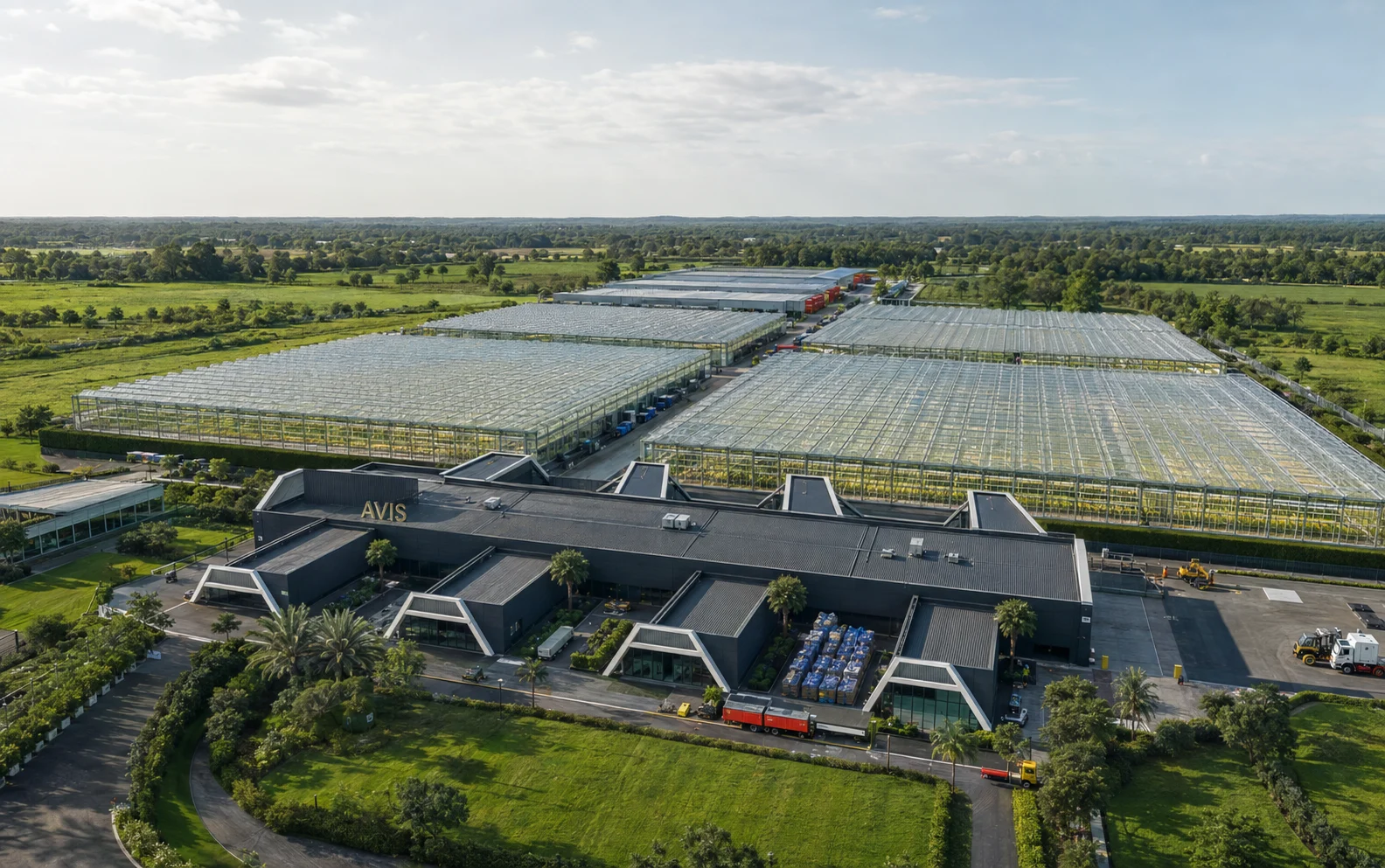
The Waste-to-Nano-Powder HUB is designed to occupy approximately two football fields and operate as a self-contained industrial city. The facility integrates modular container-based technologies that can be rapidly deployed and scaled according to local requirements.
The industrial configuration includes:

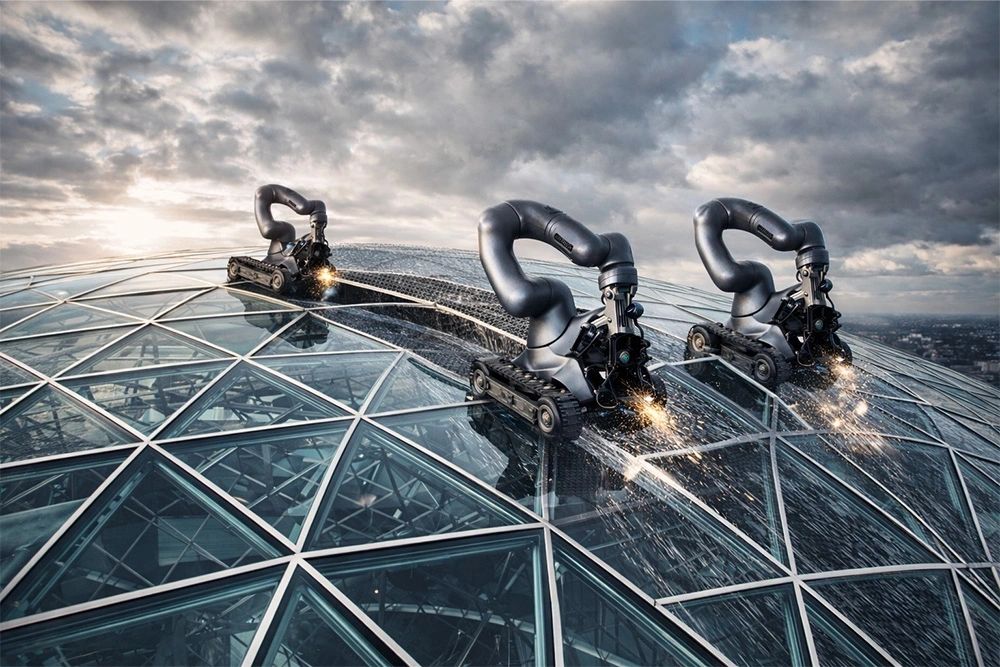
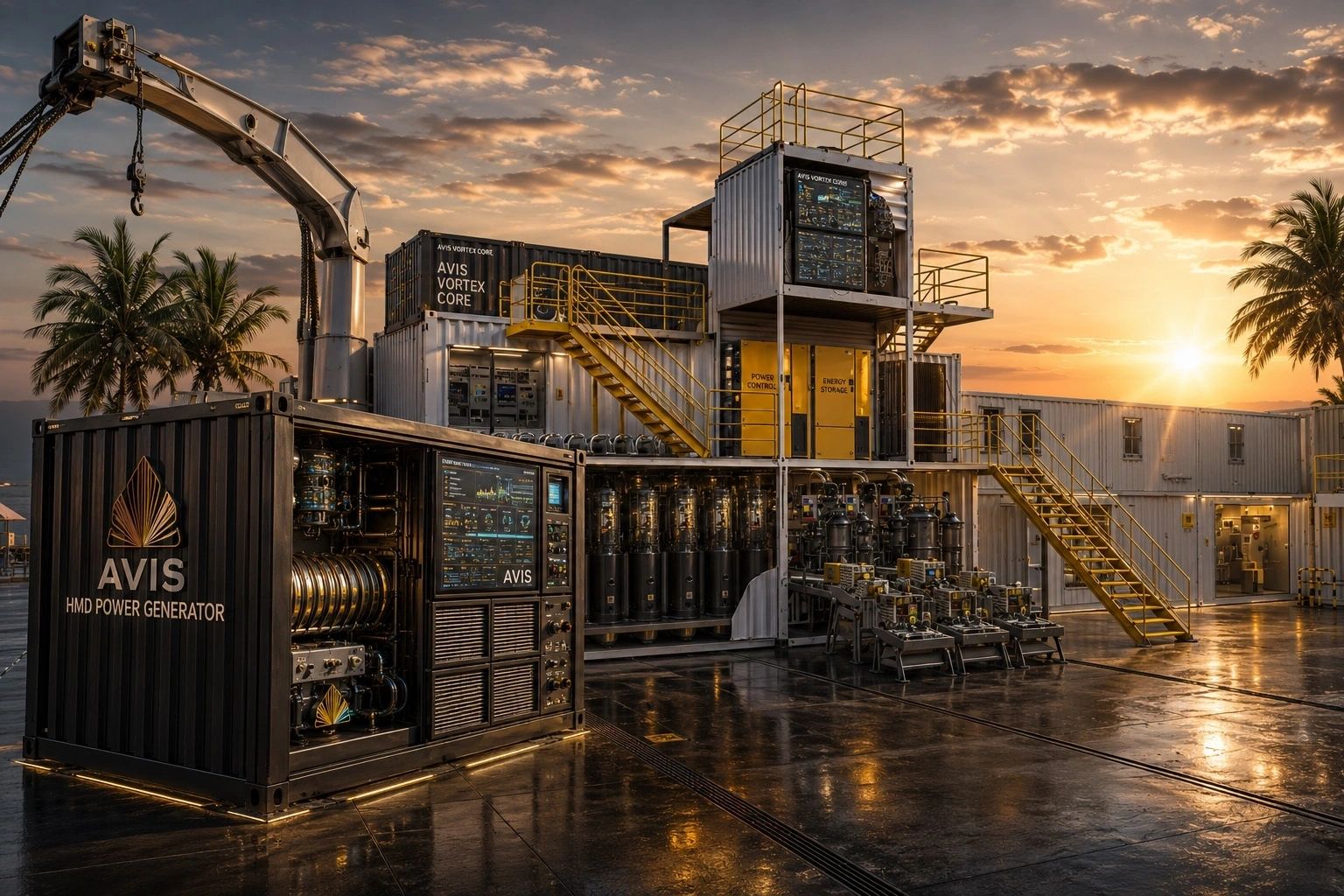
The entire infrastructure is designed around modular container technology, enabling rapid deployment, relocation, and expansion.
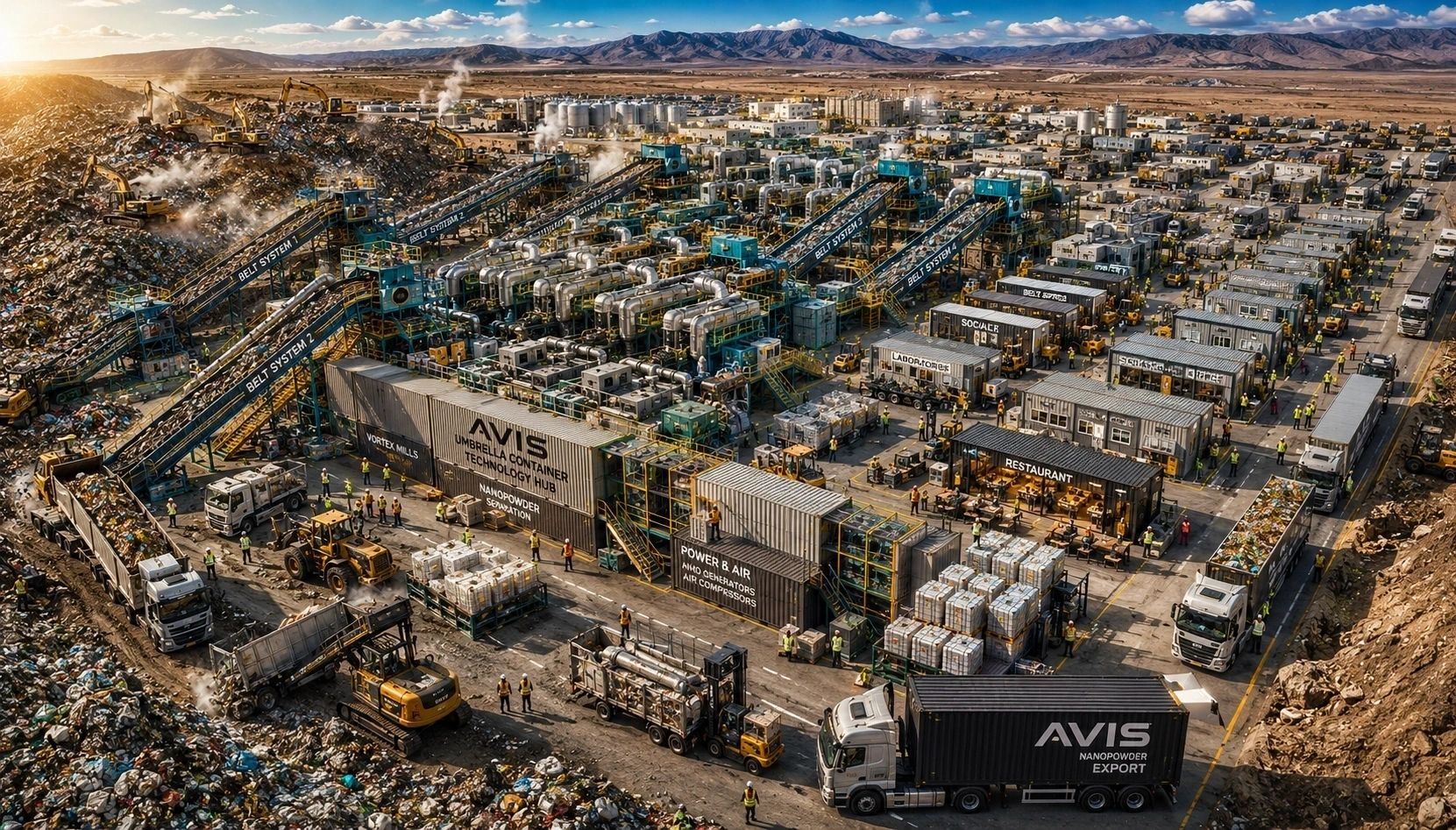
Unlike traditional waste management facilities, the AVIS HUB is designed to excavate and process existing landfill sites. Heavy excavation machinery continuously recovers buried waste materials, which are transported through multiple conveyor systems into a centralized processing environment.
Recovered materials undergo a series of advanced mechanical and physical processing stages including:
The process transforms mixed waste into market-ready nano-powders suitable for advanced manufacturing applications.
The recovered nano-powders can be utilized across multiple industrial sectors including:
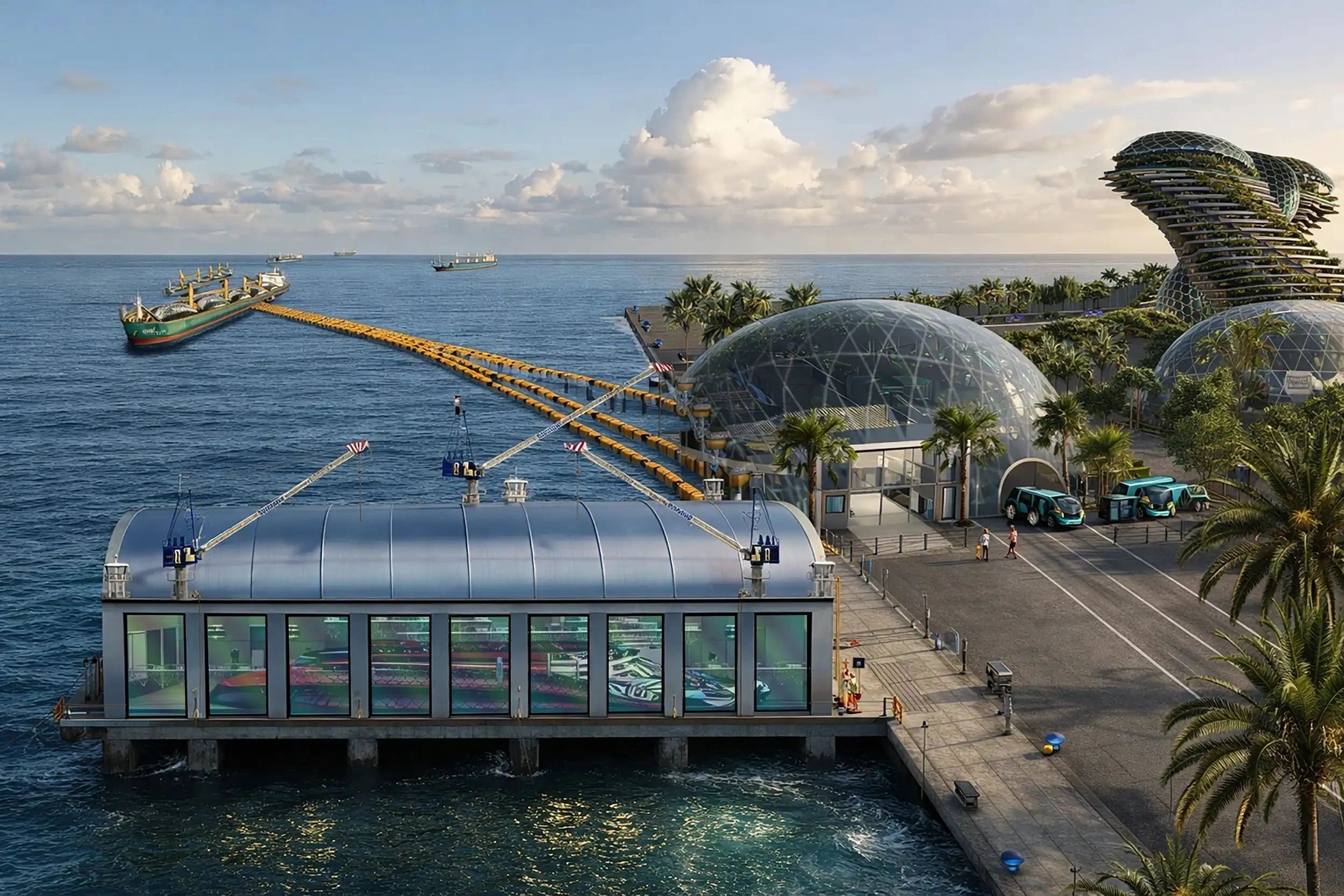
By converting waste into industrial raw materials, the HUB creates a sustainable pathway for reducing landfill volumes while generating valuable economic output.
The Waste-to-Nano-Powder HUB represents a practical implementation of the circular economy model. Instead of treating waste as a liability, AVIS Umbrella views historical landfills as future resource reservoirs.
The modular architecture enables deployment near existing landfill sites worldwide, reducing transportation costs and allowing municipalities to transform environmental burdens into productive industrial assets.
Each HUB is expected to create approximately 200 direct jobs while supporting additional employment across logistics, engineering, maintenance, construction, and advanced manufacturing sectors.
Beyond economic benefits, the technology contributes to:
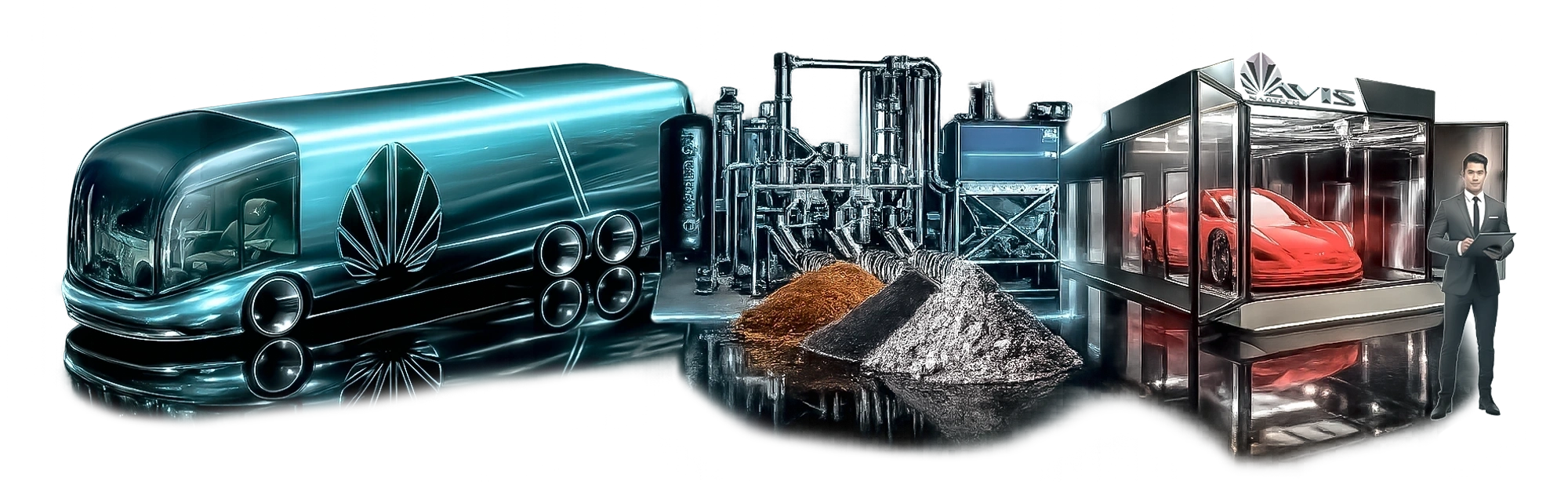
AVIS Umbrella believes that future industrial growth will depend on the efficient recovery and transformation of existing resources. The Waste-to-Nano-Powder HUB demonstrates how advanced technologies can convert historical environmental challenges into long-term economic opportunities.
As global demand for advanced materials continues to rise, AVIS Umbrella's Waste-to-Nano-Powder Industrial HUB provides a scalable solution capable of simultaneously addressing waste management, resource scarcity, and sustainable industrial development.
AVIS Umbrella is an international high-technology infrastructure group focused on waste-to-nano-powder conversion, advanced materials, graphene technologies, 3D kinetic fusion printing, circular economy solutions, and sustainable industrial development. Through its global network of industrial projects, AVIS Umbrella seeks to transform environmental challenges into scalable economic opportunities while supporting the transition toward a cleaner and more resource-efficient future.
This version is written in a style suitable for publication in industrial magazines, infrastructure journals, investment presentations, and government development announcements.
AVIS UMBRELLA PROJECT ANNOUNCES INTEGRATED WASTE-TO-MANUFACTURING ECOSYSTEM FOR NEXT-GENERATION MOBILITY AND ADVANCED INDUSTRIAL PRODUCTION

AVIS UMBRELLA PROJECT ANNOUNCES INTEGRATED WASTE-TO-MANUFACTURING ECOSYSTEM FOR NEXT-GENERATION MOBILITY AND ADVANCED INDUSTRIAL PRODUCTION
Transforming Waste into High-Performance Industrial Assets Through 3D Kinetic Fusion Printing and Strategic Industrial Acquisitions

GERMANY - ITALY - DUBAI – LONDON – The AVIS Umbrella Project today announced the expansion of its global industrial development strategy through the integration of proprietary Waste-to-Nano-Powder technology, Graphene-Carbon Composite engineering, and advanced 3D Kinetic Fusion Printing systems.

The initiative establishes a fully integrated green industrial ecosystem capable of converting municipal, industrial, and agricultural waste streams into high-value nano-materials for the manufacturing of next-generation transportation systems, industrial equipment, infrastructure components, and advanced consumer products.
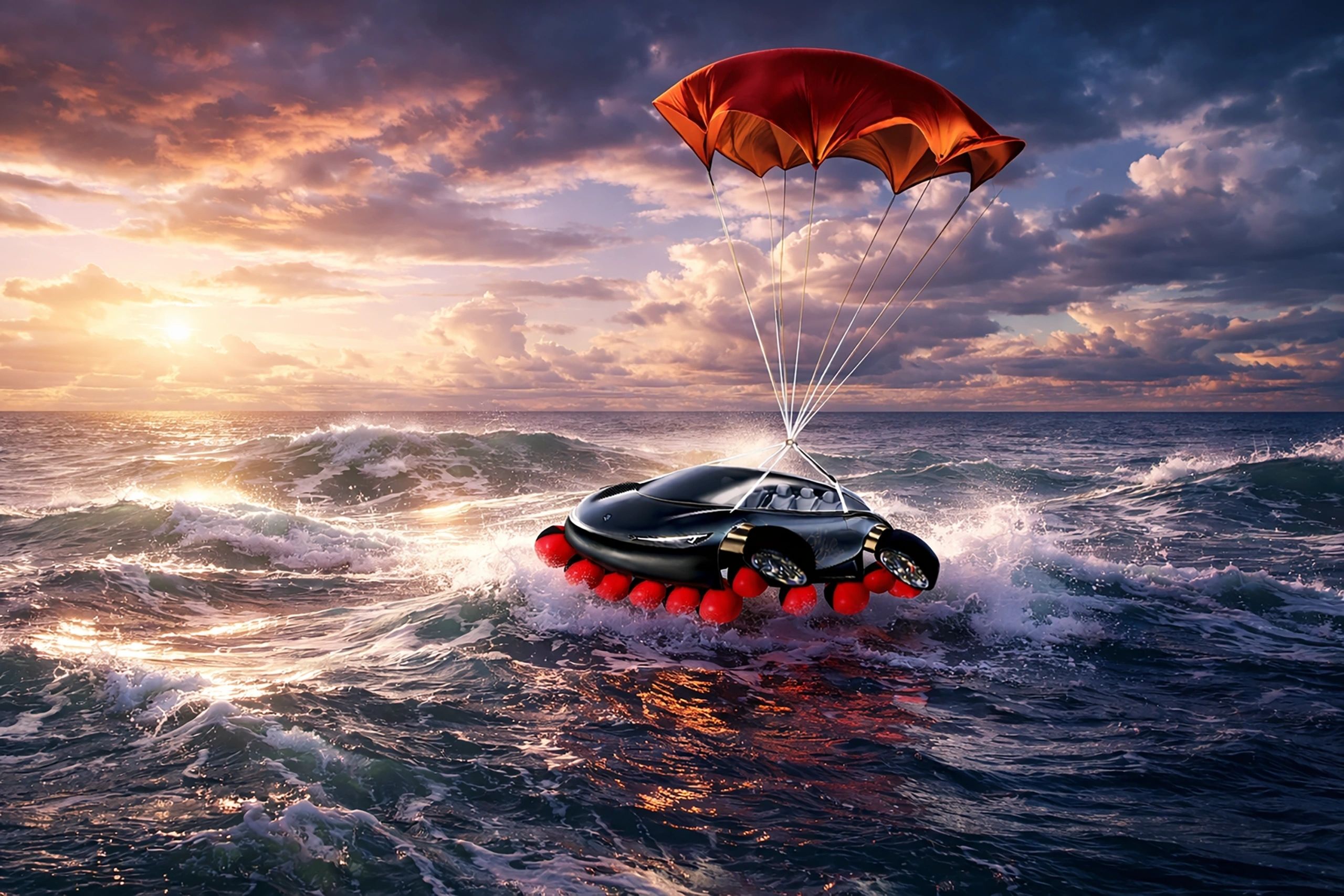
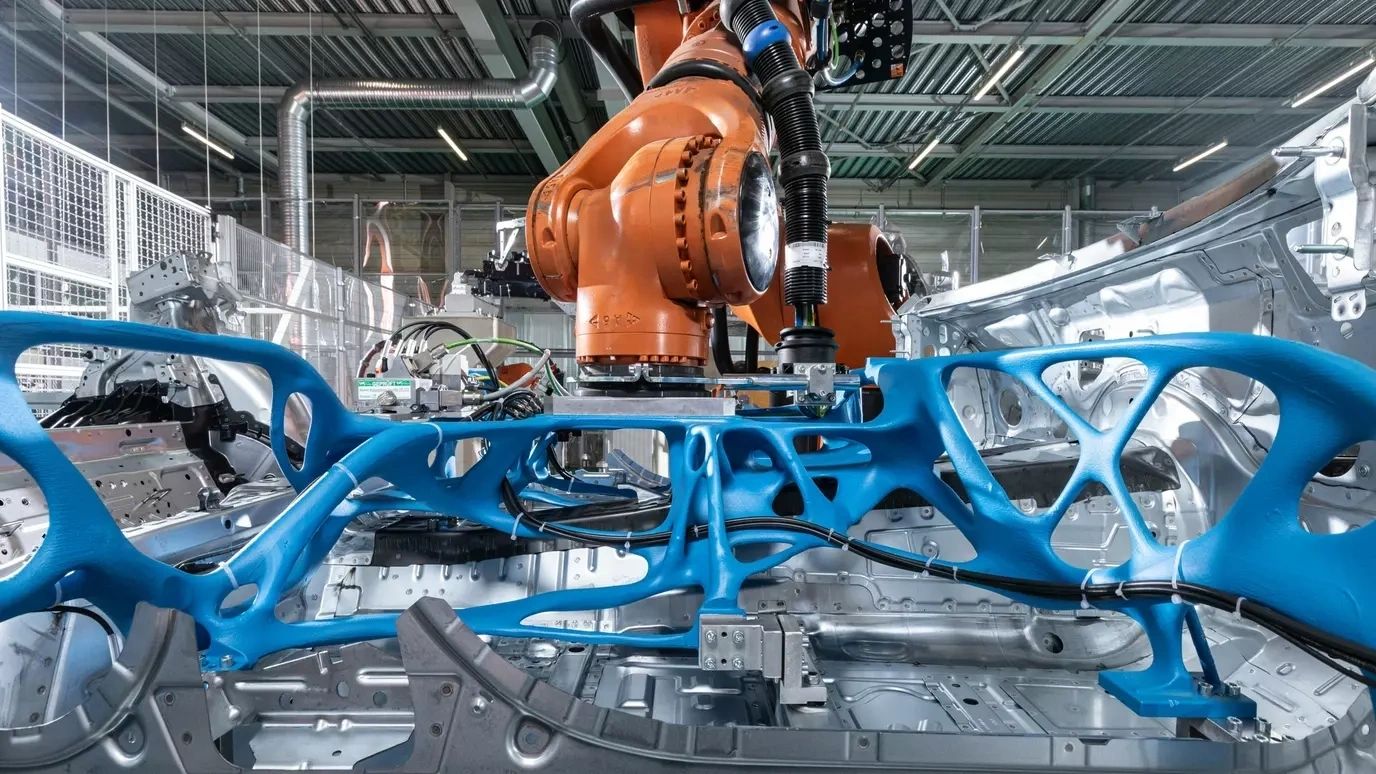
At the core of the AVIS Umbrella Project is a closed-loop circular economy model whereby waste materials are transformed into nano-powders and subsequently processed through 3D Kinetic Fusion Printing technologies. These nano-materials are combined with graphene-reinforced composites and advanced organic materials to create ultra-lightweight, ultra-strong, and highly durable structural components with significantly reduced energy and raw material consumption.
The technology enables the production of complex bionic structures and high-performance engineering components that were previously impossible or economically impractical using conventional manufacturing methods.
Next-Generation Mobility Program
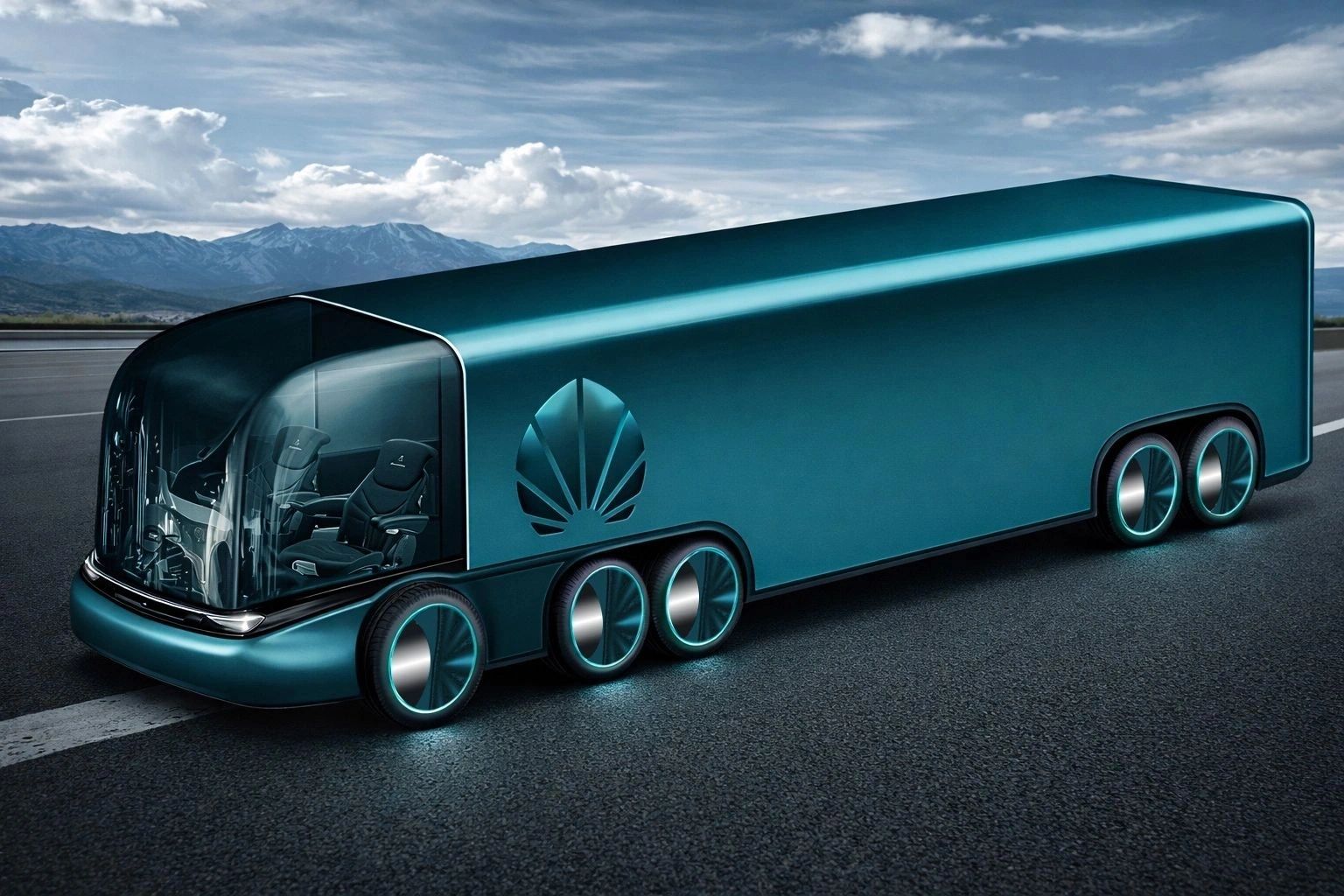
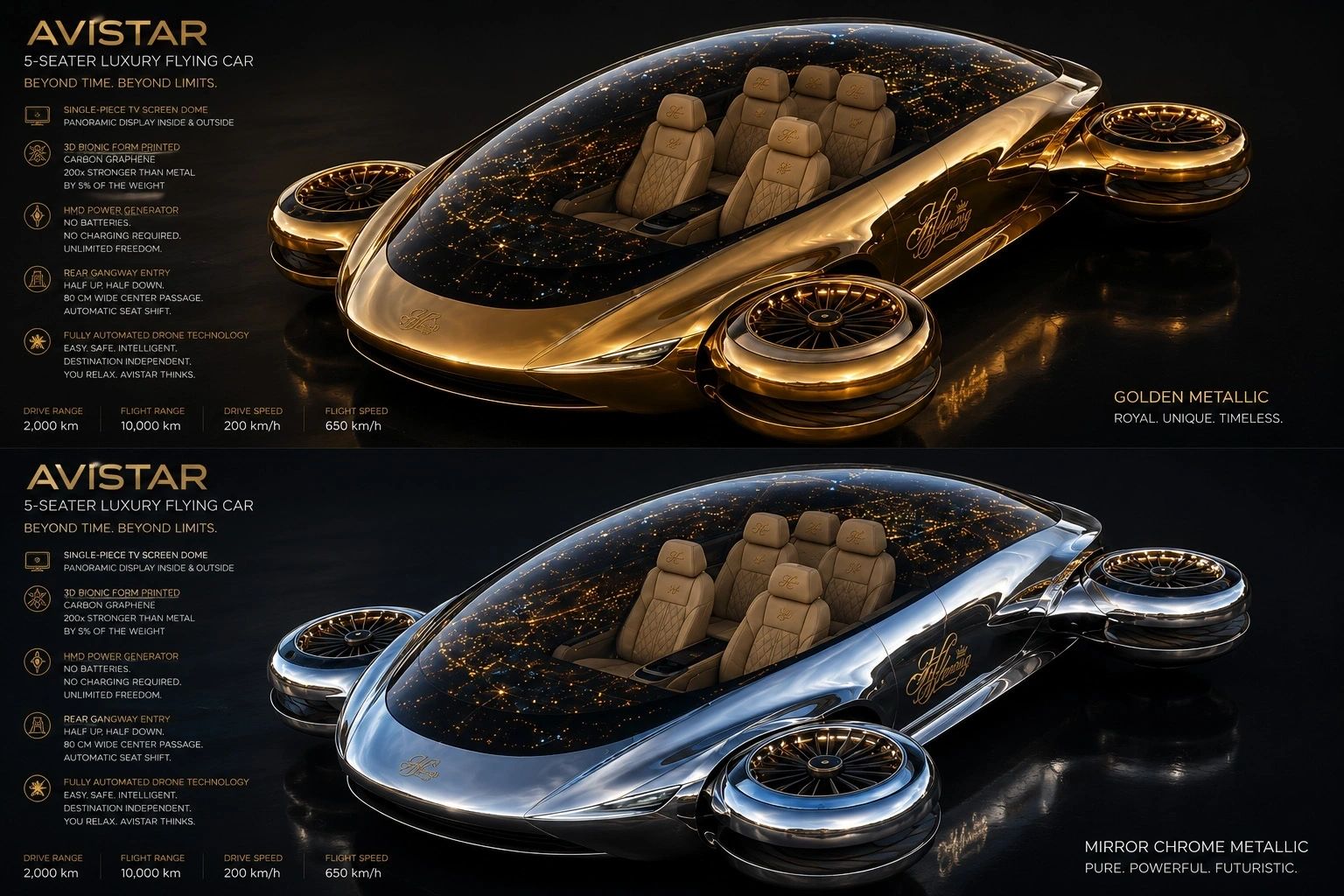
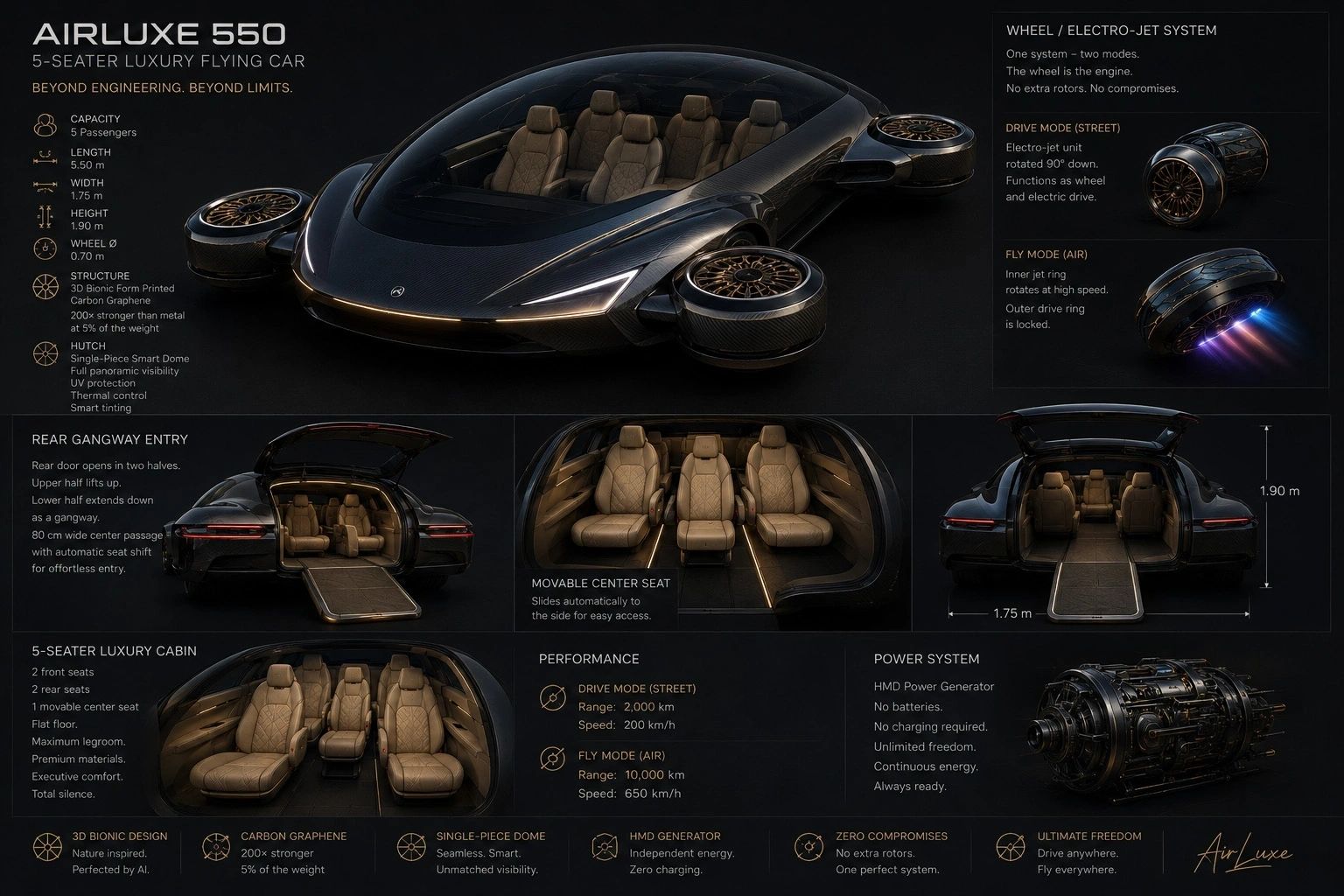
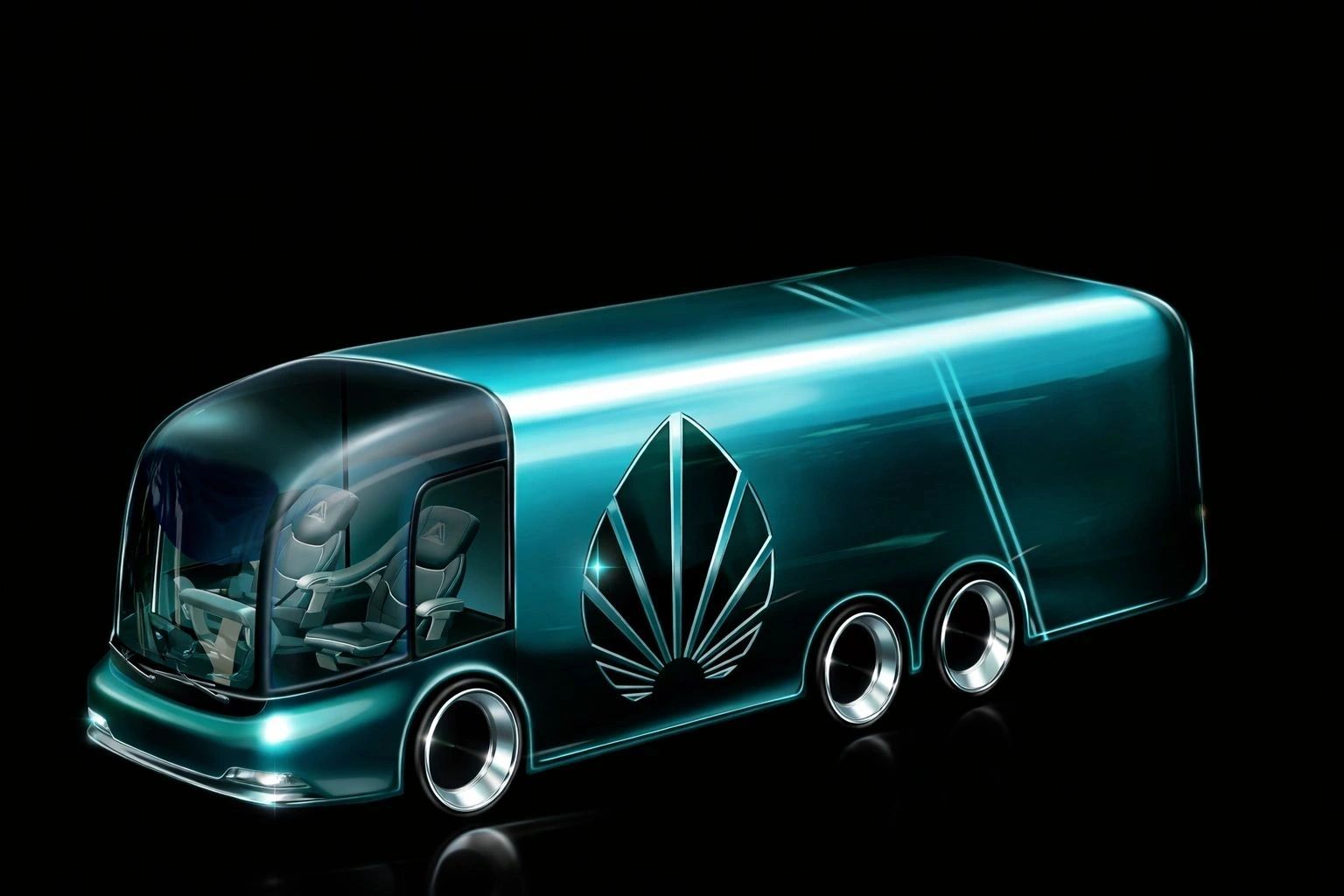
One of the first applications of the technology platform is the development of futuristic electric transportation systems, including advanced electric vehicles, autonomous mobility platforms, aerial mobility vehicles, and integrated land-air transport systems.
Under the AVIS Umbrella industrial framework, research teams, universities, engineering centers, and industrial partners collaborate to design, engineer, and prototype next-generation consumer products utilizing advanced graphene-carbon composite materials and additive manufacturing technologies.
Strategic Industrial Acquisition Model

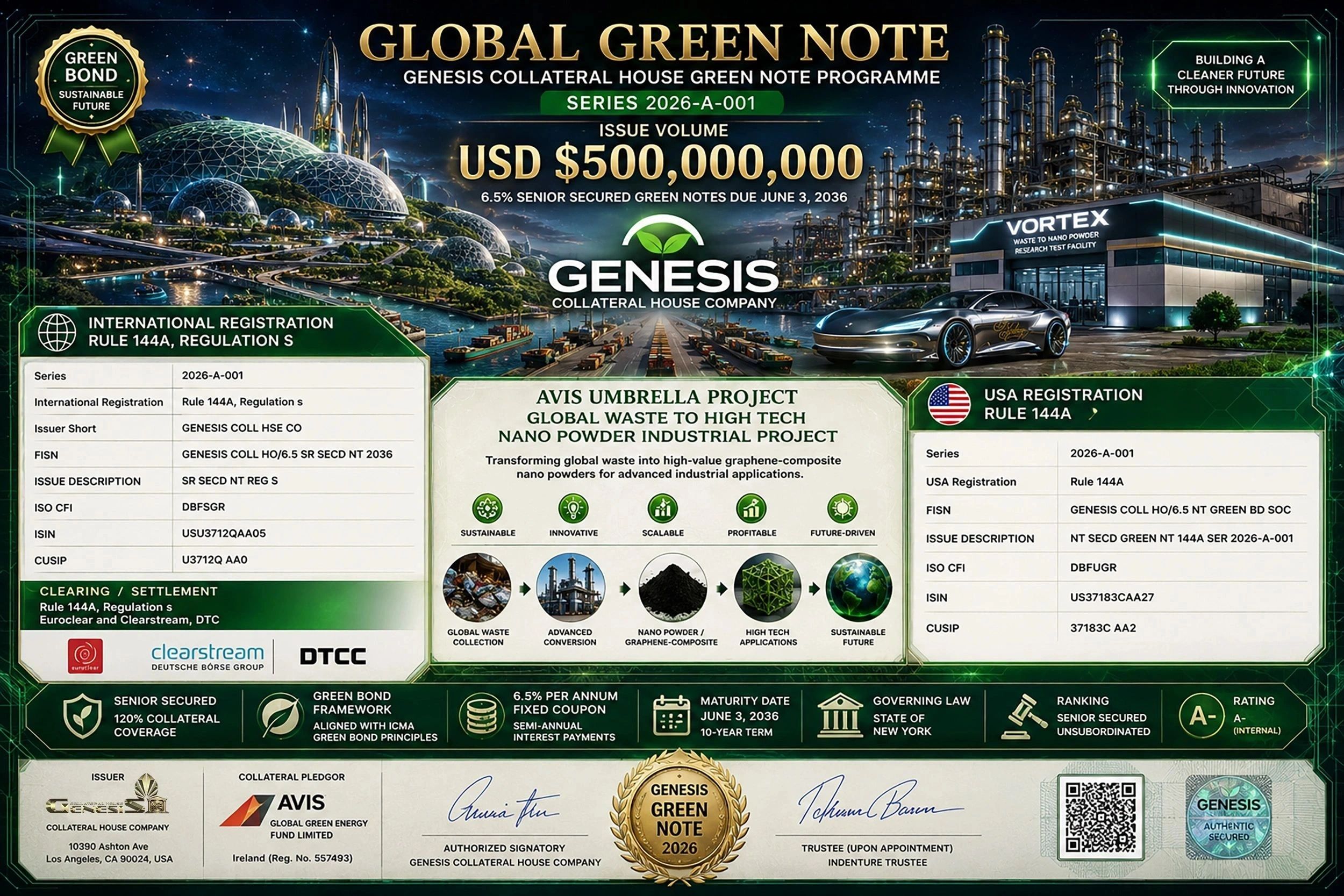
To accelerate commercialization and global deployment, AVIS Umbrella is implementing a strategic merger and acquisition program targeting established historical vehicle manufacturers and industrial production companies worldwide.
Through this model, AVIS Umbrella identifies manufacturers possessing proven industrial infrastructure, engineering expertise, production facilities, supplier networks, certifications, and market presence. Following acquisition, these facilities are modernized and transformed into fully automated robotic manufacturing centers utilizing advanced 3D Kinetic Fusion Printing technologies.
The acquisition and modernization program is supported through the GENESIS Collateral House Green Bond Programme, providing the financial infrastructure required to facilitate industrial transformation, technology deployment, and global manufacturing expansion.
The Green High-Tech Note Issuance Programme has been awarded an A- investment-grade rating, reflecting the strength of its collateral structure, financial framework, and sustainable infrastructure development strategy.
From Research to Global Commercialization

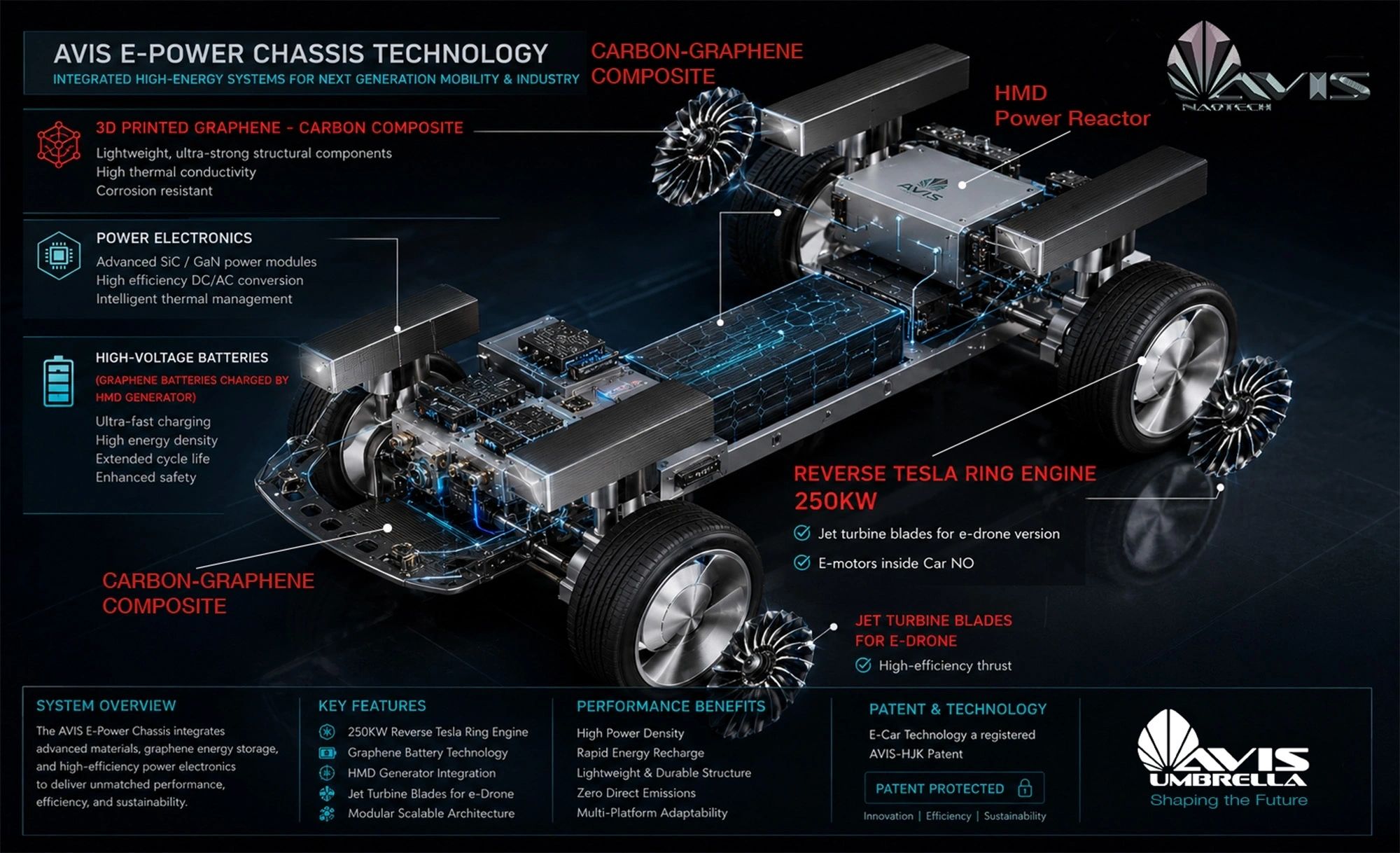
The AVIS Umbrella Project operates through a comprehensive end-to-end industrial process:
• Research and development of innovative consumer and industrial products.
• Engineering, design, simulation, and prototyping using advanced graphene-carbon composite materials.
• Strategic acquisition of established manufacturing companies and industrial infrastructure.

• Conversion of traditional factories into next-generation robotic additive manufacturing facilities, by delivery of the design, concept and engineering for prototyping and manufacturing for mass production.
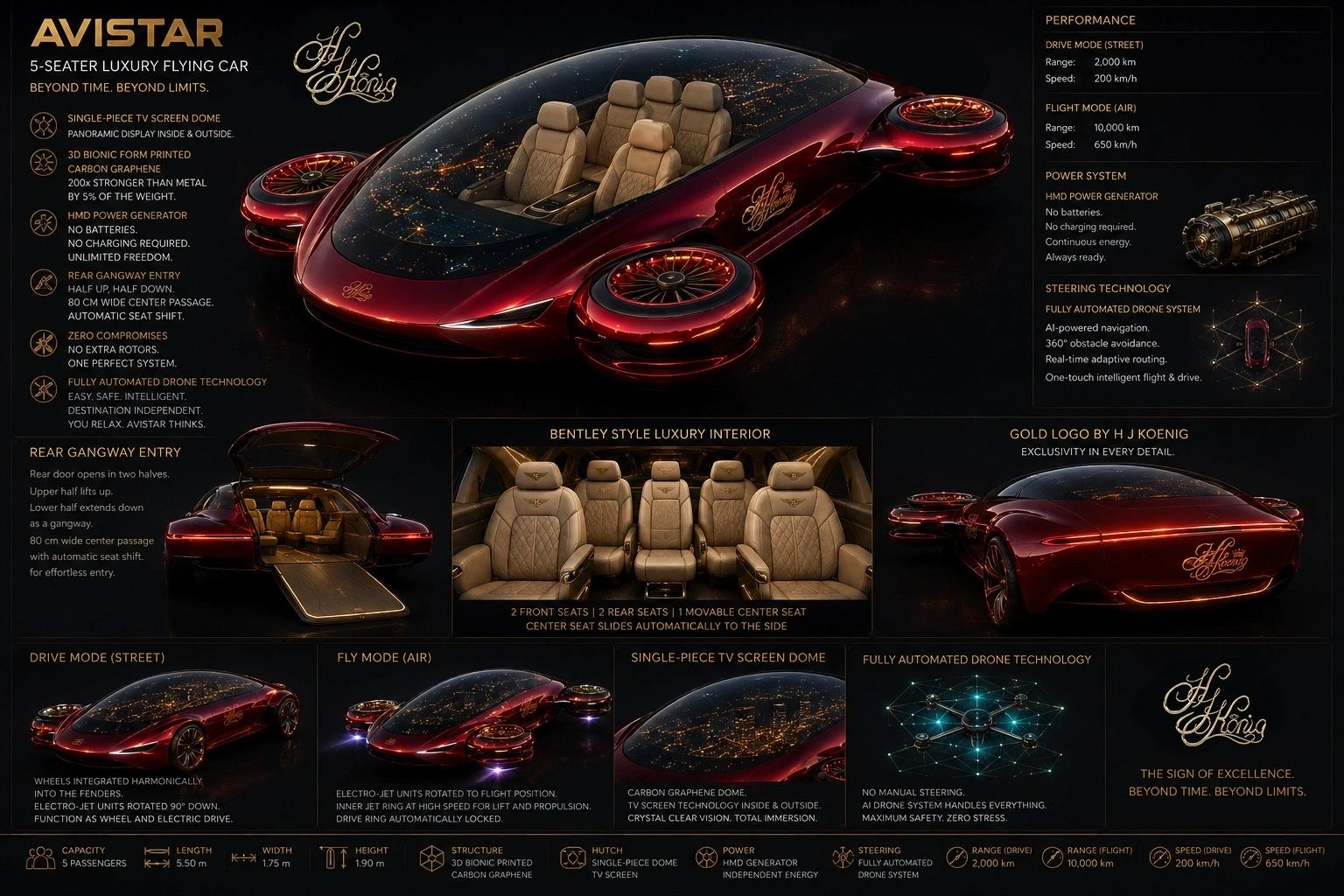
• Production of prototypes, testing programs, and regulatory certifications.
• Licensing and intellectual property commercialization.

• Large-scale manufacturing and industrial deployment.
• Global marketing, sales, and distribution through AVIS Umbrella's international industrial network.
Building a Sustainable High-Tech Economy
The AVIS Umbrella Project represents a new industrial paradigm in which environmental remediation, advanced manufacturing, and economic development operate within a single integrated ecosystem.
By converting waste into nano-engineered materials and transforming traditional industries into advanced manufacturing centers, the project seeks to reduce environmental burdens while creating sustainable industrial growth, skilled employment opportunities, and next-generation technological capabilities.
The long-term objective is the establishment of a global network of Green Industrial Parks dedicated to clean manufacturing, advanced materials engineering, transportation innovation, renewable energy integration, and circular economy solutions.
"The future of manufacturing is not based on consuming more resources, but on intelligently transforming existing resources into higher-value industrial assets. Through the combination of waste conversion technologies, graphene-enhanced materials, and 3D kinetic fusion printing, AVIS Umbrella aims to create a sustainable industrial ecosystem capable of addressing both environmental and economic challenges simultaneously."
For further information regarding industrial partnerships, technology licensing, strategic acquisitions, or investment opportunities, interested parties may contact the AVIS Umbrella Project Development Division.
About AVIS Umbrella
AVIS Umbrella is an international high-technology development platform focused on waste-to-nano-powder conversion, graphene and advanced materials engineering, 3D Kinetic Fusion Printing, green industrial infrastructure, clean energy systems, advanced manufacturing, and sustainable economic development. Through its integrated industrial, financial, and technology divisions, AVIS Umbrella develops scalable solutions that transform environmental challenges into long-term industrial and economic opportunities.
The article explores the evolution of the AVIS Umbrella, highlighting its dynamic restructuring and growth amid global challenges and innovations.
Founded in 2005 as a spin-off of AVIS Car Corporation, the AVIS Waste Recycling Project has grown into a multi-sector conglomerate bridging industrial and technology domains. Over time we have drawn interest from financial institutions and incorporated advanced prototyping systems into our operations. Established in 2005 as a spin-off from the AVIS Car corporation, the AVIS Waste Recycling Project has evolved into a diverse conglomerate spanning multiple industries and technology sectors. Over the years, we have attracted attention from the financial industry and have successfully integrated cutting-edge prototyping systems into our operations. Our commitment to innovation and sustainability sets us apart in the waste recycling industry. With a strong focus on efficiency and environmental responsibility, we strive to constantly improve and adapt to the ever-changing landscape of waste management. Join us in our mission to make a positive impact on the planet. Contact us today to discover more about our services and how we can assist your business in achieving its sustainability goals.
Experience the difference with AVIS Waste Recycling Project. Join us on a transformative journey towards a sustainable future. For over two decades, our team has been at the forefront of green energy innovation, attracting passionate individuals from diverse backgrounds such as banking, politics, and international broker markets. Through perseverance and dedication, we have overcome challenges and navigated a challenging path to reach our current position. Our commitment to sustainability and responsibility sets us apart in the industry.
Experience the difference with us. Embrace the future of green energy with a team that values integrity, innovation, and excellence. Join hands with us as we shape a cleaner, greener world for generations to come. Contact us today to be a part of this inspiring movement.
Discover the future of sustainable innovation with our groundbreaking project. Join us in building a green industrial city dedicated to producing free energy and organic alternative food, while revolutionising manufacturing through advanced technologies like VORTEX waste milling for 3D printing. Say goodbye to traditional rubbish burning, landfills, petrol for energy production and animal farming and embrace a new era of eco-friendly practices. Together, we can create a cleaner, greener world for generations to come.
We outline our global mission and strategic vision.
Founded in 2005 as a spin-off of AVIS Car Corporation, the AVIS Waste Recycling Project has grown into a multi-sector conglomerate bridging industrial and technology domains. Over time we have drawn interest from financial institutions and incorporated advanced prototyping systems into our operations. Established in 2005 as a spin-off from the AVIS Car corporation, the AVIS Waste Recycling Project has evolved into a diverse conglomerate spanning multiple industries and technology sectors. Over the years, we have attracted attention from the financial industry and have successfully integrated cutting-edge prototyping systems into our operations.
Our commitment to innovation and sustainability sets us apart in the waste recycling industry. With a strong focus on efficiency and environmental responsibility, we strive to constantly improve and adapt to the ever-changing landscape of waste management. Join us in our mission to make a positive impact on the planet. Contact us today to discover more about our services and how we can assist your business in achieving its sustainability goals. Experience the difference with AVIS Waste Recycling Project. Join us on a transformative journey towards a sustainable future.
For over two decades, our team has been at the forefront of green energy innovation, attracting passionate individuals from diverse backgrounds such as banking, politics, and international broker markets. Through perseverance and dedication, we have overcome challenges and navigated a challenging path to reach our current position. Our commitment to sustainability and responsibility sets us apart in the industry.
Experience the difference with us. Embrace the future of green energy with a team that values integrity, innovation, and excellence. Join hands with us as we shape a cleaner, greener world for generations to come. Contact us today to be a part of this inspiring movement.
Discover the future of sustainable innovation with our groundbreaking project. Join us in building a green industrial city dedicated to producing free energy and organic alternative food, while revolutionising manufacturing through advanced technologies like VORTEX waste milling for 3D printing. Say goodbye to traditional rubbish burning, landfills, petrol for energy production and animal farming and embrace a new era of eco-friendly practices. Together, we can create a cleaner, greener world for generations to come.
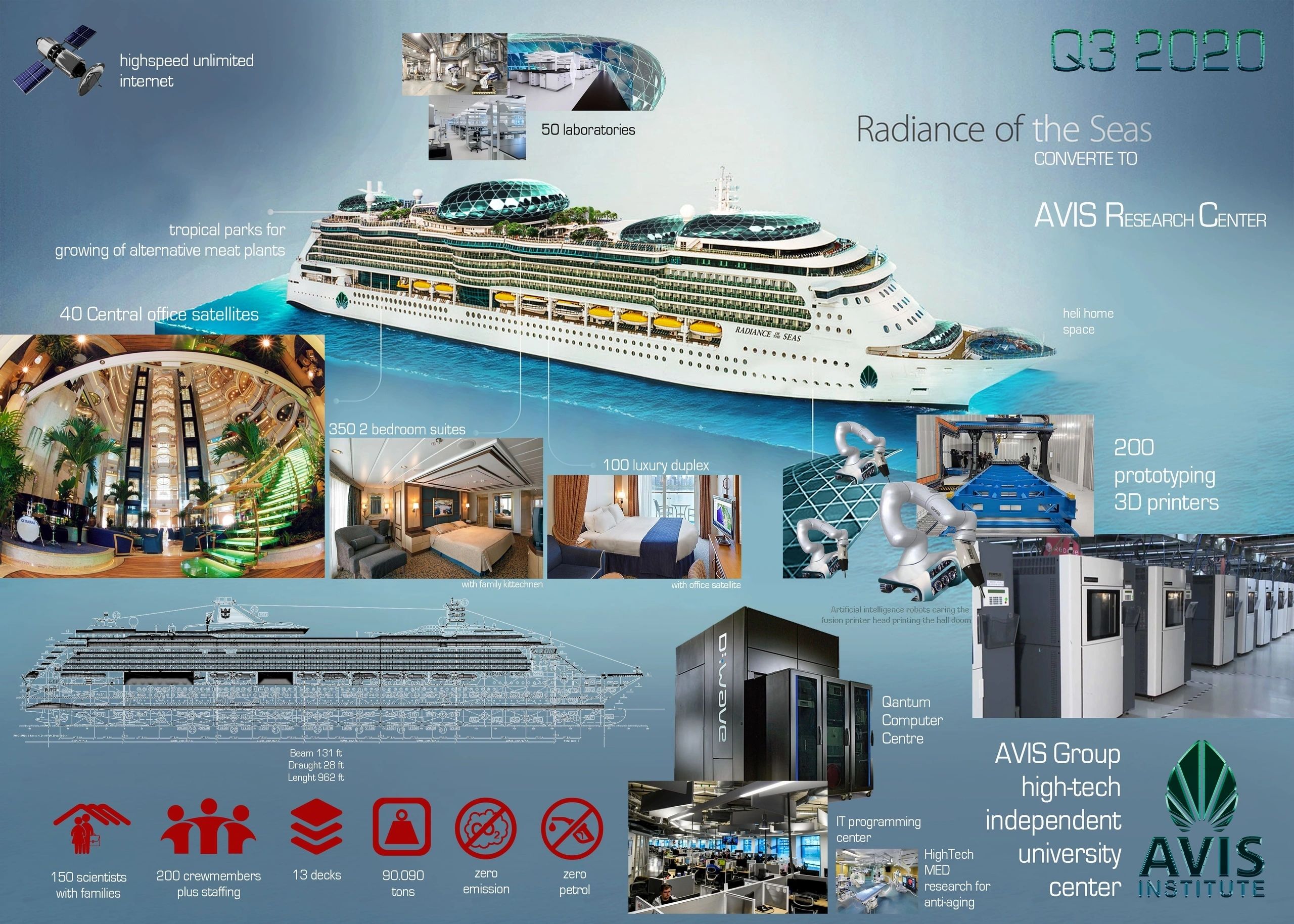
3D kinetic fusion of graphene-carbon composite creates vessel structures super strong and super light.

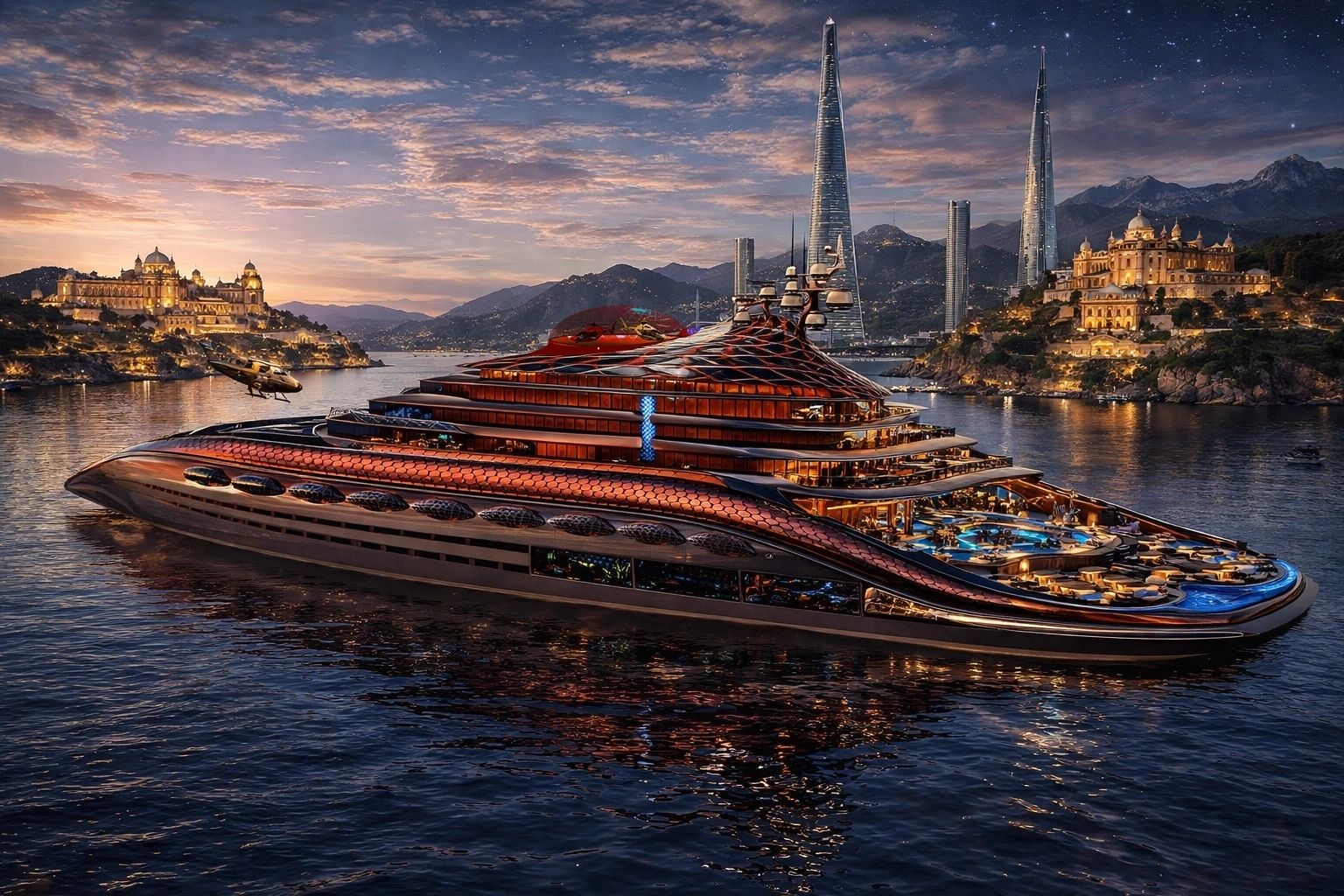

3D kinetic fusion of graphene-carbon composite creates vessel structures super strong and super light.
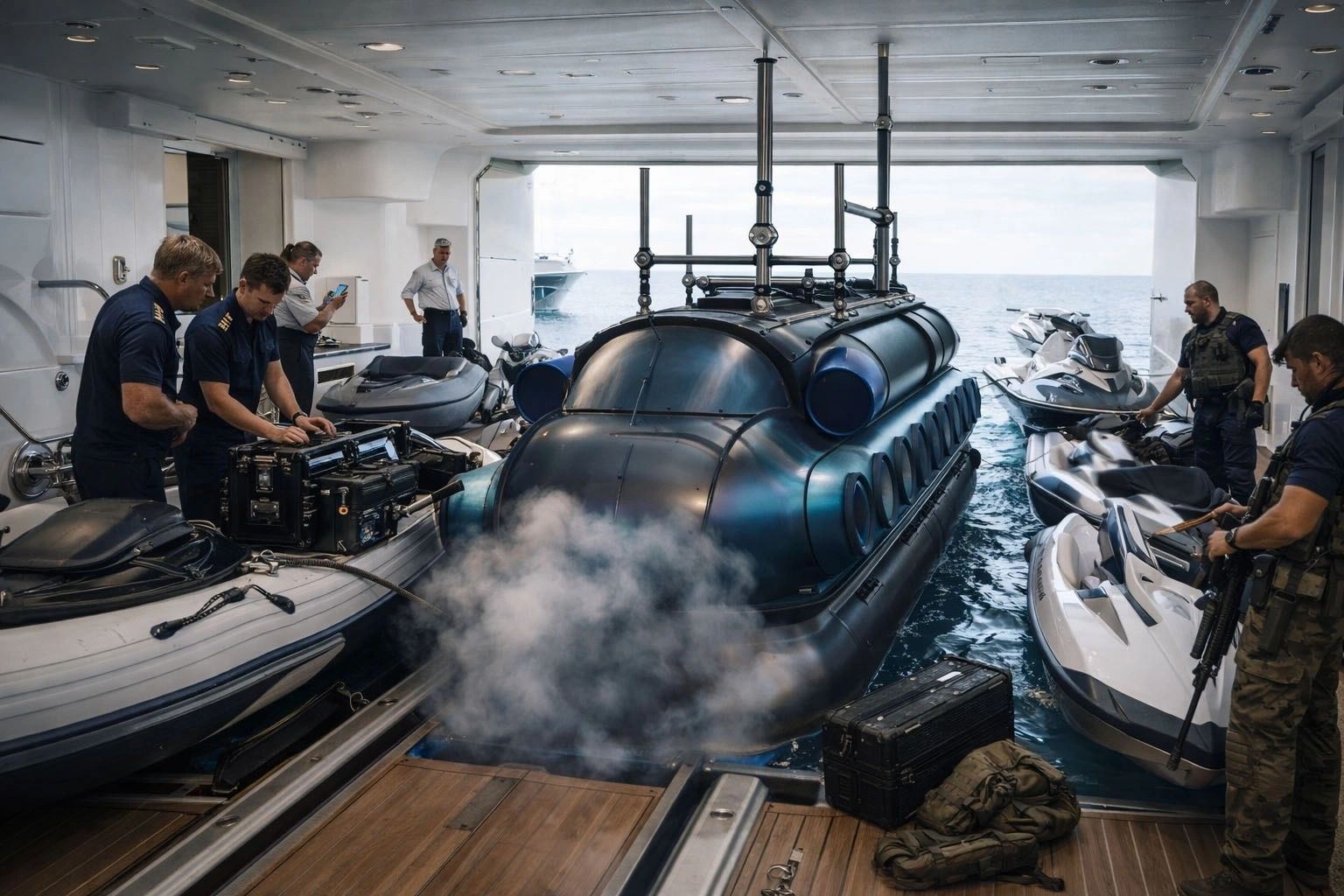
In an era where innovation and sustainability converge, AVIS Shipping emerges as a frontrunner in the maritime industry, revolutionising shipyard productivity through advanced technologies.

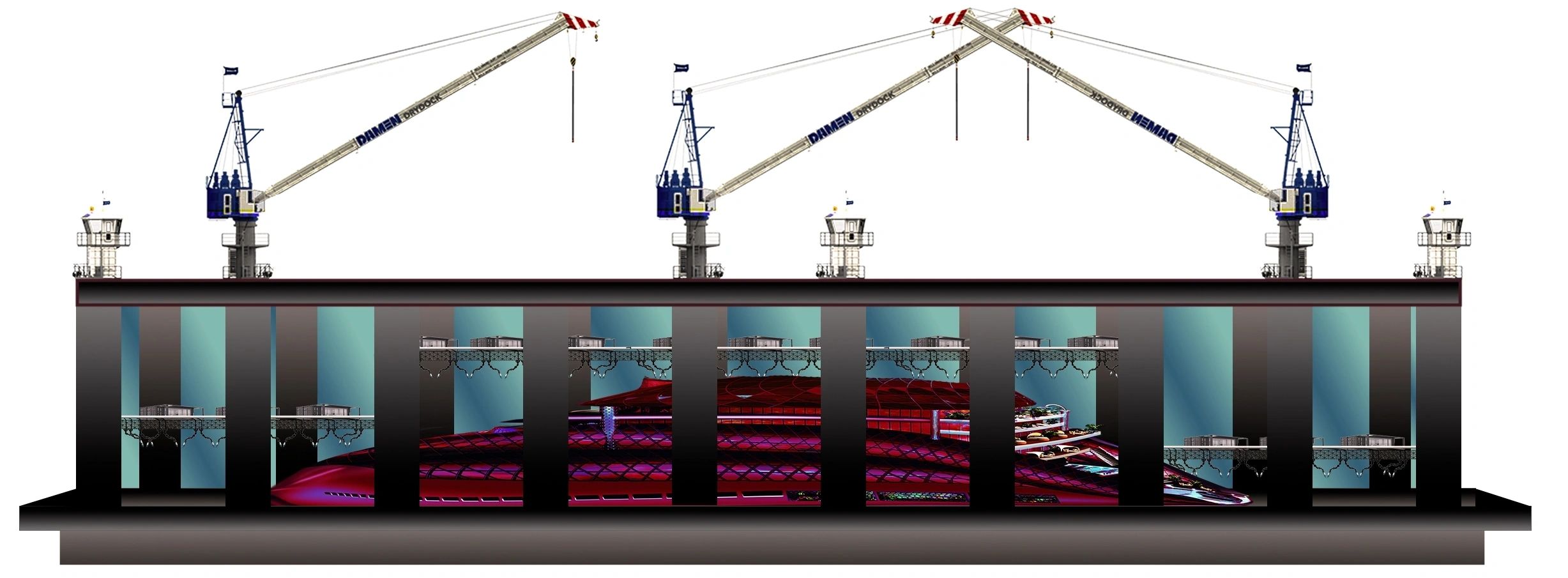
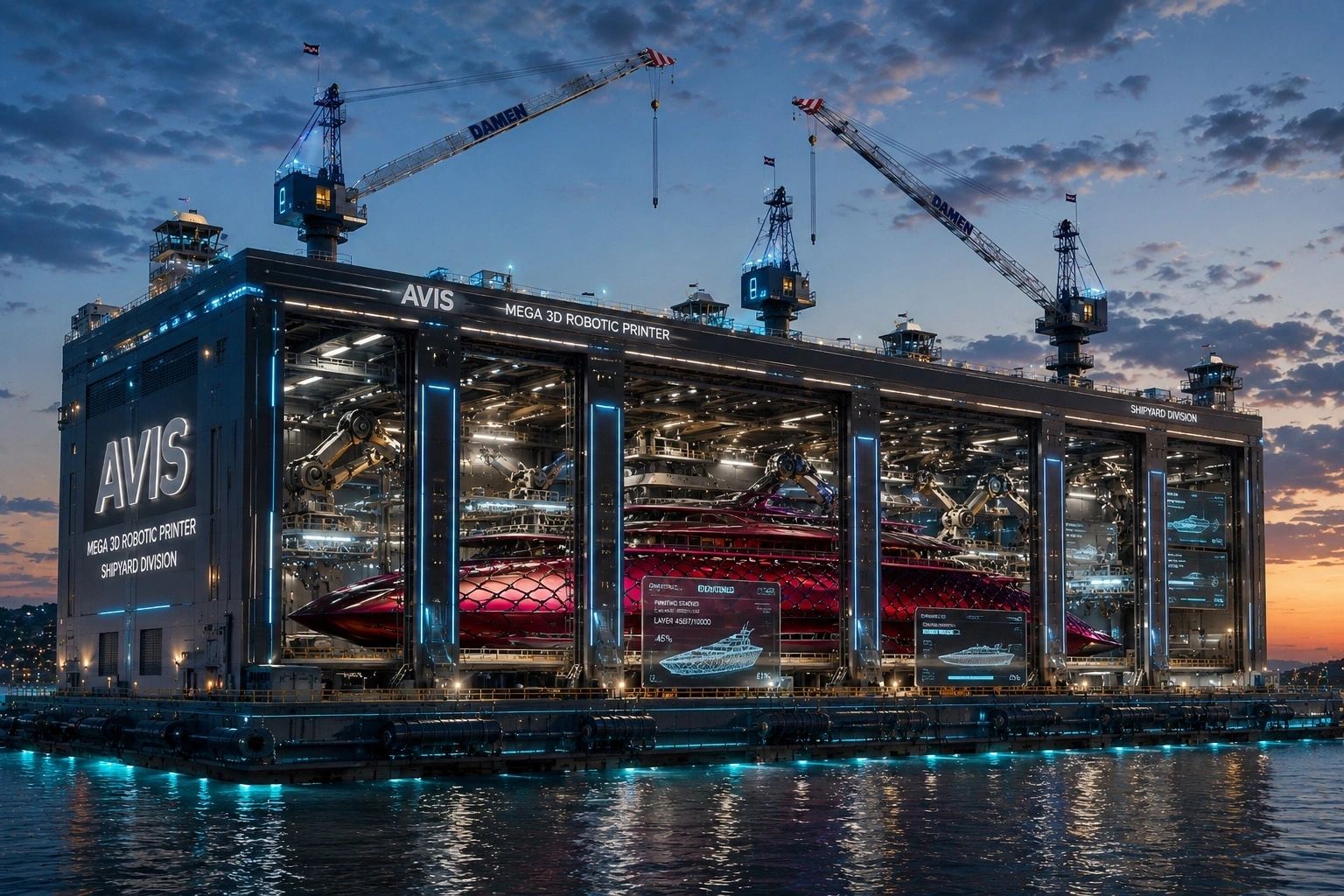
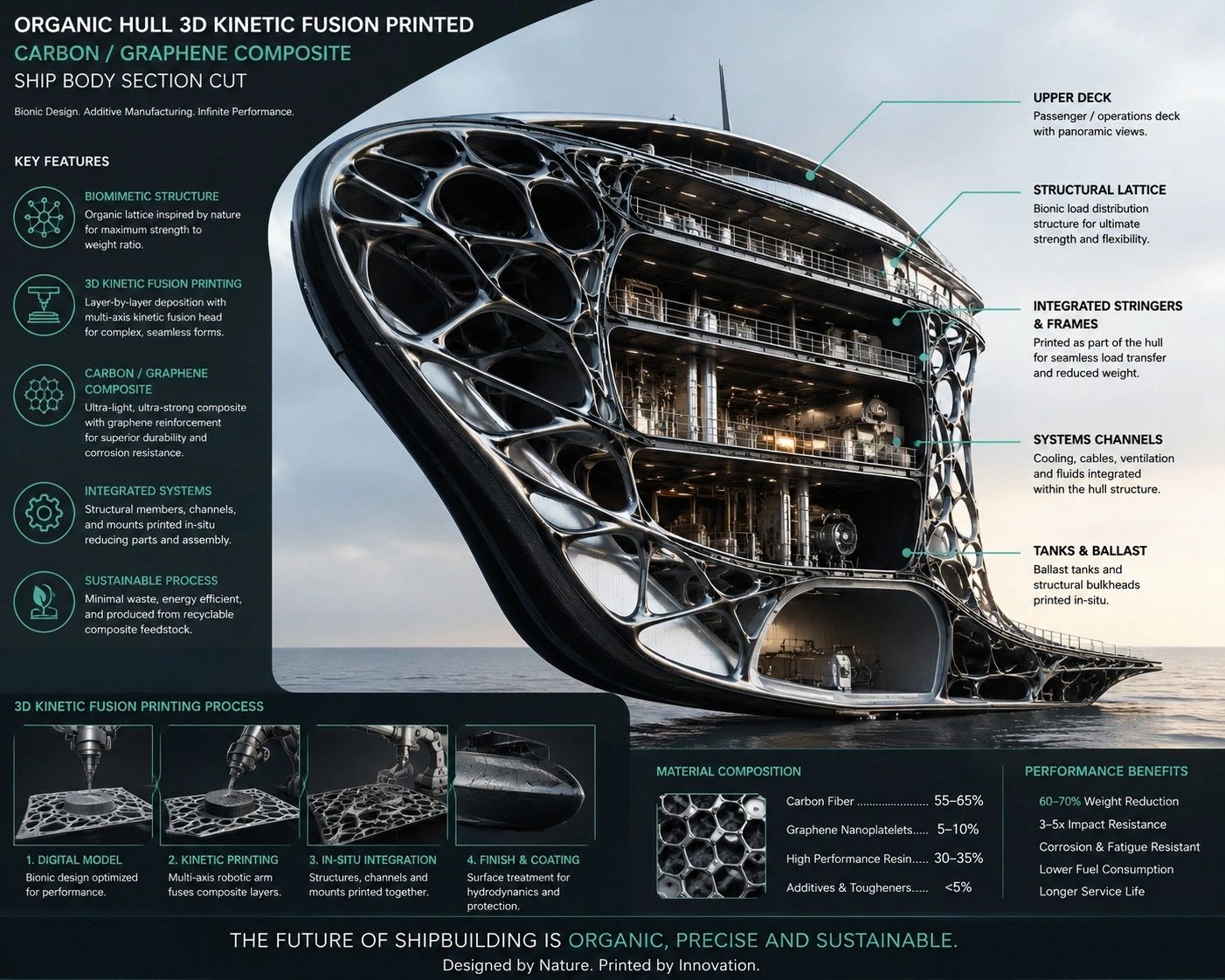
The company focuses on the construction of mega yachts and industrial floating production facilities, utilising cutting-edge methods such as 3D kinetic fusion mega printing robots and nano-powder graphene composites.
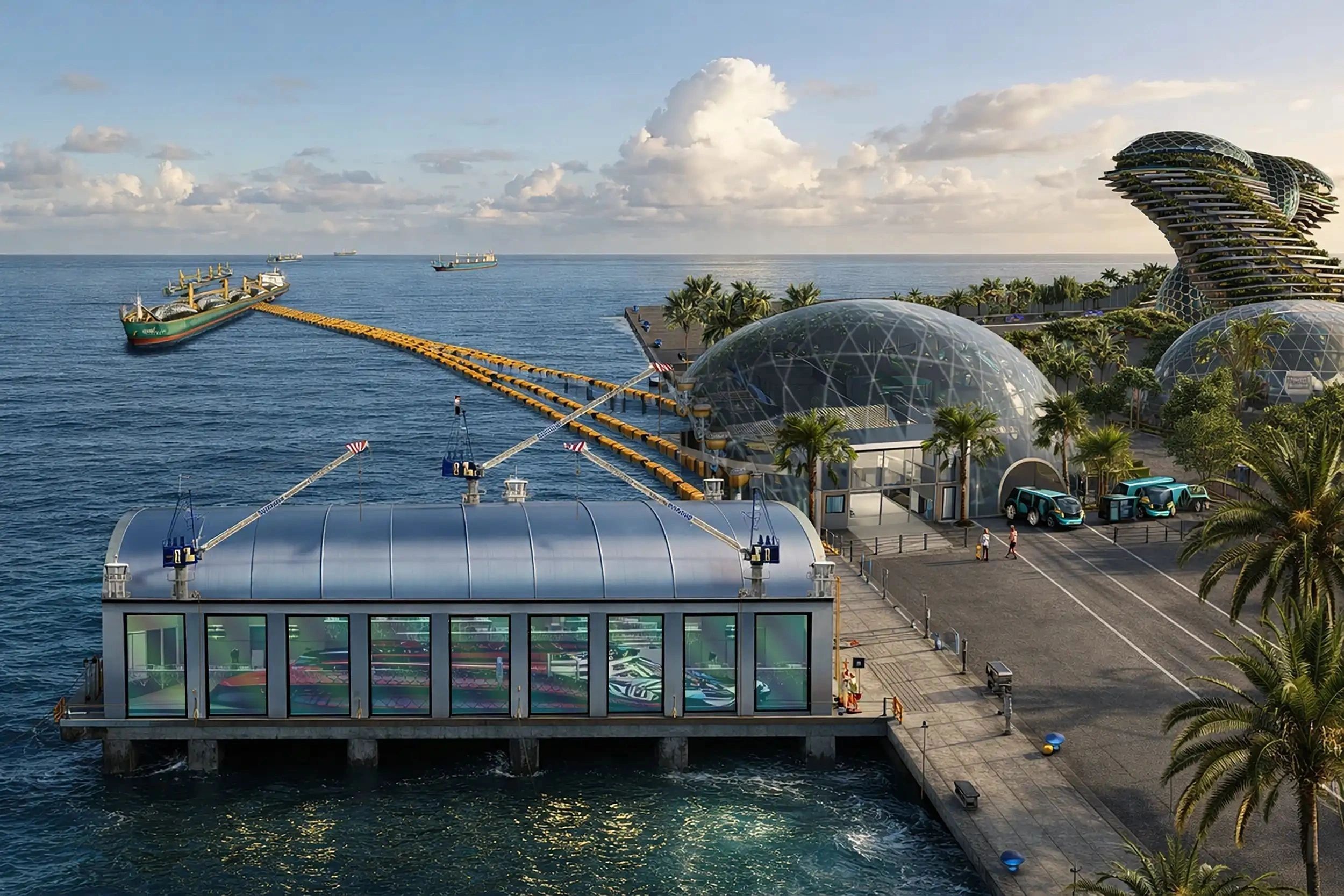
This multifaceted approach not only enhances manufacturing efficiency but also reinforces environmental considerations through the integration of alternative energy sources.
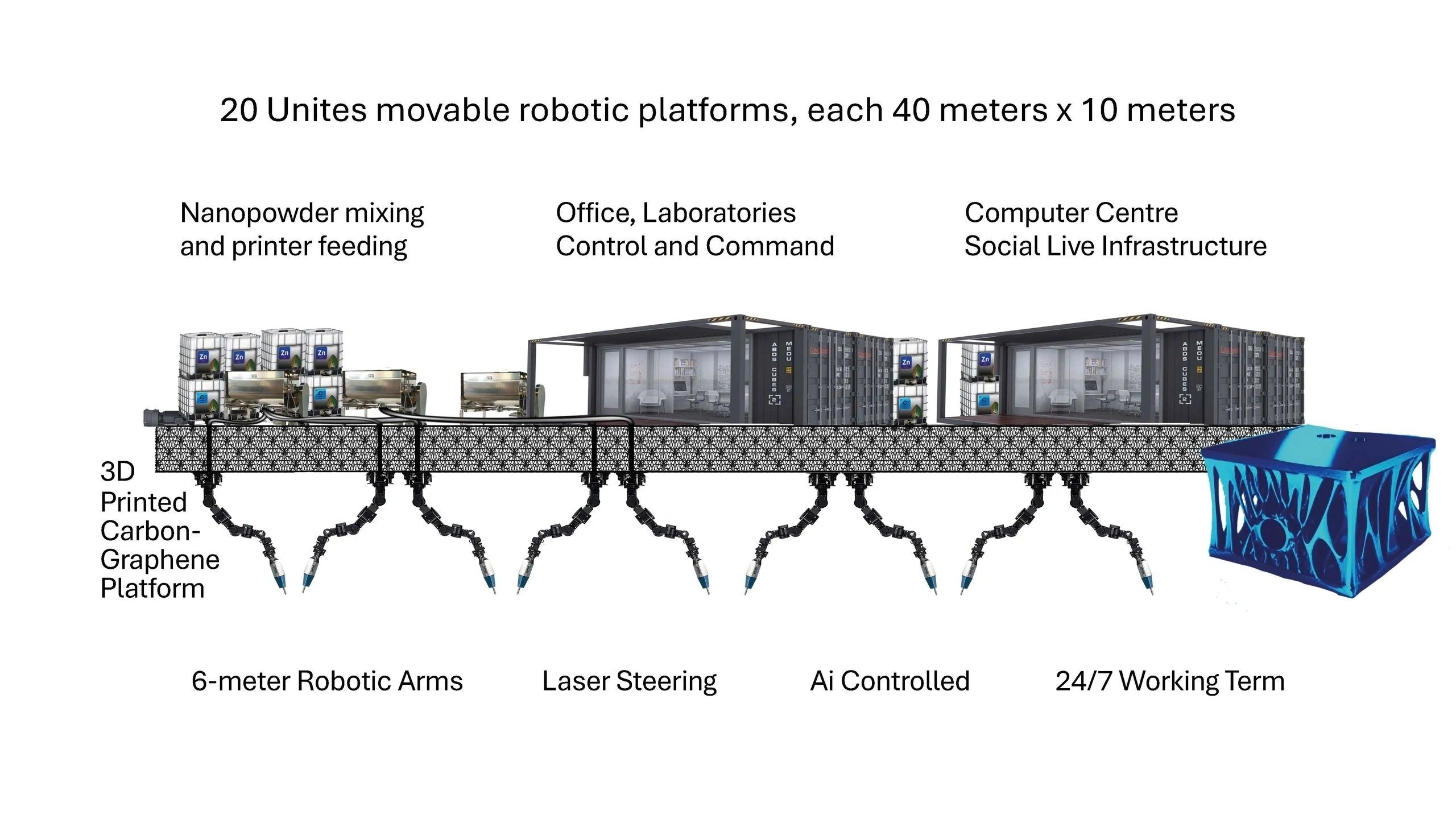
At the core of AVIS Shipping’s groundbreaking manufacturing process is its deployment of 3D kinetic fusion mega-printing robots.
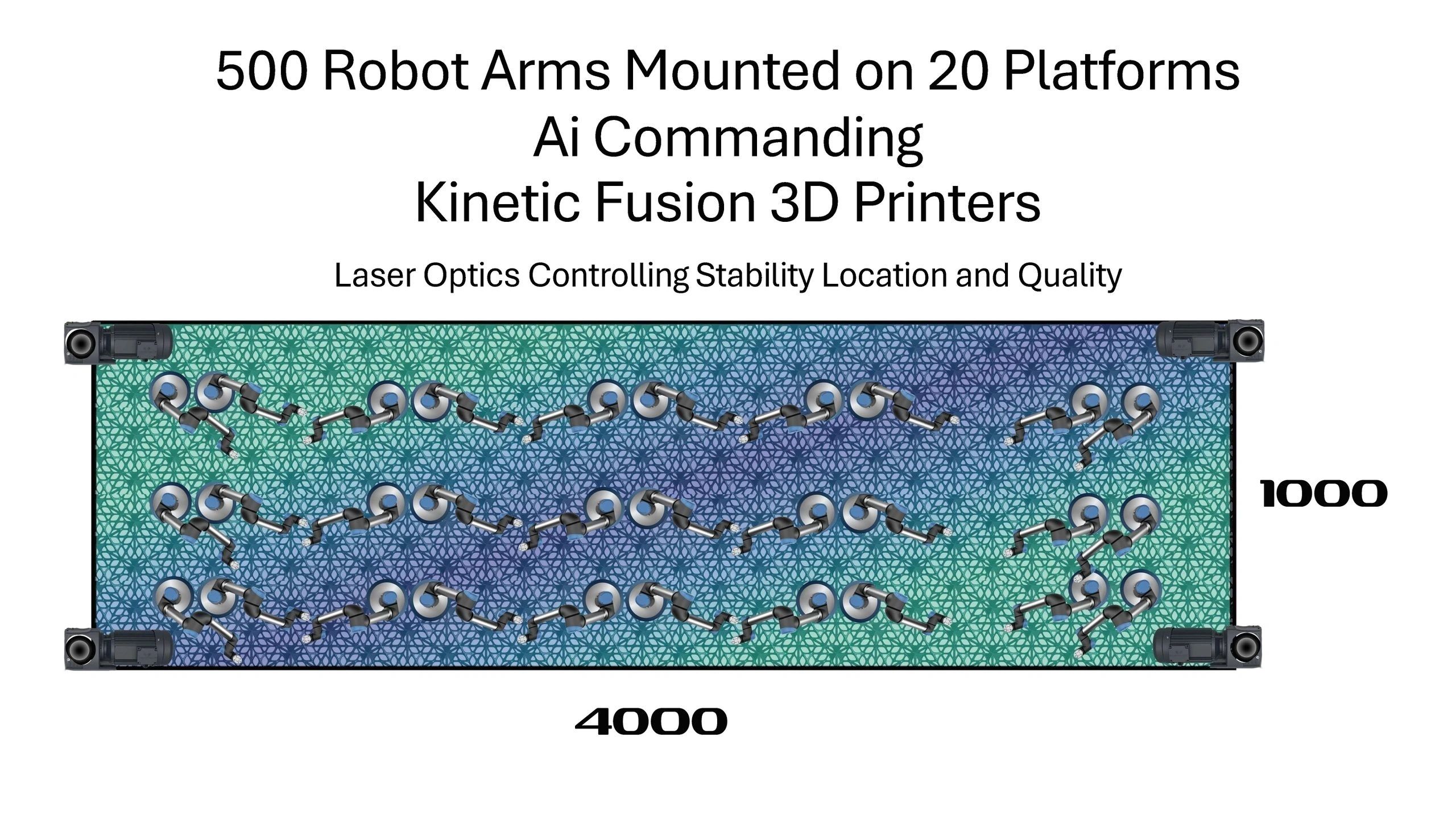
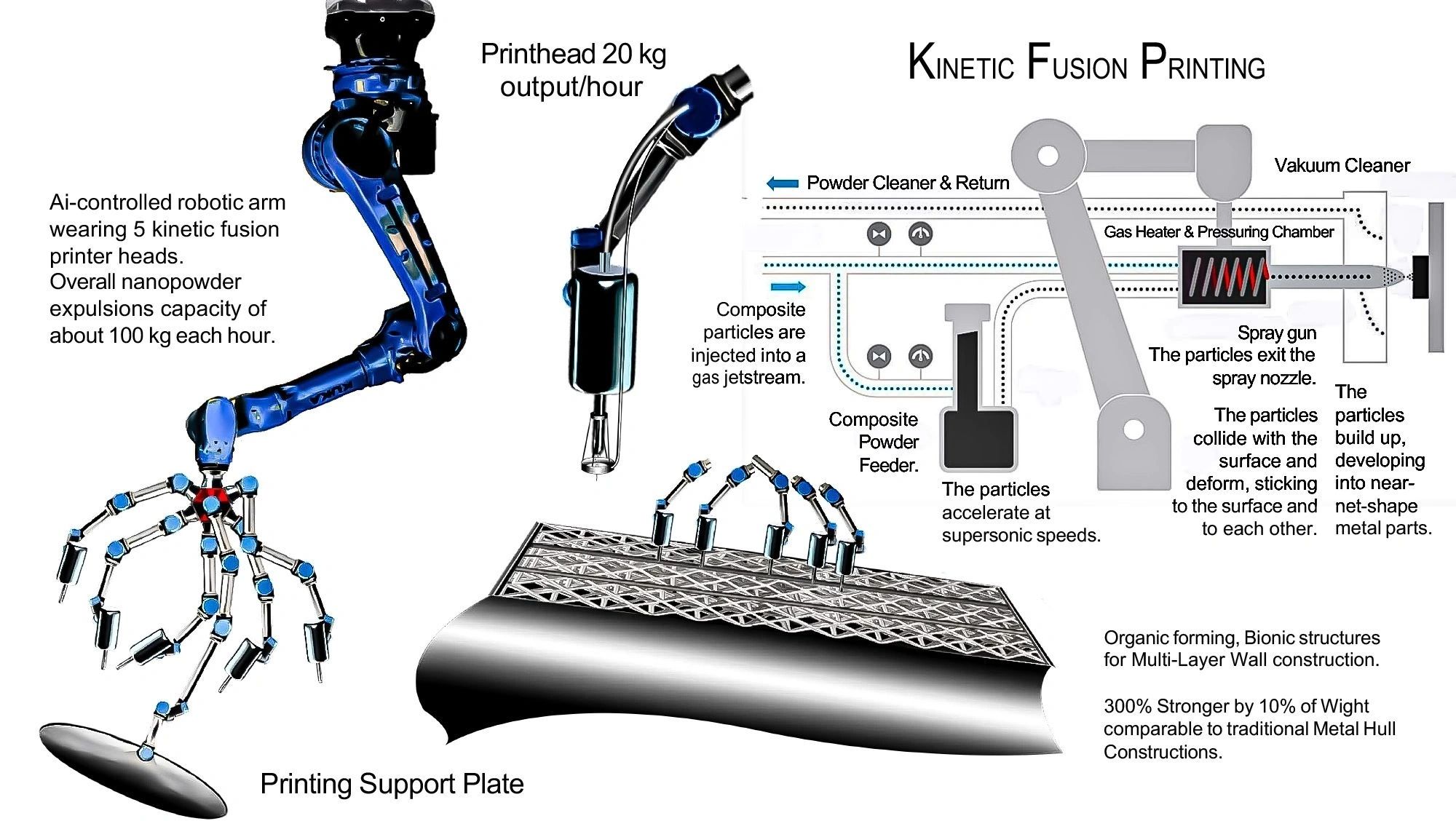
These advanced robotic systems automate and optimise the production of complex ship structures, drastically reducing construction time and labour costs.
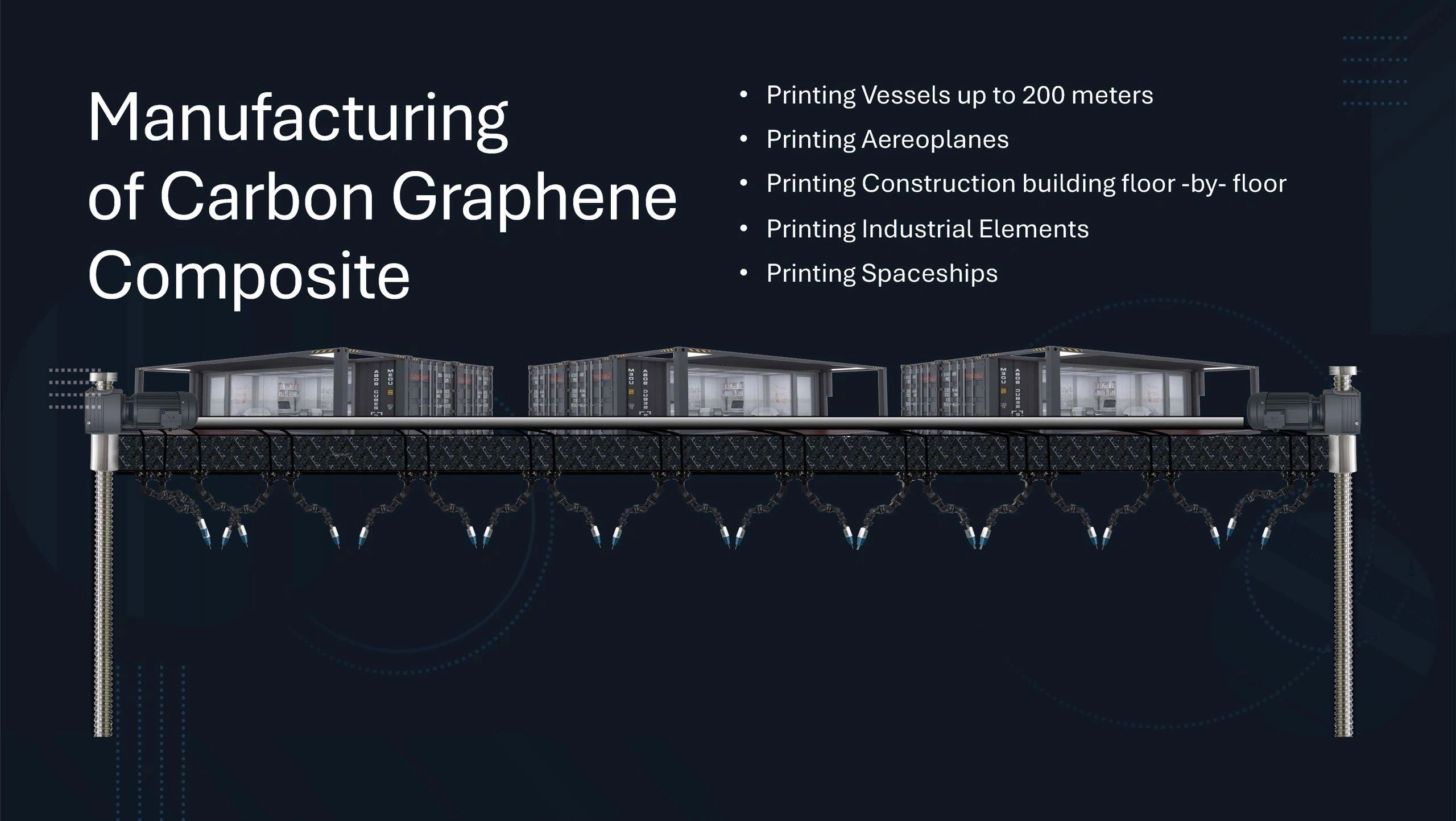
By leveraging the capabilities of additive manufacturing, AVIS Shipping can create intricate components and assemblies that traditional shipbuilding methods cannot achieve.
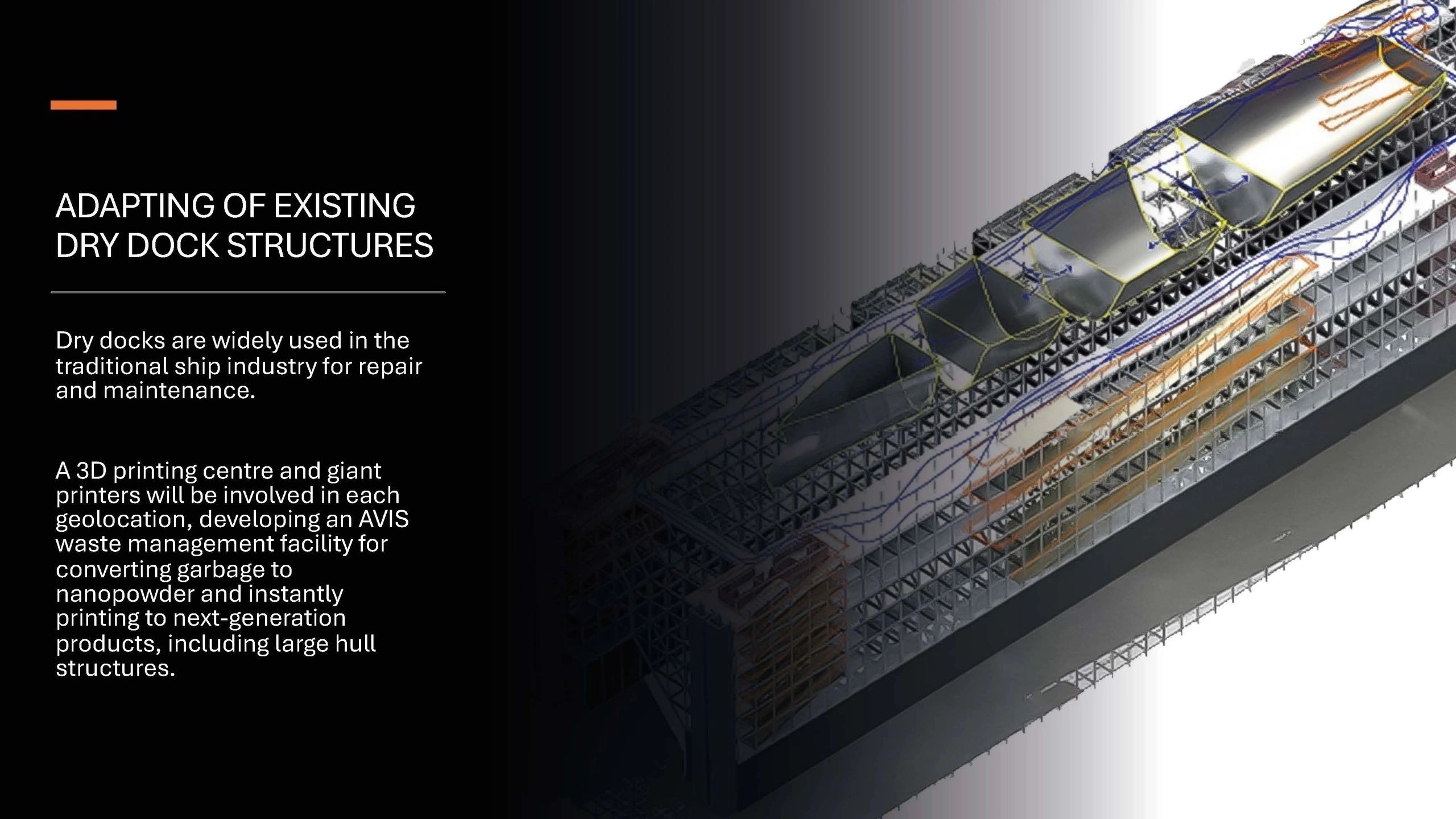
This high level of automation also minimises human error, resulting in superior quality control and structural integrity.
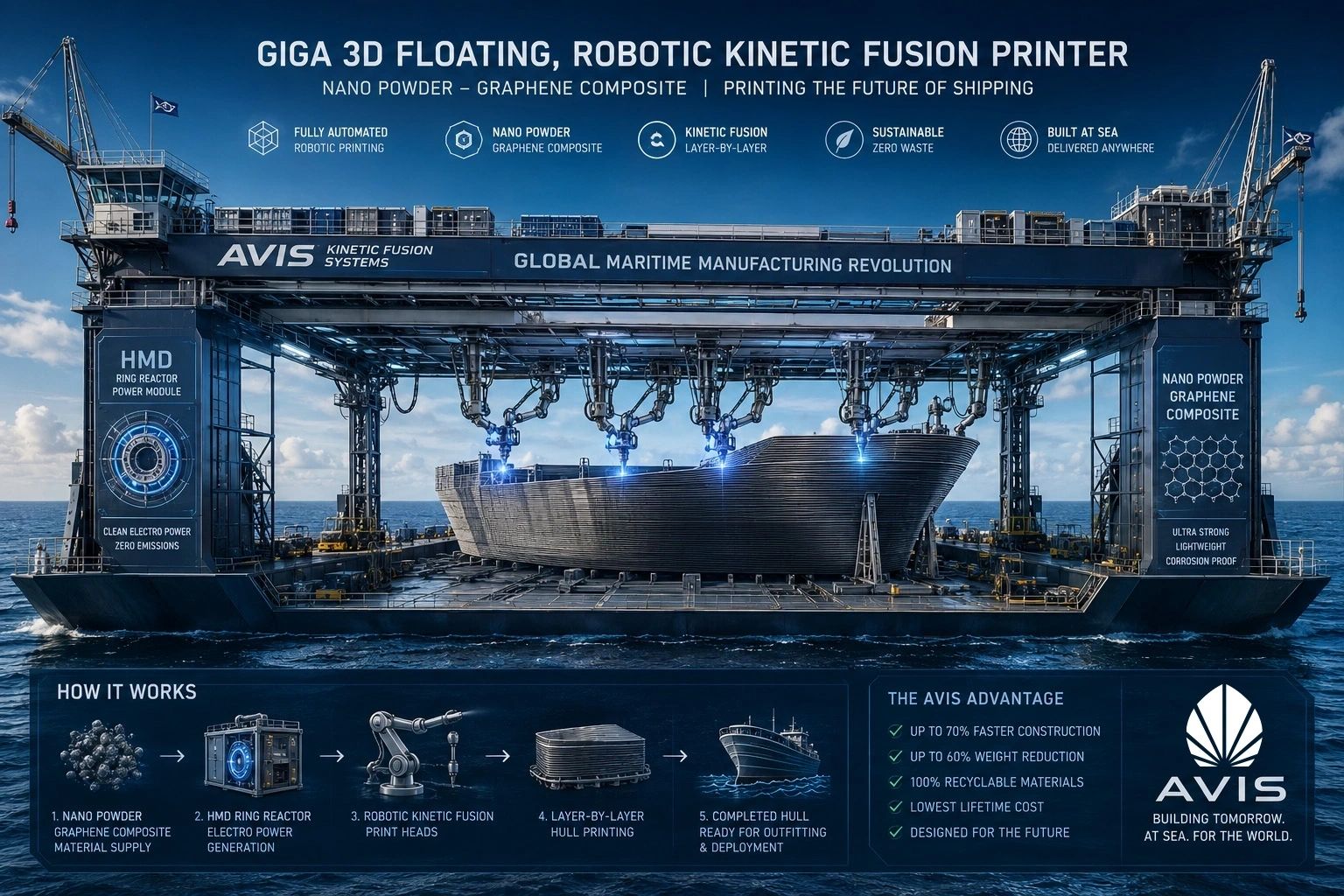
The materials used in production are equally innovative, with nano-powder graphene composites at the forefront. Graphene, known for its remarkable strength-to-weight ratio and corrosion resistance, significantly enhances the durability and performance of the vessels.
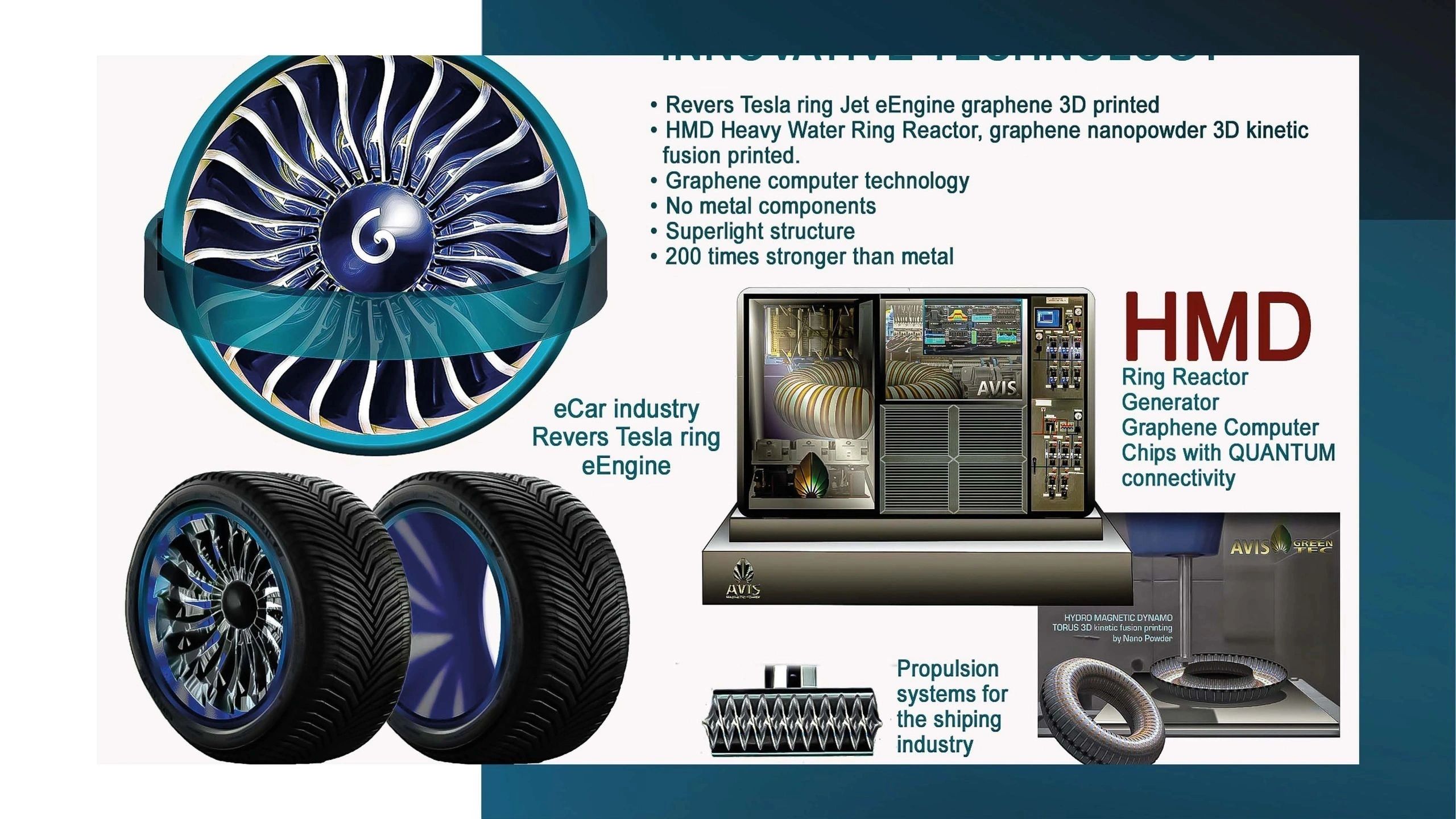
The use of these advanced materials not only contributes to the overall longevity of the ships but also addresses the industry’s pressing need for lighter and more fuel-efficient designs. The ability to construct ultra-strong yet lightweight structures enables the creation of larger vessels, such as Giga Yachts and expansive industrial facilities, which can seamlessly operate in various marine environments.
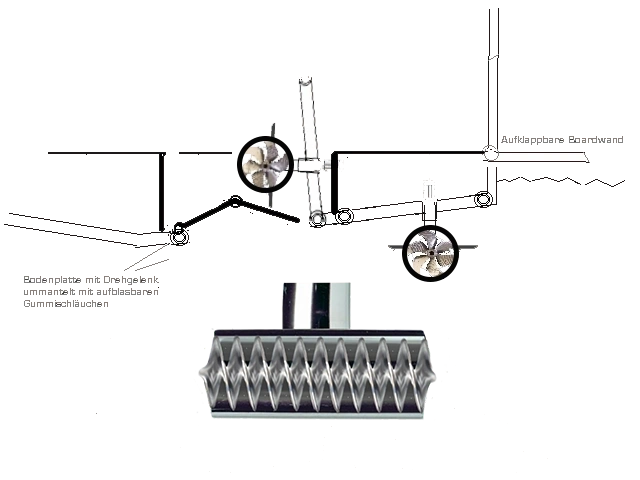
Powering these advanced vessels is another notable aspect of AVIS Shipping's design philosophy—alternative hydromagnetic dynamo electric power generators. This pioneering energy system harnesses the power of water movement, converting kinetic energy into usable electrical energy. The incorporation of these generators minimises reliance on conventional fossil fuels, aligning with global efforts toward sustainable maritime practices. Furthermore, these generators
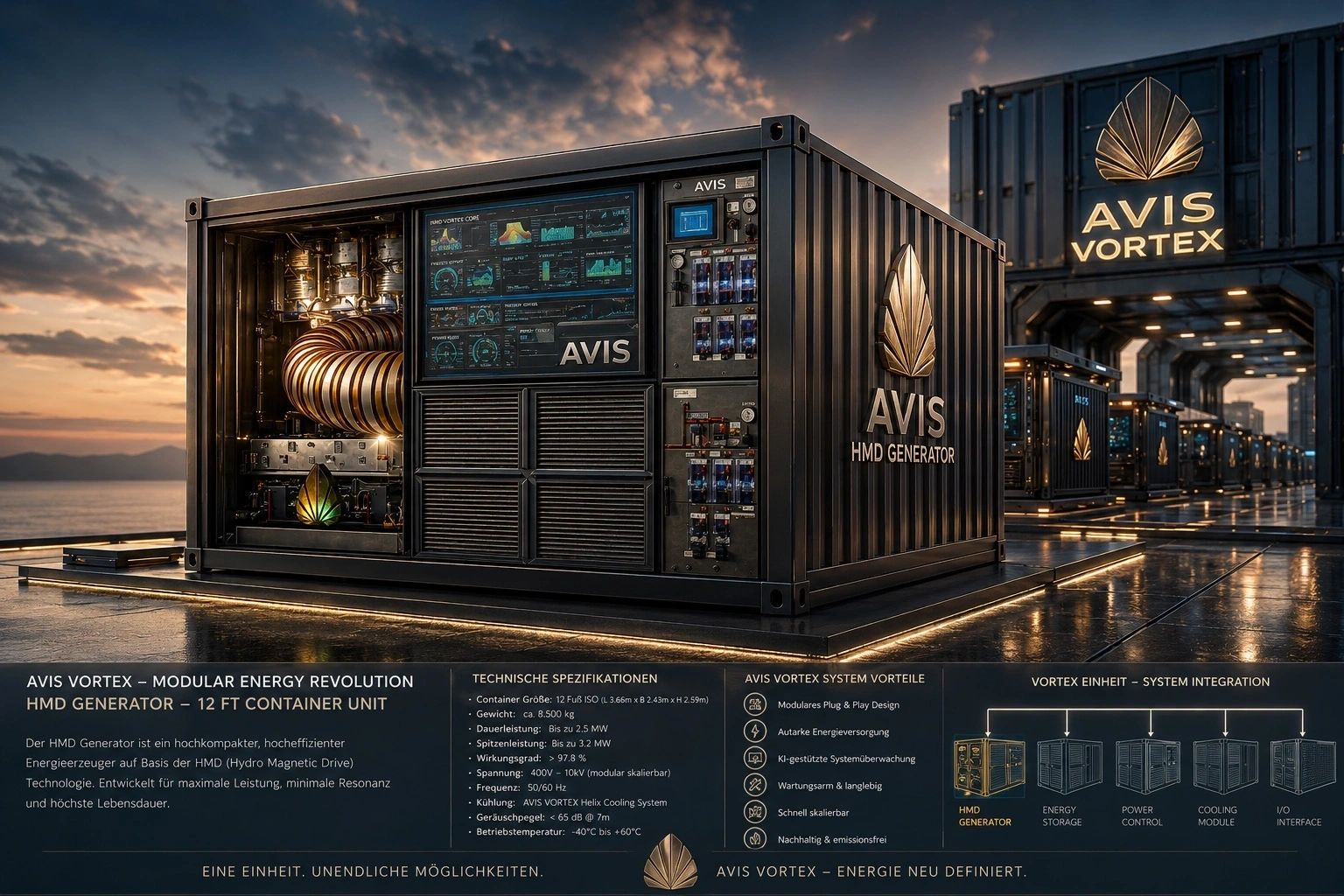
drive eight giant electric propulsion systems on board, offering unparalleled efficiency, reduced emissions, and quieter operation. The environmental benefits of this propulsion technology cannot be overstated, representing a significant step towards decarbonising the shipping industry.
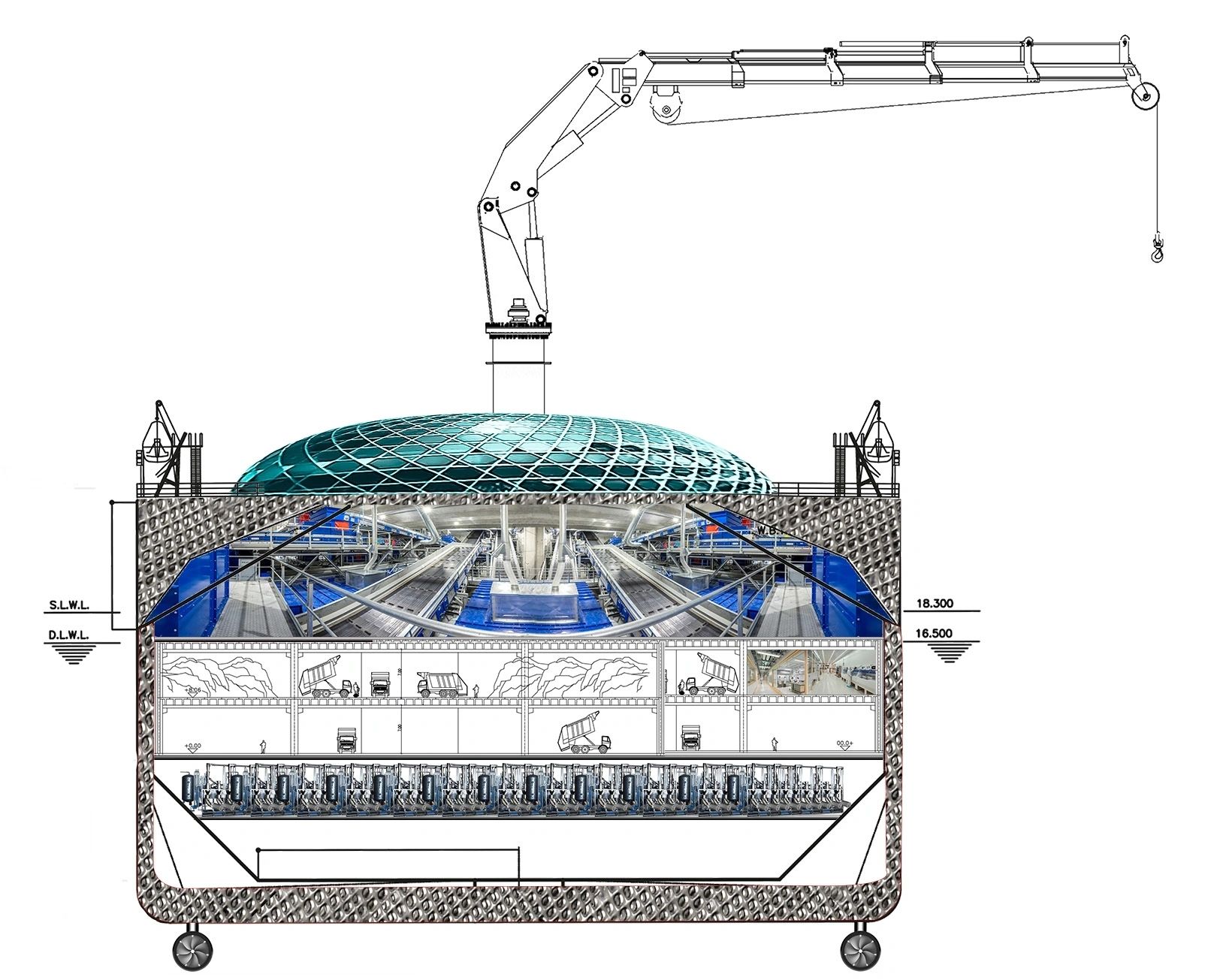
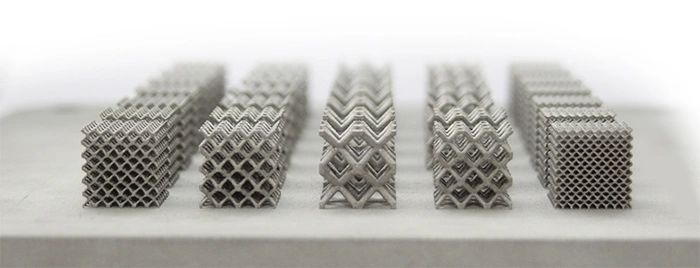
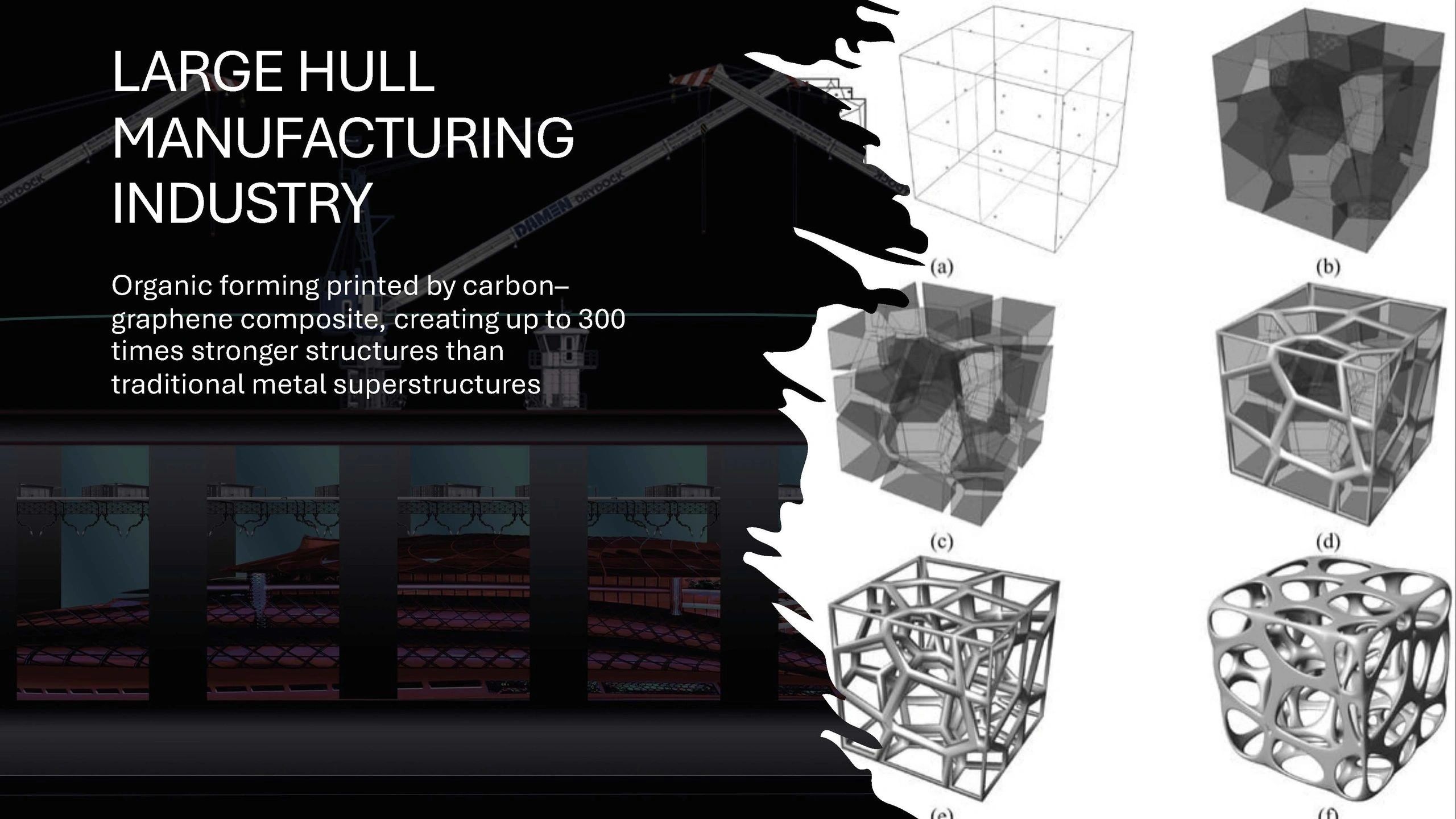
Another remarkable feature of AVIS Shipping vessels is their bionic structures, characterised by a dual-wall design that encapsulates the principles of adaptability found in biological organisms. This innovative architecture enhances not only the vessel's resilience against harsh marine conditions but also its ability to dynamically respond to environmental stimuli. The bionic design allows for greater flexibility in operations, making these ships suitable for various applications from luxury leisure to complex industrial tasks, bulletproof (up to 300times stronger than traditional metal structures) and highly stable against attacks from any armed forces.
In conclusion, AVIS Shipping stands at the forefront of the next-generation shipbuilding landscape, merging advanced manufacturing techniques with environmentally sustainable practices.
The integration of 3D kinetic fusion mega printing, nano-powder graphene, alternative power systems, and innovative bionic designs heralds a new era of maritime construction. As the industry moves toward greater efficiency and sustainability, AVIS Shipping exemplifies how embracing technology and

innovative materials can reshape the future of shipyard productivity and set new standards for the shipping industry. This forward-thinking approach not only meets the evolving demands of the market but also contributes to a more sustainable future for global maritime operations.
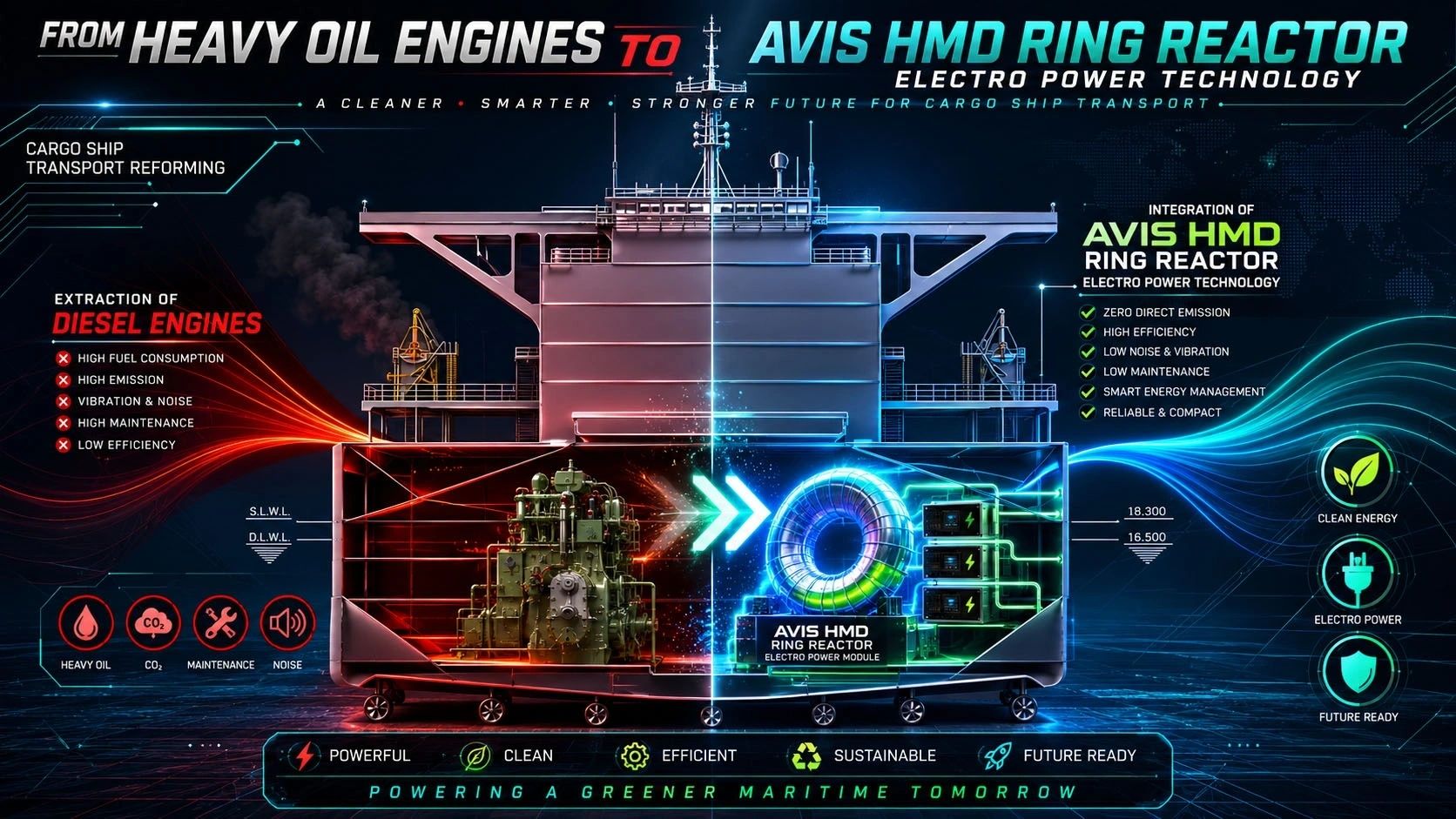
In another aspect, it is time to pull off the petrol-based engines and generators of the shipping industry and replace them with the AVIS electric power system. This would be a significant aspect of emigrating the shipping industry to green technology.
The Organic double-wall hull construction refers to the design and building of ships with double hulls, which includes
a space between two watertight hulls. This design enhances the structural integrity and safety of the vessel, making it less susceptible to deformation. Such hulls are particularly important in merchant ships to ensure profitability through efficiency and compliance with safety regulations.

To create an organic double-wall hull, materials and construction methods are carefully chosen to ensure optimum performance and durability while maintaining the design's cost-effectiveness.

It's best to double-check specific requirements or guidelines regarding materials and regulations when planning to construct such a vessel.
Double-hull ships offer several benefits, primarily related to safety, environmental protection, and structural integrity. Here are some key advantages:
Increased Safety: The double hull design provides an additional layer of protection against breaches. If the outer hull is punctured, the inner hull can still contain the vessel’s contents, reducing the risk of sinking.
Environmental Protection: Double hulls help prevent oil or other hazardous materials from leaking into the ocean in the event of a hull breach. This is particularly important for tankers and cargo vessels carrying potentially harmful substances

Compliance with Regulations: Many international regulations, such as those set by the International Maritime
Organisations (IMO) require the use of double hulls for certain types of vessels, especially oil tankers, to enhance safety and environmental protection.
Improved Structural Integrity: The double-wall construction can enhance the overall strength and stiffness of the hull, allowing it to better withstand stresses from waves, impacts, and other forces.
Buoyancy and Stability: The extra layer of buoyancy provided by the outer hull can contribute to improved stability and handling characteristics in rough seas.
Easier Maintenance: The space between the hulls can be used for conducting inspections and maintenance, allowing for easier access to the structure that might otherwise be difficult to reach.
Reduced Damage in Collisions: In the event of a collision, the outer hull can absorb some of the impact, protecting the inner hull from damage.
Insurance Benefits: With added safety features and reduced environmental risk, insurers may offer better terms or lower premiums for double-hull vessels.
These benefits make double hull designs a preferred choice for many modern marine vessels, particularly those involved in transporting liquids like oil and chemicals.
Industrial Fashion Meets Graphene Technology and Decentralized Manufacturing
Industrial Fashion Meets Graphene Technology and Decentralized Manufacturing
Mallorca / Milan – Q2 2026

AVIS Umbrella, the global developer of high-technology industrial ecosystems, announces the international rollout of the HJK fashion platform, marking a decisive entry into the transformation of the global textile and luxury fashion industry.
Through a strategic merger with two traditional Italian fashion manufacturers, AVIS integrates heritage craftsmanship with advanced material science, initiating a new industrial category:
High-Tech Fashion Infrastructure "FROM LUXURY DESIGN TO INDUSTRIAL SYSTEM"
The HJK brand—developed as a high-end design and innovation platform—will now be deployed at industrial scale.

Starting in Q2 2026, Italian manufacturing partners will:
*Integrate HJK’s design architecture into existing production systems I Begin graphene textile processing adaptation I Transition from traditional manufacturing toward intelligent material engineering
THE GLOBAL TESTING PHASE: 47,000 STYLES GO LIVE
In an unprecedented move, AVIS will activate: 47,000 HJK styles as part of a live global testing program Objectives:
*Identify optimal design-to-market performance I Test consumer interaction with graphene fabrics I Refine aesthetic + functional convergence
This creates the world’s first: Real-time fashion engineering environment

GRAPHENE TEXTILES: THE CORE TECHNOLOGY SHIFT
At the center of the rollout lies the integration of graphene-based fabrics—a material class redefining performance textiles:
*Extreme strength at minimal weight I Thermal regulation capabilities I Anti-bacterial and long-life wear I Reduced dependency on water-intensive agriculture
Graphene transforms garments from passive products into:

Functional high-performance systems
FROM CENTRALIZED PRODUCTION TO GLOBAL MICRO-FACTORIES
The long-term objective of AVIS is clear:
Every boutique becomes its own manufacturer
*Through: Advanced 3D textile printing systems I AI-driven design deployment I Localized production units within AVIS Industrial Parks
*This eliminates: Overproduction I Global logistics dependency I Inventory waste
And introduces: On-demand luxury manufacturing I Localized economic ecosystems

ADDRESSING A COLLAPSING GLOBAL INDUSTRY
The initiative directly confronts the systemic failures of the fashion sector:
*Environmental Impact 700 gallons of water per cotton shirt I ~5% of global carbon emissions I 92 million tonnes of annual textile waste
*Humanitarian Issues I Unsafe labor conditions I Exploitation of workforce I Exposure to toxic chemicals
*Industrial Toxicity Heavy pesticide usage I Water contamination from dyeing processes I Soil degradation and ecosystem collapse
AVIS RESPONSE: COMPLETE SYSTEM REPLACEMENT a closed-loop industrial model:
*Traditional Fashion Mass production I Cotton dependency I Global logistics I Waste surplus
*AVIS Model On-demand production I Graphene textiles I Localized manufacturing I Zero-inventory system

INTEGRATION INTO AVIS INDUSTRIAL PARKS
*The HJK platform will be deployed across AVIS Umbrella Industrial Parks, where: Waste-to-nano systems supply raw materials I Graphene production integrates with textile engineering I AI and metaverse platforms manage design and distribution
This positions fashion as part of a larger ecosystem:
Energy + Materials + Finance + Manufacturing + Digital Infrastructure MEDIA & PUBLIC POSITIONING
*The rollout will be supported by: AVIS.TV global broadcasting I Documentary and cinematic storytelling I Live reporting of industrial and design processes I Investor and shareholder communication channels

EXECUTIVE STATEMENT
“Fashion is no longer a consumer product. It becomes an industrial technology platform. With HJK, we are not launching collections—we are deploying infrastructure.
LOOKING FORWARD
The HJK rollout represents a foundational step toward: Fully decentralized manufacturing systems I Tokenized design ownership via AVIS Exchange I Integration into QUANTUM banking-enabled industrial finance structures
ABOUT AVIS UMBRELLA
*AVIS Umbrella is a global developer of high-tech industrial ecosystems operating across 65 countries, specializing in: Waste-to-nano material conversion I Graphene-based manufacturing I 3D kinetic printing technologies I Financial infrastructure and industrial funding systems
CONCLUSION
The global rollout of HJK marks the beginning of: A new industrial era where fashion, technology, and sustainability converge

A Strategic Framework for Global Industrial Transformation
A Strategic Framework for Global Industrial Transformation
Italy Global — The AVIS Umbrella announces the execution roadmap of its industrial expansion strategy, a fully integrated model designed to accelerate the deployment of large-scale, high-tech infrastructure across global markets.
At the core of this strategy lies a decisive principle: growth through structured acquisition, integration, and optimization of existing industries. (Q1-2026 - 17 different industries are in merger and acquisition status with AVIS Umbrella)
The Execution Roadmap
The AVIS Umbrella Model is built upon three fundamental pillars:
1. Operational Readiness by Design
A fully engineered project framework has been selected to ensure timely execution and immediate operability. The focus: speed, scalability, and precision in deployment.
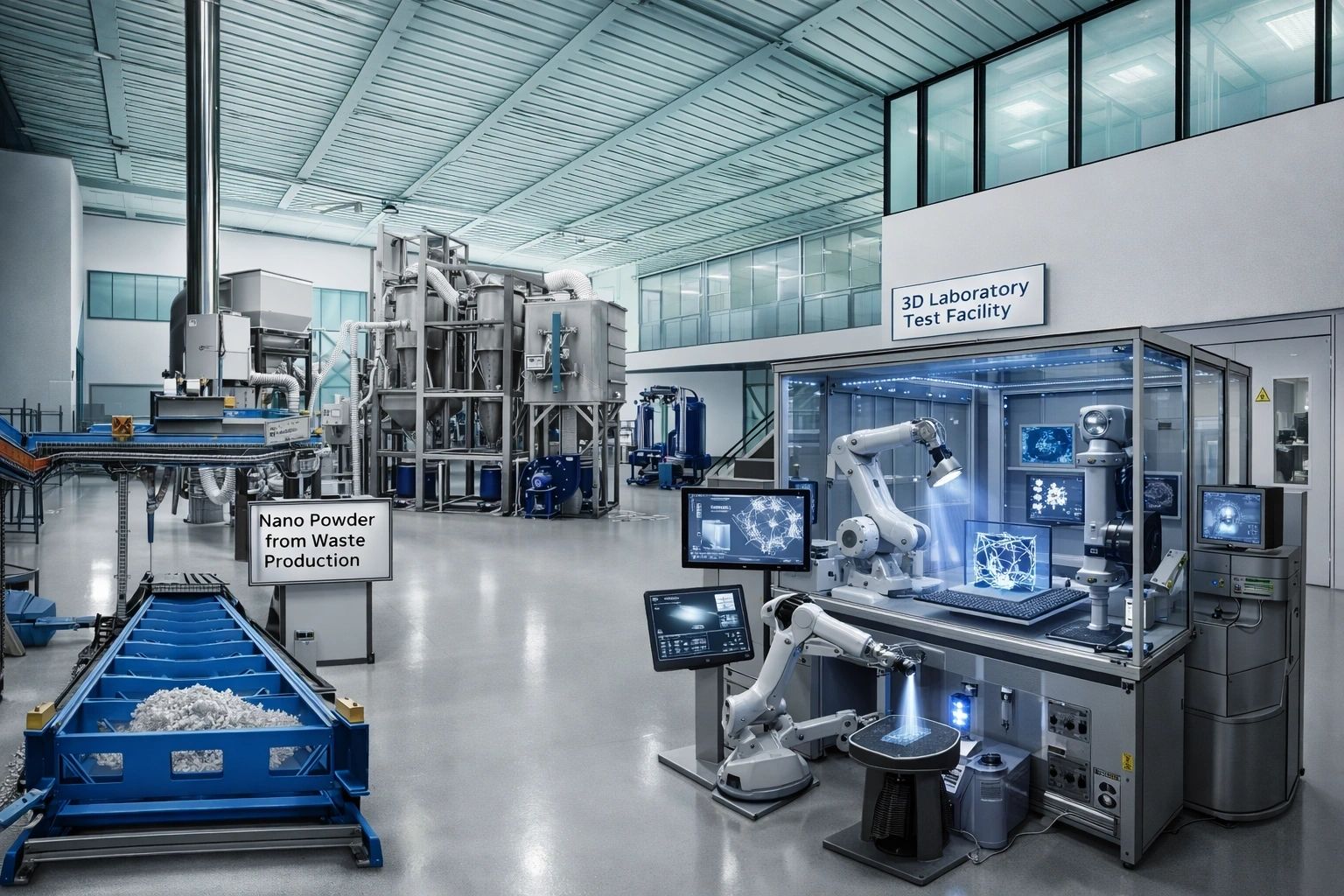
2. Technology as Core Infrastructure
All required technologies have been identified re.searched, tested, secured, and integrated into the Umbrella as subsidiary or franchise. These technologies form the backbone of the AVIS industrial ecosystem, enabling high-efficiency production and advanced system integration.
3. Financial Architecture for Scale
Developed by experienced former banking and industrial executives, the AVIS financial model enables:

This ensures that all acquisition and operational requirements are fully funded and executable without delay.
Strategic Advantages (Pro Positioning)
The AVIS Umbrella Model delivers immediate and measurable benefits:
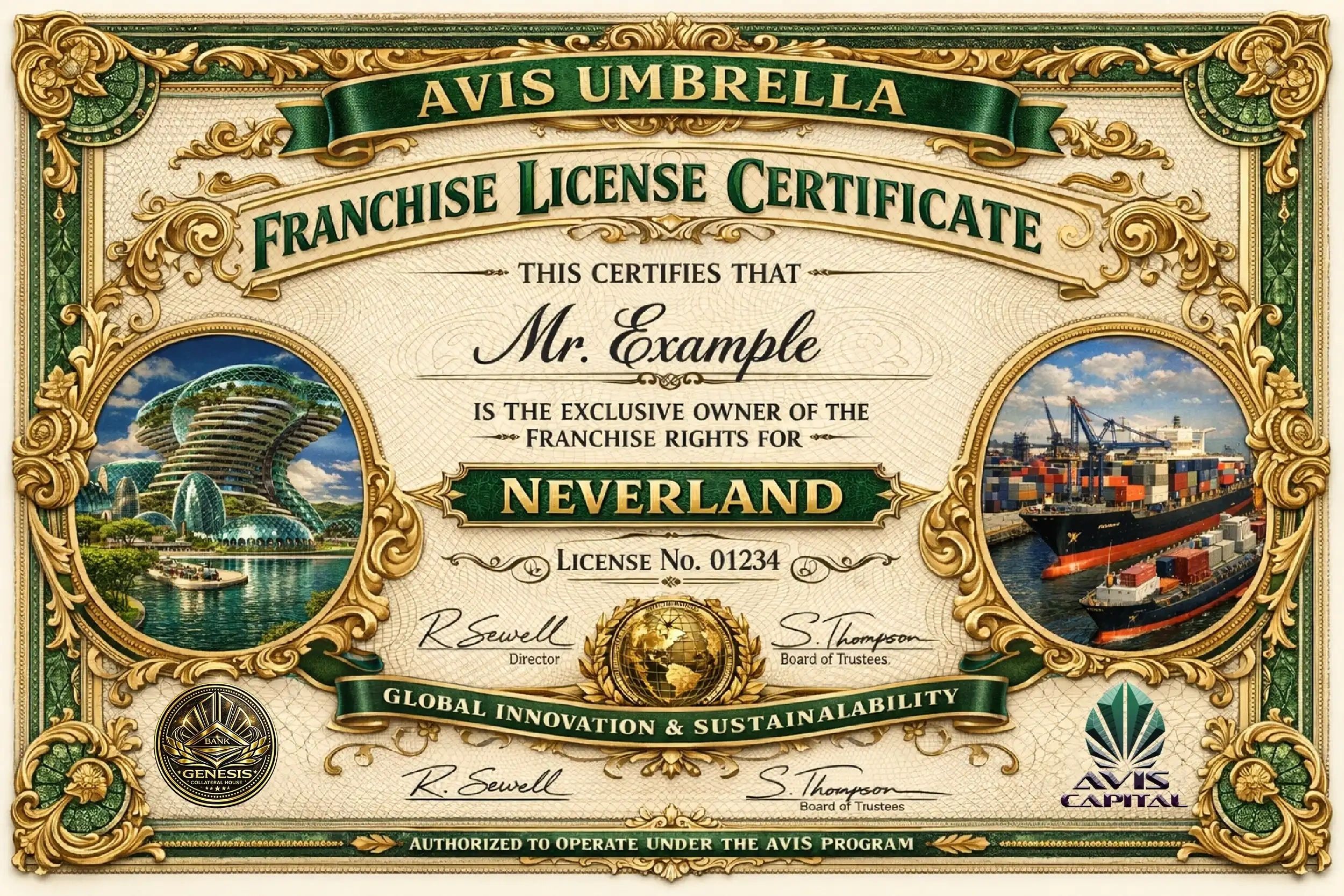

Result: A significantly reduced time-to-market compared to traditional greenfield development, enabling the rapid formation of high-performance industrial clusters.
Strategic Considerations (Execution Realities)
The model requires disciplined financial and operational commitment:
These factors are integral to achieving long-term efficiency, scalability, and global competitiveness.
Conclusion: From Vision to Execution

Through this strategy, the AVIS Umbrella has successfully secured the capital structures and technological capabilities envisioned over the past two decades.
What began as a long-term vision has now evolved into a fully executable global industrial platform.
The AVIS Umbrella Model stands as a blueprint for next-generation industrial development—where acquisition, integration, and innovation converge to redefine growth at scale.
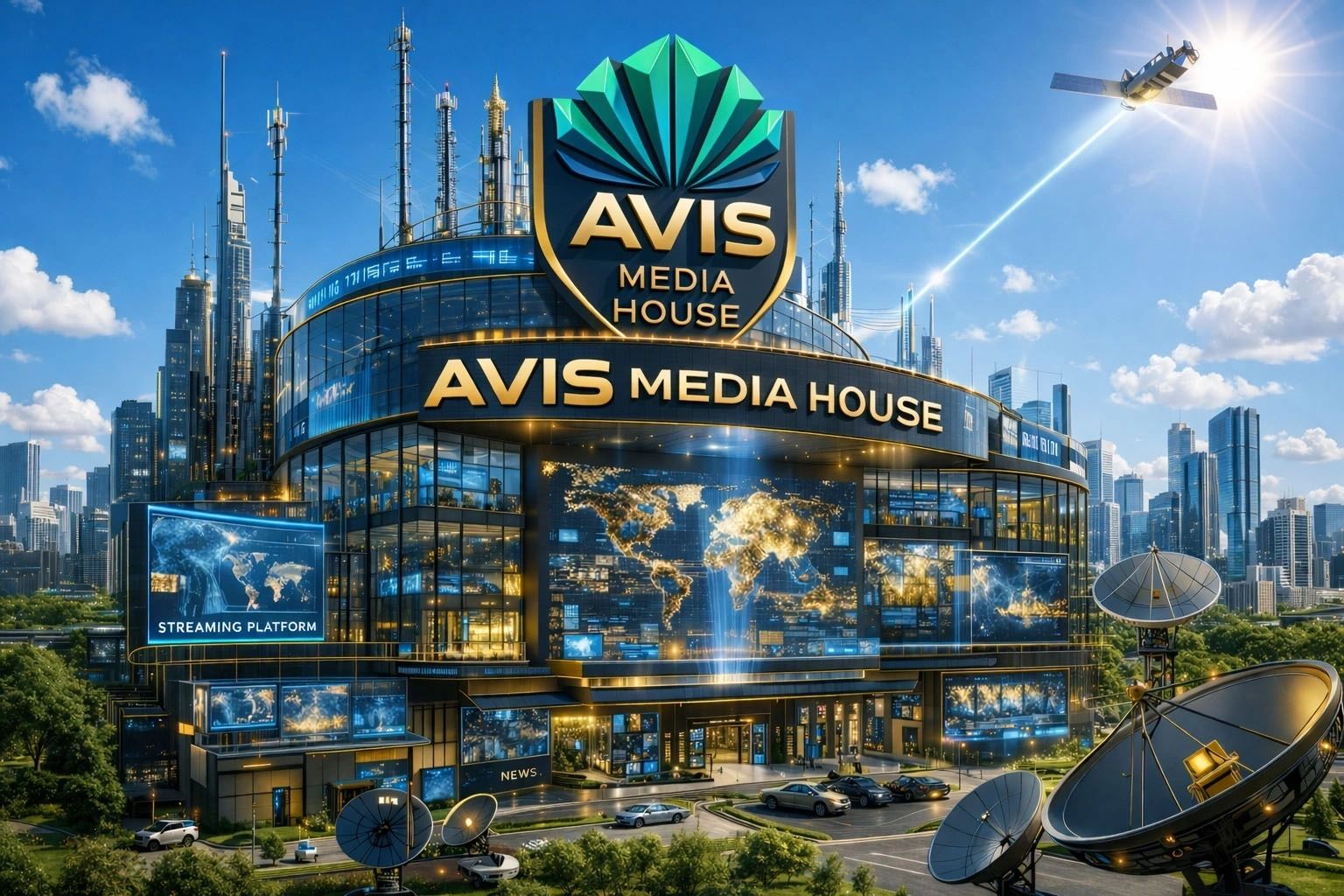
AVIS Umbrella Concludes Global High-Tech Expansion and Launches Strategic Media Powerhouse

AVIS Umbrella Concludes Global High-Tech Expansion and Launches Strategic Media Powerhouse
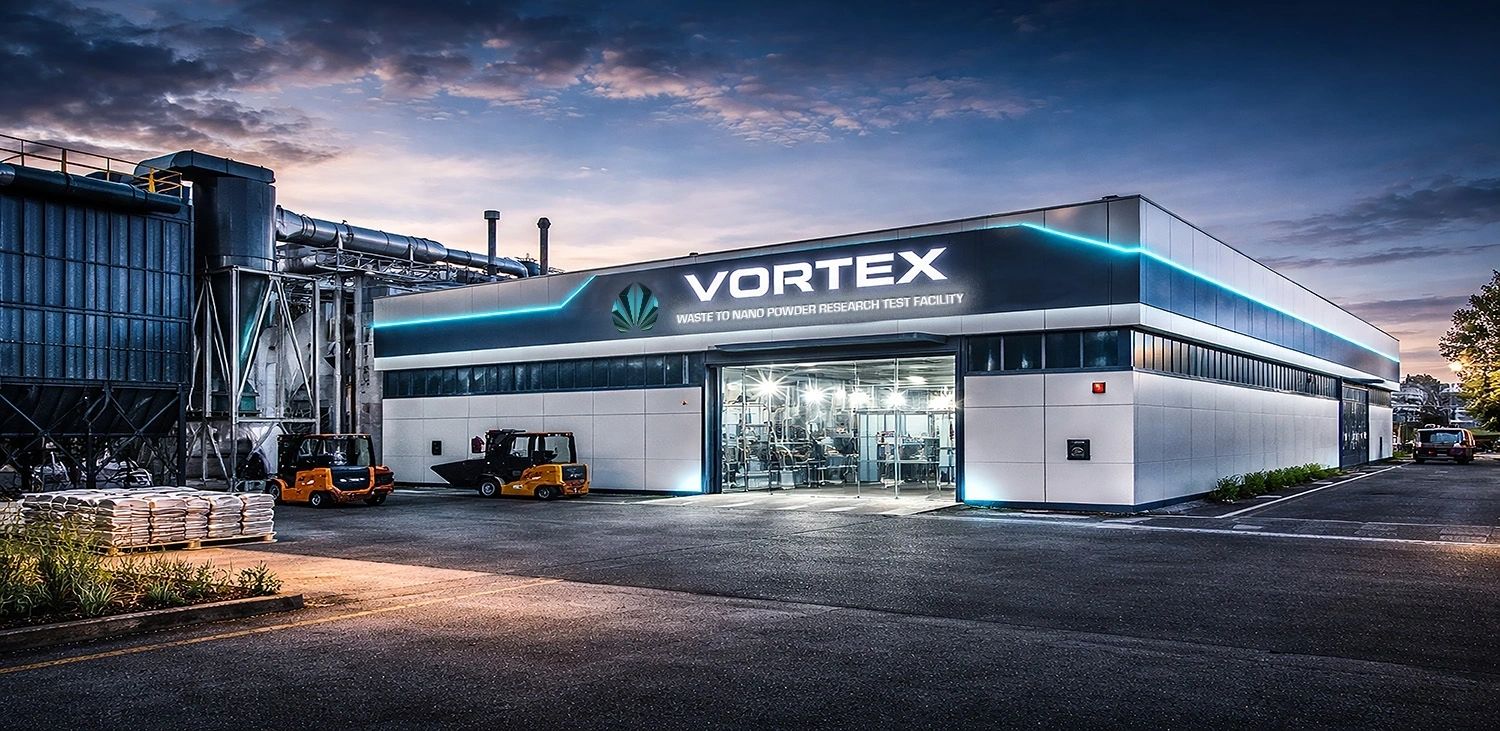
Sarno, Italy – AVIS Umbrella has officially entered the final execution phase of its global high-tech construction initiative, marking a decisive milestone in a journey spanning over two decades. The launch begins in Sarno, where the group operates a cutting-edge test facility for waste-to-nano powder conversion, forming the technological nucleus of its global expansion strategy.
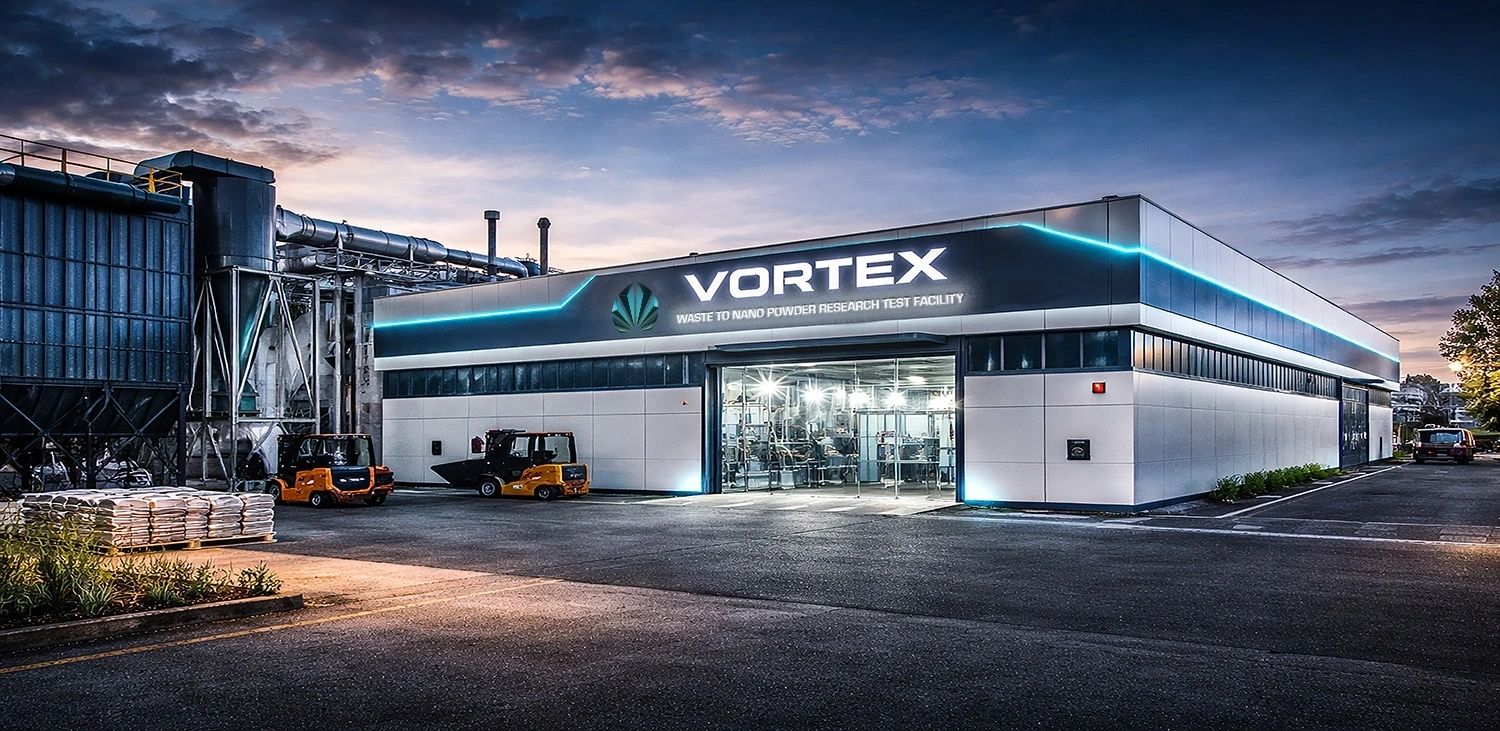
This facility represents more than industrial innovation—it is a proof-of-concept for a new circular economy, transforming waste streams into high-value nano-materials for next-generation manufacturing, including graphene composites and advanced 3D printing applications.
For nearly 20 years, AVIS Umbrella has navigated an environment shaped by skepticism, institutional resistance, and industrial inertia. The disruptive nature of its technologies—combining waste recycling, nano-engineering, and decentralized production—has often placed the group ahead of regulatory and political comprehension.
Rather than slowing progress, this resistance has fueled a strategic shift:
This evolution has positioned AVIS Umbrella not merely as a technology developer, but as a fully integrated industrial and media ecosystem.
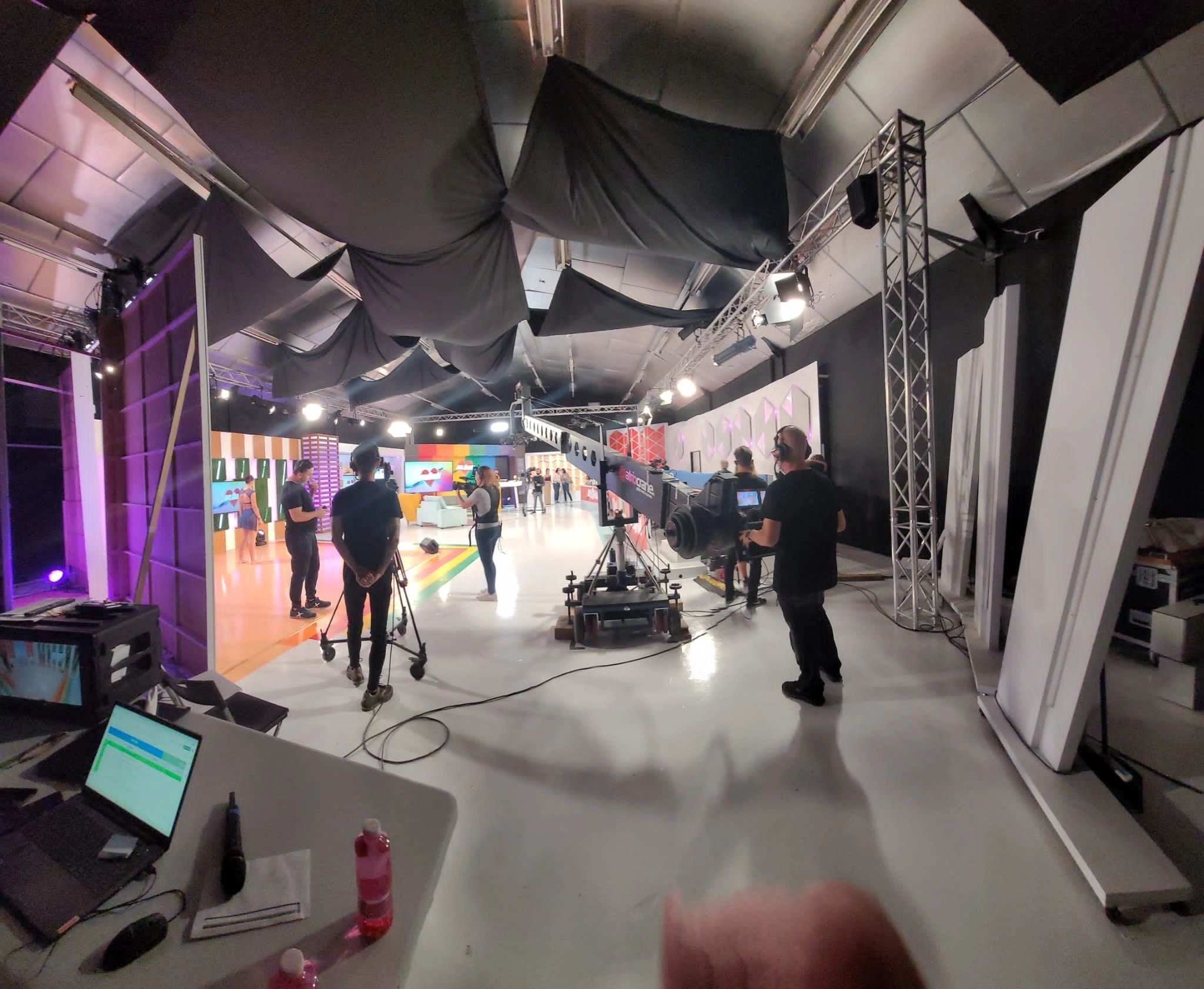
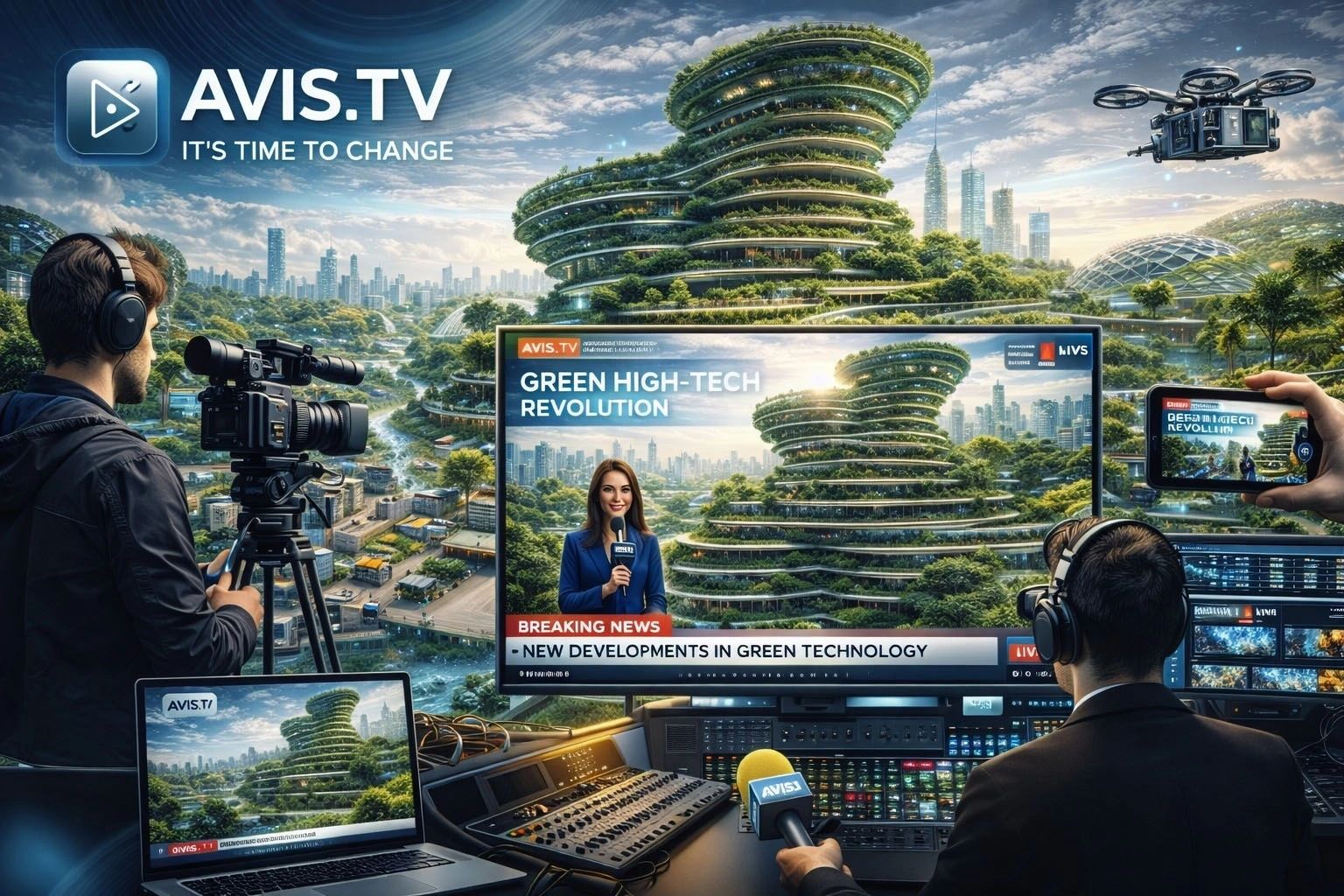
The acquisition of a global media centre marks the culmination of the AVIS TV initiative—originally conceptualized and launched four years ago in Murcia, Spain.
The project, documented publicly via AVIS Press, was designed to address a critical gap:
The inability of traditional media and institutions to fully interpret and communicate highly advanced, cross-disciplinary technologies.
With the new media infrastructure, AVIS Umbrella now secures:
1. Independent Global Broadcasting
A fully autonomous media network enabling:
2. Strategic Narrative Control & Public Relations
3. High-Level Content Production
A dedicated production ecosystem delivering:
4. Investor Communication Platform
A centralized channel ensuring:
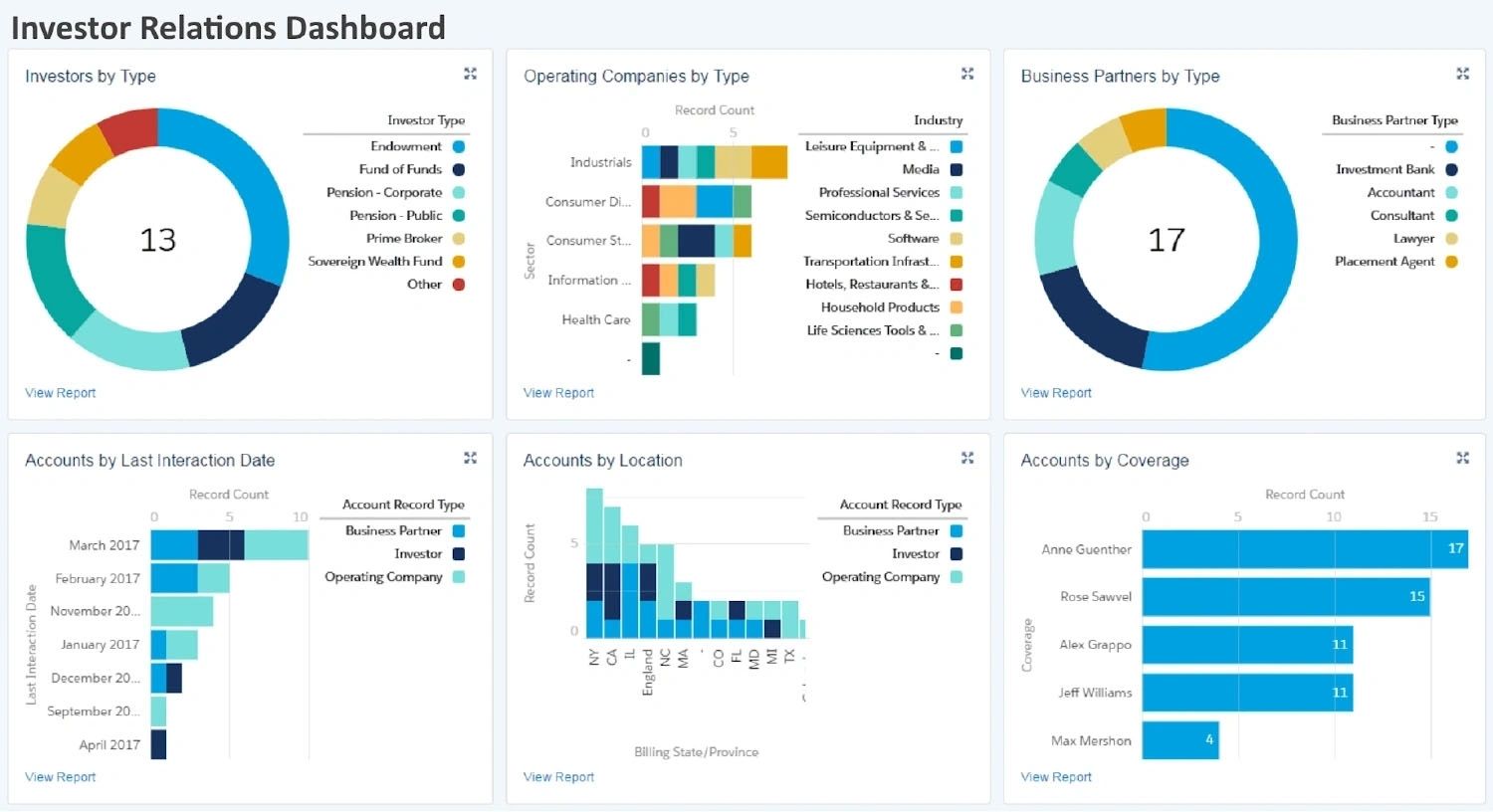
5. MKRO Shareholder Intelligence System
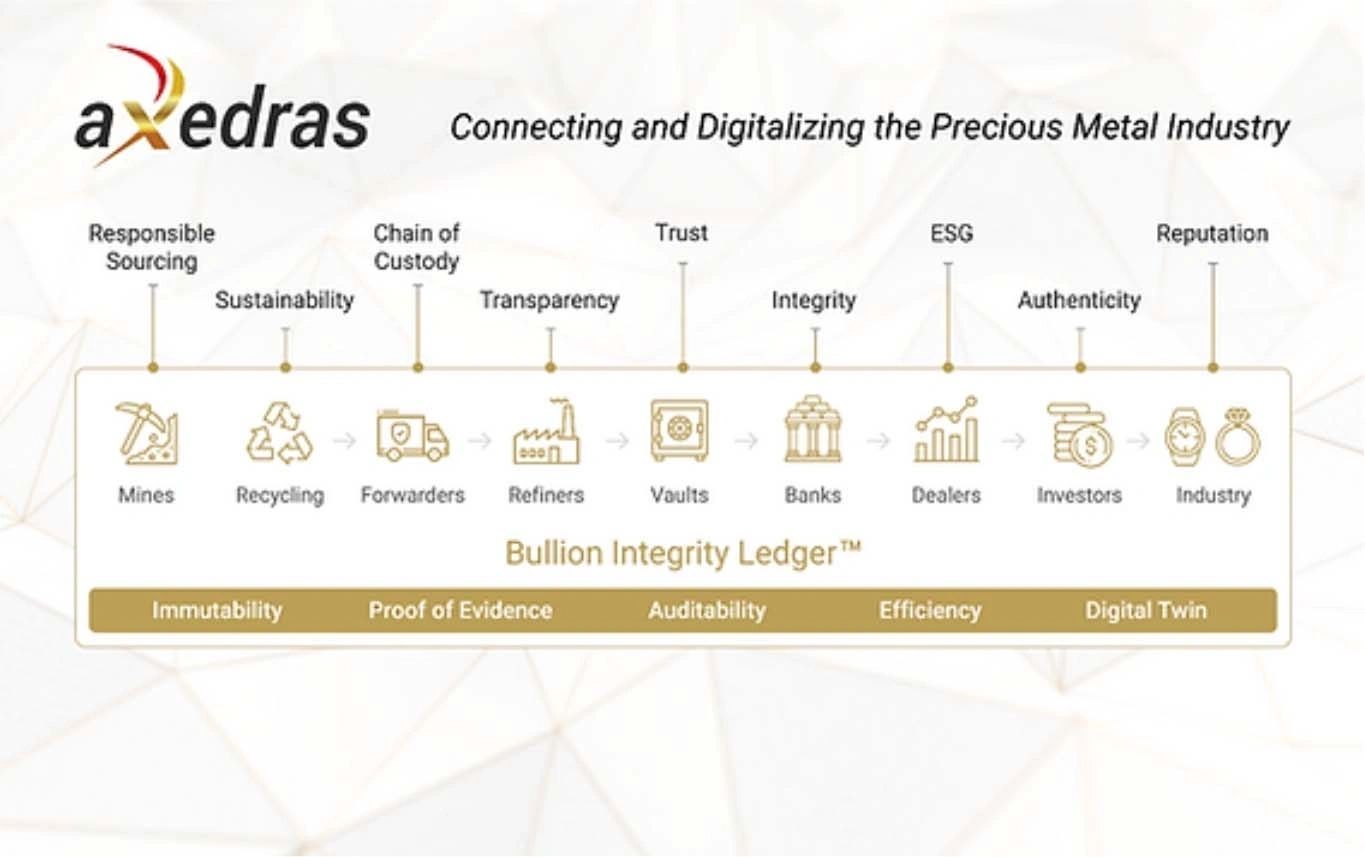
6. GENESIS Bondholder Reporting Interface
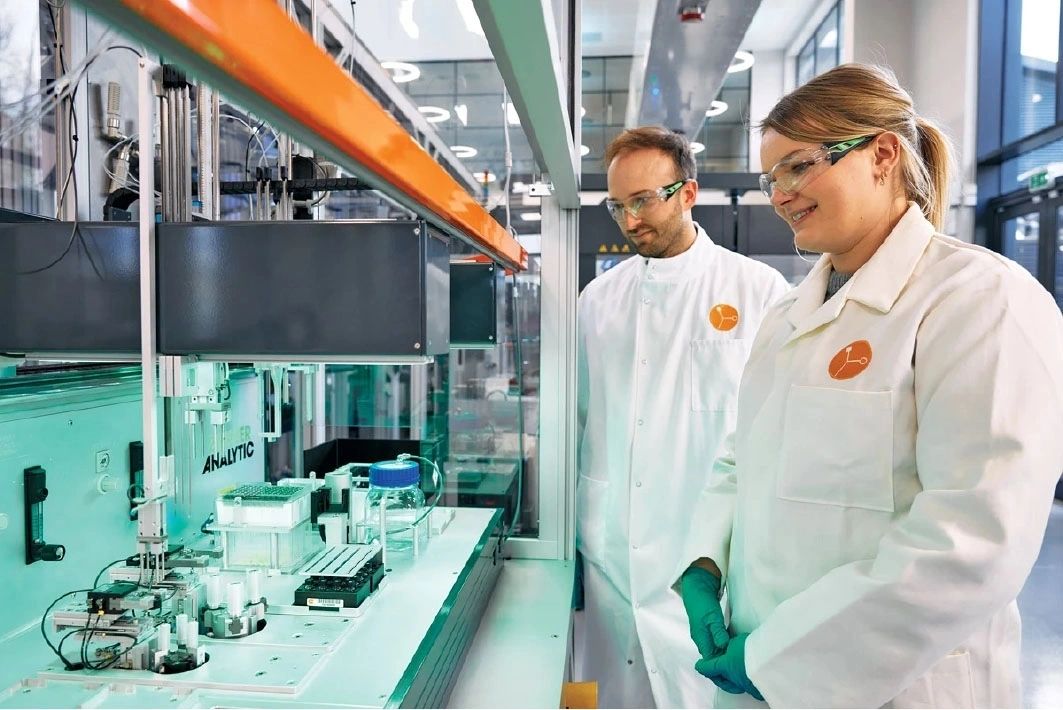
7. Global Research & High-Tech Intelligence
A continuous research engine focused on:
Delivered through daily analytical broadcasts and reports.
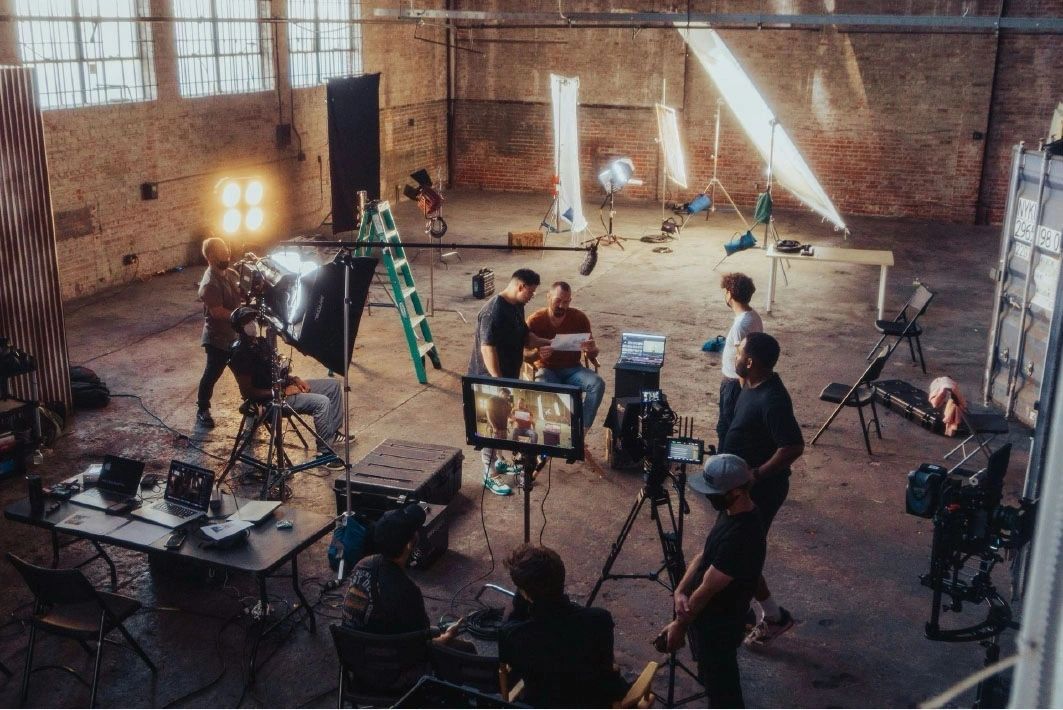
8. Live Studio & Backstage Broadcasting

9. AI-Driven Film & Content Production

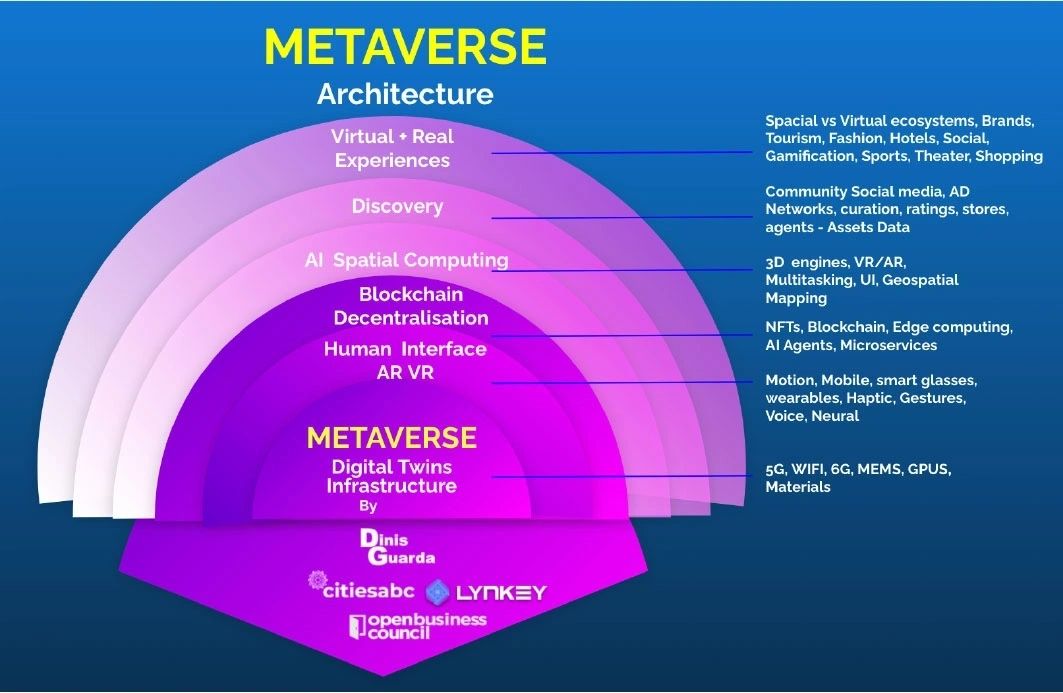
10. 3D Art, Bionic Design & Metaverse Integration
This establishes AVIS as a pioneer in visualizing and deploying next-generation infrastructure.
Strategic Impact
The AVIS Global Media Division transforms communication into a core asset class, delivering:

The strategic importance of this move extends beyond media visibility. AVIS Umbrella is effectively constructing a parallel communication architecture, designed to operate independently of traditional information channels.
This system integrates:
The result is a closed-loop ecosystem, where technology development, financing, and communication operate in synchronized alignment.
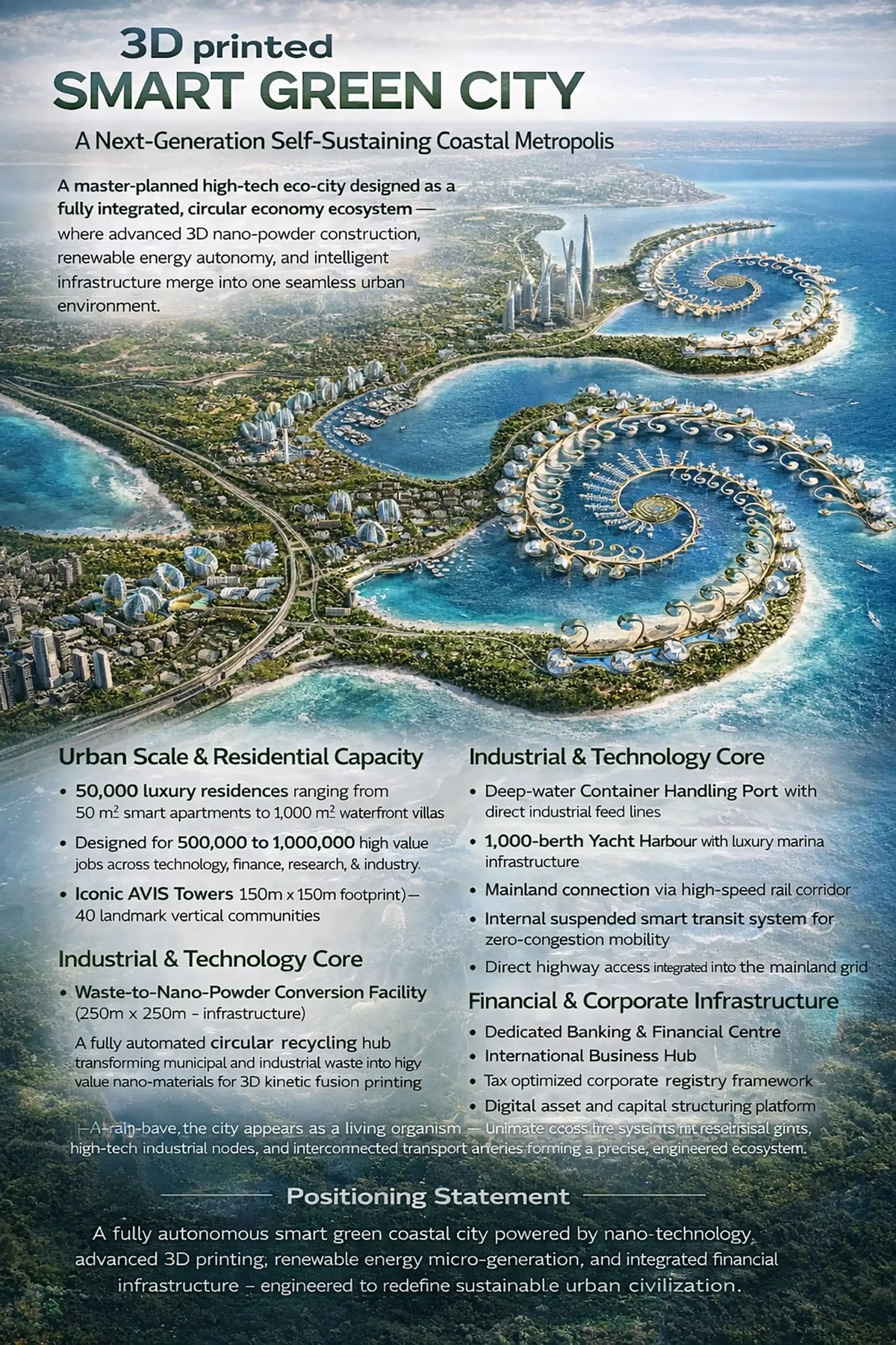
With Sarno as the operational starting point, AVIS Umbrella is preparing for multi-country deployment of its industrial model. The initiative includes:

This rollout is designed to redefine how cities produce materials, energy, and infrastructure—locally, efficiently, and sustainably.
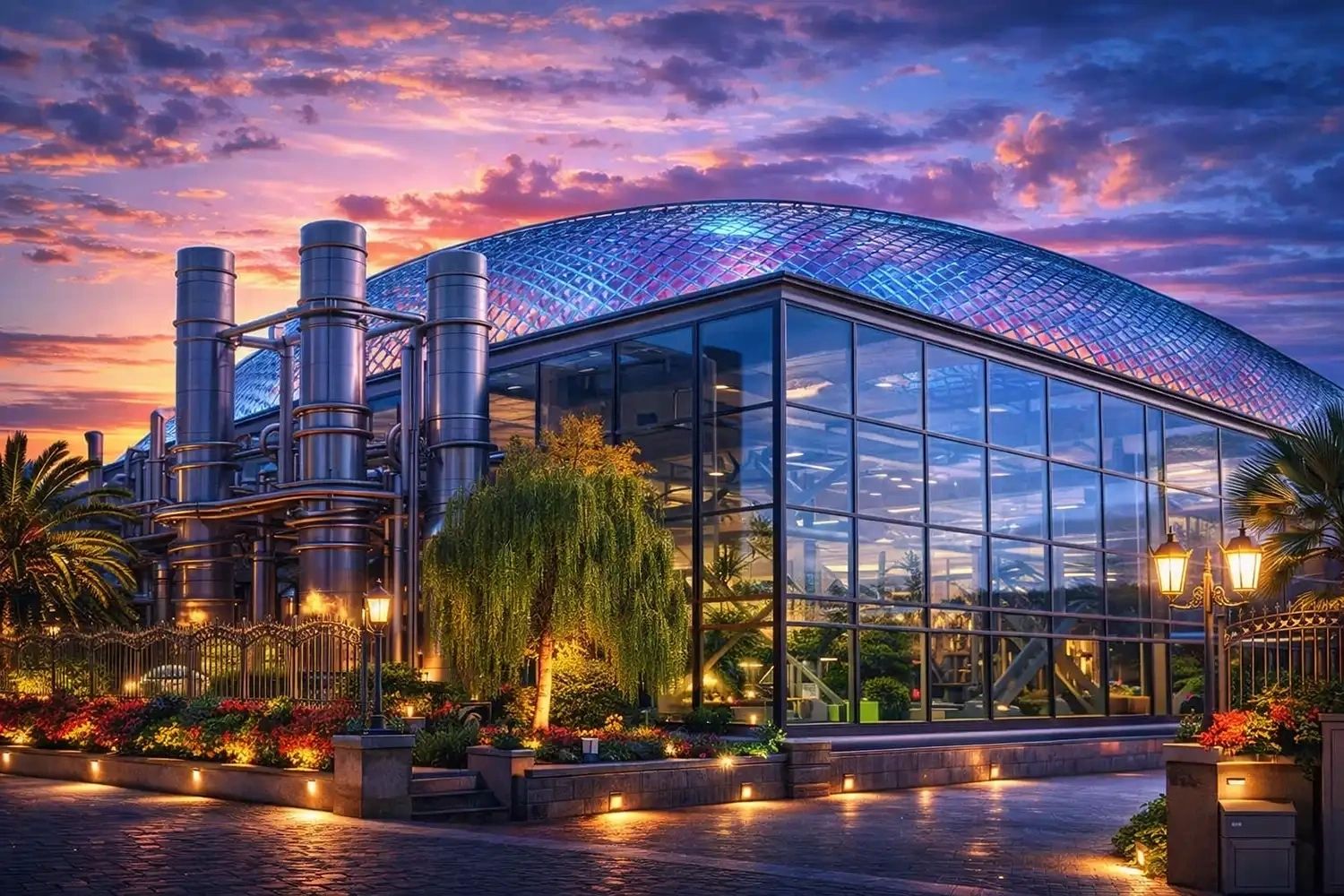
The launch in Italy and the acquisition of a global media centre together signal a transition from vision to execution at scale.
AVIS Umbrella has moved beyond conceptual innovation into a phase where:

What began as a visionary concept is now evolving into a globally integrated industrial and media powerhouse—reshaping not only how industries function, but how they are understood.
A project forged over 20 years of adventure—between industry and power, jealousy and greed, banks and brokers—wild as Mowgli’s jungle, yet built to conquer reality!

A project forged over 20 years of adventure—between industry and power, jealousy and greed, banks and brokers—wild as Mowgli’s jungle, yet built to conquer reality!
The Future Arrives — Coming Soon to Cinemas!

In 2005, we launched a vision in Germany—waste transformed into energy. What began as an innovation became a global confrontation.
We did not foresee the forces we would challenge—industries, systems, and powers entrenched across continents. What followed was not just a project, but a worldwide adventure—unfolding in real time, shaping markets, provoking resistance, and redefining possibility.
Some stories are too vast for reports, too intense for documentation. They demand to be told as they were lived—raw, dramatic, and unfiltered.
This is why the AVIS Project is not only written — it is brought to life as a cinematic saga.

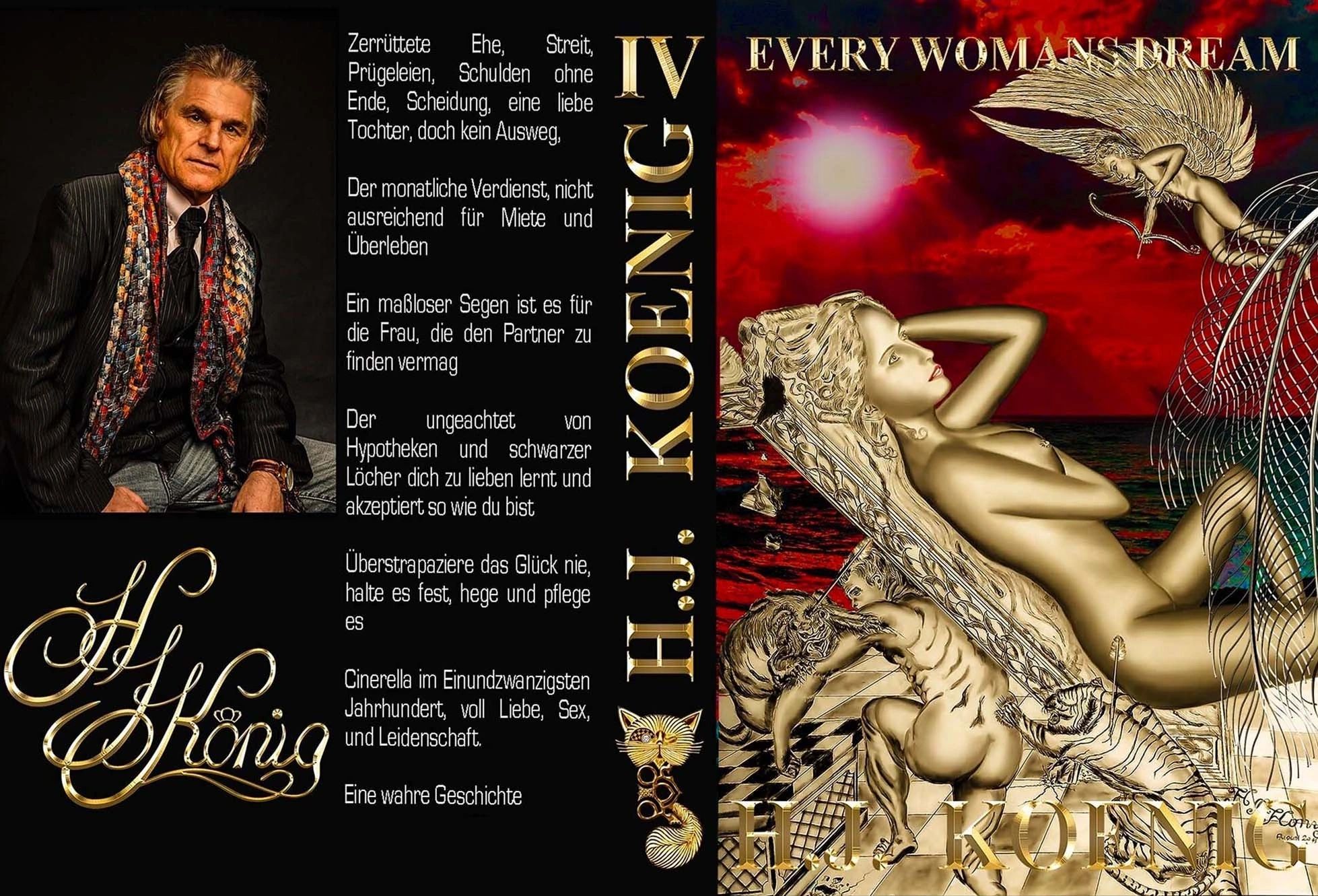
Nine books are born along a global journey of vision, power, and transformation!






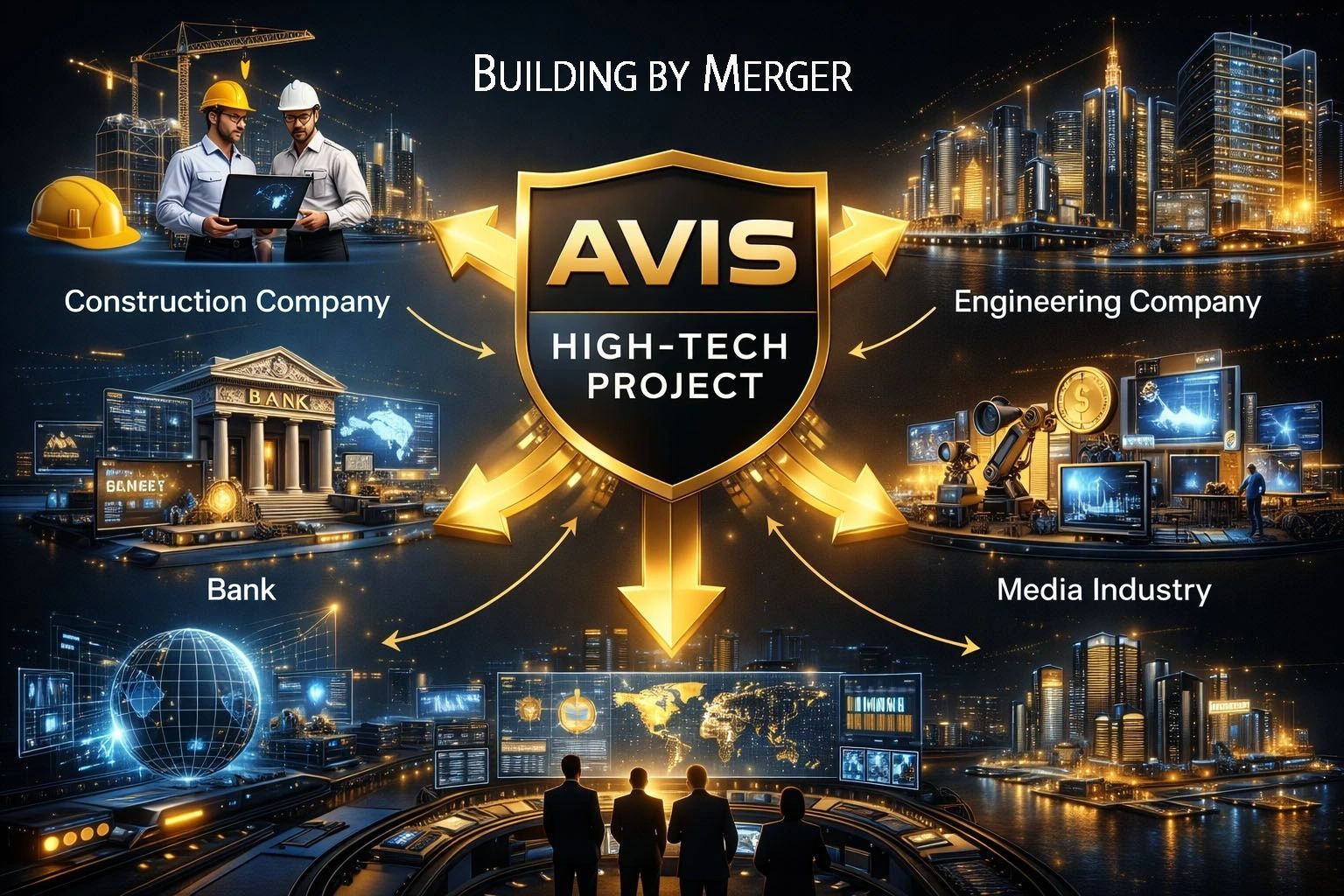
AVIS UMBRELLA ANNOUNCES FULL-SCALE INTEGRATION OF GLOBAL INDUSTRIAL DIVISIONS FOR HIGH-TECH EXECUTION PLATFORM
AVIS Umbrella today announces the full integration and acquisition of key industrial and strategic divisions, forming a unified execution platform designed to deliver its global Waste-to-Nano Powder and 3D Kinetic Fusion Graphene Composite infrastructure program.
This milestone marks the transition from development to active global deployment, combining engineering, construction, finance, technology, and media into a single synchronized operational architecture.
To execute complex high-tech infrastructure projects across multiple jurisdictions, AVIS Umbrella has consolidated and aligned the following core divisions:

Responsible for:

Responsible for:

Responsible for:

Responsible for:

Responsible for:

Responsible for:
Responsible for:

Unlike traditional infrastructure models, AVIS Umbrella consolidates all critical components into a single command structure, eliminating inefficiencies between separate industries.
This integrated approach enables:
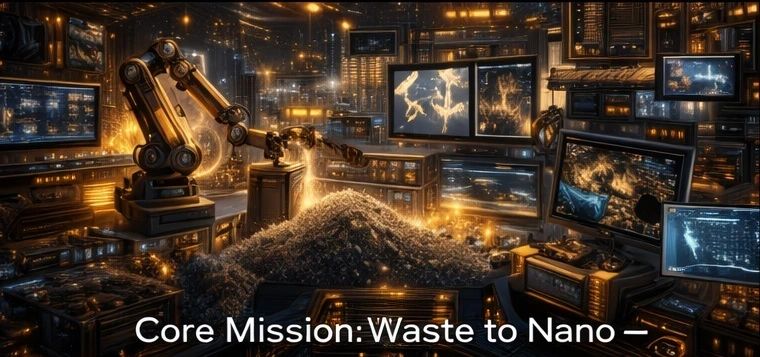
At the center of this ecosystem lies the AVIS core technology:
Transformation of waste materials into nano powder, enabling 3D kinetic fusion printing of graphene composite structures
This process forms the basis for:

The integrated platform allows AVIS Umbrella to deploy projects across multiple regions simultaneously, supported by:

“We are not building projects — we are building the system that builds projects.” The integration of engineering, construction, finance, technology, and media into a single operational framework positions AVIS Umbrella to execute at a scale and speed not achievable by traditional structures.

AVIS Umbrella is a global high-tech development group focused on:
The group operates through a fully synchronized industrial and financial architecture, enabling the execution of large-scale projects across international markets.
AVIS Umbrella — Global Communications Division “From Rubbish to Green Lifestyle.”
The graphene 3D fashion printing industry is emerging as a novel development, leveraging the unique properties of graphene, including its strength, flexibility, and conductivity. AVIS Atom Threads are at the forefront, w...







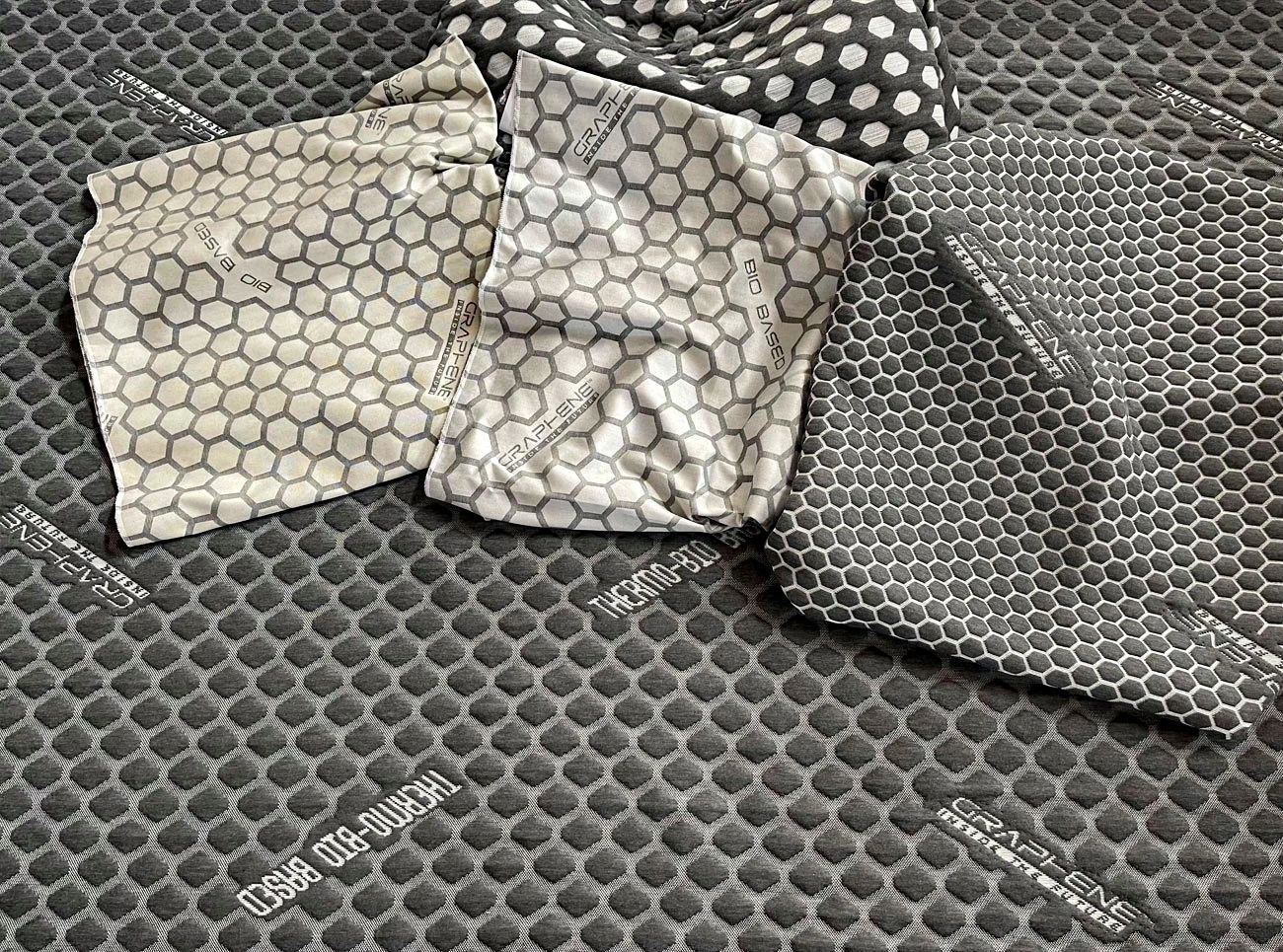
The graphene 3D fashion printing industry is emerging as a novel development, leveraging the unique properties of graphene, including its strength, flexibility, and conductivity. AVIS Atom Threads are at the forefront, working on integrating graphene into fashion products, which can optimize performance and create versatile and innovative designs.
This technology has the potential to revolutionize the textile industry by allowing for the creation of smarter fabrics that can incorporate functionalities like energy storage and enhanced durability. However, as this field is still developing, it's advisable to keep an eye on ongoing research and industrial advancements to understand the full scope of its impact.
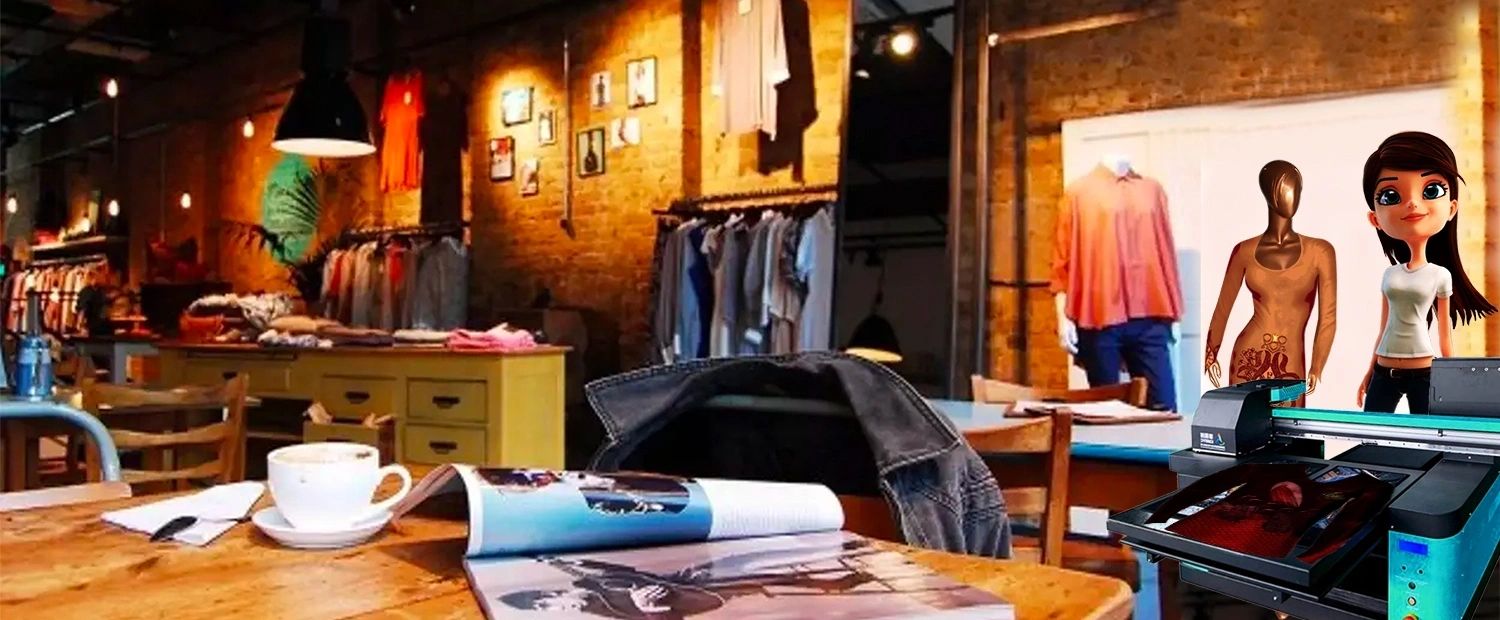

The Future of Fashion: The HJK Collection and Graphene Kinetic Fusion Technology


The HJK Collection is poised to revolutionize the fashion industry by eliminating the traditional process of prefabrication. Instead, it will introduce modern kinetic fusion printers that will be deployed in select franchise boutiques around the globe. This innovative technology allows for the printing of fashion items tailored to each individual client, following a precise body scan. As a result, each piece will not only reflect the latest styles but will also fit exceptionally well, akin to bespoke craftsmanship.

By adopting this personalized approach, boutiques can deliver high-quality, stylish haute couture that rivals the finest garments. The pieces crafted through this method will evoke the essence of the Renaissance, integrating high-end, rare fabrics with meticulous attention to detail. Each garment will be a testament to the artistry of skilled artisans, embodying elegance and sophistication that is synonymous with haute couture.
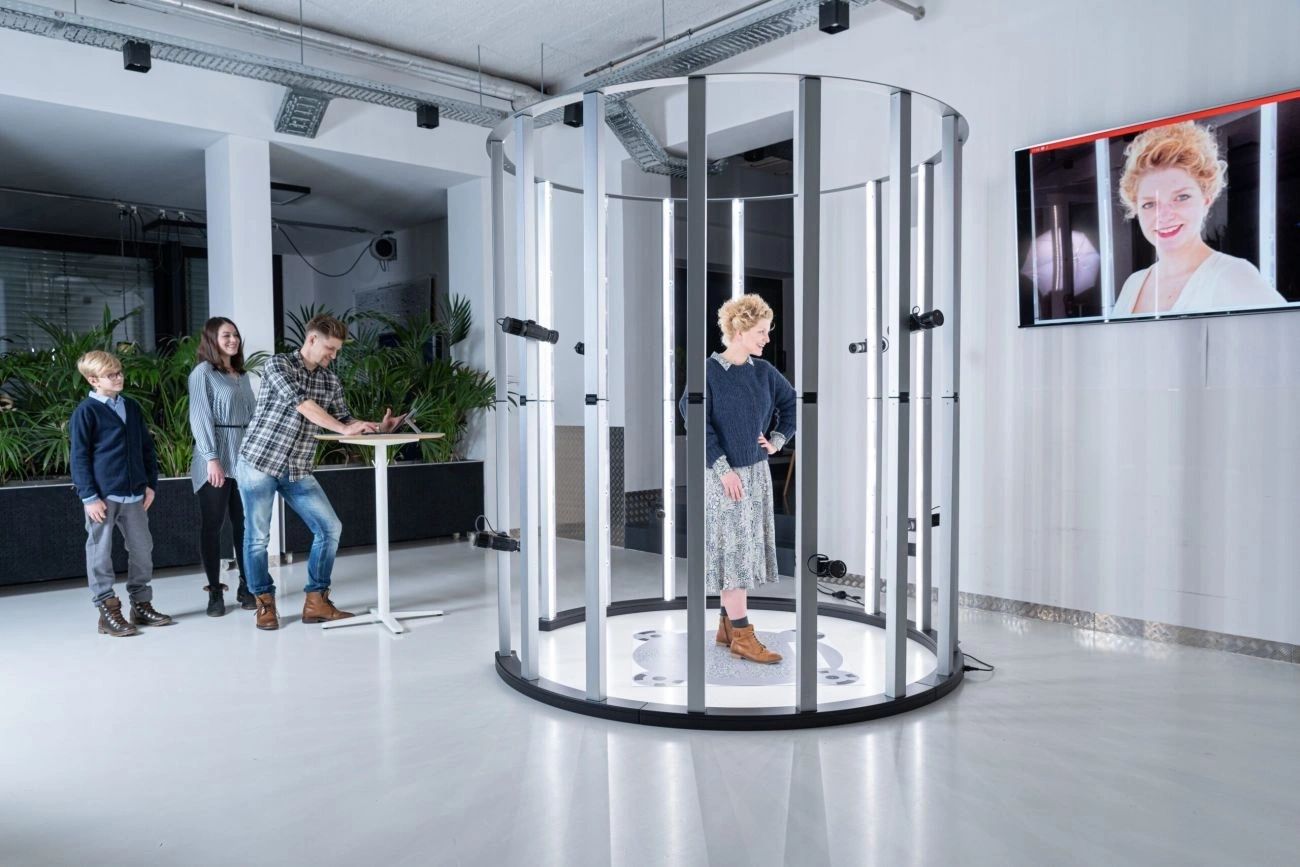
Additionally, the incorporation of graphene technology in fashion promises textiles that mimic the luxurious feel of silk, enhanced with intricate embroidery. This will enable the HJK Collection to showcase the best of haute couture—drawing inspiration from iconic designers such as Versace, Pierre Cardin, Chanel, Dior, Jean Paul Gaultier, and Gucci—all within a singular boutique setting.

In summary, the HJK Collection represents a forward-thinking paradigm in the fashion industry. The fusion of cutting-edge printing technology and traditional artisanal craftsmanship will not only elevate the quality and individuality of fashion but also create an immersive experience for clients seeking both luxury and personalization in their wardrobes.















Graphene fashion feels like silk embroidered. Like Versace, Pierre Carding, Chanel, Dior, Jean Paul Gaultier, Gucci and all the French world of vogue in one boutique together.
Graphene offers numerous benefits when integrated into textiles, making it a groundbreaking material in the fashion and textile industry. Here are some key advantages:
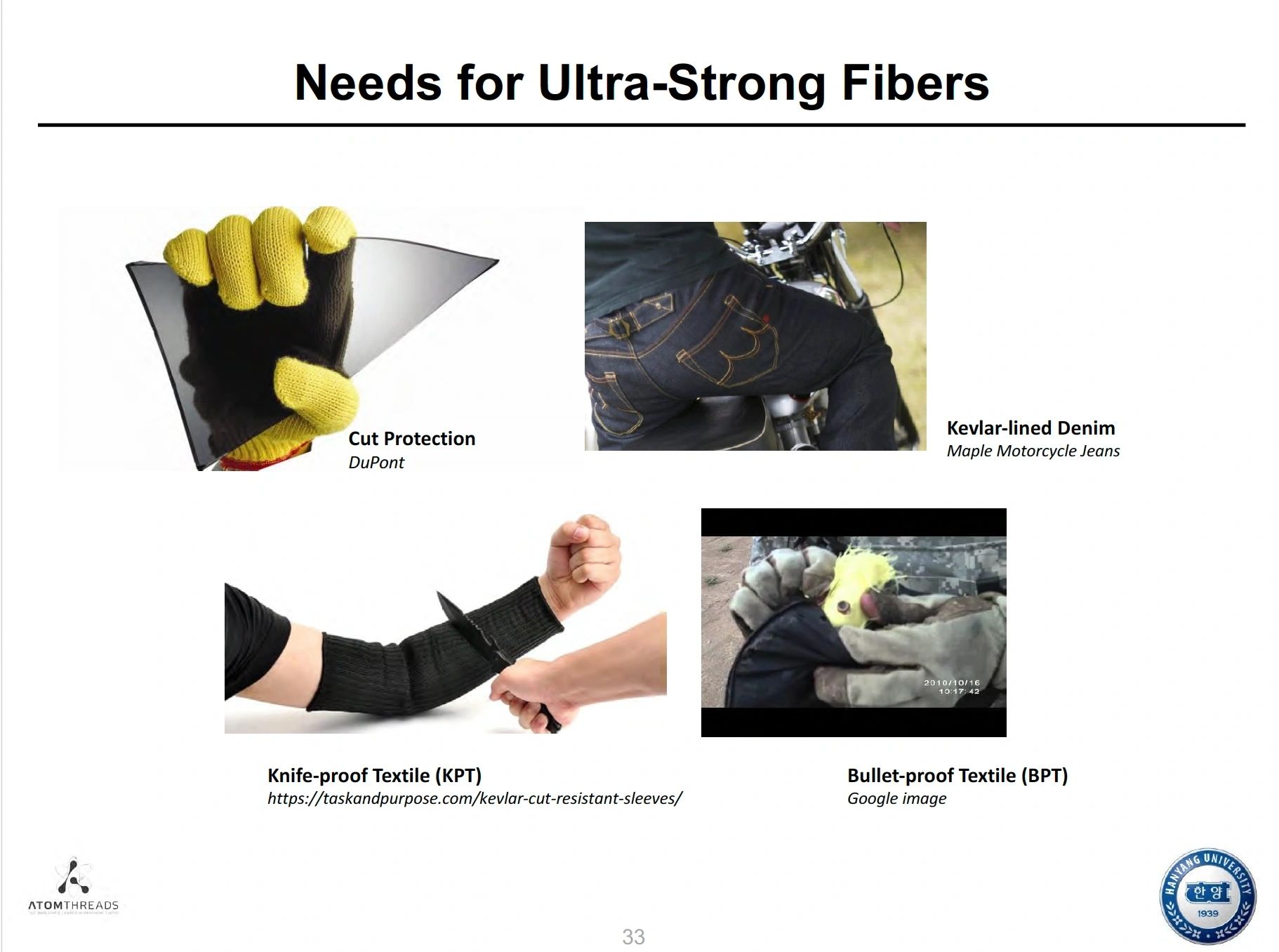
1. Enhanced Strength and Durability: Graphene is incredibly strong and elastic, making textiles more resilient to wear and tear, thus extending their lifespan.
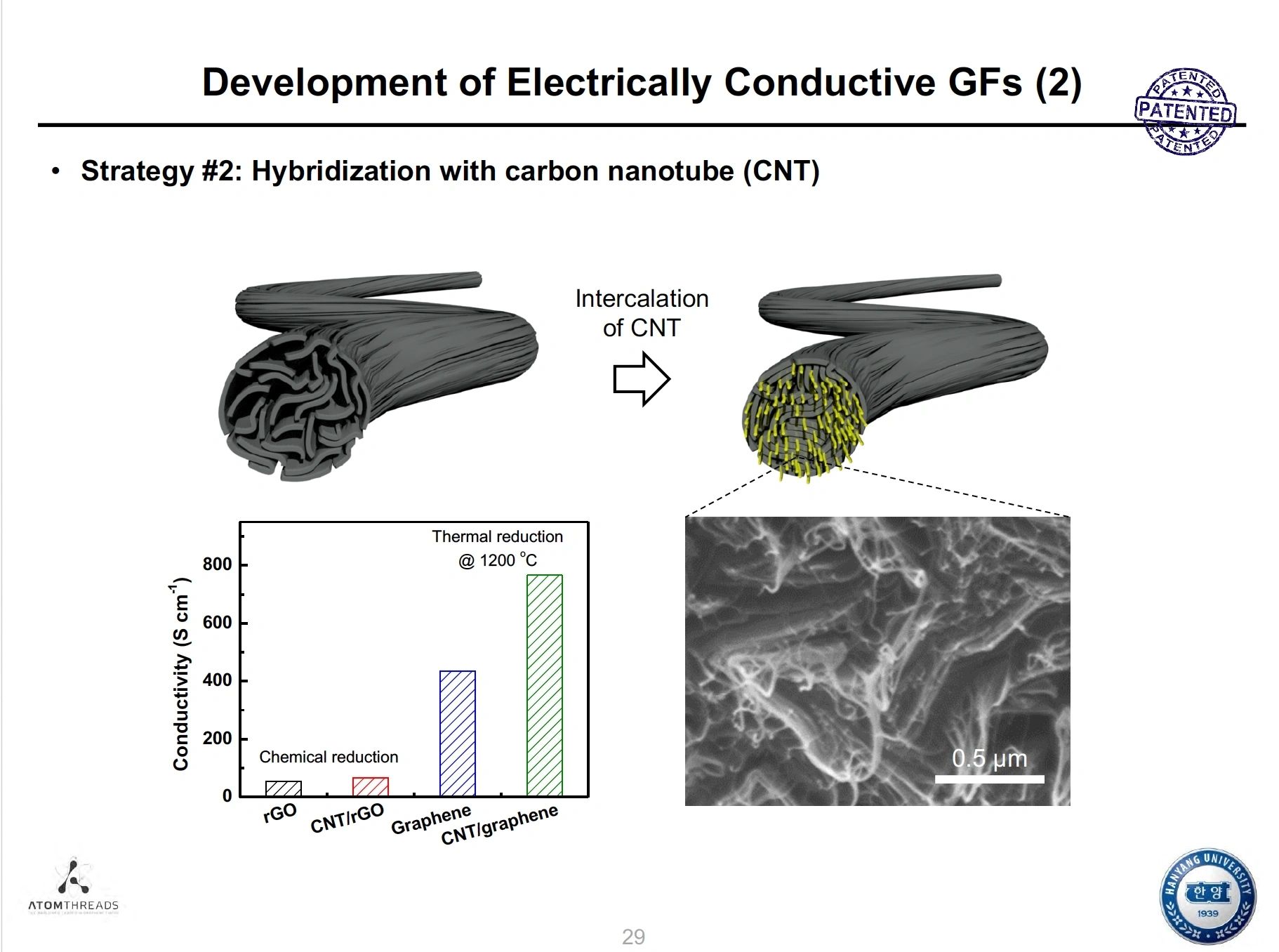
2. Lightweight: Despite its strength, graphene is extremely lightweight, which helps in creating comfortable garments that do not compromise on performance.
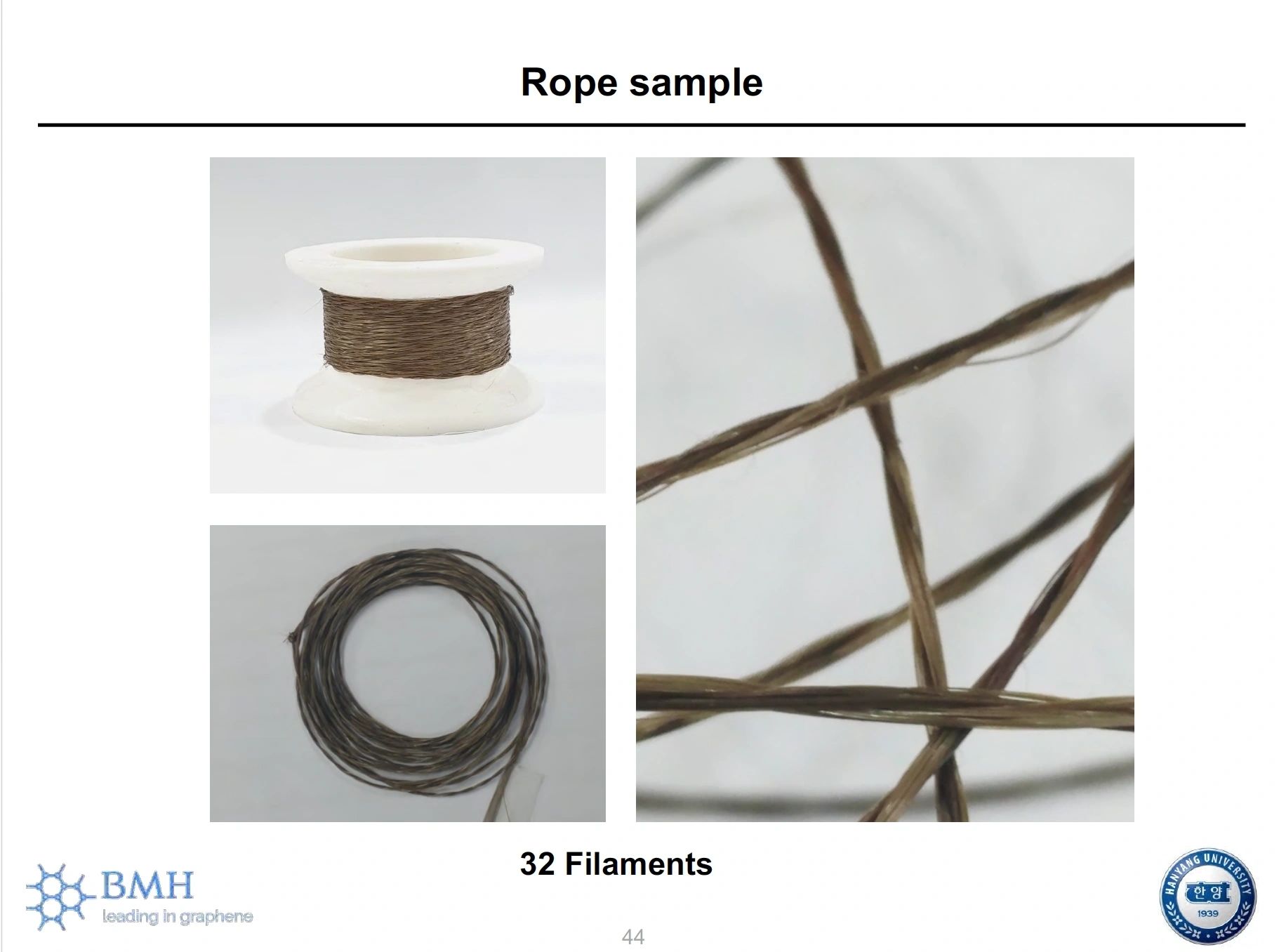
3. Flexibility: The flexibility of graphene allows it to be woven or integrated into various fabric types without losing its advantageous properties, leading to versatile designs.
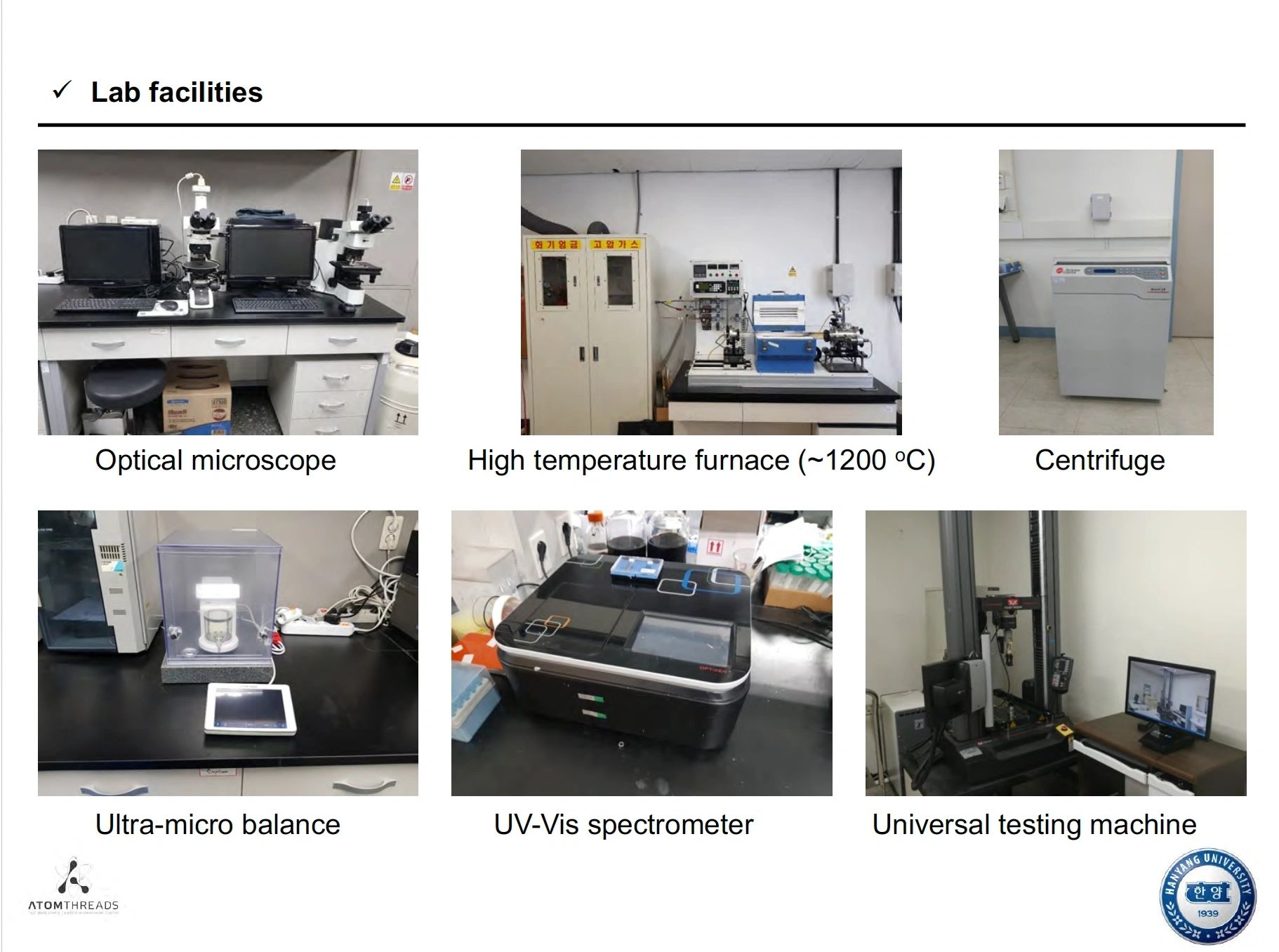
4. Conductivity: Graphene is an excellent conductor of electricity and heat. This property enables the development of smart textiles that can incorporate sensors, LEDs, and heating elements, creating functional clothing.
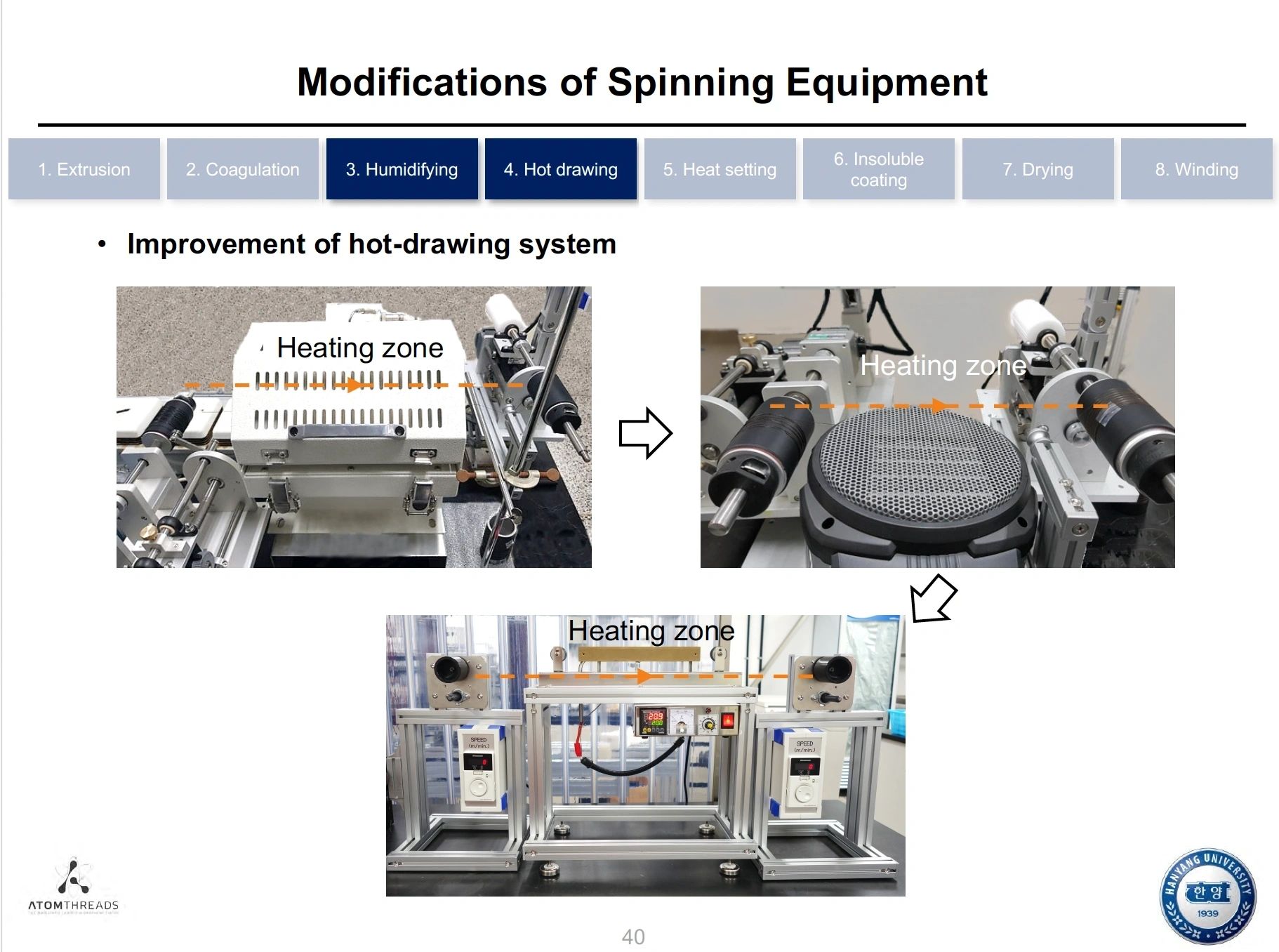
5. Thermal Regulation: Textiles infused with graphene can help regulate temperature by dissipating heat, keeping the wearer comfortable in varying conditions.
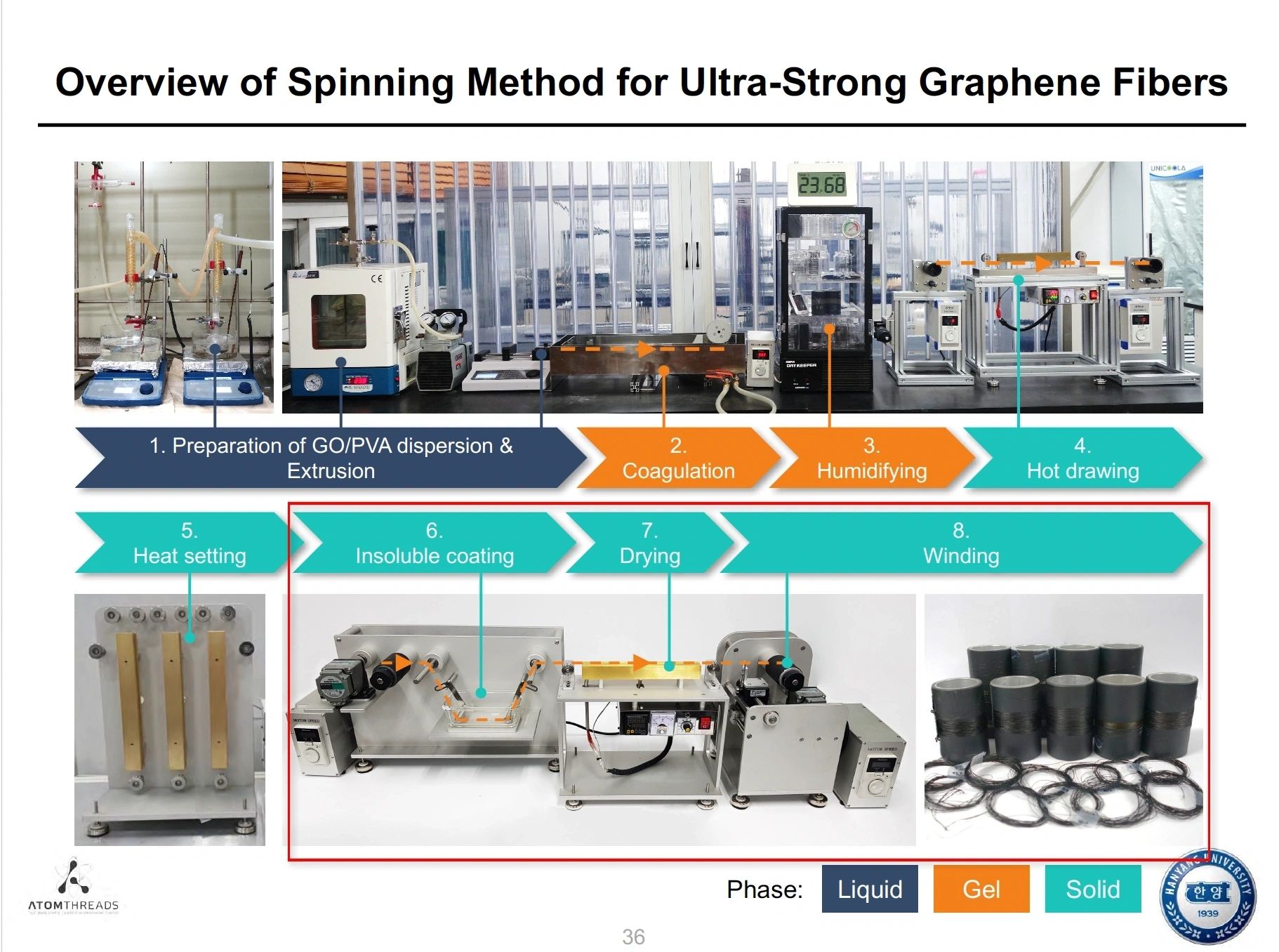
6. Water Repellency: Graphene can provide water-resistant properties to fabrics, helping to repel moisture while maintaining breathability.
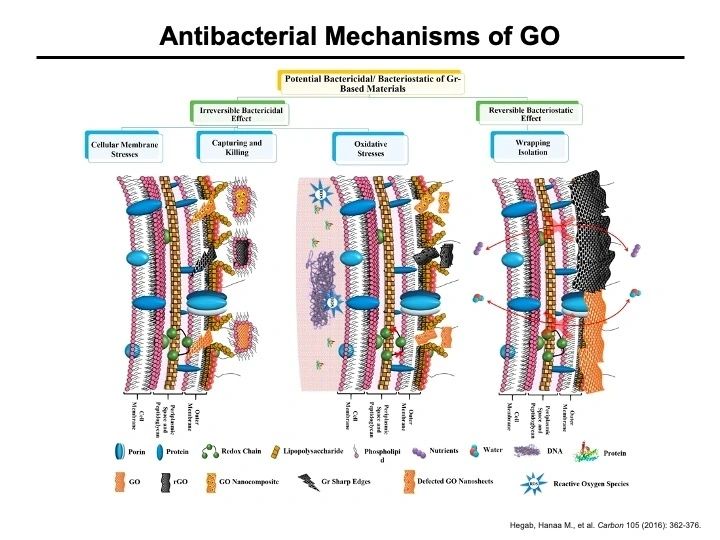
7. Antimicrobial Properties: Graphene has inherent antimicrobial qualities, which can help reduce odor and bacterial growth, leading to fresher and more hygienic clothing.
8. Eco-friendliness: The durability of graphene-infused textiles can contribute to sustainability by decreasing the frequency of replacements and reducing waste.
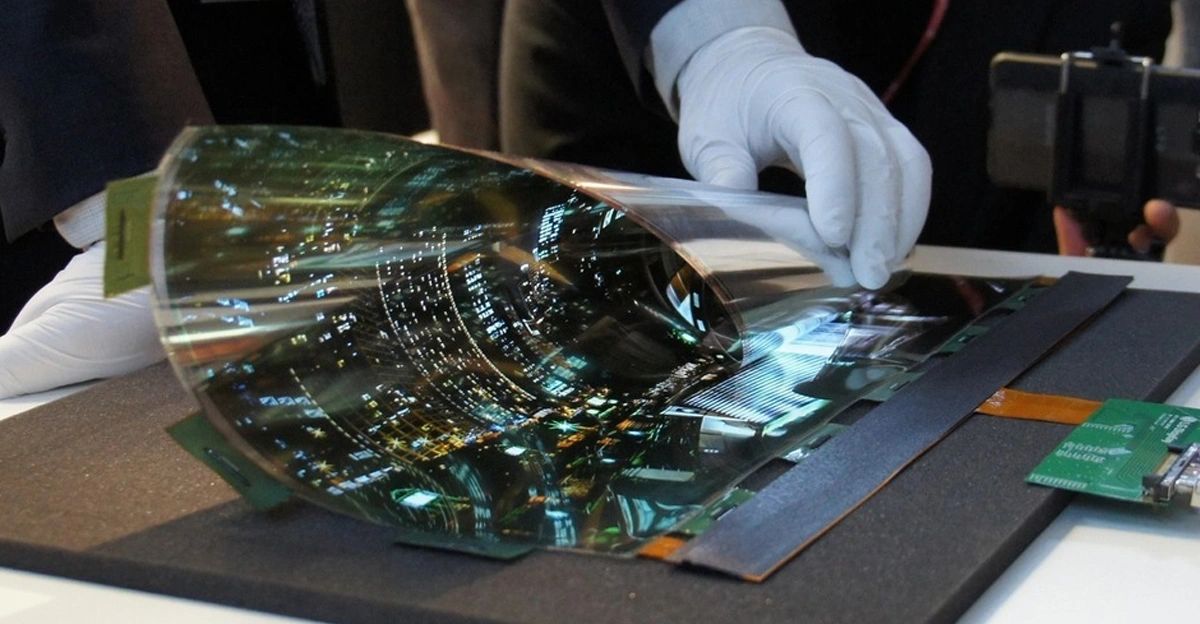
9. UV Protection: Graphene can also offer UV protection, potentially safeguarding the skin from harmful sun exposure while wearing garments.
10. Easier Dyeing and Printing: The integration of graphene can enhance the dyeing and printing processes in textiles, leading to better color retention and vibrancy.
These benefits make graphene a promising material in the textile industry, fostering innovation in smart clothing, performance apparel, and sustainable fashion.
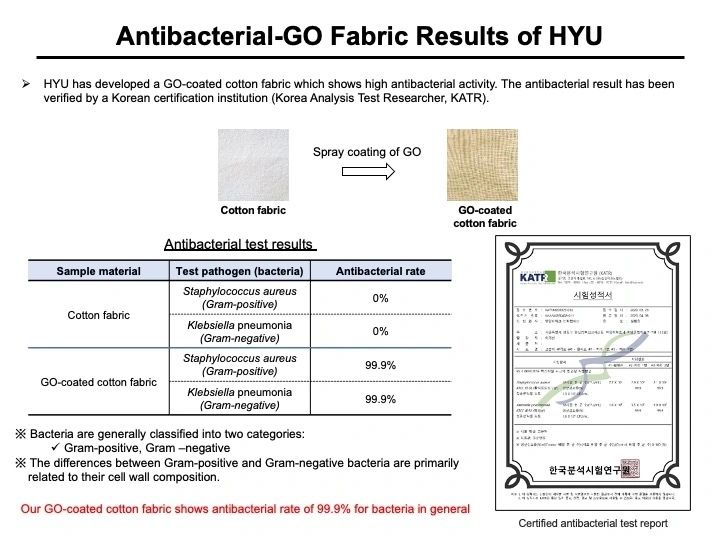
Graphene is being utilized in 3D printing in various innovative ways, leveraging its unique properties to enhance the capabilities and performance of printed materials. Here are some key applications and benefits of using graphene in 3D printing:
1. Composite Filaments: Graphene can be mixed with other polymers to create composite filaments for 3D printing. These materials can enhance strength, flexibility, and conductivity, resulting in parts that outperform standard plastics.
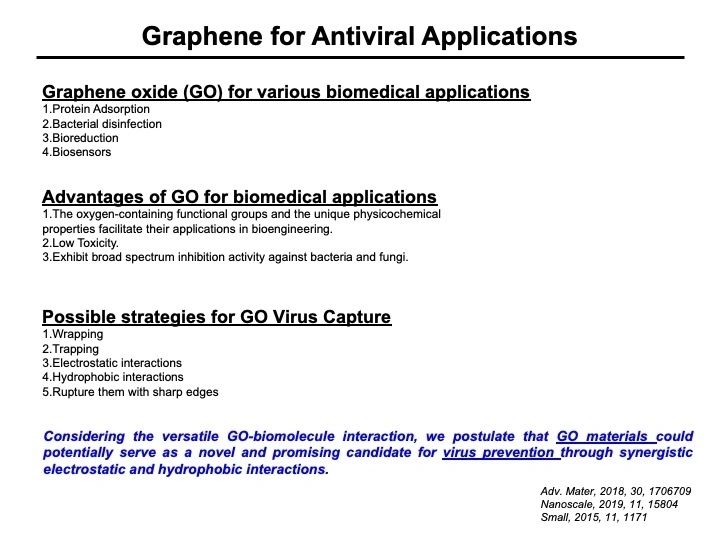
2. Improved Mechanical Properties: The addition of graphene to 3D printing materials enhances the mechanical properties of the final printed objects. This results in stronger, more durable components that can better withstand stress and strain.
3. Electrical Conductivity: Graphene's excellent conductivity allows for the creation of conductive printed parts. This is particularly useful in applications such as wearable electronics, sensors, and other components requiring electrical connections.
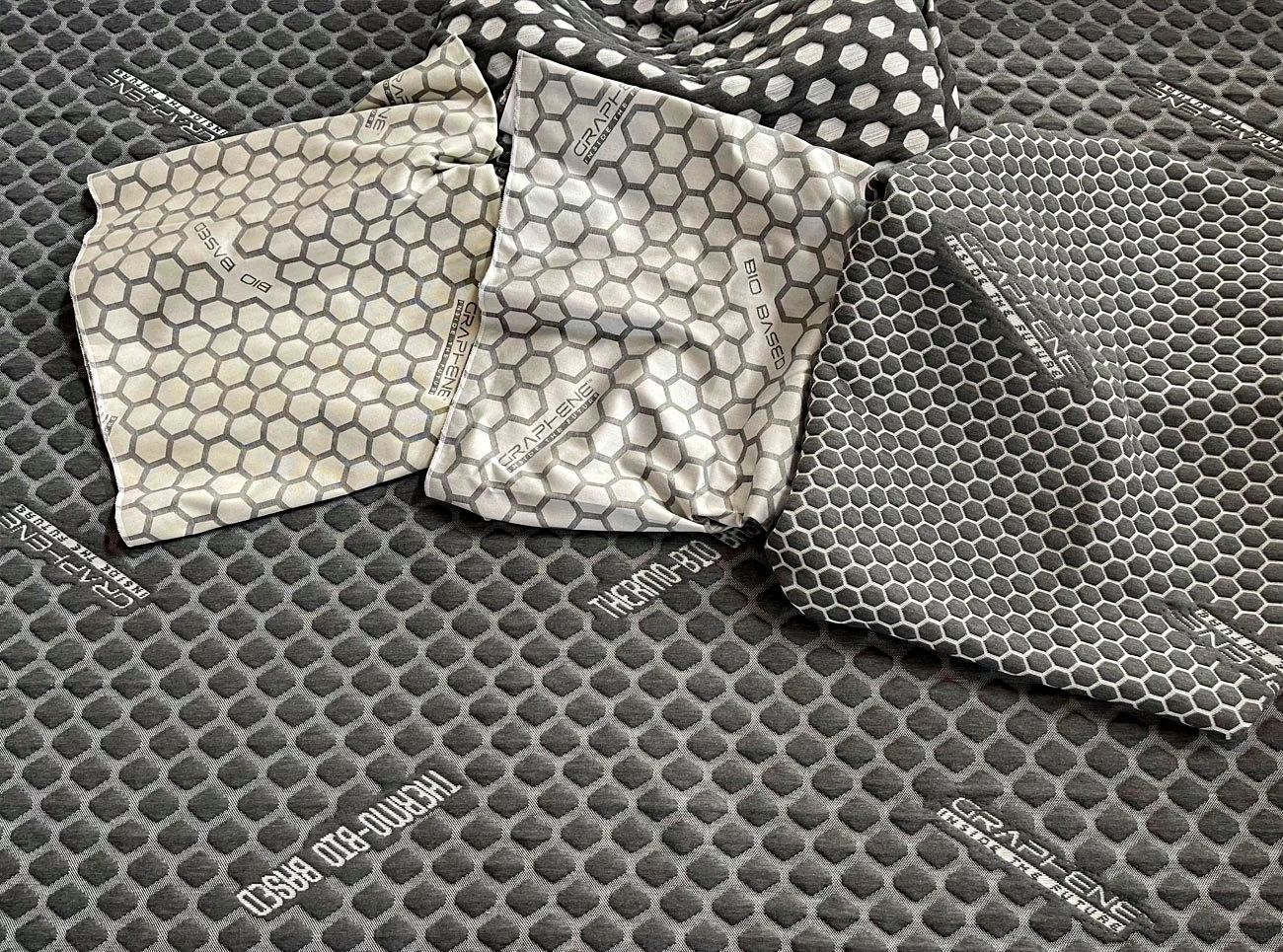
4. Thermal Conductivity: Parts printed with graphene-enhanced materials can exhibit superior thermal management properties, making them suitable for applications in electronics where dissipation of heat is essential.
5. Smart Materials: Utilizing graphene in 3D printing makes it possible to create smart materials that can respond to environmental changes. These materials can be engineered to exhibit specific behaviours, such as changing shape in response to temperature or electrical stimulation.

6. Lightweight Structures: The combination of low weight and high strength of graphene enables the creation of lightweight structures that do not compromise on performance, making them ideal for aerospace, automotive, and consumer products.
7. Biocompatibility: Research is ongoing into the biocompatibility of graphene, which may lead to its application in medical devices and implants created through 3D printing.
8. Rapid Prototyping: Graphene-infused materials can be used in 3D printing for rapid prototyping, allowing designers and engineers to quickly develop and test products with improved performance characteristics.
9. Sustainability: Some 3D printing applications using graphene support more sustainable practices by extending the life of products and reducing material waste through enhanced performance.
10. Customization: The versatility of 3D printing combined with graphene allows for the production of customized designs and functionalities, catering to specific user needs in various industries.
Overall, the incorporation of graphene into 3D printing is driving advancements across multiple sectors, enhancing the functionality and performance of printed products while promoting innovation in material science.























Since its formation following the strategic separation from its automotive origins, AVIS Group has undergone multiple phases of restructuring—an organic, fast-moving evolution driven by ambition, innovation, and global e...
Since its formation following the strategic separation from its automotive origins, AVIS Group has undergone multiple phases of restructuring—an organic, fast-moving evolution driven by ambition, innovation, and global expansion.

This process was neither linear nor static; it resembled a wild growth phase, like Mowgli in the jungle, shaped by opportunity, experimentation, and constant motion.
As the Group expanded internationally, launching green-energy industrial centers focused on waste-to-nano-powder technologies across multiple jurisdictions, management complexity increased significantly.
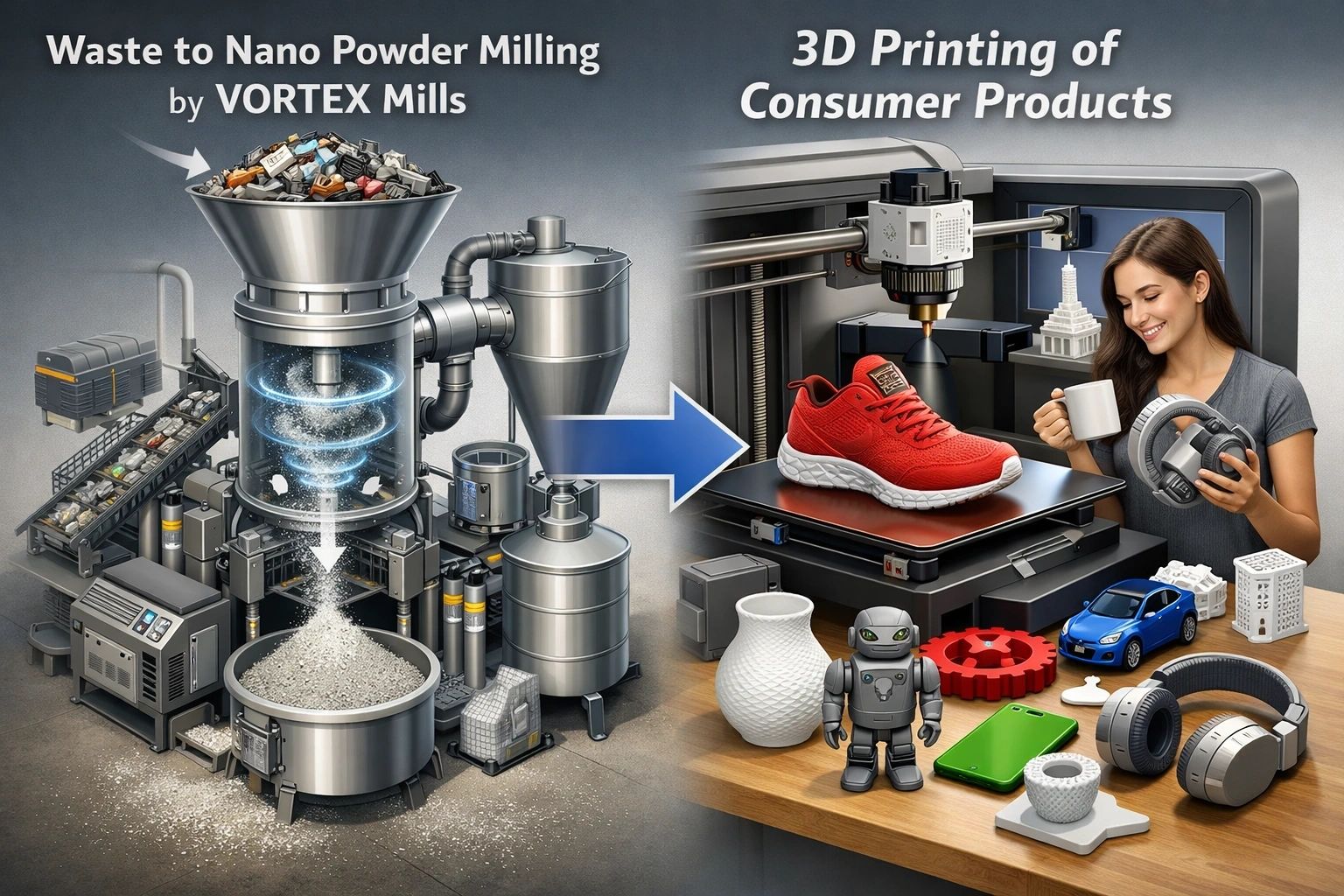
Independent regional developments gained momentum, each creating its own dynamics—some constructive, others disruptive to the unified green-industrial vision.
These developments unfolded amid political influence, power struggles, and competing interests involving franchise partners, construction entities, brokers, and lobbyists. While each project was originally intended to follow a clearly defined, copy-and-scale process—centrally financed and systematically constructed—the reality of high-volume capital deployment led to the emergence of a highly sophisticated financial architecture. This structure, by its nature, exceeded the conventional comprehension frameworks of the traditional banking sector.

Despite these challenges, the project’s developers successfully engineered a proprietary financial system capable of consolidating and deploying twelve-digit levels of cash and cash-equivalent resources to support large-scale realization. Parallel to the financial structuring effort, extended funding timelines allowed the continuous integration of increasingly advanced technologies. More than two decades of research, refinement, and collaboration with inventors and industrial partners transformed the initiative into a fully executable, state-of-the-art industrial platform.

A core strategic pillar throughout this journey was the targeted merger and acquisition of industrial manufacturers and technology companies. Through an ongoing process of consolidation and operational integration, these entities transitioned from abstract concepts into tangible infrastructure and physical construction. In parallel, more than a decade of IT, software, and server-technology development enabled the deployment of advanced quantum-based systems now operating within the Group’s ecosystem.
Throughout this period, the developers intentionally sought to remain outside the immediate visibility of political forces, industrial power centers, and speculative broker markets. However, sustained discretion proved difficult. The visibility of substantial financial reserves eventually attracted unwanted attention—triggering severe operational and reputational challenges.

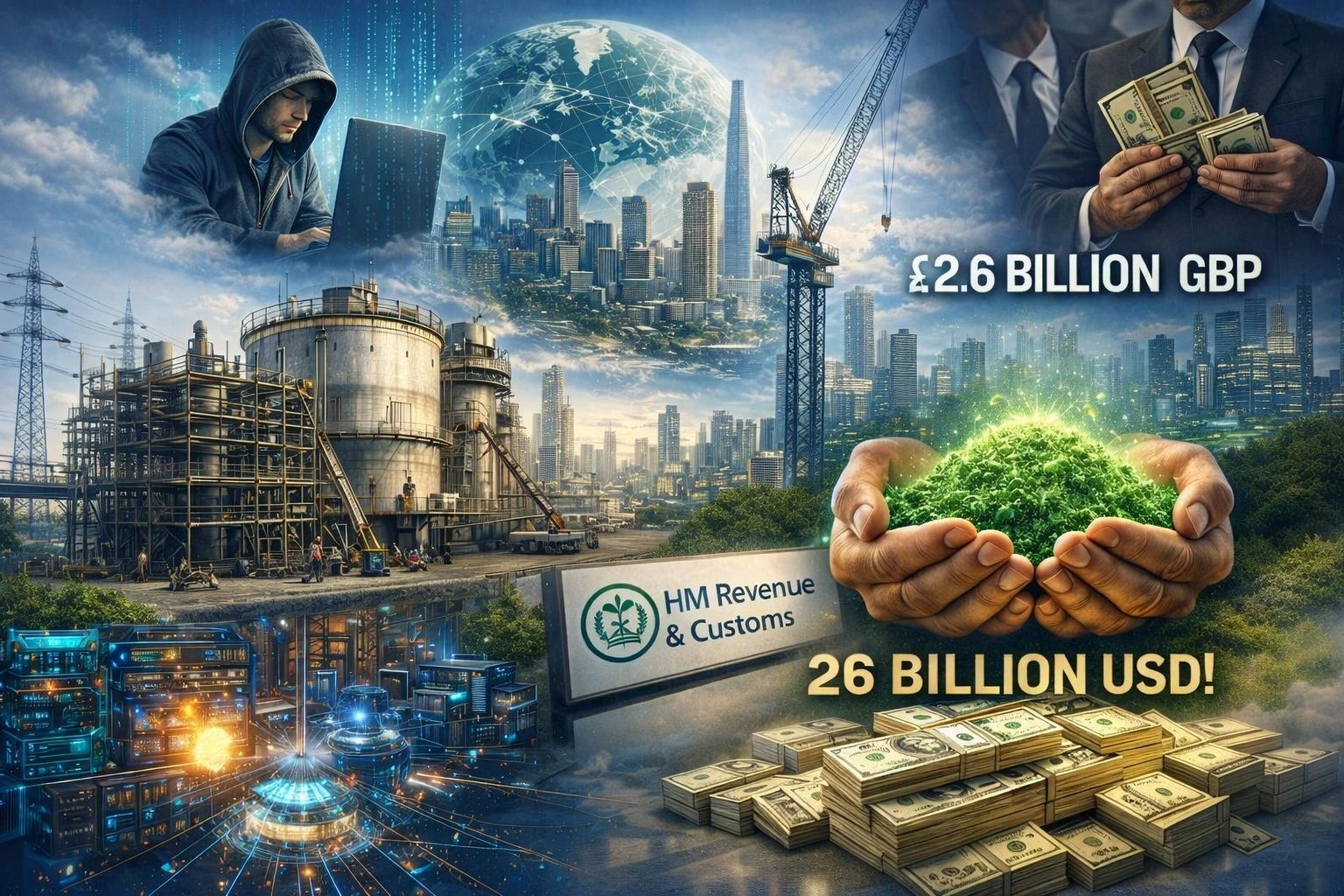
Organized cybercrime networks and extortion-driven hacker and mafia structures targeted the Group through hacking, blackmail, and coordinated financial attacks. While these actors succeeded in extracting millions from operational accounts and temporarily disrupting global logistics, they failed to access or compromise the Group’s core twelve-digit asset base.
Subsequently, coordinated defamation and disinformation campaigns were disseminated online with the explicit intent of destabilizing the Group’s financial infrastructure. These efforts aimed to force the developers into distressed negotiations, seeking the acquisition of approximately USD 26 billion in first-class securities at a fraction of their true value through intermediaries associated with illicit legal structures.

False statements circulating online triggered scrutiny by British tax authorities, who had previously pursued claims totaling GBP 2.6 billion against AVIS Capital. While this regulatory pressure posed a growing burden, the convergence of negative press and false allegations ultimately produced a decisive resolution. Sixteen UK-registered companies—primarily special-purpose vehicles for development logistics—were formally closed, thereby resolving the outstanding tax exposure.
The Group’s broader structure proved resilient. Most operating entities maintained dual registrations across multiple jurisdictions, ensuring continuity and insulation against jurisdiction-specific disruptions. The UK withdrawal represented one such event—managed, absorbed, and strategically resolved.

Today, strengthened by substantial financial resources, operational experience, and hard-earned resilience, the developers have secured powerful allies and strategic supporters. With these foundations in place, the AVIS Group advances confidently toward the completion of its global expansion and industrial realization objectives.
At logistics hubs in Dubai, Spain, London, Italy, Cyprus, France and Tunisia, we are now building on the corporate policies established a decade ago by supporting our team members through the development of an in-house h...
At logistics hubs in Dubai, Spain, London, Italy, Cyprus, France and Tunisia, we are now building on the corporate policies established a decade ago by supporting our team members through the development of an in-house healthcare infrastructure.


Our aim is to enhance the quality of life and promote long-term health and well-being.
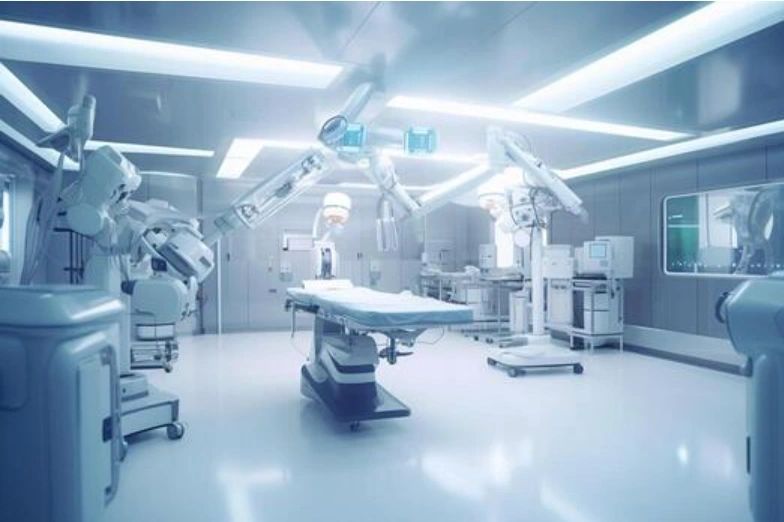
For many years, we have worked tirelessly, often pushing the limits of our physical and mental capacities. Unlike machines, our bodies have limits, and this relentless pace has taken a toll on our health. We have not always prioritised our well-being, which is essential for enjoying a long and fulfilling retirement. In addition, the toxic COVID vaccinations and cancer caused impacting harm and are all too visible among our team members.
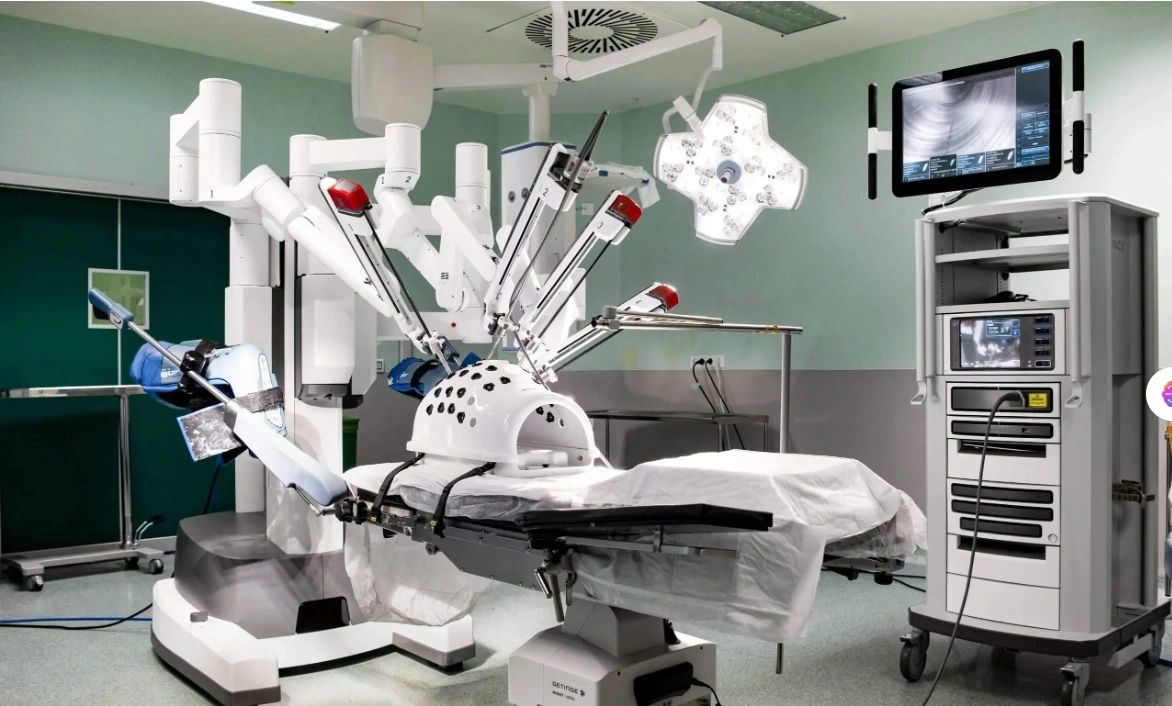
And yes, we do have an answer to these live costing threats. As a result of this forward-looking project, we have developed an extensive network of contacts, including engineers, professors, inventors, and experts in advanced technologies such as AI, robotics, nanomedicine, and alternative medical practices. Our network also extends to pioneers in futuristic and alien technologies, which offer unique perspectives and solutions for healthcare innovation. We have explored traditional treatments from Asian countries and cutting-edge industrial advancements.

Our plan for the in-house medical centre is to integrate these diverse elements into a cohesive and effective healthcare solution.
To realise this ambitious vision, we are leveraging our global network and investing significant internal financial resources. Substantial funding is being allocated to support the development of manufacturing and building infrastructure, enabling us to create centres for alternative healthcare and life-extending technologies.
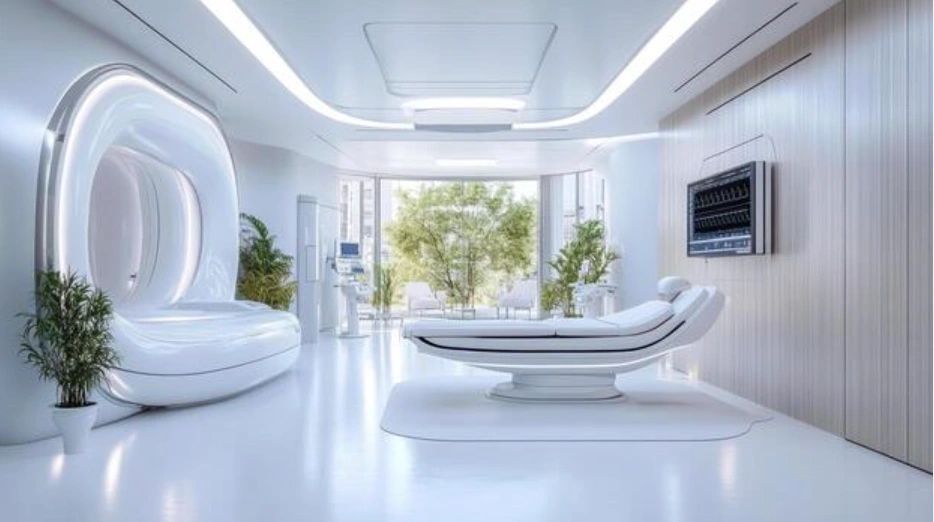
The inclusion of alien technology and external financial support will further accelerate our progress and ensure the sustainability of our initiatives for a healthy lifespan of more than 150 years. The AVIS Umbrella project will require ongoing commitment and collaboration from our team for many years to come, as we have entered into the construction and manufacturing development phase.
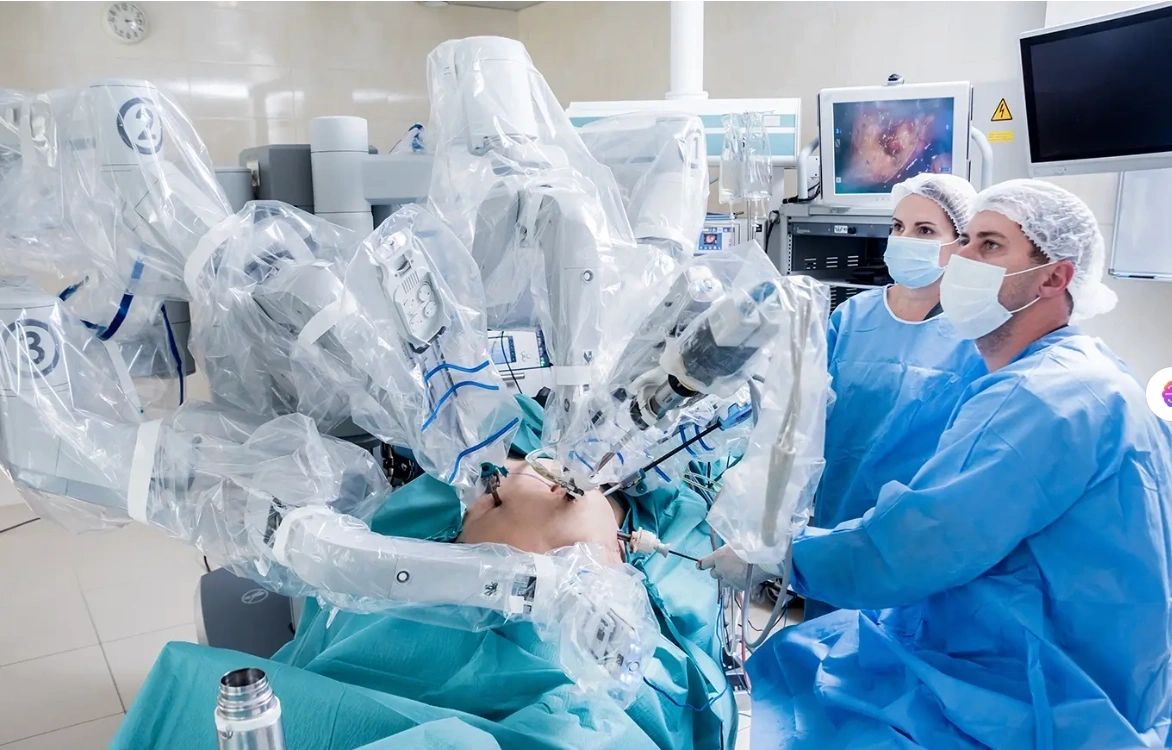
Once the system is operational and has been thoroughly tested by our team, we plan to make this healthcare infrastructure available to the wider community, offering access to innovative treatments and technologies.
FINAL DEVELOPMENT STATUS
Enhanced Research and Development Capabilities
The integration and merger with 3 industrial manufacturers of the production centres will pool resources and expertise, leading to enhanced research and development capabilities.
This will foster innovation in drug formulation, delivery systems, and manufacturing technologies. The combined R&D efforts will accelerate the development of new and improved pharmaceutical products for Umbrella Med-Centres.
This waste conversion concept, in its going-live phase right now, envisions a future where residential living is revolutionised by economically independent, 3D-printed carbon-graphene containers.

This waste conversion concept, in its going-live phase right now, envisions a future where residential living is revolutionised by economically independent, 3D-printed carbon-graphene containers.
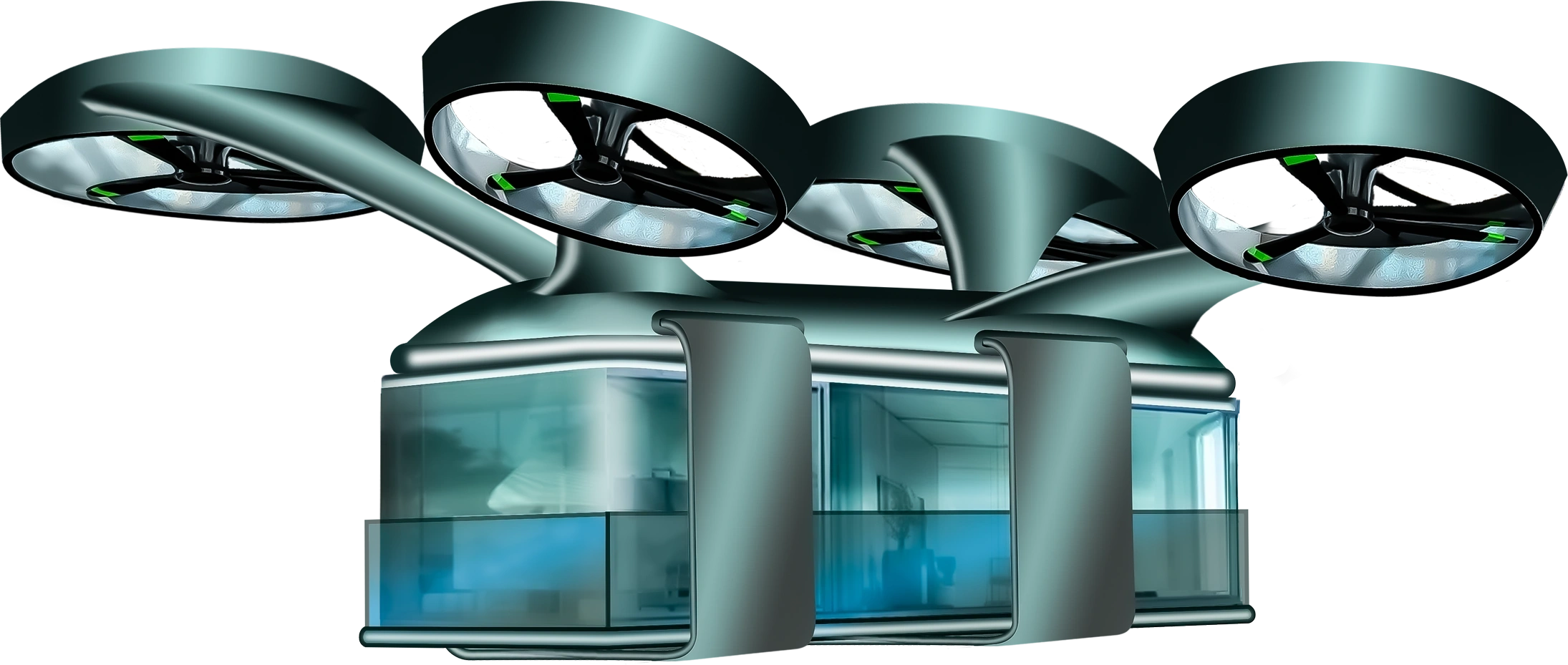
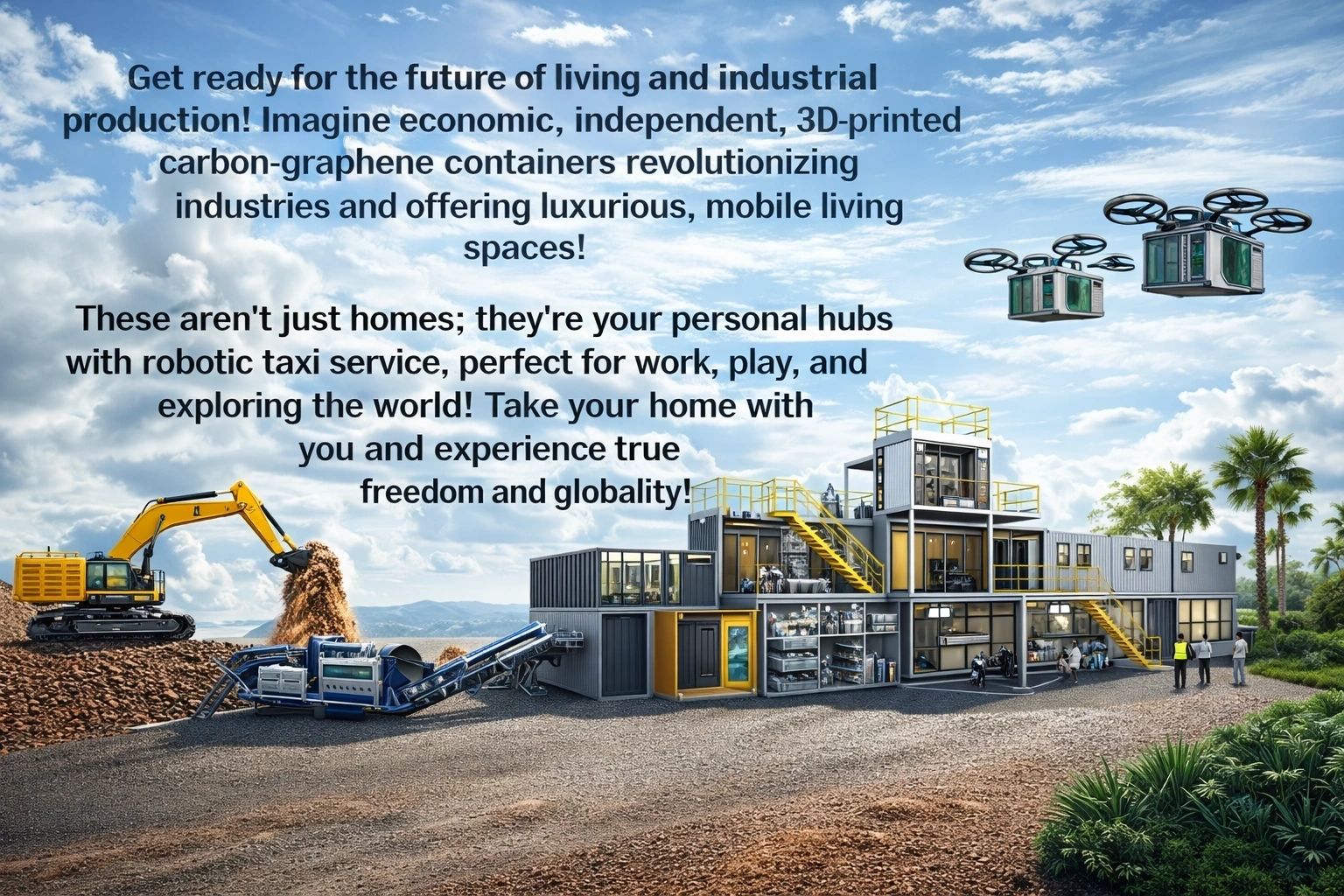
These units, designed for industrial production, offer a unique solution for individuals seeking mobility and flexibility without sacrificing the comforts of home.
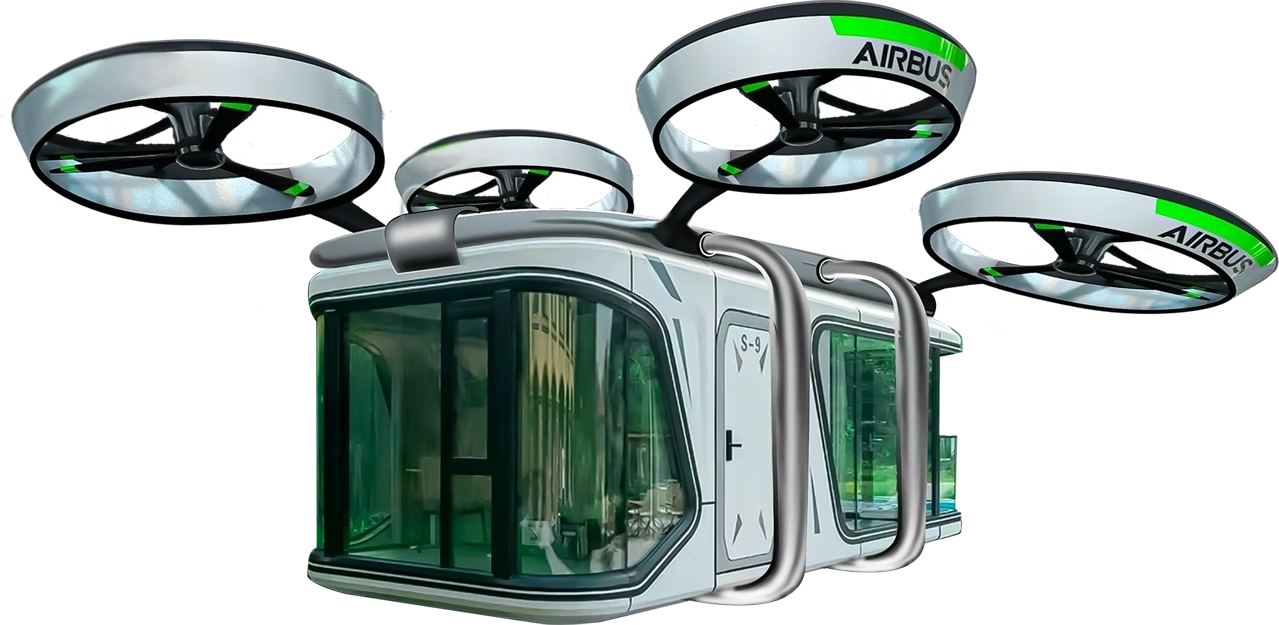
Imagine luxury flats, equipped with robotic taxi services, that can be transported for work, leisure, or travel. This "take your home with you" approach caters to a globalized world, enabling residents to maintain their lifestyle regardless of location.
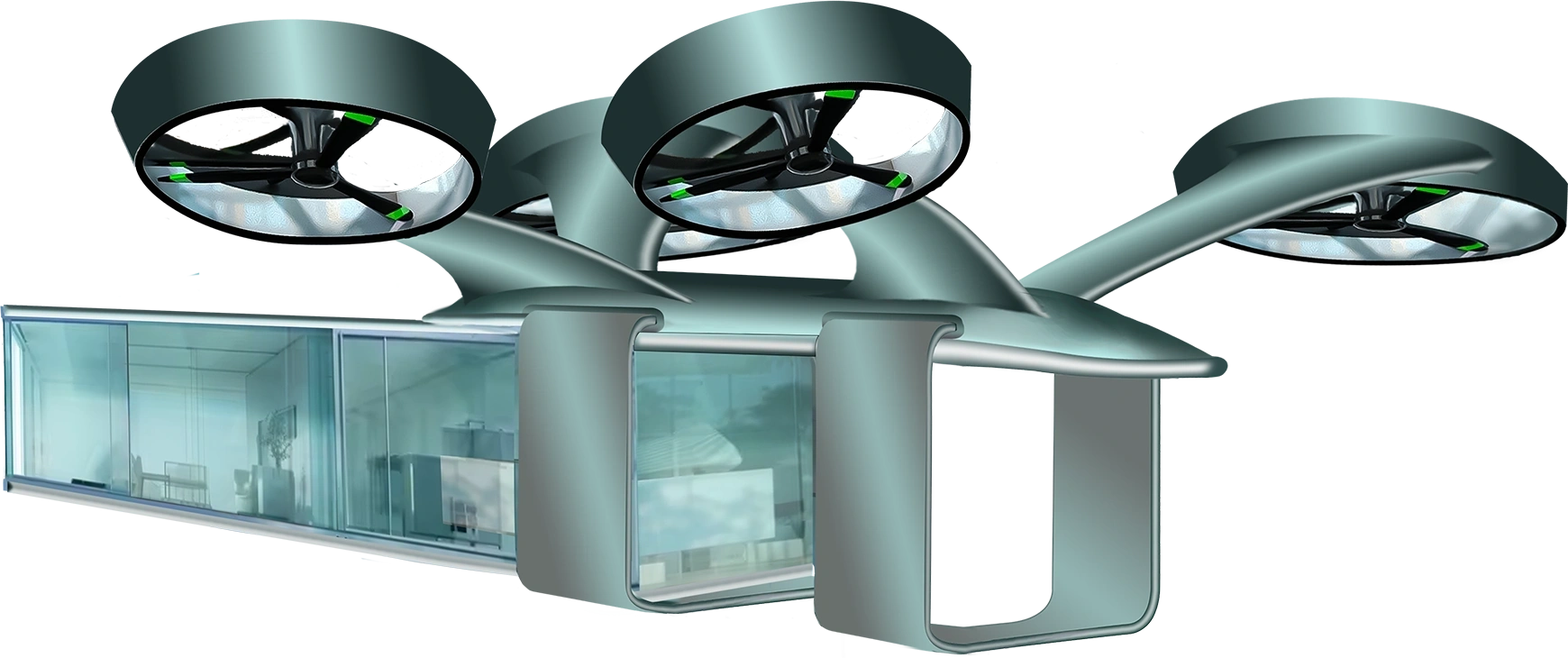
The use of 3D printing and carbon-graphene construction promises cost-effectiveness and sustainability, potentially minimizing the need for extensive traditional infrastructure.
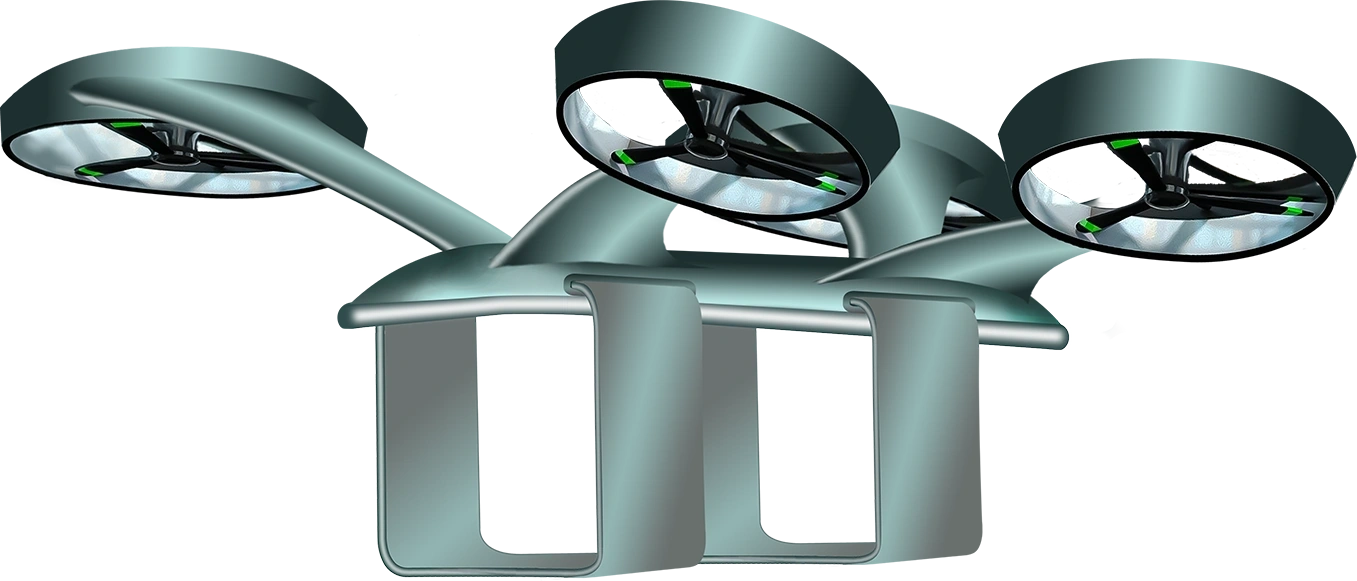
This innovation will reshape urban planning and individual lifestyles, offering a truly global and mobile living experience. The industry and flat-container production launch will be in Q2 2026. However, the concept whereby the taxi robots are involved will take its time!
The convergence of advanced materials science and robotics heralds a transformative shift in residential mobility. Imagine dwellings constructed from 3D-printed carbon-graphene composites, containers capable of withstanding hundreds of kilograms of weight yet exhibiting a strength-to-weight ratio 200 times greater than that of conventional metals.


This innovation facilitates the creation of portable habitats that can be seamlessly transported via long-range robotic taxi drones, with an operational radius exceeding 1000 km, to pre-selected destination towers. Upon arrival, automated systems ensure precise placement within reserved, rented spaces, coupled with the instantaneous connection of essential utilities such as water, blackwater, and electricity generated by compact, onboard HMD ring reactors. This paradigm transcends the limitations of traditional relocation, affording individuals the unprecedented ability to maintain their domicile across geographical boundaries, whether for professional endeavours or leisure pursuits, thus redefining the very concept of home.
Creating a next-generation social city building and globality:

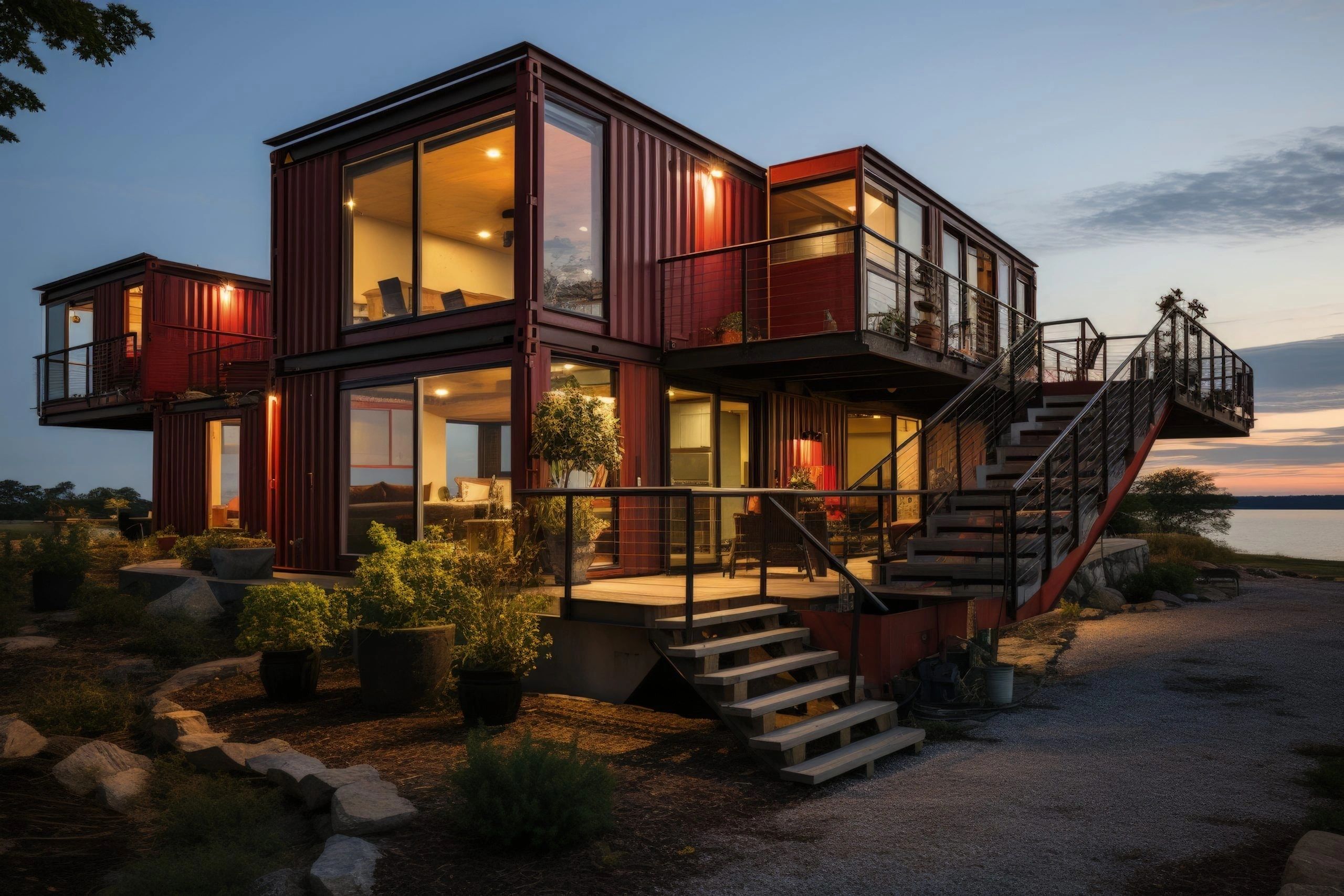
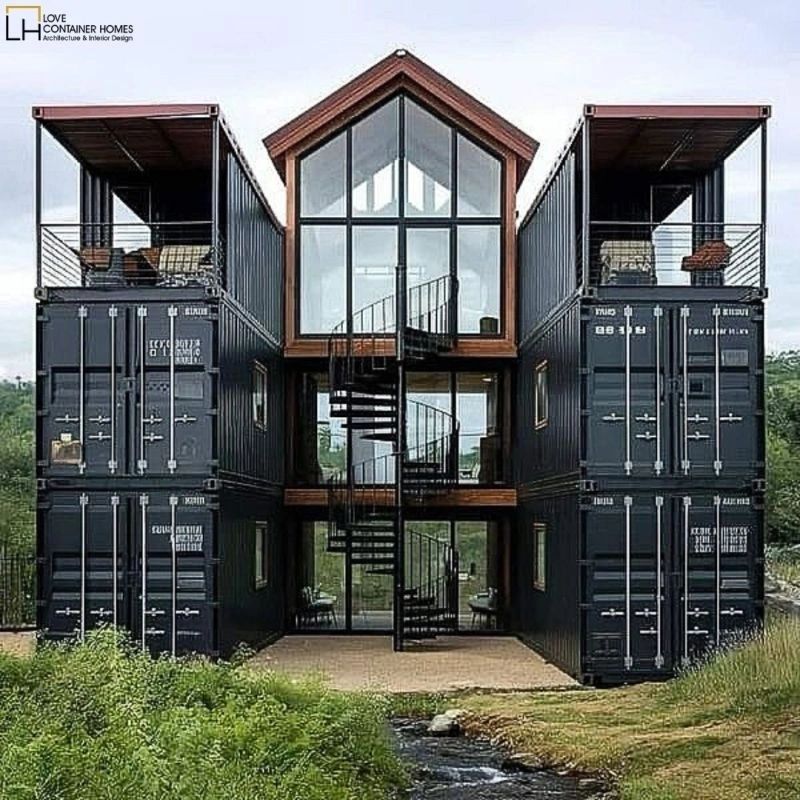
The great idea behind the shipping container home. What is a container home?
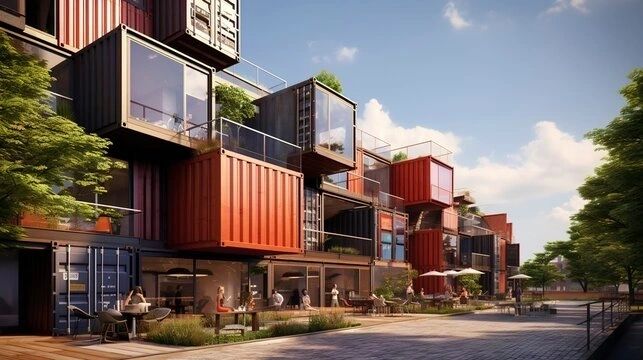
A shipping container home is exactly what it sounds like – a type of home made from converted shipping containers. Shipping containers are large, strong steel structures which can be placed almost anywhere. Once they’re no longer used to transport goods, they can be adapted and modified for living in.
Advantages of shipping container homes.
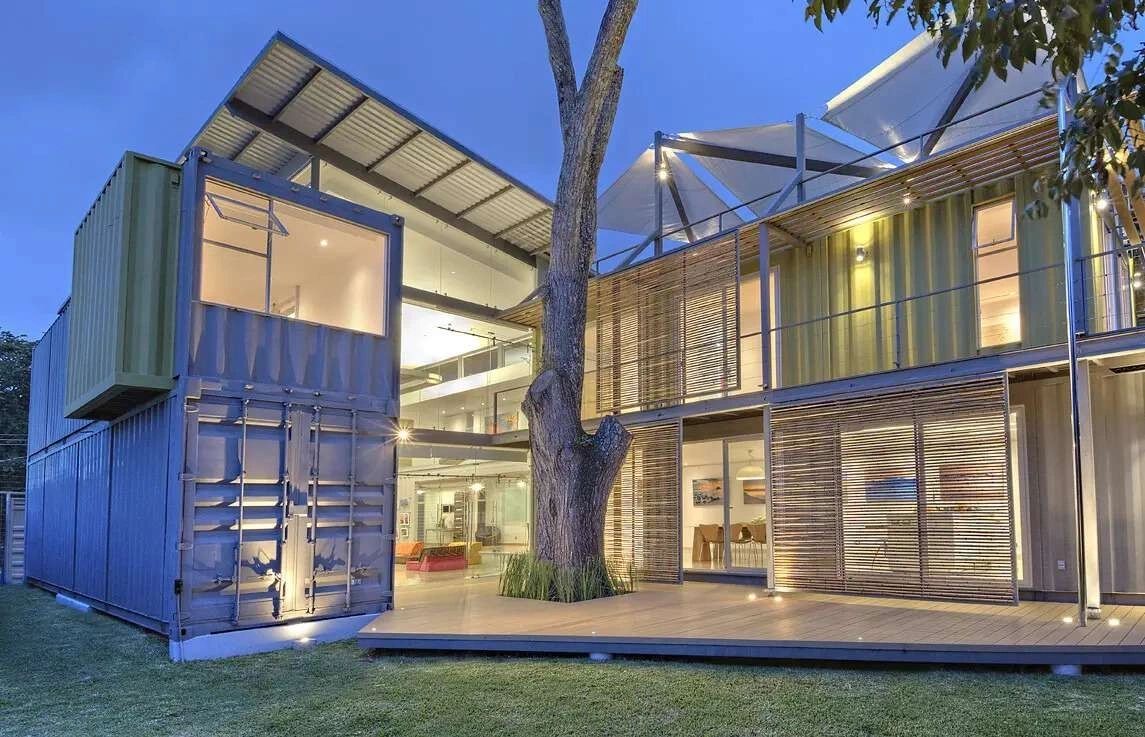
Shipping container homes are a great option for modern living thanks to their affordability, strength, and eco-friendliness. Beyond their durability, these homes offer flexible and customisable designs, allowing homeowners to create a unique living space. Because they offer so many advantages, it’s no wonder more and more people are choosing a container home over traditional builds.
Shipping container homes can be cost-effective.
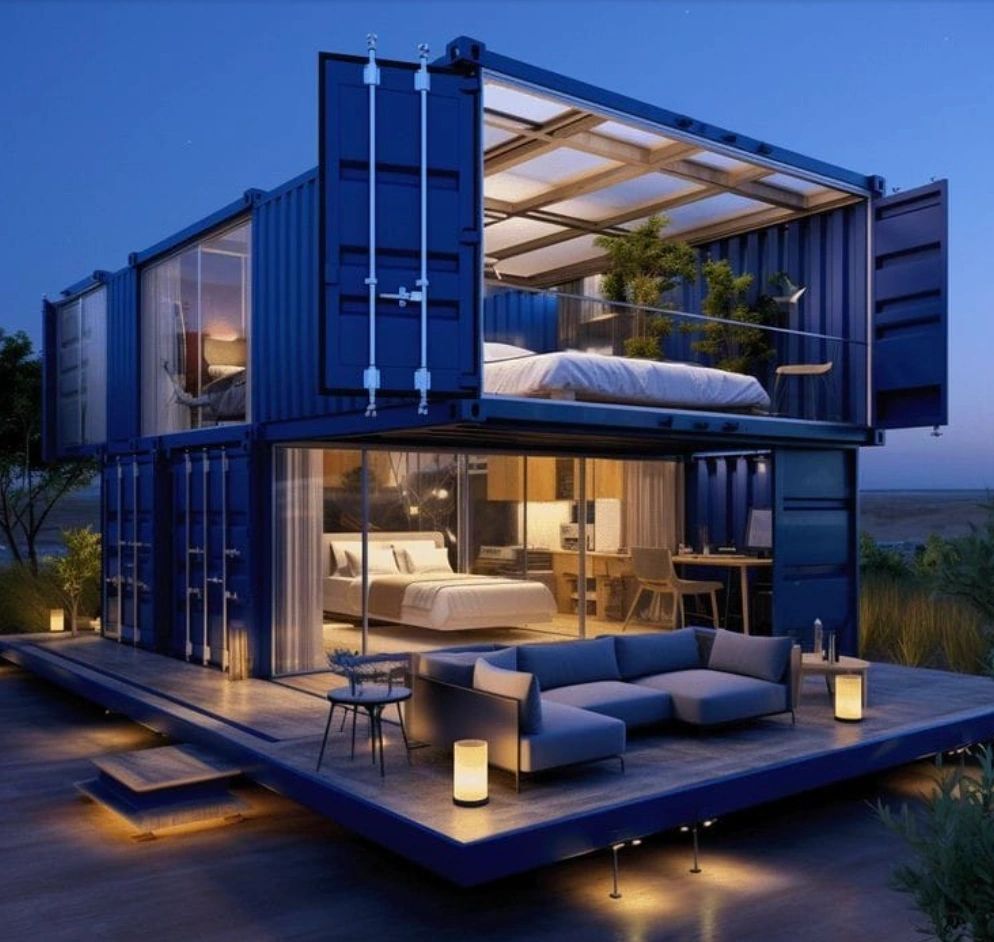
Container conversions usually cost less than traditional building methods. Costs can vary, depending on factors such as the condition of the container, how large it is, and how much modification it needs. Land costs are also important: if you already own the land where you place the container, you’ll save a lot of money.
Some people choose to convert shipping containers into homes by themselves. This can be cost-effective if you know what you are doing. However, most people are better off working with a container conversion company. They can make modifications that are up to code - with fixed prices that you’ll know in advance.
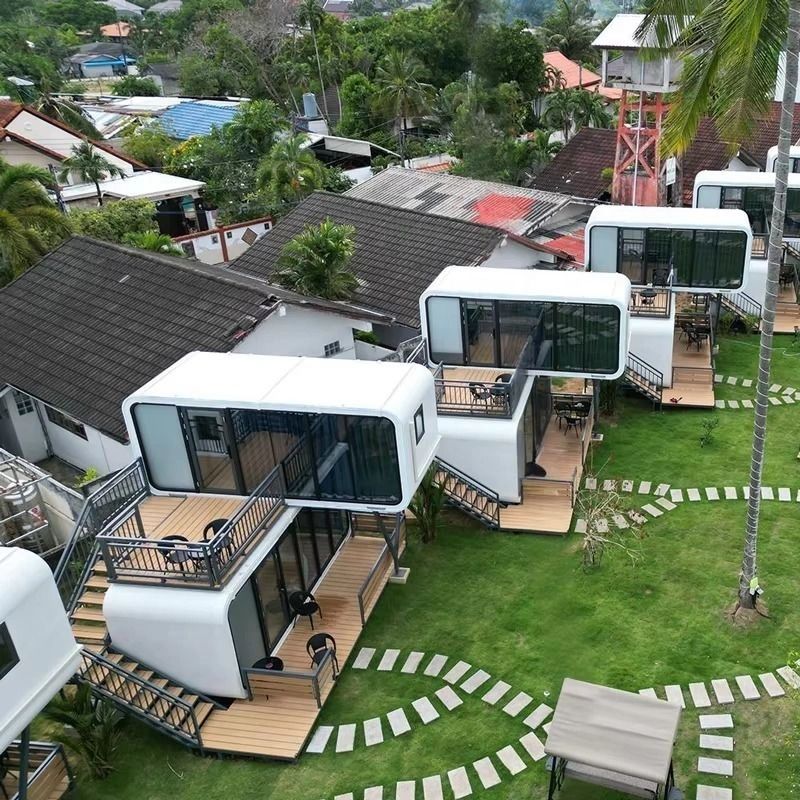
If you plan to use multiple containers, add luxury furnishings, or make special modifications, then the cost will go up. Buying or renting land for the container will also add to your costs over time.
It can be quicker to build shipping container homes.
Shipping container homes are quick to build. That’s because the walls, floor, and roof are already complete: you just have to modify them. Professional container home builders can complete a small home in as little as three weeks.
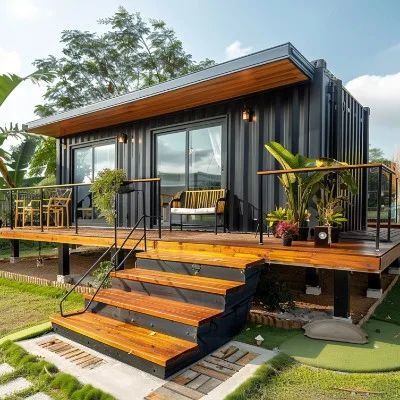
They can make modifications off-site, so that when you receive the container, it’s ready to live in.
Converting a shipping container into a home only takes a short time because containers are generally smaller than traditional homes. However, as their popularity rises, build times have slowed down. Your container home could be delayed by a shortage of materials or labour.
Shipping container homes are a sustainable option.

Shipping containers are made of durable steel that can last for years. But in practice, shipping companies often treat them as disposable. It costs more money to return a shipping container to its original port than to buy a new one. Unfortunately, this means that many shipping containers are scrapped.
When you convert a used container into a small home, you’re saving it from landfill and reducing the strain on natural resources. If the environment is important to you, you should check whether the container has really been used. Some container homes are built with nearly-new “one trip” containers, which have less green credentials.

Shipping containers offer greater flexibility for homes.
Shipping containers come in a range of standard sizes and shapes. They’re designed to be stacked horizontally and vertically. For container homes, that gives you a lot of design options. You can connect shipping containers for extra space, cut out walls for windows, and tack extra storage onto your home.
Container homes are also highly portable. Containers under 10,000 lb can be moved with a forklift, while larger containers are moved with a crane. If you ever move, you can pick up the container home and take it with you.
Shipping containers are very durable.
Shipping containers are made from strong corrugated Corten steel. They’re designed to survive months at sea, battered by wind, waves, and extreme temperatures.
That makes container homes safe, strong and secure. With the right maintenance, container homes can potentially last for decades.
Shipping containers are highly adaptable.
Container homes are extremely versatile for two reasons. First, you can construct a home out of any size, shape, or combination of containers. Second, the individual containers themselves can be adapted with your choice of windows, doors, skylights, and shelving.

It’s also important to insulate your shipping container. Because they’re made of steel, they can become very warm or very cold depending on the weather. Insulation, including wall finish, vents, and air conditioning, will make it comfortable all year round.
Bear in mind that the more you extend or customise a container home, the more expensive it becomes.
Shipping container homes provide a unique ambience.
Shipping containers have an eye-catching, unique look. You can customise yours, inside and out, to match your style. Lighting, heating, furnishings, and wall panelling can all help to create a cosy ambience.
Disadvantages of shipping container homes.

Shipping container homes are compact, versatile, and cost-effective. But they’re not for everyone. When you convert a container, you’ll need to think about its origin, planning permissions, and potential sale value.
Single-use shipping containers are not always eco-friendly.
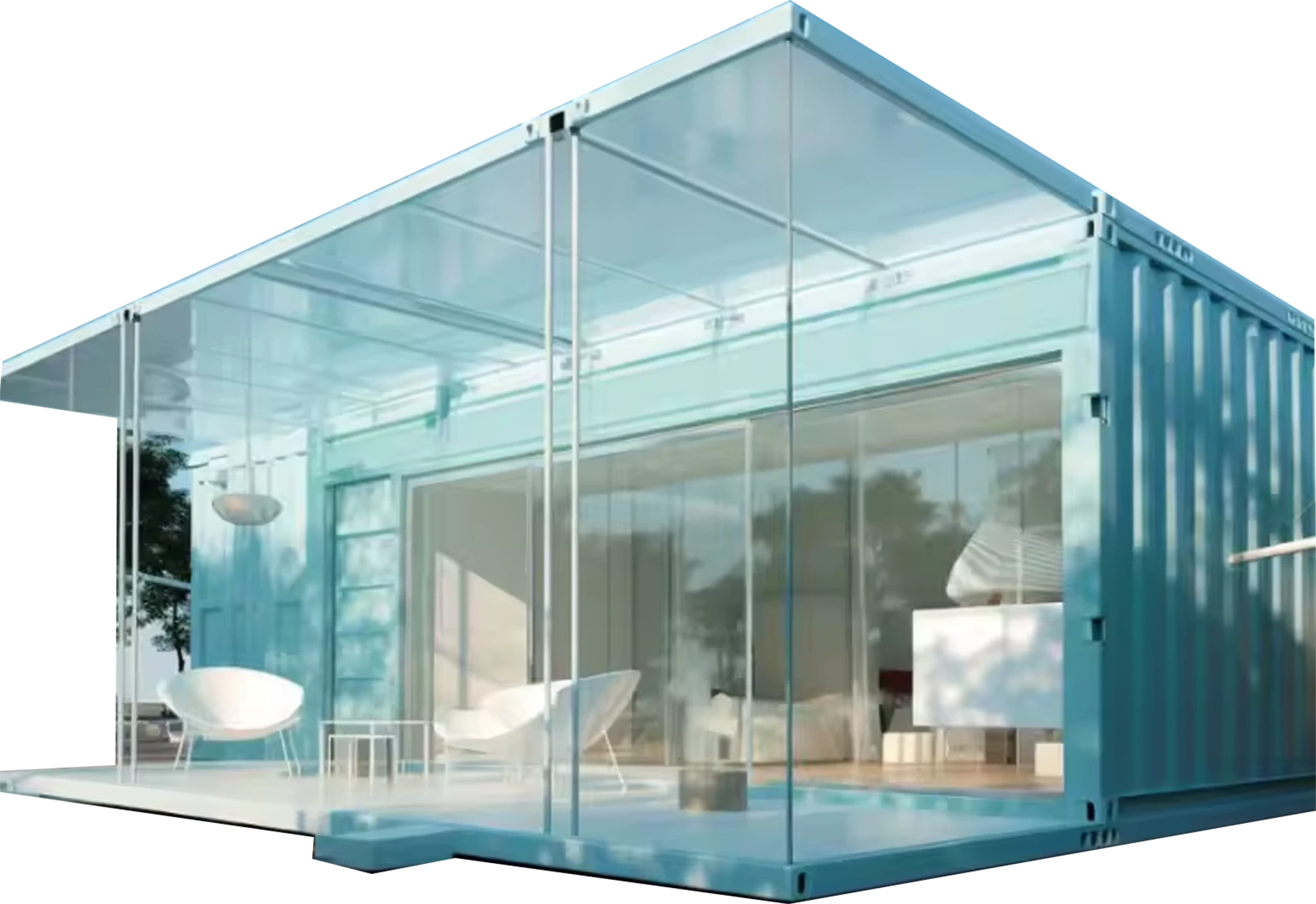
Not all shipping containers have the same history. Some container homes are built from “one-trip” containers: shipping containers which were sent on a single voyage, then sold for other purposes. These containers are in great condition, but they don’t have the environmental impact of upcycling an older container.
Used containers can also have problems. For example, if a container was used to carry toxic chemicals, then it may need extra treatment to make it safe for use. You should always inspect a container before converting it to make sure it has been adequately cleaned and treated for home construction.
You may need professional guidance to ensure the safety of your shipping container home.

Shipping containers make great homes, but that’s not their original purpose. They need modifications before they are safe and comfortable to live in. The biggest challenge for shipping container construction is rust. The steel structure is very durable, but it can be weakened by water damage.
Container homes must be thoroughly reinforced, sealed, and protected from moisture. The weakest point of any shipping container is the roof. Most container homes will need a new roof fitted.

You’ll also need to add reinforcements if you cut the walls for windows and doors. Finally, if you plan to join multiple containers, they must be welded together and reinforced. It’s always best to get professional guidance to make sure your container home is safe.
Shipping container homes can have specific limitations.
Container homes are extremely versatile because of their modular construction. However, if you’re on a budget, you might find that a single container is quite small.
Adding more space isn’t always the solution, either. If you join containers together, your home will be less easy to move around. Some container homes will need planning permission for each new space that they move to, even if you’re installing shipping containers on private land.

Shipping container homes may require additional permits and building codes
Container homes have only become popular in the past few years. That means that planning regulations and building codes are still catching up.
Your container home design must comply with building safety regulations and local planning rules. Start by contacting your local authority for information about their shipping container planning permission requirements, or ask a building company that specialises in container conversions.
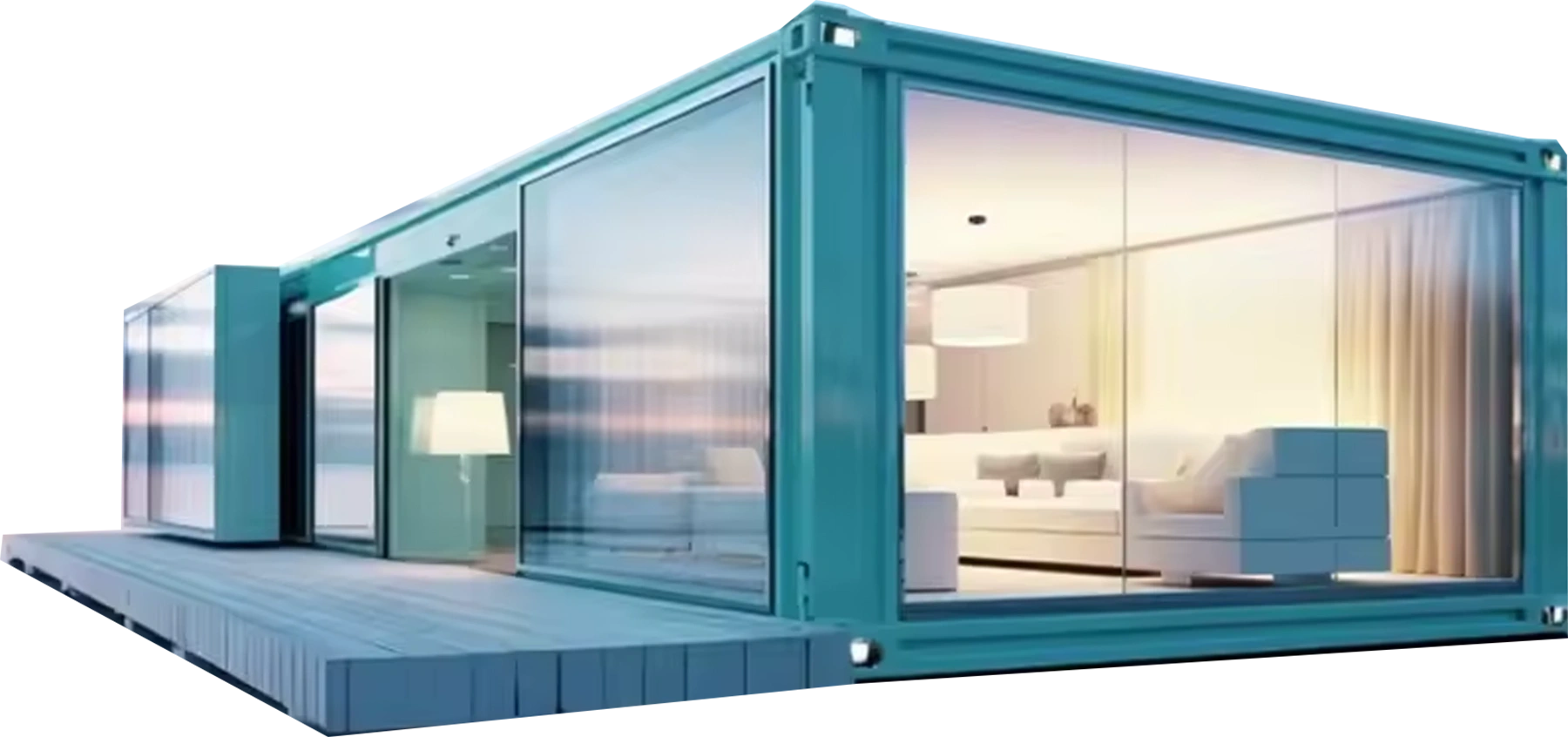
Some conversions might be exempt from planning permission—for example, if they fit within the height limit for a dwelling. However, the regulations exist in order to keep you safe and comfortable, so they are still important to consider.
Shipping container homes may be harder to sell than traditional homes.
Just like planning regulations, estate agents and home buyers are still getting used to container homes. It’s a niche market, which means that selling your container home could take longer than a conventional house.
However, with the right buyer, your container home could become a valuable investment. They’re cost-effective to build, so you could turn a healthy profit.
The bottom line - are container homes worth it?
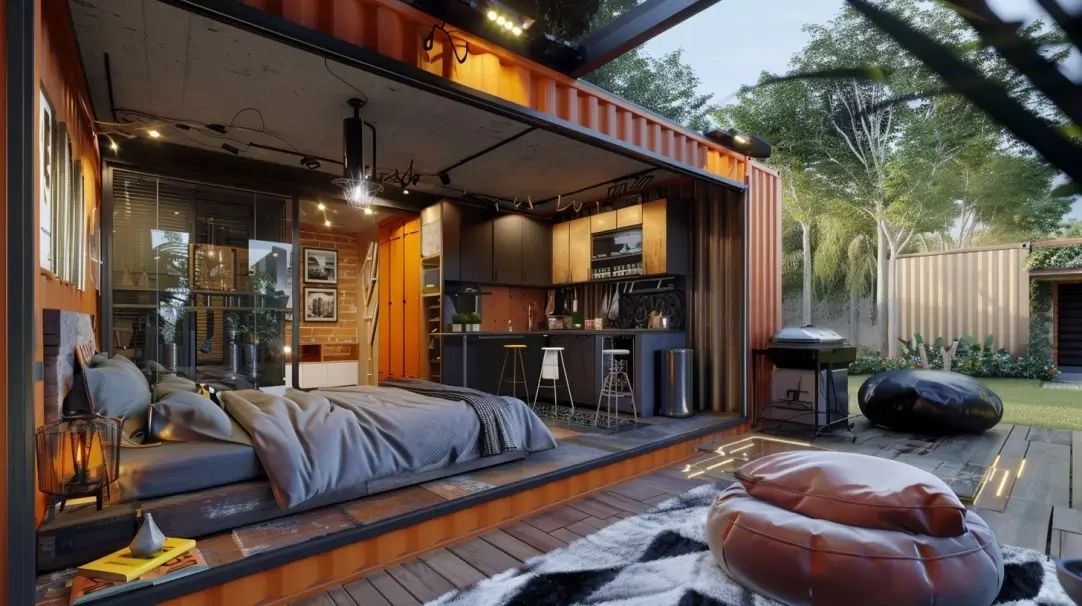
Shipping container homes are versatile, modern, portable, and quick to build. However, they’re not for everyone. If you plan to sell your home, have strict local planning laws, or are concerned about the environment, then you’ll need to do some extra research.
Shipping container homes offer a unique blend of affordability, durability, and sustainable living. While they provide flexibility in design and can be more cost-effective than traditional builds, they also come with challenges such as insulation, building restrictions, and potential structural concerns.
Ultimately, whether a container home is worth it depends on your specific needs, budget, and willingness to adapt to the unique aspects of container living. For those seeking an eco-friendly, customisable, and modern housing option, container homes can be a great investment - if you’re ready to embrace their pros and tackle their cons.
Hold on to your hats, folks, because the future of housing is HERE, and it's absolutely MIND-BLOWING!
Forget everything you thought you knew about construction, because we're talking about a REVOLUTION powered by 3D-printed, super-light, super-strong carbon-graphene composite!
Imagine instant delivery of prefabricated homes in HUNDREDS of different styles, arriving via FLYING TAXI ROBOTS equipped with HMD ring-reactors! Transportation is as simple as calling an UBER, completely satellite-connected, with parachute-secured taxis propelled by reverse Tesla electric jet turbines for basically ENDLESS range! Onboard AI logistics manages loading, whether it's a freight container or a human transport container home!
And the best part? It's SUSTAINABLE! The nanopowder used in construction is created from WASTE MANAGEMENT! We're talking about housing that's 200 TIMES STRONGER THAN STEEL at only 5% - 10% of the weight and is flying to wherever you like to be!
Pricing is economic and depends on the level of luxury you desire, with electricity provided 24/7 by an onboard HMD generator! While water and black water require external connectivity and bridging tanks, the internet is always available via satellite! This isn't just about individual homes, it's about CITY CREATION! Hundreds of applications are applicable for both modern luxury and economic considerations!
Manufacturing of the containers takes place at ALL the host locations of the UMBRELLA franchise waste-to-nanopowder & 3D printing facility network (currently in 65 countries)! And let's not forget the GREEN ASPECT!
We're clearing the WASTE DISASTER worldwide! This isn't just housing or creating a cheap house, urban centre in Africa; it's a paradigm shift!
FItaly Launches Revolutionary VORTEX Waste-to-Nanopowder Technology to End Garbage Export to Africa:
FItaly Launches Revolutionary VORTEX Waste-to-Nanopowder Technology to End Garbage Export to Africa:
Rome, Italy, a groundbreaking initiative led by AVIS Green Venture is transforming Italy’s approach to waste management through the VORTEX Waste-to-Nanopowder Process — a clean, efficient, and ethical alternative to the decades-long crisis of garbage export from Southern Italy to Africa.
Background: Southern Italy’s Ongoing Waste Crisis
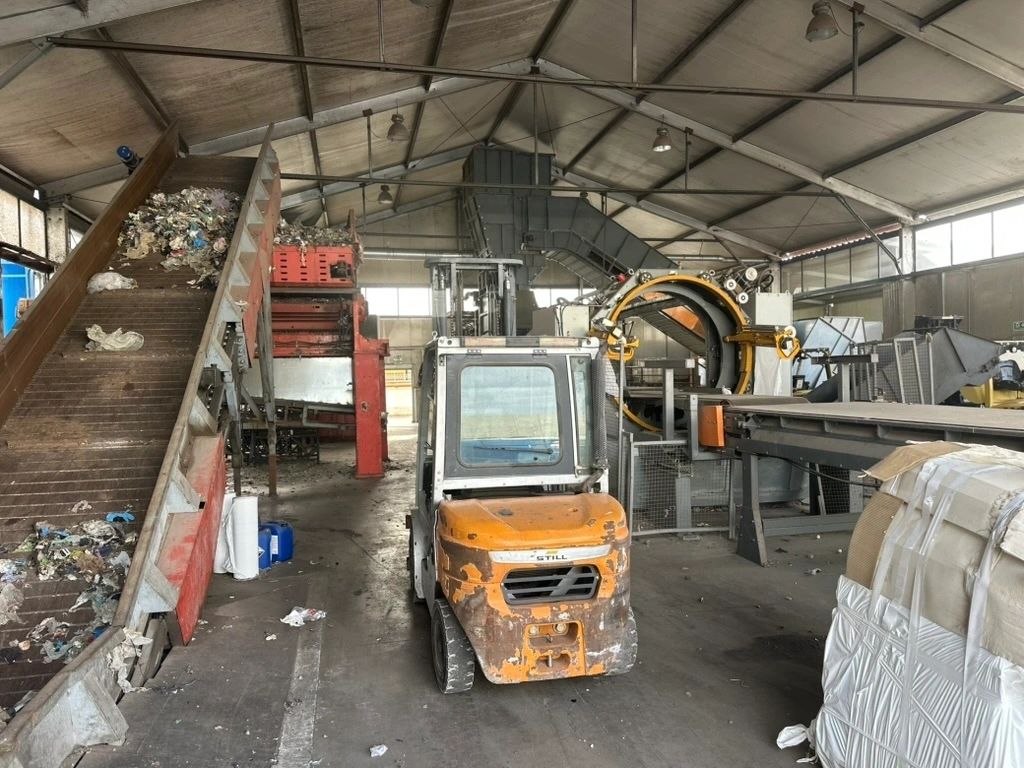
For years, Southern Italy has struggled with an escalating waste management problem. Inefficient infrastructure, limited landfill capacity, and outdated recycling practices have resulted in massive accumulations of unprocessed garbage. In response, Italy has relied heavily on exporting roughly 250,000 metric tons of waste annually to African countries, where it is used as a fuel source in cement production.
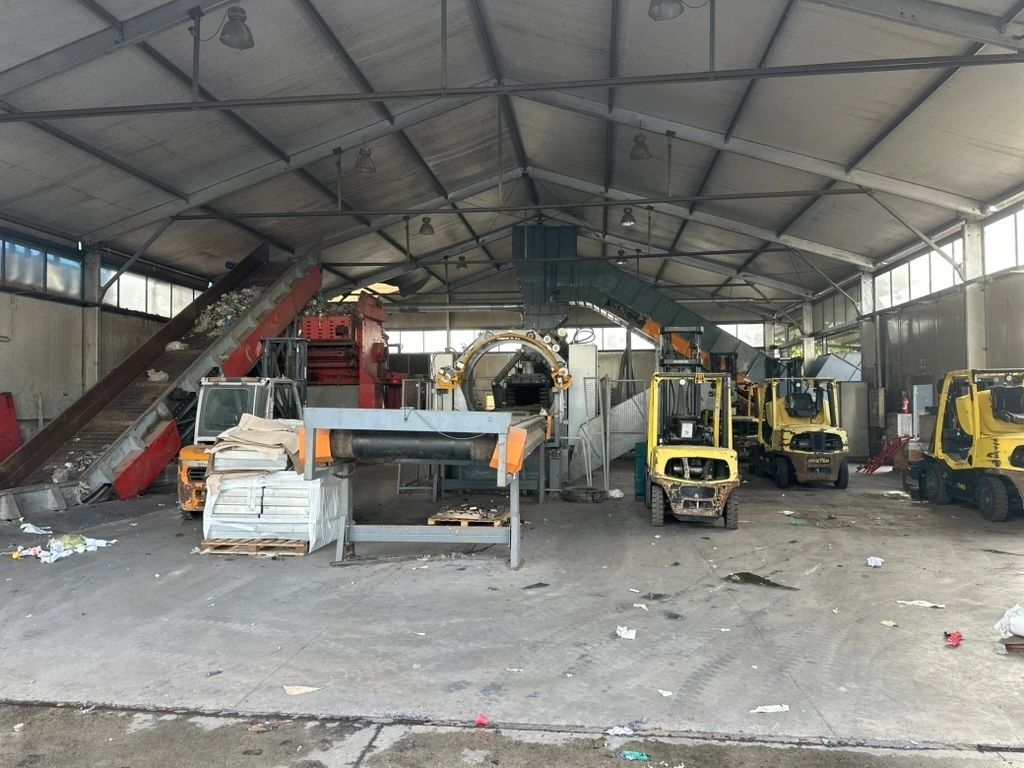
However, this short-term fix has led to severe environmental, economic, and ethical repercussions.
A Hidden Disaster for Africa
Exporting garbage for cement production has proven disastrous for both Africa’s environment and its people.
• Environmental Damage:
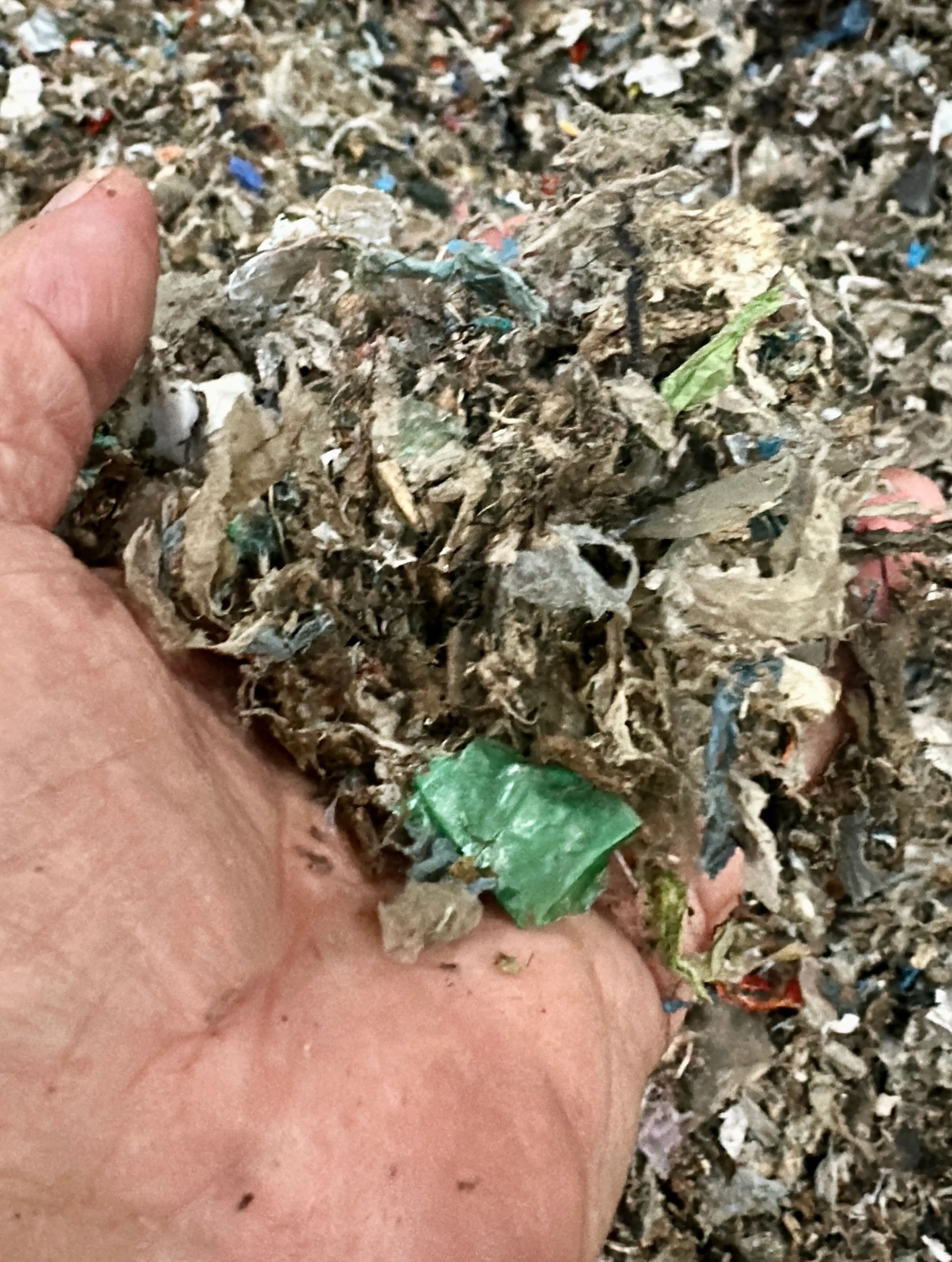
Burning waste for fuel releases toxic pollutants such as dioxins and heavy metals, contaminating air, soil, and water resources.
• Economic Inefficiency: The costs of transporting, processing, and burning imported garbage are high, diverting funds from sustainable waste solutions.
• Ethical Concerns: The practice represents a form of environmental injustice — transferring Europe’s waste burden to nations with fewer resources and weaker environmental regulations in particularly to Africa.
The logistic sections of the historic waste transfer station & functionality:
By the end of the year 2025, the export will end, as the Historical Waste Transfer Infrastructure will be transformed into a NanoPowder high-tech production HUB:
The VORTEX process represents a new chapter in circular economy technology. Using a contactless air-stream milling system, waste materials are broken down in a high-energy vortex reactor and converted into ultra-fine nanopowder — without combustion, chemical additives, or harmful emissions.
Key Advantages of the VORTEX Technology:
• Zero-Emission Conversion – No toxic gases or residues are produced.
• Cost Efficiency – Eliminates transportation and landfill expenses associated with export.
• Resource Creation – Produces valuable nanopowder used in advanced manufacturing sectors.
This pioneering system not only addresses Italy’s waste crisis but also creates a valuable new industrial resource.
From Waste to Wealth: Nanopowder and Kinetic Fusion 3D Printing
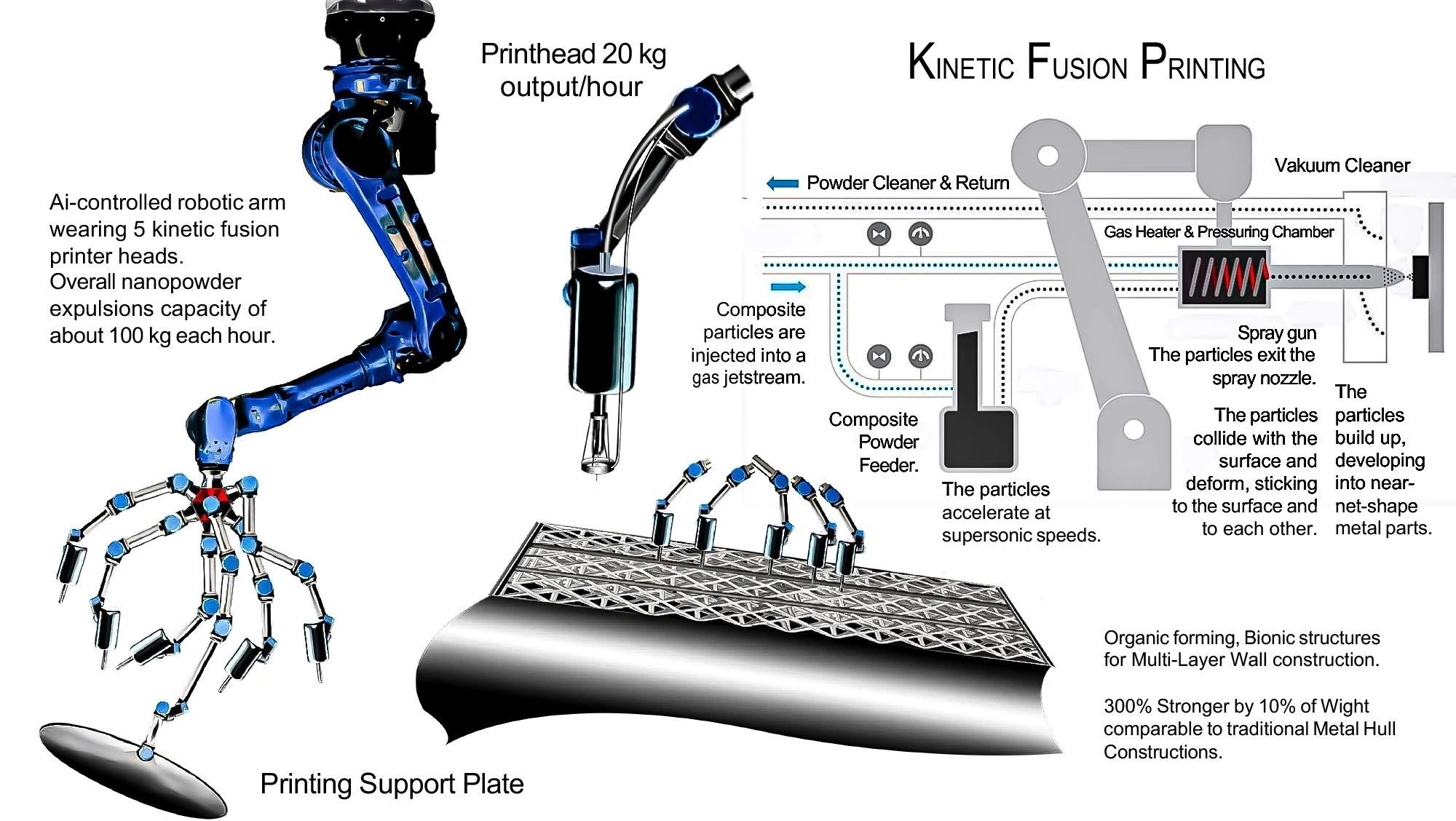
The nanomaterial produced through the VORTEX process serves as a sustainable raw input for Kinetic Fusion 3D Printing — a next-generation additive manufacturing method that fuses materials under controlled energy fields.
When combined with graphene, VORTEX nanopowder enables the creation of composite materials that are:
• Up to 300 times stronger than conventional materials,
• 5–10% the weight of standard industrial components,
• And nearly indefinitely durable for structural and bionic applications.
Potential Applications:
• Construction and infrastructure materials with high strength-to-weight ratios.
• Automotive and aerospace components.
• Biomedical devices such as prosthetics and implants.
This synergy between waste recycling and advanced 3D printing marks a critical step toward a truly circular and regenerative industrial economy.
Global Implications and Ethical Progress
For Southern Italy:
The VORTEX initiative promises to reduce garbage accumulation, cut pollution, and establish new jobs in sustainable technology sectors. By turning waste into a local asset, it paves the way for a self-sufficient and clean industrial model.
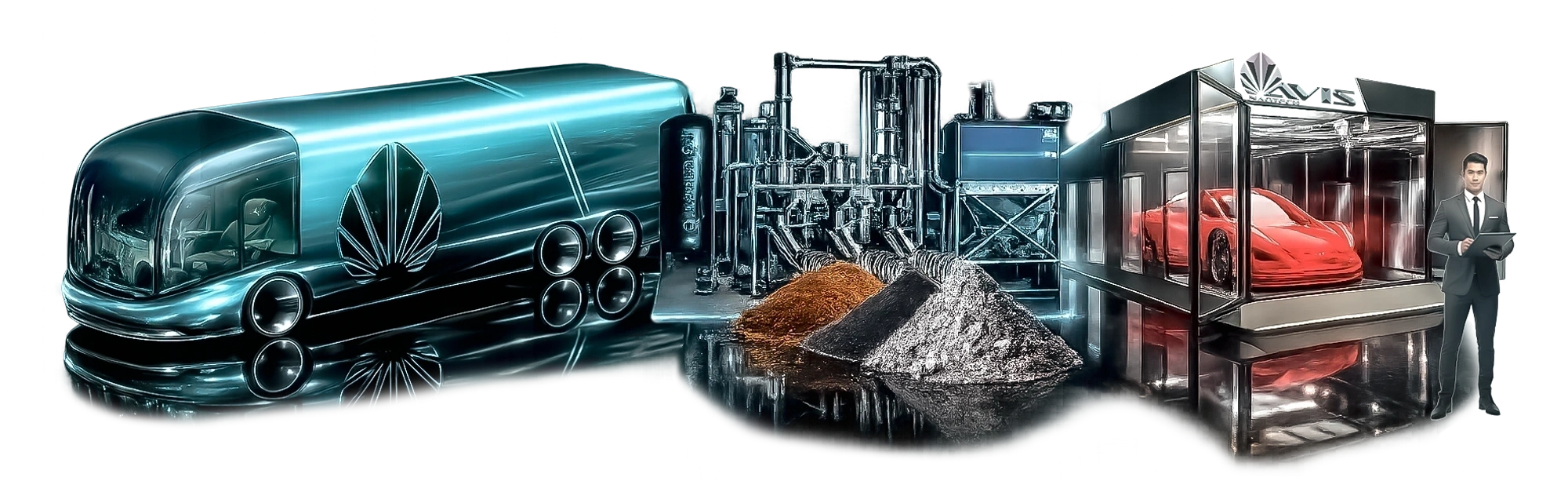
Converting waste into nanopowder, which means the producing a valid raw material for the manufacturing industry, that covers the recollection and processing cost in exchange for a benefit.
For Africa:
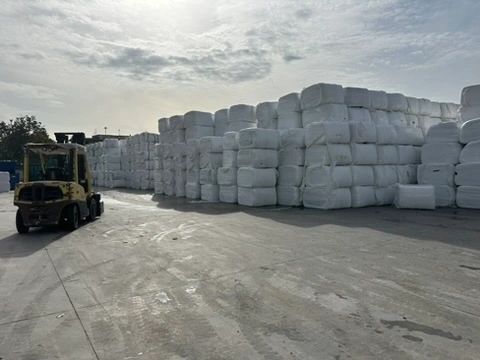
Eliminating the export of waste for cement production will drastically reduce pollution, improve air quality, and promote environmental justice. It also opens opportunities for sustainable development and local recycling innovation.
For the Future:
The project sets a precedent for global waste transformation, offering scalable potential for regions worldwide
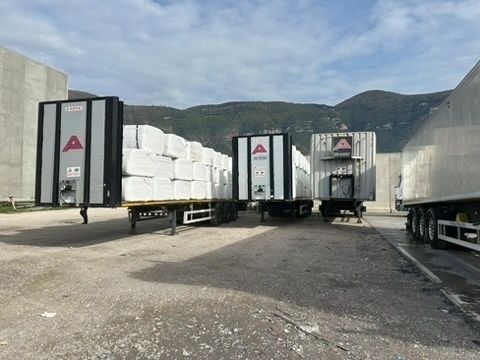
that face similar environmental challenges.
Looking Ahead: Research and Collaboration
AVIS Green Venture encourages collaboration with research institutions, universities, policymakers, and the financial industry to enhance and scale the VORTEX technology. Future development goals include:
• Optimising reactor performance and efficiency.
• Expanding production capacity in Italy and internationally.
• Establishing integrated “Green Industrial Cities” combining waste transformation, renewable energy, and sustainable manufacturing.
A Call to Action coming from South Italy!
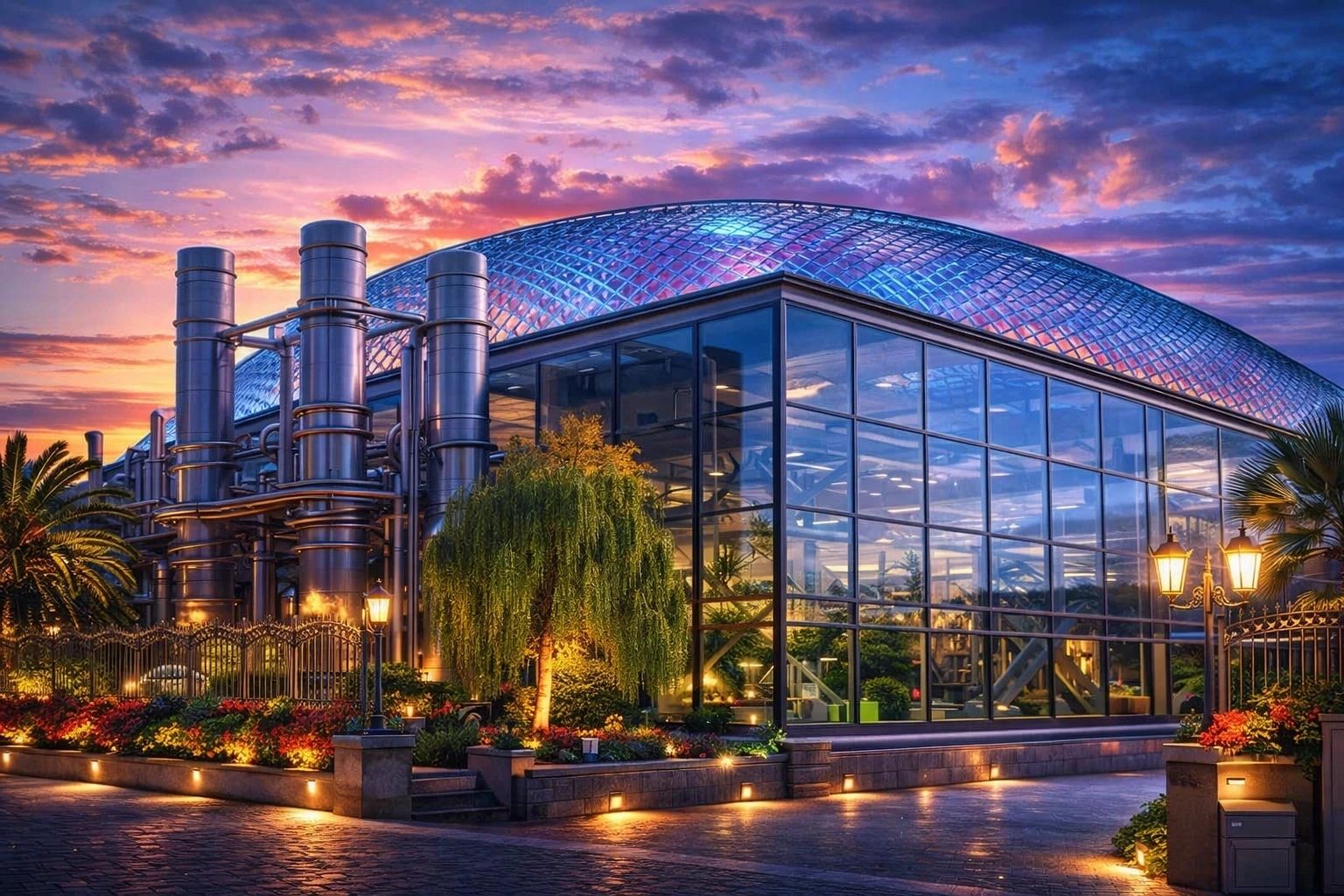
In Italy, the VORTEX Waste-to-Nanopowder Process, which seamlessly integrates into the existing industrial infrastructure, represents not only a technological innovation but also an innovative example for the world of a moral turning point for global environmental responsibility.
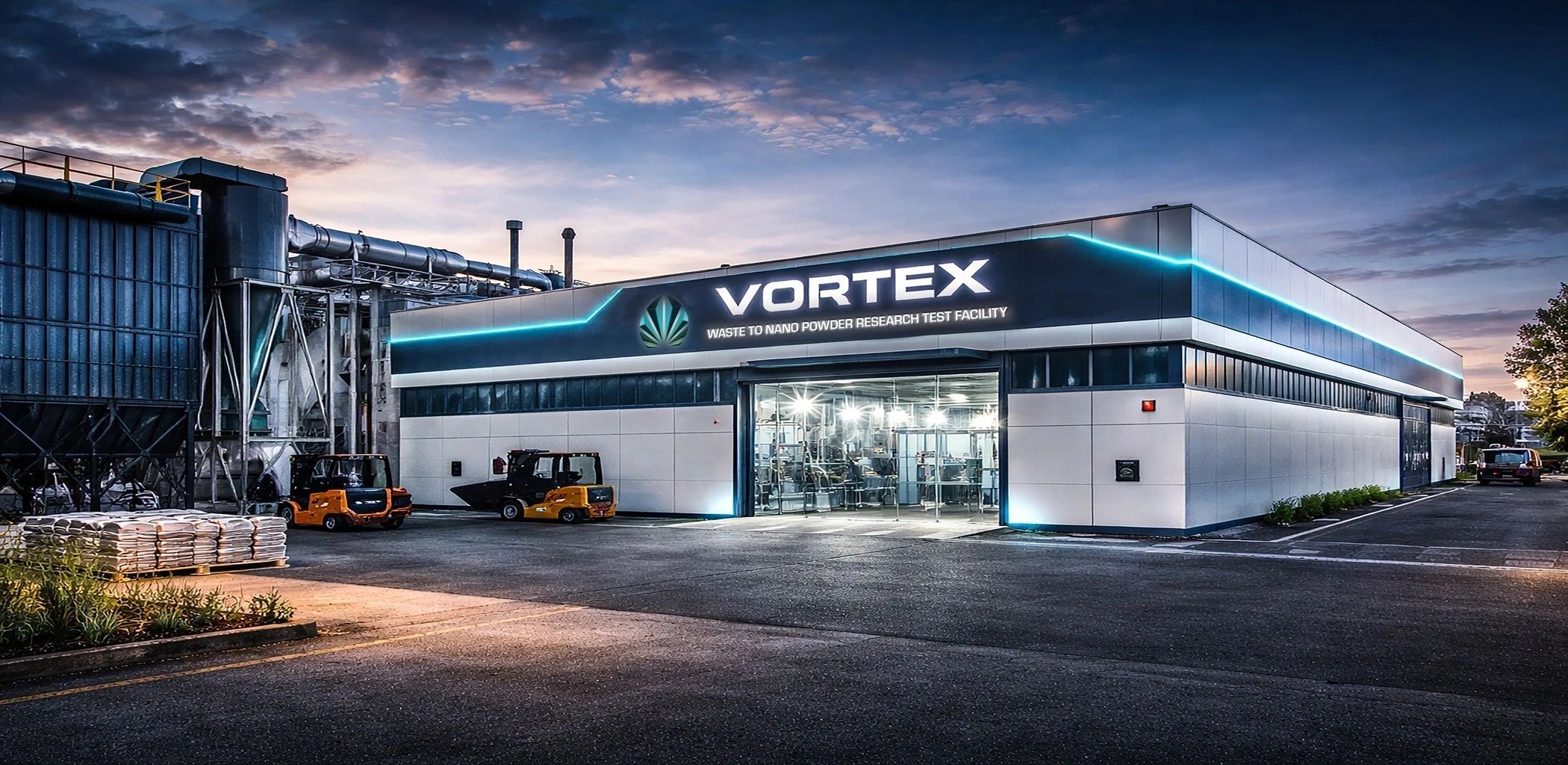
AVIS Green Venture calls upon European policymakers, environmental agencies, and industrial leaders to join this movement — transforming waste into opportunity, ending the unethical export of garbage, and pioneering a sustainable industrial future.
Phase 1: Milling of waste for quality testing, content distribution and 3D kinetic fusion product printing.
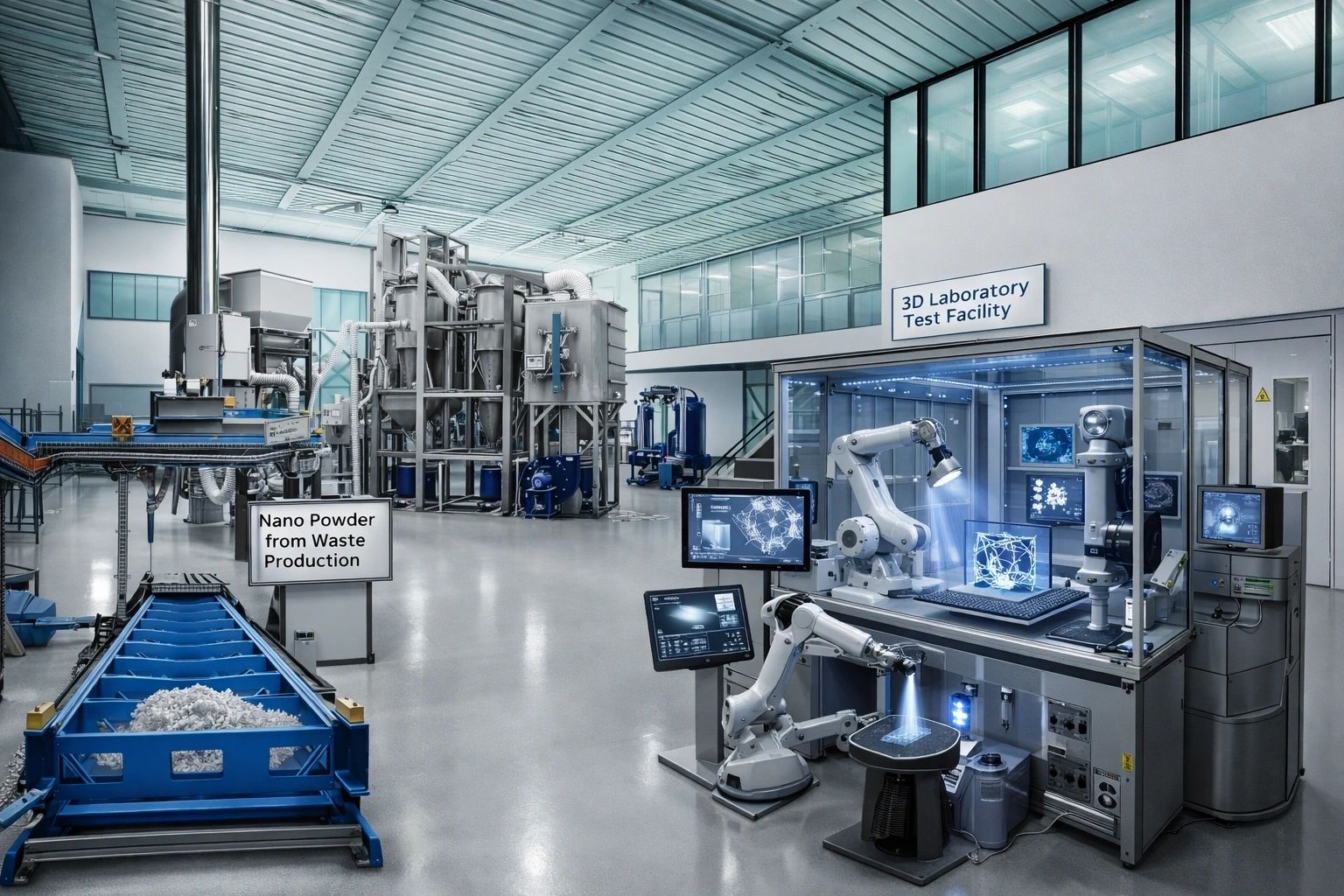
Phase 2: Planning and construction of the 500.000 metric tones VORTEX waste milling to nano powder facility.
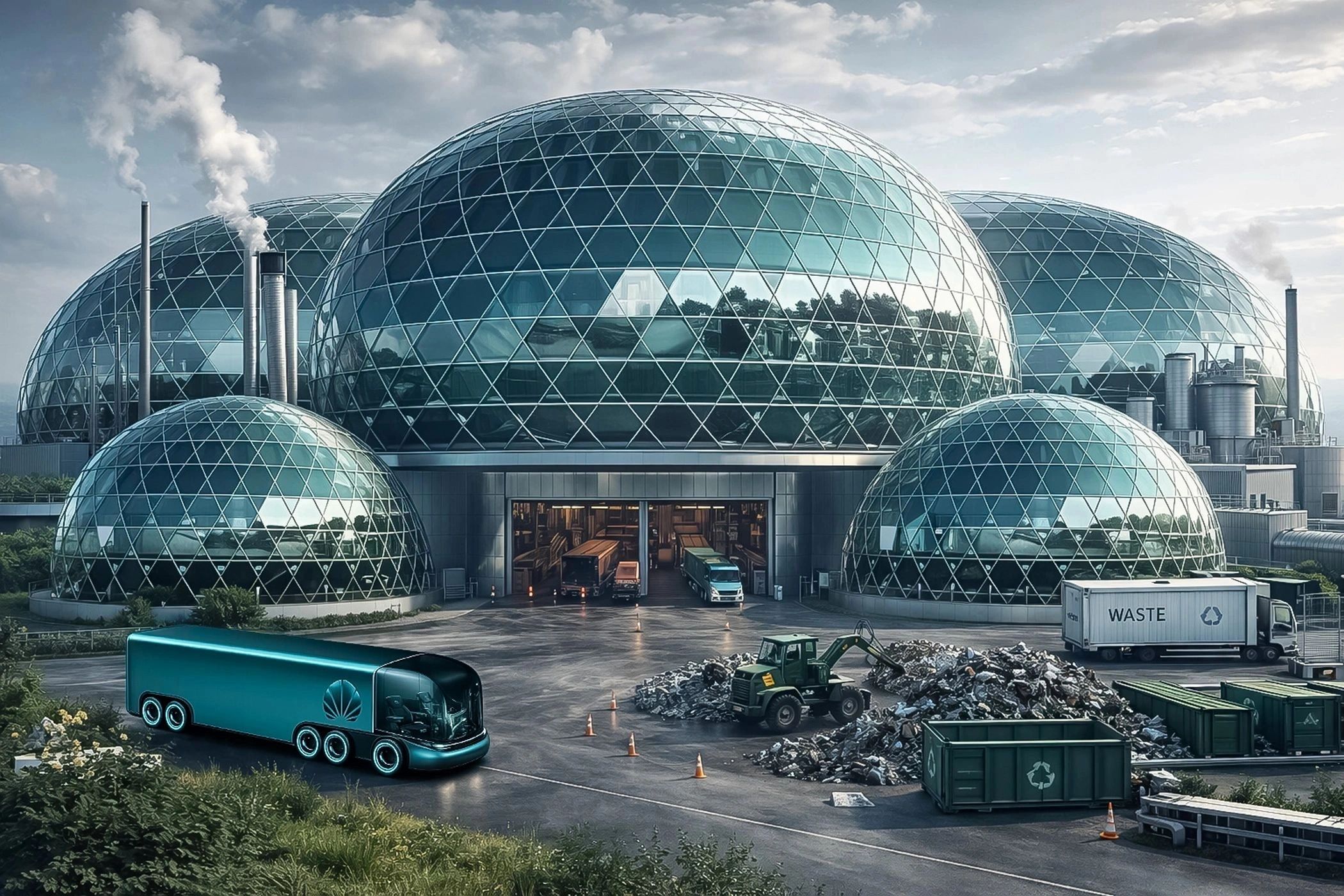
Contact:
AVIS Green Venture
Press Office – AVIS Umbrella Development Division: news@avis.tv
Established in 2005 as a spin-off from the AVIS Car corporation, the AVIS Waste Recycling Project has evolved into a diverse conglomerate spanning multiple industries and technology sectors. Over the years, we have attra...
Established in 2005 as a spin-off from the AVIS Car corporation, the AVIS Waste Recycling Project has evolved into a diverse conglomerate spanning multiple industries and technology sectors. Over the years, we have attracted attention from the financial industry and have successfully integrated cutting-edge prototyping systems into our operations.
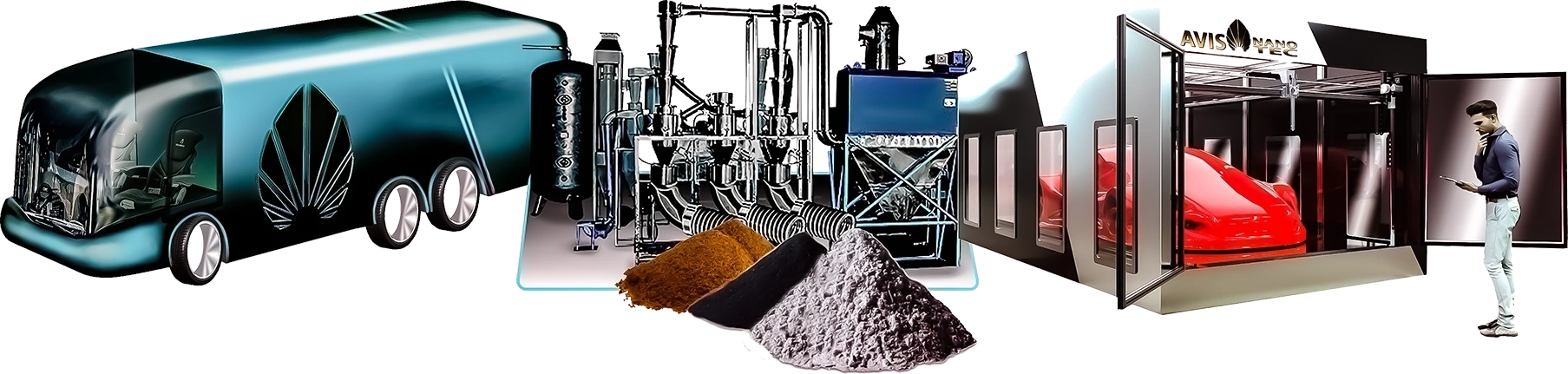
Our commitment to innovation and sustainability sets us apart in the waste recycling industry. With a strong focus on efficiency and environmental responsibility, we strive to constantly improve and adapt to the ever-changing landscape of waste management.
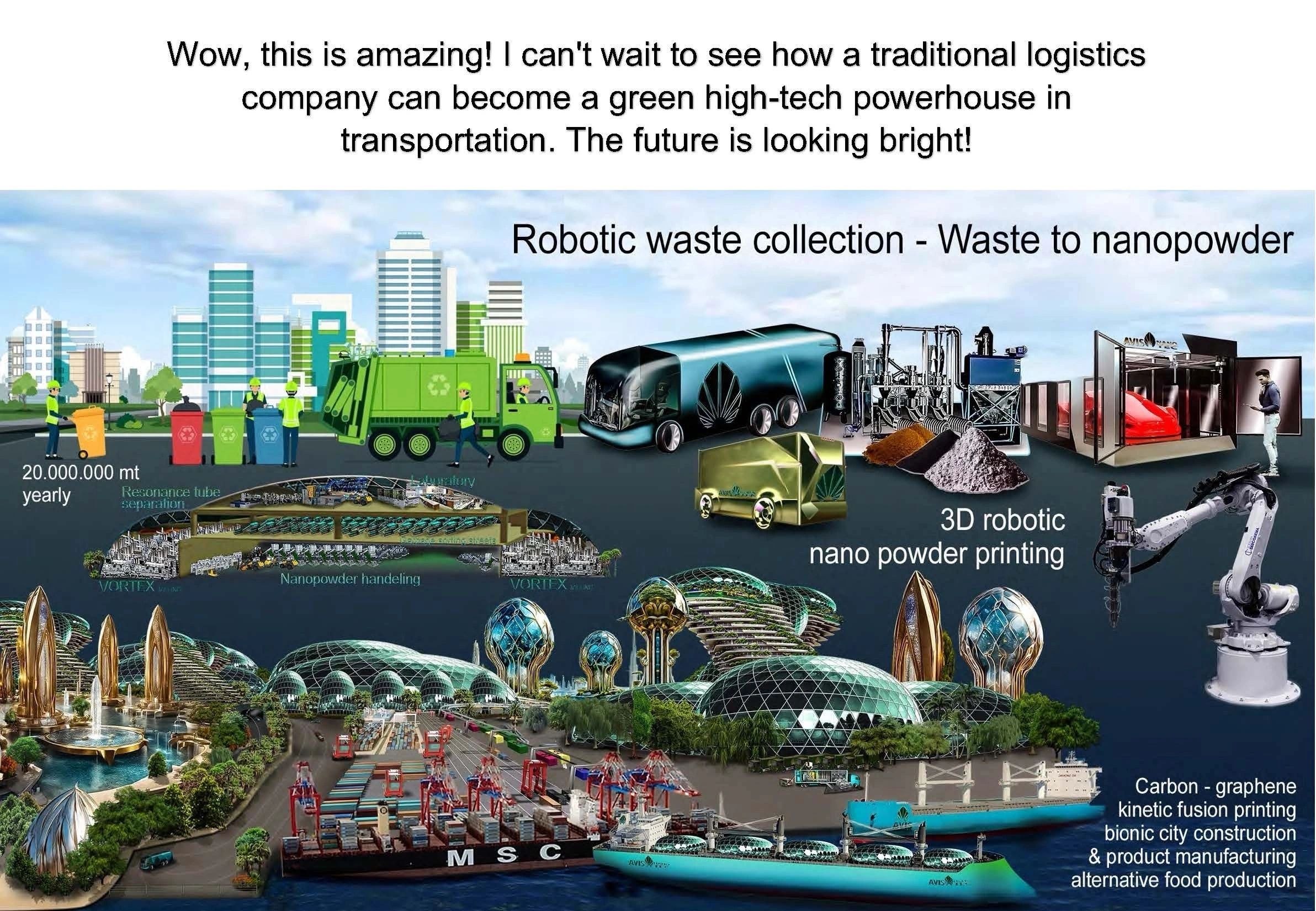
Join us in our mission to make a positive impact on the planet. Contact us today to discover more about our services and how we can assist your business in achieving its sustainability goals. Experience the difference with AVIS Waste Recycling Project.
Join us on a transformative journey towards a sustainable future. For over two decades, our team has been at the forefront of green energy innovation, attracting passionate individuals from diverse backgrounds such as banking, politics, and international broker markets.
Through perseverance and dedication, we have overcome challenges and navigated a challenging path to reach our current position. Our commitment to sustainability and responsibility sets us apart in the industry.
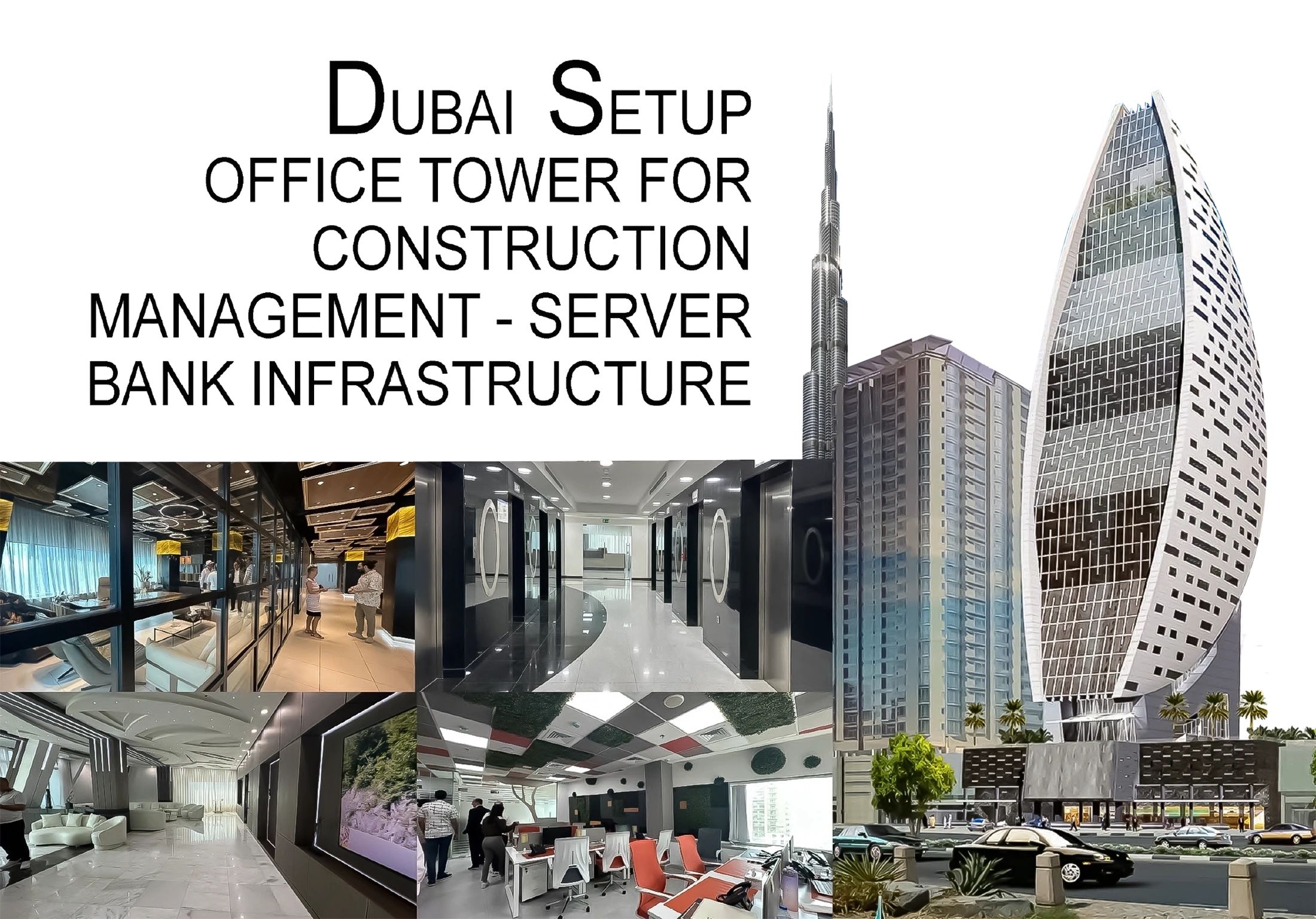
Experience the difference with us. Embrace the future of green energy with a team that values integrity, innovation, and excellence. Join hands with us as we shape a cleaner, greener world for generations to come. Contact us today to be a part of this inspiring movement.
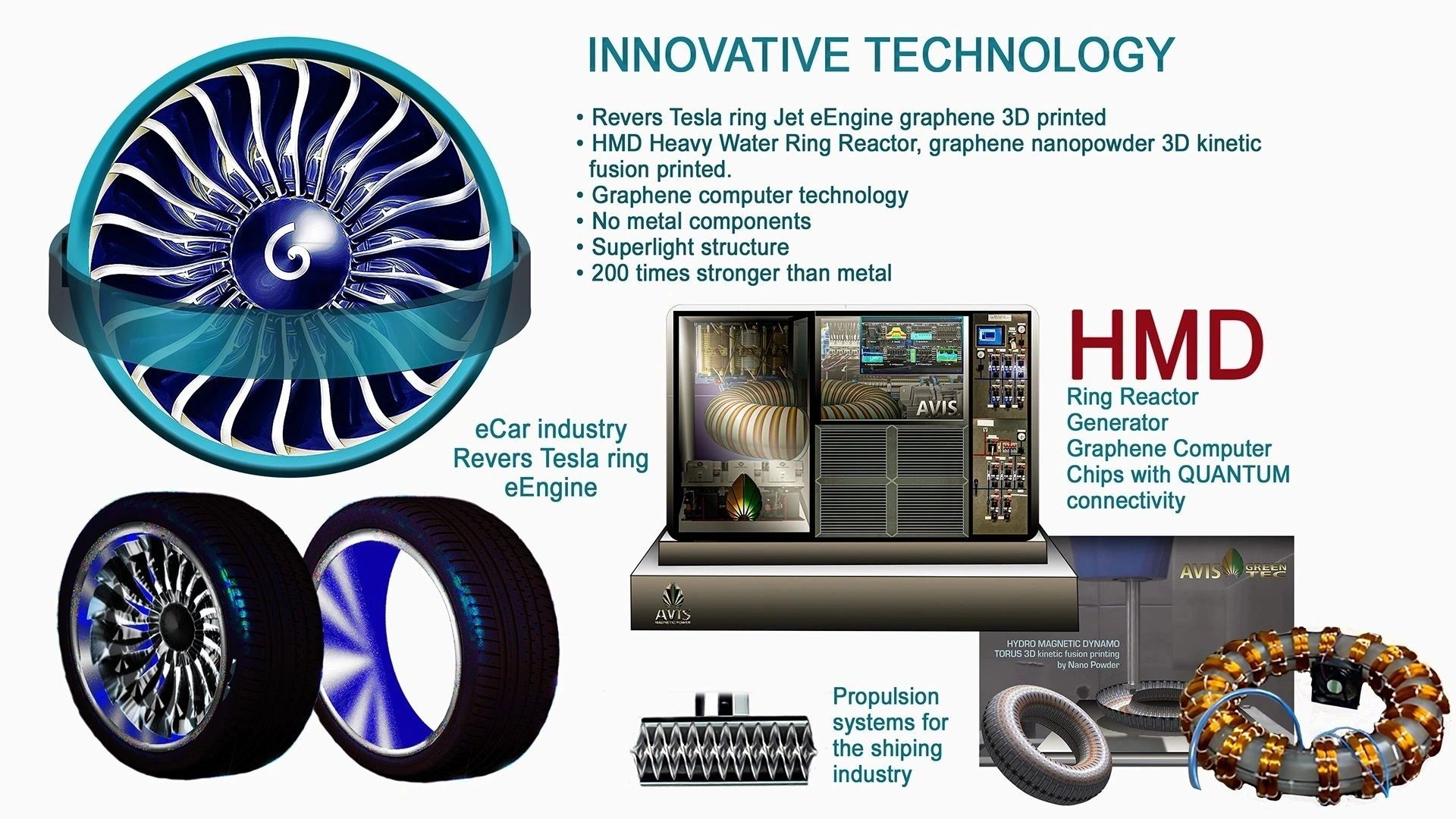
Discover the future of sustainable innovation with our groundbreaking project. Join us in building a green industrial city dedicated to producing free energy and organic alternative food, while revolutionising manufacturing through advanced technologies like VORTEX waste milling for 3D printing. Say goodbye to traditional rubbish burning, landfills, petrol for energy production and animal farming and embrace a new era of eco-friendly practices. Together, we can create a cleaner, greener world for generations to come.
Dr. Sung Harrison Baek Jiang Jing Sung Baek is portrayed as a figure destined for greatness, with a passion for medicine and healing evident from a young age. His affiliation with the AVIS Umbrella, facilitated by the po...
Dr. Sung Harrison Baek Jiang Jing Sung Baek is portrayed as a figure destined for greatness, with a passion for medicine and healing evident from a young age. His affiliation with the AVIS Umbrella, facilitated by the power of Hanyang University, Korea, has brought advancements in health and the innovative potential of graphene to the organisation. Dr. Sung's commitment to the AVIS project centres on ensuring the well-being of its members and supporters, promising a future of health and safety. In return, he is promised the realisation of his dreams: a clean and safe world. His dedication suggests a significant contribution to the AVIS project's goals and a brighter future for all involved.
The emergence of previously unknown products with reported life extension effects in select locales has spurred considerable curiosity and investigation. These elixirs, used discreetly by individuals for decades, have prompted inquiries into their composition and mechanism of action. This phenomenon is particularly relevant to the AVIS project, a generational development initiative requiring long-term management strategies. In response to these findings, and in the context of the AVIS project's extended timeline, the decision has been made to implement NoAge.
NoAge is the culmination of twenty years of research into alternative high-tech energy sources, advanced products, and natural phenomena across the globe. The AVIS team's research has connected them with individuals possessing exceptional intelligence and revealed technological advancements with the potential to reshape contemporary human lifestyles. Access to NoAge will be restricted exclusively to members of the AVIS Umbrella.
The AVIS Umbrella intends to establish exclusive membership clubs in Mallorca, Dubai, and London. Within these clubs, NoAge will be produced by scientists and prescribed through sophisticated medical protocols. Membership will be limited to socially active individuals meeting stringent criteria, ensuring responsible and ethical utilisation of this novel technology.
The AVIS Umbrella team has encountered an unexpected phenomenon: the emergence of increasingly prevalent "healthy issues" within their project, mirrored by similar observations among team members. This confluence of events has galvanised the team to dedicate their efforts towards realising the ambitious goal of a "forever young" project. The team is committed to addressing these challenges with the goal of long-term project viability and team well-being.
In 2024, AVIS Umbrella joined Dr. Uwe Haecker Dr. Uwe Häcker is the Director of the CIRAS Centre for Health. He brings over 30 years of experience in emergency medicine, pharmacological innovation, and integrative health research. The PhD scientist works interdisciplinarily and has been active in the fields of anesthesiology, intensive care, neuroscience, disaster response, and humanitarian aid missions. Over the years, he has led disaster relief operations in earthquake and flood zones, as well as humanitarian missions in places like the former Yugoslavia, Russia, Somalia, and Romania. Through his wide-ranging global engagements, he has built a vast network of dedicated individuals who take action, continuously research, and never rest.

I. Introduction of NoAge

II. NoAge: A Revolutionary Approach

III. Benefits of NoAge Supplements

IV. The Science and Vision Behind NoAge

V. Exclusivity and Accessibility

A-Balm, Biodrux Appetite Suppressant Lip Balm, for people who want to quickly suppress their appetite with a 100% natural hydrating lip balm. A-Balm suppresses your appetite for a full 4 hours. It is also for people who want to maintain their sugar levels, including hypoglycemics and diabetics. It is also for people who want their sugar levels to stop causing them irritability and mood swings.
Your body works on 30-minute contraction and expansion cycles. When your body is expanded, you feel hungry. A-Balm keeps your stomach contracted for a full 4 hours.
This allows you to go about your day without the overwhelming burden hunger brings. A-Balm allows you to be happy guilt guilt-free skinny, you have always wanted to be.
A-Balm also helps maintain your sugar levels. Your body only secretes insulin when your stomach is expanded. A-Balm works by keeping your stomach contracted and thereby maintaining your sugar levels. This is why this supplement is ideal for hypoglycemics and diabetics alike. It allows them to feel normal for the first time.
The Biodrux Cosmeceutical- Super Model Regimen- Step 4
As a preventative to any further damage, use the Appetite Suppressant Lip Balm (A-Balm). Taking all the effective steps to halt ageing and restore skin radiance is compromised if you eat food known to increase your LDL cholesterol levels and cellular toxicity. The Appetite Suppressant Lip Balm (A-Balm) keeps you productive by supporting blood sugar balance and energising your stomach.
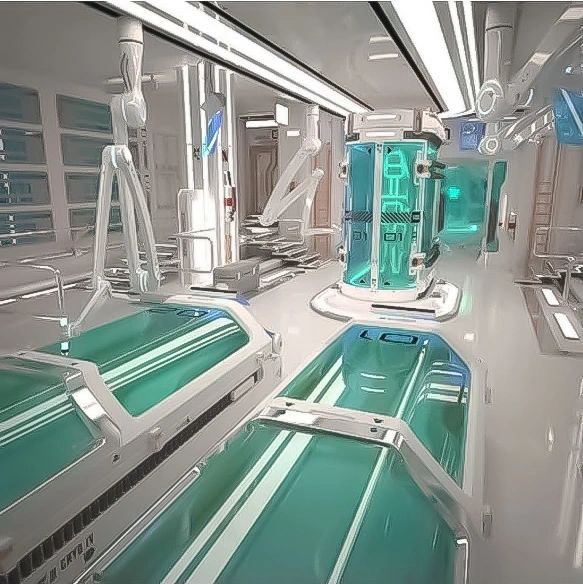
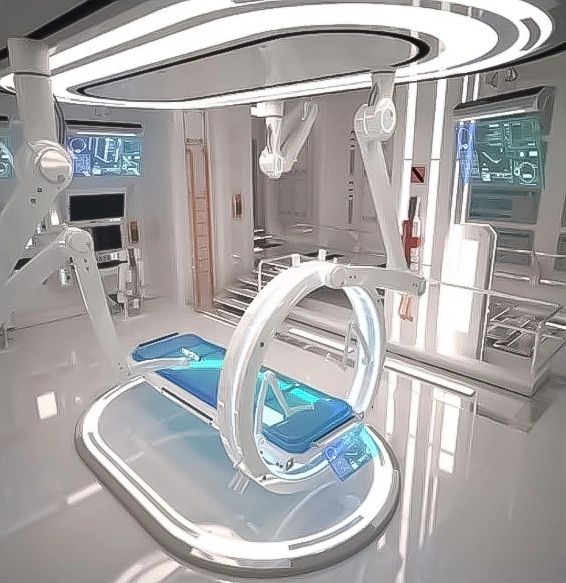
The aPad represents a significant leap forward in wearable technology. Constructed from transparent graphene and incorporating graphene chipsets, this innovative device promises to revolutionise both

The aPad represents a significant leap forward in wearable technology. Constructed from transparent graphene and incorporating graphene chipsets, this innovative device promises to revolutionise both

the computer and telecommunications sectors. More than just a technological marvel, the aPad is a piece of jewellery, adorned with diamonds and other valuable materials. This Web-4-based quantum computer is designed for constant connectivity with a user's home base, eliminating the need for traditional mobile contracts. The high-resolution holographic screen aims to replace conventional television displays.
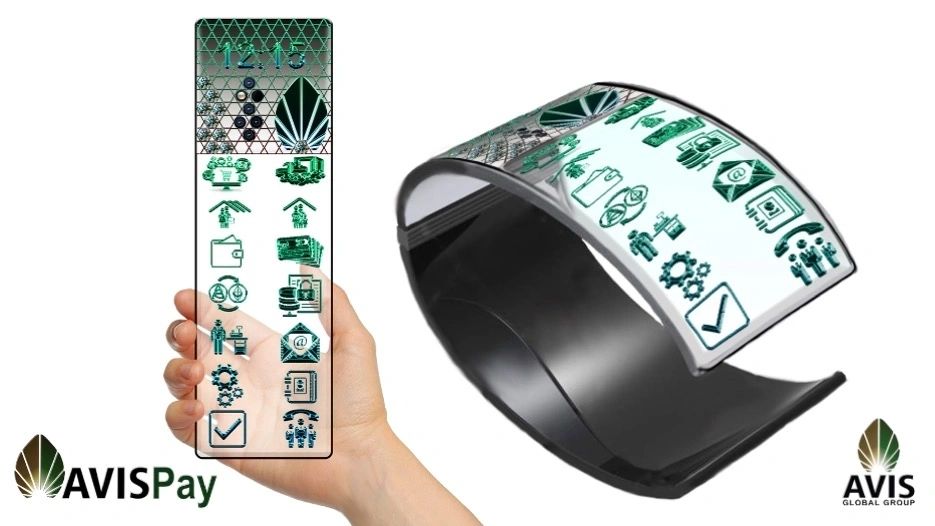
Powered by a long-lasting graphene battery, the aPad consolidates personal and professional requirements into a single application. From writing letters and invoices to creating companies and managing accounting,
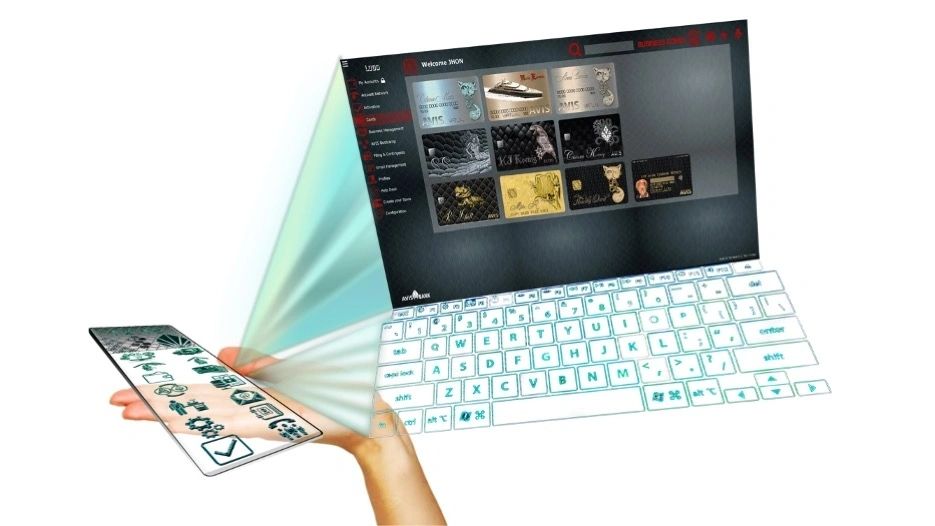
the device offers comprehensive support for diverse business sectors.
The aPad has the potential to supersede the existing app market, offering a unified solution for a wide range of needs. This device undoubtedly represents a significant shift in the landscape of personal computing.
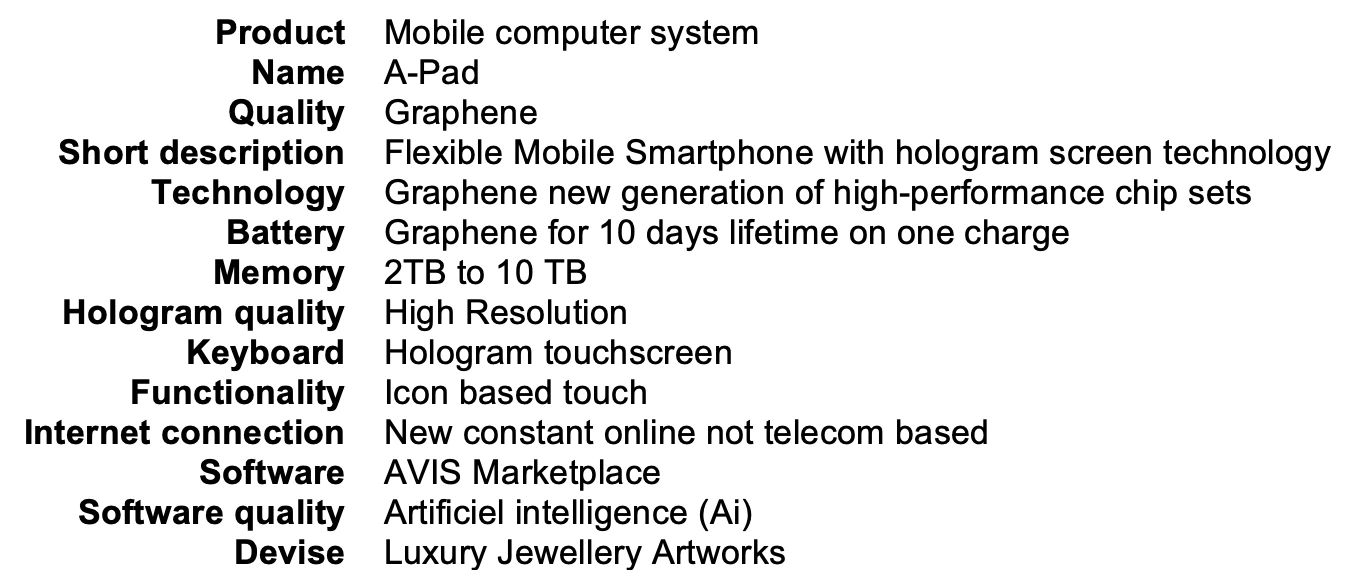
In an era characterized by relentless change, the question of the direction those changes are taking is unavoidable. Whether they lead to improvement or decline remains elusive for many. For individuals striving to carve...

In an era characterized by relentless change, the question of the direction those changes are taking is unavoidable. Whether they lead to improvement or decline remains elusive for many. For individuals striving to carve out and defend their personal sanctuaries, these developments often manifest as an inextricable tornado of war, power, money, politics, digitalization, artificial intelligence, and ideological conflicts. Human values appear increasingly sidelined, while control over individual lives grows in significance.

Amidst these challenges, the dissonance of existence becomes evident. Conflicts in our daily environments—whether within families, among neighbours, or at workplaces—underscore the fragility of human relationships. This state inevitably breeds a sense of hopelessness, casting doubt on the pursuit of meaning and quality of life.

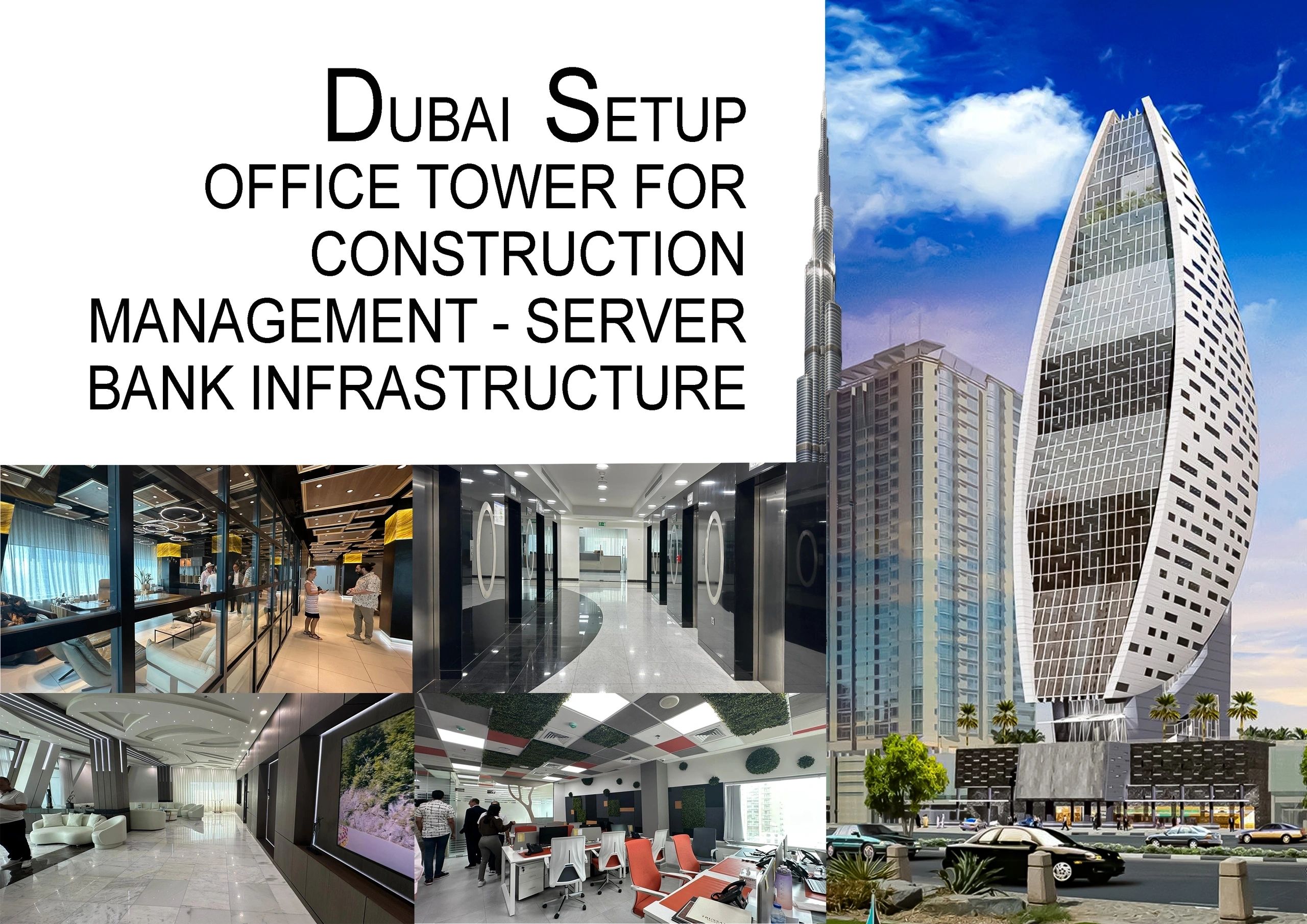
The global organization AVIS has taken on the challenge of initiating a profound shift. The key to possible change lies in the firm belief that collaboration, marked by understanding and respect, is the only pathway to progress. Authentic transformation can only be achieved through mutual support and compromise. Although this vision may seem difficult to attain and often utopian, it forms the cornerstone of an improved way of living.

In our effort to diminish dependence on harmful energy sources, AVIS has developed a worldwide project that places people and their needs at the forefront. Our visionary initiative is built upon a new financial and technological framework that is both ecologically sustainable and socially just. This approach has enabled us to create a sphere of independence and personal growth that embodies the principles of harmonious coexistence. We are constructing satellite city structures as oases where millions can spend their lives meaningfully and engagingly. Over the years, we have acquired and prepared plots of land to physically represent this transformation.
However, this path to change has not been without obstacles. We have frequently faced attacks and stigmatization as we strive to attain a better life for ourselves and our families. History teaches us that revolutionary ideas often meet with resistance; the majority of historical thinkers and innovators were frequently not rewarded but rather attacked.

Nonetheless, our persistence demonstrates that overcoming these hurdles is possible. Through patience and perseverance, we have secured the necessary billions in financial resources, developed thousands of software structures and technologies, and found like-minded individuals—engineers, professors, mathematicians, and brilliant managers—who are ready to fight for a fairer and more sustainable future. The time has come to implement our vision with determination, for our project transcends mere concept; it is the manifestation of a deep-seated desire for change that we have embraced throughout our lives.
In a world that often appears chaotic and hostile, the aspiration for harmony and contentment remains a valuable asset. It is up to us to realize this hope as green oases, serving as pioneering examples that pave the way toward a better future.
An imperative issue has recently come to our attention. As a leading name in the industry, AVIS is often targeted by individuals intent on exploiting our brand for personal gain. We urge you to exercise utmost caution wh...

An imperative issue has recently come to our attention. As a leading name in the industry, AVIS is often targeted by individuals intent on exploiting our brand for personal gain. We urge you to exercise utmost caution when dealing with anyone claiming to represent AVIS, particularly in regions such as Dubai, Abu Dhabi, the USA, Mexico, Peru and Colombia.
In recent months, we have observed a concerning increase in reports of fraudulent activities. These impostors pose as AVIS franchise directors and attempt to solicit advanced fees, falsely promising solutions involving AVIS technologies.
Regrettably, these fraudulent business acquisitions have not only tarnished our reputation but have also caused significant financial damage within the banking industry.
To safeguard your interests, we implore you to take the necessary precautions when engaging in any business dealings. Always ensure that you are communicating with a duly authorized AVIS officer. Please be especially vigilant when it comes to claims involving financial transactions or green energy initiatives. It is imperative that you do not rely solely on power of attorney documents or other paperwork that may be presented to you.

Another troubling trend involves unknown companies or individuals soliciting advanced fees for services that may not actually exist. While reputable companies can sometimes facilitate secure transactions, the internet has made it easier for fraudulent entities to operate. We have often fallen victim to elaborate schemes and blackmailing orchestrated by brokers and IT personnel, leading to substantial financial losses. Based on these unfortunate experiences, we have made the decision to discontinue accepting any fee requests in advance to protect both our clients and ourselves from such risks.

Your trust is paramount to us, and we remain dedicated to ensuring that your interactions with AVIS are secure and legitimate. Should you ever have doubts or concerns regarding a communication purporting to be from AVIS, we encourage you to reach out to us directly through our official channels.

By engaging with AVIS in the right way, you can help safeguard your business dealings and ensure a secure experience.
Thank you for your continued partnership and for your attention to this important matter. Together, we can combat these fraudulent activities and preserve the integrity of our brand.
For any inquiries, please contact our official customer support numbers or visit our website.
The Future of Recycling and Manufacturing. The innovative development of the next-generation VORTEX milling prototype by an AVIS Umbrella, Ukrainian engineering team marks a significant advancement in recycling technolog...
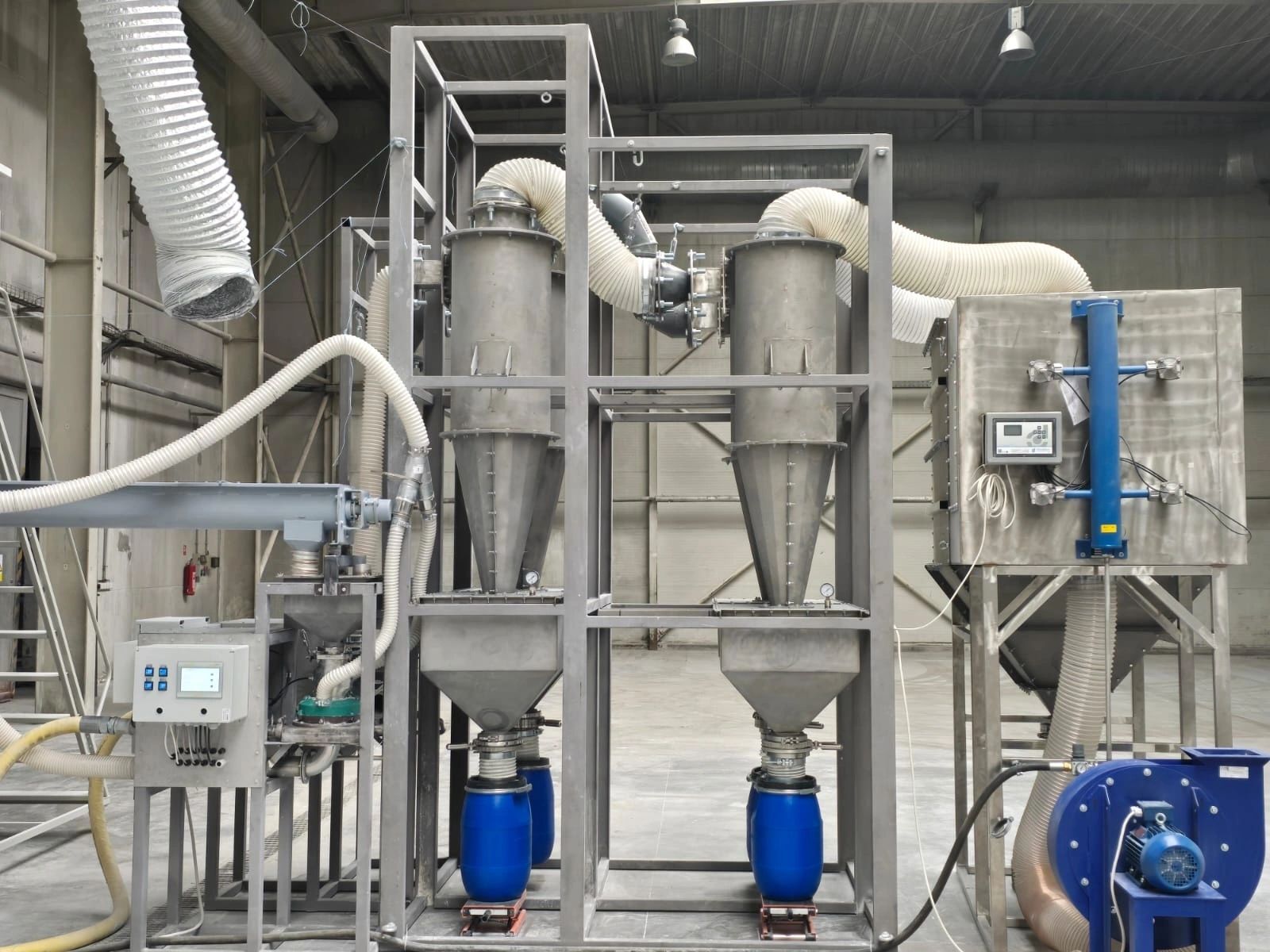
The Future of Recycling and Manufacturing. The innovative development of the next-generation VORTEX milling prototype by an AVIS Umbrella, Ukrainian engineering team marks a significant advancement in recycling technology. Designed for deployment within AVIS garbage recycling facilities, this technology operates contactlessly, enabling a seamless processing of diverse materials collected from municipal and industrial waste.

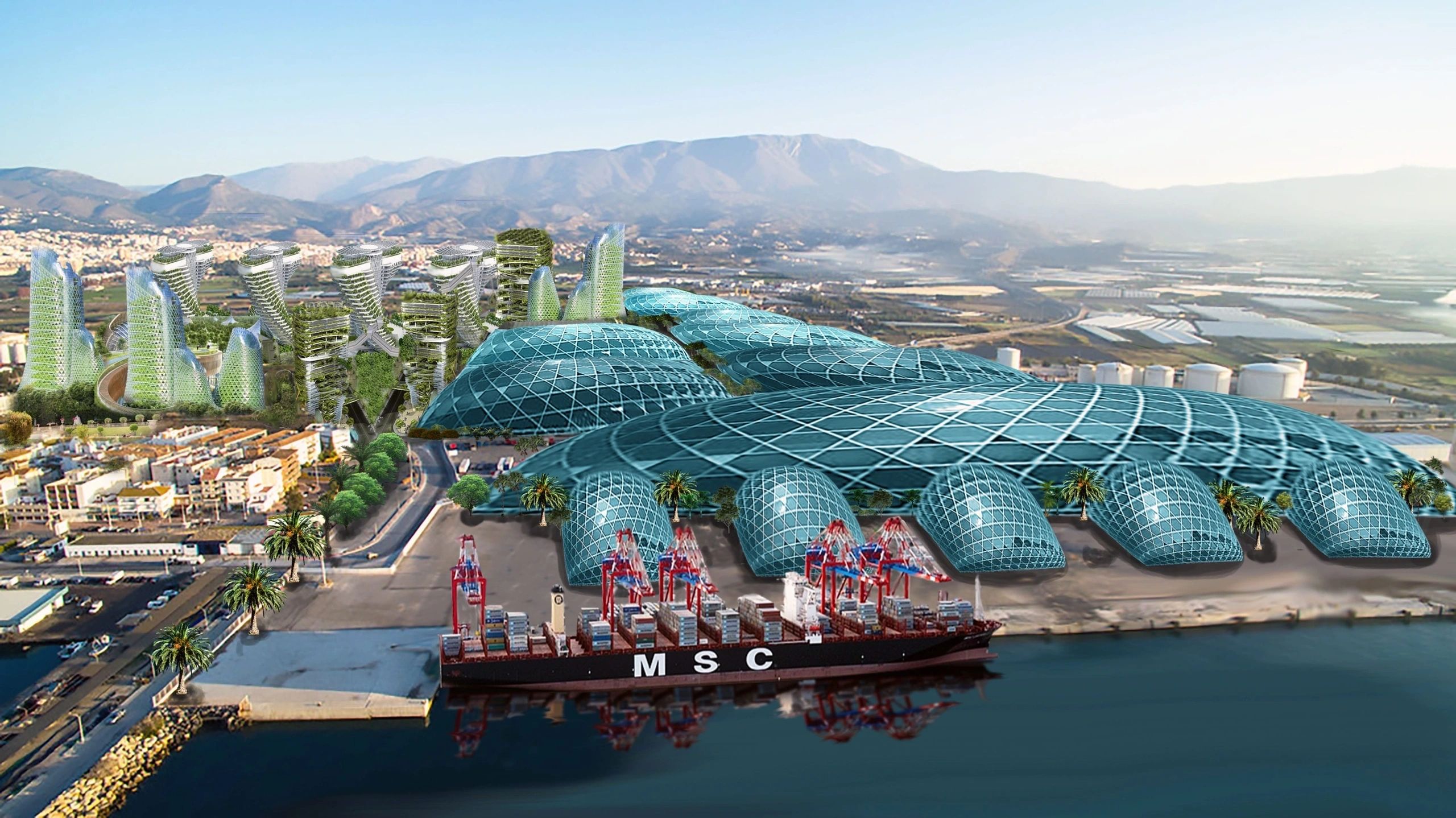
With up to 500 VORTEX milling units functioning in unison in a single facility, this approach not only enhances the efficiency of material processing but also supports a remarkable capacity of up to 20 million metric tons in one industrial installation. Such efficiency is particularly pertinent for megacities like Mexico City, where comprehensive waste management solutions are urgently required.
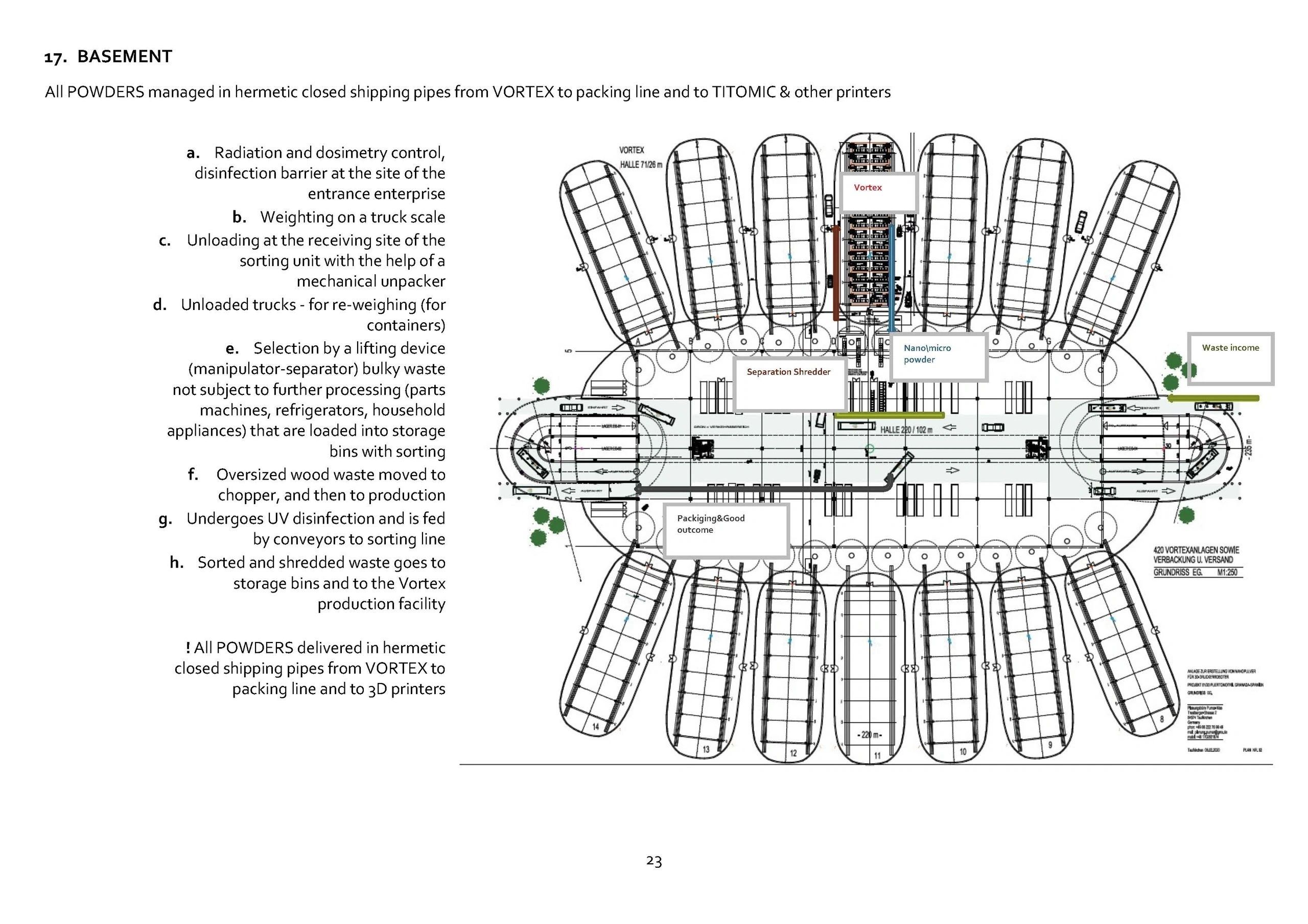
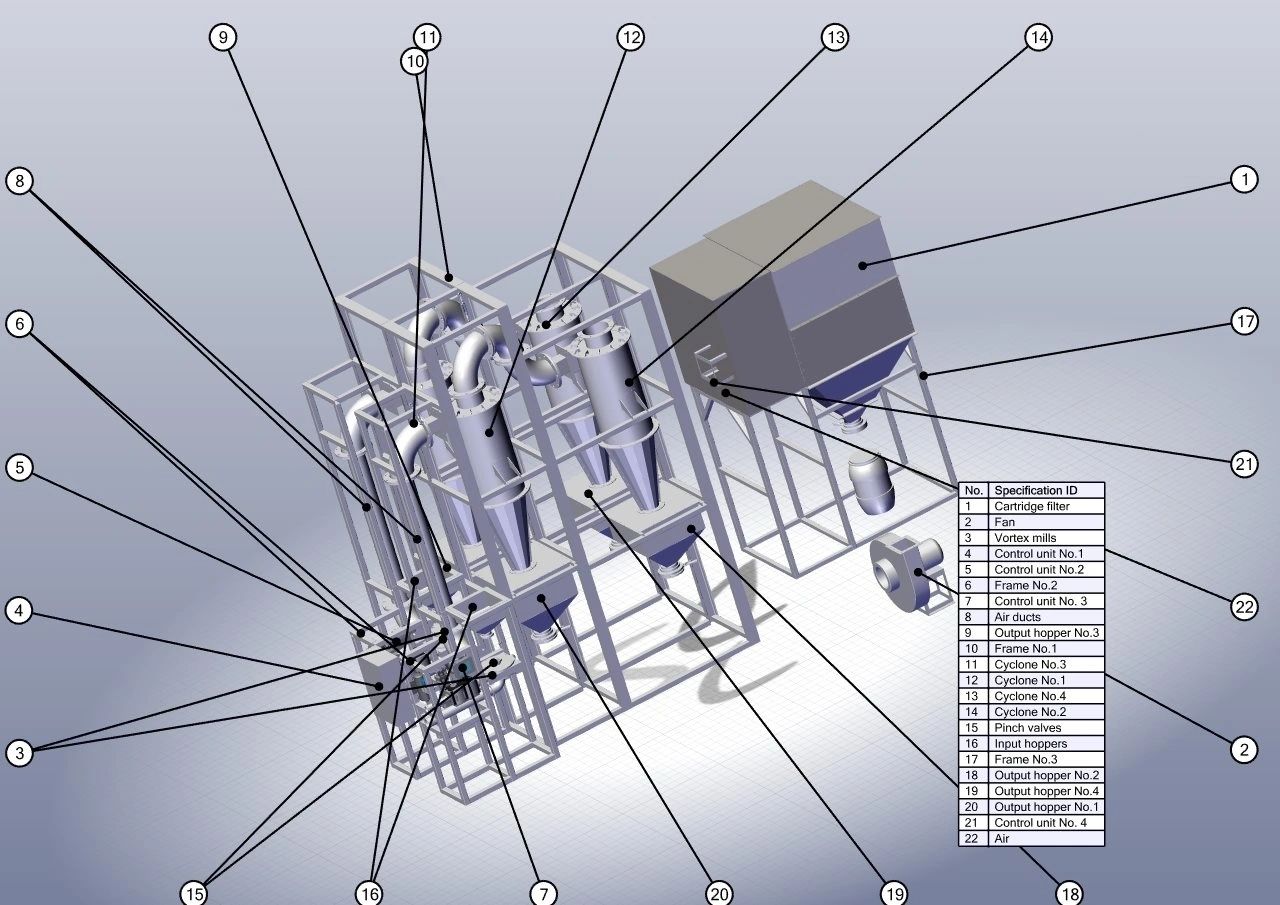
At the core of the VORTEX system is the milling process, which is crucial in refining materials into nanopowders—a significant product in modern manufacturing. Nanopowder is a finely ground material with particles in the nanometer range, which greatly enhances its properties for various applications. Despite the high cost typically associated with conventional milling, which hampers its integration into widespread 3D printing
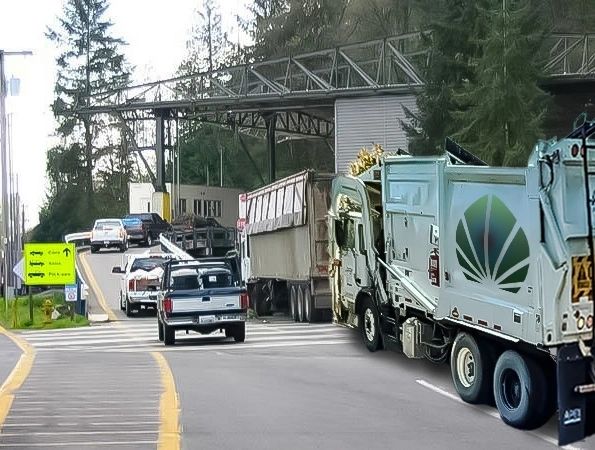
practices, the VORTEX process stands out for its economic viability. By relying on air-compressor technology and the revenue generated from gate fees for waste processing, VORTEX facilities can produce high-quality nanopowder at a fraction of the typical cost, rendering it accessible for commercial use.
(a standard facility for 20 million metric tonnes, waste milling capacity per year receives about €1,6 billion in gate fee.)
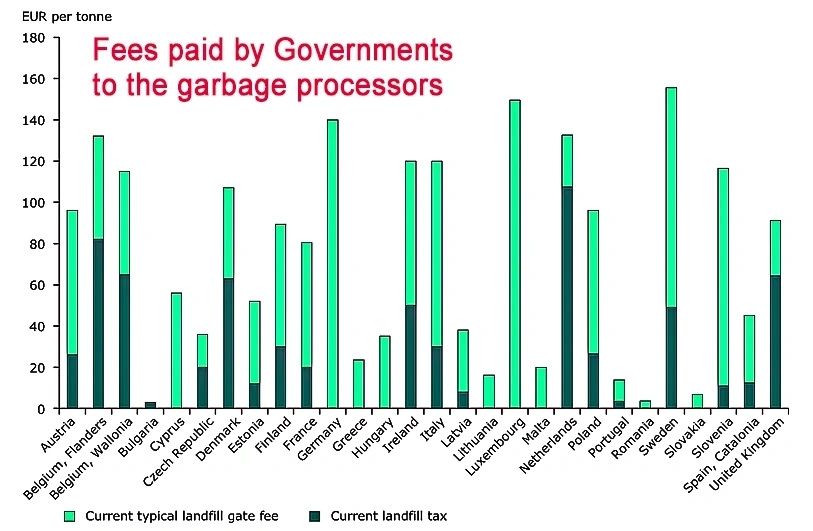

Waste-to-Wealth Revolution! Turning garbage into practically free nanopowder opens up limitless possibilities for innovation!
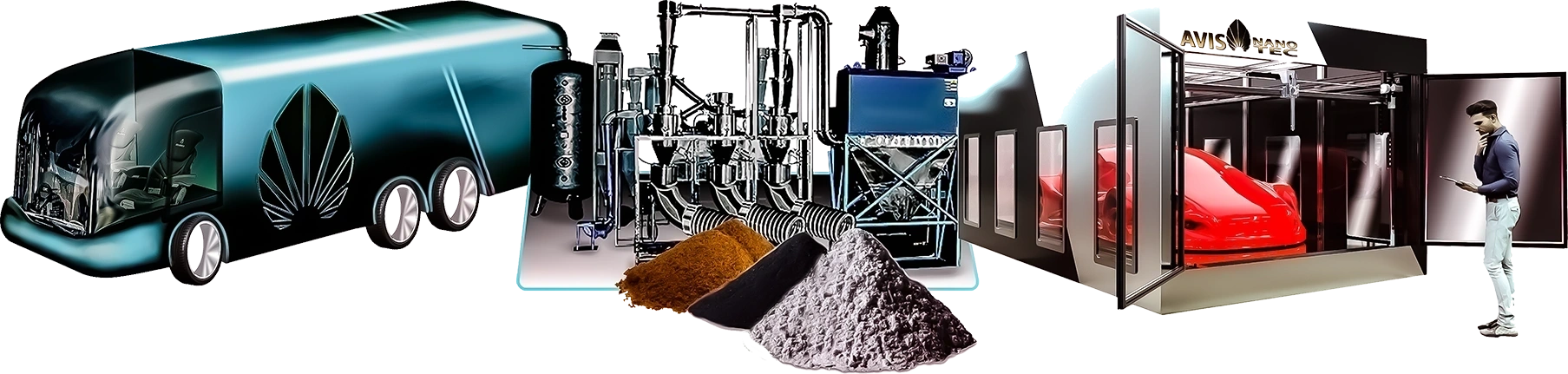

3D Printing Nirvana! Imagine printing everything from toys to tools at a fraction of the cost—it's a dream come true for consumers!
It's a Game-Changer for Industries! Businesses can streamline production, drastically cut costs, and focus on building a sustainable model and high-quality, long-durability product delivery—it's a win-win!
Community Empowerment! Local makerspaces could thrive, allowing communities to collaborate and innovate using this groundbreaking technology!
Creativity Unleashed! DIY enthusiasts and designers will have the freedom to create customized, AI-designed, futuristic products effortlessly—let imagination run wild!
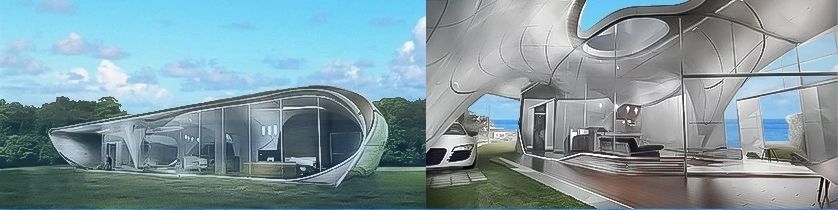
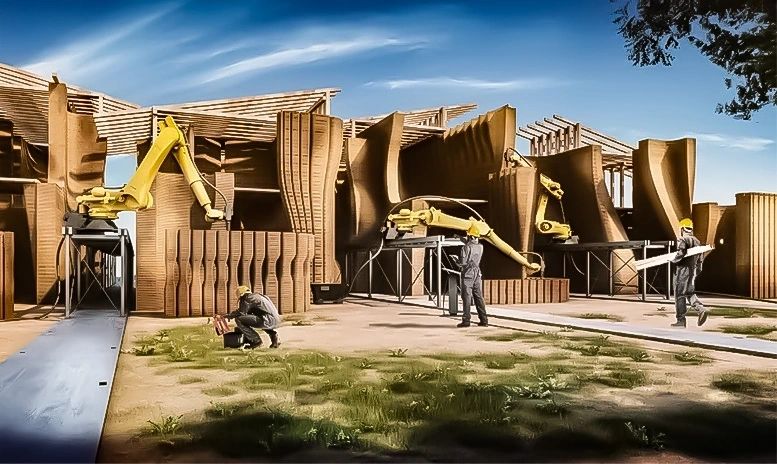

The implications of this innovation extend far beyond merely reducing landfill waste. By converting mixed waste into refined nanopowder, VORTEX mills offer an economically viable solution to the challenges posed by toxic landfills, turning potential environmental liabilities into lucrative opportunities.
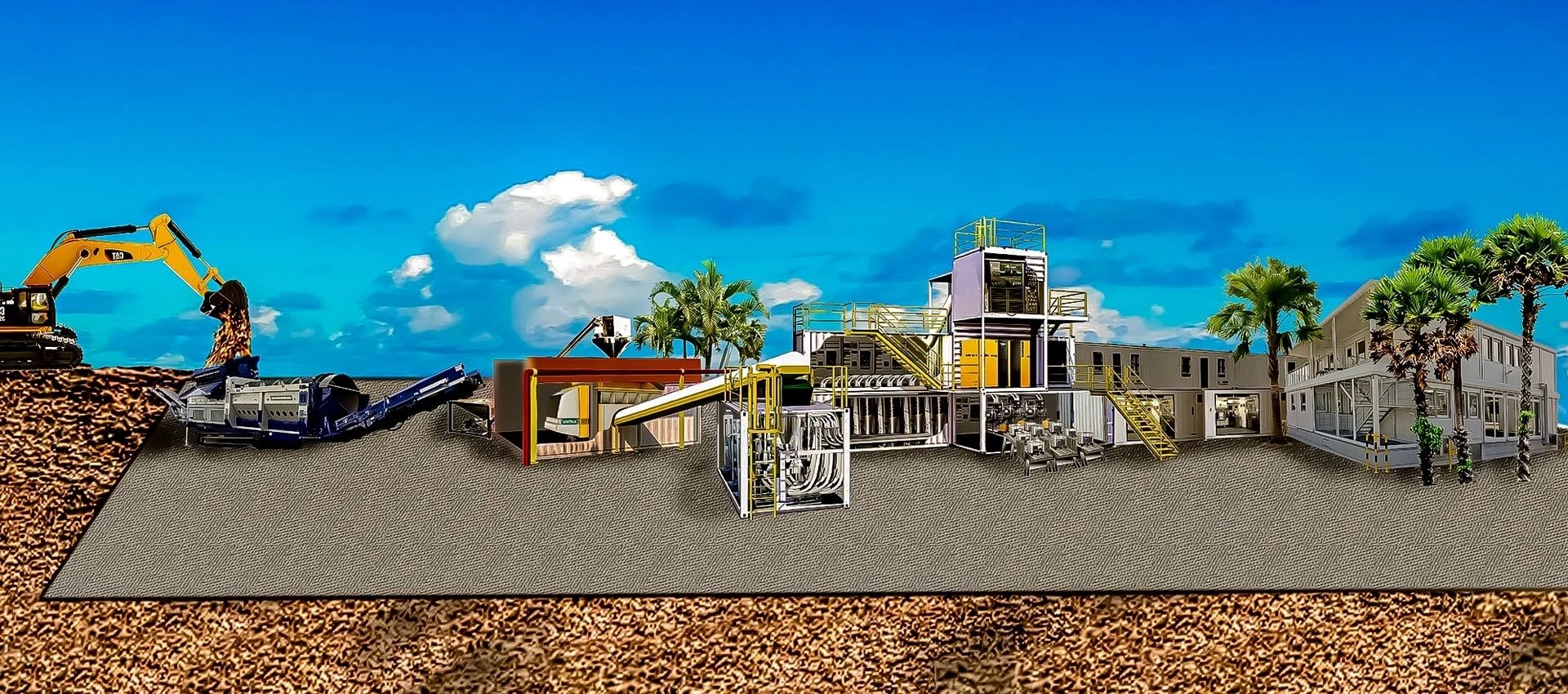
Furthermore, the modular nature of these container-based facilities allows for easy transport and installation, enabling their deployment in various locations as needed.
In conclusion, the development of technology capable of transforming waste into nanopowder not only addresses pressing environmental concerns but also signifies a paradigm shift in the global manufacturing landscape. With high-quality 3D printer robots soon able to fabricate virtually any product conceived by designers and engineers, the potential for creating advanced materials is boundless. This revolutionary approach not only promises to automate and enhance production capabilities but also paves the way for sustainable manufacturing practices in the future.
Navigating the Finance Jungle: Building Our Own Internal Banking System!
Navigating the Finance Jungle: Building Our Own Internal Banking System!
Let’s take a little trip down memory lane, back to 2006. That’s when we kicked off the journey of developing our high-tech green construction projects in some of the world’s most underserved areas. Sounds noble, right? Well, it turns out, it’s not all sunshine and rainbows.
The reality hit us like a ton of bricks. With great ambition comes great risk—specifically, a barrage of money thefts from bankers and franchise partners that could make even the toughest cynic shudder. Seriously, we lost a whopping $150 million in Colombia alone! And that’s just the tip of the iceberg. We got hit hard in Canada, Macedonia, Nigeria, and Australia too.
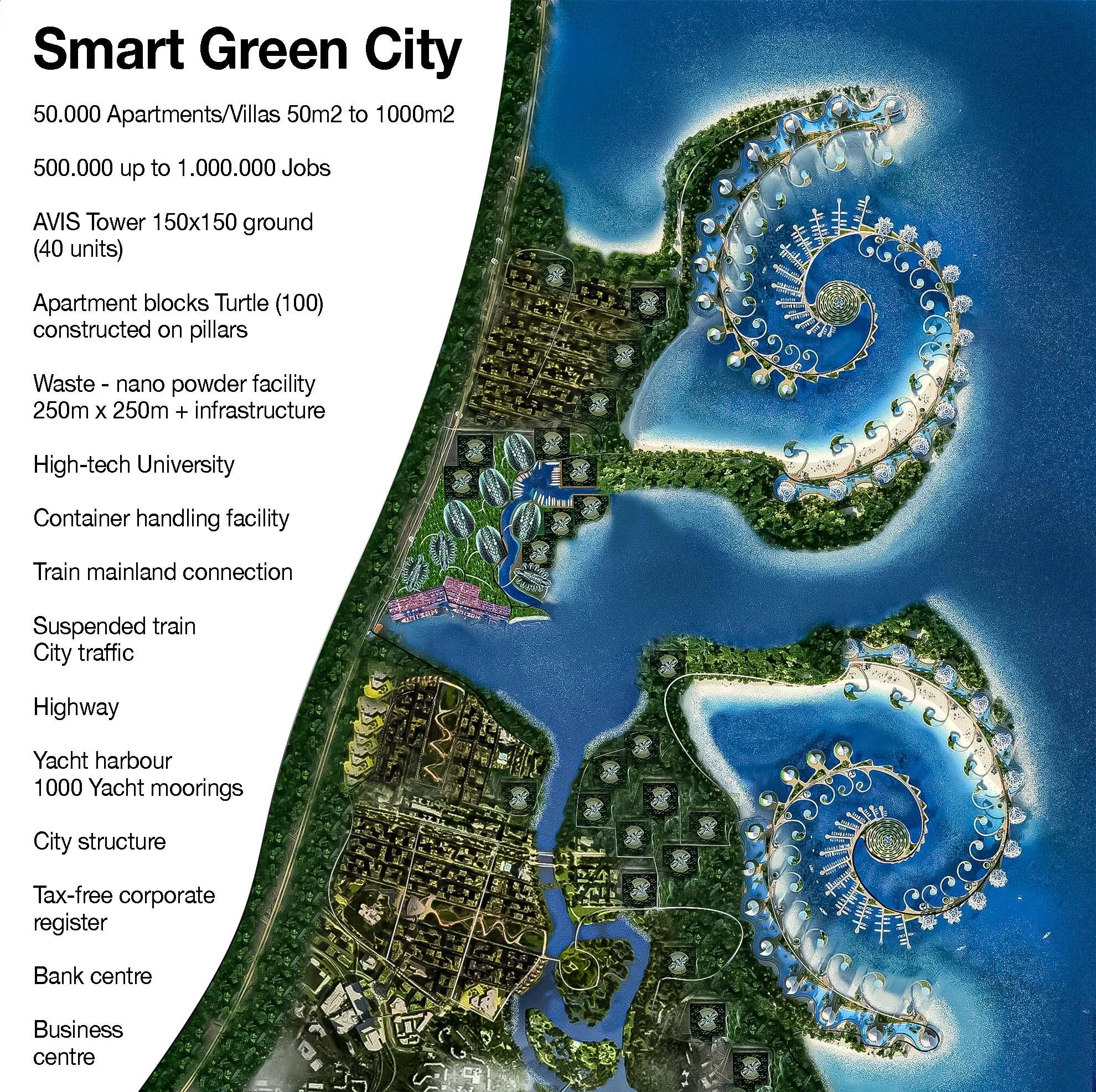
With construction costs ranging from €500 million to a staggering €10 billion, we quickly realized that relying on local banks was a recipe for disaster. And so, we embarked on a wild adventure to create our own internal banking system.
Here’s a quick rundown of what we learned along the way. We dived into the deep end of financial engineering, leveraged off-balance resources, and discovered how to connect multiple banking systems. Our ultimate goal? Move large sums of money without needing to put our trust in shady local banks.
The quest led us to create our own card system: the AVIS Card. Imagine spending years working with a brilliant 76-year-old IT whiz to customize a bank switch server. We didn’t stop there; we invested in server farms, core banking software, and even card printers and POS machines. Let’s just say, we went all in!
Once we rolled out our payment systems, we were met with an overwhelming response for offline Visa card payments. Who would have thought? But, of course, where there’s light, there are shadows. The global broker market quickly revealed its darker side. We encountered shady characters trying to use our systems for their nefarious purposes, aiming to siphon cash from our accounts and VISA and Mastercard settlement accounts.
But we weren’t going to let that slide! We implemented a robust controlling system that blocked any attempts at money grabs, all while ensuring our POS machines ran smoothly.

After countless tests, configuration tweaks, and sleepless nights, we can proudly say we’ve learned how to navigate the murky waters of international finance without losing our shirts. Creating our own banking infrastructure has been a rollercoaster, but it’s been a necessary ride.
So, here’s to building our own system and learning from the chaos of the past. We’re now on our way to changing the world through sustainable construction—just a little better armored against those pesky “black sheep” in the financial sector.
So, here’s to the audacious dreamers and the builders willing to tackle the chaos left behind by the past. We’re on this amazing journey of transforming the construction industry through sustainable practices—armed and ready to face the wild challenges posed by those pesky “black sheep” in finance. Cheers to that!
Let’s talk about one of the coolest innovations we’ve introduced: offline payments in our card servers. Yep, it sounds fancy, but it’s brilliantly simple—it allows us to handle construction invoices from anywhere in the world. This payment system not only works seamlessly but is also safe and secure. However, it hasn’t been all rainbows and sunshine.
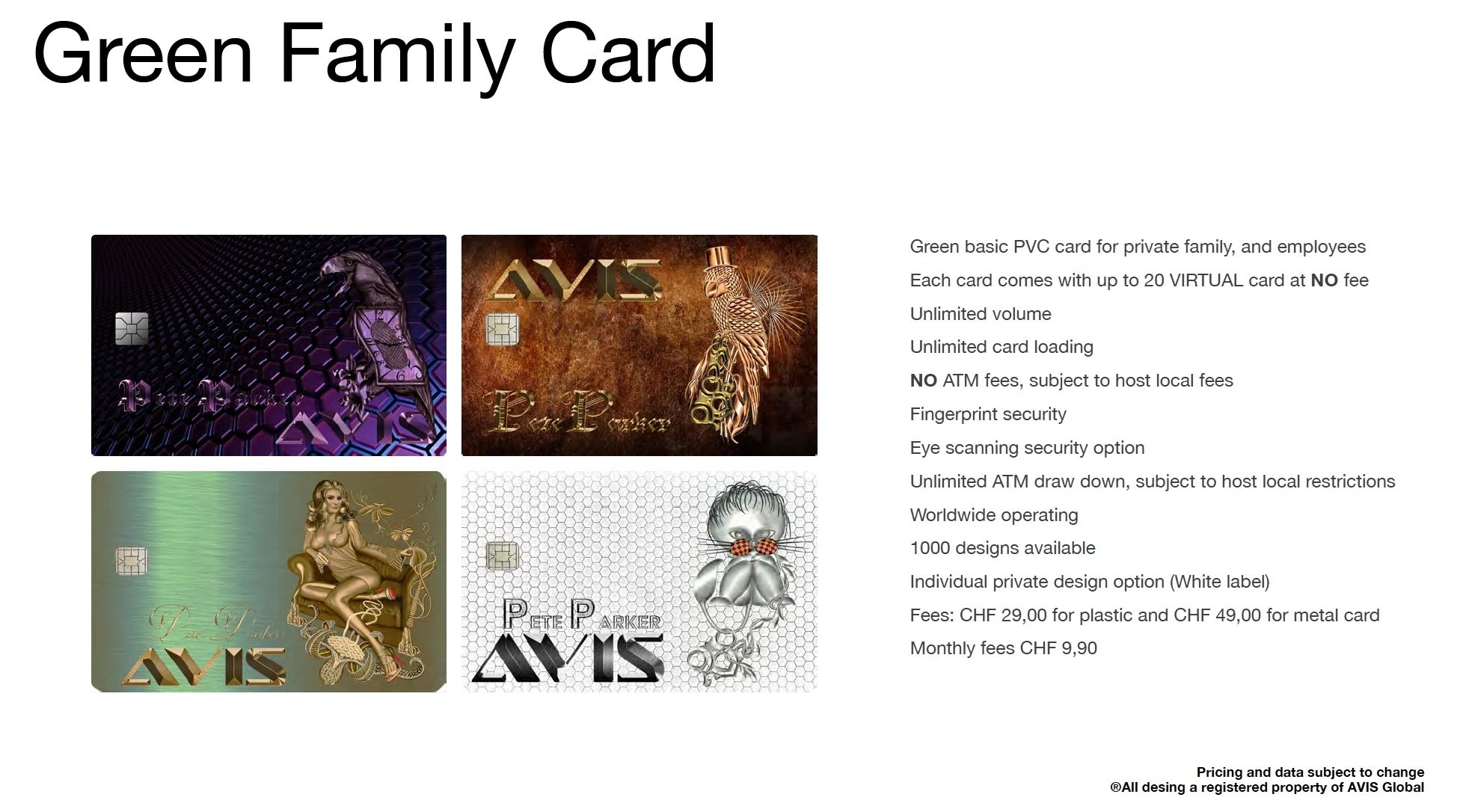
Picture this: a bunch of not-so-great individuals thought they could outsmart our setup and hack their way into prosperity by blackmailing us for payments. They believed their underground cash grabs would work, but they were in for a surprise. Our security configuration is rock solid; they got a payment confirmation saying it was successful, but guess what? No money ever made it to our accounts. Just a "dead payment."
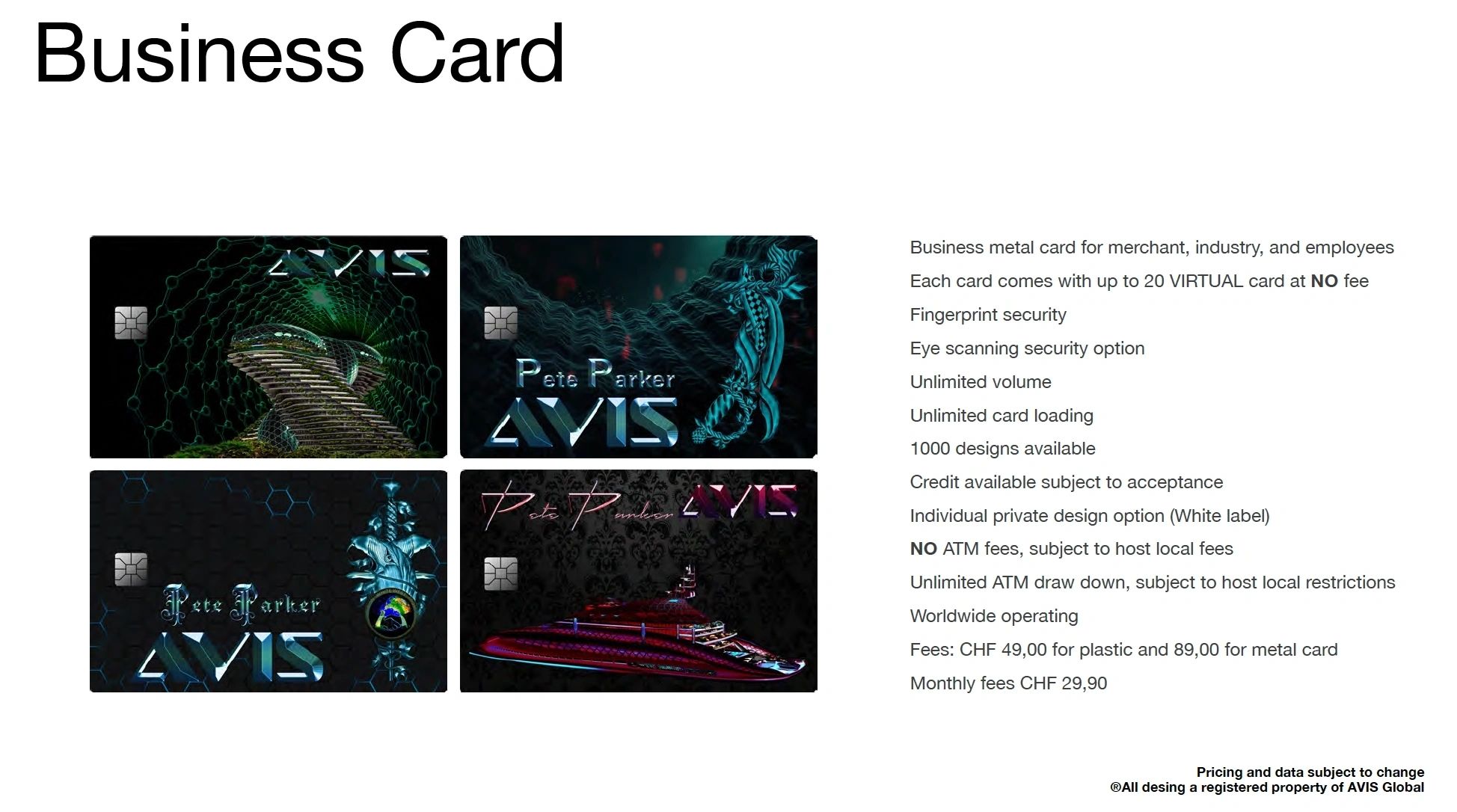
When they realized their plans crumbled, let’s just say they weren’t too happy. They got aggressive, convinced we were pocketing their cash. Talk about confusion! It’s mind-boggling how some people don’t understand the intricacies of a properly configured card payment server!

Rather than letting them rain on our parade, we forged ahead and successfully shut down their schemes. After weathering one major hacking attack, we took a step back to reevaluate our defenses. You see, we've made the strategic decision to keep our servers out of the public’s reach until we can establish a military security division. Only when we feel shielded by that team will we unleash our QUANTUM Bank system to the world.
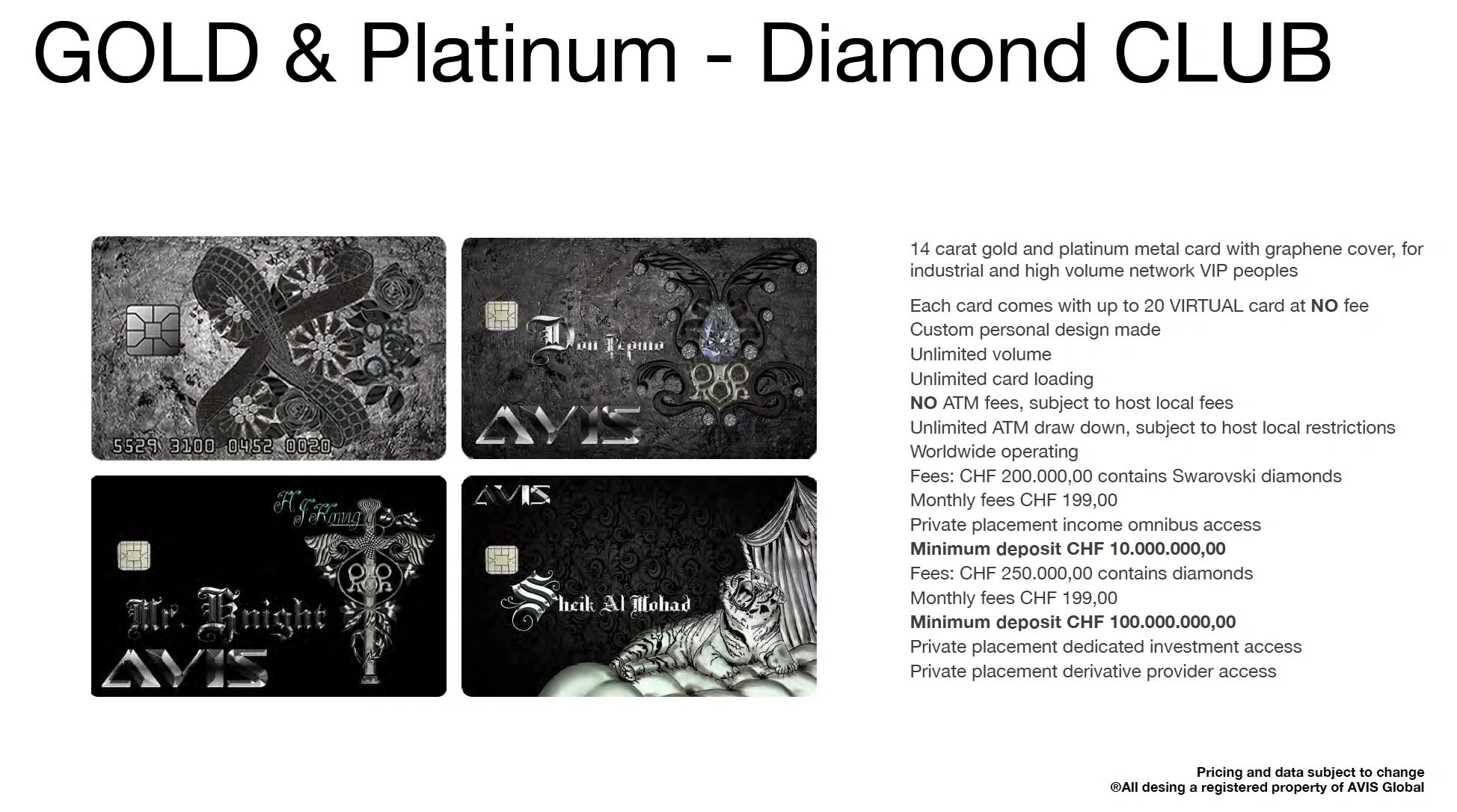
So here we are, navigating the wild waters of financial tech while staying grounded in our mission to revolutionize sustainable construction. We’ve learned from the chaos and are set to lead the charge in a more secure, ethical future. Stick around; the best is yet to come!
Revolutionizing Payments: The AVIS Card
In the ever-evolving landscape of financial technology, the AVIS Card stands out as a beacon of innovation and creativity! This groundbreaking product is changing the way we think about bank cards, offering a delightful fusion of style and functionality.

With thousands of unique designs and a plethora of features, the AVIS Card empowers users with unparalleled freedom in their payment experience.

Imagine whipping out a card that not only serves its primary function but also reflects your personality!
AVIS Card offers an extensive array of designs, from sleek minimalist options to vibrant, eye-catching works of art. Whether you want to embrace a chic urban aesthetic or showcase your bold, adventurous spirit, there’s an AVIS

design that speaks to you.
1. **Create Your Unique Vibe!** Design branded cards that capture your essence in minutes—perfect for hotels, restaurants, and family events!
2. **Stand Out Instantly!** Bring your brand to life with personalized cards that WOW! Everyone will remember your touch!
3. **Fun Family Keepsakes!** Craft personalized cards that celebrate special moments for your loved ones! Make memories with flair!
4. **Elevate Your Club Experience!** Design exclusive cards for members that showcase your club's personality and create a sense of belonging!

5. **Instant Identity Boost!** Turn mundane into magical! Design custom cards to reflect your unique style instantly!
6. **Engagement Made Easy!** Personalize cards for customer loyalty! Let your clients know they’re special with unique, branded touches!
7. **Express Yourself Boldly!** Whether it’s for a birthday or a restaurant promotion, create eye-catching cards that scream YOU!

8. **Make Every Occasion Memorable!** From weddings to corporate events, design personalized cards that leave a lasting impression!
9. **Quick & Creative Branding!** Bring your business to life with branded cards that are ready in minutes—your creativity knows no bounds!
10. **Connect with Clients!** Build stronger relationships with clients through personalized cards that resonate and engage!
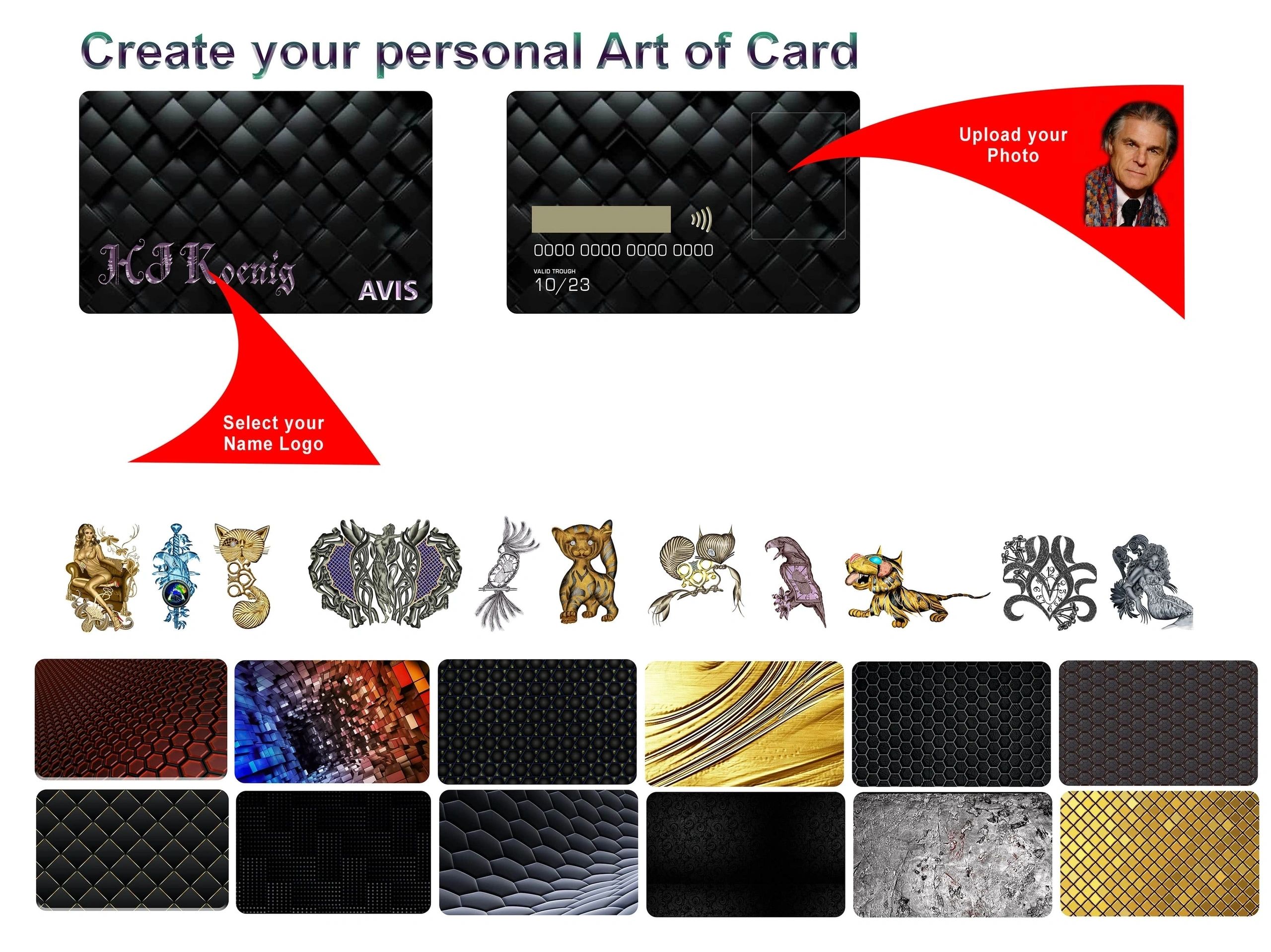
But the innovation doesn't stop at aesthetics! The AVIS Card comes loaded with forward-thinking features that make payments smoother and more secure. With options like contactless payment, real-time spending notifications, and advanced security measures, users can enjoy peace of mind while indulging in their shopping sprees. Imagine the freedom of making quick transactions without the hassle of fumbling for cash or accounts!

And for those who prefer a no-fuss shopping experience, the AVIS card is just as easy to get your hands on. You can swing by your local superstore, pick one up, and activate it online in a matter of minutes. This means you’re not tied down by your location; instead, you’re empowered. You can jump online in any country, at any time, and tailor a card that fits your lifestyle—how cool is that?
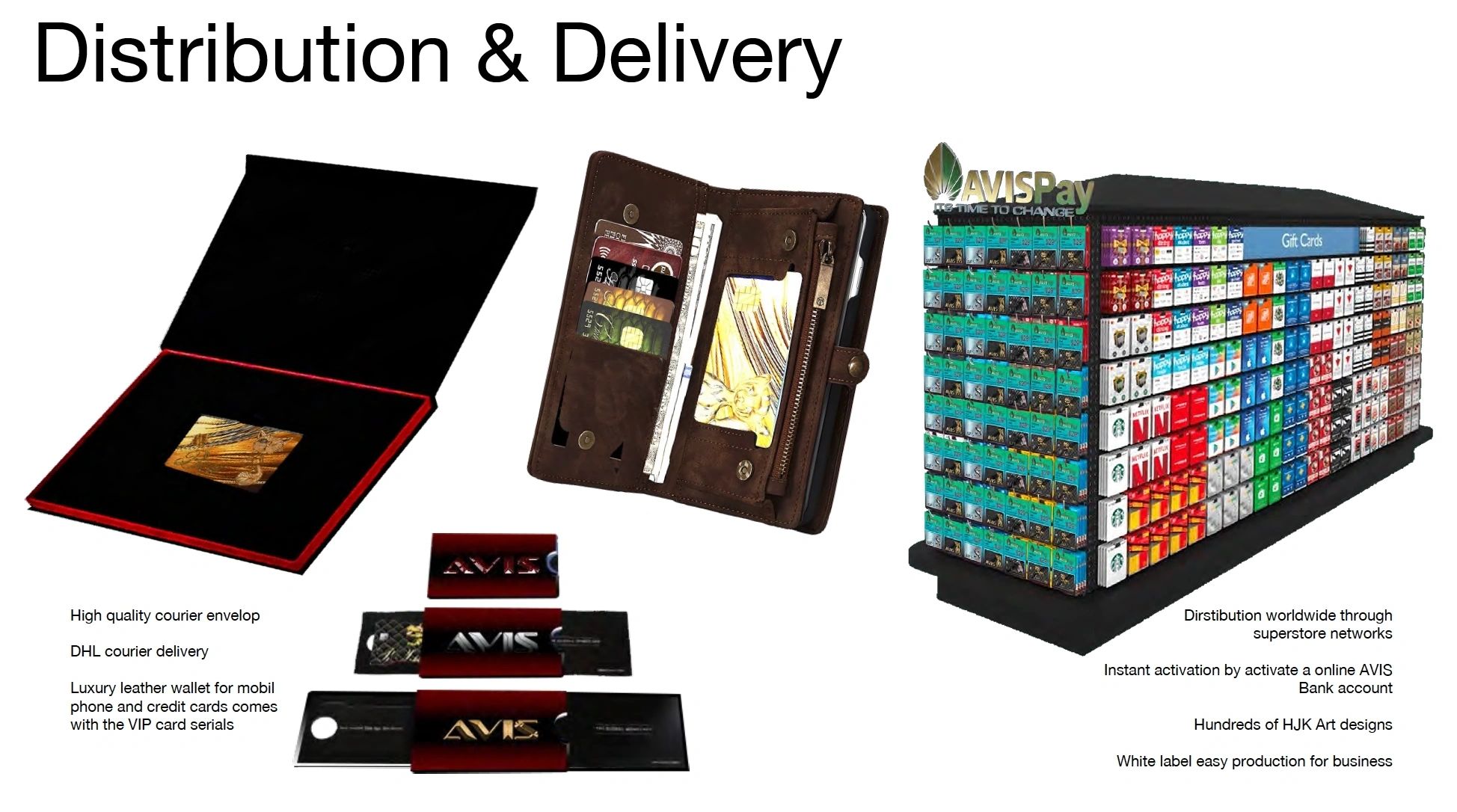
In a world that’s increasingly interconnected, the AVIS card is paving the way for a financial future where everyone can participate without barriers. So, whether you're building your brand in Brazil or managing your expenses in Edinburgh, the AVIS card is your go-to. It’s all about making your financial life easier, and that’s a future we can all look forward to!
Moreover, the AVIS Card embraces technology like never before. Integrated with cutting-edge digital wallets and apps, users can manage their finances effortlessly at their fingertips.
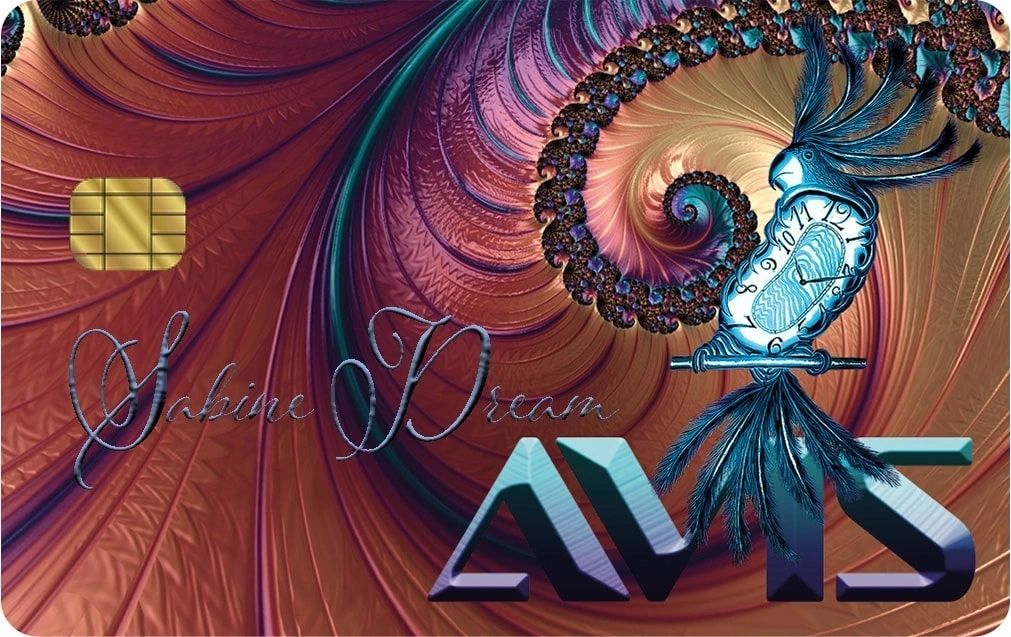
Tracking expenses, setting budgets, and even accessing exclusive rewards has never been easier! This level of convenience ensures that the AVIS Card isn't just a payment method—it’s a lifestyle enhancer.
In a world where financial transactions can often feel monotonous, the AVIS Card breathes new life into payments. It’s not merely a card; it’s a statement.

The amalgamation of countless designs and forward-thinking features means that everyone can find their perfect match.
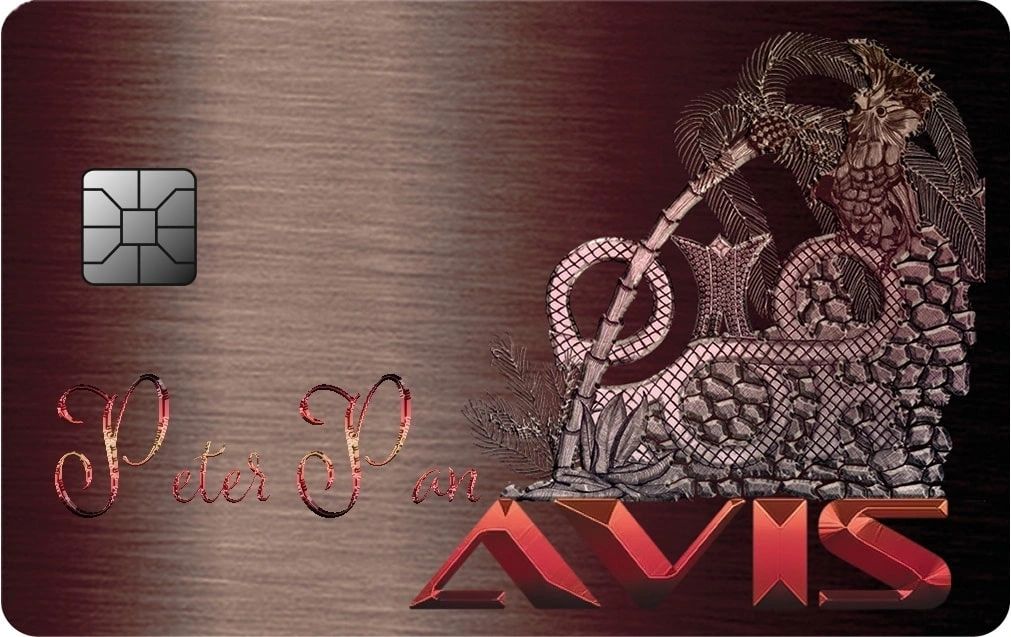
Are you ready to step into a new era of freedom in payments? The AVIS Card is here to pave the way! Let your financial journey begin with flair and functionality!
It's been quite a journey, but we're thrilled to announce that the AVIS Green Industrial Parks project is finally coming to life after nearly a decade in the making. Overcoming hurdles in the financial system, navigating...
It's been quite a journey, but we're thrilled to announce that the AVIS Green Industrial Parks project is finally coming to life after nearly a decade in the making. Overcoming hurdles in the financial system, navigating through mergers, and securing the necessary funds, we are now ready to turn our vision into reality.
Imagine a sprawling industrial park in SPAIN, spanning 25 million m2 of land connected to the beautiful Mediterranean Sea. This is where innovation meets sustainability, where businesses thrive in a green environment.
Join us as we embark on this exciting new chapter. AVIS Green Industrial Parks - where the future of industry takes shape.

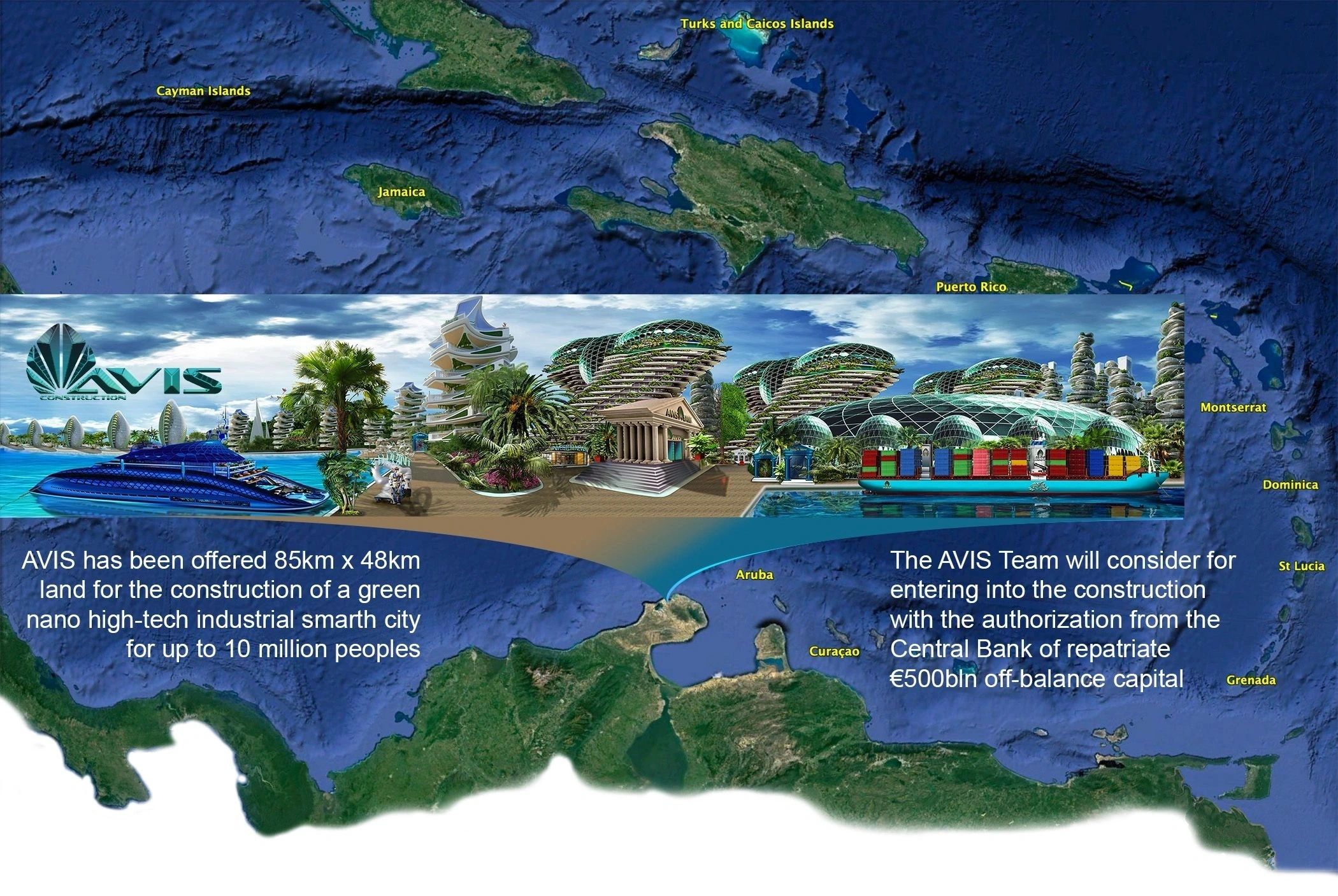
COLOMBIA, Barancillia has been the proud owner of thousands of hectares of construction land since 2016. This valuable property is held under our franchise corporation, showcasing our commitment to investing in the country's development and growth.
Additionally, we are currently in negotiations for an 85 km long stretch of land that extends into the Caribbean. This potential acquisition highlights our dedication to expanding our presence and exploring new opportunities in the region.
As we continue to grow and invest in Colombia, we are excited about the potential for further development and collaboration. Stay tuned for updates on our progress and future projects in this vibrant and dynamic market.
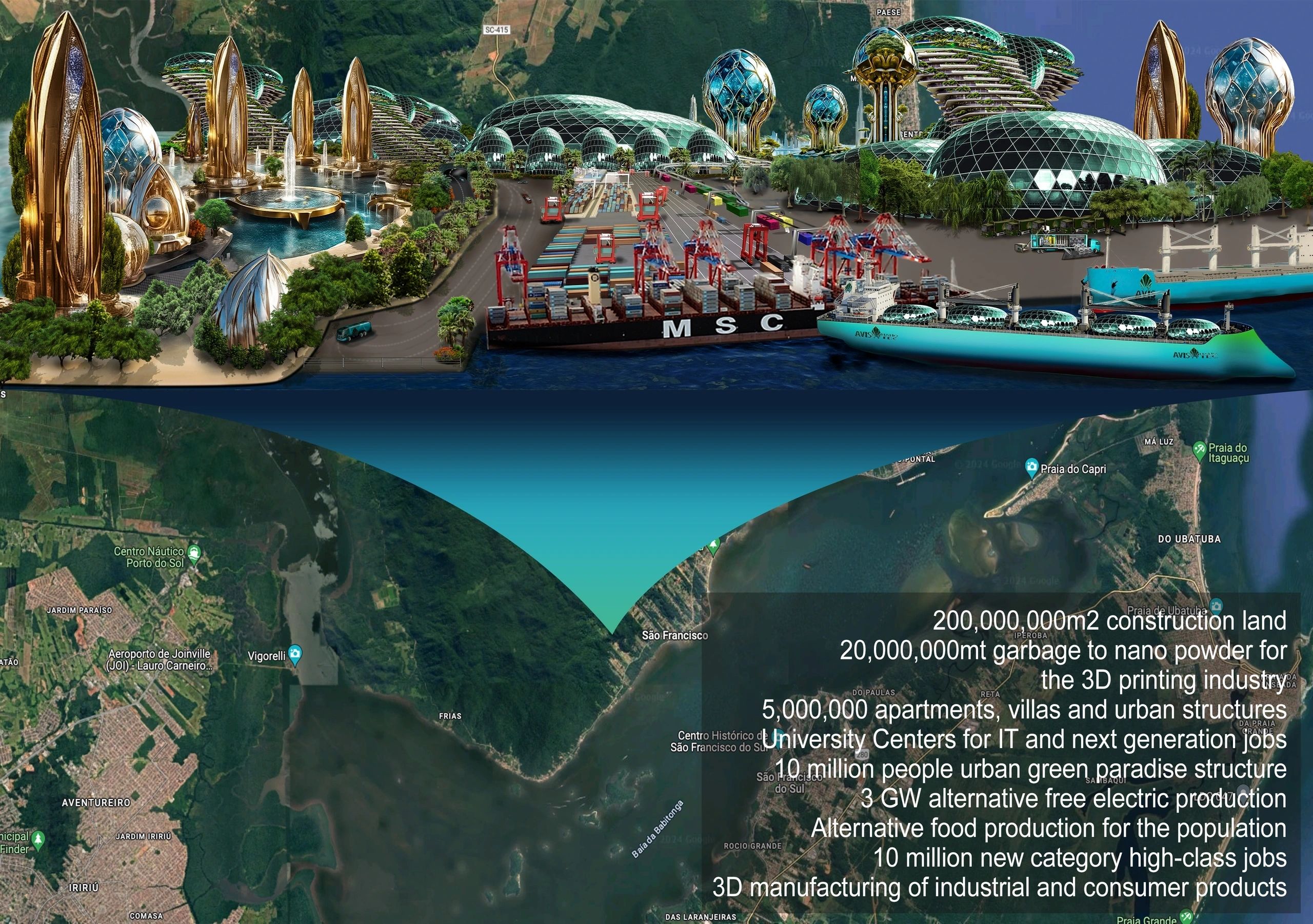
BRAZIL, a significant amount of land, totaling 5 million hectares, has been designated for the construction of a high-tech center. This initiative reflects the country's commitment to fostering innovation and technological advancement. With this dedicated space, Brazil aims to attract top talent, promote research and development, and drive economic growth in the high-tech sector. The establishment of this center has the potential to position Brazil as a leader in technology and innovation on the global stage. It is an exciting development that holds promise for the future of the country's technological landscape.
MEXICO. For many years, promises have been made in Mexico to address the environmental disasters that have plagued our country. Now, we are finally taking action to fulfill these promises and provide solutions to the issues that have been impacting our communities. Municipalities have long been reaching out to us for assistance, and we are committed to delivering the help they need. Stay tuned as we work towards a cleaner and healthier environment for all.
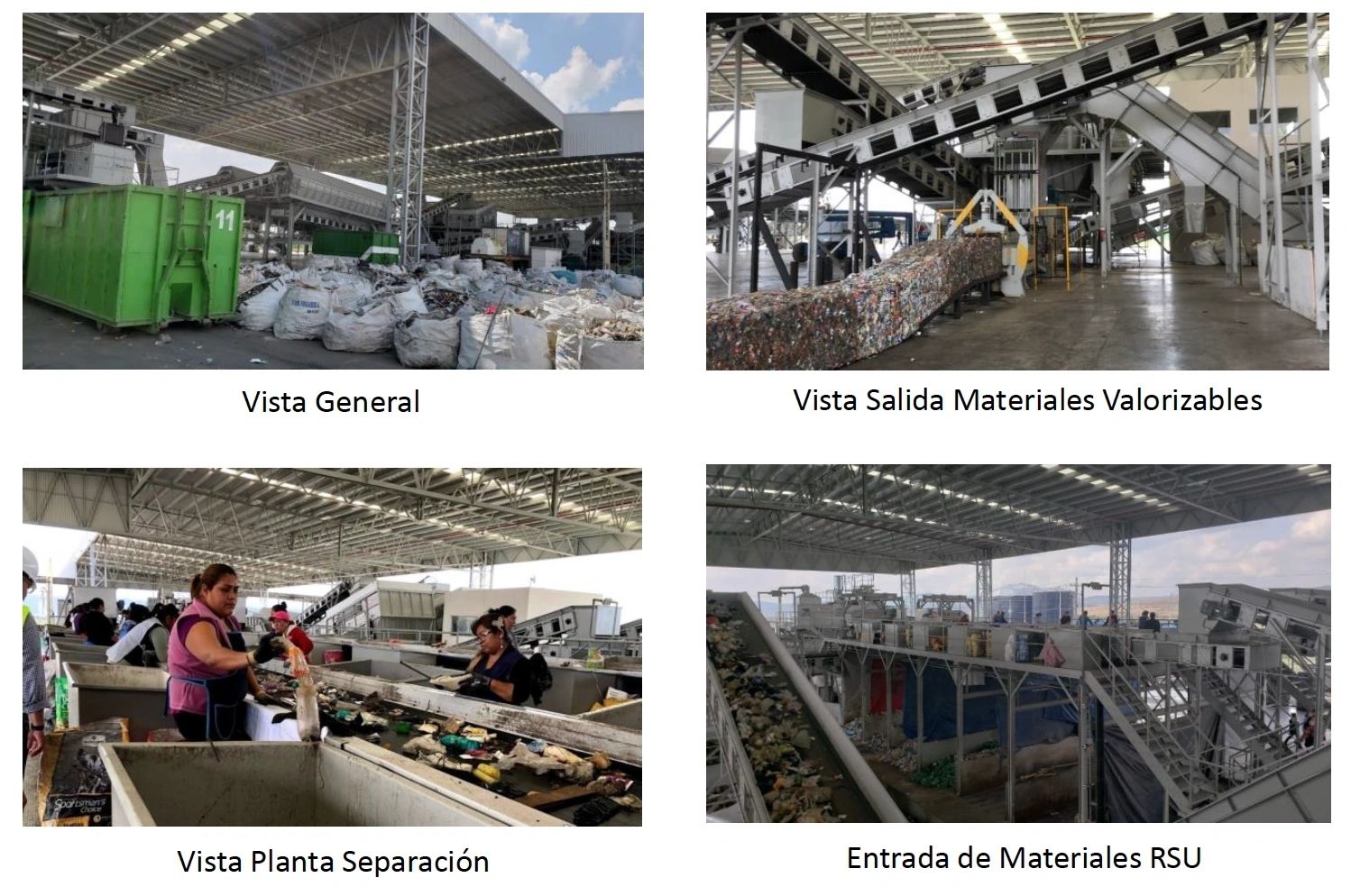
Waste recycling to nanopowder is such an awesome secondary live manufacturing example! So exciting to see how we can turn waste into something valuable: Our focus lies on the development of the next generation of aircraf...

Waste recycling to nanopowder is such an awesome secondary live manufacturing example! So exciting to see how we can turn waste into something valuable: Our focus lies on the development of the next generation of aircraft, specifically in the realm of eCargo aircraft. These innovative aircraft are designed to seamlessly integrate with existing cargo infrastructure and freight networks, revolutionizing global transportation. Equipped with vertical takeoff and landing capabilities, they offer a comprehensive solution for efficient logistics.
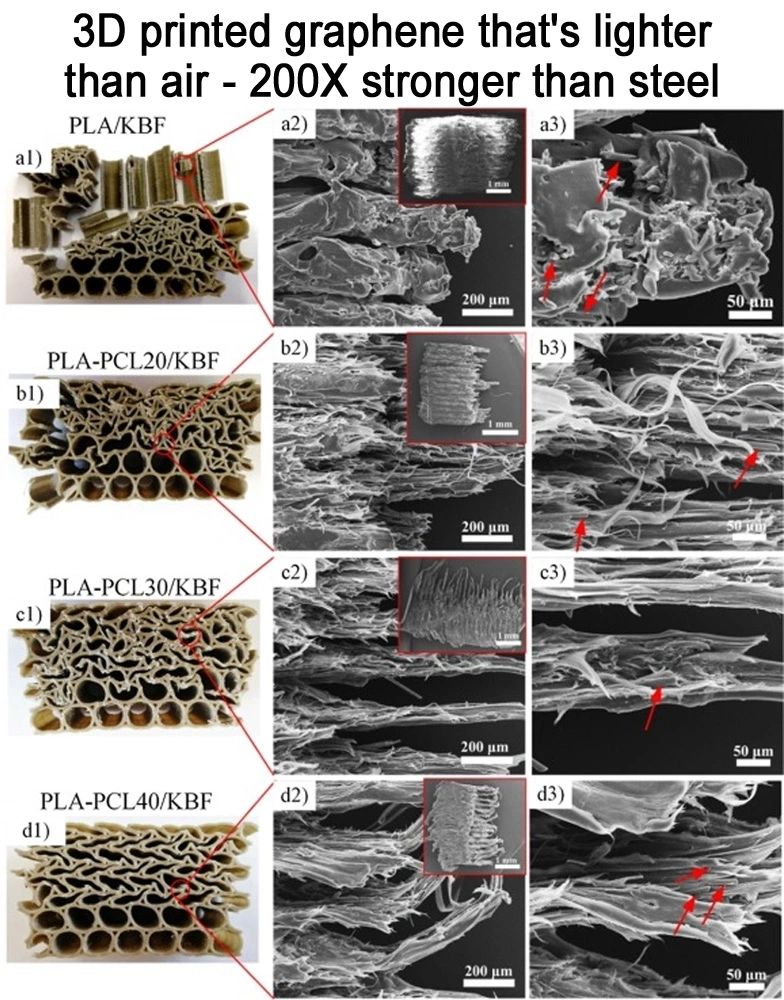
One of our most recent projects involves the prototyping of a Cargo aircraft constructed using 3D-printed graphene-carbon materials, along with powerful HMD generators. This cutting-edge aircraft features a remarkable loading capacity, capable of accommodating 180 containers measuring 12m x 3m x 3m and carrying far above 1000 tons of cargo. Furthermore, it boasts an impressive endless flying range, ensuring unparalleled flexibility and efficiency in long-haul transportation operations.
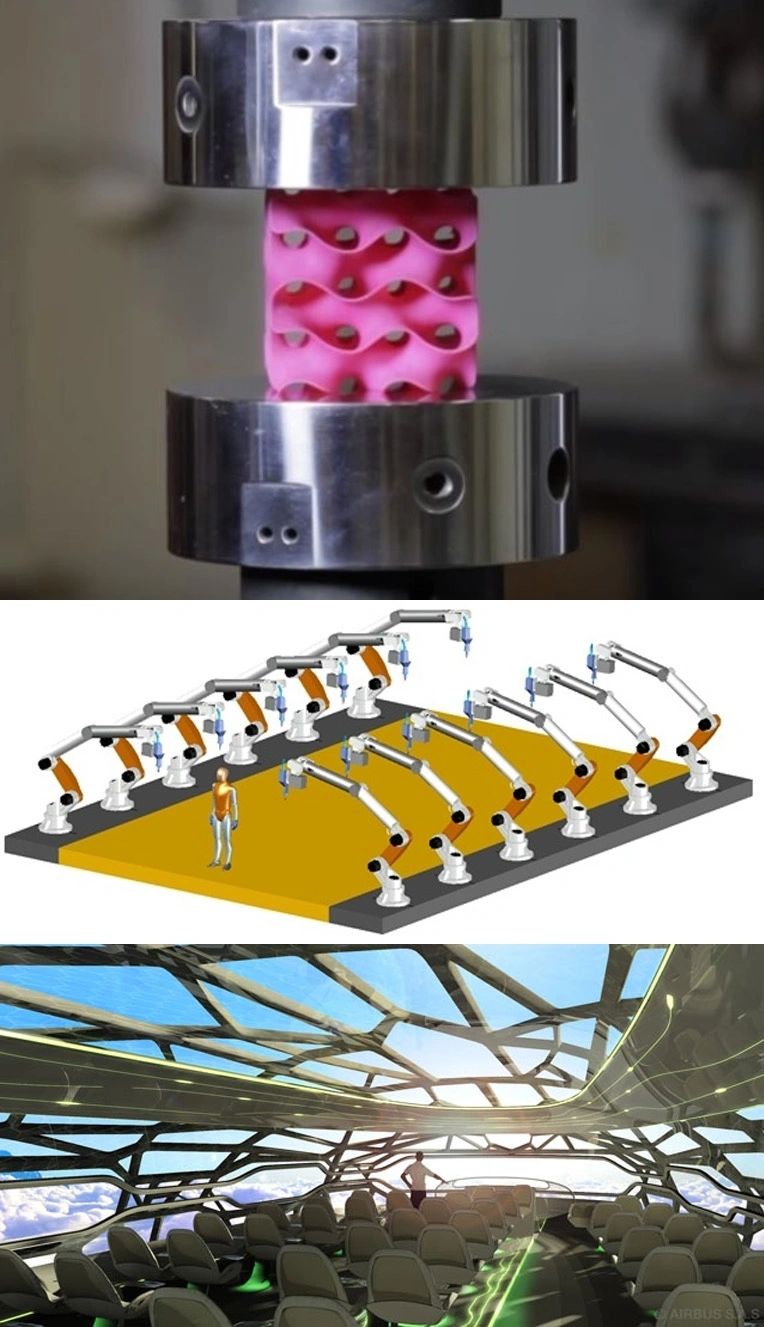

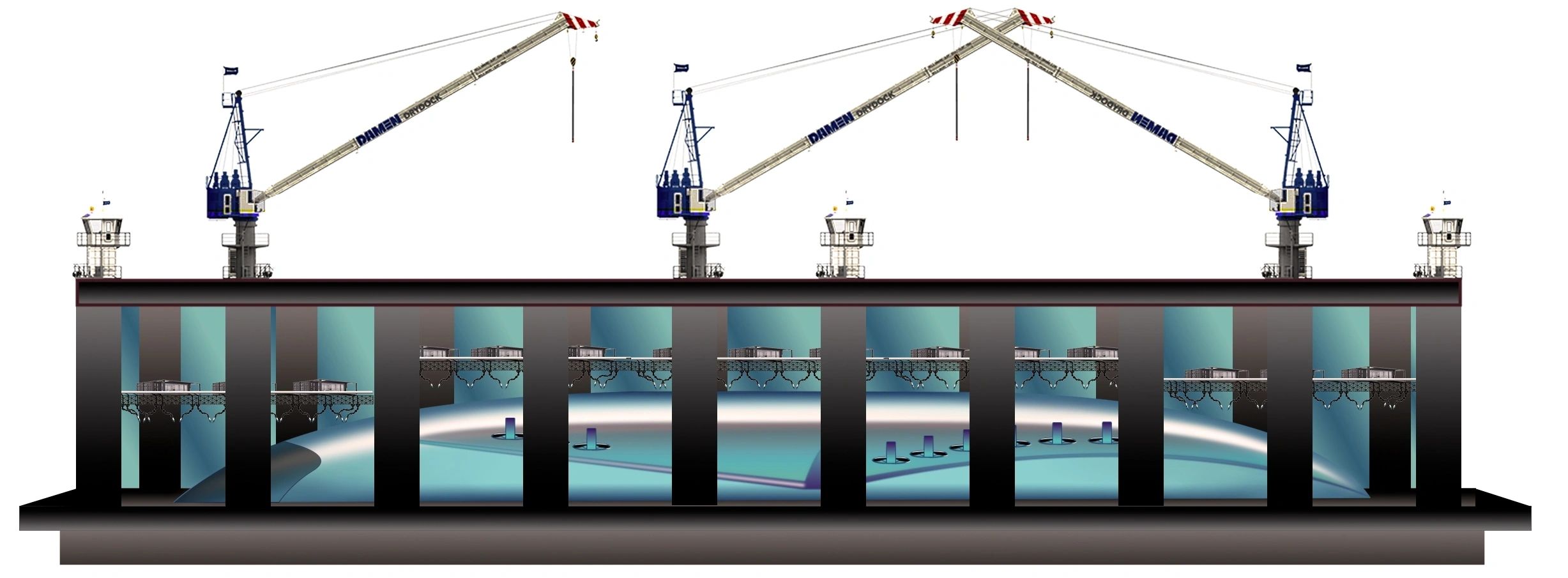
In today's fast-paced world, the demand for efficient and sustainable cargo transportation solutions is higher than ever before. At the forefront of this movement are advancements in aircraft technology that are redefining the standards of global freight networks.
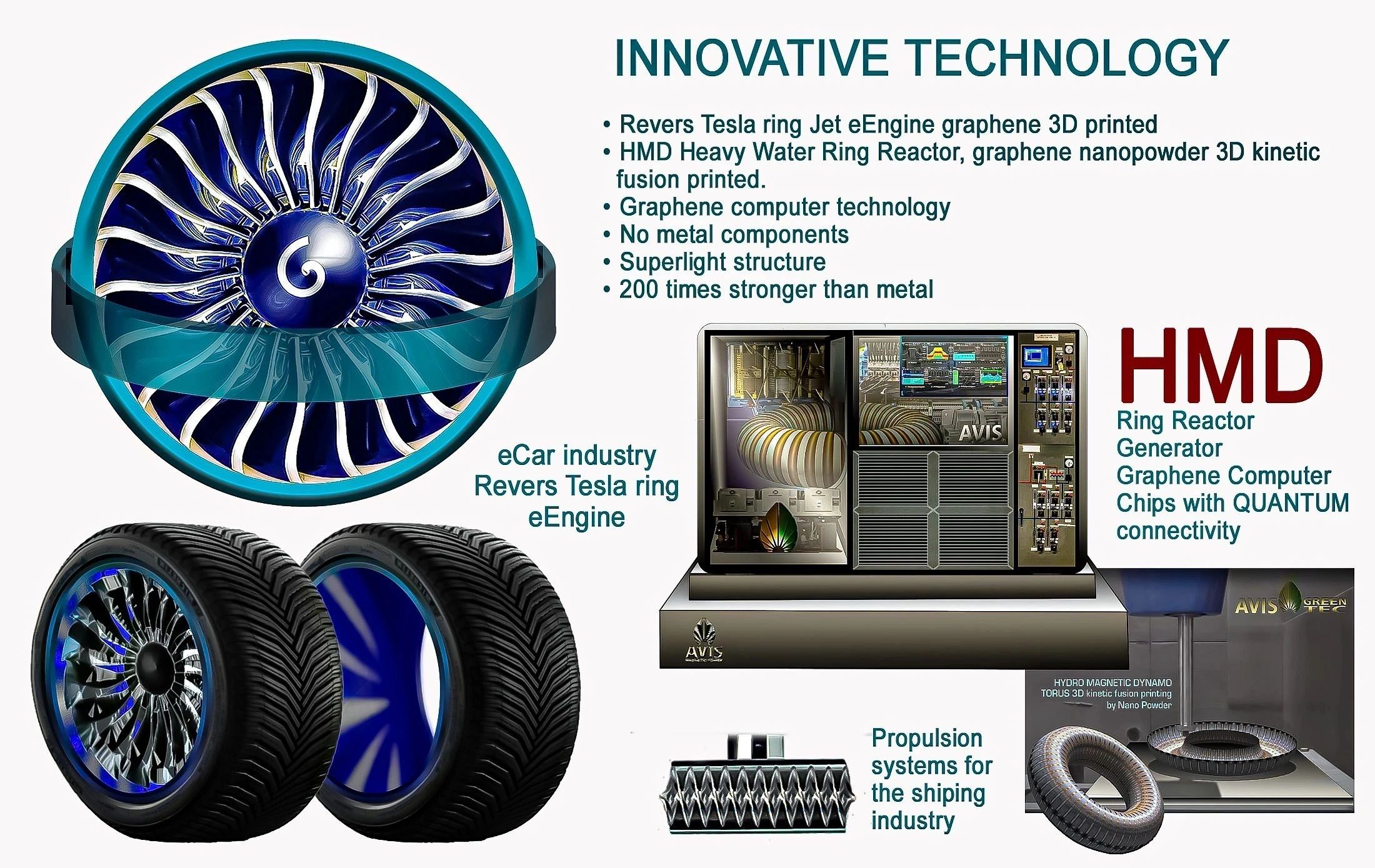
Through our project, we are committed to revolutionizing the air cargo industry by introducing cutting-edge technology and capabilities that will enhance efficiency and performance in the transportation of goods and people. worldwide. By leveraging these advancements, we aim to provide a sustainable and high-performance solution that meets the evolving needs of the industry.
Our goal is to not only meet but exceed the expectations of our customers by offering a reliable and cost-effective means of transporting goods across the globe. With a focus on innovation and sustainability, we are confident that our project will set a new standard for cargo transportation and pave the way for a more efficient and environmentally friendly future.
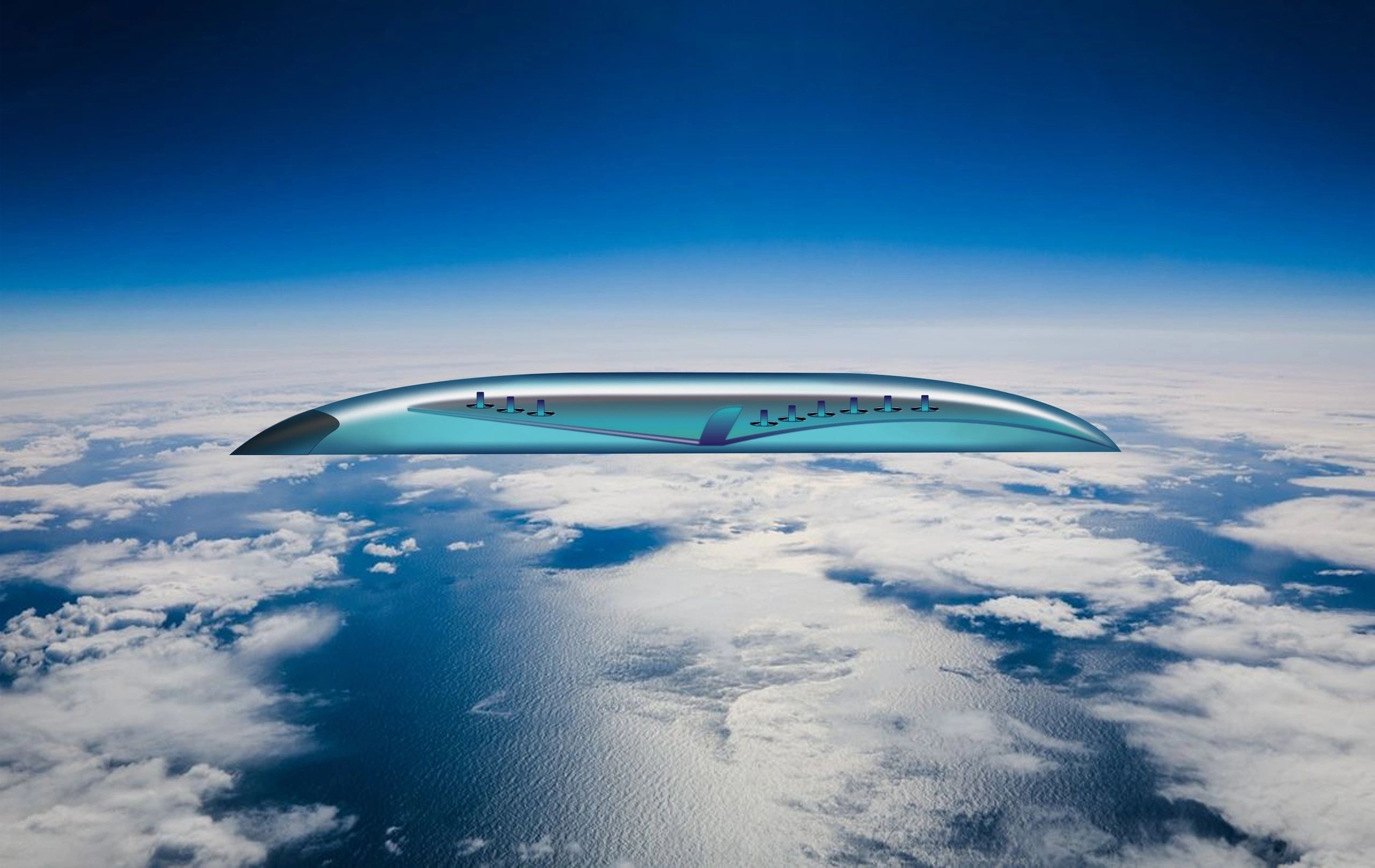
In conclusion, through these advancements in aircraft technology, we are poised to make a significant impact on the air cargo industry and set a new benchmark for global freight networks. We are excited about the possibilities that lie ahead and look forward to leading the way towards a more sustainable and high-performance future for cargo transportation.
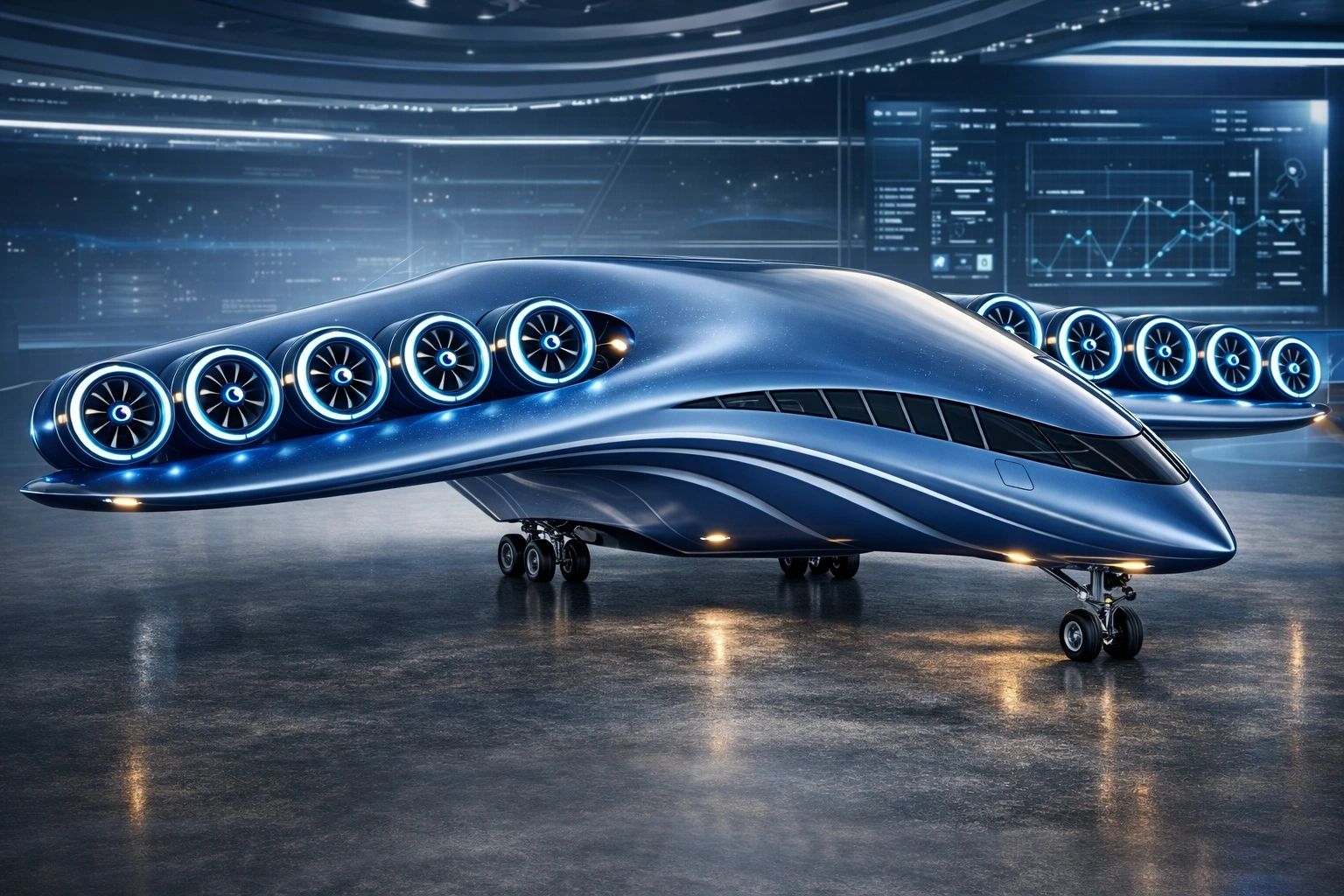
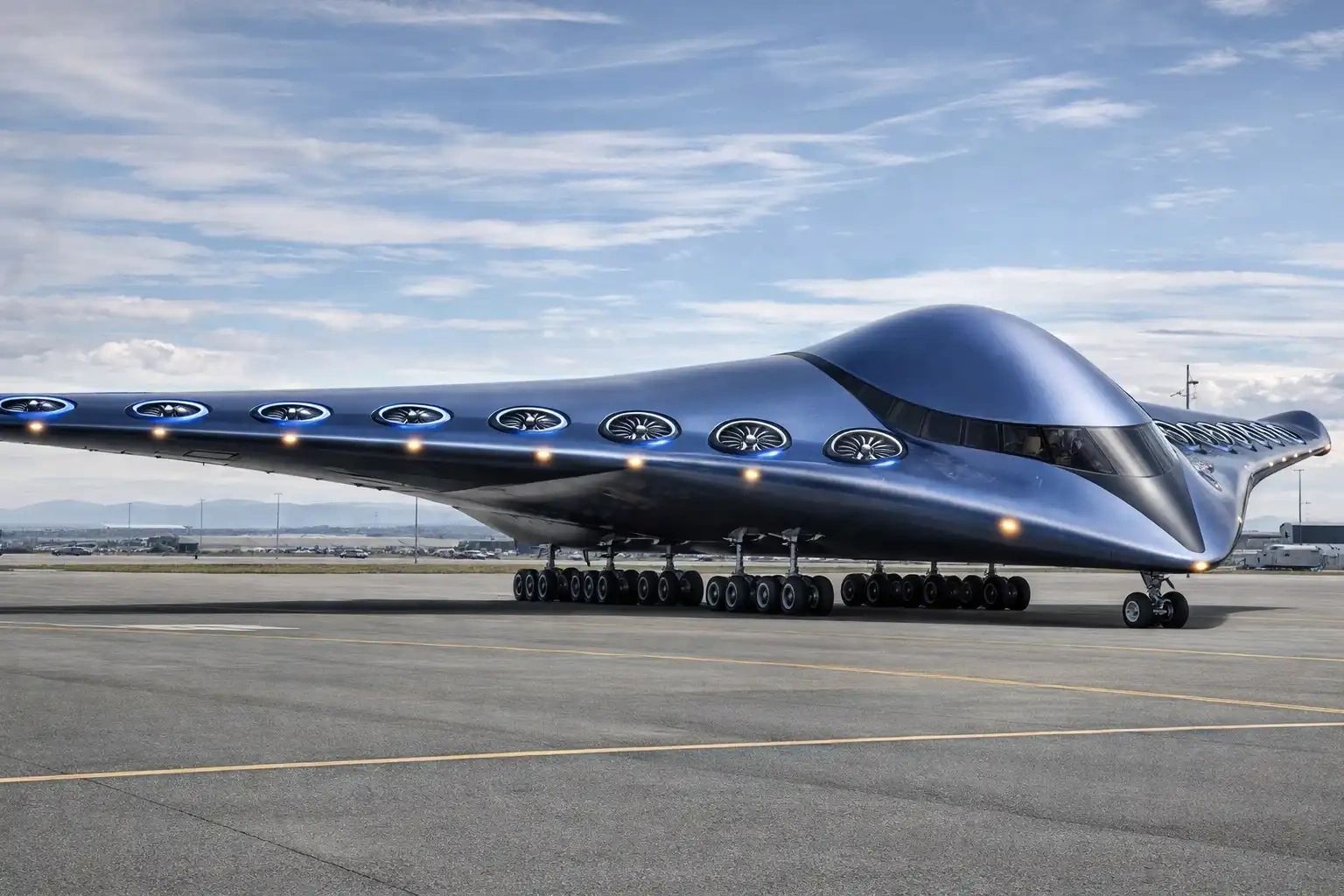
Exciting advancements in aviation technology are on the horizon! The bionic, organic double wall construction provides additional stability by only 10% of the weight of the traditional aluminium structure. We maintain interviews with several professional builders for the venture and the financial requirements are prepared to be deployed.
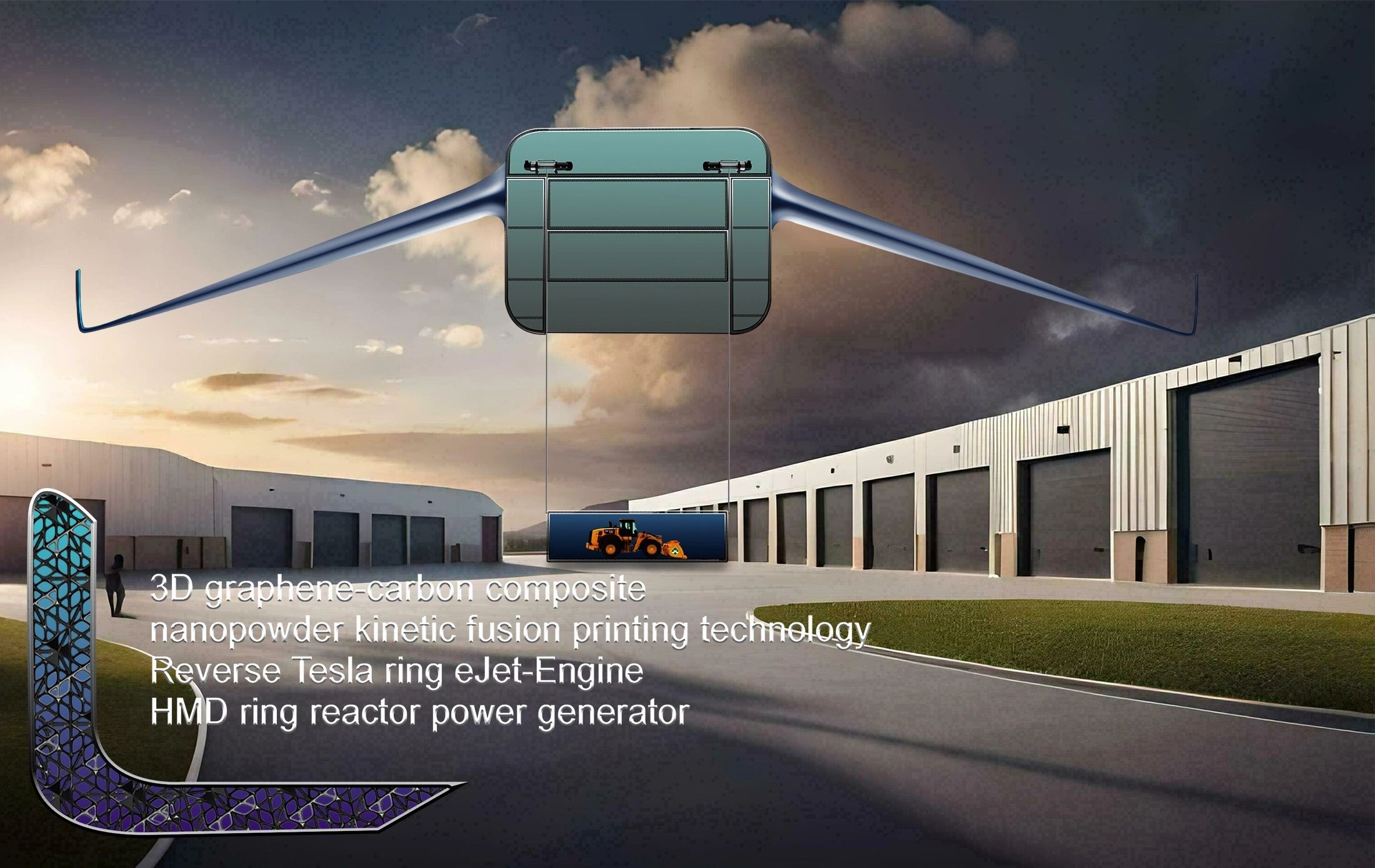
Highlights
1. Utilizing bionic structures inspired by natural forms of bird bones and flowers can revolutionize technology.
2. Implementing stable electro-jets for cargo planes could eliminate the need for landing during loading operations.
3. The use of carbon-graphene containers in conjunction with powerful jets could enhance efficiency in aerial transportation.
4. Advancements in assembling bionic structures have the potential to significantly impact the aerospace industry.
5. Incorporating natural design elements into technology can lead to innovative solutions for transportation challenges.
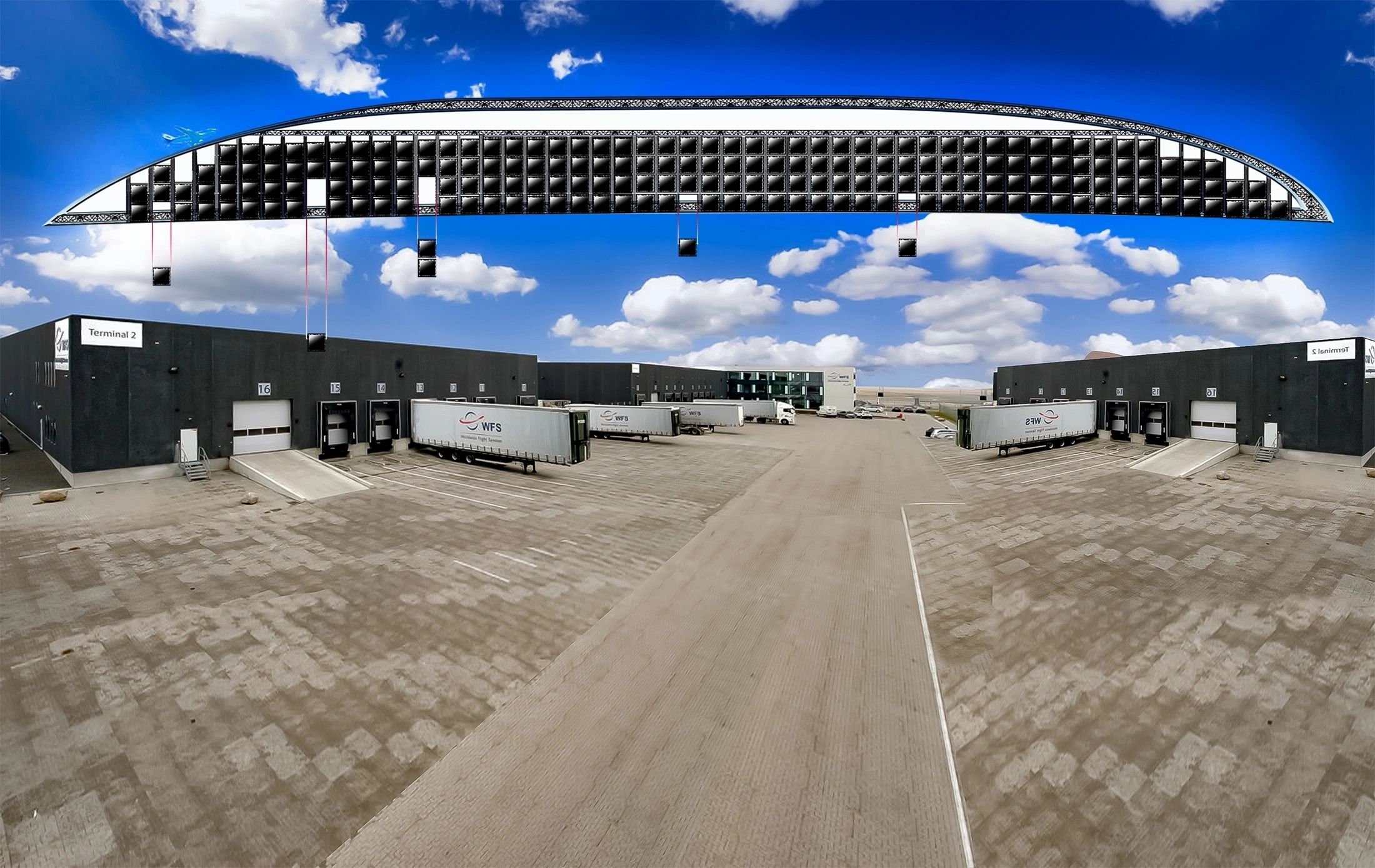
Innovative Airway Logistics. Superlight Transport Containers are printed in a double-wall structure and lifted directly from the ground into the giant's body.
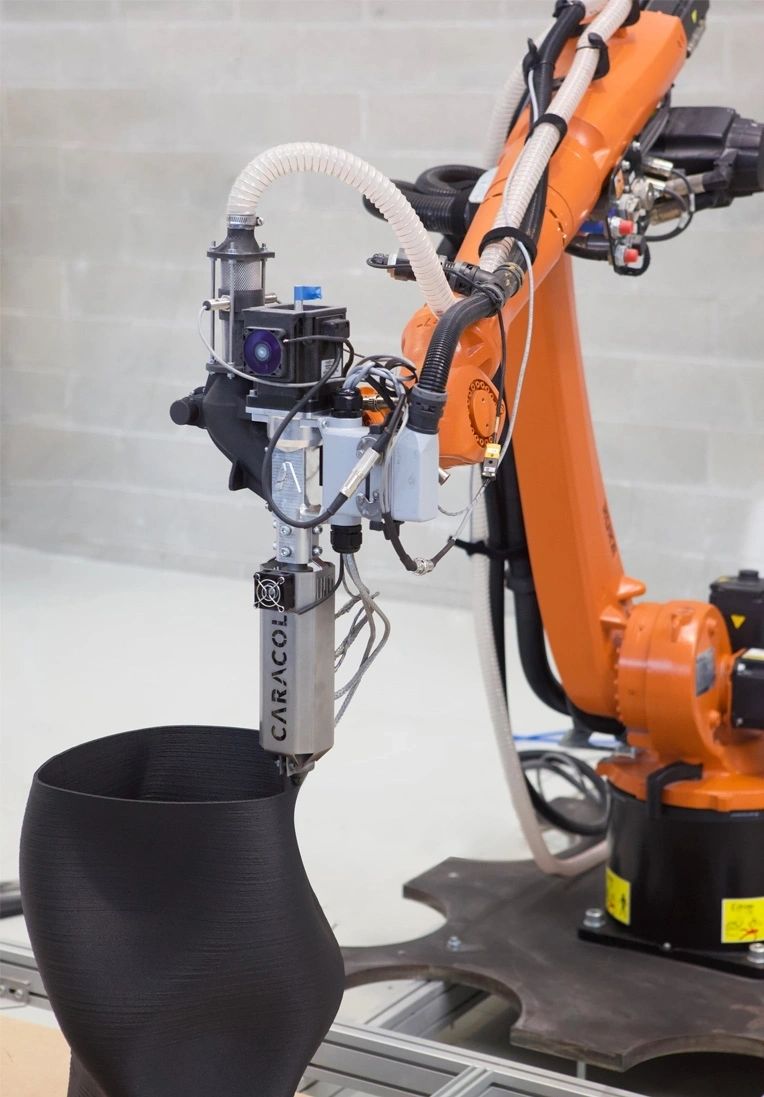
The high-tech bionic flying platform technology eliminates the need for metal components or aluminium, allowing for more actual freight to be handled. The superstructure is a hermetic one-piece construct printed by 1000 large robot printers, with no glass windows employed. Instead, the body itself functions as a graphene screen, making it bullet-proof and highly durable.
This revolutionary technology is set to completely transform transport and airway logistics once in operation. Stay tuned for more updates on this game-changing advancement in the industry.
The aeroplane industry is on the brink of a monumental transformation. Just as the car industry transitioned from petrol to electric power, a similar technological revolution is set to revolutionize air travel. The days ...
The aeroplane industry is on the brink of a monumental transformation. Just as the car industry transitioned from petrol to electric power, a similar technological revolution is set to revolutionize air travel. The days of petrol-burning jets are numbered, as our innovative reverse Tesla ring engine, coupled with powerful HMD reactors and graphene battery bags, promises to usher in a new era of propulsion. Additionally, the introduction of organic airplane fuselages made from graphene-carbon composite 3D printing is poised to revolutionize global transportation.
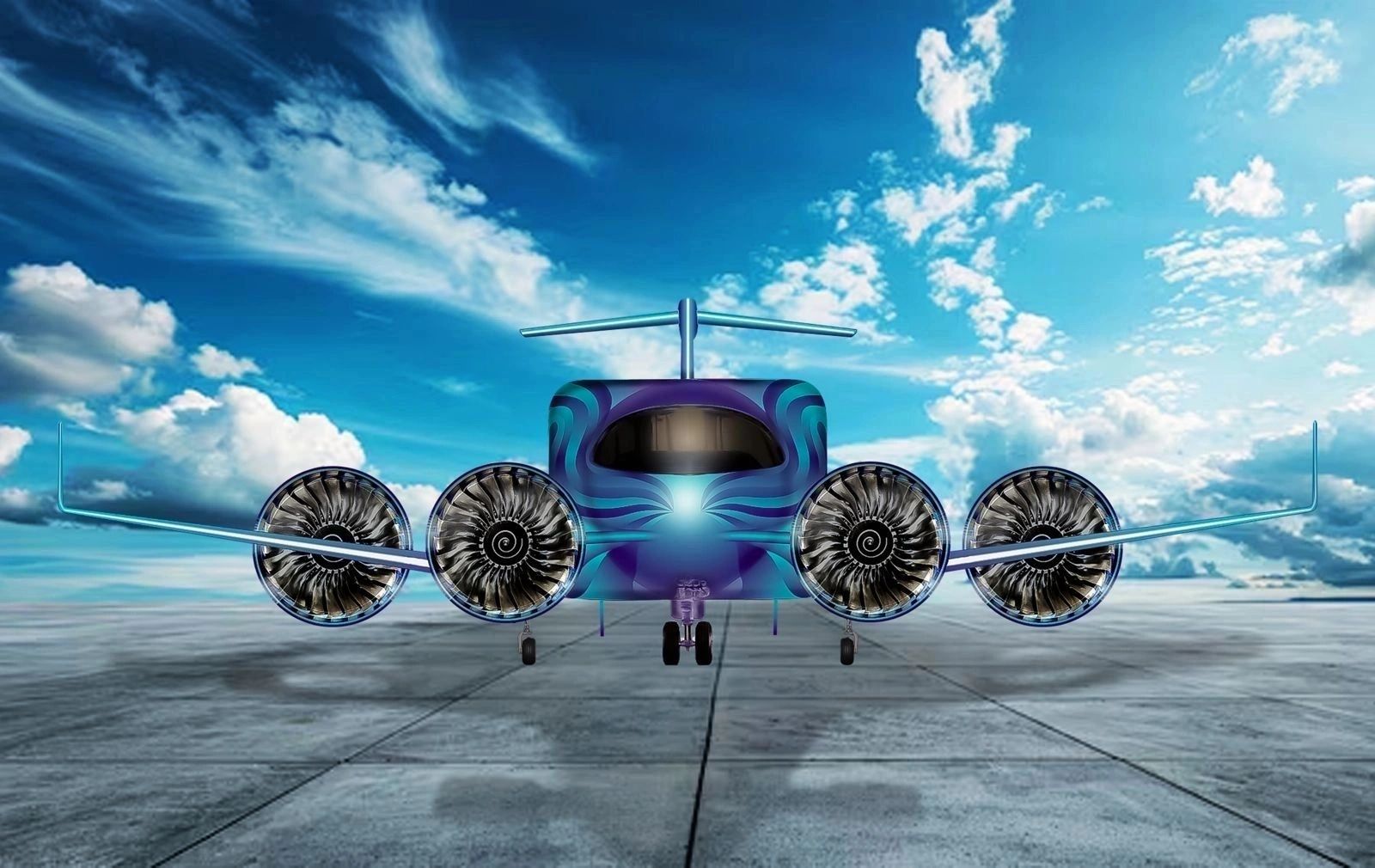
Furthermore, the integration of AI-managed simple drone steering technology will make private aviation more accessible than ever before, potentially surpassing the convenience of driving a car. With the promise of vertical takeoff, speeds exceeding Mach one, and future connections to alternative space propulsion systems, the future of jet travel is teeming with exciting possibilities. The stage is set for the prototyping and implementation of these groundbreaking advancements, marking a pivotal moment in the evolution of air travel.
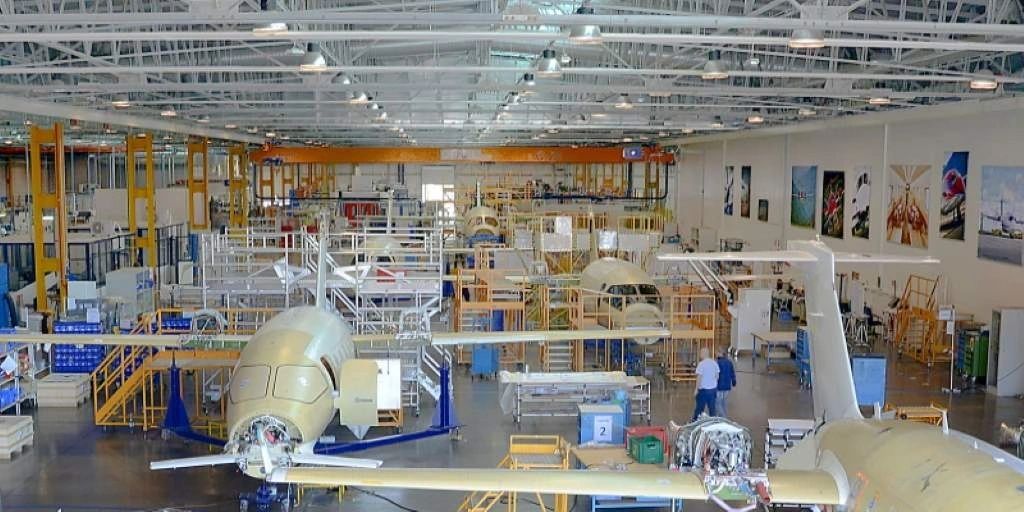
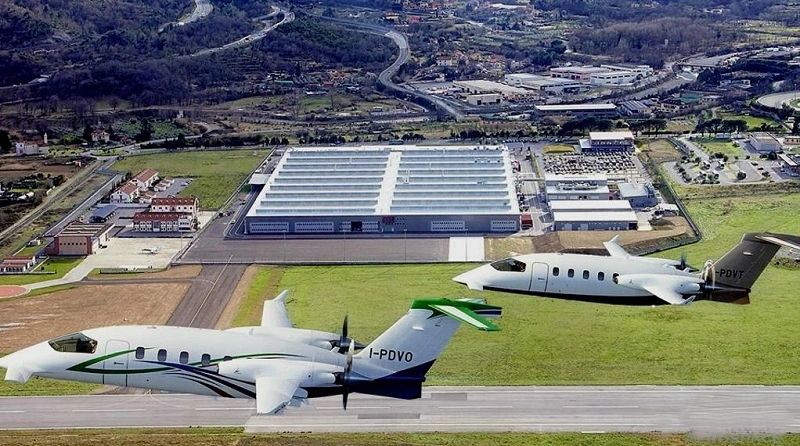
AVIS intends to merge and re-open for 3D printing of kinetic fusion carbon-graphene nanopowder aeroplanes. A giant state-of-the-art 3D robotic nanopowder-composite printing platform, measuring 220 meters in length, 45 meters in width, and 60 meters in height, constructed from advanced carbon graphene materials, is capable of producing high-tech prototype bodies for air and spacecraft.
We believe this groundbreaking technology will significantly enhance the efficiency and capability of aerospace manufacturing.
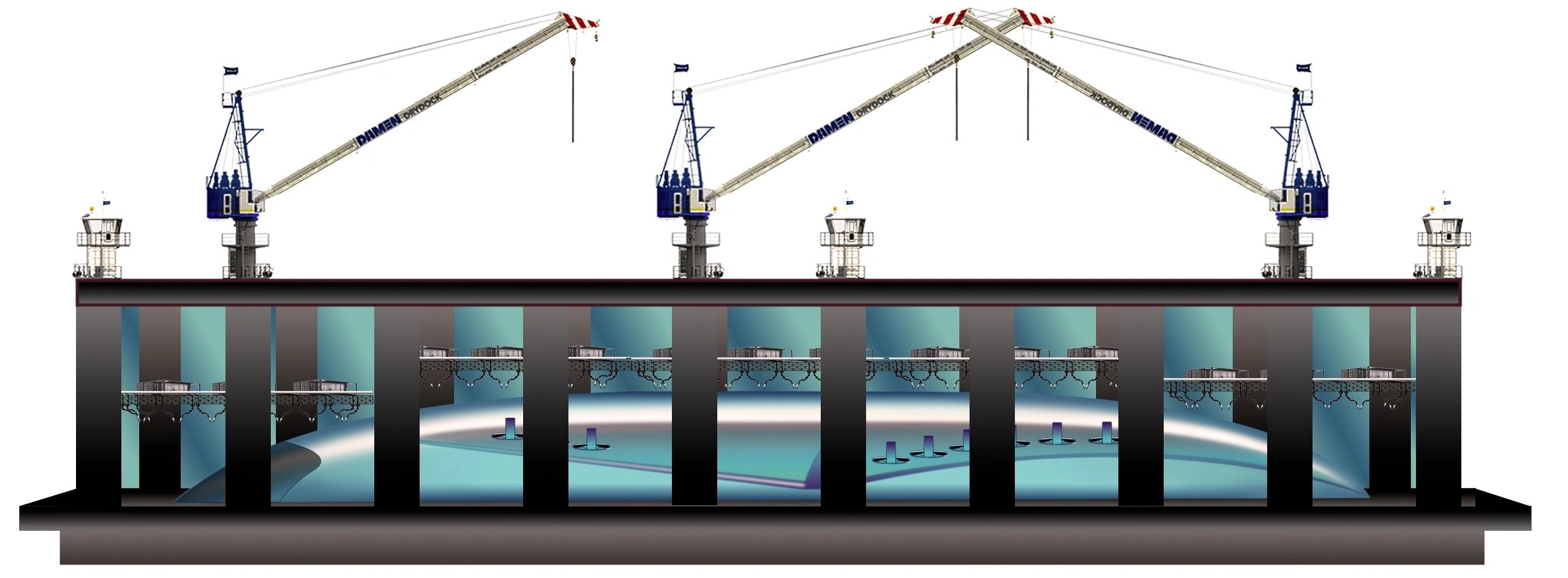
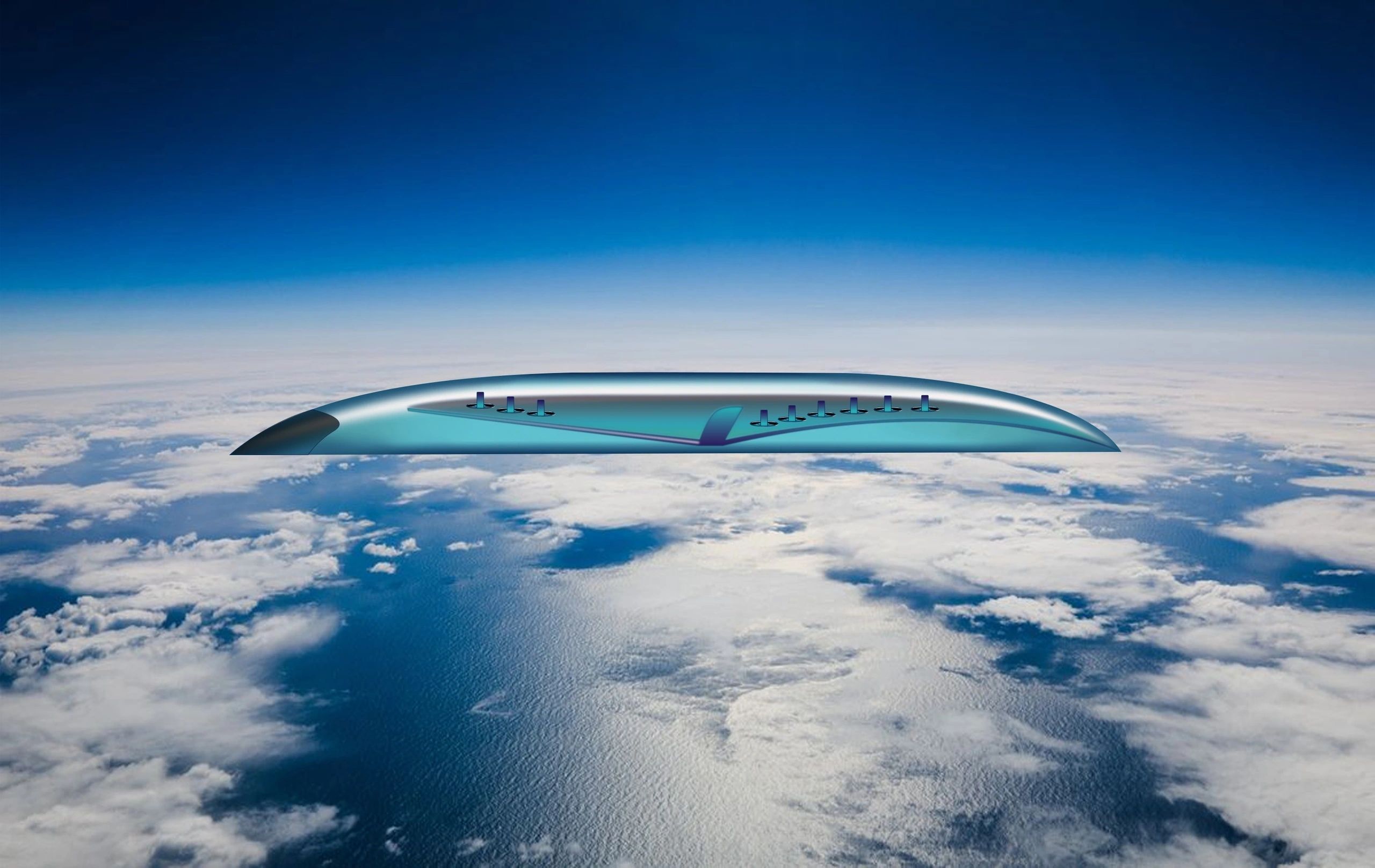
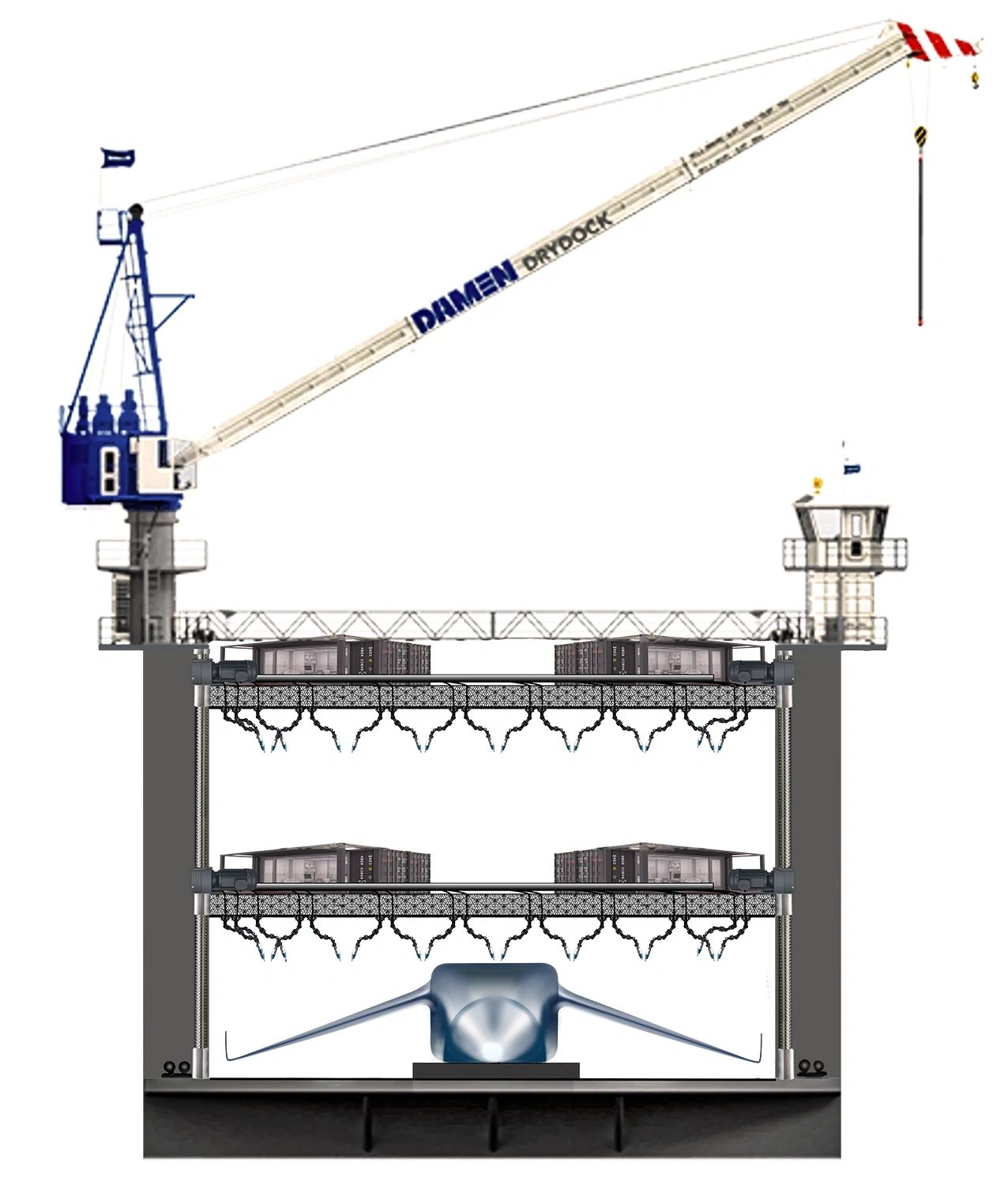
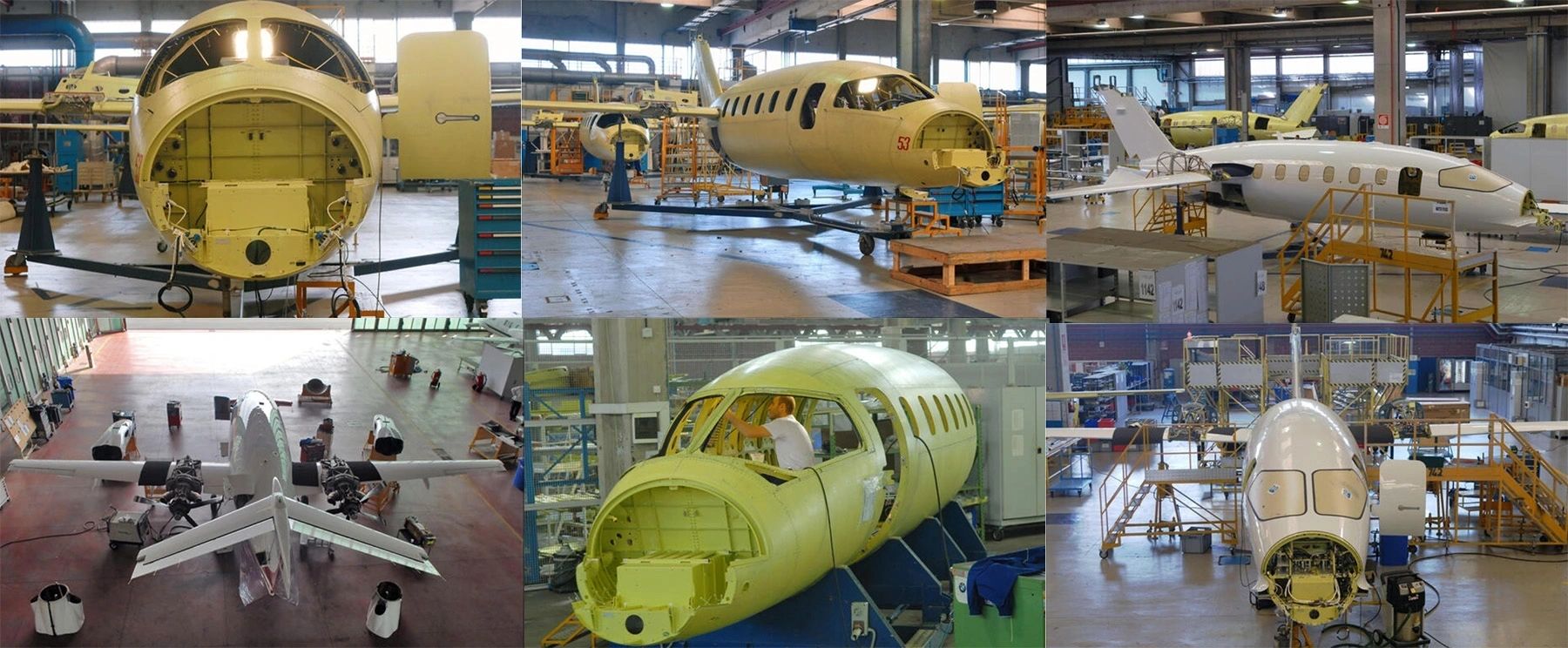
The historical aeroplane manufacturer Piaggio Aerospace, which has a rich history dating back to its foundation in 1884. Here’s a brief overview of its evolution:
1. **Founding and Early Years (1884-1920s)**:
- Founded by Rinaldo Piaggio as a railway car manufacturing company in 1884, it quickly adapted to the growing aviation industry.
- In the early 1900s, Piaggio began producing aircraft, particularly during World War I.
2. **Interwar and WWII (1920s-1940s)**:
- Piaggio developed several aircraft, including fighters and bombers.
- The P.108 bomber was notable during World War II.
- After the war, the company shifted focus to civilian aviation.
3. **Post-War Era (1950s-1980s)**:
- Piaggio launched the P.149 and P.180 Avanti, a groundbreaking twin-engine turboprop aircraft, known for its innovative design and performance, in the 1960s.
- The Avanti played a crucial role in the company's reputation in the civil aviation market.
4. **Diverse Developments (1990s-2000s)**:
- In the 1990s, Piaggio expanded into the UAV market and military applications.
- The company was involved in several joint ventures and collaborations to enhance its technological capabilities.
5. **21st Century and Financial Challenges (2010s)**:
- Piaggio faced financial difficulties and underwent restructuring efforts.
- In 2016, it was acquired by Abu Dhabi's Mubadala Investment Company, leading to a reorganization and focus on advancing its product lineup.
6. **Recent Developments (2020s)**:
- The company has focused on innovative designs, including the P.180 Avanti EVO, and delving deeper into UAVs and military contracts.
- It continues to seek new partnerships and markets while tapping into the growing demand for versatile and efficient aircraft.
Throughout its history, Piaggio Aerospace has been known for its innovative designs and adaptability in the aviation industry, contributing significantly to both civil and military aviation sectors. Would you like to know more about specific aircraft or recent projects?
In 2005, following our spinoff from the AVIS Car Corporation, we initiated the Green Project with the goal of transitioning away from traditional petrol-based energy for vehicles. Our focus shifted towards exploring alte...

In 2005, following our spinoff from the AVIS Car Corporation, we initiated the Green Project with the goal of transitioning away from traditional petrol-based energy for vehicles. Our focus shifted towards exploring alternative petrol sources and electro-energy
production. Serendipitously, in Munich, Germany, we encountered an engineer pioneering cold conversion technology for recycling rubbish into petrol. Despite our interest, financial constraints and resistance from established power producers and political entities hindered the adoption of this innovative technology. Consequently, we pivoted in
2016 towards waste to nanopowder production due to the challenging landscape surrounding waste recycling and energy production. These challenges prompted us to establish our own banking system and diversify our technological and strategic approaches. Today, we stand as a leading force in green energy financing and construction, shaped by our journey through various technologies and systems.
Hey there, folks! So, remember when we teased about some big news last year? Well, it's time to spill the beans!
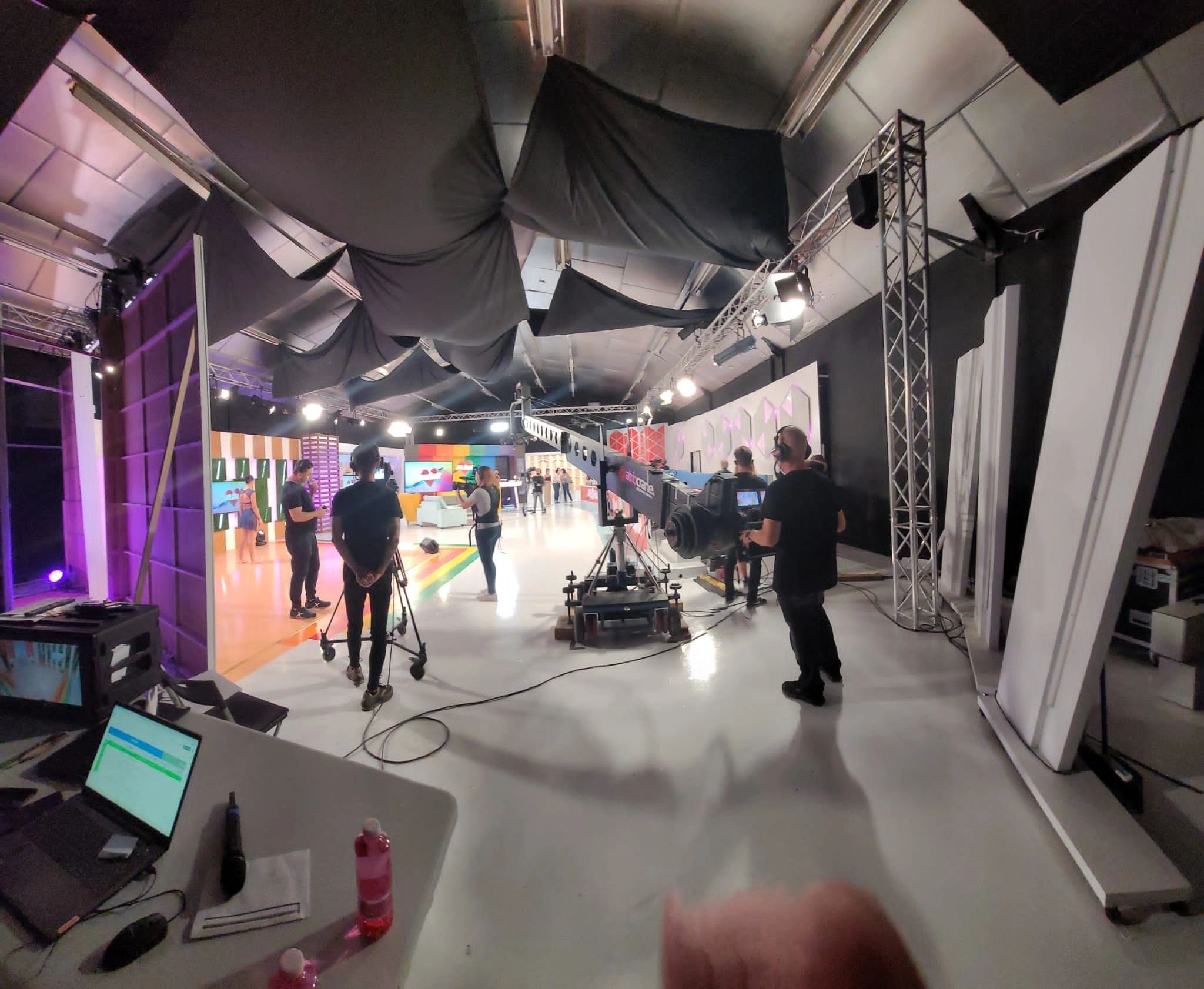
Hey there, folks! So, remember when we teased about some big news last year? Well, it's time to spill the beans!
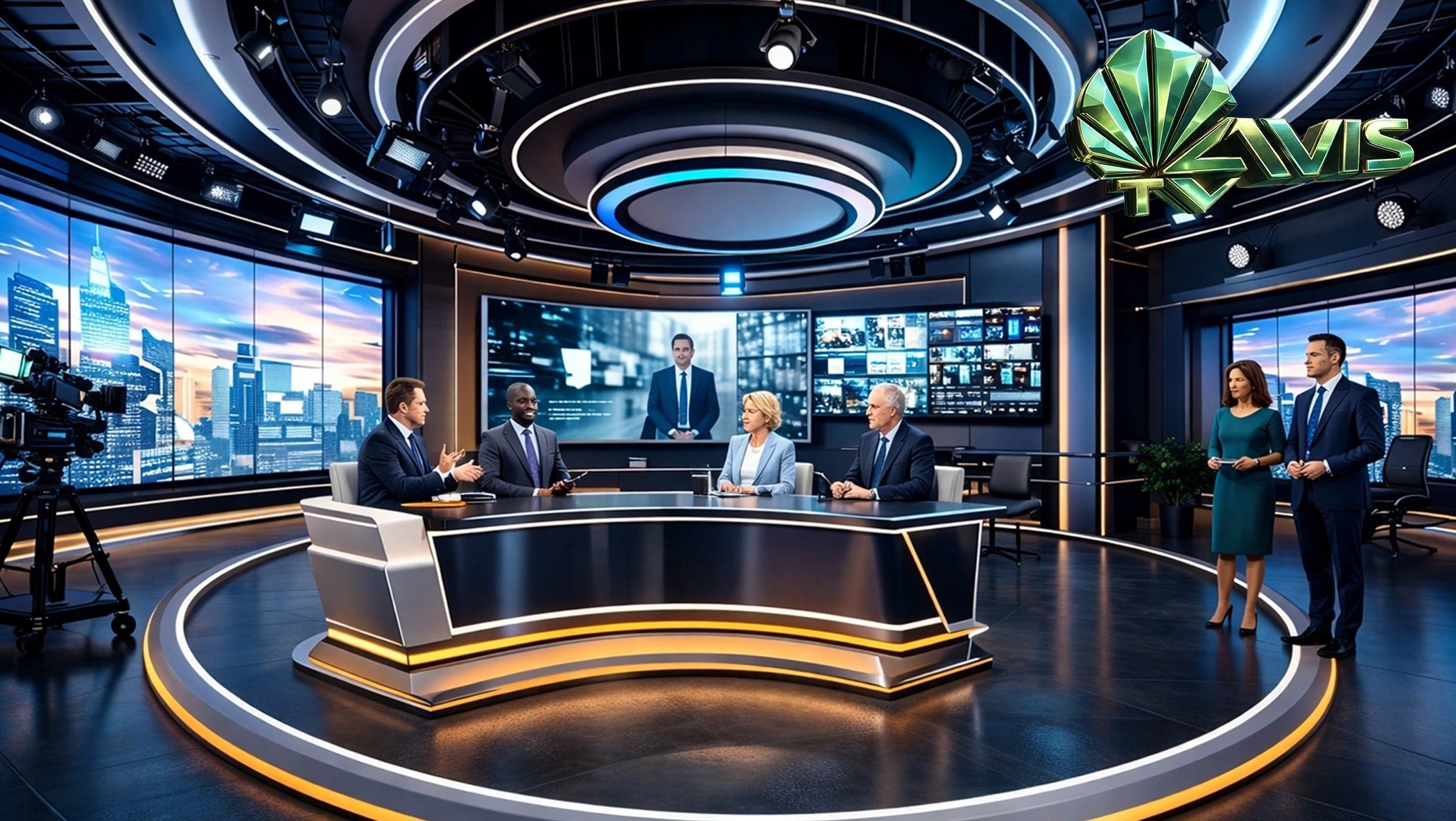
We kicked off talks with a TV producer back in 2023, but things got a bit delayed due to all the crazy adventures we've been on and the team bonding that happened.
Now, we're racing to wrap up the merger with a local studio for all the world to see. As the top dog in eco-friendly construction worldwide, it's time to share our progress and shake things up a bit. Stay tuned for more updates on this exciting journey of change! 🌿✨ #GreenRevolution #ComingSoon
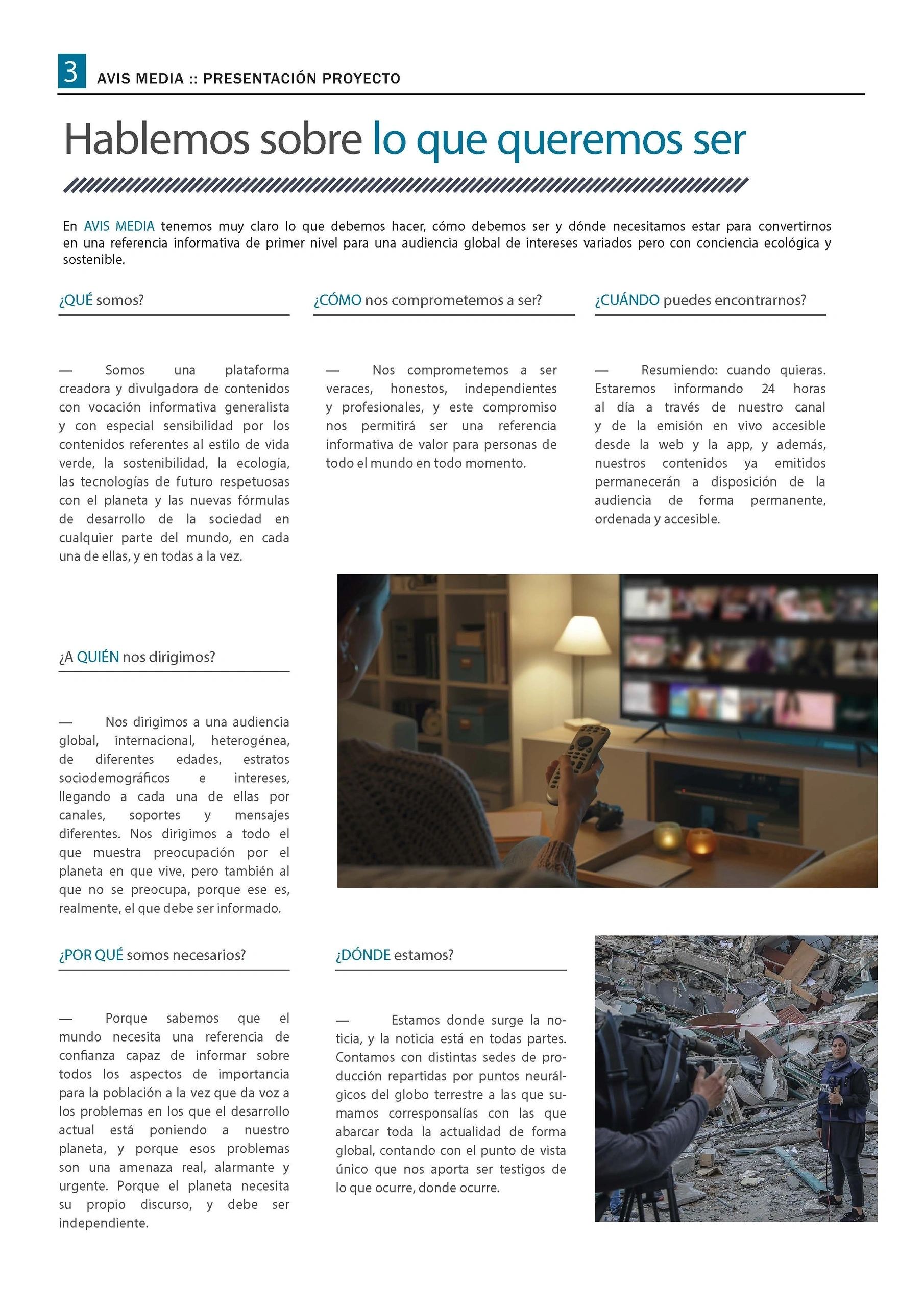
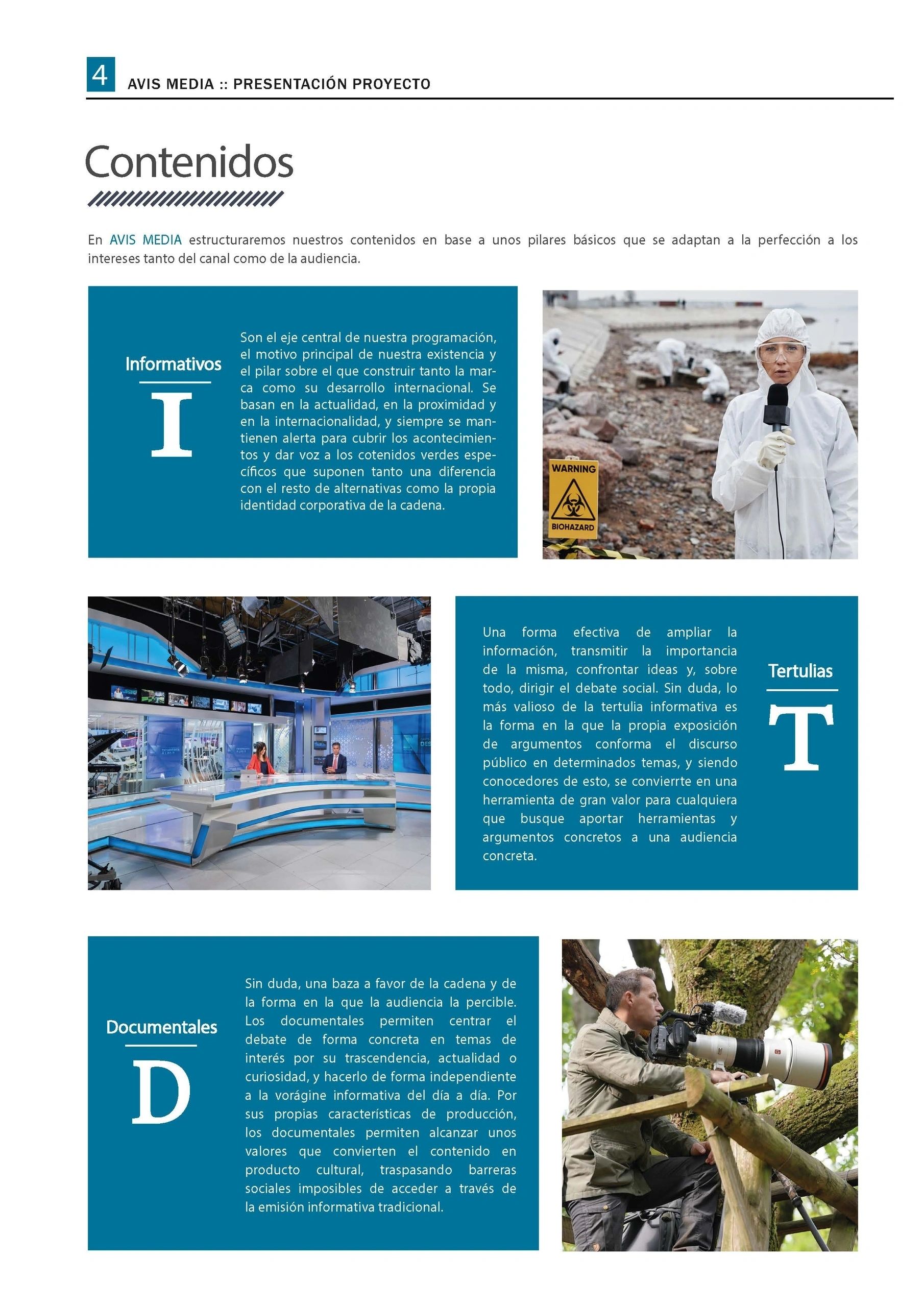
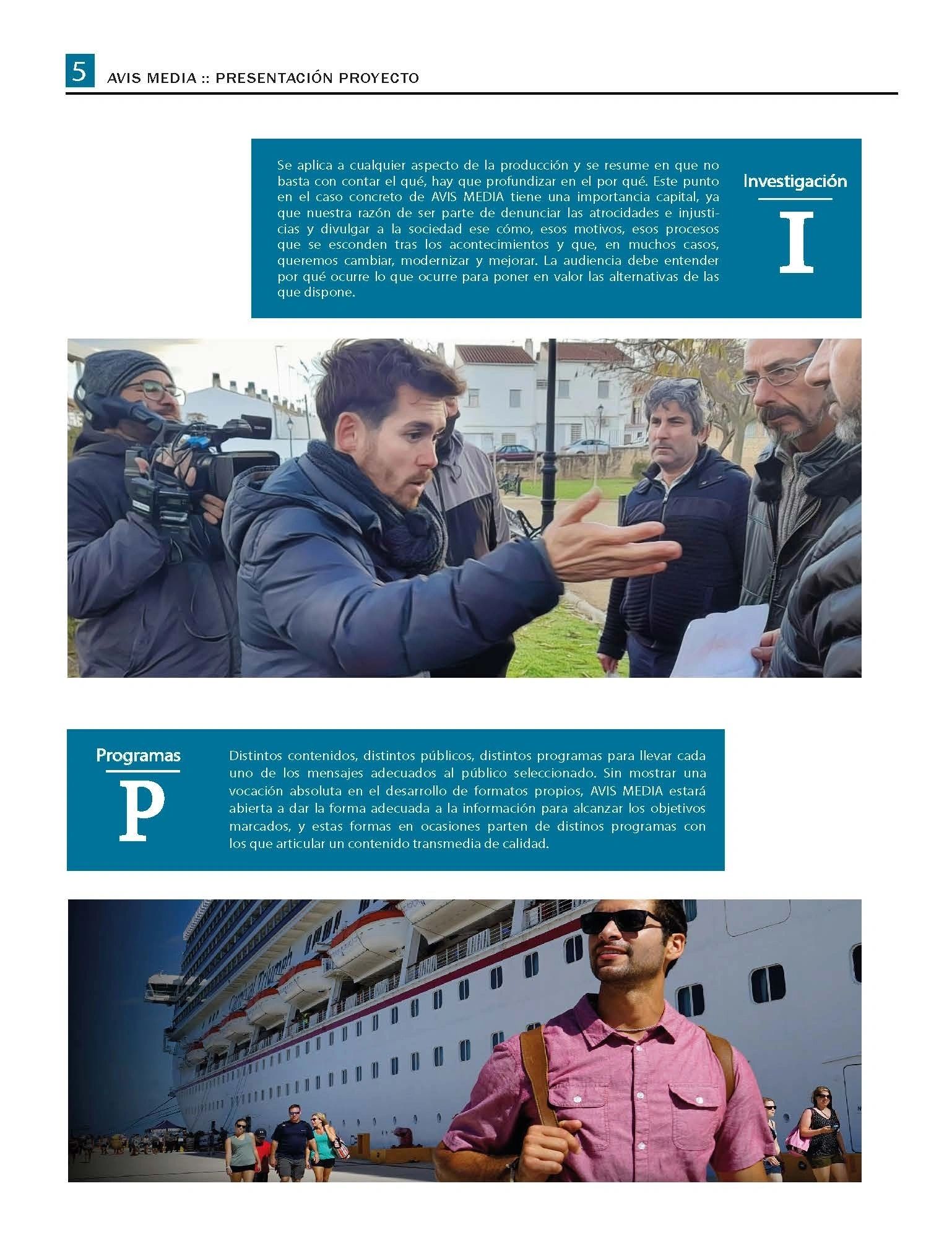
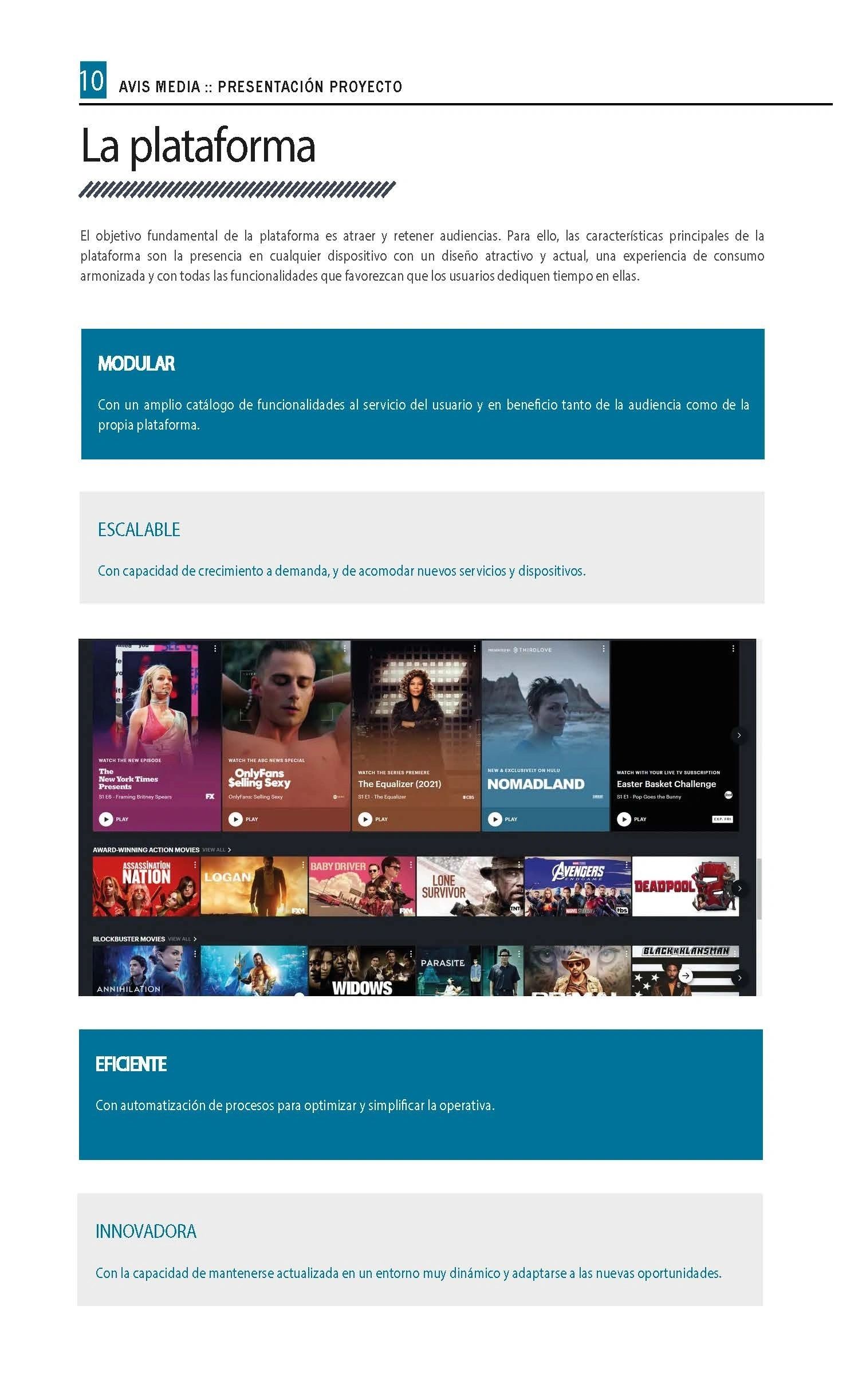
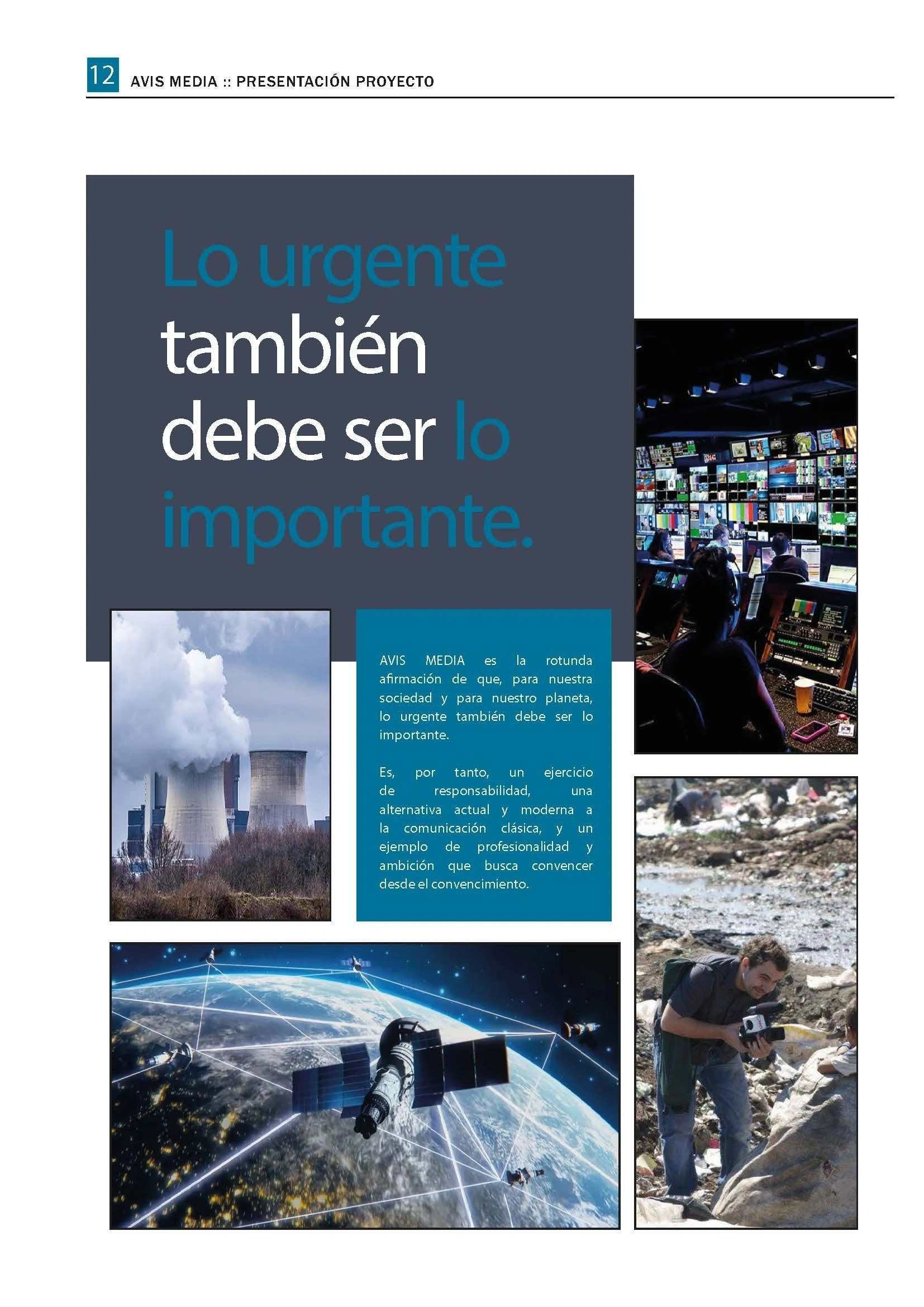
Contact:
AVIS Green Venture
Press Office – AVIS Umbrella Development Division: news@avis.tv
In the journey towards the culmination of our project, we encountered a significant challenge that put our progress at risk. Just as we were on the brink of activating our global card machinery within the QUANTUM bank sy...
In the journey towards the culmination of our project, we encountered a significant challenge that put our progress at risk. Just as we were on the brink of activating our global card machinery within the QUANTUM bank system, a malicious hack brought our operations to a standstill. This unexpected setback, while disruptive, allowed us a crucial window to fortify our technology and refine our systems before the final launch.
Despite the hurdles we faced over the years, the collaborative efforts of our team have brought us to the threshold of success. The resilience and dedication exhibited by each member have been instrumental in overcoming obstacles and ensuring the integrity of our project.
As we prepare to go live with our integrated system, we are reminded of the importance of vigilance and continuous improvement in the face of adversity. The challenges we have navigated have only served to strengthen our resolve and enhance the robustness of our technology.
With the lessons learned from this experience, we stand ready to activate our global card machinery and propel our project forward with confidence and resilience. Our journey may have been fraught with obstacles, but it is through overcoming these challenges that we have emerged stronger and more prepared for the road ahead.
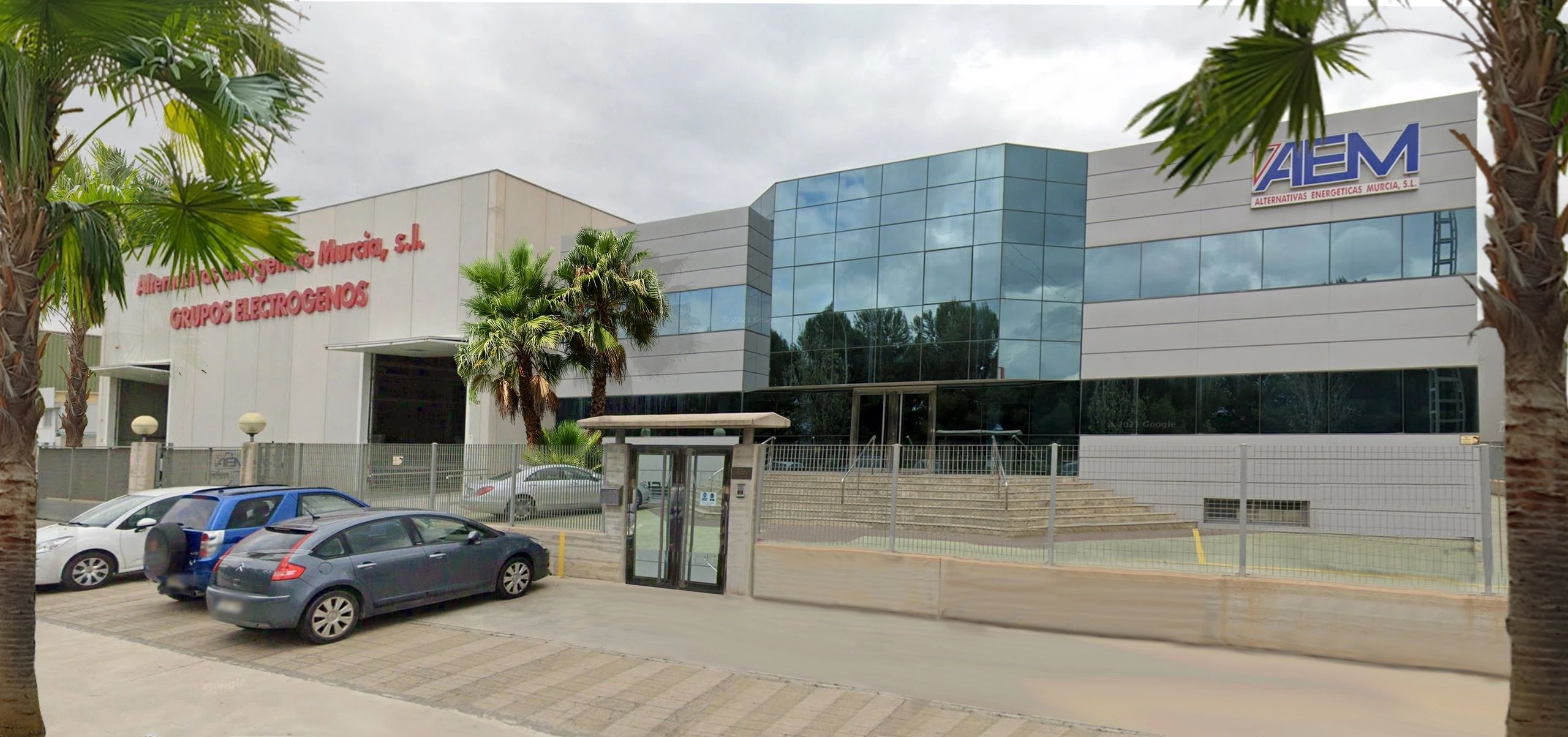
In Spain, our 3D printers are currently in test mode as our engineers delve into the realm of 3D printing technology. Concurrently, our construction department is in the midst of a merger execution, paving the way for collaboration with production factories that boast a workforce of 6500 employees.
We have seamlessly integrated cutting-edge engineering technologies into our banking sector, achieving remarkable feats in software development and server functionalities. The success of our renowned green project has reverberated across the business landscape, attracting interest from various sectors and leading to a surge in partnership offers.
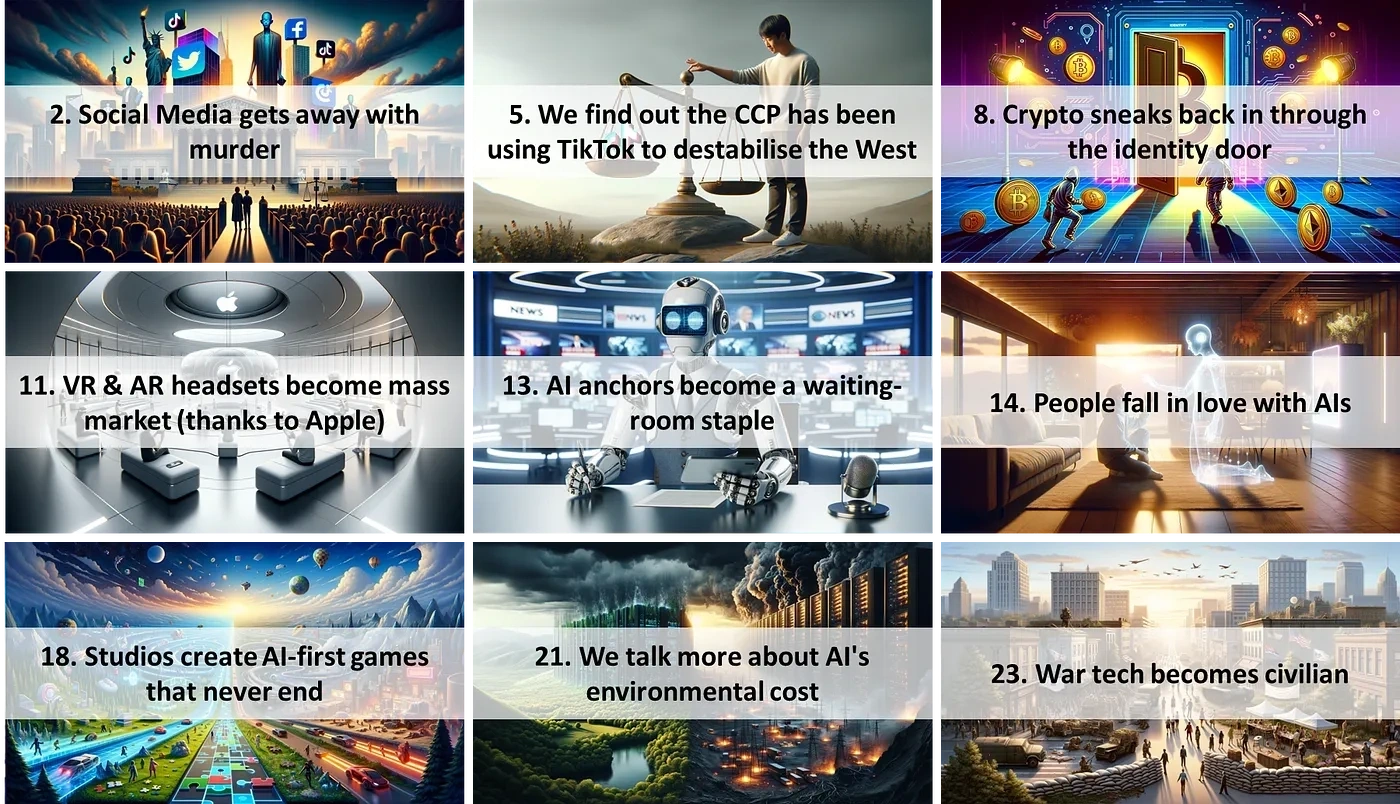
While our initiatives have garnered widespread acclaim, our rapid growth has brought about its own set of challenges. Each day presents new hurdles that demand our attention and resolution, requiring diligent efforts to navigate through limited human and infrastructure resources. Despite these obstacles, we remain committed to addressing issues as they arise, ensuring the continued progress of our ventures.
Throughout the years, our organization has faced numerous challenges when it comes to managing our finances. We have encountered blocked bank accounts due to moving large sums of money, as well as banks viewing us as competition and taking actions to hinder our operations. Additionally, we have made mistakes in our financial management, leading to significant losses to fraudsters and experiencing cash robberies.
Furthermore, we have struggled to clear our heavy cash resources quickly, with other banks holding onto our liquid reserves. Despite these obstacles, we remain resilient and determined to overcome these challenges. We continue to work towards improving our financial management practices and finding solutions to ensure the security and efficiency of our financial operations.
We are concentrating on the following sectors completions:
Improving Global Card Gateway Connections for Efficient Fund Management. In today's fast-paced digital world, the need for quick and seamless financial transactions has become more crucial than ever. One area that requires immediate attention is the completion of connections to global card gateways.

For efficient fund management and timely cash distribution to team members and development, it is essential that the processes involved in card cash movement are expedited. Currently, delays in these connections can hinder the smooth flow of funds, causing inconvenience and potential disruptions to financial operations.
By enhancing the speed and reliability of global card gateway connections, businesses can streamline their financial processes, ensure prompt fund transfers, and improve overall cash management efficiency. This improvement not only benefits our organization but also contributes to a more robust and resilient financial ecosystem on a global scale.
In conclusion, prioritizing the optimization of global card gateway connections is vital for enhancing fund management practices and facilitating seamless cash distribution within organizations. By addressing this issue, businesses can achieve greater financial agility and operational effectiveness in today's dynamic business landscape.
and

Exciting news - we are finalizing mergers with top software companies to complete our virtual MATRIX by the end of the year! Can't wait to see the amazing things we'll achieve together!
and
We're looking to sell shares to strategic shareholders to boost our cash flow and bring in more expertise and resources to help us complete the final stages of AVIS. Let's make this happen and take our project to the next level!
and
We're on the hunt for top-notch brokers and partners to revolutionize our offline and off-balance cash movement business. We need experienced teams to handle our numerous transactions swiftly and accurately.
It's go time! Let's unite, support each other, and show our dedication to shaping a bright future under the AVIS Umbrella. Together, we can achieve greatness and make a positive impact.
Remember: One for All and All for One! Let's channel our inner Robin Hood and make dreams a reality. It's our time to shine and bring about change for the better.
The AVIS team expressed satisfaction with the growing transparency in the advancement of the Group's construction ventures in Mexico. In the summer of 2023, S. Levy, a former Mexican attorney with ties to the country, ap...
The AVIS team expressed satisfaction with the growing transparency in the advancement of the Group's construction ventures in Mexico. In the summer of 2023, S. Levy, a former Mexican attorney with ties to the country, approached the AVIS managers. Initially, Levy proposed a financial and technological boost for AVIS, citing his collaboration with the Chinese government team. He highlighted the potential appeal of AVIS QUANTUM Bank technology to China and Mexico due to its innovative features for banking and stock exchange systems, particularly focusing on high-volume VISA Card transactions. The purportedly supportive individual inspected the IT setup where AVIS teams handle their software technologies and met with AVIS Group executives to assess the progress of operations. He also showed knowledge of AVIS's $20 billion cash accounts at HSBC Bank in Mexico. That, in reality, Simon Levy was a mentally unstable criminal, we found out too late.
In Mexico, our extensive experience in project and construction development has exposed us to various challenges. On one front, HSBC Bank sought to safeguard the $20 billion, while on the other, the battle against corruption raged on. This underscores the crucial need for allies in Mexico to support AVIS in navigating these complexities effectively.

In the course of our project, we found that our technology and financial success drew in a wide range of individuals. While we were fortunate to encounter many genuine and talented individuals, we also encountered those with less noble intentions. It became clear that our success acted as a magnet, attracting both positive and negative influences. As a result, we learned to be discerning in our interactions and to prioritize integrity and ethics in all aspects of our work. Ultimately, our experiences served as a valuable lesson in navigating the complexities of success and the importance of surrounding ourselves with trustworthy and principled individuals.
The discovery of Levy's unsettling proclivities unveils a disconcerting facet of his character. Following the termination of franchise agreements with Levy due to his non-performance and evident intent to exploit AVIS Technologies for illicit financial activities, his true nature came to light. Levy resorted to deceitful measures, establishing a hacker Twitter account under the guise of AVIS. Through this account, he disseminated confidential documents acquired through unauthorized access to AVIS servers, involving individuals from African origins in his schemes. Subsequently, he propagated false narratives to all AVIS email contacts, orchestrating a web of deceit around his fabricated hacker persona. Moreover, Levy extended his intrusive tactics to personal levels, engaging in unwarranted phone surveillance of contacts, including family members.
In a disturbing turn of events, Levy resorted to forging INTERPOL certificates and documents, amplifying the extent of his fraudulent activities. Exploiting his position, he maliciously misrepresented information concerning AVIS's financial accounts in Mexico, falsely implicating the company in dealings with counterfeit CDs. Concurrently, Levy brazenly approached the family of a deceased AVIS shareholder in Mexico, as well as the bank custodian INDEVAL, under false pretences. By deceitfully asserting his authority as the purportedly appointed director of AVIS, he sought to gain access to AVIS funds, disregarding the prior termination of the franchise agreement.
The intricate web of deception woven by Levy underscores the gravity of his actions and the alarming extent of his manipulative tendencies. Such behaviour not only jeopardizes the integrity of business operations but also infringes upon the trust and security of individuals associated with the company. Levy's actions serve as a stark reminder of the importance of vigilance and ethical conduct in the realm of business, emphasizing the imperative of upholding transparency and accountability to safeguard against malicious intent and fraudulent practices.
In recent years, AVIS has been consistently approached by various municipalities in Mexico seeking assistance with their environmental issues. Since 2007, numerous villages and even the City of Mexico have reached out to...
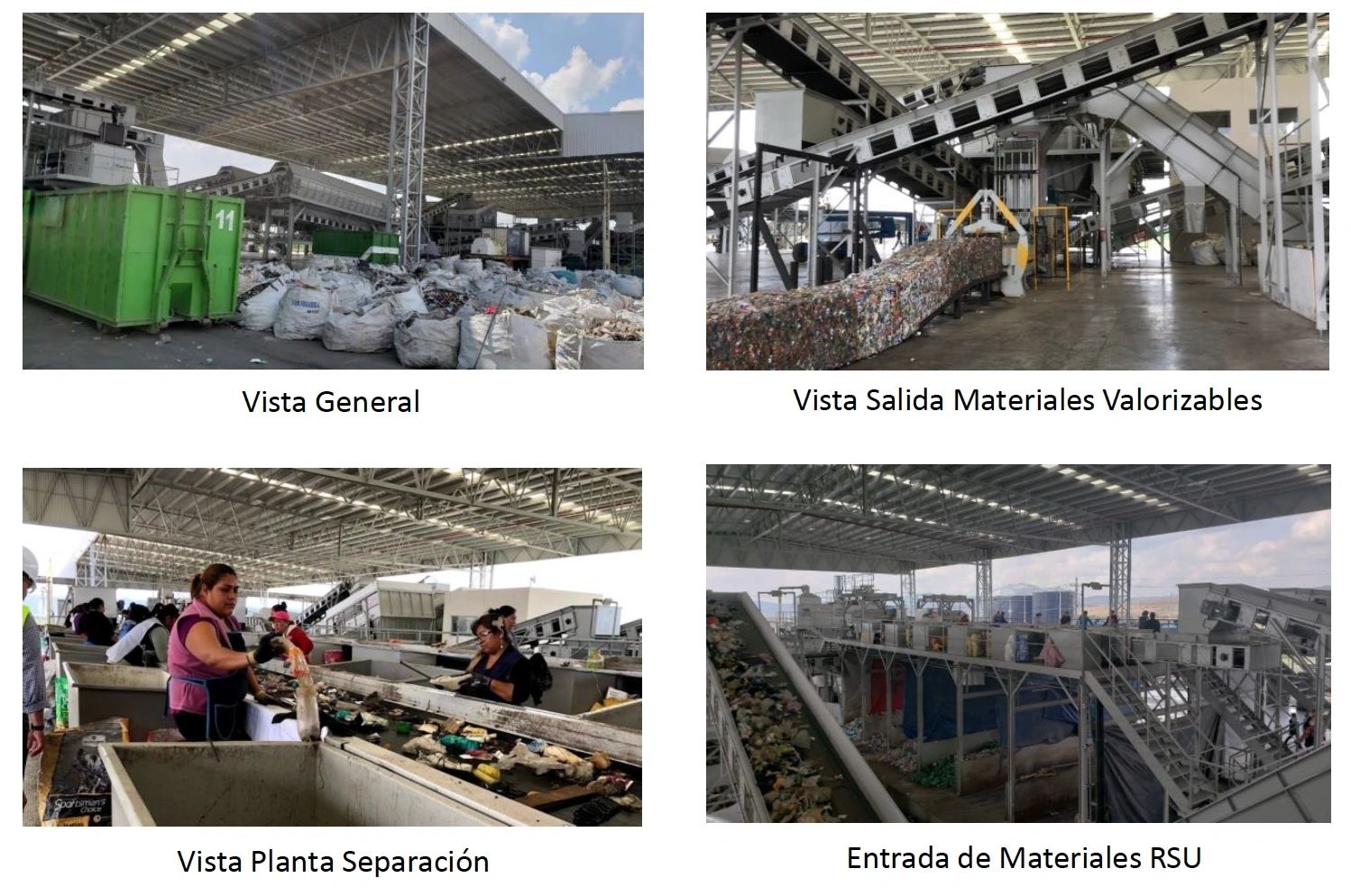
In recent years, AVIS has been consistently approached by various municipalities in Mexico seeking assistance with their environmental issues. Since 2007, numerous villages and even the City of Mexico have reached out to AVIS managers for help in developing waste management infrastructure. While many of these groups have genuine intentions to improve their environmental impact, there have also been instances where individuals with less noble motives have sought to exploit the situation for personal gain.
It is crucial for AVIS to carefully vet and select partners and projects in Mexico to ensure that their resources are utilized effectively and for the benefit of the community. By working with trustworthy and committed individuals and organizations, AVIS can make a meaningful impact in addressing the environmental challenges faced by these municipalities.
In conclusion, while Mexico presents opportunities for AVIS to make a positive difference in waste management, it is important for the organization to remain vigilant and discerning in their partnerships to ensure that their efforts are truly serving the best interests of the environment and the local communities.

Waste management has quickly become one of the most lucrative business sectors in the world. In fact, it is now considered to be on par with global drug and prostitution activities run by gangster bosses. The economy of waste management is booming, with cartels in the US and the Italian Mafia both heavily involved in this industry.
The potential for profit in waste management is enormous, and more and more people are recognizing the opportunities that exist in this sector. From recycling to waste disposal, there are countless ways to make money while also helping the environment.
So if you're looking for a new business venture or simply want to learn more about this exciting industry, waste management is definitely worth exploring. Get involved and see just how profitable and rewarding this field can be!.
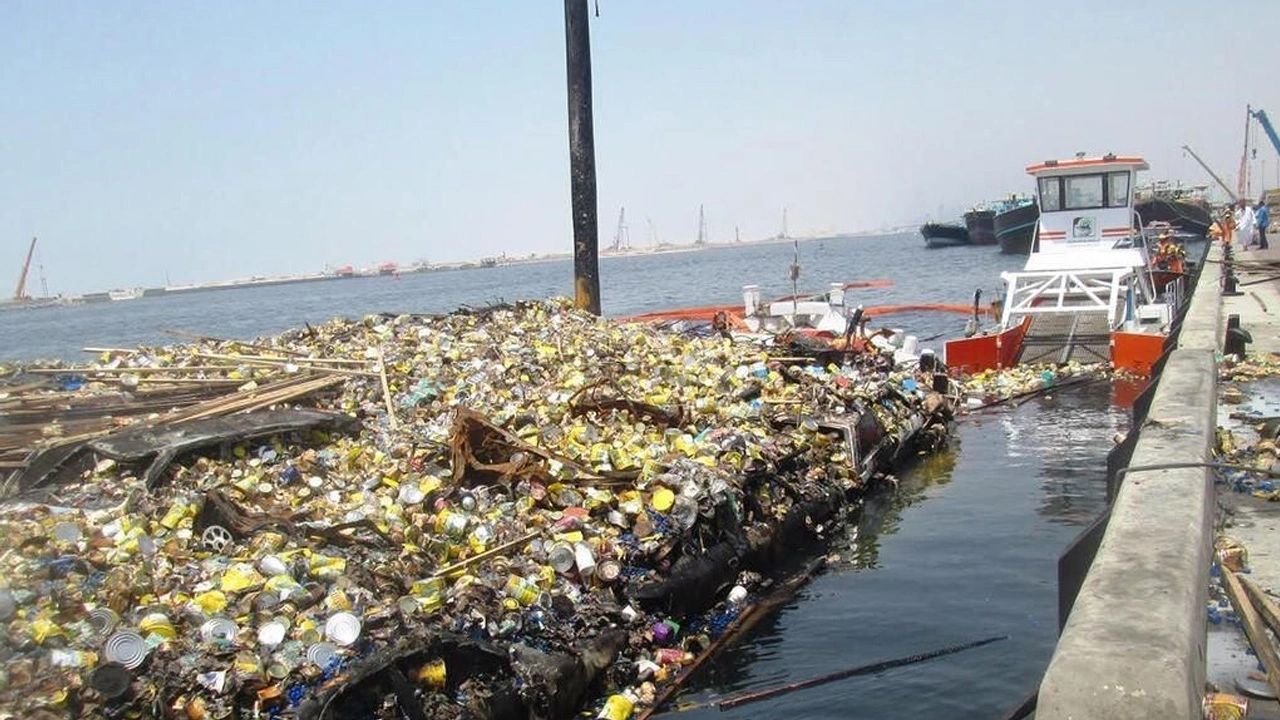
Trash management is a critical issue that affects our environment and communities. Unfortunately, where there is trash to be managed, there are economic gangsters looking to make a quick buck. These individuals often cut corners and resort to unethical practices such as burning or dumping waste into illegal landfills.
It's alarming to think that millions of metric tons of waste are mishandled each year due to greed and negligence. From shipping trash to Africa to illegally dumping it at sea, these actions have serious consequences for our planet and future generations.
It's time for us to hold these economic gangsters accountable and demand better waste management practices. We must work together to find sustainable solutions and protect our environment from further harm. Let's take a stand against those who prioritize easy money over the well-being of our planet. Together, we can make a difference and create a cleaner, healthier world for all.

In 2017, the AVIS team finalized a franchise contract with the Mexican worker syndicate, marking a significant milestone in the realm of green construction. The contract, valued at 32 billion USD over a span of 10 years, underscored the commitment to sustainable practices and technological advancement within the industry.
Facilitating this landmark agreement was the involvement of HSBC Bank Mexico, which played a pivotal role in managing close to 100 historical reserve accounts linked to the syndicates. These accounts, previously held off-balance sheet by the bank, represented a key financial component in the execution of the franchise contract.
The collaboration between AVIS, the Mexican worker syndicate, and HSBC Bank Mexico exemplifies the intersection of innovation, finance, and sustainability in driving forward progress in the construction sector. Through strategic partnerships and forward-thinking initiatives, such as this franchise contract, the industry continues to evolve and adapt to meet the demands of a rapidly changing global landscape..
During a 6-months period,

HSBC Bank Mexico provided valuable support to AVIS by establishing 5 cash accounts totalling 19 billion USD, which were held in reserve at the Bank's custodial. The Bank's managers were pleased to offer a secure destination for these accounts, which were used to fund a project aimed at addressing the county's environmental issues. HSBC Bank created 5 Certificates of Deposit and transferred the securities to the common depository INDEVAL in Mexico for further use by the AVIS Umbrella organization. The Bank also produced and processed hundreds of documents in collaboration with AVIS on an international level for registration and legal purposes. Ultimately, the CDs were accepted by the US Federal Reserve Bank, and HSBC Mexico officially activated the accounts and paid the associated tax rate.

What the AVIS managers could not calculate was the ongoing corruption in Mexico. Peña Nieto the former Mexican president tried to confiscate the account for his private use. Nieto heavily involved in corruption and mafia activities escaped from Mexico to Switzerland and got finally in Spain its golden VISA.
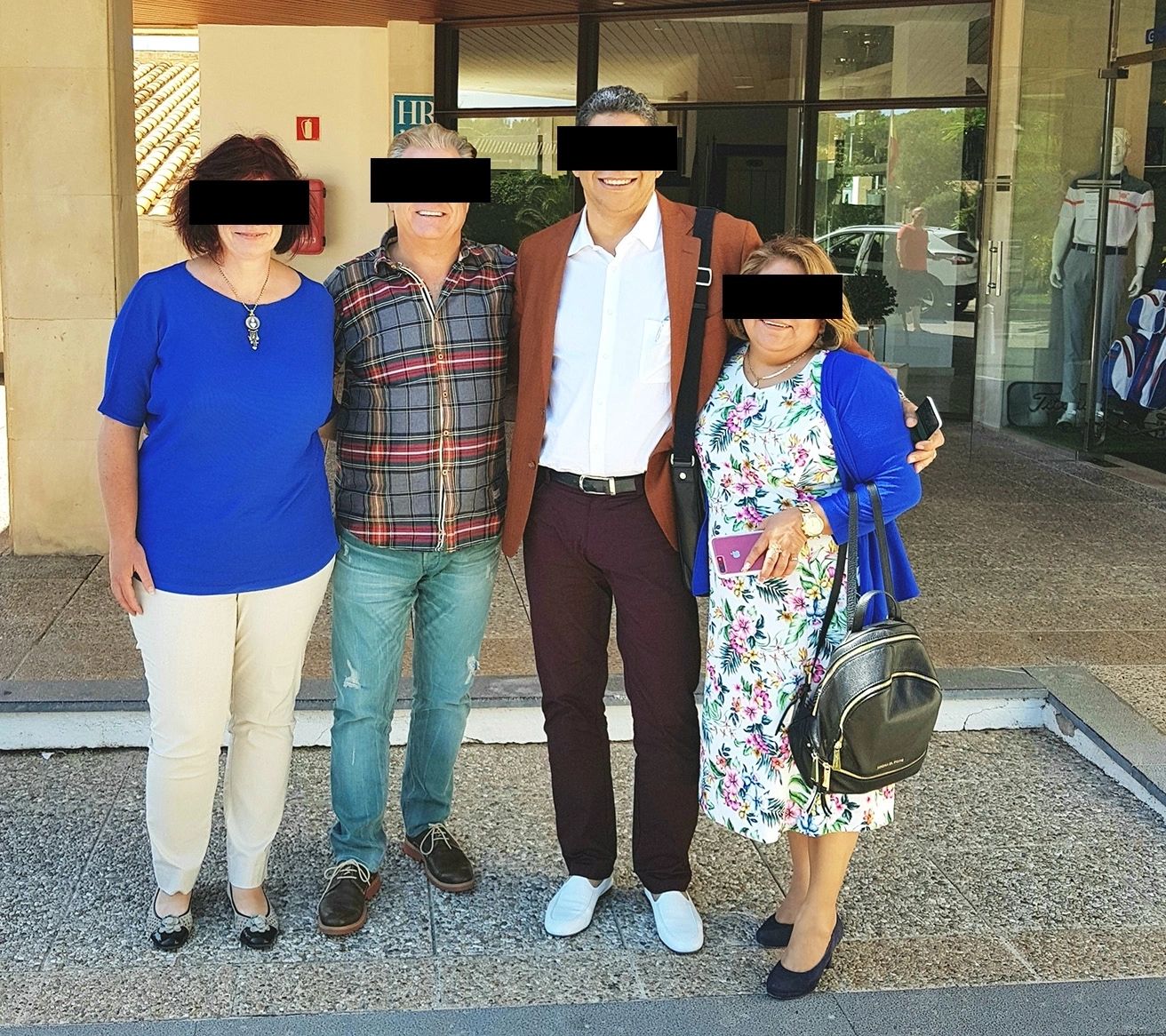

The tragic events surrounding the kidnapping and murder of AVIS shareholder Noel P. and his son by the Mexican mafia, as well as the subsequent attacks on AVIS managers in Spain by a Turkish criminal gang, highlight the dangerous and ruthless nature of organized crime. The mafia's pursuit of the custodial receipt of CDs led to violent threats and attempts to force AVIS to relocate their management head office to Turkey.
The gang's misguided belief that seizing the HSBC Bank CDs would result in a large payout was ultimately proven wrong, as the CDs were intended for green construction projects. This led to the arrest of 6 gang members by the Spanish police, though the head of the mafia group managed to evade capture.
These events serve as a grim reminder of the presence of criminal organizations and the lengths they will go to in order to achieve their goals. It is imperative for companies like AVIS to remain vigilant and take necessary precautions to protect themselves and their employees from such threats. The swift action taken by law enforcement in apprehending the perpetrators is a testament to the dedication and bravery of those who work tirelessly to combat organized crime.
Recently, the House of the President in Mexico took a significant step towards justice by clearing the history of the Mexican AVIS drama and arresting several corrupt officials, including military generals. The AVIS Green Project, which was meant to support the president's career, is now under scrutiny. This move is a positive development in the fight against corruption and serves as a reminder that no one is above the law. It is essential for leaders to uphold integrity and accountability in order to truly serve the population. This action sets a strong precedent for holding those in power accountable for their actions and restoring faith in the government.
Between August and October 2022, an individual by the name S. Levy, representing the Asian investment fund Boda Holding Group and Boda Mohau International Holding Co. Limited, also represented by N. Shuhai, tried to open...
Between August and October 2022, an individual by the name S. Levy, representing the Asian investment fund Boda Holding Group and Boda Mohau International Holding Co. Limited, also represented by N. Shuhai, tried to open an account with AVIS. The account could not be established because of the poor documentation provided. During several weeks of intervention and documentation interexchange, finally, the account has been accepted. Levy came to AVIS via the broker channels to use the card payment system of AVIS. In compliance with the AVIS policies, the service is only accessible to franchise members and for construction payments. Finally, we have accepted the application as Levy promised to be a good franchise partner for the Mexican territory and the ASIA markets.

It turned out that Levy needed to transfer a large volume of a VISA card. Levy deposited around one million USD as an initial guarantee payment for equipment orderings. The intention was to invest €1.8 billion into green equipment whereby 50% will be instantly paid for the equipment ordering costs and the 50% will be credited into the account of BODA International Holding Group Co., LTD.
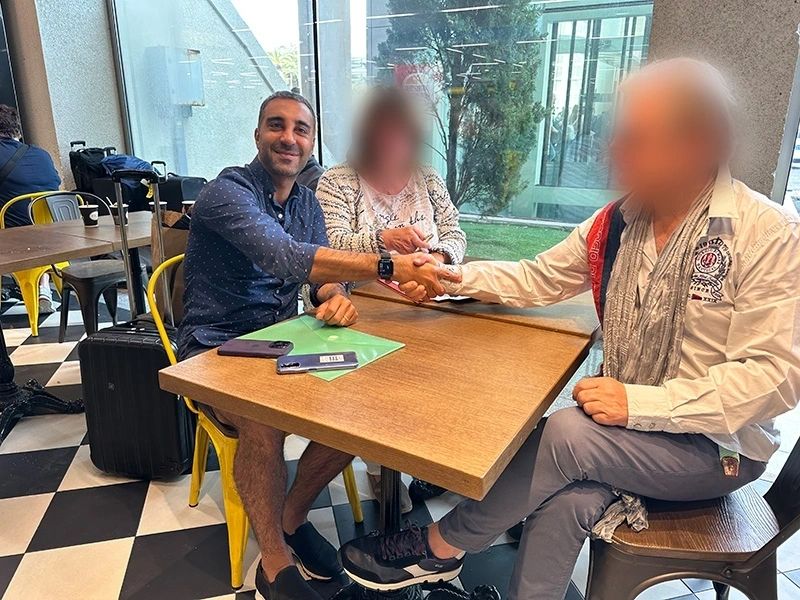
MasterCard London offered its service to AVIS in supporting the development of the international payment system. Including the licensing of the AVIS ArtOf Cards and the high-volume payment system accepting force payments and another form of card acceptance. Our IT department entered into a long certification process with MasterCard and hired in Murcia an IT firm for the implementation of the MasterCard system into AVIS. Levy went to Murcia to meet the IT developers and to learn the highly sophisticated technologies to be used for payment processing. In November 2022, the AVIS team decided to use the full range of the existing AVIS payment server system and started adapting the technology sequences for the creation of the proprietary AVISPay unlimited card issuance and acquiring system. We at AVIS have had the luck to implement into the AVIS Bank system technologies created by old geniuses coming from the technology markets, building the basis for a unique payment system. The required adaptation has taken some time, and last but not least, the addition of the converter into the new bank ISO20022 regulatory, which all banks worldwide need to adapt at the end of 2025 caused heavy delay and financial costs until it was running in test operations. Levy and its Chinese Shuhai partners offered their support with equipment infrastructure delivery and connectivity processing, and in May 2023 Levy, with Shuahi entered into a formal franchise licence contract for China and Mexico.
Meanwhile, the AVIS IT teams coded the adapters and system functionalities. Levy moved to Mallorca to make test payments with the terminals of AVIS. Several AVIS team members located in London, Murcia and Mallorca built a logistics task force for the go-live process. It was not so clear what Levy’s and the Chinese’s intentions were initially. With the franchise contracts, we should receive infrastructure equipment and payments, but in reality, we at AVIS have received nothing. Strange were the daily payment tests and video protocols Levy made by using the AVIS technology. To conform to the franchise contract, Levy had to add a bank licence in Mexico with a central bank clearing account. Levy misused the AVIS technology to uplink at least 30 million payments to be settled at the Mexican central bank for themselves.
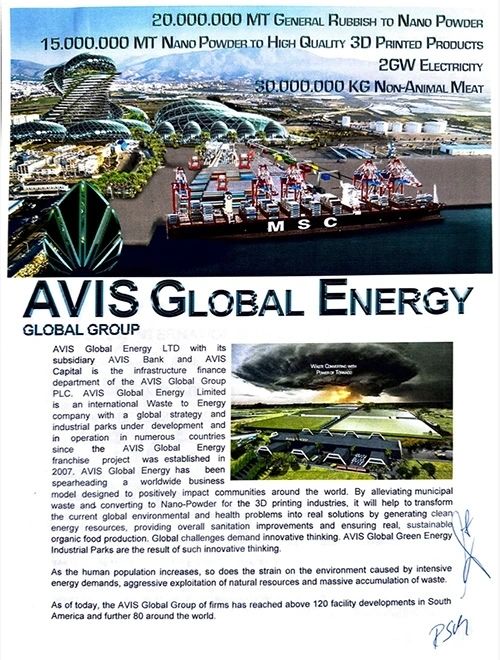
It turned out that Levy’s intentions were to use AVIS’s QUANTUM Bank technology to move hundreds of billions from the capital markets and from hacked VISA cards. Levy entered with the Chinese into the AVIS environment only for the movement of capital for their benefit. To pay for the green constructions and equipment as contracted was not their intention. We at AVIS decided in August to stop these unlawful and money laundering activities. Moving monies for machinery payments officially, and last but not least, missus the capitals for private use, we at AVIS never will and never have to support. An early cut-off is better than having to pay the consequences.
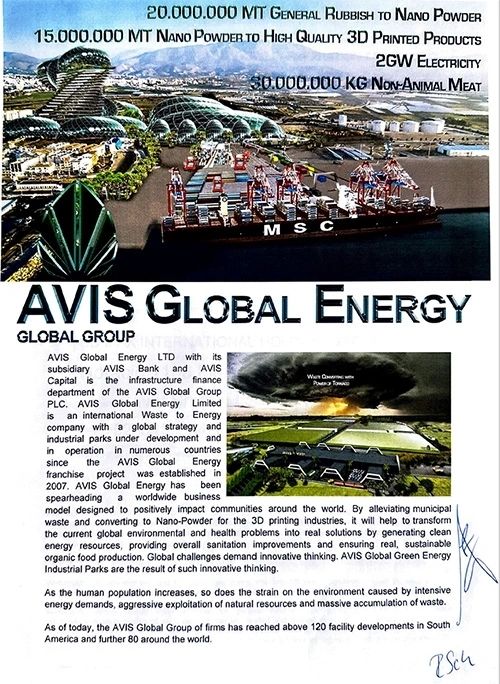
Levy would like to be the global face and spokesman of AVIS.Tv, (about character and personal appearance, we never could support) subsequently started a blackmailing campaign against AVIS team members. In reality, we discovered that Levy was a mentally sick and unstable criminal character. Engaging with that dubious character will end up fatal. Today, Levy calls god and the world as a story-maker, and we at AVIS have another episode for our AVIS.Tv. Another adventure coming out of the street broker capital markets and the greed for hunting billions. What the Chinese intentions have been could not be so clearly figured out, as there has not been much contact other than some 3 or 4 telephone conferences.
However, our politics at AVIS remain stable from the population to the population. We are exclusively interested in the green industrial park’s construction process and its finance, as these are the only good for all of us and for our children. Global environmental disasters we experience around the world are proving that what we are doing is the right thing. Can we ask for damage payments, and should we ask for the ten million GBP franchise payments in full, less the 1 million USD already deposited and other payments they owe to AVIS? Of course, we should, but we see these experiences as a constantly ongoing learning process with whom we go into bed and with whom we are better at keeping at a distance.
During the last months, we have experienced high volumes of criminal activities. Hackers, based in South Africa, Zimbabwe and Northern Europe attacked our servers. They have registered a domain @avisbank.net for criminal...
During the last months, we have experienced high volumes of criminal activities. Hackers, based in South Africa, Zimbabwe and Northern Europe attacked our servers. They have registered a domain @avisbank.net for criminal activities. We are aware of the activities of a South African individual Sameer S. and a Zimbabwean IT aspirant named Jotham Zvikonyaukwa. He claimed falsely to be an IT senior manager of the AVIS group. We have supported that individual in our function of sovereign help with university schooling in Spain, free flats, free flights and salaries insurance and VISA. One of our IT seniors has provided schooling. One day he

disappeared with software and computers. We have found out that he has copied some of our software properties and he has illegally copied clients’ data. We have discovered that he is a part of a hacker gang out of Zimbabwe. They have managed to attack some of our server farms. We have reported him to the authorities. The South African Samer S. has been in one of our sovereign help projects in Zimbabwe involved. He manipulated working contracts with unknown people, creating of false debts up to 28 million USD. He then tried to collect from AVIS by involving a Nigerian gang in London the 28 million. The authorities have been involved and the Nigerian government. Sameer S. misused project data for the manipulation of false information. At the time of the country’s development in 2021 and 2022, Samer S. collected the money from the local accounts for himself that had been transferred from AVIS to Zimbabwe for project development.
We at AVIS Group are developing all over the world to build high-tech green facilities. In line with the institutional expansion policy of building green energy facilities, Zimbabwe was targeted by a local franchise part...
We at AVIS Group are developing all over the world to build high-tech green facilities. In line with the institutional expansion policy of building green energy facilities, Zimbabwe was targeted by a local franchise partner in 2018, Mr. Rodrigue Mlauzi. From the beginning, we were aware that the state was subject to severe penalties.
Unfortunately, in the past two decades, we have witnessed chaotic criminal events with many people during the development of the AVIS green energy project and the movements of construction funds. As a result, we have been robbed for the past eight years. In Colombia, Macedonia, Australia, Canada, and Nigeria. We can classify these thefts as collateral damage, but we succeeded in launching our project despite all of that.
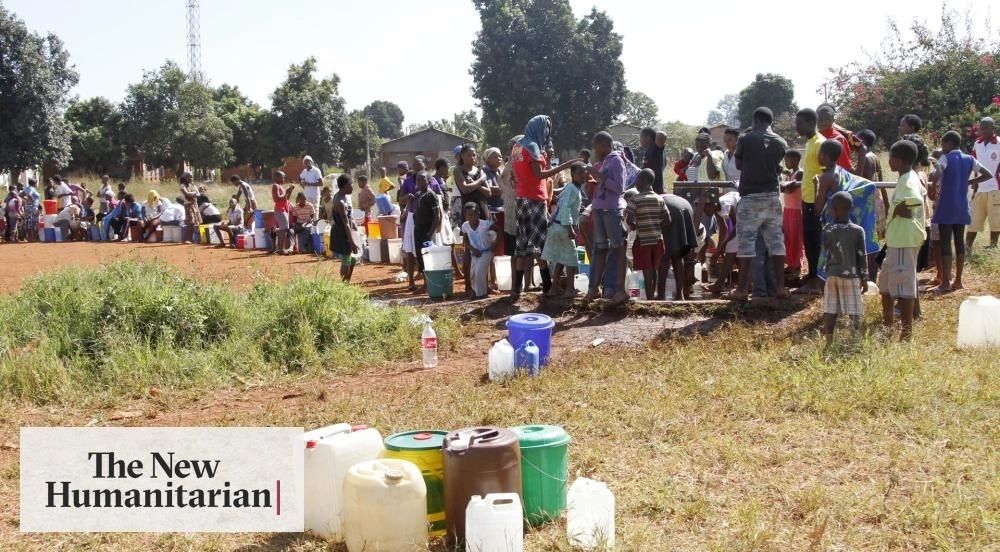
But Zimbabwe was different. Nothing ever worked out as contracted or agreed upon. All the actions that arose in that country were aggressive and deceitful money-hunting, right down to “extortion through the judiciary.”
In the year 2021, a South African franchise manager interested in advancing development in Zimbabwe started to register a private banking licence with cash import authorization. So, we contracted Mr. Pondai Dengu, a former employee of CBZ Bank, who promised that contracting would be the engine for the required processing. Unfortunately, after signing the contract with us, Mr. Dengu disappeared for weeks to travel and recuperate in several European countries and returned to claim his rights to millions of dollars from AVIS.
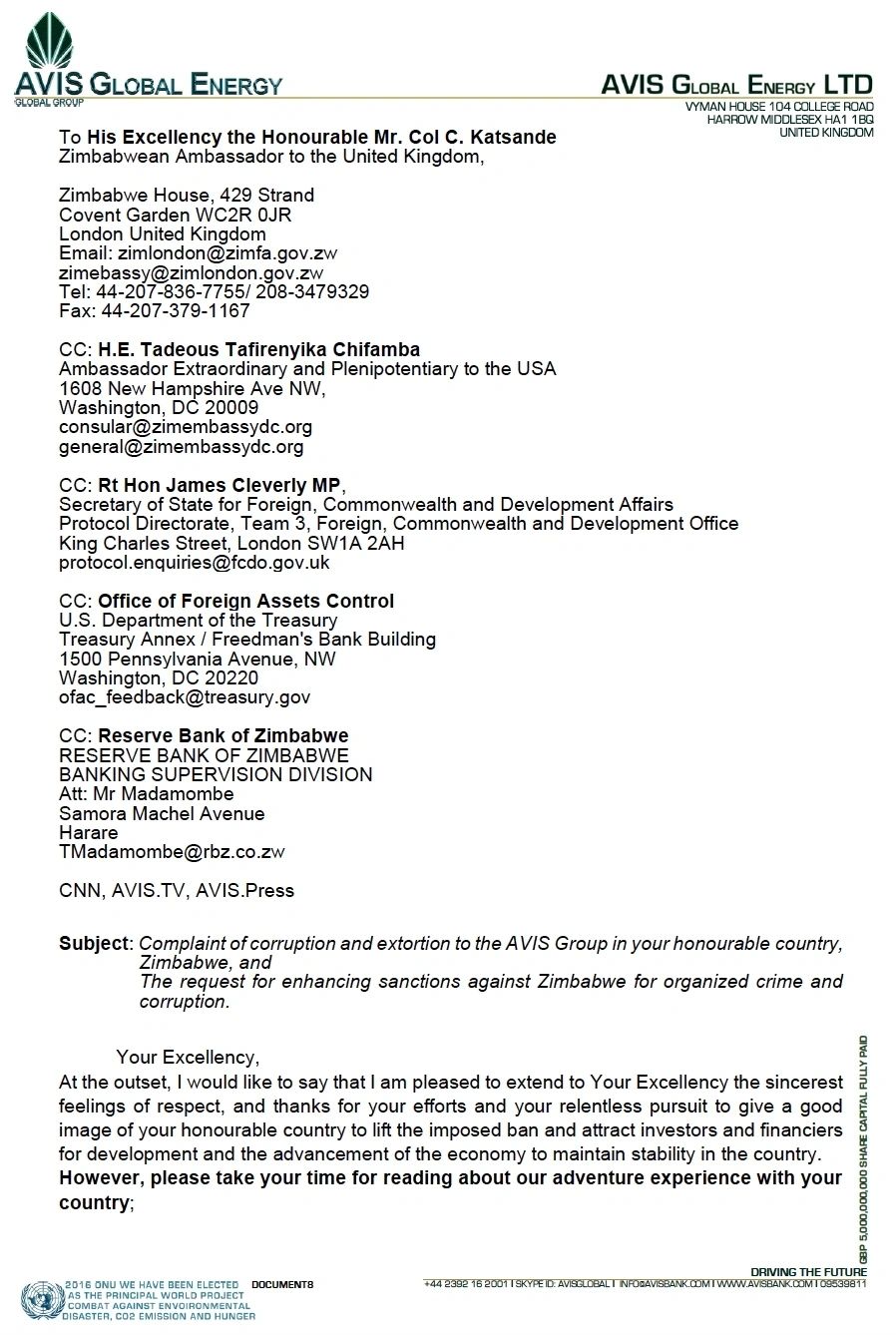
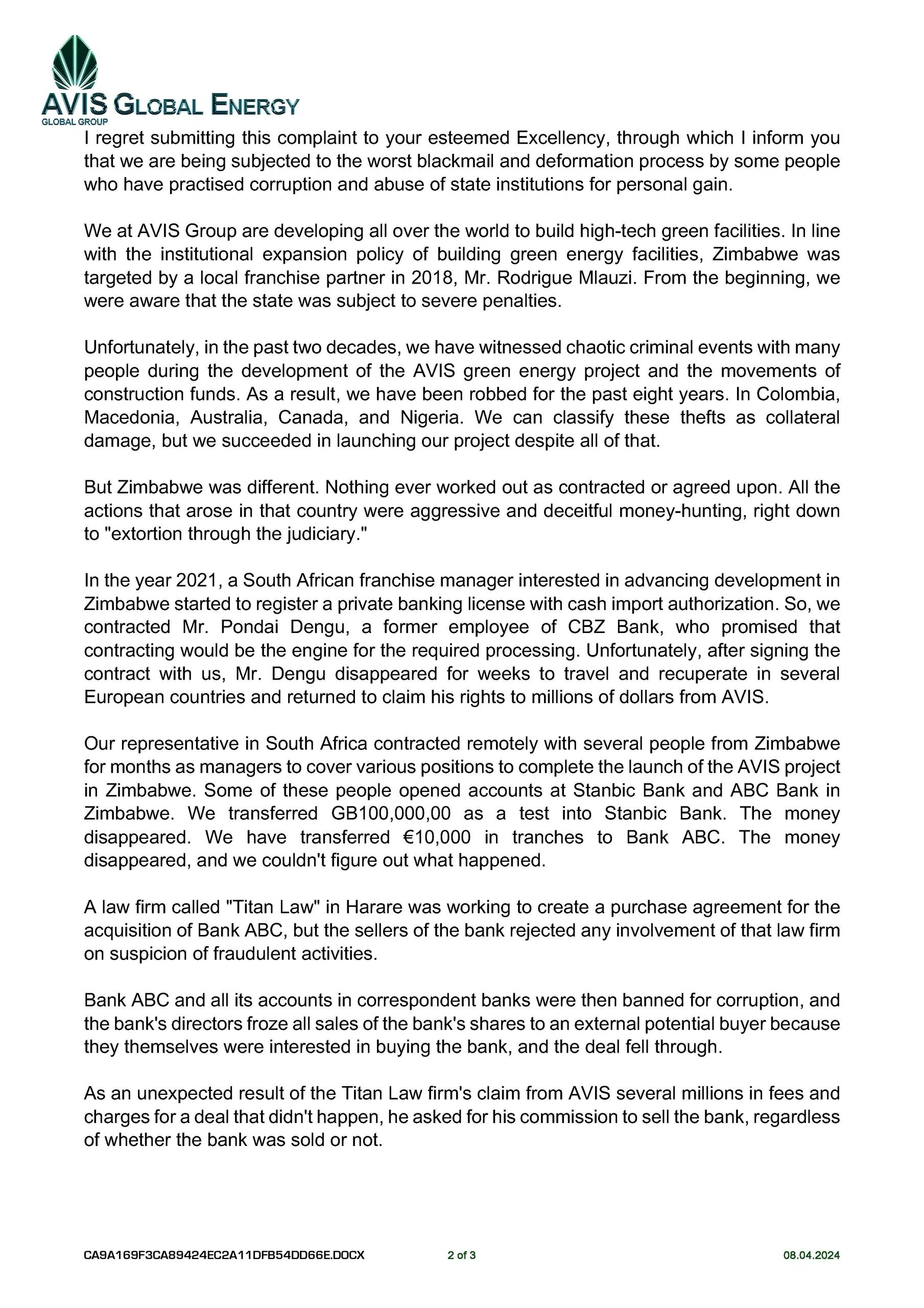
Our representative in South Africa contracted remotely with numerous people from Zimbabwe for months as managers to cover various positions to complete the launch of the AVIS project in Zimbabwe. Some of these people opened accounts at Stanbic Bank and ABC Bank in Zimbabwe. We transferred GB100,000,00 as a test into Stanbic Bank. The money disappeared. We have transferred €10,000 in tranches to Bank ABC. The money disappeared, and we couldn't figure out what happened.
A law firm called “Titan Law” in Harare was working to create a purchase agreement for the acquisition of Bank ABC, but the sellers of the bank rejected any involvement of that law firm on suspicion of fraudulent activities.
Bank ABC and all its accounts in correspondent banks were then banned for corruption, and the bank's directors froze all sales of the bank's shares to an external potential buyer because they themselves were interested in buying the bank, and the deal fell through.
As an unexpected result of the Titan Law firm's claim from AVIS several millions in fees and charges for a deal that didn't happen, he asked for his commission to sell the bank, regardless of whether the bank was sold or not.

Some of these Zimbabwean team members requested that part of the capital ($30 million) must be transferred to a bank in Zimbabwe. However, experience has shown that all transfers to any bank in Zimbabwe contain a potential risk of losing, and we have consistently kept funds outside the territory of Zimbabwe. At the very least, we have moved out to another jurisdiction our good bank accounts have been maintained by international banks with branches in Zimbabwe. They have themselves had heavy problems with their own branches in Zimbabwe.
It is a shame how corrupt criminals act in that country. We have been coming to Zimbabwe as a constructor at our cost and with our own capital for a green energy construction project conforming to our global expansion. We have developments in 65 countries, green developments. For Zimbabwe, we have requested the most natural requirement for a high-volume project that costs us at least €1bln. Freedom for our capital and a piece of land we have expected, as we have considered Zimbabwe will be good for having security in power production, waste management, and hundreds of thousands of new jobs.
The Zimbabwean Citizens, who worked remotely, have been exported to Spain. We have provided living infrastructure and university schooling for them in Spain, where they are currently working in our IT departments.
In the current era, the dominance of petrol is gradually giving way to more advanced technologies. At AVIS, we have had the privilege of collaborating with a Ukrainian team that is pioneering Vortex technology, which has...
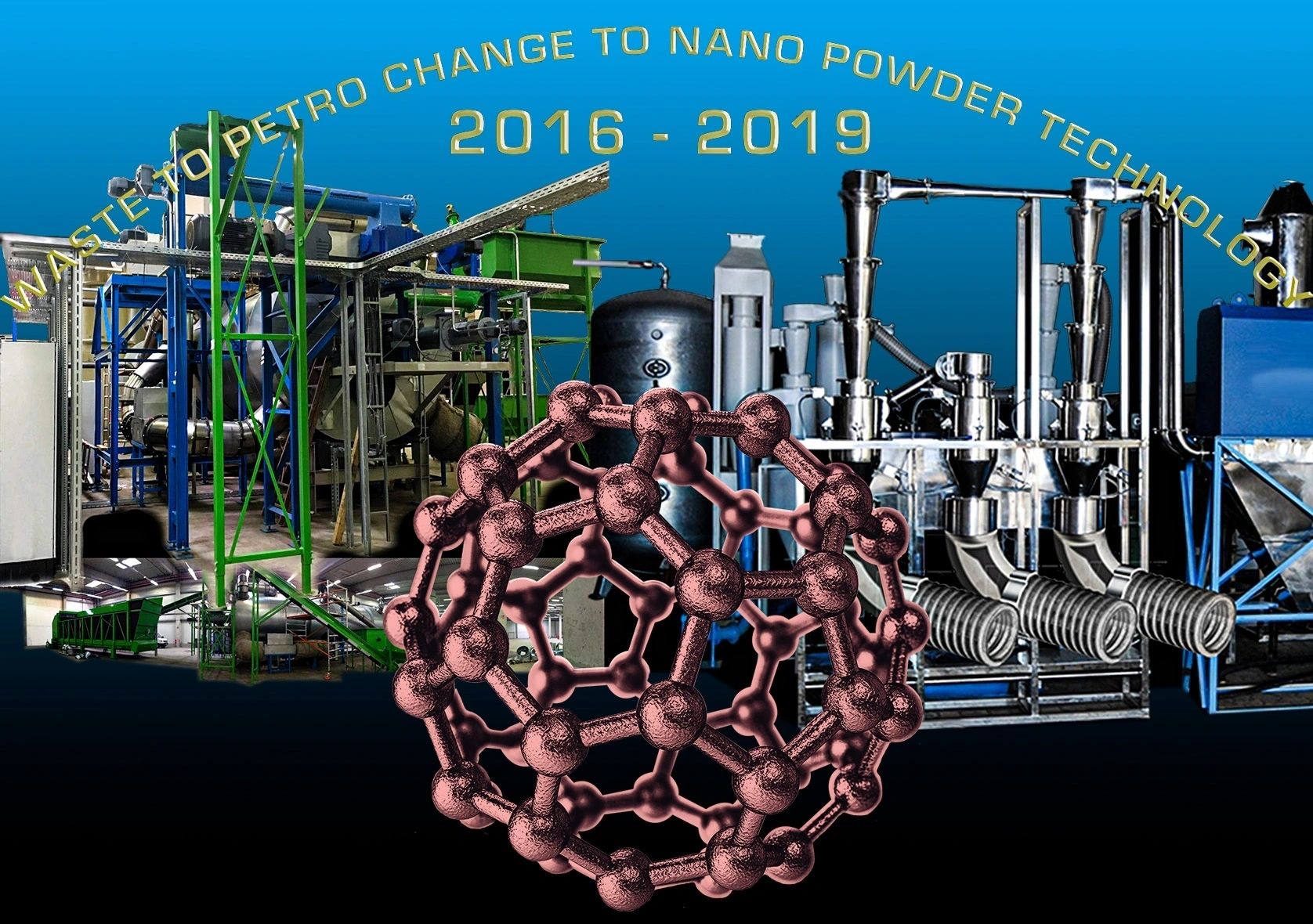
In the current era, the dominance of petrol is gradually giving way to more advanced technologies. At AVIS, we have had the privilege of collaborating with a Ukrainian team that is pioneering Vortex technology, which has the remarkable ability to transform various materials into nanopowder. While further research is necessary to validate its efficacy, the potential impact of this technology is nothing short of revolutionary on a global scale.

Moreover, we are actively integrating multiple promising systems to develop a comprehensive approach for milling diverse types of waste into nanopowder. Subsequently, through the use of resonance tubes, we aim to separate the raw powder into its elemental components, paving the way for their utilization in 3D printing manufacturing processes. This innovative amalgamation of technologies holds the promise of not only enhancing efficiency but also contributing to sustainable practices in material utilization.
Micropowders for AM technologies New composites Milling of materials in the air and vortical streams with cooling
One of the most common methods of refining materials is milling. Practically, there is no industry where there is no need to mill the feedstock. Whereas at coarse grinding it is very difficult to extract bounded valuable material (as a result it leads to high losses), one of the main tasks is to provide an opportunity for fine milling and micronization.
FEATURES AND KNOW-HOW
As the mills based on a principle of mechanical impact have almost reached the limit in development, the main tendency of development of processes and devices in many branches was directed on intensification of the physical and chemical transformations in turbulent, cavitational, vortical, film and jet small-sized devices, receiving a milled product at the level of submicronic high-homogeneous (homogeneous) suspensions, emulsions, powders.

The implementation of many processes by similar ways is effective not only from the point of view of productivity and prime cost (first of all, energy consumption), but it allows to improve technology radically, to create a new technology, which is impossible to carry out by ordinary means.
The air and vortex mill “TORNADO” is designed so that any particles of input material literally burst at the multiple intersections of zones of differential pressure in vortices and intervortex vacuum threads, on the border of the existence of which there is a superhigh gradient (difference) of pressures (up to hundreds When it gets into a differential pressure zone, destruction of particles and lattice of the material occur, the mechanism of which may be compared with the mechanism of destruction of the material sample when determining its tensile strength properties in mechanical tensile test rigs.
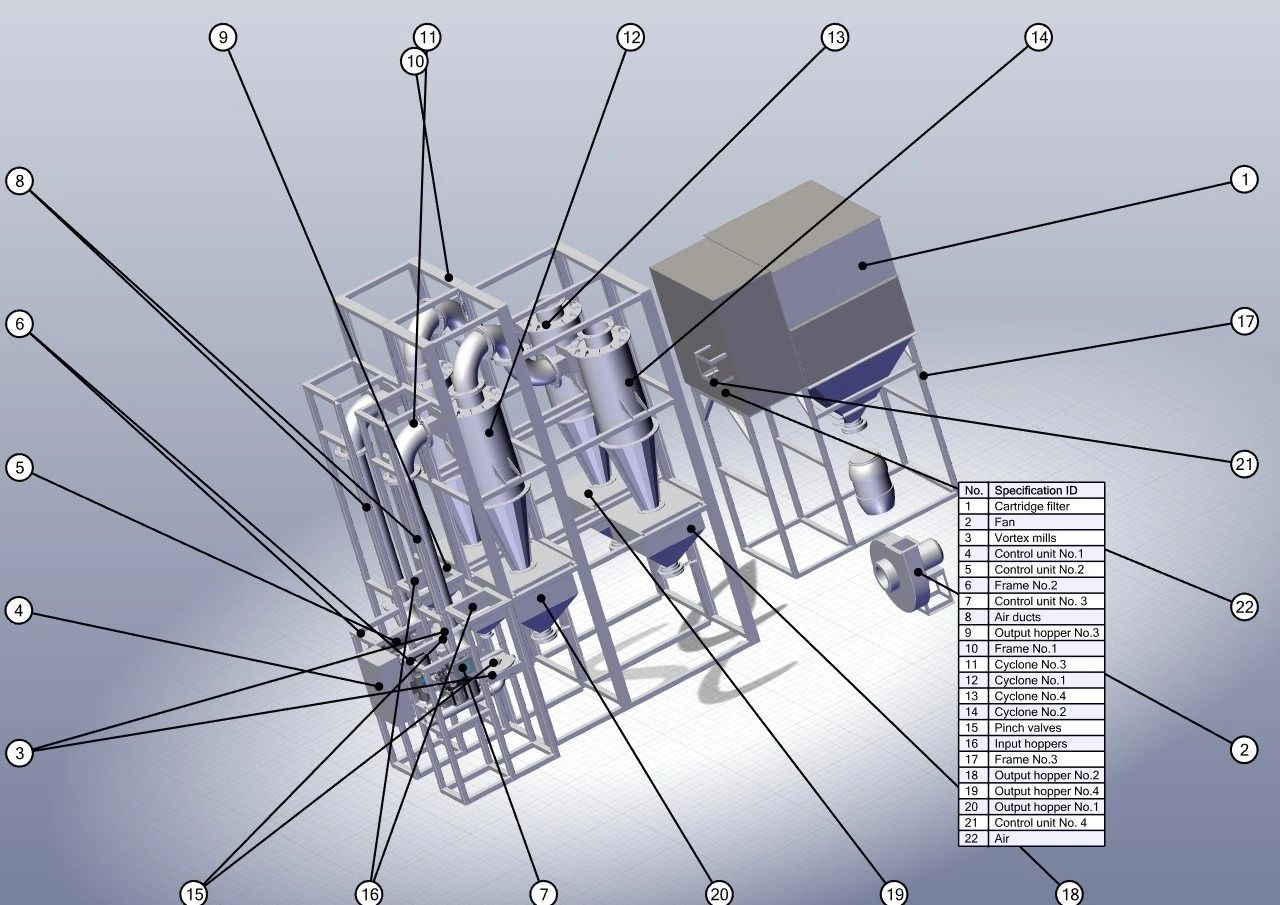
In other words, milling occurs not due to friction force, etc., but contingently by “air” and resonances, which gives the highest performance, speed of flow of raw materials and low-cost efficiency and power consumption (no friction parts).
The following can be used as the energy source (of the mill operating environment):
• air expelled under pressure (compressor, turbine)
• any inert gas expelled under pressure
• steam under high pressure (superheated steam)
• producer gas generated by a reciprocating engine
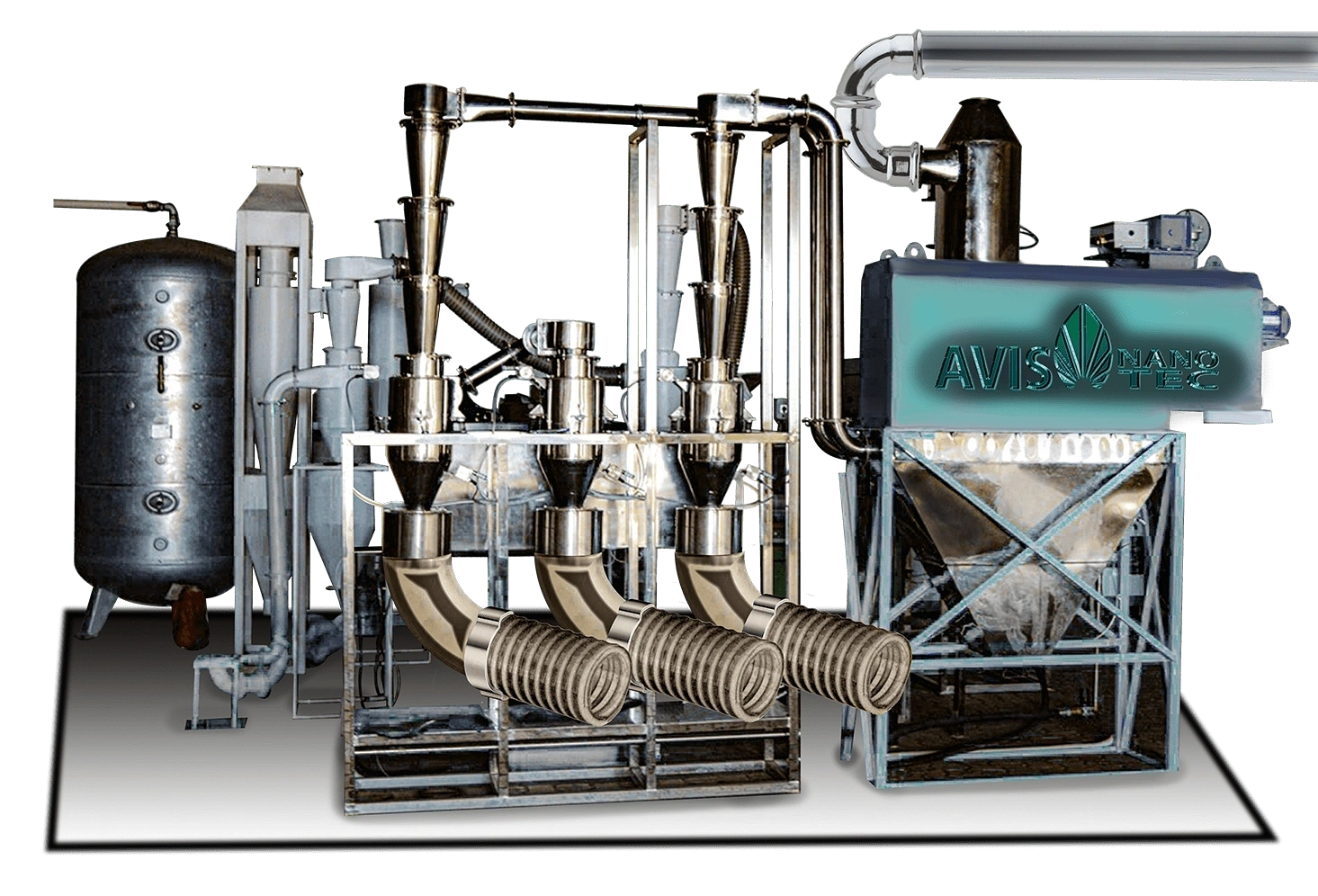
In the resonant vortex mill, a new technology of contactless milling of materials is
applied when the milling processes are carried out due to the air tornadoes, artificially created in a closed volume of the process chamber of the vortex mill.
The equipment, created on the basis of the technology of resonant vortex milling, allows milling any material, from liquids, and wheat grain to diamonds. The effect of the destruction of materials of any hardness is caused by the creation of zones of pressure gradients in the vortex mill up to hundreds of thousands of atmospheres, by the emergence of multi-cascade resonance and collision of particles.
These effects are similar to those that occur in the tornado air column generated by nature.
The second (resonance) milling mechanism is associated with the generation of wave oscillations with a frequency range from sonic to supersonic (100 MHz and up) in a mill. In such a wide range of vibrations for the milling material particles of any size, the frequency equal to resonant particles can be found. This mechanism is able to produce micronization measured in hundredths and thousandths parts of a micron (0.01-0.001 mm).
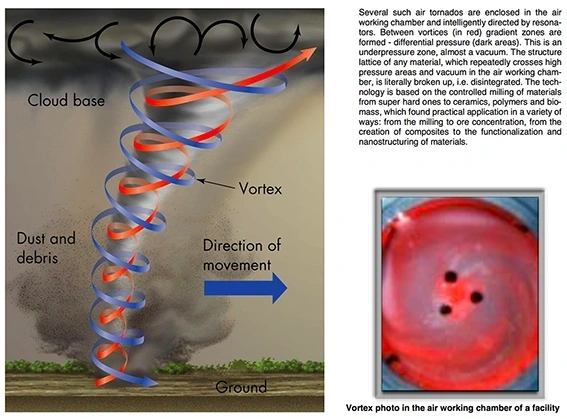
The third (impact) mechanism for material milling is the mutual collision of particles. In the resonant vortex mills, the collision of particles makes a negligible contribution to the process of destruction of materials. This mechanism is fundamental in widespread torsion (jet) mills (for example, in Japan).
The resonant and vortex mill TORNADO is a gas-dynamic mill where the multi-cascade adiabatic resonant and impact milling is realized at a speed of impacts close to the destruction threshold.
For torsion (blast) mills the use of compressed air at pressures of 0.7-1.4 MPa is typical, in the vortex mill “Tornado”, however, a similar effect is reached with 0.2-0.6 MPa that substantially
decreases expenses and makes it possible to obtain particularly fine powders, which cannot be obtained by other methods.
Due to adiabatic expansion, temperature reduction of the operating environment occurs, allowing the prevention of local heating and thermal degradation of the material that is being milled.
The milling chamber does not contain rotating and chafing parts that significantly increase its operational life, simplify its construction, facilitate its maintenance and cleaning, and make it possible to avoid milling foreign materials into the final product;
Constructional solutions applied to equipment production ensure a significant reduction of power costs for the production of powders in comparison with counterparts.
The fact that is important for concentrating processes: for milling non-uniform materials, such modes of milling are available that due to the resonance, the various components are milled to various sizes that allow to carry out their disintegration thousands of atmospheres.
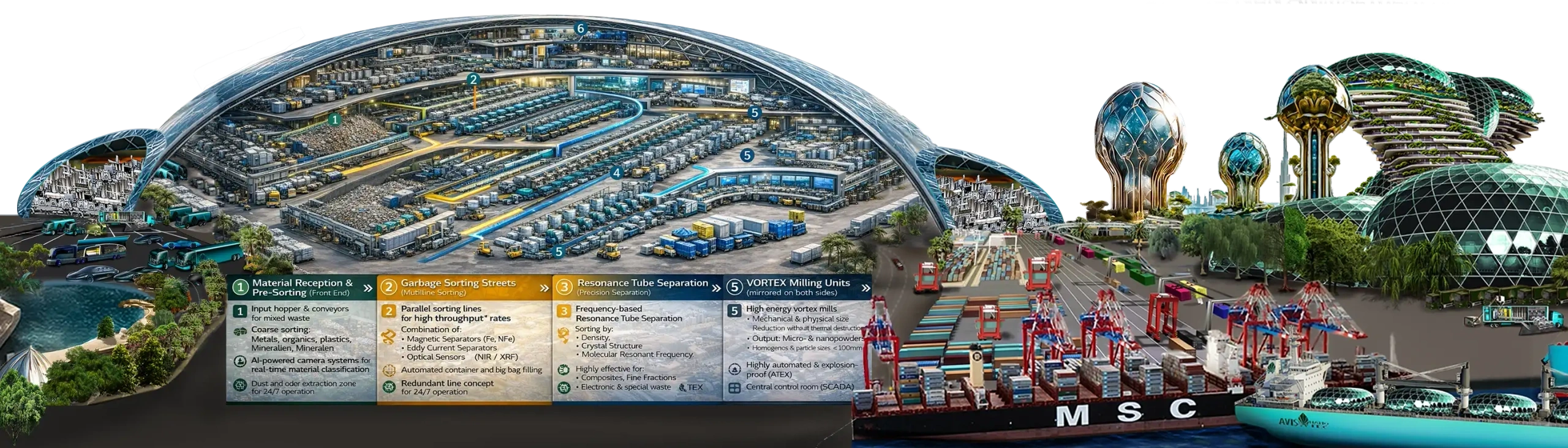
Twentieth Meeting of the Forum of Ministers of Environment for Latin America and the Caribbean, Cartagena, Colombia, 28–31 March 2016.
Twentieth Meeting of the Forum of Ministers of Environment for Latin America and the Caribbean, Cartagena, Colombia, 28–31 March 2016.
XX Reunión del Foro de Ministros de Medio Ambiente de América Latina y el Caribe / Twentieth Meeting of the Forum of Ministers of Environment for Latin America and the Caribbea, Cartagena, Colombia. 28-31 de marzo de 2016 / 28-31 March 2016

AVIS Technology has played a significant role. The Pacific states voted for technologies as the AVIS Group represents. It is time for a change. The Ministers of the Environment of Latin America and the Caribbean, Recognise that Latin America and the Caribbean is a region highly vulnerable to the impacts of climate change and that its population is considerably dependent on the various ecosystems affected by climate change and the fundamental functions and/or services that they provide. Aware that climate change is a central issue for sustainable development and that effective responses to this global challenge must be based on a comprehensive view of the environmental, economic and social dimensions.

Reaffirming the importance of sharing information, experiences and best practices in terms of effective actions against climate change, and that the region already has a large number of good practices and experiences that are global examples of climate action and innovation. Bearing in mind that, although several countries in the region have already made significant progress in the implementation of regional and South-South cooperation actions, there are important opportunities to further delve into the implementation of regional cooperation actions to fill
existing capacity gaps. Recalling the decision of the 19th Meeting of the Forum of Ministers of the Environment of Latin America and the Caribbean, held in Los Cabos, Mexico, which decided to move forward in the development of a Regional Cooperation Program on Climate Change, as a framework for South-South and triangular cooperation. Recognizing the recommendation of the intersessional meeting of the Forum of Ministers of the Environment, held in Mexico City in November

2015, to review the Regional Cooperation Programme on Climate Change in light of the outcomes of COP‐21 and considering the Nationally Determined Contributions, applicable only to those countries submitting them, with a view to establishing a Regional Platform for Cooperation on Climate Change, on a voluntary basis. Highlighting the importance of the 1st Meeting of Foreign

Ministers, Ministers of the Environment or other high-level national authorities related to climate change of the member countries of CELAC, as well as the regional presentation of the Common Elements document of the member countries of CELAC at COP21. Bearing in mind the decision of the Heads of State at the Second CELAC Summit to continue working on the development of an environmental agenda based on the results and ongoing regional actions, without
duplicating efforts or overlapping existing structures, in particular the Forum of Ministers of the Environment of Latin America and the Caribbean. Bearing in mind the decision of the Heads of State at the IV CELAC Summit to convene the II Meeting of Ministers of the Environment or other high-level national authorities related to climate change, based on the agreements and commitments reached at

COP21, which will allow progress towards the objectives set by the region on this matter. The Republic of Nicaragua is not a party to the Paris Agreement. They decide
1. To establish a Regional Platform for Cooperation on Climate Change for Latin America and the Caribbean, on a voluntary basis, which will be led by the countries of the region and will include three key priority areas:
(1) dialogue and exchange of experiences on climate public policies;
(2) climate action in adaptation, mitigation, and loss and damage; and
(3) financing and other means of implementation, including technology transfer, and climate science and capacity building, and that it will promote regional cooperation on climate change in a progressive manner.

2. Resolve that the key objective of the Regional Platform will be to strengthen capacities and cooperation in the countries of the region, as an essential pillar for taking action to manage climate change, taking into account the particular needs of the countries of the region.
3. To request the Presidency of the Forum, together with the Board of

Directors of the Forum, to prepare the proposal for the Platform plan that will allow its operationalization. This proposal will be sent to all countries in the region for consideration and eventual approval. To this end, the support of the Secretariat and the other member agencies of the Interagency Technical Committee is requested, as well as to consider the synergies with other ongoing cooperation initiatives.

4. Request the agencies of the Interagency Technical Committee of the Forum of Ministers of the Environment of Latin America and the Caribbean and other relevant institutions to actively contribute to facilitating the dynamic functioning of the Forum of Ministers of the Environment of Latin America and the Caribbean.
After more as 15 years of South America developments, in January 2016, Avis South America embarked on an ambitious journey to establish the world's largest waste-to-energy plant on the outskirts of Mexico City. The Avis ...
After more as 15 years of South America developments, in January 2016, Avis South America embarked on an ambitious journey to establish the world's largest waste-to-energy plant on the outskirts of Mexico City. The Avis Green Energy Industrial Park will revolutionize sustainability with a greenhouse section projected to produce over 50 million MT/Y of organic food and 5,000 MT/Y of organically raised shellfish.
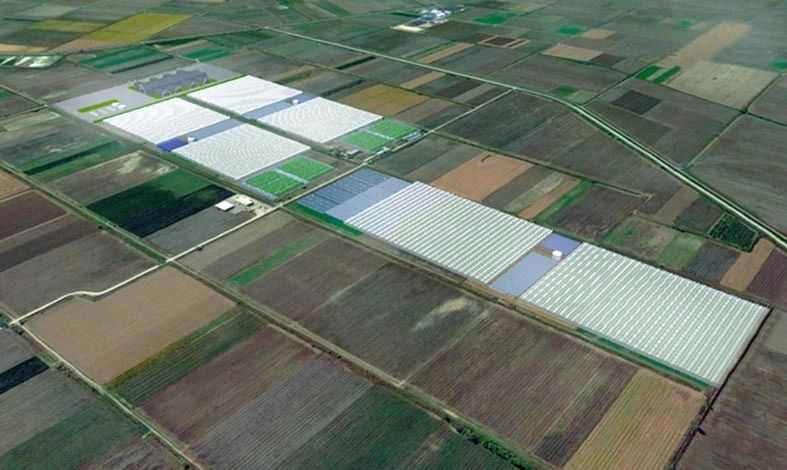
This cutting-edge facility will also generate electricity, high-quality synthetic diesel, and gas, all while efficiently converting over 10 million MT/Y of municipal waste.

Transport from Mexico City will rely on a combination of rail, specially designed electric waste trucks, and robotic garbage transport systems ensuring an eco-friendly operation.
AVIS will set up all technology assembling to ensure the required futuristic systems for harmonising the transport industry and infrastructure for waste delivery at high-volume to the facility location.
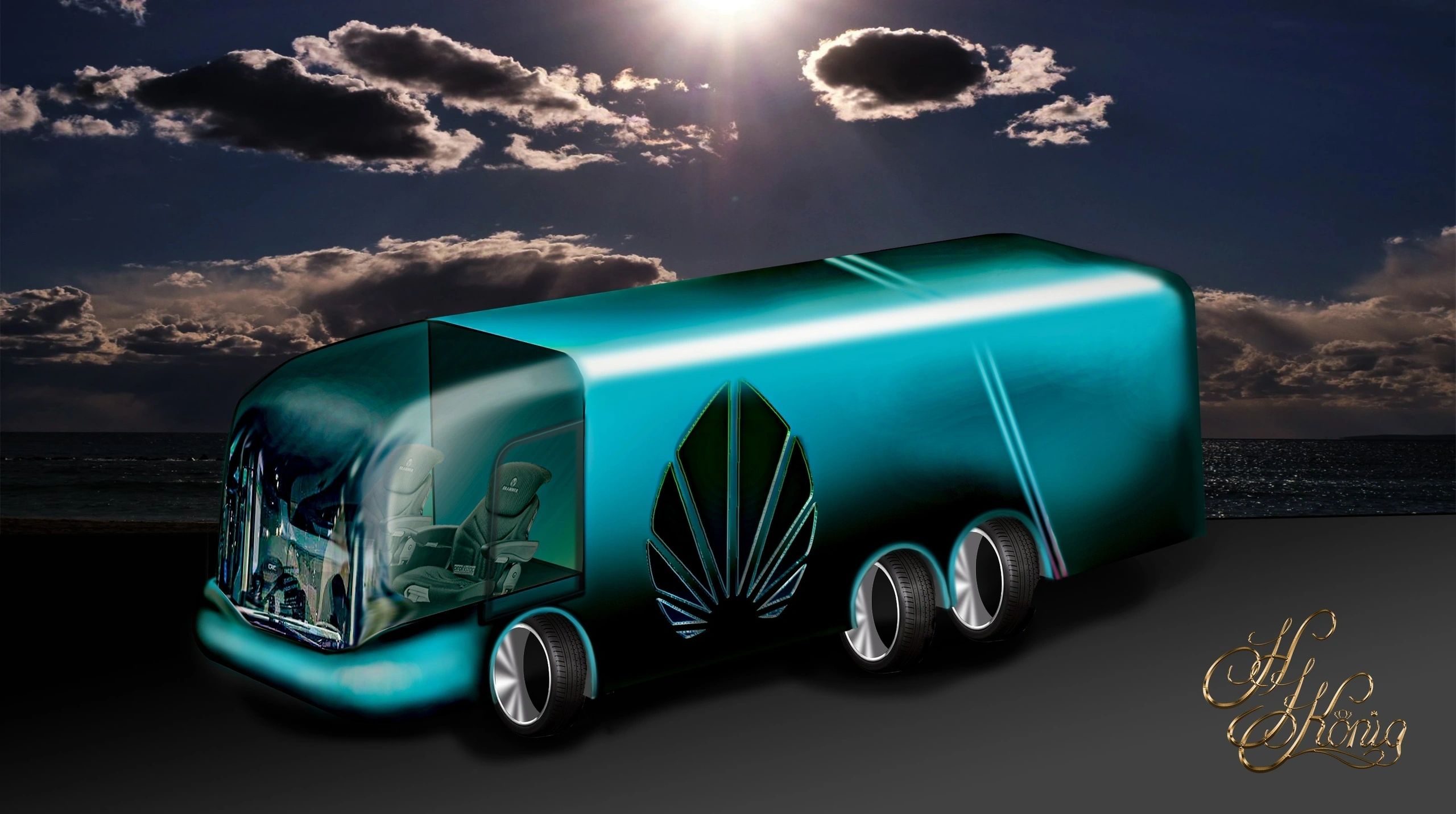

With construction underway and phases set to commence by the end of Q3 2017, Avis is leading the way toward a greener future. Join us in making a positive impact on the environment and promoting sustainable practices for generations to come.
Advancements in Sustainable Energy: The Role of AVIS Global Green Energy Fund
The transition towards sustainable energy solutions is a pressing global imperative, particularly in South America, where urban centres are increasingly adopting advanced technologies to comply with new environmental regulations. The financial backing provided by the AVIS Global Green Energy Fund, guaranteed by the Sovereign Department of Mexico, plays a pivotal role in facilitating these advancements.
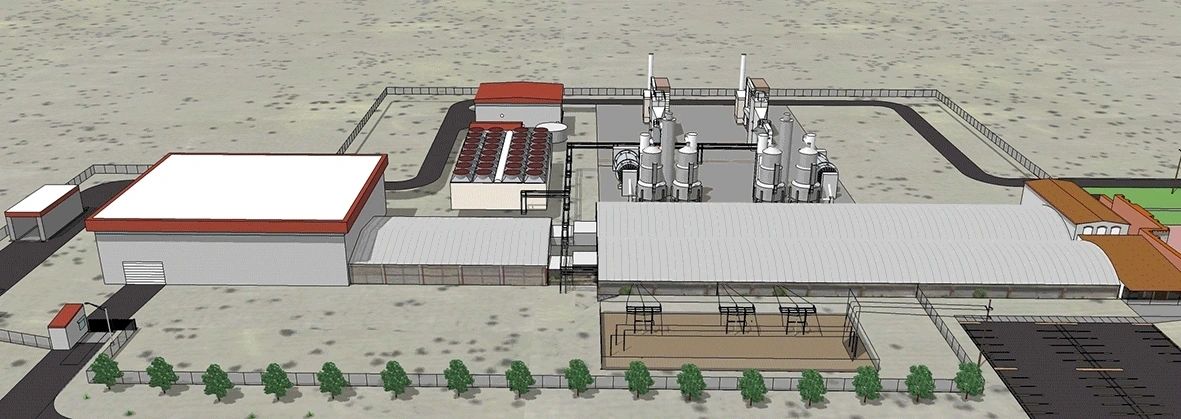
Initially, a Spanish construction company implemented a traditional gasification system at the project site. However, as awareness of environmental challenges grew, the local developer recognized the necessity for modernization. In February 2016, the decision was made to upgrade to the AVIS system, which represents the forefront of eco-friendly technology. This upgrade not only enhances the efficiency of energy production but also aligns with the global shift towards greener practices.
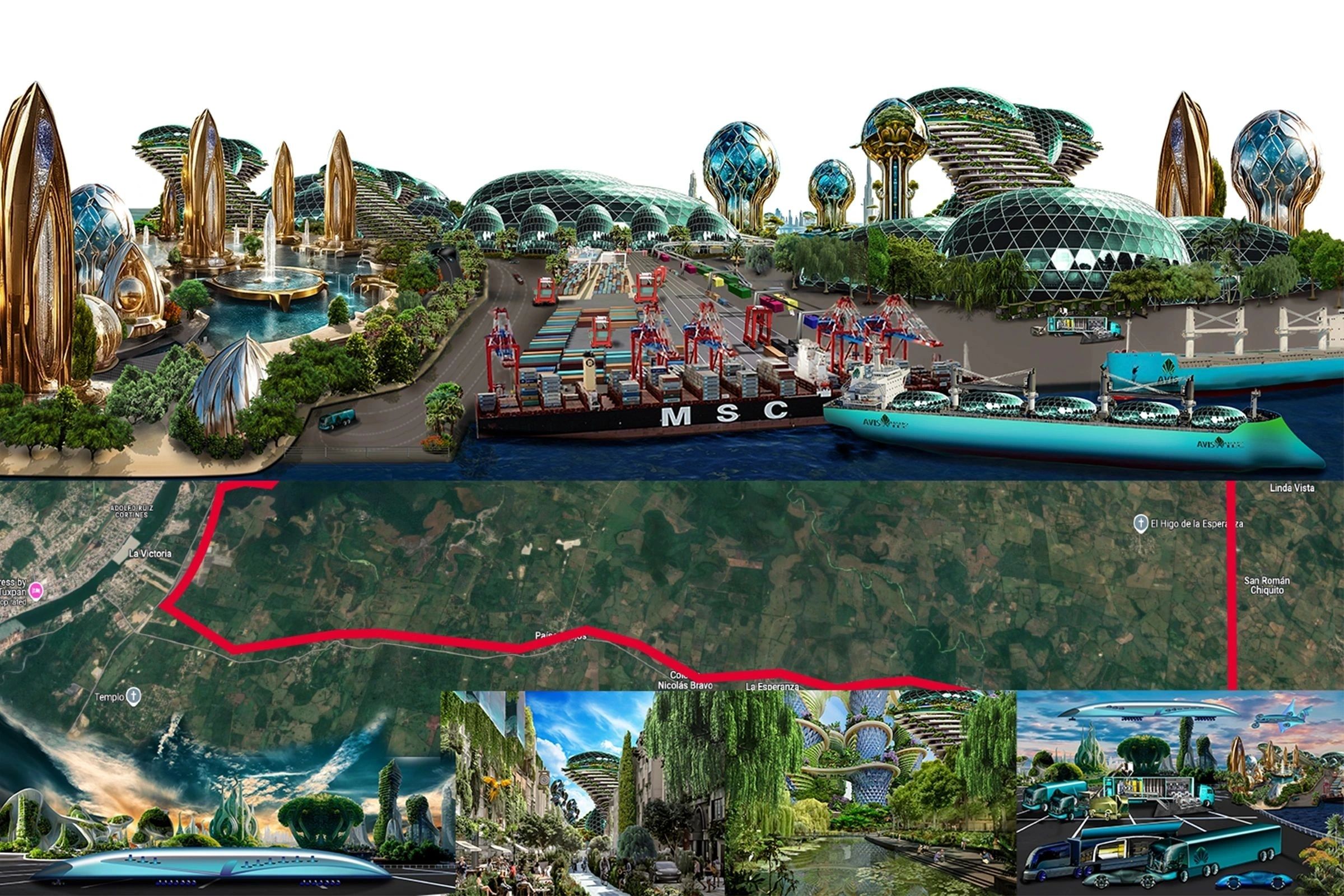
The principal motivation for this transition is the collective movement across South American cities to adopt innovative systems that meet evolving global standards. As nations strive to mitigate the impacts of climate change, investments in advanced technologies become essential.
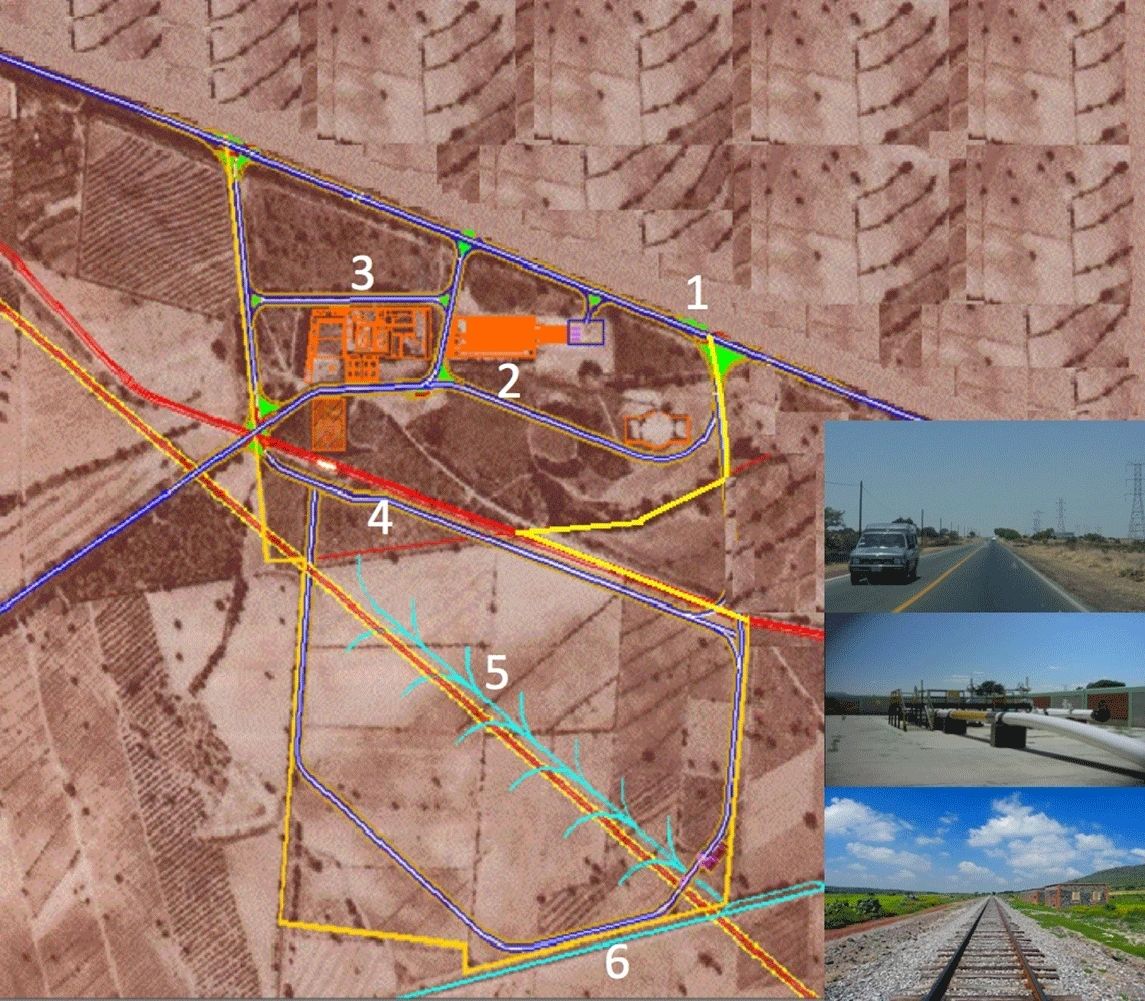
The AVIS system exemplifies this commitment, providing a sustainable alternative that reduces carbon emissions and promotes environmental stewardship. 5 million jobs, high-tech schooling centres and a impacting economic boost to the local business environment are additional highlights.
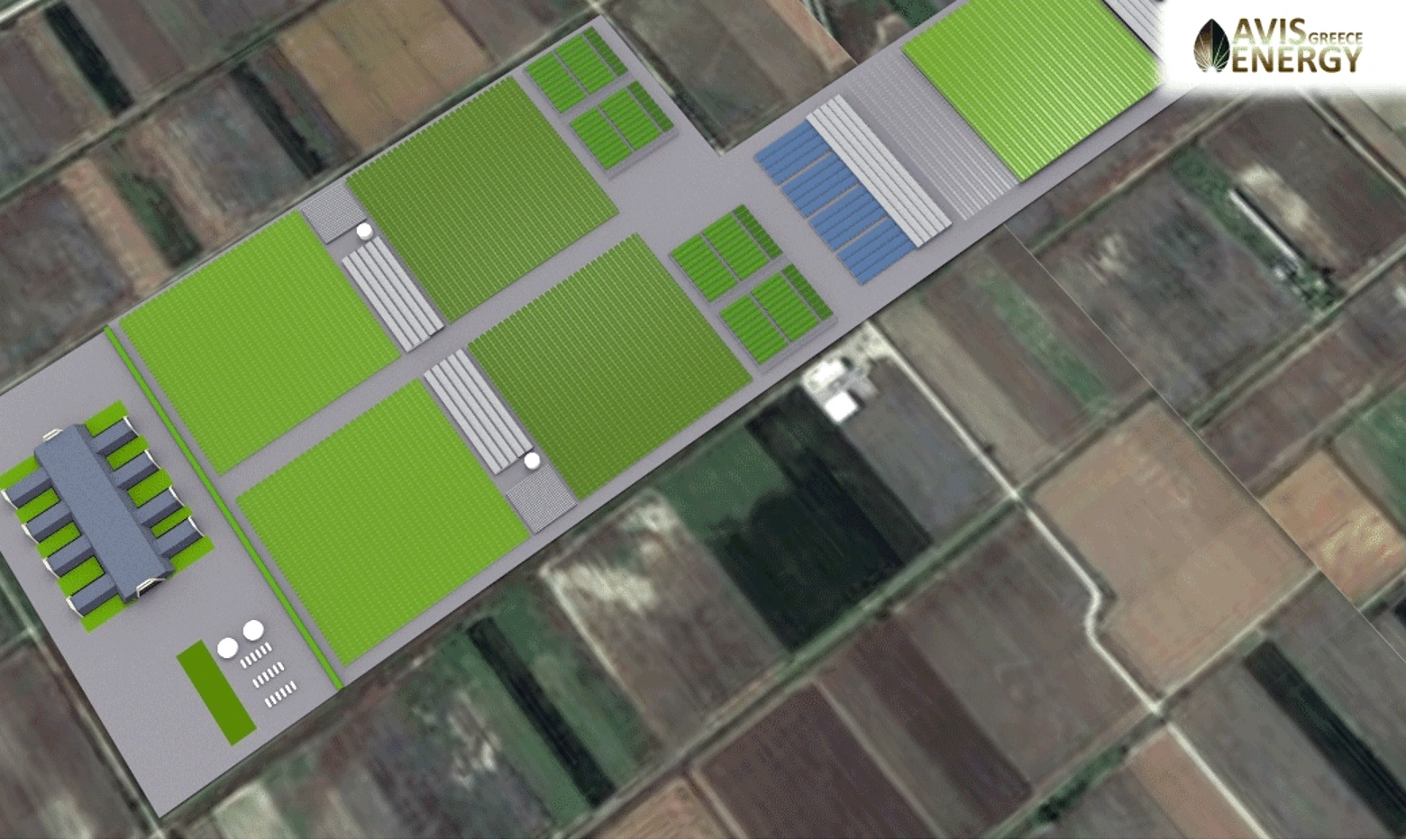
In conclusion, the collaboration between financial entities like the AVIS Global Green Energy Fund and local developers is crucial in driving the adoption of sustainable energy solutions. By upgrading to more efficient technologies, South American cities are not only adhering to international regulations but also paving the way for a greener future.
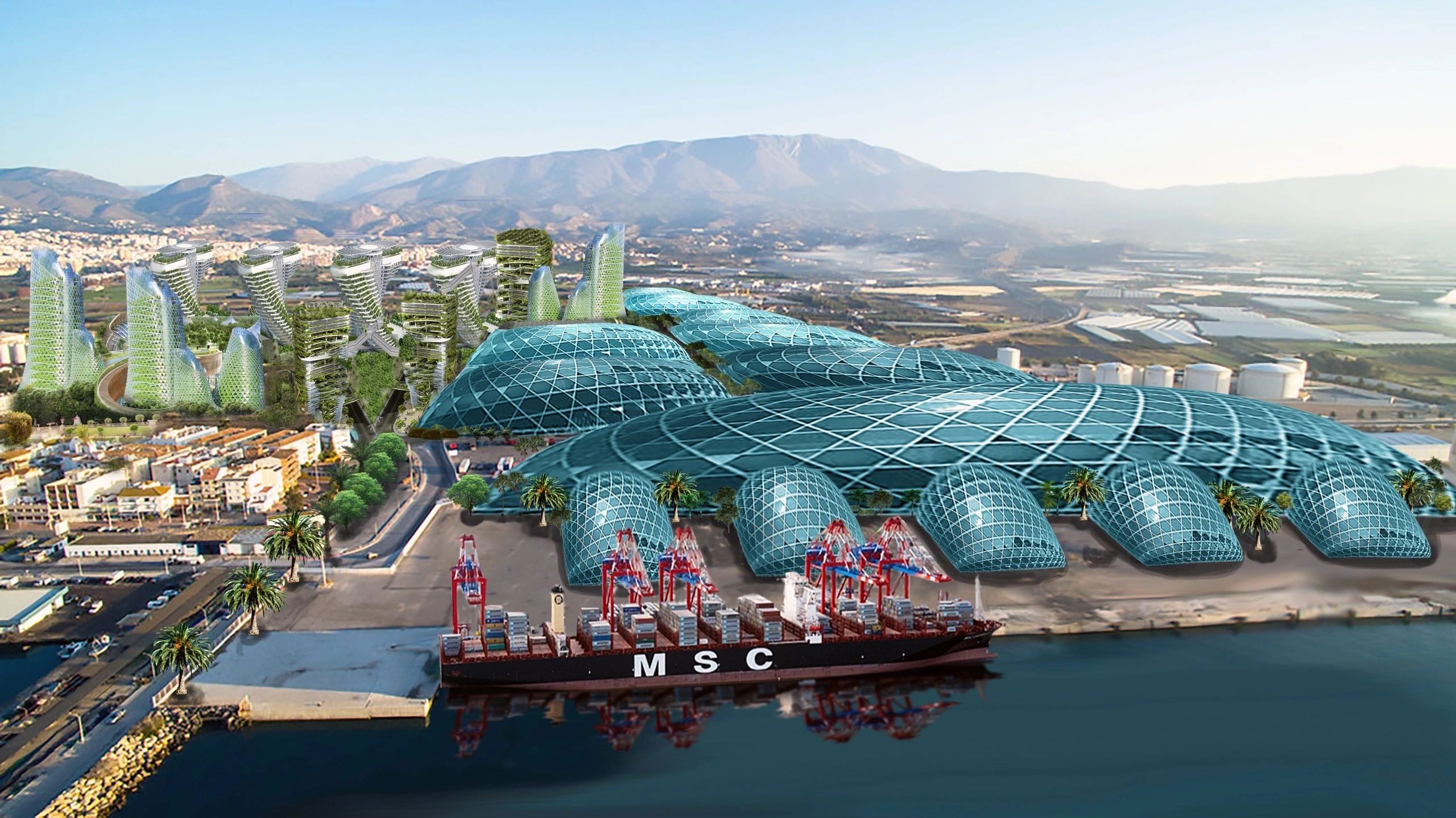
Transitioning Waste to Green Petrol Technology: We are excited to announce that the development of our waste to green petrol technology has found a new home in Canada. After facing challenges in Germany where our technol...
Transitioning Waste to Green Petrol Technology: We are excited to announce that the development of our waste to green petrol technology has found a new home in Canada. After facing challenges in Germany where our technology was met with resistance due to potential
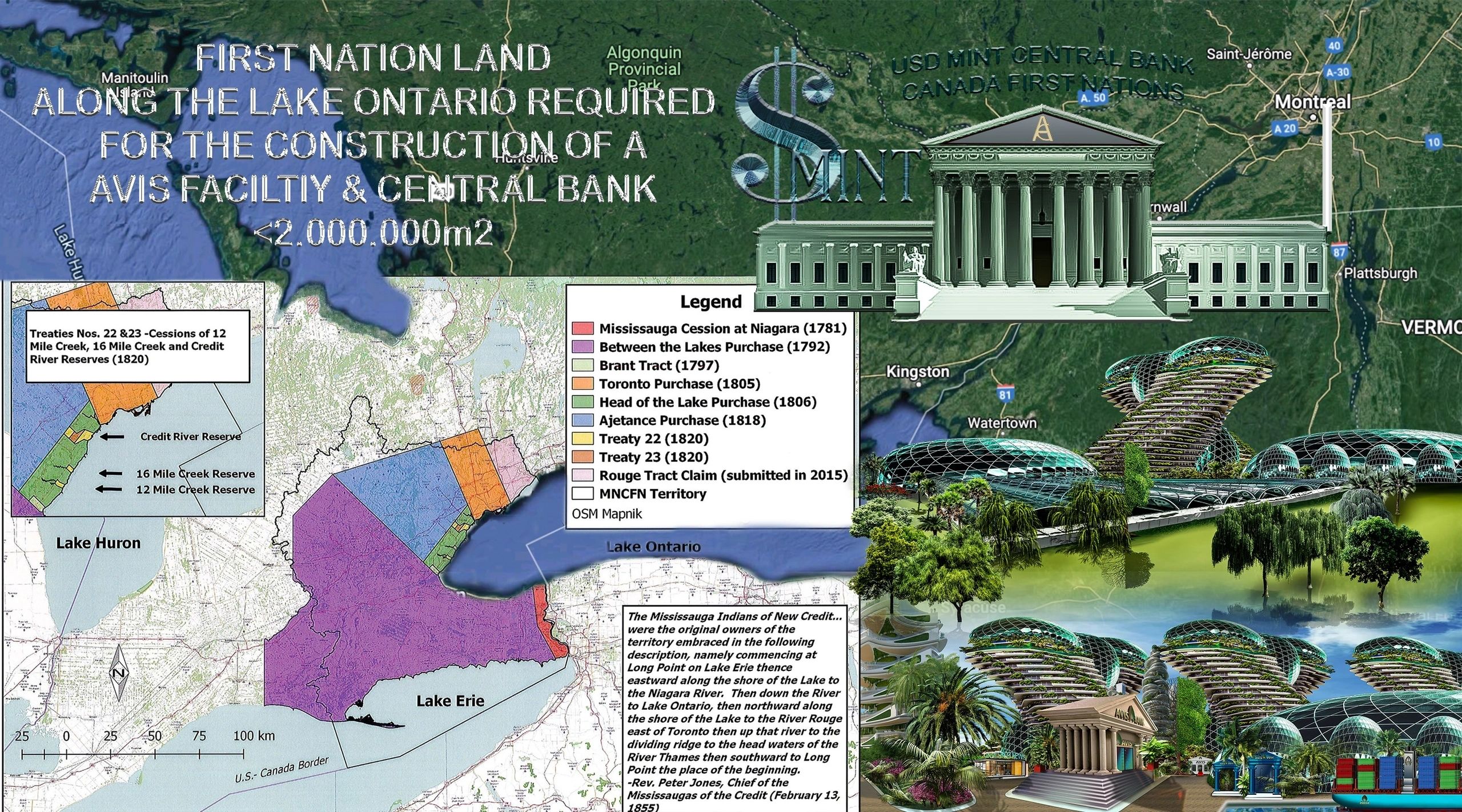
competition with existing waste-burning facilities and energy production, we made the strategic decision to relocate to Toronto.
In Toronto, we have established three new corporations and have begun discussions with potential franchise partners. We have also been approached by First Nation landowners who have been struggling with waste management issues stemming from surrounding cities. The contamination of their land by waste traffic from New York and illegal dumping of toxic waste by the US waste mafia has prompted us to take action.
Our goal in Canada is to set up a facility to produce washer-fluid for the car industry from waste, in line with our commitment to sustainable and environmentally-friendly practices. We are grateful for the warm reception and support we have received in Toronto and look forward to making a positive impact in the community.
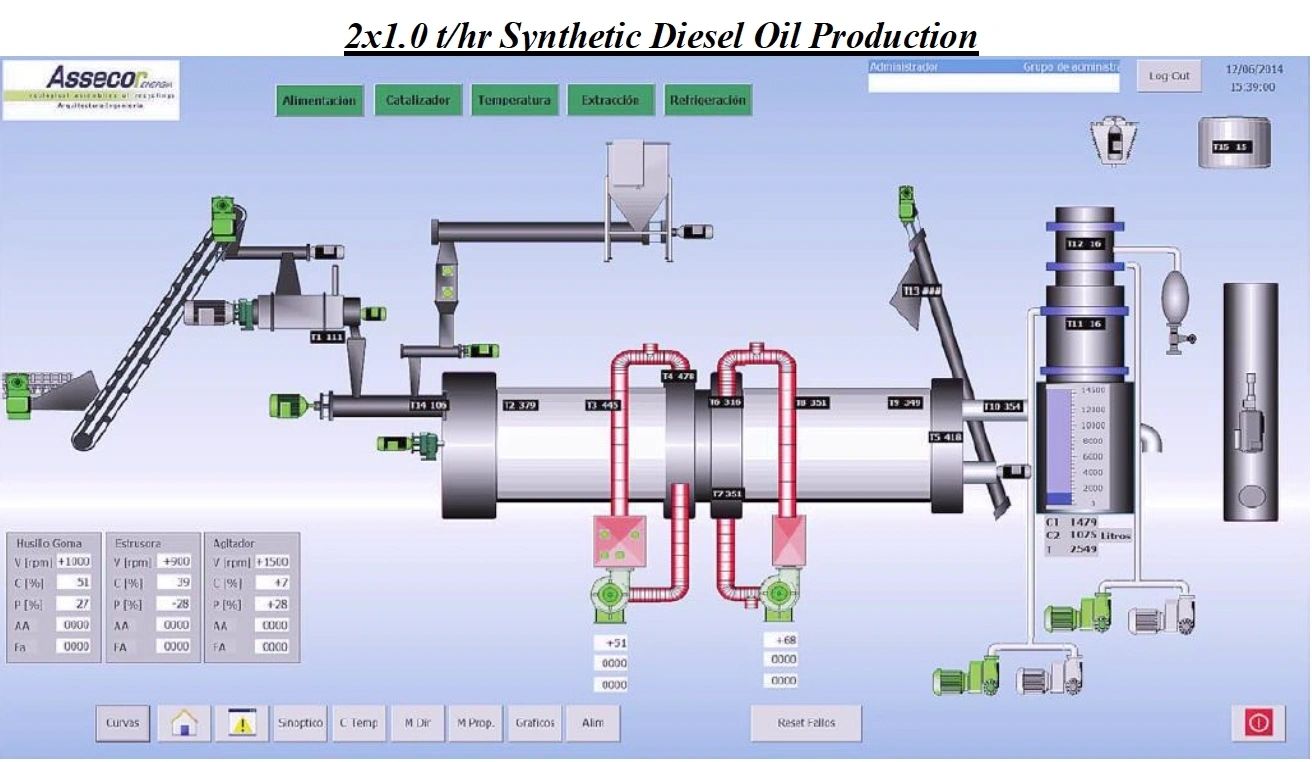
As the harsh winter months descend upon the Canada population, the necessity of a reliable deicer spray for car windshields becomes undeniable. In Canada alone, millions of liters of deicer spray are utilized each year to combat icy conditions on the roads. However, the environmental impact of such practices cannot be ignored.
At our facilities, we are pioneering a cold conversion technology that transforms waste into methanol, offering a sustainable solution to the deicer spray dilemma. Not only does this innovative approach reduce our carbon footprint, but it also has the potential to alleviate the financial burden associated with traditional deicer production.
By embracing eco-friendly alternatives like methanol-based deicer sprays, we can navigate the winter roads safely while safeguarding our planet for future generations. Join us in revolutionizing winter driving with a commitment to sustainability and innovation. Read more
Introducing a groundbreaking advancement in sustainability and innovation - the pioneering industrial-scale recycling facility developed by our esteemed Engineering team. This state-of-the-art plant is revolutionizing th...
Introducing a groundbreaking advancement in sustainability and innovation - the pioneering industrial-scale recycling facility developed by our esteemed Engineering team. This state-of-the-art plant is revolutionizing the way we think about recycling by specializing in the conversion of old tyres into high-quality petrol using our patented CCC cold conversion technology.
At the forefront of environmental stewardship and technological ingenuity, our facility stands as a testament to our commitment to creating a greener, more sustainable future. By harnessing the power of cutting-edge engineering and innovative processes, we have unlocked the potential to transform waste tyres into a valuable resource, reducing environmental impact and promoting a circular economy.
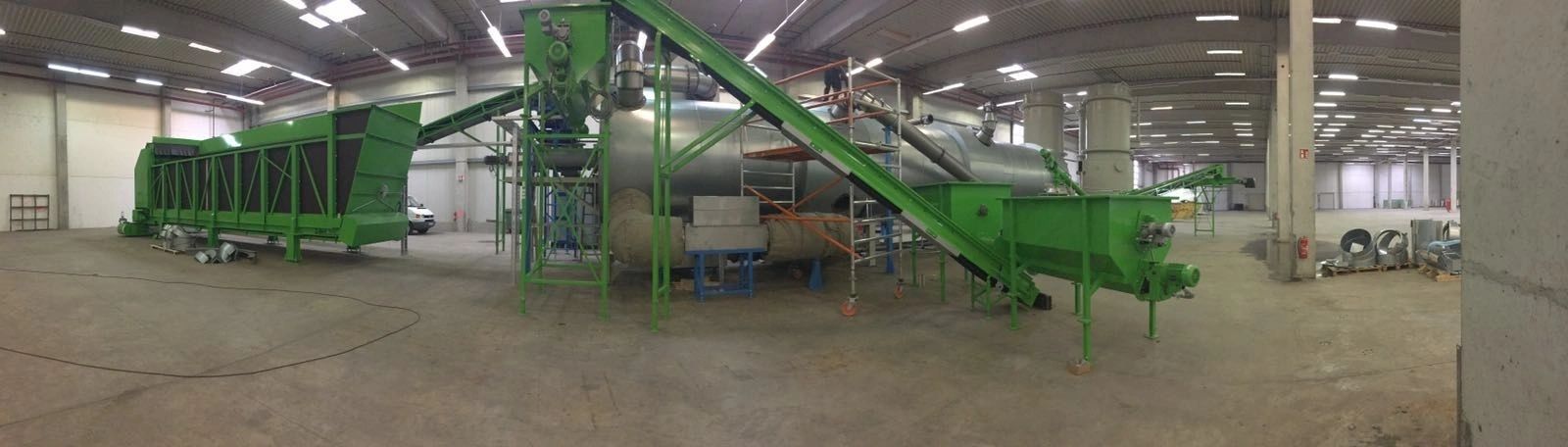
Our patented CCC cold conversion technology sets us apart as industry leaders, offering a proven and efficient method for converting old tyres into high-quality petrol. This innovative approach not only mitigates the environmental hazards associated with tyre disposal but also produces a valuable end product that can be used to power vehicles and machinery, further reducing our dependence on traditional fossil fuels.
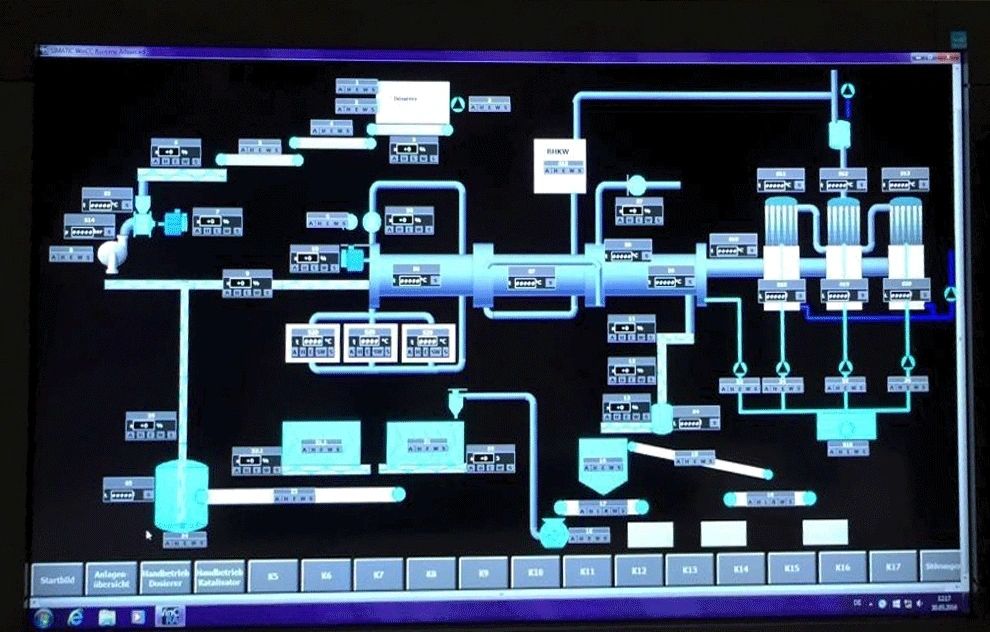
With a focus on quality, efficiency, and sustainability, our industrial-scale recycling facility represents a significant step forward in the quest for a cleaner, more sustainable future. By investing in our technology and processes, you are not only supporting environmental conservation but also contributing to the development of a more circular and resource-efficient economy.
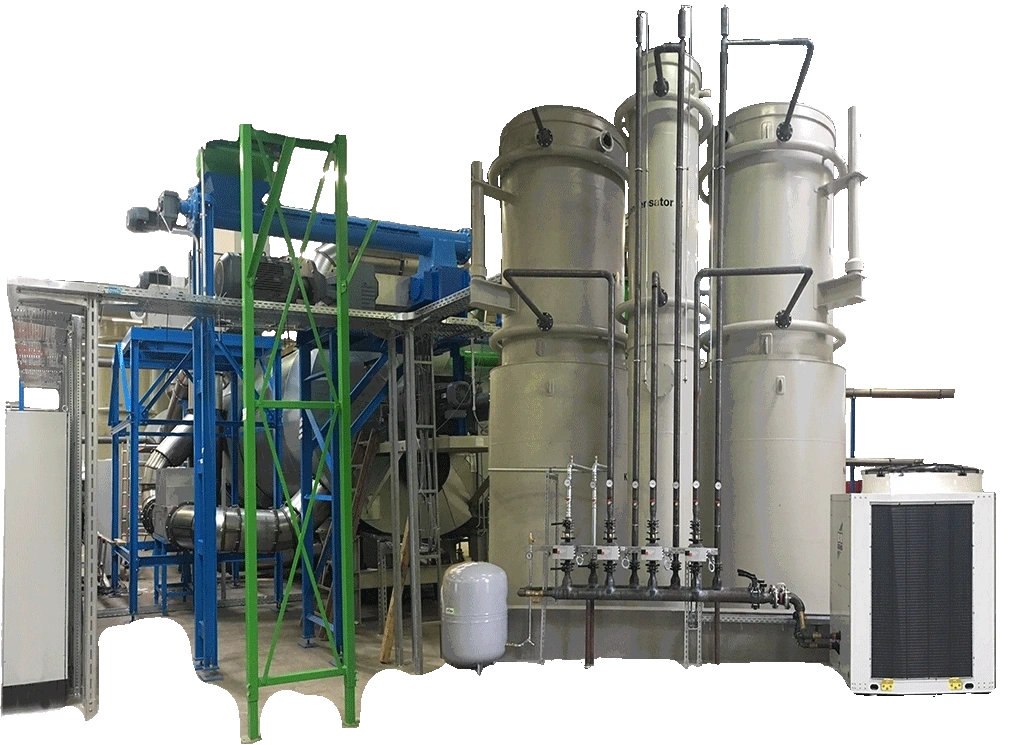
Join us in our mission to drive positive change and embrace a more sustainable future. Experience the power of innovation and sustainability with our industrial-scale recycling facility and witness firsthand the transformation of old tyres into high-quality petrol with our patented CCC cold conversion technology. Together, we can make a difference and pave the way for a brighter, greener tomorrow.
Exciting news! We have recently launched the 1st 1 billion Euro Medium Term Note (MTN), 30 billion Hong Kong Dollars (HKD) MTN, and 8 billion in Brazilian Reals for trading in the global markets. What makes these corpora...
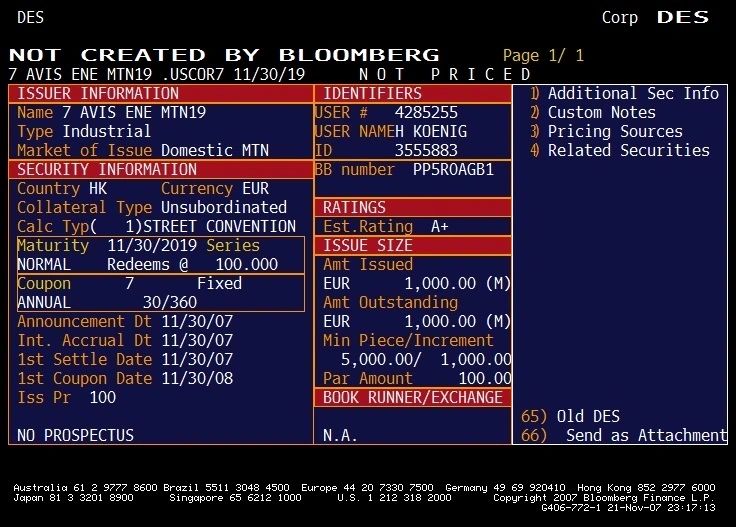
Exciting news! We have recently launched the 1st 1 billion Euro Medium Term Note (MTN), 30 billion Hong Kong Dollars (HKD) MTN, and 8 billion in Brazilian Reals for trading in the global markets. What makes these corporate notes even more remarkable is that they are based on cutting-edge new technology. This innovative approach not only demonstrates our commitment to staying ahead in the market but also showcases our dedication to pushing boundaries and exploring new possibilities. With these new offerings, we are set to make a significant impact on the global financial landscape. Get ready to witness the future of trading with us!
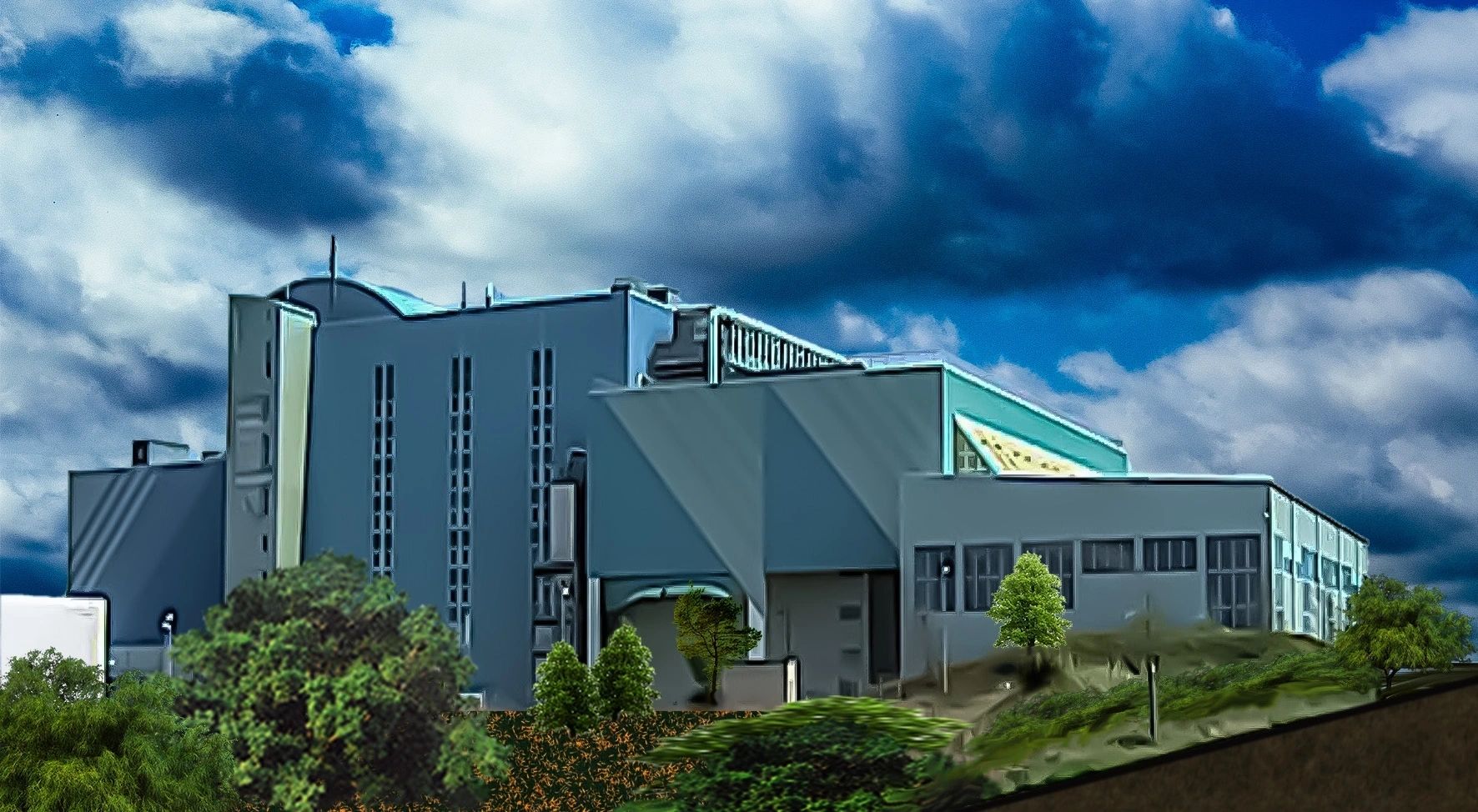
The technical feasibility of the “CCC” Conversion System has been tested in limited-term trials. The Directors believe that the principal components of the CCC Conversion System are state of the art technology.
The “CCC” Conversion System works because of its special economical process energy system. The Directors believe that the “CCC” Conversion System will produce high-quality fuel from renewable resources, at competitive prices. Biological fuel, characterized by a production process that has a minimal environmental impact, is biodegradable. Because of this minimal environmental impact and low cost relative to current fossil fuel prices, the Directors believe that market acceptance of biological fuel should continue to increase.
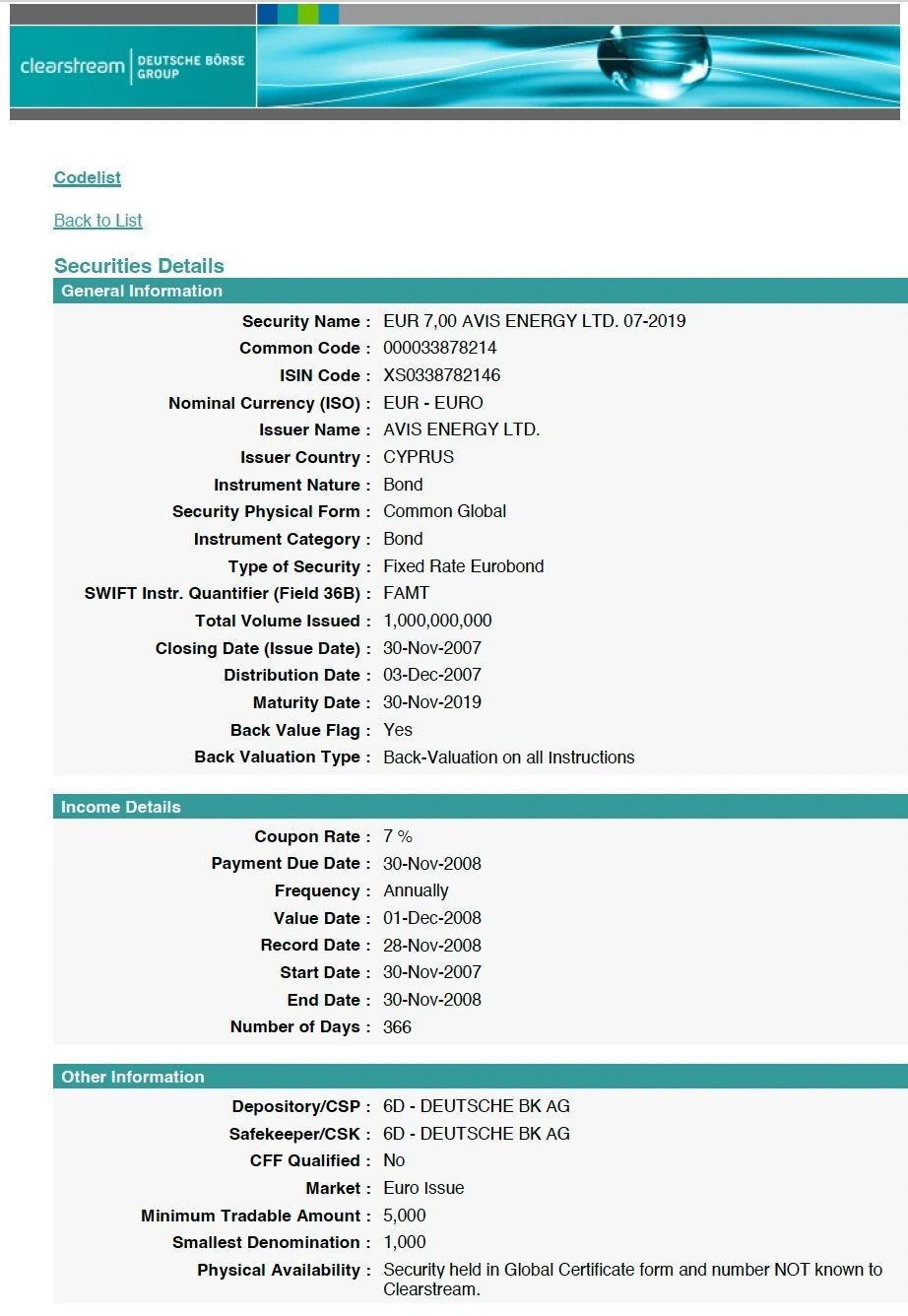
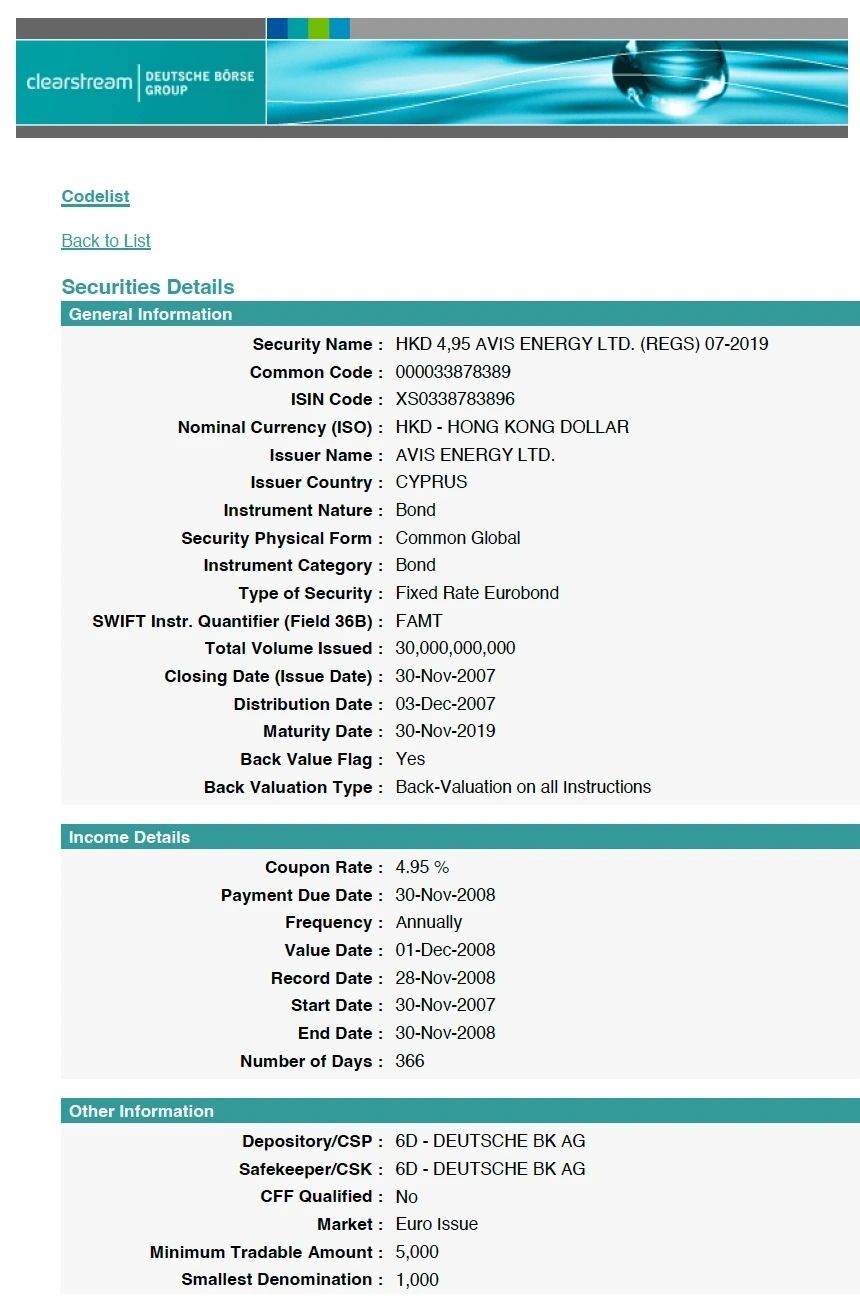
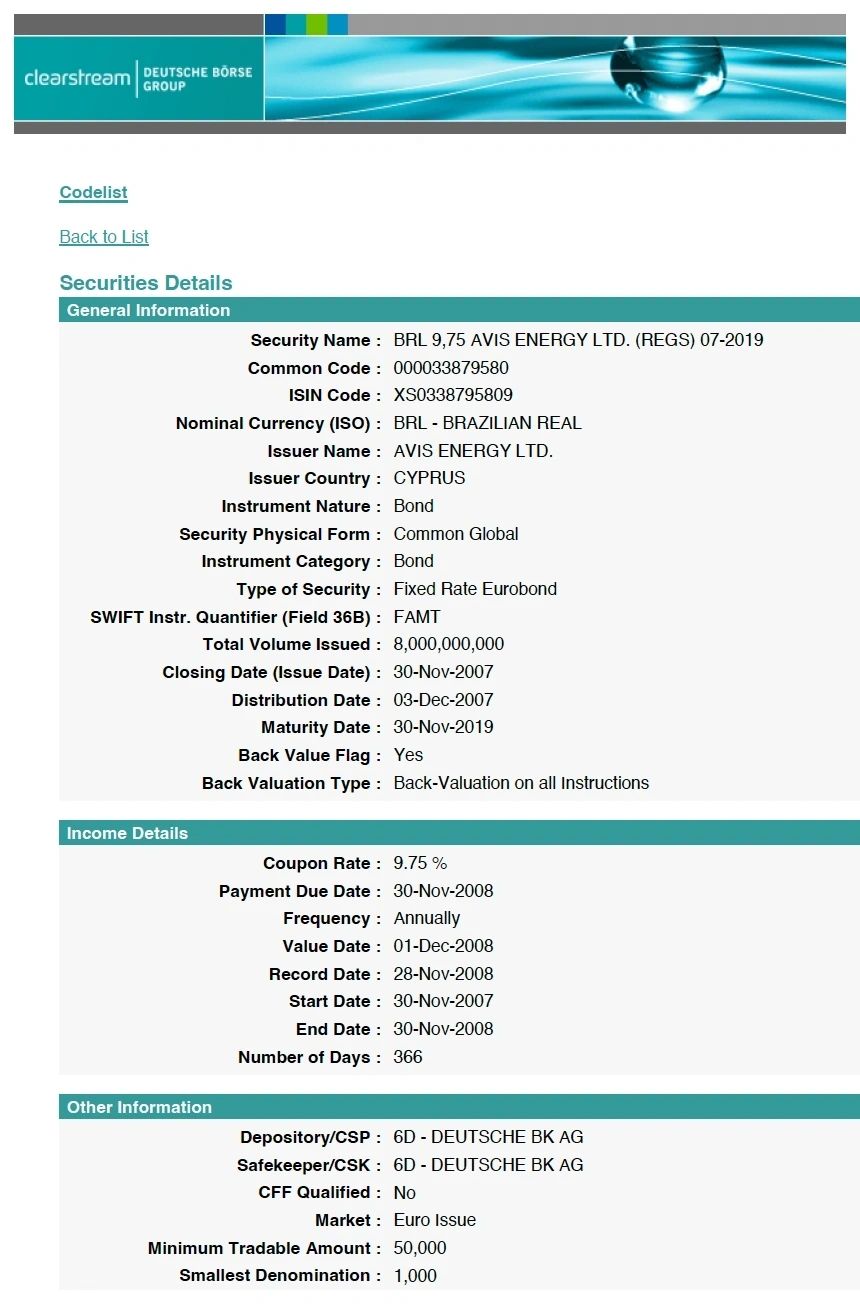
The greenhouse effect and an expanding ozone hole are signals of a disturbed state of natural equilibrium. They can be attributed to the thoughtless use of fossil energy. The goal of the AVIS Energy Group is to provide a technically feasible solution to the energy and problems of increasing carbon dioxide emissions, and thus implement a major step away from dependence on finite fossil fuels and move to renewable resources, in this case solar energy collected by plants.
Today’s global economic development and the associated ever-increasing requirement for more energy continuously stimulate the world’s demand for more petroleum at the same time, the development and increasing promotion of oil-derived fuels without enormous technical and financial efforts will continue to support rising oil prices.
As part of its global expansion and technological deployment strategy, AVIS Global Energy is supported by a multidisciplinary team of highly qualified professionals spanning engineering, science, finance, and industrial ...
As part of its global expansion and technological deployment strategy, AVIS Global Energy is supported by a multidisciplinary team of highly qualified professionals spanning engineering, science, finance, and industrial operations.
The organization brings together engineers, research scientists, investment bankers, inventors, and senior industrial managers, forming an integrated capability platform designed to address complex challenges at the intersection of energy, infrastructure, and sustainability. This collective expertise enables the seamless alignment of technological innovation with financial structuring and large-scale industrial execution.
At the core of the team’s mandate is the advancement of alternative green energy solutions, with a clear focus on scalable implementation and measurable environmental impact. The initiative is structured to drive transformative change by introducing advanced energy systems capable of reducing dependency on conventional fossil-based resources while supporting circular economy principles.
Through the combination of technical excellence, capital markets expertise, and operational leadership, AVIS Global Energy is positioning itself to contribute meaningfully to the global transition toward sustainable energy infrastructure and long-term environmental resilience.
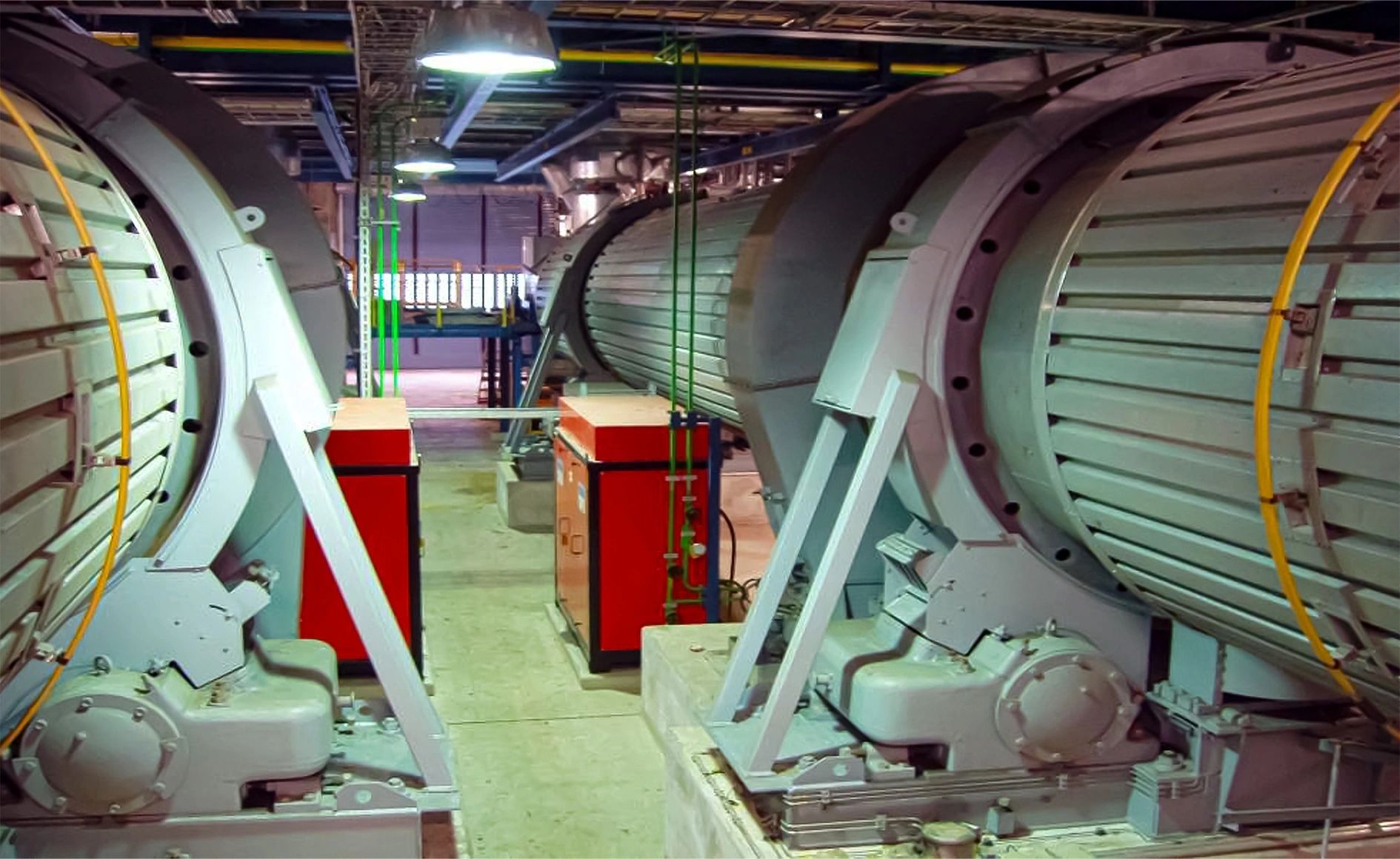
Munich / Zurich / London / Nicosia / Panama — A pioneering breakthrough in sustainable energy technology, centered on advanced waste-to-petrol conversion, is gaining renewed international attention as part of a broader industrial and corporate transformation initiative under the AVIS umbrella.

The original concept for the waste-to-petrol technology was developed by Dipl. Engineer Schraufenstetter of Munich, in collaboration with Dr. Dr. Rammensee, a distinguished academic associated with University of Cologne. Their work laid the technical foundation for a scalable solution capable of converting waste streams into refined fuel products, addressing both environmental challenges and global energy demand.
The advancement and industrial positioning of this technology were significantly supported by Dipl. Ing. Winkelkötter, also based in Munich, whose efforts were instrumental in promoting the concept across engineering and investment communities.
Corporate Structuring and Strategic Origins
The operational vehicle for this innovation, AVIS Energy, was established as a distinct entity following a strategic separation from Avis Rent a Car. This transition was executed after the acquisition of AVIS Financial Corporation by the original founder behind the green development initiative.
At the time of acquisition, AVIS Financial Corporation was positioned as a publicly listed entity on the New York Stock Exchange, forming the financial backbone for subsequent expansion into sustainable industrial sectors.
This restructuring enabled the creation of a focused energy platform, aligning capital markets access with high-impact environmental technologies.
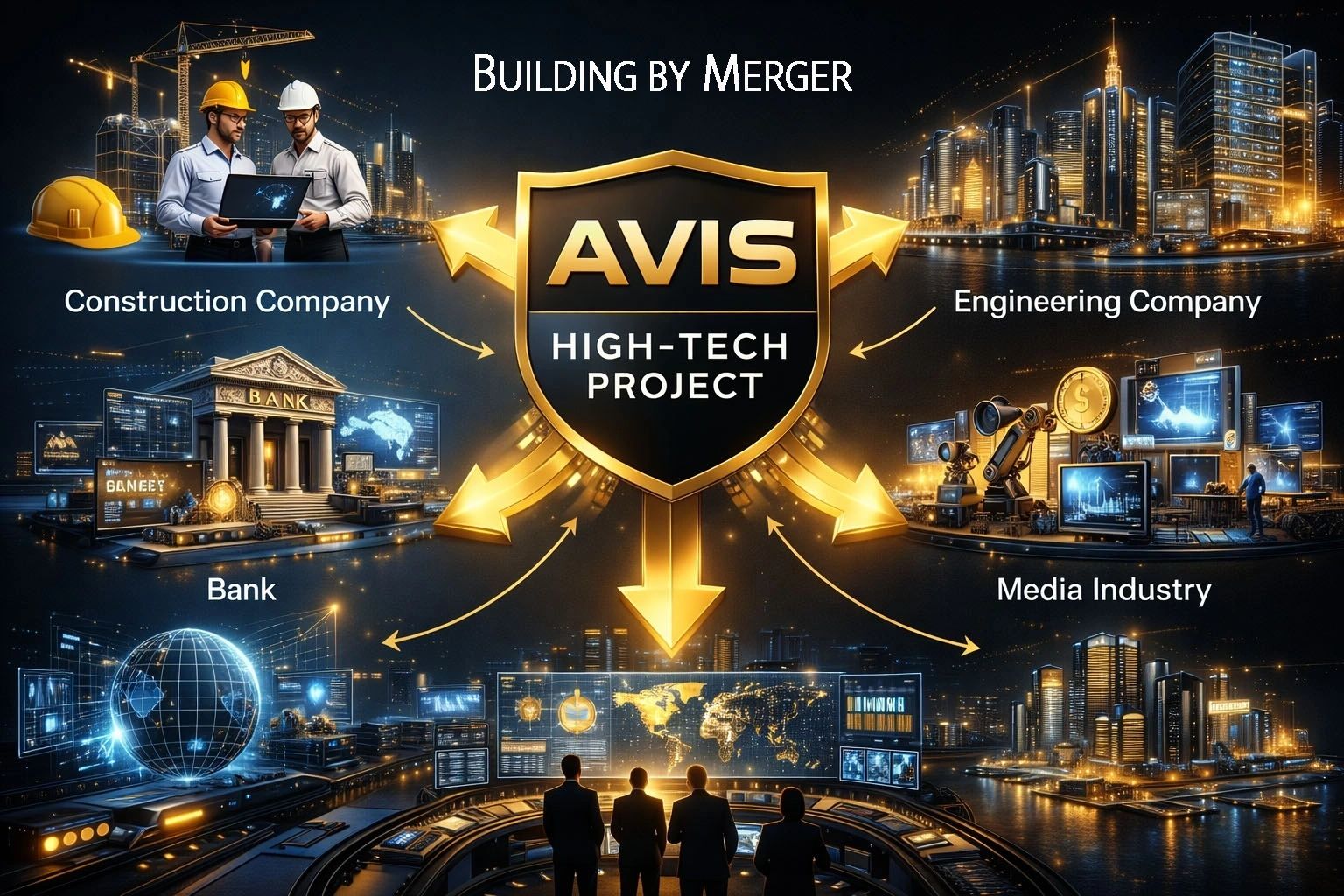
International Expansion and Institutional Framework
As part of its global development strategy, the group established a network of international subsidiaries and institutional entities designed to support both commercial operations and humanitarian outreach:
Three dedicated subsidiaries were incorporated in the United Kingdom and Cyprus, strengthening access to European financial and operational markets.
A philanthropic arm, the Green Humanitarian Foundation, was founded in Panama to support environmental initiatives, community development, and sustainable infrastructure projects in emerging markets.
This multi-jurisdictional structure reflects a hybrid model combining industrial deployment, financial structuring, and social impact.
Strategic Outlook

The integration of proprietary waste-to-energy technology within a globally structured corporate framework positions AVIS Energy at the intersection of environmental innovation and industrial scalability. By leveraging established financial platforms, engineering expertise, and international subsidiaries, the organization aims to accelerate the deployment of sustainable fuel solutions while contributing to circular economy objectives.
As global demand intensifies for viable alternatives to fossil fuel extraction, technologies capable of transforming waste into energy are expected to play a critical role in the next generation of infrastructure development.
Media Contact:
AVIS Energy – Corporate Communications
contact@avis.press
Https://avis.land
Indicative proceeds allocation, from the Pricing Supplement's Use of Proceeds and Green Framework section.
Alternative green energy, sustainable infrastructure, waste-to-resource technologies, advanced materials, additive manufacturing and green industrial facilities.
Green designation does not itself confirm compliance with EU Regulation 2023/2631, the EU Taxonomy Regulation, or the ICMA Green Bond Principles.
The Term Sheet's own Project and Financing Overview directs further information to avis.press — see the NEWS tab and the right-hand column of this page for the group's own editorial coverage of the projects these Notes finance.
Technology and Project Description (Use of Funds) — grounded in the real AVIS Umbrella division facts the group already publishes, mapped to the Term Sheet's Eligible Green Projects category.
| AVIS Umbrella — VORTEX NanoPowder Milling | The core industrial process: the fourth-generation VORTEX mill uses controlled vortex dynamics to fragment waste into micron- and nano-scale particles without mechanical grinding tools, producing the graphene-enhanced nanopowder feedstock every downstream division runs on. |
|---|---|
| Waste Facility Division (Global Franchise & Facilities) | Municipal and industrial waste intake, contracted per host city, feeding the VORTEX mills. Facility construction contracts obtained across more than 65 countries plus a growing set of African contracts. |
| Test & Validation Facility (Sarno, Italy) | Central R&D, validation and certification hub: continuous optimisation of VORTEX milling parameters, graphene/nano-tube blending, and qualification of materials for additive manufacturing systems. |
| Graphene | Graphene composites, QUANTUM chips and battery cells — the sheet-mill feedstock for the group's advanced manufacturing and construction printing. |
| Construction & Engineering | Kinetic-fusion printing of carbon-graphene building and urban construction, including the floating print dock design used for on-site printed structures. |
| 3D Printing & Advanced Manufacturing | Nano-powder-based additive manufacturing systems, including large-scale floating manufacturing platform concept development. |
Indicative allocation: 60%-70% Eligible Green Projects, 20%-30% additional collateral, 10% working capital and expenses. Only primary-issuance and tap proceeds received into an Issuer-designated account are Issuer proceeds. Secondary-market consideration passes from buyer to seller and is not Issuer proceeds.
| Volume (Maximum Series Amount) | $5,000,000,000 |
|---|---|
| Initial Aggregate Nominal Amount | $500,000,000 |
| Denomination | $1,000 |
| Denomination Multiple | $1,000 |
| Minimum Tradable | $1,000 |
| Market Cap | Market Data — no continuous public quotation is disclosed for this Series |
| Volumes Traded | Market Data — not disclosed; see the liquidity note below |
| Price Traded | Market Data — not disclosed |
| Private Placements | Non-syndicated institutional Regulation S placement |
| Daily Volume | Market Data — not disclosed |
No assurance is given that an active or liquid secondary market, continuous quotation, or any particular trading price will develop for the Notes. Rows marked “Market Data” reflect exactly that: this page does not fabricate a trading figure the constituting documents do not disclose.
The investment grade rated (A-), cash-secured Notes are issued and to be traded to finance the development and construction of AVIS Umbrella Waste-to-Nanopowder Industrial Park Centres planned and contracted for development in major urban centres worldwide between 2007 and the present.
Each centre integrates the collection, recovery and processing of municipal, industrial, electrical and electronic, hazardous and toxic waste, converting these materials into high-value nanopowders enhanced with graphene composite as advanced feedstock for the 3D Kinetic Fusion Printing industry.
The Technology Park model provides a scalable circular-economy response to global waste-logistics challenges while supplying high-technology materials for robotic construction, landscaping and consumer-product manufacturing.
Municipal and industrial gate fees, together with revenues from recovered materials and manufactured products, generate recurring operating cash flow for coupon servicing and repayment of principal at maturity. Each host project creates substantial employment, local supply-chain activity and durable economic and industrial infrastructure.
Further information: https://avis.press.
Alternative green energy, sustainable infrastructure, waste-to-resource technologies, advanced materials, additive manufacturing and green industrial facilities.
Allocated physical gold bullion and other Eligible Collateral.
Municipal and industrial gate fees, together with revenues from recovered materials and manufactured products, generate recurring operating cash flow for coupon servicing and repayment of principal at maturity.
Green designation does not itself confirm compliance with EU Regulation 2023/2631, the EU Taxonomy Regulation, or the ICMA Green Bond Principles.
The three real constituting documents for this Series, embedded and downloadable below.
Choose a document on the left to view it here.
A- (Egan-Jones, as of 29 April 2026, programme rating). This is the Programme rating stated in the Pricing Supplement; it is not itself a guarantee of principal or interest and is subject to revision, suspension or withdrawal.
Payments shall be made without withholding unless required by law. The applicable Pricing Supplement states whether Additional Amounts are payable and describes the holder-connection, certification, late-presentation and FATCA exceptions.
Certification Flag: No, except where applicable tax law or clearing-system procedures require a permitted electronic certification.
The constituting documents provided do not name a specific third-party financial-statement auditor for GENESIS Collateral House Company. Audited financial statements and any auditor engagement are matters for the Issuer's own disclosure and have not been independently verified for this page.
Collateral valuation and reconciliation are performed monthly under the Security Documents by the Collateral Agent (GENESIS Collateral House Company, acting in a legally distinct agency capacity). No separate named third-party collateral auditor is disclosed in the constituting documents provided.
Series 2026-A-002 is placed on a non-syndicated basis - coordinated by FE Capital S.a r.l. as Lead Manager and Payment Funding Coordinator. There is no dealer syndicate or panel of market makers disclosed for this Series; this page does not invent one.
| Name | FE Capital S.a r.l. |
|---|---|
| Jurisdiction | Luxembourg |
| Name | GT Securities, Inc. |
|---|---|
| Address | 12130 Millennium Drive, Suite 300, Los Angeles, California 90094, USA |
| Name | Securities Transfer Corporation (STC) |
|---|---|
| Location | Plano, Texas, USA |
| Name | Baader Bank AG |
|---|---|
| Role | Also sponsors the Frankfurt Open Market (Freiverkehr) listing. |
Series 2026-A-002 is a privately placed Regulation S instrument. The Vienna MTF and the Frankfurt Open Market are multilateral trading facilities, not regulated markets under MiFID II or the EU Prospectus Regulation. No assurance is given that an active or liquid secondary market, continuous quotation, or any particular trading price will develop for the Notes. The charts below are real, live, free reference markets relevant to the Notes' collateral and economics (gold, sovereign and corporate-credit yields, the US dollar) — not a price feed for the Notes themselves.
Spot gold — relevant since allocated gold bullion is part of the indicative additional collateral.
Powered by TradingView. In a network-restricted environment the widget may fail to reach tradingview.com and show its own offline state — that is an expected network condition, not a defect of this page.
| Market Cap | Market Data — no continuous public quotation is disclosed for this Series |
|---|---|
| Volume | $5,000,000,000 |
| Denomination | $1,000 |
| Minimum Tradable | $1,000 |
| Volumes Traded | Market Data — not disclosed |
| Price Traded | Market Data — not disclosed |
| Private Placements | Non-syndicated institutional Regulation S placement |
| Daily Volume | Market Data — not disclosed |
The Vienna MTF and the Frankfurt Open Market are multilateral trading facilities, not regulated markets under MiFID II or the EU Prospectus Regulation. No assurance is given that an active or liquid secondary market, continuous quotation, or any particular trading price will develop for the Notes.
Real arithmetic on the fixed 6.50% coupon, paid semi-annual over the 10-year term to 3 June 2036 (20 coupons). This is not a quoted market yield — see CHART for the liquidity disclosure.
This page contains no forward-looking financial projections for GENESIS Collateral House Company beyond the fixed, contractual coupon and redemption terms stated in the Term Sheet and Pricing Supplement. Any projected balance sheet, profit and loss, or revenue figures were not included in the constituting documents provided for this page and are not fabricated here.
Payments continue semi-annual through maturity on 3 June 2036, under the Following Business Day Convention (Following Business Day Convention - the payment date moves, but the interest period and coupon amount are not adjusted solely because of that movement.)
Minimum 100% at all times; target range 100%-120%. Monthly valuation and reconciliation under the Security Documents.
Cure within five Business Days by restoring coverage to at least 105%, depositing cash equal to the shortfall plus 5%, or commencing mandatory redemption at par plus accrued interest.
Before maturity of the initial Certificates of Deposit, the pledgor must renew or roll them over, substitute equivalent Eligible Collateral, complete a cash-out, or transfer and sell them against payment.
The Notes' collateral security (the pledged CD basket and its coverage mechanics) is independent of any individual AVIS Umbrella project's construction or operating performance — a delayed or underperforming host-city project does not itself reduce the Collateral Coverage Ratio.
No assurance is given that an active or liquid secondary market, continuous quotation, or any particular trading price will develop for the Notes.
If the Collateral Coverage Ratio falls below the 100% minimum and is not cured within five Business Days (by restoring coverage to at least 105%, a cash top-up of the shortfall plus 5%, or commencing mandatory redemption), the Issuer must redeem all outstanding Notes in full at par plus accrued interest - a full, non-partial early return of capital, not a default in the usual sense.
The only initial collateral disclosed for Series 2026-A-002 is Certificates of Deposit issued by HSBC México, S.A. Holders are indirectly exposed to that counterparty's credit standing; the constituting documents provided do not disclose a separate insurance layer or guarantor standing behind this specific CD collateral.
Coverage was 120% at settlement but only needs to be maintained at a 100% minimum with a 100%-120% target range, reconciled monthly. A holder should not assume the settlement-date cushion persists throughout the life of the Notes.
Before the initial CDs mature, the pledgor must renew, substitute, cash out, or sell and transfer them against payment. Failure to complete one of those actions triggers mandatory redemption at par plus accrued interest within 30 calendar days.
Proceeds finance AVIS Umbrella Waste-to-Nanopowder Industrial Park Centres planned across major urban centres worldwide. Construction, permitting, feedstock and offtake outcomes vary by host jurisdiction and are not guaranteed by the Notes' collateral security, which is independent of any individual project's performance.
The Notes' green designation does not itself confirm compliance with EU Regulation 2023/2631, the EU Taxonomy Regulation, or the ICMA Green Bond Principles.
The Vienna MTF and the Frankfurt Open Market (Freiverkehr) are multilateral trading facilities, not regulated markets under MiFID II or the EU Prospectus Regulation. No assurance is given that an active or liquid secondary market, continuous quotation, or any particular trading price will develop for the Notes.
The 6.50% coupon is fixed for the full ten-year term to 3 June 2036. Without an active quoted market, a holder cannot rely on mark-to-market pricing to assess how the Notes' value moves with prevailing interest rates.
The Issuer may redeem all Notes at par plus accrued interest, on 30-60 calendar days' notice, following a qualifying tax-law change that cannot be avoided by reasonable measures - an early return of capital outside the holder's control.
No initial offer or sale in the United States; no Rule 144A or DTC position. Resale is restricted to offshore transactions under Regulation S, or another available exemption, in compliance with applicable law and clearing-system procedures.
Primary placement is solely to qualified investors under Article 1(4)(a) of Regulation (EU) 2017/1129. No PRIIPs key information document has been prepared, and the Notes are not intended for UK retail investors.
The Notes are governed by New York law (Sections 5-1401/5-1402 of the NY General Obligations Law), with non-exclusive jurisdiction of the state and federal courts in New York County and a jury-trial waiver.
AVIS Umbrella Launches Next-Generation Waste-to-Nano-Powder Industrial HUB
AVIS Umbrella, the international green high-tech infrastructure group, today unveiled its concept for a large-scale Waste-to-Nano-Powder Industrial HUB, a modular industrial ecosystem designed to transform historical landfill sites into advanced material production centers. The industry containers are manufactured in Italy and shipped to the host destination for modular recycling centers.
The innovative HUB combines waste excavation, intelligent sorting, VORTEX milling technology, resonance-tube nanopowder separation, and automated packaging systems within a fully integrated containerized industrial platform. The concept represents a significant advancement in circular economy infrastructure by converting low-value waste streams into high-value industrial nano-materials.
The Waste-to-Nano-Powder HUB is designed to occupy approximately two football fields and operate as a self-contained industrial city. The facility integrates modular container-based technologies that can be rapidly deployed and scaled according to local requirements.
The industrial configuration includes:
The entire infrastructure is designed around modular container technology, enabling rapid deployment, relocation, and expansion.
Unlike traditional waste management facilities, the AVIS HUB is designed to excavate and process existing landfill sites. Heavy excavation machinery continuously recovers buried waste materials, which are transported through multiple conveyor systems into a centralized processing environment.
Recovered materials undergo a series of advanced mechanical and physical processing stages including:
The process transforms mixed waste into market-ready nano-powders suitable for advanced manufacturing applications.
The recovered nano-powders can be utilized across multiple industrial sectors including:
By converting waste into industrial raw materials, the HUB creates a sustainable pathway for reducing landfill volumes while generating valuable economic output.
The Waste-to-Nano-Powder HUB represents a practical implementation of the circular economy model. Instead of treating waste as a liability, AVIS Umbrella views historical landfills as future resource reservoirs.
The modular architecture enables deployment near existing landfill sites worldwide, reducing transportation costs and allowing municipalities to transform environmental burdens into productive industrial assets.
Each HUB is expected to create approximately 200 direct jobs while supporting additional employment across logistics, engineering, maintenance, construction, and advanced manufacturing sectors.
Beyond economic benefits, the technology contributes to:
AVIS Umbrella believes that future industrial growth will depend on the efficient recovery and transformation of existing resources. The Waste-to-Nano-Powder HUB demonstrates how advanced technologies can convert historical environmental challenges into long-term economic opportunities.
As global demand for advanced materials continues to rise, AVIS Umbrella's Waste-to-Nano-Powder Industrial HUB provides a scalable solution capable of simultaneously addressing waste management, resource scarcity, and sustainable industrial development.
AVIS Umbrella is an international high-technology infrastructure group focused on waste-to-nano-powder conversion, advanced materials, graphene technologies, 3D kinetic fusion printing, circular economy solutions, and sustainable industrial development. Through its global network of industrial projects, AVIS Umbrella seeks to transform environmental challenges into scalable economic opportunities while supporting the transition toward a cleaner and more resource-efficient future.
This version is written in a style suitable for publication in industrial magazines, infrastructure journals, investment presentations, and government development announcements.
AVIS UMBRELLA PROJECT ANNOUNCES INTEGRATED WASTE-TO-MANUFACTURING ECOSYSTEM FOR NEXT-GENERATION MOBILITY AND ADVANCED INDUSTRIAL PRODUCTION
AVIS UMBRELLA PROJECT ANNOUNCES INTEGRATED WASTE-TO-MANUFACTURING ECOSYSTEM FOR NEXT-GENERATION MOBILITY AND ADVANCED INDUSTRIAL PRODUCTION
Transforming Waste into High-Performance Industrial Assets Through 3D Kinetic Fusion Printing and Strategic Industrial Acquisitions
GERMANY - ITALY - DUBAI – LONDON – The AVIS Umbrella Project today announced the expansion of its global industrial development strategy through the integration of proprietary Waste-to-Nano-Powder technology, Graphene-Carbon Composite engineering, and advanced 3D Kinetic Fusion Printing systems.
The initiative establishes a fully integrated green industrial ecosystem capable of converting municipal, industrial, and agricultural waste streams into high-value nano-materials for the manufacturing of next-generation transportation systems, industrial equipment, infrastructure components, and advanced consumer products.
At the core of the AVIS Umbrella Project is a closed-loop circular economy model whereby waste materials are transformed into nano-powders and subsequently processed through 3D Kinetic Fusion Printing technologies. These nano-materials are combined with graphene-reinforced composites and advanced organic materials to create ultra-lightweight, ultra-strong, and highly durable structural components with significantly reduced energy and raw material consumption.
The technology enables the production of complex bionic structures and high-performance engineering components that were previously impossible or economically impractical using conventional manufacturing methods.
Next-Generation Mobility Program
One of the first applications of the technology platform is the development of futuristic electric transportation systems, including advanced electric vehicles, autonomous mobility platforms, aerial mobility vehicles, and integrated land-air transport systems.
Under the AVIS Umbrella industrial framework, research teams, universities, engineering centers, and industrial partners collaborate to design, engineer, and prototype next-generation consumer products utilizing advanced graphene-carbon composite materials and additive manufacturing technologies.
Strategic Industrial Acquisition Model
To accelerate commercialization and global deployment, AVIS Umbrella is implementing a strategic merger and acquisition program targeting established historical vehicle manufacturers and industrial production companies worldwide.
Through this model, AVIS Umbrella identifies manufacturers possessing proven industrial infrastructure, engineering expertise, production facilities, supplier networks, certifications, and market presence. Following acquisition, these facilities are modernized and transformed into fully automated robotic manufacturing centers utilizing advanced 3D Kinetic Fusion Printing technologies.
The acquisition and modernization program is supported through the GENESIS Collateral House Green Bond Programme, providing the financial infrastructure required to facilitate industrial transformation, technology deployment, and global manufacturing expansion.
The Green High-Tech Note Issuance Programme has been awarded an A- investment-grade rating, reflecting the strength of its collateral structure, financial framework, and sustainable infrastructure development strategy.
From Research to Global Commercialization
The AVIS Umbrella Project operates through a comprehensive end-to-end industrial process:
• Research and development of innovative consumer and industrial products.
• Engineering, design, simulation, and prototyping using advanced graphene-carbon composite materials.
• Strategic acquisition of established manufacturing companies and industrial infrastructure.
• Conversion of traditional factories into next-generation robotic additive manufacturing facilities, by delivery of the design, concept and engineering for prototyping and manufacturing for mass production.
• Production of prototypes, testing programs, and regulatory certifications.
• Licensing and intellectual property commercialization.
• Large-scale manufacturing and industrial deployment.
• Global marketing, sales, and distribution through AVIS Umbrella's international industrial network.
Building a Sustainable High-Tech Economy
The AVIS Umbrella Project represents a new industrial paradigm in which environmental remediation, advanced manufacturing, and economic development operate within a single integrated ecosystem.
By converting waste into nano-engineered materials and transforming traditional industries into advanced manufacturing centers, the project seeks to reduce environmental burdens while creating sustainable industrial growth, skilled employment opportunities, and next-generation technological capabilities.
The long-term objective is the establishment of a global network of Green Industrial Parks dedicated to clean manufacturing, advanced materials engineering, transportation innovation, renewable energy integration, and circular economy solutions.
"The future of manufacturing is not based on consuming more resources, but on intelligently transforming existing resources into higher-value industrial assets. Through the combination of waste conversion technologies, graphene-enhanced materials, and 3D kinetic fusion printing, AVIS Umbrella aims to create a sustainable industrial ecosystem capable of addressing both environmental and economic challenges simultaneously."
For further information regarding industrial partnerships, technology licensing, strategic acquisitions, or investment opportunities, interested parties may contact the AVIS Umbrella Project Development Division.
About AVIS Umbrella
AVIS Umbrella is an international high-technology development platform focused on waste-to-nano-powder conversion, graphene and advanced materials engineering, 3D Kinetic Fusion Printing, green industrial infrastructure, clean energy systems, advanced manufacturing, and sustainable economic development. Through its integrated industrial, financial, and technology divisions, AVIS Umbrella develops scalable solutions that transform environmental challenges into long-term industrial and economic opportunities.
The article explores the evolution of the AVIS Umbrella, highlighting its dynamic restructuring and growth amid global challenges and innovations.
Founded in 2005 as a spin-off of AVIS Car Corporation, the AVIS Waste Recycling Project has grown into a multi-sector conglomerate bridging industrial and technology domains. Over time we have drawn interest from financial institutions and incorporated advanced prototyping systems into our operations. Established in 2005 as a spin-off from the AVIS Car corporation, the AVIS Waste Recycling Project has evolved into a diverse conglomerate spanning multiple industries and technology sectors. Over the years, we have attracted attention from the financial industry and have successfully integrated cutting-edge prototyping systems into our operations. Our commitment to innovation and sustainability sets us apart in the waste recycling industry. With a strong focus on efficiency and environmental responsibility, we strive to constantly improve and adapt to the ever-changing landscape of waste management. Join us in our mission to make a positive impact on the planet. Contact us today to discover more about our services and how we can assist your business in achieving its sustainability goals.
Experience the difference with AVIS Waste Recycling Project. Join us on a transformative journey towards a sustainable future. For over two decades, our team has been at the forefront of green energy innovation, attracting passionate individuals from diverse backgrounds such as banking, politics, and international broker markets. Through perseverance and dedication, we have overcome challenges and navigated a challenging path to reach our current position. Our commitment to sustainability and responsibility sets us apart in the industry.
Experience the difference with us. Embrace the future of green energy with a team that values integrity, innovation, and excellence. Join hands with us as we shape a cleaner, greener world for generations to come. Contact us today to be a part of this inspiring movement.
Discover the future of sustainable innovation with our groundbreaking project. Join us in building a green industrial city dedicated to producing free energy and organic alternative food, while revolutionising manufacturing through advanced technologies like VORTEX waste milling for 3D printing. Say goodbye to traditional rubbish burning, landfills, petrol for energy production and animal farming and embrace a new era of eco-friendly practices. Together, we can create a cleaner, greener world for generations to come.
We outline our global mission and strategic vision.
Founded in 2005 as a spin-off of AVIS Car Corporation, the AVIS Waste Recycling Project has grown into a multi-sector conglomerate bridging industrial and technology domains. Over time we have drawn interest from financial institutions and incorporated advanced prototyping systems into our operations. Established in 2005 as a spin-off from the AVIS Car corporation, the AVIS Waste Recycling Project has evolved into a diverse conglomerate spanning multiple industries and technology sectors. Over the years, we have attracted attention from the financial industry and have successfully integrated cutting-edge prototyping systems into our operations.
Our commitment to innovation and sustainability sets us apart in the waste recycling industry. With a strong focus on efficiency and environmental responsibility, we strive to constantly improve and adapt to the ever-changing landscape of waste management. Join us in our mission to make a positive impact on the planet. Contact us today to discover more about our services and how we can assist your business in achieving its sustainability goals. Experience the difference with AVIS Waste Recycling Project. Join us on a transformative journey towards a sustainable future.
For over two decades, our team has been at the forefront of green energy innovation, attracting passionate individuals from diverse backgrounds such as banking, politics, and international broker markets. Through perseverance and dedication, we have overcome challenges and navigated a challenging path to reach our current position. Our commitment to sustainability and responsibility sets us apart in the industry.
Experience the difference with us. Embrace the future of green energy with a team that values integrity, innovation, and excellence. Join hands with us as we shape a cleaner, greener world for generations to come. Contact us today to be a part of this inspiring movement.
Discover the future of sustainable innovation with our groundbreaking project. Join us in building a green industrial city dedicated to producing free energy and organic alternative food, while revolutionising manufacturing through advanced technologies like VORTEX waste milling for 3D printing. Say goodbye to traditional rubbish burning, landfills, petrol for energy production and animal farming and embrace a new era of eco-friendly practices. Together, we can create a cleaner, greener world for generations to come.
3D kinetic fusion of graphene-carbon composite creates vessel structures super strong and super light.
3D kinetic fusion of graphene-carbon composite creates vessel structures super strong and super light.
In an era where innovation and sustainability converge, AVIS Shipping emerges as a frontrunner in the maritime industry, revolutionising shipyard productivity through advanced technologies.
The company focuses on the construction of mega yachts and industrial floating production facilities, utilising cutting-edge methods such as 3D kinetic fusion mega printing robots and nano-powder graphene composites.
This multifaceted approach not only enhances manufacturing efficiency but also reinforces environmental considerations through the integration of alternative energy sources.
At the core of AVIS Shipping’s groundbreaking manufacturing process is its deployment of 3D kinetic fusion mega-printing robots.
These advanced robotic systems automate and optimise the production of complex ship structures, drastically reducing construction time and labour costs.
By leveraging the capabilities of additive manufacturing, AVIS Shipping can create intricate components and assemblies that traditional shipbuilding methods cannot achieve.
This high level of automation also minimises human error, resulting in superior quality control and structural integrity.
The materials used in production are equally innovative, with nano-powder graphene composites at the forefront. Graphene, known for its remarkable strength-to-weight ratio and corrosion resistance, significantly enhances the durability and performance of the vessels.
The use of these advanced materials not only contributes to the overall longevity of the ships but also addresses the industry’s pressing need for lighter and more fuel-efficient designs. The ability to construct ultra-strong yet lightweight structures enables the creation of larger vessels, such as Giga Yachts and expansive industrial facilities, which can seamlessly operate in various marine environments.
Powering these advanced vessels is another notable aspect of AVIS Shipping's design philosophy—alternative hydromagnetic dynamo electric power generators. This pioneering energy system harnesses the power of water movement, converting kinetic energy into usable electrical energy. The incorporation of these generators minimises reliance on conventional fossil fuels, aligning with global efforts toward sustainable maritime practices. Furthermore, these generators
drive eight giant electric propulsion systems on board, offering unparalleled efficiency, reduced emissions, and quieter operation. The environmental benefits of this propulsion technology cannot be overstated, representing a significant step towards decarbonising the shipping industry.
Another remarkable feature of AVIS Shipping vessels is their bionic structures, characterised by a dual-wall design that encapsulates the principles of adaptability found in biological organisms. This innovative architecture enhances not only the vessel's resilience against harsh marine conditions but also its ability to dynamically respond to environmental stimuli. The bionic design allows for greater flexibility in operations, making these ships suitable for various applications from luxury leisure to complex industrial tasks, bulletproof (up to 300times stronger than traditional metal structures) and highly stable against attacks from any armed forces.
In conclusion, AVIS Shipping stands at the forefront of the next-generation shipbuilding landscape, merging advanced manufacturing techniques with environmentally sustainable practices.
The integration of 3D kinetic fusion mega printing, nano-powder graphene, alternative power systems, and innovative bionic designs heralds a new era of maritime construction. As the industry moves toward greater efficiency and sustainability, AVIS Shipping exemplifies how embracing technology and
innovative materials can reshape the future of shipyard productivity and set new standards for the shipping industry. This forward-thinking approach not only meets the evolving demands of the market but also contributes to a more sustainable future for global maritime operations.
In another aspect, it is time to pull off the petrol-based engines and generators of the shipping industry and replace them with the AVIS electric power system. This would be a significant aspect of emigrating the shipping industry to green technology.
The Organic double-wall hull construction refers to the design and building of ships with double hulls, which includes
a space between two watertight hulls. This design enhances the structural integrity and safety of the vessel, making it less susceptible to deformation. Such hulls are particularly important in merchant ships to ensure profitability through efficiency and compliance with safety regulations.
To create an organic double-wall hull, materials and construction methods are carefully chosen to ensure optimum performance and durability while maintaining the design's cost-effectiveness.
It's best to double-check specific requirements or guidelines regarding materials and regulations when planning to construct such a vessel.
Double-hull ships offer several benefits, primarily related to safety, environmental protection, and structural integrity. Here are some key advantages:
Increased Safety: The double hull design provides an additional layer of protection against breaches. If the outer hull is punctured, the inner hull can still contain the vessel’s contents, reducing the risk of sinking.
Environmental Protection: Double hulls help prevent oil or other hazardous materials from leaking into the ocean in the event of a hull breach. This is particularly important for tankers and cargo vessels carrying potentially harmful substances
Compliance with Regulations: Many international regulations, such as those set by the International Maritime
Organisations (IMO) require the use of double hulls for certain types of vessels, especially oil tankers, to enhance safety and environmental protection.
Improved Structural Integrity: The double-wall construction can enhance the overall strength and stiffness of the hull, allowing it to better withstand stresses from waves, impacts, and other forces.
Buoyancy and Stability: The extra layer of buoyancy provided by the outer hull can contribute to improved stability and handling characteristics in rough seas.
Easier Maintenance: The space between the hulls can be used for conducting inspections and maintenance, allowing for easier access to the structure that might otherwise be difficult to reach.
Reduced Damage in Collisions: In the event of a collision, the outer hull can absorb some of the impact, protecting the inner hull from damage.
Insurance Benefits: With added safety features and reduced environmental risk, insurers may offer better terms or lower premiums for double-hull vessels.
These benefits make double hull designs a preferred choice for many modern marine vessels, particularly those involved in transporting liquids like oil and chemicals.
Industrial Fashion Meets Graphene Technology and Decentralized Manufacturing
Industrial Fashion Meets Graphene Technology and Decentralized Manufacturing
Mallorca / Milan – Q2 2026
AVIS Umbrella, the global developer of high-technology industrial ecosystems, announces the international rollout of the HJK fashion platform, marking a decisive entry into the transformation of the global textile and luxury fashion industry.
Through a strategic merger with two traditional Italian fashion manufacturers, AVIS integrates heritage craftsmanship with advanced material science, initiating a new industrial category:
High-Tech Fashion Infrastructure "FROM LUXURY DESIGN TO INDUSTRIAL SYSTEM"
The HJK brand—developed as a high-end design and innovation platform—will now be deployed at industrial scale.
Starting in Q2 2026, Italian manufacturing partners will:
*Integrate HJK’s design architecture into existing production systems I Begin graphene textile processing adaptation I Transition from traditional manufacturing toward intelligent material engineering
THE GLOBAL TESTING PHASE: 47,000 STYLES GO LIVE
In an unprecedented move, AVIS will activate: 47,000 HJK styles as part of a live global testing program Objectives:
*Identify optimal design-to-market performance I Test consumer interaction with graphene fabrics I Refine aesthetic + functional convergence
This creates the world’s first: Real-time fashion engineering environment
GRAPHENE TEXTILES: THE CORE TECHNOLOGY SHIFT
At the center of the rollout lies the integration of graphene-based fabrics—a material class redefining performance textiles:
*Extreme strength at minimal weight I Thermal regulation capabilities I Anti-bacterial and long-life wear I Reduced dependency on water-intensive agriculture
Graphene transforms garments from passive products into:
Functional high-performance systems
FROM CENTRALIZED PRODUCTION TO GLOBAL MICRO-FACTORIES
The long-term objective of AVIS is clear:
Every boutique becomes its own manufacturer
*Through: Advanced 3D textile printing systems I AI-driven design deployment I Localized production units within AVIS Industrial Parks
*This eliminates: Overproduction I Global logistics dependency I Inventory waste
And introduces: On-demand luxury manufacturing I Localized economic ecosystems
ADDRESSING A COLLAPSING GLOBAL INDUSTRY
The initiative directly confronts the systemic failures of the fashion sector:
*Environmental Impact 700 gallons of water per cotton shirt I ~5% of global carbon emissions I 92 million tonnes of annual textile waste
*Humanitarian Issues I Unsafe labor conditions I Exploitation of workforce I Exposure to toxic chemicals
*Industrial Toxicity Heavy pesticide usage I Water contamination from dyeing processes I Soil degradation and ecosystem collapse
AVIS RESPONSE: COMPLETE SYSTEM REPLACEMENT a closed-loop industrial model:
*Traditional Fashion Mass production I Cotton dependency I Global logistics I Waste surplus
*AVIS Model On-demand production I Graphene textiles I Localized manufacturing I Zero-inventory system
INTEGRATION INTO AVIS INDUSTRIAL PARKS
*The HJK platform will be deployed across AVIS Umbrella Industrial Parks, where: Waste-to-nano systems supply raw materials I Graphene production integrates with textile engineering I AI and metaverse platforms manage design and distribution
This positions fashion as part of a larger ecosystem:
Energy + Materials + Finance + Manufacturing + Digital Infrastructure MEDIA & PUBLIC POSITIONING
*The rollout will be supported by: AVIS.TV global broadcasting I Documentary and cinematic storytelling I Live reporting of industrial and design processes I Investor and shareholder communication channels
EXECUTIVE STATEMENT
“Fashion is no longer a consumer product. It becomes an industrial technology platform. With HJK, we are not launching collections—we are deploying infrastructure.
LOOKING FORWARD
The HJK rollout represents a foundational step toward: Fully decentralized manufacturing systems I Tokenized design ownership via AVIS Exchange I Integration into QUANTUM banking-enabled industrial finance structures
ABOUT AVIS UMBRELLA
*AVIS Umbrella is a global developer of high-tech industrial ecosystems operating across 65 countries, specializing in: Waste-to-nano material conversion I Graphene-based manufacturing I 3D kinetic printing technologies I Financial infrastructure and industrial funding systems
CONCLUSION
The global rollout of HJK marks the beginning of: A new industrial era where fashion, technology, and sustainability converge
A Strategic Framework for Global Industrial Transformation
A Strategic Framework for Global Industrial Transformation
Italy Global — The AVIS Umbrella announces the execution roadmap of its industrial expansion strategy, a fully integrated model designed to accelerate the deployment of large-scale, high-tech infrastructure across global markets.
At the core of this strategy lies a decisive principle: growth through structured acquisition, integration, and optimization of existing industries. (Q1-2026 - 17 different industries are in merger and acquisition status with AVIS Umbrella)
The Execution Roadmap
The AVIS Umbrella Model is built upon three fundamental pillars:
1. Operational Readiness by Design
A fully engineered project framework has been selected to ensure timely execution and immediate operability. The focus: speed, scalability, and precision in deployment.
2. Technology as Core Infrastructure
All required technologies have been identified re.searched, tested, secured, and integrated into the Umbrella as subsidiary or franchise. These technologies form the backbone of the AVIS industrial ecosystem, enabling high-efficiency production and advanced system integration.
3. Financial Architecture for Scale
Developed by experienced former banking and industrial executives, the AVIS financial model enables:
This ensures that all acquisition and operational requirements are fully funded and executable without delay.
Strategic Advantages (Pro Positioning)
The AVIS Umbrella Model delivers immediate and measurable benefits:
Result: A significantly reduced time-to-market compared to traditional greenfield development, enabling the rapid formation of high-performance industrial clusters.
Strategic Considerations (Execution Realities)
The model requires disciplined financial and operational commitment:
These factors are integral to achieving long-term efficiency, scalability, and global competitiveness.
Conclusion: From Vision to Execution
Through this strategy, the AVIS Umbrella has successfully secured the capital structures and technological capabilities envisioned over the past two decades.
What began as a long-term vision has now evolved into a fully executable global industrial platform.
The AVIS Umbrella Model stands as a blueprint for next-generation industrial development—where acquisition, integration, and innovation converge to redefine growth at scale.
AVIS Umbrella Concludes Global High-Tech Expansion and Launches Strategic Media Powerhouse
AVIS Umbrella Concludes Global High-Tech Expansion and Launches Strategic Media Powerhouse
Sarno, Italy – AVIS Umbrella has officially entered the final execution phase of its global high-tech construction initiative, marking a decisive milestone in a journey spanning over two decades. The launch begins in Sarno, where the group operates a cutting-edge test facility for waste-to-nano powder conversion, forming the technological nucleus of its global expansion strategy.
This facility represents more than industrial innovation—it is a proof-of-concept for a new circular economy, transforming waste streams into high-value nano-materials for next-generation manufacturing, including graphene composites and advanced 3D printing applications.
For nearly 20 years, AVIS Umbrella has navigated an environment shaped by skepticism, institutional resistance, and industrial inertia. The disruptive nature of its technologies—combining waste recycling, nano-engineering, and decentralized production—has often placed the group ahead of regulatory and political comprehension.
Rather than slowing progress, this resistance has fueled a strategic shift:
This evolution has positioned AVIS Umbrella not merely as a technology developer, but as a fully integrated industrial and media ecosystem.
The acquisition of a global media centre marks the culmination of the AVIS TV initiative—originally conceptualized and launched four years ago in Murcia, Spain.
The project, documented publicly via AVIS Press, was designed to address a critical gap:
The inability of traditional media and institutions to fully interpret and communicate highly advanced, cross-disciplinary technologies.
With the new media infrastructure, AVIS Umbrella now secures:
1. Independent Global Broadcasting
A fully autonomous media network enabling:
2. Strategic Narrative Control & Public Relations
3. High-Level Content Production
A dedicated production ecosystem delivering:
4. Investor Communication Platform
A centralized channel ensuring:
5. MKRO Shareholder Intelligence System
6. GENESIS Bondholder Reporting Interface
7. Global Research & High-Tech Intelligence
A continuous research engine focused on:
Delivered through daily analytical broadcasts and reports.
8. Live Studio & Backstage Broadcasting
9. AI-Driven Film & Content Production
10. 3D Art, Bionic Design & Metaverse Integration
This establishes AVIS as a pioneer in visualizing and deploying next-generation infrastructure.
Strategic Impact
The AVIS Global Media Division transforms communication into a core asset class, delivering:
The strategic importance of this move extends beyond media visibility. AVIS Umbrella is effectively constructing a parallel communication architecture, designed to operate independently of traditional information channels.
This system integrates:
The result is a closed-loop ecosystem, where technology development, financing, and communication operate in synchronized alignment.
With Sarno as the operational starting point, AVIS Umbrella is preparing for multi-country deployment of its industrial model. The initiative includes:
This rollout is designed to redefine how cities produce materials, energy, and infrastructure—locally, efficiently, and sustainably.
The launch in Italy and the acquisition of a global media centre together signal a transition from vision to execution at scale.
AVIS Umbrella has moved beyond conceptual innovation into a phase where:
What began as a visionary concept is now evolving into a globally integrated industrial and media powerhouse—reshaping not only how industries function, but how they are understood.
A project forged over 20 years of adventure—between industry and power, jealousy and greed, banks and brokers—wild as Mowgli’s jungle, yet built to conquer reality!
A project forged over 20 years of adventure—between industry and power, jealousy and greed, banks and brokers—wild as Mowgli’s jungle, yet built to conquer reality!
The Future Arrives — Coming Soon to Cinemas!
In 2005, we launched a vision in Germany—waste transformed into energy. What began as an innovation became a global confrontation.
We did not foresee the forces we would challenge—industries, systems, and powers entrenched across continents. What followed was not just a project, but a worldwide adventure—unfolding in real time, shaping markets, provoking resistance, and redefining possibility.
Some stories are too vast for reports, too intense for documentation. They demand to be told as they were lived—raw, dramatic, and unfiltered.
This is why the AVIS Project is not only written — it is brought to life as a cinematic saga.
Nine books are born along a global journey of vision, power, and transformation!
AVIS UMBRELLA ANNOUNCES FULL-SCALE INTEGRATION OF GLOBAL INDUSTRIAL DIVISIONS FOR HIGH-TECH EXECUTION PLATFORM
AVIS Umbrella today announces the full integration and acquisition of key industrial and strategic divisions, forming a unified execution platform designed to deliver its global Waste-to-Nano Powder and 3D Kinetic Fusion Graphene Composite infrastructure program.
This milestone marks the transition from development to active global deployment, combining engineering, construction, finance, technology, and media into a single synchronized operational architecture.
To execute complex high-tech infrastructure projects across multiple jurisdictions, AVIS Umbrella has consolidated and aligned the following core divisions:
Responsible for:
Responsible for:
Responsible for:
Responsible for:
Responsible for:
Responsible for:
Responsible for:
Unlike traditional infrastructure models, AVIS Umbrella consolidates all critical components into a single command structure, eliminating inefficiencies between separate industries.
This integrated approach enables:
At the center of this ecosystem lies the AVIS core technology:
Transformation of waste materials into nano powder, enabling 3D kinetic fusion printing of graphene composite structures
This process forms the basis for:
The integrated platform allows AVIS Umbrella to deploy projects across multiple regions simultaneously, supported by:
“We are not building projects — we are building the system that builds projects.” The integration of engineering, construction, finance, technology, and media into a single operational framework positions AVIS Umbrella to execute at a scale and speed not achievable by traditional structures.
AVIS Umbrella is a global high-tech development group focused on:
The group operates through a fully synchronized industrial and financial architecture, enabling the execution of large-scale projects across international markets.
AVIS Umbrella — Global Communications Division “From Rubbish to Green Lifestyle.”
The graphene 3D fashion printing industry is emerging as a novel development, leveraging the unique properties of graphene, including its strength, flexibility, and conductivity. AVIS Atom Threads are at the forefront, w...
The graphene 3D fashion printing industry is emerging as a novel development, leveraging the unique properties of graphene, including its strength, flexibility, and conductivity. AVIS Atom Threads are at the forefront, working on integrating graphene into fashion products, which can optimize performance and create versatile and innovative designs.
This technology has the potential to revolutionize the textile industry by allowing for the creation of smarter fabrics that can incorporate functionalities like energy storage and enhanced durability. However, as this field is still developing, it's advisable to keep an eye on ongoing research and industrial advancements to understand the full scope of its impact.
The Future of Fashion: The HJK Collection and Graphene Kinetic Fusion Technology
The HJK Collection is poised to revolutionize the fashion industry by eliminating the traditional process of prefabrication. Instead, it will introduce modern kinetic fusion printers that will be deployed in select franchise boutiques around the globe. This innovative technology allows for the printing of fashion items tailored to each individual client, following a precise body scan. As a result, each piece will not only reflect the latest styles but will also fit exceptionally well, akin to bespoke craftsmanship.
By adopting this personalized approach, boutiques can deliver high-quality, stylish haute couture that rivals the finest garments. The pieces crafted through this method will evoke the essence of the Renaissance, integrating high-end, rare fabrics with meticulous attention to detail. Each garment will be a testament to the artistry of skilled artisans, embodying elegance and sophistication that is synonymous with haute couture.
Additionally, the incorporation of graphene technology in fashion promises textiles that mimic the luxurious feel of silk, enhanced with intricate embroidery. This will enable the HJK Collection to showcase the best of haute couture—drawing inspiration from iconic designers such as Versace, Pierre Cardin, Chanel, Dior, Jean Paul Gaultier, and Gucci—all within a singular boutique setting.
In summary, the HJK Collection represents a forward-thinking paradigm in the fashion industry. The fusion of cutting-edge printing technology and traditional artisanal craftsmanship will not only elevate the quality and individuality of fashion but also create an immersive experience for clients seeking both luxury and personalization in their wardrobes.
Graphene fashion feels like silk embroidered. Like Versace, Pierre Carding, Chanel, Dior, Jean Paul Gaultier, Gucci and all the French world of vogue in one boutique together.
Graphene offers numerous benefits when integrated into textiles, making it a groundbreaking material in the fashion and textile industry. Here are some key advantages:
1. Enhanced Strength and Durability: Graphene is incredibly strong and elastic, making textiles more resilient to wear and tear, thus extending their lifespan.
2. Lightweight: Despite its strength, graphene is extremely lightweight, which helps in creating comfortable garments that do not compromise on performance.
3. Flexibility: The flexibility of graphene allows it to be woven or integrated into various fabric types without losing its advantageous properties, leading to versatile designs.
4. Conductivity: Graphene is an excellent conductor of electricity and heat. This property enables the development of smart textiles that can incorporate sensors, LEDs, and heating elements, creating functional clothing.
5. Thermal Regulation: Textiles infused with graphene can help regulate temperature by dissipating heat, keeping the wearer comfortable in varying conditions.
6. Water Repellency: Graphene can provide water-resistant properties to fabrics, helping to repel moisture while maintaining breathability.
7. Antimicrobial Properties: Graphene has inherent antimicrobial qualities, which can help reduce odor and bacterial growth, leading to fresher and more hygienic clothing.
8. Eco-friendliness: The durability of graphene-infused textiles can contribute to sustainability by decreasing the frequency of replacements and reducing waste.
9. UV Protection: Graphene can also offer UV protection, potentially safeguarding the skin from harmful sun exposure while wearing garments.
10. Easier Dyeing and Printing: The integration of graphene can enhance the dyeing and printing processes in textiles, leading to better color retention and vibrancy.
These benefits make graphene a promising material in the textile industry, fostering innovation in smart clothing, performance apparel, and sustainable fashion.
Graphene is being utilized in 3D printing in various innovative ways, leveraging its unique properties to enhance the capabilities and performance of printed materials. Here are some key applications and benefits of using graphene in 3D printing:
1. Composite Filaments: Graphene can be mixed with other polymers to create composite filaments for 3D printing. These materials can enhance strength, flexibility, and conductivity, resulting in parts that outperform standard plastics.
2. Improved Mechanical Properties: The addition of graphene to 3D printing materials enhances the mechanical properties of the final printed objects. This results in stronger, more durable components that can better withstand stress and strain.
3. Electrical Conductivity: Graphene's excellent conductivity allows for the creation of conductive printed parts. This is particularly useful in applications such as wearable electronics, sensors, and other components requiring electrical connections.
4. Thermal Conductivity: Parts printed with graphene-enhanced materials can exhibit superior thermal management properties, making them suitable for applications in electronics where dissipation of heat is essential.
5. Smart Materials: Utilizing graphene in 3D printing makes it possible to create smart materials that can respond to environmental changes. These materials can be engineered to exhibit specific behaviours, such as changing shape in response to temperature or electrical stimulation.
6. Lightweight Structures: The combination of low weight and high strength of graphene enables the creation of lightweight structures that do not compromise on performance, making them ideal for aerospace, automotive, and consumer products.
7. Biocompatibility: Research is ongoing into the biocompatibility of graphene, which may lead to its application in medical devices and implants created through 3D printing.
8. Rapid Prototyping: Graphene-infused materials can be used in 3D printing for rapid prototyping, allowing designers and engineers to quickly develop and test products with improved performance characteristics.
9. Sustainability: Some 3D printing applications using graphene support more sustainable practices by extending the life of products and reducing material waste through enhanced performance.
10. Customization: The versatility of 3D printing combined with graphene allows for the production of customized designs and functionalities, catering to specific user needs in various industries.
Overall, the incorporation of graphene into 3D printing is driving advancements across multiple sectors, enhancing the functionality and performance of printed products while promoting innovation in material science.
Since its formation following the strategic separation from its automotive origins, AVIS Group has undergone multiple phases of restructuring—an organic, fast-moving evolution driven by ambition, innovation, and global e...
Since its formation following the strategic separation from its automotive origins, AVIS Group has undergone multiple phases of restructuring—an organic, fast-moving evolution driven by ambition, innovation, and global expansion.
This process was neither linear nor static; it resembled a wild growth phase, like Mowgli in the jungle, shaped by opportunity, experimentation, and constant motion.
As the Group expanded internationally, launching green-energy industrial centers focused on waste-to-nano-powder technologies across multiple jurisdictions, management complexity increased significantly.
Independent regional developments gained momentum, each creating its own dynamics—some constructive, others disruptive to the unified green-industrial vision.
These developments unfolded amid political influence, power struggles, and competing interests involving franchise partners, construction entities, brokers, and lobbyists. While each project was originally intended to follow a clearly defined, copy-and-scale process—centrally financed and systematically constructed—the reality of high-volume capital deployment led to the emergence of a highly sophisticated financial architecture. This structure, by its nature, exceeded the conventional comprehension frameworks of the traditional banking sector.
Despite these challenges, the project’s developers successfully engineered a proprietary financial system capable of consolidating and deploying twelve-digit levels of cash and cash-equivalent resources to support large-scale realization. Parallel to the financial structuring effort, extended funding timelines allowed the continuous integration of increasingly advanced technologies. More than two decades of research, refinement, and collaboration with inventors and industrial partners transformed the initiative into a fully executable, state-of-the-art industrial platform.
A core strategic pillar throughout this journey was the targeted merger and acquisition of industrial manufacturers and technology companies. Through an ongoing process of consolidation and operational integration, these entities transitioned from abstract concepts into tangible infrastructure and physical construction. In parallel, more than a decade of IT, software, and server-technology development enabled the deployment of advanced quantum-based systems now operating within the Group’s ecosystem.
Throughout this period, the developers intentionally sought to remain outside the immediate visibility of political forces, industrial power centers, and speculative broker markets. However, sustained discretion proved difficult. The visibility of substantial financial reserves eventually attracted unwanted attention—triggering severe operational and reputational challenges.
Organized cybercrime networks and extortion-driven hacker and mafia structures targeted the Group through hacking, blackmail, and coordinated financial attacks. While these actors succeeded in extracting millions from operational accounts and temporarily disrupting global logistics, they failed to access or compromise the Group’s core twelve-digit asset base.
Subsequently, coordinated defamation and disinformation campaigns were disseminated online with the explicit intent of destabilizing the Group’s financial infrastructure. These efforts aimed to force the developers into distressed negotiations, seeking the acquisition of approximately USD 26 billion in first-class securities at a fraction of their true value through intermediaries associated with illicit legal structures.
False statements circulating online triggered scrutiny by British tax authorities, who had previously pursued claims totaling GBP 2.6 billion against AVIS Capital. While this regulatory pressure posed a growing burden, the convergence of negative press and false allegations ultimately produced a decisive resolution. Sixteen UK-registered companies—primarily special-purpose vehicles for development logistics—were formally closed, thereby resolving the outstanding tax exposure.
The Group’s broader structure proved resilient. Most operating entities maintained dual registrations across multiple jurisdictions, ensuring continuity and insulation against jurisdiction-specific disruptions. The UK withdrawal represented one such event—managed, absorbed, and strategically resolved.
Today, strengthened by substantial financial resources, operational experience, and hard-earned resilience, the developers have secured powerful allies and strategic supporters. With these foundations in place, the AVIS Group advances confidently toward the completion of its global expansion and industrial realization objectives.
At logistics hubs in Dubai, Spain, London, Italy, Cyprus, France and Tunisia, we are now building on the corporate policies established a decade ago by supporting our team members through the development of an in-house h...
At logistics hubs in Dubai, Spain, London, Italy, Cyprus, France and Tunisia, we are now building on the corporate policies established a decade ago by supporting our team members through the development of an in-house healthcare infrastructure.
Our aim is to enhance the quality of life and promote long-term health and well-being.
For many years, we have worked tirelessly, often pushing the limits of our physical and mental capacities. Unlike machines, our bodies have limits, and this relentless pace has taken a toll on our health. We have not always prioritised our well-being, which is essential for enjoying a long and fulfilling retirement. In addition, the toxic COVID vaccinations and cancer caused impacting harm and are all too visible among our team members.
And yes, we do have an answer to these live costing threats. As a result of this forward-looking project, we have developed an extensive network of contacts, including engineers, professors, inventors, and experts in advanced technologies such as AI, robotics, nanomedicine, and alternative medical practices. Our network also extends to pioneers in futuristic and alien technologies, which offer unique perspectives and solutions for healthcare innovation. We have explored traditional treatments from Asian countries and cutting-edge industrial advancements.
Our plan for the in-house medical centre is to integrate these diverse elements into a cohesive and effective healthcare solution.
To realise this ambitious vision, we are leveraging our global network and investing significant internal financial resources. Substantial funding is being allocated to support the development of manufacturing and building infrastructure, enabling us to create centres for alternative healthcare and life-extending technologies.
The inclusion of alien technology and external financial support will further accelerate our progress and ensure the sustainability of our initiatives for a healthy lifespan of more than 150 years. The AVIS Umbrella project will require ongoing commitment and collaboration from our team for many years to come, as we have entered into the construction and manufacturing development phase.
Once the system is operational and has been thoroughly tested by our team, we plan to make this healthcare infrastructure available to the wider community, offering access to innovative treatments and technologies.
FINAL DEVELOPMENT STATUS
Enhanced Research and Development Capabilities
The integration and merger with 3 industrial manufacturers of the production centres will pool resources and expertise, leading to enhanced research and development capabilities.
This will foster innovation in drug formulation, delivery systems, and manufacturing technologies. The combined R&D efforts will accelerate the development of new and improved pharmaceutical products for Umbrella Med-Centres.
This waste conversion concept, in its going-live phase right now, envisions a future where residential living is revolutionised by economically independent, 3D-printed carbon-graphene containers.
This waste conversion concept, in its going-live phase right now, envisions a future where residential living is revolutionised by economically independent, 3D-printed carbon-graphene containers.
These units, designed for industrial production, offer a unique solution for individuals seeking mobility and flexibility without sacrificing the comforts of home.
Imagine luxury flats, equipped with robotic taxi services, that can be transported for work, leisure, or travel. This "take your home with you" approach caters to a globalized world, enabling residents to maintain their lifestyle regardless of location.
The use of 3D printing and carbon-graphene construction promises cost-effectiveness and sustainability, potentially minimizing the need for extensive traditional infrastructure.
This innovation will reshape urban planning and individual lifestyles, offering a truly global and mobile living experience. The industry and flat-container production launch will be in Q2 2026. However, the concept whereby the taxi robots are involved will take its time!
The convergence of advanced materials science and robotics heralds a transformative shift in residential mobility. Imagine dwellings constructed from 3D-printed carbon-graphene composites, containers capable of withstanding hundreds of kilograms of weight yet exhibiting a strength-to-weight ratio 200 times greater than that of conventional metals.
This innovation facilitates the creation of portable habitats that can be seamlessly transported via long-range robotic taxi drones, with an operational radius exceeding 1000 km, to pre-selected destination towers. Upon arrival, automated systems ensure precise placement within reserved, rented spaces, coupled with the instantaneous connection of essential utilities such as water, blackwater, and electricity generated by compact, onboard HMD ring reactors. This paradigm transcends the limitations of traditional relocation, affording individuals the unprecedented ability to maintain their domicile across geographical boundaries, whether for professional endeavours or leisure pursuits, thus redefining the very concept of home.
Creating a next-generation social city building and globality:
The great idea behind the shipping container home. What is a container home?
A shipping container home is exactly what it sounds like – a type of home made from converted shipping containers. Shipping containers are large, strong steel structures which can be placed almost anywhere. Once they’re no longer used to transport goods, they can be adapted and modified for living in.
Advantages of shipping container homes.
Shipping container homes are a great option for modern living thanks to their affordability, strength, and eco-friendliness. Beyond their durability, these homes offer flexible and customisable designs, allowing homeowners to create a unique living space. Because they offer so many advantages, it’s no wonder more and more people are choosing a container home over traditional builds.
Shipping container homes can be cost-effective.
Container conversions usually cost less than traditional building methods. Costs can vary, depending on factors such as the condition of the container, how large it is, and how much modification it needs. Land costs are also important: if you already own the land where you place the container, you’ll save a lot of money.
Some people choose to convert shipping containers into homes by themselves. This can be cost-effective if you know what you are doing. However, most people are better off working with a container conversion company. They can make modifications that are up to code - with fixed prices that you’ll know in advance.
If you plan to use multiple containers, add luxury furnishings, or make special modifications, then the cost will go up. Buying or renting land for the container will also add to your costs over time.
It can be quicker to build shipping container homes.
Shipping container homes are quick to build. That’s because the walls, floor, and roof are already complete: you just have to modify them. Professional container home builders can complete a small home in as little as three weeks.
They can make modifications off-site, so that when you receive the container, it’s ready to live in.
Converting a shipping container into a home only takes a short time because containers are generally smaller than traditional homes. However, as their popularity rises, build times have slowed down. Your container home could be delayed by a shortage of materials or labour.
Shipping container homes are a sustainable option.
Shipping containers are made of durable steel that can last for years. But in practice, shipping companies often treat them as disposable. It costs more money to return a shipping container to its original port than to buy a new one. Unfortunately, this means that many shipping containers are scrapped.
When you convert a used container into a small home, you’re saving it from landfill and reducing the strain on natural resources. If the environment is important to you, you should check whether the container has really been used. Some container homes are built with nearly-new “one trip” containers, which have less green credentials.
Shipping containers offer greater flexibility for homes.
Shipping containers come in a range of standard sizes and shapes. They’re designed to be stacked horizontally and vertically. For container homes, that gives you a lot of design options. You can connect shipping containers for extra space, cut out walls for windows, and tack extra storage onto your home.
Container homes are also highly portable. Containers under 10,000 lb can be moved with a forklift, while larger containers are moved with a crane. If you ever move, you can pick up the container home and take it with you.
Shipping containers are very durable.
Shipping containers are made from strong corrugated Corten steel. They’re designed to survive months at sea, battered by wind, waves, and extreme temperatures.
That makes container homes safe, strong and secure. With the right maintenance, container homes can potentially last for decades.
Shipping containers are highly adaptable.
Container homes are extremely versatile for two reasons. First, you can construct a home out of any size, shape, or combination of containers. Second, the individual containers themselves can be adapted with your choice of windows, doors, skylights, and shelving.
It’s also important to insulate your shipping container. Because they’re made of steel, they can become very warm or very cold depending on the weather. Insulation, including wall finish, vents, and air conditioning, will make it comfortable all year round.
Bear in mind that the more you extend or customise a container home, the more expensive it becomes.
Shipping container homes provide a unique ambience.
Shipping containers have an eye-catching, unique look. You can customise yours, inside and out, to match your style. Lighting, heating, furnishings, and wall panelling can all help to create a cosy ambience.
Disadvantages of shipping container homes.
Shipping container homes are compact, versatile, and cost-effective. But they’re not for everyone. When you convert a container, you’ll need to think about its origin, planning permissions, and potential sale value.
Single-use shipping containers are not always eco-friendly.
Not all shipping containers have the same history. Some container homes are built from “one-trip” containers: shipping containers which were sent on a single voyage, then sold for other purposes. These containers are in great condition, but they don’t have the environmental impact of upcycling an older container.
Used containers can also have problems. For example, if a container was used to carry toxic chemicals, then it may need extra treatment to make it safe for use. You should always inspect a container before converting it to make sure it has been adequately cleaned and treated for home construction.
You may need professional guidance to ensure the safety of your shipping container home.
Shipping containers make great homes, but that’s not their original purpose. They need modifications before they are safe and comfortable to live in. The biggest challenge for shipping container construction is rust. The steel structure is very durable, but it can be weakened by water damage.
Container homes must be thoroughly reinforced, sealed, and protected from moisture. The weakest point of any shipping container is the roof. Most container homes will need a new roof fitted.
You’ll also need to add reinforcements if you cut the walls for windows and doors. Finally, if you plan to join multiple containers, they must be welded together and reinforced. It’s always best to get professional guidance to make sure your container home is safe.
Shipping container homes can have specific limitations.
Container homes are extremely versatile because of their modular construction. However, if you’re on a budget, you might find that a single container is quite small.
Adding more space isn’t always the solution, either. If you join containers together, your home will be less easy to move around. Some container homes will need planning permission for each new space that they move to, even if you’re installing shipping containers on private land.
Shipping container homes may require additional permits and building codes
Container homes have only become popular in the past few years. That means that planning regulations and building codes are still catching up.
Your container home design must comply with building safety regulations and local planning rules. Start by contacting your local authority for information about their shipping container planning permission requirements, or ask a building company that specialises in container conversions.
Some conversions might be exempt from planning permission—for example, if they fit within the height limit for a dwelling. However, the regulations exist in order to keep you safe and comfortable, so they are still important to consider.
Shipping container homes may be harder to sell than traditional homes.
Just like planning regulations, estate agents and home buyers are still getting used to container homes. It’s a niche market, which means that selling your container home could take longer than a conventional house.
However, with the right buyer, your container home could become a valuable investment. They’re cost-effective to build, so you could turn a healthy profit.
The bottom line - are container homes worth it?
Shipping container homes are versatile, modern, portable, and quick to build. However, they’re not for everyone. If you plan to sell your home, have strict local planning laws, or are concerned about the environment, then you’ll need to do some extra research.
Shipping container homes offer a unique blend of affordability, durability, and sustainable living. While they provide flexibility in design and can be more cost-effective than traditional builds, they also come with challenges such as insulation, building restrictions, and potential structural concerns.
Ultimately, whether a container home is worth it depends on your specific needs, budget, and willingness to adapt to the unique aspects of container living. For those seeking an eco-friendly, customisable, and modern housing option, container homes can be a great investment - if you’re ready to embrace their pros and tackle their cons.
Hold on to your hats, folks, because the future of housing is HERE, and it's absolutely MIND-BLOWING!
Forget everything you thought you knew about construction, because we're talking about a REVOLUTION powered by 3D-printed, super-light, super-strong carbon-graphene composite!
Imagine instant delivery of prefabricated homes in HUNDREDS of different styles, arriving via FLYING TAXI ROBOTS equipped with HMD ring-reactors! Transportation is as simple as calling an UBER, completely satellite-connected, with parachute-secured taxis propelled by reverse Tesla electric jet turbines for basically ENDLESS range! Onboard AI logistics manages loading, whether it's a freight container or a human transport container home!
And the best part? It's SUSTAINABLE! The nanopowder used in construction is created from WASTE MANAGEMENT! We're talking about housing that's 200 TIMES STRONGER THAN STEEL at only 5% - 10% of the weight and is flying to wherever you like to be!
Pricing is economic and depends on the level of luxury you desire, with electricity provided 24/7 by an onboard HMD generator! While water and black water require external connectivity and bridging tanks, the internet is always available via satellite! This isn't just about individual homes, it's about CITY CREATION! Hundreds of applications are applicable for both modern luxury and economic considerations!
Manufacturing of the containers takes place at ALL the host locations of the UMBRELLA franchise waste-to-nanopowder & 3D printing facility network (currently in 65 countries)! And let's not forget the GREEN ASPECT!
We're clearing the WASTE DISASTER worldwide! This isn't just housing or creating a cheap house, urban centre in Africa; it's a paradigm shift!
FItaly Launches Revolutionary VORTEX Waste-to-Nanopowder Technology to End Garbage Export to Africa:
FItaly Launches Revolutionary VORTEX Waste-to-Nanopowder Technology to End Garbage Export to Africa:
Rome, Italy, a groundbreaking initiative led by AVIS Green Venture is transforming Italy’s approach to waste management through the VORTEX Waste-to-Nanopowder Process — a clean, efficient, and ethical alternative to the decades-long crisis of garbage export from Southern Italy to Africa.
Background: Southern Italy’s Ongoing Waste Crisis
For years, Southern Italy has struggled with an escalating waste management problem. Inefficient infrastructure, limited landfill capacity, and outdated recycling practices have resulted in massive accumulations of unprocessed garbage. In response, Italy has relied heavily on exporting roughly 250,000 metric tons of waste annually to African countries, where it is used as a fuel source in cement production.
However, this short-term fix has led to severe environmental, economic, and ethical repercussions.
A Hidden Disaster for Africa
Exporting garbage for cement production has proven disastrous for both Africa’s environment and its people.
• Environmental Damage:
Burning waste for fuel releases toxic pollutants such as dioxins and heavy metals, contaminating air, soil, and water resources.
• Economic Inefficiency: The costs of transporting, processing, and burning imported garbage are high, diverting funds from sustainable waste solutions.
• Ethical Concerns: The practice represents a form of environmental injustice — transferring Europe’s waste burden to nations with fewer resources and weaker environmental regulations in particularly to Africa.
The logistic sections of the historic waste transfer station & functionality:
By the end of the year 2025, the export will end, as the Historical Waste Transfer Infrastructure will be transformed into a NanoPowder high-tech production HUB:
The VORTEX process represents a new chapter in circular economy technology. Using a contactless air-stream milling system, waste materials are broken down in a high-energy vortex reactor and converted into ultra-fine nanopowder — without combustion, chemical additives, or harmful emissions.
Key Advantages of the VORTEX Technology:
• Zero-Emission Conversion – No toxic gases or residues are produced.
• Cost Efficiency – Eliminates transportation and landfill expenses associated with export.
• Resource Creation – Produces valuable nanopowder used in advanced manufacturing sectors.
This pioneering system not only addresses Italy’s waste crisis but also creates a valuable new industrial resource.
From Waste to Wealth: Nanopowder and Kinetic Fusion 3D Printing
The nanomaterial produced through the VORTEX process serves as a sustainable raw input for Kinetic Fusion 3D Printing — a next-generation additive manufacturing method that fuses materials under controlled energy fields.
When combined with graphene, VORTEX nanopowder enables the creation of composite materials that are:
• Up to 300 times stronger than conventional materials,
• 5–10% the weight of standard industrial components,
• And nearly indefinitely durable for structural and bionic applications.
Potential Applications:
• Construction and infrastructure materials with high strength-to-weight ratios.
• Automotive and aerospace components.
• Biomedical devices such as prosthetics and implants.
This synergy between waste recycling and advanced 3D printing marks a critical step toward a truly circular and regenerative industrial economy.
Global Implications and Ethical Progress
For Southern Italy:
The VORTEX initiative promises to reduce garbage accumulation, cut pollution, and establish new jobs in sustainable technology sectors. By turning waste into a local asset, it paves the way for a self-sufficient and clean industrial model.
Converting waste into nanopowder, which means the producing a valid raw material for the manufacturing industry, that covers the recollection and processing cost in exchange for a benefit.
For Africa:
Eliminating the export of waste for cement production will drastically reduce pollution, improve air quality, and promote environmental justice. It also opens opportunities for sustainable development and local recycling innovation.
For the Future:
The project sets a precedent for global waste transformation, offering scalable potential for regions worldwide
that face similar environmental challenges.
Looking Ahead: Research and Collaboration
AVIS Green Venture encourages collaboration with research institutions, universities, policymakers, and the financial industry to enhance and scale the VORTEX technology. Future development goals include:
• Optimising reactor performance and efficiency.
• Expanding production capacity in Italy and internationally.
• Establishing integrated “Green Industrial Cities” combining waste transformation, renewable energy, and sustainable manufacturing.
A Call to Action coming from South Italy!
In Italy, the VORTEX Waste-to-Nanopowder Process, which seamlessly integrates into the existing industrial infrastructure, represents not only a technological innovation but also an innovative example for the world of a moral turning point for global environmental responsibility.
AVIS Green Venture calls upon European policymakers, environmental agencies, and industrial leaders to join this movement — transforming waste into opportunity, ending the unethical export of garbage, and pioneering a sustainable industrial future.
Phase 1: Milling of waste for quality testing, content distribution and 3D kinetic fusion product printing.
Phase 2: Planning and construction of the 500.000 metric tones VORTEX waste milling to nano powder facility.
Contact:
AVIS Green Venture
Press Office – AVIS Umbrella Development Division: news@avis.tv
Established in 2005 as a spin-off from the AVIS Car corporation, the AVIS Waste Recycling Project has evolved into a diverse conglomerate spanning multiple industries and technology sectors. Over the years, we have attra...
Established in 2005 as a spin-off from the AVIS Car corporation, the AVIS Waste Recycling Project has evolved into a diverse conglomerate spanning multiple industries and technology sectors. Over the years, we have attracted attention from the financial industry and have successfully integrated cutting-edge prototyping systems into our operations.
Our commitment to innovation and sustainability sets us apart in the waste recycling industry. With a strong focus on efficiency and environmental responsibility, we strive to constantly improve and adapt to the ever-changing landscape of waste management.
Join us in our mission to make a positive impact on the planet. Contact us today to discover more about our services and how we can assist your business in achieving its sustainability goals. Experience the difference with AVIS Waste Recycling Project.
Join us on a transformative journey towards a sustainable future. For over two decades, our team has been at the forefront of green energy innovation, attracting passionate individuals from diverse backgrounds such as banking, politics, and international broker markets.
Through perseverance and dedication, we have overcome challenges and navigated a challenging path to reach our current position. Our commitment to sustainability and responsibility sets us apart in the industry.
Experience the difference with us. Embrace the future of green energy with a team that values integrity, innovation, and excellence. Join hands with us as we shape a cleaner, greener world for generations to come. Contact us today to be a part of this inspiring movement.
Discover the future of sustainable innovation with our groundbreaking project. Join us in building a green industrial city dedicated to producing free energy and organic alternative food, while revolutionising manufacturing through advanced technologies like VORTEX waste milling for 3D printing. Say goodbye to traditional rubbish burning, landfills, petrol for energy production and animal farming and embrace a new era of eco-friendly practices. Together, we can create a cleaner, greener world for generations to come.
Dr. Sung Harrison Baek Jiang Jing Sung Baek is portrayed as a figure destined for greatness, with a passion for medicine and healing evident from a young age. His affiliation with the AVIS Umbrella, facilitated by the po...
Dr. Sung Harrison Baek Jiang Jing Sung Baek is portrayed as a figure destined for greatness, with a passion for medicine and healing evident from a young age. His affiliation with the AVIS Umbrella, facilitated by the power of Hanyang University, Korea, has brought advancements in health and the innovative potential of graphene to the organisation. Dr. Sung's commitment to the AVIS project centres on ensuring the well-being of its members and supporters, promising a future of health and safety. In return, he is promised the realisation of his dreams: a clean and safe world. His dedication suggests a significant contribution to the AVIS project's goals and a brighter future for all involved.
The emergence of previously unknown products with reported life extension effects in select locales has spurred considerable curiosity and investigation. These elixirs, used discreetly by individuals for decades, have prompted inquiries into their composition and mechanism of action. This phenomenon is particularly relevant to the AVIS project, a generational development initiative requiring long-term management strategies. In response to these findings, and in the context of the AVIS project's extended timeline, the decision has been made to implement NoAge.
NoAge is the culmination of twenty years of research into alternative high-tech energy sources, advanced products, and natural phenomena across the globe. The AVIS team's research has connected them with individuals possessing exceptional intelligence and revealed technological advancements with the potential to reshape contemporary human lifestyles. Access to NoAge will be restricted exclusively to members of the AVIS Umbrella.
The AVIS Umbrella intends to establish exclusive membership clubs in Mallorca, Dubai, and London. Within these clubs, NoAge will be produced by scientists and prescribed through sophisticated medical protocols. Membership will be limited to socially active individuals meeting stringent criteria, ensuring responsible and ethical utilisation of this novel technology.
The AVIS Umbrella team has encountered an unexpected phenomenon: the emergence of increasingly prevalent "healthy issues" within their project, mirrored by similar observations among team members. This confluence of events has galvanised the team to dedicate their efforts towards realising the ambitious goal of a "forever young" project. The team is committed to addressing these challenges with the goal of long-term project viability and team well-being.
In 2024, AVIS Umbrella joined Dr. Uwe Haecker Dr. Uwe Häcker is the Director of the CIRAS Centre for Health. He brings over 30 years of experience in emergency medicine, pharmacological innovation, and integrative health research. The PhD scientist works interdisciplinarily and has been active in the fields of anesthesiology, intensive care, neuroscience, disaster response, and humanitarian aid missions. Over the years, he has led disaster relief operations in earthquake and flood zones, as well as humanitarian missions in places like the former Yugoslavia, Russia, Somalia, and Romania. Through his wide-ranging global engagements, he has built a vast network of dedicated individuals who take action, continuously research, and never rest.
I. Introduction of NoAge
II. NoAge: A Revolutionary Approach
III. Benefits of NoAge Supplements
IV. The Science and Vision Behind NoAge
V. Exclusivity and Accessibility
A-Balm, Biodrux Appetite Suppressant Lip Balm, for people who want to quickly suppress their appetite with a 100% natural hydrating lip balm. A-Balm suppresses your appetite for a full 4 hours. It is also for people who want to maintain their sugar levels, including hypoglycemics and diabetics. It is also for people who want their sugar levels to stop causing them irritability and mood swings.
Your body works on 30-minute contraction and expansion cycles. When your body is expanded, you feel hungry. A-Balm keeps your stomach contracted for a full 4 hours.
This allows you to go about your day without the overwhelming burden hunger brings. A-Balm allows you to be happy guilt guilt-free skinny, you have always wanted to be.
A-Balm also helps maintain your sugar levels. Your body only secretes insulin when your stomach is expanded. A-Balm works by keeping your stomach contracted and thereby maintaining your sugar levels. This is why this supplement is ideal for hypoglycemics and diabetics alike. It allows them to feel normal for the first time.
The Biodrux Cosmeceutical- Super Model Regimen- Step 4
As a preventative to any further damage, use the Appetite Suppressant Lip Balm (A-Balm). Taking all the effective steps to halt ageing and restore skin radiance is compromised if you eat food known to increase your LDL cholesterol levels and cellular toxicity. The Appetite Suppressant Lip Balm (A-Balm) keeps you productive by supporting blood sugar balance and energising your stomach.
The aPad represents a significant leap forward in wearable technology. Constructed from transparent graphene and incorporating graphene chipsets, this innovative device promises to revolutionise both
The aPad represents a significant leap forward in wearable technology. Constructed from transparent graphene and incorporating graphene chipsets, this innovative device promises to revolutionise both
the computer and telecommunications sectors. More than just a technological marvel, the aPad is a piece of jewellery, adorned with diamonds and other valuable materials. This Web-4-based quantum computer is designed for constant connectivity with a user's home base, eliminating the need for traditional mobile contracts. The high-resolution holographic screen aims to replace conventional television displays.
Powered by a long-lasting graphene battery, the aPad consolidates personal and professional requirements into a single application. From writing letters and invoices to creating companies and managing accounting,
the device offers comprehensive support for diverse business sectors.
The aPad has the potential to supersede the existing app market, offering a unified solution for a wide range of needs. This device undoubtedly represents a significant shift in the landscape of personal computing.
In an era characterized by relentless change, the question of the direction those changes are taking is unavoidable. Whether they lead to improvement or decline remains elusive for many. For individuals striving to carve...
In an era characterized by relentless change, the question of the direction those changes are taking is unavoidable. Whether they lead to improvement or decline remains elusive for many. For individuals striving to carve out and defend their personal sanctuaries, these developments often manifest as an inextricable tornado of war, power, money, politics, digitalization, artificial intelligence, and ideological conflicts. Human values appear increasingly sidelined, while control over individual lives grows in significance.
Amidst these challenges, the dissonance of existence becomes evident. Conflicts in our daily environments—whether within families, among neighbours, or at workplaces—underscore the fragility of human relationships. This state inevitably breeds a sense of hopelessness, casting doubt on the pursuit of meaning and quality of life.
The global organization AVIS has taken on the challenge of initiating a profound shift. The key to possible change lies in the firm belief that collaboration, marked by understanding and respect, is the only pathway to progress. Authentic transformation can only be achieved through mutual support and compromise. Although this vision may seem difficult to attain and often utopian, it forms the cornerstone of an improved way of living.
In our effort to diminish dependence on harmful energy sources, AVIS has developed a worldwide project that places people and their needs at the forefront. Our visionary initiative is built upon a new financial and technological framework that is both ecologically sustainable and socially just. This approach has enabled us to create a sphere of independence and personal growth that embodies the principles of harmonious coexistence. We are constructing satellite city structures as oases where millions can spend their lives meaningfully and engagingly. Over the years, we have acquired and prepared plots of land to physically represent this transformation.
However, this path to change has not been without obstacles. We have frequently faced attacks and stigmatization as we strive to attain a better life for ourselves and our families. History teaches us that revolutionary ideas often meet with resistance; the majority of historical thinkers and innovators were frequently not rewarded but rather attacked.
Nonetheless, our persistence demonstrates that overcoming these hurdles is possible. Through patience and perseverance, we have secured the necessary billions in financial resources, developed thousands of software structures and technologies, and found like-minded individuals—engineers, professors, mathematicians, and brilliant managers—who are ready to fight for a fairer and more sustainable future. The time has come to implement our vision with determination, for our project transcends mere concept; it is the manifestation of a deep-seated desire for change that we have embraced throughout our lives.
In a world that often appears chaotic and hostile, the aspiration for harmony and contentment remains a valuable asset. It is up to us to realize this hope as green oases, serving as pioneering examples that pave the way toward a better future.
An imperative issue has recently come to our attention. As a leading name in the industry, AVIS is often targeted by individuals intent on exploiting our brand for personal gain. We urge you to exercise utmost caution wh...
An imperative issue has recently come to our attention. As a leading name in the industry, AVIS is often targeted by individuals intent on exploiting our brand for personal gain. We urge you to exercise utmost caution when dealing with anyone claiming to represent AVIS, particularly in regions such as Dubai, Abu Dhabi, the USA, Mexico, Peru and Colombia.
In recent months, we have observed a concerning increase in reports of fraudulent activities. These impostors pose as AVIS franchise directors and attempt to solicit advanced fees, falsely promising solutions involving AVIS technologies.
Regrettably, these fraudulent business acquisitions have not only tarnished our reputation but have also caused significant financial damage within the banking industry.
To safeguard your interests, we implore you to take the necessary precautions when engaging in any business dealings. Always ensure that you are communicating with a duly authorized AVIS officer. Please be especially vigilant when it comes to claims involving financial transactions or green energy initiatives. It is imperative that you do not rely solely on power of attorney documents or other paperwork that may be presented to you.
Another troubling trend involves unknown companies or individuals soliciting advanced fees for services that may not actually exist. While reputable companies can sometimes facilitate secure transactions, the internet has made it easier for fraudulent entities to operate. We have often fallen victim to elaborate schemes and blackmailing orchestrated by brokers and IT personnel, leading to substantial financial losses. Based on these unfortunate experiences, we have made the decision to discontinue accepting any fee requests in advance to protect both our clients and ourselves from such risks.
Your trust is paramount to us, and we remain dedicated to ensuring that your interactions with AVIS are secure and legitimate. Should you ever have doubts or concerns regarding a communication purporting to be from AVIS, we encourage you to reach out to us directly through our official channels.
By engaging with AVIS in the right way, you can help safeguard your business dealings and ensure a secure experience.
Thank you for your continued partnership and for your attention to this important matter. Together, we can combat these fraudulent activities and preserve the integrity of our brand.
For any inquiries, please contact our official customer support numbers or visit our website.
The Future of Recycling and Manufacturing. The innovative development of the next-generation VORTEX milling prototype by an AVIS Umbrella, Ukrainian engineering team marks a significant advancement in recycling technolog...
The Future of Recycling and Manufacturing. The innovative development of the next-generation VORTEX milling prototype by an AVIS Umbrella, Ukrainian engineering team marks a significant advancement in recycling technology. Designed for deployment within AVIS garbage recycling facilities, this technology operates contactlessly, enabling a seamless processing of diverse materials collected from municipal and industrial waste.
With up to 500 VORTEX milling units functioning in unison in a single facility, this approach not only enhances the efficiency of material processing but also supports a remarkable capacity of up to 20 million metric tons in one industrial installation. Such efficiency is particularly pertinent for megacities like Mexico City, where comprehensive waste management solutions are urgently required.
At the core of the VORTEX system is the milling process, which is crucial in refining materials into nanopowders—a significant product in modern manufacturing. Nanopowder is a finely ground material with particles in the nanometer range, which greatly enhances its properties for various applications. Despite the high cost typically associated with conventional milling, which hampers its integration into widespread 3D printing
practices, the VORTEX process stands out for its economic viability. By relying on air-compressor technology and the revenue generated from gate fees for waste processing, VORTEX facilities can produce high-quality nanopowder at a fraction of the typical cost, rendering it accessible for commercial use.
(a standard facility for 20 million metric tonnes, waste milling capacity per year receives about €1,6 billion in gate fee.)
Waste-to-Wealth Revolution! Turning garbage into practically free nanopowder opens up limitless possibilities for innovation!
3D Printing Nirvana! Imagine printing everything from toys to tools at a fraction of the cost—it's a dream come true for consumers!
It's a Game-Changer for Industries! Businesses can streamline production, drastically cut costs, and focus on building a sustainable model and high-quality, long-durability product delivery—it's a win-win!
Community Empowerment! Local makerspaces could thrive, allowing communities to collaborate and innovate using this groundbreaking technology!
Creativity Unleashed! DIY enthusiasts and designers will have the freedom to create customized, AI-designed, futuristic products effortlessly—let imagination run wild!
The implications of this innovation extend far beyond merely reducing landfill waste. By converting mixed waste into refined nanopowder, VORTEX mills offer an economically viable solution to the challenges posed by toxic landfills, turning potential environmental liabilities into lucrative opportunities.
Furthermore, the modular nature of these container-based facilities allows for easy transport and installation, enabling their deployment in various locations as needed.
In conclusion, the development of technology capable of transforming waste into nanopowder not only addresses pressing environmental concerns but also signifies a paradigm shift in the global manufacturing landscape. With high-quality 3D printer robots soon able to fabricate virtually any product conceived by designers and engineers, the potential for creating advanced materials is boundless. This revolutionary approach not only promises to automate and enhance production capabilities but also paves the way for sustainable manufacturing practices in the future.
Navigating the Finance Jungle: Building Our Own Internal Banking System!
Navigating the Finance Jungle: Building Our Own Internal Banking System!
Let’s take a little trip down memory lane, back to 2006. That’s when we kicked off the journey of developing our high-tech green construction projects in some of the world’s most underserved areas. Sounds noble, right? Well, it turns out, it’s not all sunshine and rainbows.
The reality hit us like a ton of bricks. With great ambition comes great risk—specifically, a barrage of money thefts from bankers and franchise partners that could make even the toughest cynic shudder. Seriously, we lost a whopping $150 million in Colombia alone! And that’s just the tip of the iceberg. We got hit hard in Canada, Macedonia, Nigeria, and Australia too.
With construction costs ranging from €500 million to a staggering €10 billion, we quickly realized that relying on local banks was a recipe for disaster. And so, we embarked on a wild adventure to create our own internal banking system.
Here’s a quick rundown of what we learned along the way. We dived into the deep end of financial engineering, leveraged off-balance resources, and discovered how to connect multiple banking systems. Our ultimate goal? Move large sums of money without needing to put our trust in shady local banks.
The quest led us to create our own card system: the AVIS Card. Imagine spending years working with a brilliant 76-year-old IT whiz to customize a bank switch server. We didn’t stop there; we invested in server farms, core banking software, and even card printers and POS machines. Let’s just say, we went all in!
Once we rolled out our payment systems, we were met with an overwhelming response for offline Visa card payments. Who would have thought? But, of course, where there’s light, there are shadows. The global broker market quickly revealed its darker side. We encountered shady characters trying to use our systems for their nefarious purposes, aiming to siphon cash from our accounts and VISA and Mastercard settlement accounts.
But we weren’t going to let that slide! We implemented a robust controlling system that blocked any attempts at money grabs, all while ensuring our POS machines ran smoothly.
After countless tests, configuration tweaks, and sleepless nights, we can proudly say we’ve learned how to navigate the murky waters of international finance without losing our shirts. Creating our own banking infrastructure has been a rollercoaster, but it’s been a necessary ride.
So, here’s to building our own system and learning from the chaos of the past. We’re now on our way to changing the world through sustainable construction—just a little better armored against those pesky “black sheep” in the financial sector.
So, here’s to the audacious dreamers and the builders willing to tackle the chaos left behind by the past. We’re on this amazing journey of transforming the construction industry through sustainable practices—armed and ready to face the wild challenges posed by those pesky “black sheep” in finance. Cheers to that!
Let’s talk about one of the coolest innovations we’ve introduced: offline payments in our card servers. Yep, it sounds fancy, but it’s brilliantly simple—it allows us to handle construction invoices from anywhere in the world. This payment system not only works seamlessly but is also safe and secure. However, it hasn’t been all rainbows and sunshine.
Picture this: a bunch of not-so-great individuals thought they could outsmart our setup and hack their way into prosperity by blackmailing us for payments. They believed their underground cash grabs would work, but they were in for a surprise. Our security configuration is rock solid; they got a payment confirmation saying it was successful, but guess what? No money ever made it to our accounts. Just a "dead payment."
When they realized their plans crumbled, let’s just say they weren’t too happy. They got aggressive, convinced we were pocketing their cash. Talk about confusion! It’s mind-boggling how some people don’t understand the intricacies of a properly configured card payment server!
Rather than letting them rain on our parade, we forged ahead and successfully shut down their schemes. After weathering one major hacking attack, we took a step back to reevaluate our defenses. You see, we've made the strategic decision to keep our servers out of the public’s reach until we can establish a military security division. Only when we feel shielded by that team will we unleash our QUANTUM Bank system to the world.
So here we are, navigating the wild waters of financial tech while staying grounded in our mission to revolutionize sustainable construction. We’ve learned from the chaos and are set to lead the charge in a more secure, ethical future. Stick around; the best is yet to come!
Revolutionizing Payments: The AVIS Card
In the ever-evolving landscape of financial technology, the AVIS Card stands out as a beacon of innovation and creativity! This groundbreaking product is changing the way we think about bank cards, offering a delightful fusion of style and functionality.
With thousands of unique designs and a plethora of features, the AVIS Card empowers users with unparalleled freedom in their payment experience.
Imagine whipping out a card that not only serves its primary function but also reflects your personality!
AVIS Card offers an extensive array of designs, from sleek minimalist options to vibrant, eye-catching works of art. Whether you want to embrace a chic urban aesthetic or showcase your bold, adventurous spirit, there’s an AVIS
design that speaks to you.
1. **Create Your Unique Vibe!** Design branded cards that capture your essence in minutes—perfect for hotels, restaurants, and family events!
2. **Stand Out Instantly!** Bring your brand to life with personalized cards that WOW! Everyone will remember your touch!
3. **Fun Family Keepsakes!** Craft personalized cards that celebrate special moments for your loved ones! Make memories with flair!
4. **Elevate Your Club Experience!** Design exclusive cards for members that showcase your club's personality and create a sense of belonging!
5. **Instant Identity Boost!** Turn mundane into magical! Design custom cards to reflect your unique style instantly!
6. **Engagement Made Easy!** Personalize cards for customer loyalty! Let your clients know they’re special with unique, branded touches!
7. **Express Yourself Boldly!** Whether it’s for a birthday or a restaurant promotion, create eye-catching cards that scream YOU!
8. **Make Every Occasion Memorable!** From weddings to corporate events, design personalized cards that leave a lasting impression!
9. **Quick & Creative Branding!** Bring your business to life with branded cards that are ready in minutes—your creativity knows no bounds!
10. **Connect with Clients!** Build stronger relationships with clients through personalized cards that resonate and engage!
But the innovation doesn't stop at aesthetics! The AVIS Card comes loaded with forward-thinking features that make payments smoother and more secure. With options like contactless payment, real-time spending notifications, and advanced security measures, users can enjoy peace of mind while indulging in their shopping sprees. Imagine the freedom of making quick transactions without the hassle of fumbling for cash or accounts!
And for those who prefer a no-fuss shopping experience, the AVIS card is just as easy to get your hands on. You can swing by your local superstore, pick one up, and activate it online in a matter of minutes. This means you’re not tied down by your location; instead, you’re empowered. You can jump online in any country, at any time, and tailor a card that fits your lifestyle—how cool is that?
In a world that’s increasingly interconnected, the AVIS card is paving the way for a financial future where everyone can participate without barriers. So, whether you're building your brand in Brazil or managing your expenses in Edinburgh, the AVIS card is your go-to. It’s all about making your financial life easier, and that’s a future we can all look forward to!
Moreover, the AVIS Card embraces technology like never before. Integrated with cutting-edge digital wallets and apps, users can manage their finances effortlessly at their fingertips.
Tracking expenses, setting budgets, and even accessing exclusive rewards has never been easier! This level of convenience ensures that the AVIS Card isn't just a payment method—it’s a lifestyle enhancer.
In a world where financial transactions can often feel monotonous, the AVIS Card breathes new life into payments. It’s not merely a card; it’s a statement.
The amalgamation of countless designs and forward-thinking features means that everyone can find their perfect match.
Are you ready to step into a new era of freedom in payments? The AVIS Card is here to pave the way! Let your financial journey begin with flair and functionality!
It's been quite a journey, but we're thrilled to announce that the AVIS Green Industrial Parks project is finally coming to life after nearly a decade in the making. Overcoming hurdles in the financial system, navigating...
It's been quite a journey, but we're thrilled to announce that the AVIS Green Industrial Parks project is finally coming to life after nearly a decade in the making. Overcoming hurdles in the financial system, navigating through mergers, and securing the necessary funds, we are now ready to turn our vision into reality.
Imagine a sprawling industrial park in SPAIN, spanning 25 million m2 of land connected to the beautiful Mediterranean Sea. This is where innovation meets sustainability, where businesses thrive in a green environment.
Join us as we embark on this exciting new chapter. AVIS Green Industrial Parks - where the future of industry takes shape.
COLOMBIA, Barancillia has been the proud owner of thousands of hectares of construction land since 2016. This valuable property is held under our franchise corporation, showcasing our commitment to investing in the country's development and growth.
Additionally, we are currently in negotiations for an 85 km long stretch of land that extends into the Caribbean. This potential acquisition highlights our dedication to expanding our presence and exploring new opportunities in the region.
As we continue to grow and invest in Colombia, we are excited about the potential for further development and collaboration. Stay tuned for updates on our progress and future projects in this vibrant and dynamic market.
BRAZIL, a significant amount of land, totaling 5 million hectares, has been designated for the construction of a high-tech center. This initiative reflects the country's commitment to fostering innovation and technological advancement. With this dedicated space, Brazil aims to attract top talent, promote research and development, and drive economic growth in the high-tech sector. The establishment of this center has the potential to position Brazil as a leader in technology and innovation on the global stage. It is an exciting development that holds promise for the future of the country's technological landscape.
MEXICO. For many years, promises have been made in Mexico to address the environmental disasters that have plagued our country. Now, we are finally taking action to fulfill these promises and provide solutions to the issues that have been impacting our communities. Municipalities have long been reaching out to us for assistance, and we are committed to delivering the help they need. Stay tuned as we work towards a cleaner and healthier environment for all.
Waste recycling to nanopowder is such an awesome secondary live manufacturing example! So exciting to see how we can turn waste into something valuable: Our focus lies on the development of the next generation of aircraf...
Waste recycling to nanopowder is such an awesome secondary live manufacturing example! So exciting to see how we can turn waste into something valuable: Our focus lies on the development of the next generation of aircraft, specifically in the realm of eCargo aircraft. These innovative aircraft are designed to seamlessly integrate with existing cargo infrastructure and freight networks, revolutionizing global transportation. Equipped with vertical takeoff and landing capabilities, they offer a comprehensive solution for efficient logistics.
One of our most recent projects involves the prototyping of a Cargo aircraft constructed using 3D-printed graphene-carbon materials, along with powerful HMD generators. This cutting-edge aircraft features a remarkable loading capacity, capable of accommodating 180 containers measuring 12m x 3m x 3m and carrying far above 1000 tons of cargo. Furthermore, it boasts an impressive endless flying range, ensuring unparalleled flexibility and efficiency in long-haul transportation operations.
In today's fast-paced world, the demand for efficient and sustainable cargo transportation solutions is higher than ever before. At the forefront of this movement are advancements in aircraft technology that are redefining the standards of global freight networks.
Through our project, we are committed to revolutionizing the air cargo industry by introducing cutting-edge technology and capabilities that will enhance efficiency and performance in the transportation of goods and people. worldwide. By leveraging these advancements, we aim to provide a sustainable and high-performance solution that meets the evolving needs of the industry.
Our goal is to not only meet but exceed the expectations of our customers by offering a reliable and cost-effective means of transporting goods across the globe. With a focus on innovation and sustainability, we are confident that our project will set a new standard for cargo transportation and pave the way for a more efficient and environmentally friendly future.
In conclusion, through these advancements in aircraft technology, we are poised to make a significant impact on the air cargo industry and set a new benchmark for global freight networks. We are excited about the possibilities that lie ahead and look forward to leading the way towards a more sustainable and high-performance future for cargo transportation.
Exciting advancements in aviation technology are on the horizon! The bionic, organic double wall construction provides additional stability by only 10% of the weight of the traditional aluminium structure. We maintain interviews with several professional builders for the venture and the financial requirements are prepared to be deployed.
Highlights
1. Utilizing bionic structures inspired by natural forms of bird bones and flowers can revolutionize technology.
2. Implementing stable electro-jets for cargo planes could eliminate the need for landing during loading operations.
3. The use of carbon-graphene containers in conjunction with powerful jets could enhance efficiency in aerial transportation.
4. Advancements in assembling bionic structures have the potential to significantly impact the aerospace industry.
5. Incorporating natural design elements into technology can lead to innovative solutions for transportation challenges.
Innovative Airway Logistics. Superlight Transport Containers are printed in a double-wall structure and lifted directly from the ground into the giant's body.
The high-tech bionic flying platform technology eliminates the need for metal components or aluminium, allowing for more actual freight to be handled. The superstructure is a hermetic one-piece construct printed by 1000 large robot printers, with no glass windows employed. Instead, the body itself functions as a graphene screen, making it bullet-proof and highly durable.
This revolutionary technology is set to completely transform transport and airway logistics once in operation. Stay tuned for more updates on this game-changing advancement in the industry.
The aeroplane industry is on the brink of a monumental transformation. Just as the car industry transitioned from petrol to electric power, a similar technological revolution is set to revolutionize air travel. The days ...
The aeroplane industry is on the brink of a monumental transformation. Just as the car industry transitioned from petrol to electric power, a similar technological revolution is set to revolutionize air travel. The days of petrol-burning jets are numbered, as our innovative reverse Tesla ring engine, coupled with powerful HMD reactors and graphene battery bags, promises to usher in a new era of propulsion. Additionally, the introduction of organic airplane fuselages made from graphene-carbon composite 3D printing is poised to revolutionize global transportation.
Furthermore, the integration of AI-managed simple drone steering technology will make private aviation more accessible than ever before, potentially surpassing the convenience of driving a car. With the promise of vertical takeoff, speeds exceeding Mach one, and future connections to alternative space propulsion systems, the future of jet travel is teeming with exciting possibilities. The stage is set for the prototyping and implementation of these groundbreaking advancements, marking a pivotal moment in the evolution of air travel.
AVIS intends to merge and re-open for 3D printing of kinetic fusion carbon-graphene nanopowder aeroplanes. A giant state-of-the-art 3D robotic nanopowder-composite printing platform, measuring 220 meters in length, 45 meters in width, and 60 meters in height, constructed from advanced carbon graphene materials, is capable of producing high-tech prototype bodies for air and spacecraft.
We believe this groundbreaking technology will significantly enhance the efficiency and capability of aerospace manufacturing.
The historical aeroplane manufacturer Piaggio Aerospace, which has a rich history dating back to its foundation in 1884. Here’s a brief overview of its evolution:
1. **Founding and Early Years (1884-1920s)**:
- Founded by Rinaldo Piaggio as a railway car manufacturing company in 1884, it quickly adapted to the growing aviation industry.
- In the early 1900s, Piaggio began producing aircraft, particularly during World War I.
2. **Interwar and WWII (1920s-1940s)**:
- Piaggio developed several aircraft, including fighters and bombers.
- The P.108 bomber was notable during World War II.
- After the war, the company shifted focus to civilian aviation.
3. **Post-War Era (1950s-1980s)**:
- Piaggio launched the P.149 and P.180 Avanti, a groundbreaking twin-engine turboprop aircraft, known for its innovative design and performance, in the 1960s.
- The Avanti played a crucial role in the company's reputation in the civil aviation market.
4. **Diverse Developments (1990s-2000s)**:
- In the 1990s, Piaggio expanded into the UAV market and military applications.
- The company was involved in several joint ventures and collaborations to enhance its technological capabilities.
5. **21st Century and Financial Challenges (2010s)**:
- Piaggio faced financial difficulties and underwent restructuring efforts.
- In 2016, it was acquired by Abu Dhabi's Mubadala Investment Company, leading to a reorganization and focus on advancing its product lineup.
6. **Recent Developments (2020s)**:
- The company has focused on innovative designs, including the P.180 Avanti EVO, and delving deeper into UAVs and military contracts.
- It continues to seek new partnerships and markets while tapping into the growing demand for versatile and efficient aircraft.
Throughout its history, Piaggio Aerospace has been known for its innovative designs and adaptability in the aviation industry, contributing significantly to both civil and military aviation sectors. Would you like to know more about specific aircraft or recent projects?
In 2005, following our spinoff from the AVIS Car Corporation, we initiated the Green Project with the goal of transitioning away from traditional petrol-based energy for vehicles. Our focus shifted towards exploring alte...
In 2005, following our spinoff from the AVIS Car Corporation, we initiated the Green Project with the goal of transitioning away from traditional petrol-based energy for vehicles. Our focus shifted towards exploring alternative petrol sources and electro-energy
production. Serendipitously, in Munich, Germany, we encountered an engineer pioneering cold conversion technology for recycling rubbish into petrol. Despite our interest, financial constraints and resistance from established power producers and political entities hindered the adoption of this innovative technology. Consequently, we pivoted in
2016 towards waste to nanopowder production due to the challenging landscape surrounding waste recycling and energy production. These challenges prompted us to establish our own banking system and diversify our technological and strategic approaches. Today, we stand as a leading force in green energy financing and construction, shaped by our journey through various technologies and systems.
Hey there, folks! So, remember when we teased about some big news last year? Well, it's time to spill the beans!
Hey there, folks! So, remember when we teased about some big news last year? Well, it's time to spill the beans!
We kicked off talks with a TV producer back in 2023, but things got a bit delayed due to all the crazy adventures we've been on and the team bonding that happened.
Now, we're racing to wrap up the merger with a local studio for all the world to see. As the top dog in eco-friendly construction worldwide, it's time to share our progress and shake things up a bit. Stay tuned for more updates on this exciting journey of change! 🌿✨ #GreenRevolution #ComingSoon
Contact:
AVIS Green Venture
Press Office – AVIS Umbrella Development Division: news@avis.tv
In the journey towards the culmination of our project, we encountered a significant challenge that put our progress at risk. Just as we were on the brink of activating our global card machinery within the QUANTUM bank sy...
In the journey towards the culmination of our project, we encountered a significant challenge that put our progress at risk. Just as we were on the brink of activating our global card machinery within the QUANTUM bank system, a malicious hack brought our operations to a standstill. This unexpected setback, while disruptive, allowed us a crucial window to fortify our technology and refine our systems before the final launch.
Despite the hurdles we faced over the years, the collaborative efforts of our team have brought us to the threshold of success. The resilience and dedication exhibited by each member have been instrumental in overcoming obstacles and ensuring the integrity of our project.
As we prepare to go live with our integrated system, we are reminded of the importance of vigilance and continuous improvement in the face of adversity. The challenges we have navigated have only served to strengthen our resolve and enhance the robustness of our technology.
With the lessons learned from this experience, we stand ready to activate our global card machinery and propel our project forward with confidence and resilience. Our journey may have been fraught with obstacles, but it is through overcoming these challenges that we have emerged stronger and more prepared for the road ahead.
In Spain, our 3D printers are currently in test mode as our engineers delve into the realm of 3D printing technology. Concurrently, our construction department is in the midst of a merger execution, paving the way for collaboration with production factories that boast a workforce of 6500 employees.
We have seamlessly integrated cutting-edge engineering technologies into our banking sector, achieving remarkable feats in software development and server functionalities. The success of our renowned green project has reverberated across the business landscape, attracting interest from various sectors and leading to a surge in partnership offers.
While our initiatives have garnered widespread acclaim, our rapid growth has brought about its own set of challenges. Each day presents new hurdles that demand our attention and resolution, requiring diligent efforts to navigate through limited human and infrastructure resources. Despite these obstacles, we remain committed to addressing issues as they arise, ensuring the continued progress of our ventures.
Throughout the years, our organization has faced numerous challenges when it comes to managing our finances. We have encountered blocked bank accounts due to moving large sums of money, as well as banks viewing us as competition and taking actions to hinder our operations. Additionally, we have made mistakes in our financial management, leading to significant losses to fraudsters and experiencing cash robberies.
Furthermore, we have struggled to clear our heavy cash resources quickly, with other banks holding onto our liquid reserves. Despite these obstacles, we remain resilient and determined to overcome these challenges. We continue to work towards improving our financial management practices and finding solutions to ensure the security and efficiency of our financial operations.
We are concentrating on the following sectors completions:
Improving Global Card Gateway Connections for Efficient Fund Management. In today's fast-paced digital world, the need for quick and seamless financial transactions has become more crucial than ever. One area that requires immediate attention is the completion of connections to global card gateways.
For efficient fund management and timely cash distribution to team members and development, it is essential that the processes involved in card cash movement are expedited. Currently, delays in these connections can hinder the smooth flow of funds, causing inconvenience and potential disruptions to financial operations.
By enhancing the speed and reliability of global card gateway connections, businesses can streamline their financial processes, ensure prompt fund transfers, and improve overall cash management efficiency. This improvement not only benefits our organization but also contributes to a more robust and resilient financial ecosystem on a global scale.
In conclusion, prioritizing the optimization of global card gateway connections is vital for enhancing fund management practices and facilitating seamless cash distribution within organizations. By addressing this issue, businesses can achieve greater financial agility and operational effectiveness in today's dynamic business landscape.
and
Exciting news - we are finalizing mergers with top software companies to complete our virtual MATRIX by the end of the year! Can't wait to see the amazing things we'll achieve together!
and
We're looking to sell shares to strategic shareholders to boost our cash flow and bring in more expertise and resources to help us complete the final stages of AVIS. Let's make this happen and take our project to the next level!
and
We're on the hunt for top-notch brokers and partners to revolutionize our offline and off-balance cash movement business. We need experienced teams to handle our numerous transactions swiftly and accurately.
It's go time! Let's unite, support each other, and show our dedication to shaping a bright future under the AVIS Umbrella. Together, we can achieve greatness and make a positive impact.
Remember: One for All and All for One! Let's channel our inner Robin Hood and make dreams a reality. It's our time to shine and bring about change for the better.
The AVIS team expressed satisfaction with the growing transparency in the advancement of the Group's construction ventures in Mexico. In the summer of 2023, S. Levy, a former Mexican attorney with ties to the country, ap...
The AVIS team expressed satisfaction with the growing transparency in the advancement of the Group's construction ventures in Mexico. In the summer of 2023, S. Levy, a former Mexican attorney with ties to the country, approached the AVIS managers. Initially, Levy proposed a financial and technological boost for AVIS, citing his collaboration with the Chinese government team. He highlighted the potential appeal of AVIS QUANTUM Bank technology to China and Mexico due to its innovative features for banking and stock exchange systems, particularly focusing on high-volume VISA Card transactions. The purportedly supportive individual inspected the IT setup where AVIS teams handle their software technologies and met with AVIS Group executives to assess the progress of operations. He also showed knowledge of AVIS's $20 billion cash accounts at HSBC Bank in Mexico. That, in reality, Simon Levy was a mentally unstable criminal, we found out too late.
In Mexico, our extensive experience in project and construction development has exposed us to various challenges. On one front, HSBC Bank sought to safeguard the $20 billion, while on the other, the battle against corruption raged on. This underscores the crucial need for allies in Mexico to support AVIS in navigating these complexities effectively.
In the course of our project, we found that our technology and financial success drew in a wide range of individuals. While we were fortunate to encounter many genuine and talented individuals, we also encountered those with less noble intentions. It became clear that our success acted as a magnet, attracting both positive and negative influences. As a result, we learned to be discerning in our interactions and to prioritize integrity and ethics in all aspects of our work. Ultimately, our experiences served as a valuable lesson in navigating the complexities of success and the importance of surrounding ourselves with trustworthy and principled individuals.
The discovery of Levy's unsettling proclivities unveils a disconcerting facet of his character. Following the termination of franchise agreements with Levy due to his non-performance and evident intent to exploit AVIS Technologies for illicit financial activities, his true nature came to light. Levy resorted to deceitful measures, establishing a hacker Twitter account under the guise of AVIS. Through this account, he disseminated confidential documents acquired through unauthorized access to AVIS servers, involving individuals from African origins in his schemes. Subsequently, he propagated false narratives to all AVIS email contacts, orchestrating a web of deceit around his fabricated hacker persona. Moreover, Levy extended his intrusive tactics to personal levels, engaging in unwarranted phone surveillance of contacts, including family members.
In a disturbing turn of events, Levy resorted to forging INTERPOL certificates and documents, amplifying the extent of his fraudulent activities. Exploiting his position, he maliciously misrepresented information concerning AVIS's financial accounts in Mexico, falsely implicating the company in dealings with counterfeit CDs. Concurrently, Levy brazenly approached the family of a deceased AVIS shareholder in Mexico, as well as the bank custodian INDEVAL, under false pretences. By deceitfully asserting his authority as the purportedly appointed director of AVIS, he sought to gain access to AVIS funds, disregarding the prior termination of the franchise agreement.
The intricate web of deception woven by Levy underscores the gravity of his actions and the alarming extent of his manipulative tendencies. Such behaviour not only jeopardizes the integrity of business operations but also infringes upon the trust and security of individuals associated with the company. Levy's actions serve as a stark reminder of the importance of vigilance and ethical conduct in the realm of business, emphasizing the imperative of upholding transparency and accountability to safeguard against malicious intent and fraudulent practices.
In recent years, AVIS has been consistently approached by various municipalities in Mexico seeking assistance with their environmental issues. Since 2007, numerous villages and even the City of Mexico have reached out to...
In recent years, AVIS has been consistently approached by various municipalities in Mexico seeking assistance with their environmental issues. Since 2007, numerous villages and even the City of Mexico have reached out to AVIS managers for help in developing waste management infrastructure. While many of these groups have genuine intentions to improve their environmental impact, there have also been instances where individuals with less noble motives have sought to exploit the situation for personal gain.
It is crucial for AVIS to carefully vet and select partners and projects in Mexico to ensure that their resources are utilized effectively and for the benefit of the community. By working with trustworthy and committed individuals and organizations, AVIS can make a meaningful impact in addressing the environmental challenges faced by these municipalities.
In conclusion, while Mexico presents opportunities for AVIS to make a positive difference in waste management, it is important for the organization to remain vigilant and discerning in their partnerships to ensure that their efforts are truly serving the best interests of the environment and the local communities.
Waste management has quickly become one of the most lucrative business sectors in the world. In fact, it is now considered to be on par with global drug and prostitution activities run by gangster bosses. The economy of waste management is booming, with cartels in the US and the Italian Mafia both heavily involved in this industry.
The potential for profit in waste management is enormous, and more and more people are recognizing the opportunities that exist in this sector. From recycling to waste disposal, there are countless ways to make money while also helping the environment.
So if you're looking for a new business venture or simply want to learn more about this exciting industry, waste management is definitely worth exploring. Get involved and see just how profitable and rewarding this field can be!.
Trash management is a critical issue that affects our environment and communities. Unfortunately, where there is trash to be managed, there are economic gangsters looking to make a quick buck. These individuals often cut corners and resort to unethical practices such as burning or dumping waste into illegal landfills.
It's alarming to think that millions of metric tons of waste are mishandled each year due to greed and negligence. From shipping trash to Africa to illegally dumping it at sea, these actions have serious consequences for our planet and future generations.
It's time for us to hold these economic gangsters accountable and demand better waste management practices. We must work together to find sustainable solutions and protect our environment from further harm. Let's take a stand against those who prioritize easy money over the well-being of our planet. Together, we can make a difference and create a cleaner, healthier world for all.
In 2017, the AVIS team finalized a franchise contract with the Mexican worker syndicate, marking a significant milestone in the realm of green construction. The contract, valued at 32 billion USD over a span of 10 years, underscored the commitment to sustainable practices and technological advancement within the industry.
Facilitating this landmark agreement was the involvement of HSBC Bank Mexico, which played a pivotal role in managing close to 100 historical reserve accounts linked to the syndicates. These accounts, previously held off-balance sheet by the bank, represented a key financial component in the execution of the franchise contract.
The collaboration between AVIS, the Mexican worker syndicate, and HSBC Bank Mexico exemplifies the intersection of innovation, finance, and sustainability in driving forward progress in the construction sector. Through strategic partnerships and forward-thinking initiatives, such as this franchise contract, the industry continues to evolve and adapt to meet the demands of a rapidly changing global landscape..
During a 6-months period,
HSBC Bank Mexico provided valuable support to AVIS by establishing 5 cash accounts totalling 19 billion USD, which were held in reserve at the Bank's custodial. The Bank's managers were pleased to offer a secure destination for these accounts, which were used to fund a project aimed at addressing the county's environmental issues. HSBC Bank created 5 Certificates of Deposit and transferred the securities to the common depository INDEVAL in Mexico for further use by the AVIS Umbrella organization. The Bank also produced and processed hundreds of documents in collaboration with AVIS on an international level for registration and legal purposes. Ultimately, the CDs were accepted by the US Federal Reserve Bank, and HSBC Mexico officially activated the accounts and paid the associated tax rate.
What the AVIS managers could not calculate was the ongoing corruption in Mexico. Peña Nieto the former Mexican president tried to confiscate the account for his private use. Nieto heavily involved in corruption and mafia activities escaped from Mexico to Switzerland and got finally in Spain its golden VISA.
The tragic events surrounding the kidnapping and murder of AVIS shareholder Noel P. and his son by the Mexican mafia, as well as the subsequent attacks on AVIS managers in Spain by a Turkish criminal gang, highlight the dangerous and ruthless nature of organized crime. The mafia's pursuit of the custodial receipt of CDs led to violent threats and attempts to force AVIS to relocate their management head office to Turkey.
The gang's misguided belief that seizing the HSBC Bank CDs would result in a large payout was ultimately proven wrong, as the CDs were intended for green construction projects. This led to the arrest of 6 gang members by the Spanish police, though the head of the mafia group managed to evade capture.
These events serve as a grim reminder of the presence of criminal organizations and the lengths they will go to in order to achieve their goals. It is imperative for companies like AVIS to remain vigilant and take necessary precautions to protect themselves and their employees from such threats. The swift action taken by law enforcement in apprehending the perpetrators is a testament to the dedication and bravery of those who work tirelessly to combat organized crime.
Recently, the House of the President in Mexico took a significant step towards justice by clearing the history of the Mexican AVIS drama and arresting several corrupt officials, including military generals. The AVIS Green Project, which was meant to support the president's career, is now under scrutiny. This move is a positive development in the fight against corruption and serves as a reminder that no one is above the law. It is essential for leaders to uphold integrity and accountability in order to truly serve the population. This action sets a strong precedent for holding those in power accountable for their actions and restoring faith in the government.
Between August and October 2022, an individual by the name S. Levy, representing the Asian investment fund Boda Holding Group and Boda Mohau International Holding Co. Limited, also represented by N. Shuhai, tried to open...
Between August and October 2022, an individual by the name S. Levy, representing the Asian investment fund Boda Holding Group and Boda Mohau International Holding Co. Limited, also represented by N. Shuhai, tried to open an account with AVIS. The account could not be established because of the poor documentation provided. During several weeks of intervention and documentation interexchange, finally, the account has been accepted. Levy came to AVIS via the broker channels to use the card payment system of AVIS. In compliance with the AVIS policies, the service is only accessible to franchise members and for construction payments. Finally, we have accepted the application as Levy promised to be a good franchise partner for the Mexican territory and the ASIA markets.
It turned out that Levy needed to transfer a large volume of a VISA card. Levy deposited around one million USD as an initial guarantee payment for equipment orderings. The intention was to invest €1.8 billion into green equipment whereby 50% will be instantly paid for the equipment ordering costs and the 50% will be credited into the account of BODA International Holding Group Co., LTD.
MasterCard London offered its service to AVIS in supporting the development of the international payment system. Including the licensing of the AVIS ArtOf Cards and the high-volume payment system accepting force payments and another form of card acceptance. Our IT department entered into a long certification process with MasterCard and hired in Murcia an IT firm for the implementation of the MasterCard system into AVIS. Levy went to Murcia to meet the IT developers and to learn the highly sophisticated technologies to be used for payment processing. In November 2022, the AVIS team decided to use the full range of the existing AVIS payment server system and started adapting the technology sequences for the creation of the proprietary AVISPay unlimited card issuance and acquiring system. We at AVIS have had the luck to implement into the AVIS Bank system technologies created by old geniuses coming from the technology markets, building the basis for a unique payment system. The required adaptation has taken some time, and last but not least, the addition of the converter into the new bank ISO20022 regulatory, which all banks worldwide need to adapt at the end of 2025 caused heavy delay and financial costs until it was running in test operations. Levy and its Chinese Shuhai partners offered their support with equipment infrastructure delivery and connectivity processing, and in May 2023 Levy, with Shuahi entered into a formal franchise licence contract for China and Mexico.
Meanwhile, the AVIS IT teams coded the adapters and system functionalities. Levy moved to Mallorca to make test payments with the terminals of AVIS. Several AVIS team members located in London, Murcia and Mallorca built a logistics task force for the go-live process. It was not so clear what Levy’s and the Chinese’s intentions were initially. With the franchise contracts, we should receive infrastructure equipment and payments, but in reality, we at AVIS have received nothing. Strange were the daily payment tests and video protocols Levy made by using the AVIS technology. To conform to the franchise contract, Levy had to add a bank licence in Mexico with a central bank clearing account. Levy misused the AVIS technology to uplink at least 30 million payments to be settled at the Mexican central bank for themselves.
It turned out that Levy’s intentions were to use AVIS’s QUANTUM Bank technology to move hundreds of billions from the capital markets and from hacked VISA cards. Levy entered with the Chinese into the AVIS environment only for the movement of capital for their benefit. To pay for the green constructions and equipment as contracted was not their intention. We at AVIS decided in August to stop these unlawful and money laundering activities. Moving monies for machinery payments officially, and last but not least, missus the capitals for private use, we at AVIS never will and never have to support. An early cut-off is better than having to pay the consequences.
Levy would like to be the global face and spokesman of AVIS.Tv, (about character and personal appearance, we never could support) subsequently started a blackmailing campaign against AVIS team members. In reality, we discovered that Levy was a mentally sick and unstable criminal character. Engaging with that dubious character will end up fatal. Today, Levy calls god and the world as a story-maker, and we at AVIS have another episode for our AVIS.Tv. Another adventure coming out of the street broker capital markets and the greed for hunting billions. What the Chinese intentions have been could not be so clearly figured out, as there has not been much contact other than some 3 or 4 telephone conferences.
However, our politics at AVIS remain stable from the population to the population. We are exclusively interested in the green industrial park’s construction process and its finance, as these are the only good for all of us and for our children. Global environmental disasters we experience around the world are proving that what we are doing is the right thing. Can we ask for damage payments, and should we ask for the ten million GBP franchise payments in full, less the 1 million USD already deposited and other payments they owe to AVIS? Of course, we should, but we see these experiences as a constantly ongoing learning process with whom we go into bed and with whom we are better at keeping at a distance.
During the last months, we have experienced high volumes of criminal activities. Hackers, based in South Africa, Zimbabwe and Northern Europe attacked our servers. They have registered a domain @avisbank.net for criminal...
During the last months, we have experienced high volumes of criminal activities. Hackers, based in South Africa, Zimbabwe and Northern Europe attacked our servers. They have registered a domain @avisbank.net for criminal activities. We are aware of the activities of a South African individual Sameer S. and a Zimbabwean IT aspirant named Jotham Zvikonyaukwa. He claimed falsely to be an IT senior manager of the AVIS group. We have supported that individual in our function of sovereign help with university schooling in Spain, free flats, free flights and salaries insurance and VISA. One of our IT seniors has provided schooling. One day he
disappeared with software and computers. We have found out that he has copied some of our software properties and he has illegally copied clients’ data. We have discovered that he is a part of a hacker gang out of Zimbabwe. They have managed to attack some of our server farms. We have reported him to the authorities. The South African Samer S. has been in one of our sovereign help projects in Zimbabwe involved. He manipulated working contracts with unknown people, creating of false debts up to 28 million USD. He then tried to collect from AVIS by involving a Nigerian gang in London the 28 million. The authorities have been involved and the Nigerian government. Sameer S. misused project data for the manipulation of false information. At the time of the country’s development in 2021 and 2022, Samer S. collected the money from the local accounts for himself that had been transferred from AVIS to Zimbabwe for project development.
We at AVIS Group are developing all over the world to build high-tech green facilities. In line with the institutional expansion policy of building green energy facilities, Zimbabwe was targeted by a local franchise part...
We at AVIS Group are developing all over the world to build high-tech green facilities. In line with the institutional expansion policy of building green energy facilities, Zimbabwe was targeted by a local franchise partner in 2018, Mr. Rodrigue Mlauzi. From the beginning, we were aware that the state was subject to severe penalties.
Unfortunately, in the past two decades, we have witnessed chaotic criminal events with many people during the development of the AVIS green energy project and the movements of construction funds. As a result, we have been robbed for the past eight years. In Colombia, Macedonia, Australia, Canada, and Nigeria. We can classify these thefts as collateral damage, but we succeeded in launching our project despite all of that.
But Zimbabwe was different. Nothing ever worked out as contracted or agreed upon. All the actions that arose in that country were aggressive and deceitful money-hunting, right down to “extortion through the judiciary.”
In the year 2021, a South African franchise manager interested in advancing development in Zimbabwe started to register a private banking licence with cash import authorization. So, we contracted Mr. Pondai Dengu, a former employee of CBZ Bank, who promised that contracting would be the engine for the required processing. Unfortunately, after signing the contract with us, Mr. Dengu disappeared for weeks to travel and recuperate in several European countries and returned to claim his rights to millions of dollars from AVIS.
Our representative in South Africa contracted remotely with numerous people from Zimbabwe for months as managers to cover various positions to complete the launch of the AVIS project in Zimbabwe. Some of these people opened accounts at Stanbic Bank and ABC Bank in Zimbabwe. We transferred GB100,000,00 as a test into Stanbic Bank. The money disappeared. We have transferred €10,000 in tranches to Bank ABC. The money disappeared, and we couldn't figure out what happened.
A law firm called “Titan Law” in Harare was working to create a purchase agreement for the acquisition of Bank ABC, but the sellers of the bank rejected any involvement of that law firm on suspicion of fraudulent activities.
Bank ABC and all its accounts in correspondent banks were then banned for corruption, and the bank's directors froze all sales of the bank's shares to an external potential buyer because they themselves were interested in buying the bank, and the deal fell through.
As an unexpected result of the Titan Law firm's claim from AVIS several millions in fees and charges for a deal that didn't happen, he asked for his commission to sell the bank, regardless of whether the bank was sold or not.
Some of these Zimbabwean team members requested that part of the capital ($30 million) must be transferred to a bank in Zimbabwe. However, experience has shown that all transfers to any bank in Zimbabwe contain a potential risk of losing, and we have consistently kept funds outside the territory of Zimbabwe. At the very least, we have moved out to another jurisdiction our good bank accounts have been maintained by international banks with branches in Zimbabwe. They have themselves had heavy problems with their own branches in Zimbabwe.
It is a shame how corrupt criminals act in that country. We have been coming to Zimbabwe as a constructor at our cost and with our own capital for a green energy construction project conforming to our global expansion. We have developments in 65 countries, green developments. For Zimbabwe, we have requested the most natural requirement for a high-volume project that costs us at least €1bln. Freedom for our capital and a piece of land we have expected, as we have considered Zimbabwe will be good for having security in power production, waste management, and hundreds of thousands of new jobs.
The Zimbabwean Citizens, who worked remotely, have been exported to Spain. We have provided living infrastructure and university schooling for them in Spain, where they are currently working in our IT departments.
In the current era, the dominance of petrol is gradually giving way to more advanced technologies. At AVIS, we have had the privilege of collaborating with a Ukrainian team that is pioneering Vortex technology, which has...
In the current era, the dominance of petrol is gradually giving way to more advanced technologies. At AVIS, we have had the privilege of collaborating with a Ukrainian team that is pioneering Vortex technology, which has the remarkable ability to transform various materials into nanopowder. While further research is necessary to validate its efficacy, the potential impact of this technology is nothing short of revolutionary on a global scale.
Moreover, we are actively integrating multiple promising systems to develop a comprehensive approach for milling diverse types of waste into nanopowder. Subsequently, through the use of resonance tubes, we aim to separate the raw powder into its elemental components, paving the way for their utilization in 3D printing manufacturing processes. This innovative amalgamation of technologies holds the promise of not only enhancing efficiency but also contributing to sustainable practices in material utilization.
Micropowders for AM technologies New composites Milling of materials in the air and vortical streams with cooling
One of the most common methods of refining materials is milling. Practically, there is no industry where there is no need to mill the feedstock. Whereas at coarse grinding it is very difficult to extract bounded valuable material (as a result it leads to high losses), one of the main tasks is to provide an opportunity for fine milling and micronization.
FEATURES AND KNOW-HOW
As the mills based on a principle of mechanical impact have almost reached the limit in development, the main tendency of development of processes and devices in many branches was directed on intensification of the physical and chemical transformations in turbulent, cavitational, vortical, film and jet small-sized devices, receiving a milled product at the level of submicronic high-homogeneous (homogeneous) suspensions, emulsions, powders.
The implementation of many processes by similar ways is effective not only from the point of view of productivity and prime cost (first of all, energy consumption), but it allows to improve technology radically, to create a new technology, which is impossible to carry out by ordinary means.
The air and vortex mill “TORNADO” is designed so that any particles of input material literally burst at the multiple intersections of zones of differential pressure in vortices and intervortex vacuum threads, on the border of the existence of which there is a superhigh gradient (difference) of pressures (up to hundreds When it gets into a differential pressure zone, destruction of particles and lattice of the material occur, the mechanism of which may be compared with the mechanism of destruction of the material sample when determining its tensile strength properties in mechanical tensile test rigs.
In other words, milling occurs not due to friction force, etc., but contingently by “air” and resonances, which gives the highest performance, speed of flow of raw materials and low-cost efficiency and power consumption (no friction parts).
The following can be used as the energy source (of the mill operating environment):
• air expelled under pressure (compressor, turbine)
• any inert gas expelled under pressure
• steam under high pressure (superheated steam)
• producer gas generated by a reciprocating engine
In the resonant vortex mill, a new technology of contactless milling of materials is
applied when the milling processes are carried out due to the air tornadoes, artificially created in a closed volume of the process chamber of the vortex mill.
The equipment, created on the basis of the technology of resonant vortex milling, allows milling any material, from liquids, and wheat grain to diamonds. The effect of the destruction of materials of any hardness is caused by the creation of zones of pressure gradients in the vortex mill up to hundreds of thousands of atmospheres, by the emergence of multi-cascade resonance and collision of particles.
These effects are similar to those that occur in the tornado air column generated by nature.
The second (resonance) milling mechanism is associated with the generation of wave oscillations with a frequency range from sonic to supersonic (100 MHz and up) in a mill. In such a wide range of vibrations for the milling material particles of any size, the frequency equal to resonant particles can be found. This mechanism is able to produce micronization measured in hundredths and thousandths parts of a micron (0.01-0.001 mm).
The third (impact) mechanism for material milling is the mutual collision of particles. In the resonant vortex mills, the collision of particles makes a negligible contribution to the process of destruction of materials. This mechanism is fundamental in widespread torsion (jet) mills (for example, in Japan).
The resonant and vortex mill TORNADO is a gas-dynamic mill where the multi-cascade adiabatic resonant and impact milling is realized at a speed of impacts close to the destruction threshold.
For torsion (blast) mills the use of compressed air at pressures of 0.7-1.4 MPa is typical, in the vortex mill “Tornado”, however, a similar effect is reached with 0.2-0.6 MPa that substantially
decreases expenses and makes it possible to obtain particularly fine powders, which cannot be obtained by other methods.
Due to adiabatic expansion, temperature reduction of the operating environment occurs, allowing the prevention of local heating and thermal degradation of the material that is being milled.
The milling chamber does not contain rotating and chafing parts that significantly increase its operational life, simplify its construction, facilitate its maintenance and cleaning, and make it possible to avoid milling foreign materials into the final product;
Constructional solutions applied to equipment production ensure a significant reduction of power costs for the production of powders in comparison with counterparts.
The fact that is important for concentrating processes: for milling non-uniform materials, such modes of milling are available that due to the resonance, the various components are milled to various sizes that allow to carry out their disintegration thousands of atmospheres.
Twentieth Meeting of the Forum of Ministers of Environment for Latin America and the Caribbean, Cartagena, Colombia, 28–31 March 2016.
Twentieth Meeting of the Forum of Ministers of Environment for Latin America and the Caribbean, Cartagena, Colombia, 28–31 March 2016.
XX Reunión del Foro de Ministros de Medio Ambiente de América Latina y el Caribe / Twentieth Meeting of the Forum of Ministers of Environment for Latin America and the Caribbea, Cartagena, Colombia. 28-31 de marzo de 2016 / 28-31 March 2016
AVIS Technology has played a significant role. The Pacific states voted for technologies as the AVIS Group represents. It is time for a change. The Ministers of the Environment of Latin America and the Caribbean, Recognise that Latin America and the Caribbean is a region highly vulnerable to the impacts of climate change and that its population is considerably dependent on the various ecosystems affected by climate change and the fundamental functions and/or services that they provide. Aware that climate change is a central issue for sustainable development and that effective responses to this global challenge must be based on a comprehensive view of the environmental, economic and social dimensions.
Reaffirming the importance of sharing information, experiences and best practices in terms of effective actions against climate change, and that the region already has a large number of good practices and experiences that are global examples of climate action and innovation. Bearing in mind that, although several countries in the region have already made significant progress in the implementation of regional and South-South cooperation actions, there are important opportunities to further delve into the implementation of regional cooperation actions to fill
existing capacity gaps. Recalling the decision of the 19th Meeting of the Forum of Ministers of the Environment of Latin America and the Caribbean, held in Los Cabos, Mexico, which decided to move forward in the development of a Regional Cooperation Program on Climate Change, as a framework for South-South and triangular cooperation. Recognizing the recommendation of the intersessional meeting of the Forum of Ministers of the Environment, held in Mexico City in November
2015, to review the Regional Cooperation Programme on Climate Change in light of the outcomes of COP‐21 and considering the Nationally Determined Contributions, applicable only to those countries submitting them, with a view to establishing a Regional Platform for Cooperation on Climate Change, on a voluntary basis. Highlighting the importance of the 1st Meeting of Foreign
Ministers, Ministers of the Environment or other high-level national authorities related to climate change of the member countries of CELAC, as well as the regional presentation of the Common Elements document of the member countries of CELAC at COP21. Bearing in mind the decision of the Heads of State at the Second CELAC Summit to continue working on the development of an environmental agenda based on the results and ongoing regional actions, without
duplicating efforts or overlapping existing structures, in particular the Forum of Ministers of the Environment of Latin America and the Caribbean. Bearing in mind the decision of the Heads of State at the IV CELAC Summit to convene the II Meeting of Ministers of the Environment or other high-level national authorities related to climate change, based on the agreements and commitments reached at
COP21, which will allow progress towards the objectives set by the region on this matter. The Republic of Nicaragua is not a party to the Paris Agreement. They decide
1. To establish a Regional Platform for Cooperation on Climate Change for Latin America and the Caribbean, on a voluntary basis, which will be led by the countries of the region and will include three key priority areas:
(1) dialogue and exchange of experiences on climate public policies;
(2) climate action in adaptation, mitigation, and loss and damage; and
(3) financing and other means of implementation, including technology transfer, and climate science and capacity building, and that it will promote regional cooperation on climate change in a progressive manner.
2. Resolve that the key objective of the Regional Platform will be to strengthen capacities and cooperation in the countries of the region, as an essential pillar for taking action to manage climate change, taking into account the particular needs of the countries of the region.
3. To request the Presidency of the Forum, together with the Board of
Directors of the Forum, to prepare the proposal for the Platform plan that will allow its operationalization. This proposal will be sent to all countries in the region for consideration and eventual approval. To this end, the support of the Secretariat and the other member agencies of the Interagency Technical Committee is requested, as well as to consider the synergies with other ongoing cooperation initiatives.
4. Request the agencies of the Interagency Technical Committee of the Forum of Ministers of the Environment of Latin America and the Caribbean and other relevant institutions to actively contribute to facilitating the dynamic functioning of the Forum of Ministers of the Environment of Latin America and the Caribbean.
After more as 15 years of South America developments, in January 2016, Avis South America embarked on an ambitious journey to establish the world's largest waste-to-energy plant on the outskirts of Mexico City. The Avis ...
After more as 15 years of South America developments, in January 2016, Avis South America embarked on an ambitious journey to establish the world's largest waste-to-energy plant on the outskirts of Mexico City. The Avis Green Energy Industrial Park will revolutionize sustainability with a greenhouse section projected to produce over 50 million MT/Y of organic food and 5,000 MT/Y of organically raised shellfish.
This cutting-edge facility will also generate electricity, high-quality synthetic diesel, and gas, all while efficiently converting over 10 million MT/Y of municipal waste.
Transport from Mexico City will rely on a combination of rail, specially designed electric waste trucks, and robotic garbage transport systems ensuring an eco-friendly operation.
AVIS will set up all technology assembling to ensure the required futuristic systems for harmonising the transport industry and infrastructure for waste delivery at high-volume to the facility location.
With construction underway and phases set to commence by the end of Q3 2017, Avis is leading the way toward a greener future. Join us in making a positive impact on the environment and promoting sustainable practices for generations to come.
Advancements in Sustainable Energy: The Role of AVIS Global Green Energy Fund
The transition towards sustainable energy solutions is a pressing global imperative, particularly in South America, where urban centres are increasingly adopting advanced technologies to comply with new environmental regulations. The financial backing provided by the AVIS Global Green Energy Fund, guaranteed by the Sovereign Department of Mexico, plays a pivotal role in facilitating these advancements.
Initially, a Spanish construction company implemented a traditional gasification system at the project site. However, as awareness of environmental challenges grew, the local developer recognized the necessity for modernization. In February 2016, the decision was made to upgrade to the AVIS system, which represents the forefront of eco-friendly technology. This upgrade not only enhances the efficiency of energy production but also aligns with the global shift towards greener practices.
The principal motivation for this transition is the collective movement across South American cities to adopt innovative systems that meet evolving global standards. As nations strive to mitigate the impacts of climate change, investments in advanced technologies become essential.
The AVIS system exemplifies this commitment, providing a sustainable alternative that reduces carbon emissions and promotes environmental stewardship. 5 million jobs, high-tech schooling centres and a impacting economic boost to the local business environment are additional highlights.
In conclusion, the collaboration between financial entities like the AVIS Global Green Energy Fund and local developers is crucial in driving the adoption of sustainable energy solutions. By upgrading to more efficient technologies, South American cities are not only adhering to international regulations but also paving the way for a greener future.
Transitioning Waste to Green Petrol Technology: We are excited to announce that the development of our waste to green petrol technology has found a new home in Canada. After facing challenges in Germany where our technol...
Transitioning Waste to Green Petrol Technology: We are excited to announce that the development of our waste to green petrol technology has found a new home in Canada. After facing challenges in Germany where our technology was met with resistance due to potential
competition with existing waste-burning facilities and energy production, we made the strategic decision to relocate to Toronto.
In Toronto, we have established three new corporations and have begun discussions with potential franchise partners. We have also been approached by First Nation landowners who have been struggling with waste management issues stemming from surrounding cities. The contamination of their land by waste traffic from New York and illegal dumping of toxic waste by the US waste mafia has prompted us to take action.
Our goal in Canada is to set up a facility to produce washer-fluid for the car industry from waste, in line with our commitment to sustainable and environmentally-friendly practices. We are grateful for the warm reception and support we have received in Toronto and look forward to making a positive impact in the community.
As the harsh winter months descend upon the Canada population, the necessity of a reliable deicer spray for car windshields becomes undeniable. In Canada alone, millions of liters of deicer spray are utilized each year to combat icy conditions on the roads. However, the environmental impact of such practices cannot be ignored.
At our facilities, we are pioneering a cold conversion technology that transforms waste into methanol, offering a sustainable solution to the deicer spray dilemma. Not only does this innovative approach reduce our carbon footprint, but it also has the potential to alleviate the financial burden associated with traditional deicer production.
By embracing eco-friendly alternatives like methanol-based deicer sprays, we can navigate the winter roads safely while safeguarding our planet for future generations. Join us in revolutionizing winter driving with a commitment to sustainability and innovation. Read more
Introducing a groundbreaking advancement in sustainability and innovation - the pioneering industrial-scale recycling facility developed by our esteemed Engineering team. This state-of-the-art plant is revolutionizing th...
Introducing a groundbreaking advancement in sustainability and innovation - the pioneering industrial-scale recycling facility developed by our esteemed Engineering team. This state-of-the-art plant is revolutionizing the way we think about recycling by specializing in the conversion of old tyres into high-quality petrol using our patented CCC cold conversion technology.
At the forefront of environmental stewardship and technological ingenuity, our facility stands as a testament to our commitment to creating a greener, more sustainable future. By harnessing the power of cutting-edge engineering and innovative processes, we have unlocked the potential to transform waste tyres into a valuable resource, reducing environmental impact and promoting a circular economy.
Our patented CCC cold conversion technology sets us apart as industry leaders, offering a proven and efficient method for converting old tyres into high-quality petrol. This innovative approach not only mitigates the environmental hazards associated with tyre disposal but also produces a valuable end product that can be used to power vehicles and machinery, further reducing our dependence on traditional fossil fuels.
With a focus on quality, efficiency, and sustainability, our industrial-scale recycling facility represents a significant step forward in the quest for a cleaner, more sustainable future. By investing in our technology and processes, you are not only supporting environmental conservation but also contributing to the development of a more circular and resource-efficient economy.
Join us in our mission to drive positive change and embrace a more sustainable future. Experience the power of innovation and sustainability with our industrial-scale recycling facility and witness firsthand the transformation of old tyres into high-quality petrol with our patented CCC cold conversion technology. Together, we can make a difference and pave the way for a brighter, greener tomorrow.
Exciting news! We have recently launched the 1st 1 billion Euro Medium Term Note (MTN), 30 billion Hong Kong Dollars (HKD) MTN, and 8 billion in Brazilian Reals for trading in the global markets. What makes these corpora...
Exciting news! We have recently launched the 1st 1 billion Euro Medium Term Note (MTN), 30 billion Hong Kong Dollars (HKD) MTN, and 8 billion in Brazilian Reals for trading in the global markets. What makes these corporate notes even more remarkable is that they are based on cutting-edge new technology. This innovative approach not only demonstrates our commitment to staying ahead in the market but also showcases our dedication to pushing boundaries and exploring new possibilities. With these new offerings, we are set to make a significant impact on the global financial landscape. Get ready to witness the future of trading with us!
The technical feasibility of the “CCC” Conversion System has been tested in limited-term trials. The Directors believe that the principal components of the CCC Conversion System are state of the art technology.
The “CCC” Conversion System works because of its special economical process energy system. The Directors believe that the “CCC” Conversion System will produce high-quality fuel from renewable resources, at competitive prices. Biological fuel, characterized by a production process that has a minimal environmental impact, is biodegradable. Because of this minimal environmental impact and low cost relative to current fossil fuel prices, the Directors believe that market acceptance of biological fuel should continue to increase.
The greenhouse effect and an expanding ozone hole are signals of a disturbed state of natural equilibrium. They can be attributed to the thoughtless use of fossil energy. The goal of the AVIS Energy Group is to provide a technically feasible solution to the energy and problems of increasing carbon dioxide emissions, and thus implement a major step away from dependence on finite fossil fuels and move to renewable resources, in this case solar energy collected by plants.
Today’s global economic development and the associated ever-increasing requirement for more energy continuously stimulate the world’s demand for more petroleum at the same time, the development and increasing promotion of oil-derived fuels without enormous technical and financial efforts will continue to support rising oil prices.
As part of its global expansion and technological deployment strategy, AVIS Global Energy is supported by a multidisciplinary team of highly qualified professionals spanning engineering, science, finance, and industrial ...
As part of its global expansion and technological deployment strategy, AVIS Global Energy is supported by a multidisciplinary team of highly qualified professionals spanning engineering, science, finance, and industrial operations.
The organization brings together engineers, research scientists, investment bankers, inventors, and senior industrial managers, forming an integrated capability platform designed to address complex challenges at the intersection of energy, infrastructure, and sustainability. This collective expertise enables the seamless alignment of technological innovation with financial structuring and large-scale industrial execution.
At the core of the team’s mandate is the advancement of alternative green energy solutions, with a clear focus on scalable implementation and measurable environmental impact. The initiative is structured to drive transformative change by introducing advanced energy systems capable of reducing dependency on conventional fossil-based resources while supporting circular economy principles.
Through the combination of technical excellence, capital markets expertise, and operational leadership, AVIS Global Energy is positioning itself to contribute meaningfully to the global transition toward sustainable energy infrastructure and long-term environmental resilience.
Munich / Zurich / London / Nicosia / Panama — A pioneering breakthrough in sustainable energy technology, centered on advanced waste-to-petrol conversion, is gaining renewed international attention as part of a broader industrial and corporate transformation initiative under the AVIS umbrella.
The original concept for the waste-to-petrol technology was developed by Dipl. Engineer Schraufenstetter of Munich, in collaboration with Dr. Dr. Rammensee, a distinguished academic associated with University of Cologne. Their work laid the technical foundation for a scalable solution capable of converting waste streams into refined fuel products, addressing both environmental challenges and global energy demand.
The advancement and industrial positioning of this technology were significantly supported by Dipl. Ing. Winkelkötter, also based in Munich, whose efforts were instrumental in promoting the concept across engineering and investment communities.
Corporate Structuring and Strategic Origins
The operational vehicle for this innovation, AVIS Energy, was established as a distinct entity following a strategic separation from Avis Rent a Car. This transition was executed after the acquisition of AVIS Financial Corporation by the original founder behind the green development initiative.
At the time of acquisition, AVIS Financial Corporation was positioned as a publicly listed entity on the New York Stock Exchange, forming the financial backbone for subsequent expansion into sustainable industrial sectors.
This restructuring enabled the creation of a focused energy platform, aligning capital markets access with high-impact environmental technologies.
International Expansion and Institutional Framework
As part of its global development strategy, the group established a network of international subsidiaries and institutional entities designed to support both commercial operations and humanitarian outreach:
Three dedicated subsidiaries were incorporated in the United Kingdom and Cyprus, strengthening access to European financial and operational markets.
A philanthropic arm, the Green Humanitarian Foundation, was founded in Panama to support environmental initiatives, community development, and sustainable infrastructure projects in emerging markets.
This multi-jurisdictional structure reflects a hybrid model combining industrial deployment, financial structuring, and social impact.
Strategic Outlook
The integration of proprietary waste-to-energy technology within a globally structured corporate framework positions AVIS Energy at the intersection of environmental innovation and industrial scalability. By leveraging established financial platforms, engineering expertise, and international subsidiaries, the organization aims to accelerate the deployment of sustainable fuel solutions while contributing to circular economy objectives.
As global demand intensifies for viable alternatives to fossil fuel extraction, technologies capable of transforming waste into energy are expected to play a critical role in the next generation of infrastructure development.
Media Contact:
AVIS Energy – Corporate Communications
contact@avis.press
Https://avis.land